
The QR Code Generator (TQRCG)
Free QR Code generator for unlimited static QR Codes. Plus 2 free dynamic QR Codes you can edit and track.
Redirect to an existing web URL
To enable tracking,

TQRCG protects your data with globally recognized certifications

How to create a free QR Code with TQRCG in 3 simple steps
Choose your QR Code type
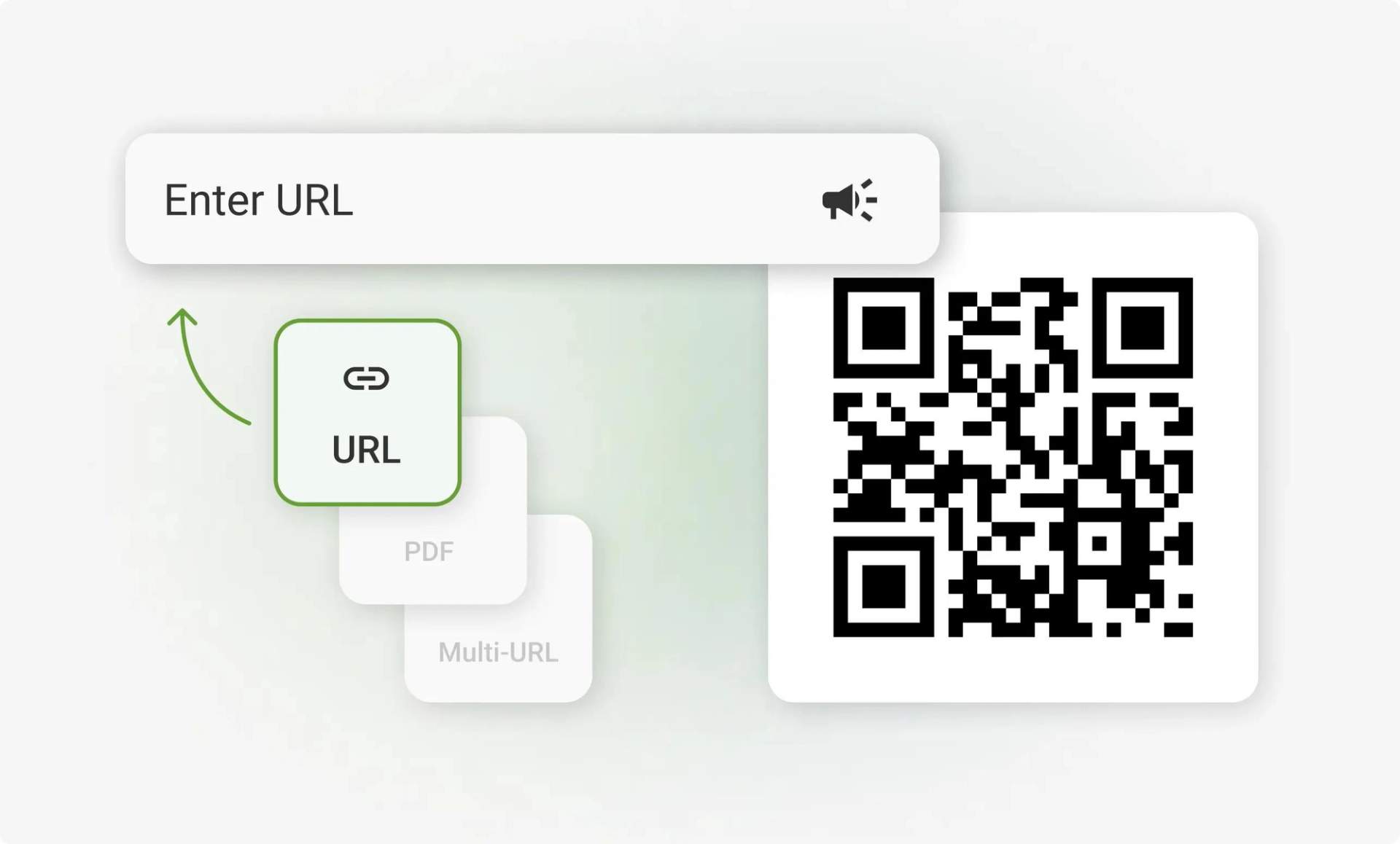
Select a QR Code type at the top of the generator, such as URL, PDF, Multi-URL, Contact, SMS, or email. The QR Code Generator (TQRCG) then shows the fields for that type, like a link field for URL or a file upload for PDF. Choose static for content that stays the same, or dynamic if you want to edit the content and track scans later.
Customize it your way
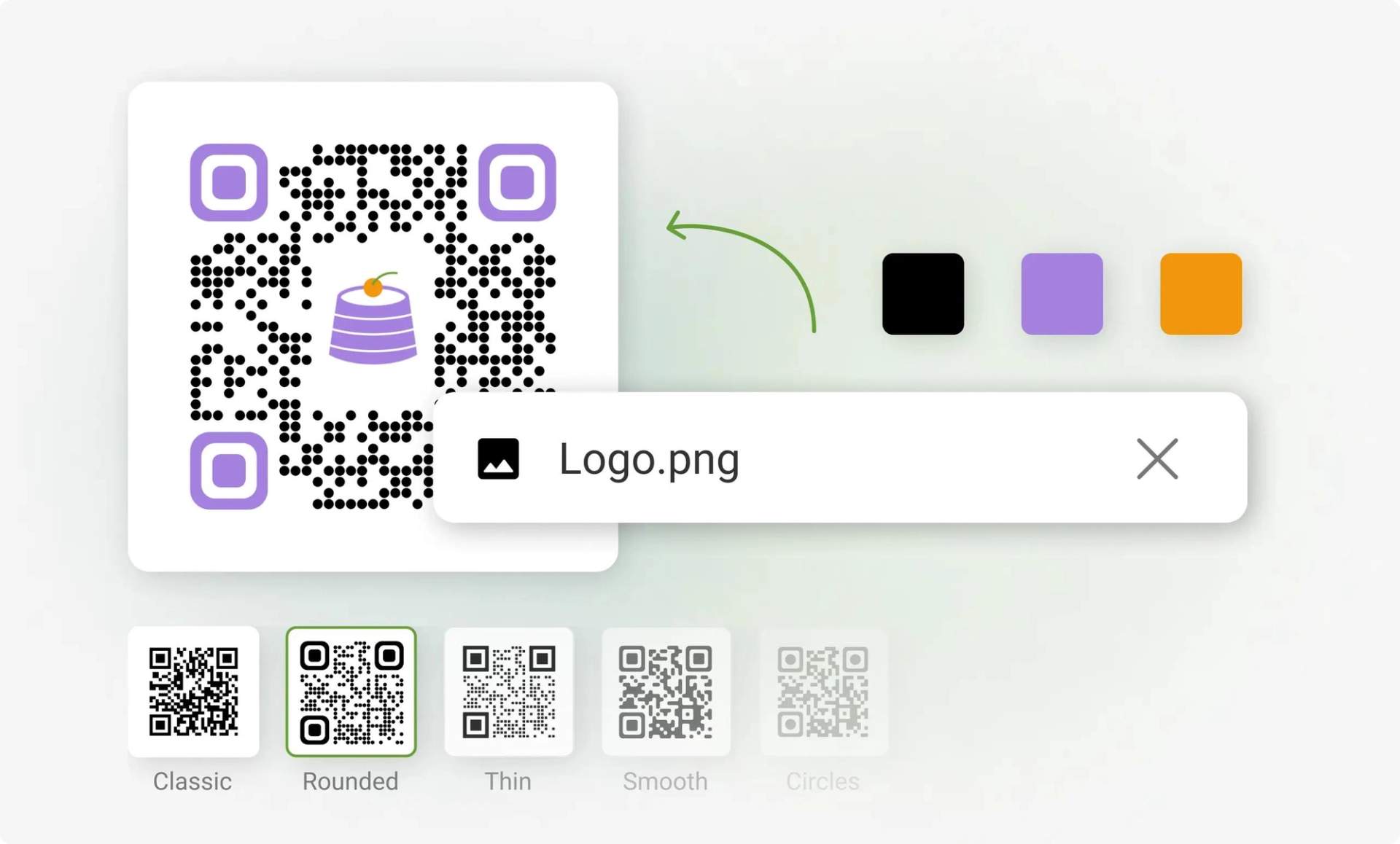
Set your colors, upload your logo, adjust the outer margin, and pick a pattern style: Classic, Rounded, Thin, Smooth, or Circles. The preview updates in real time, so scan it with your phone to check that it works before you download. For reliable scans, keep a dark QR Code on a light background.
Download and share
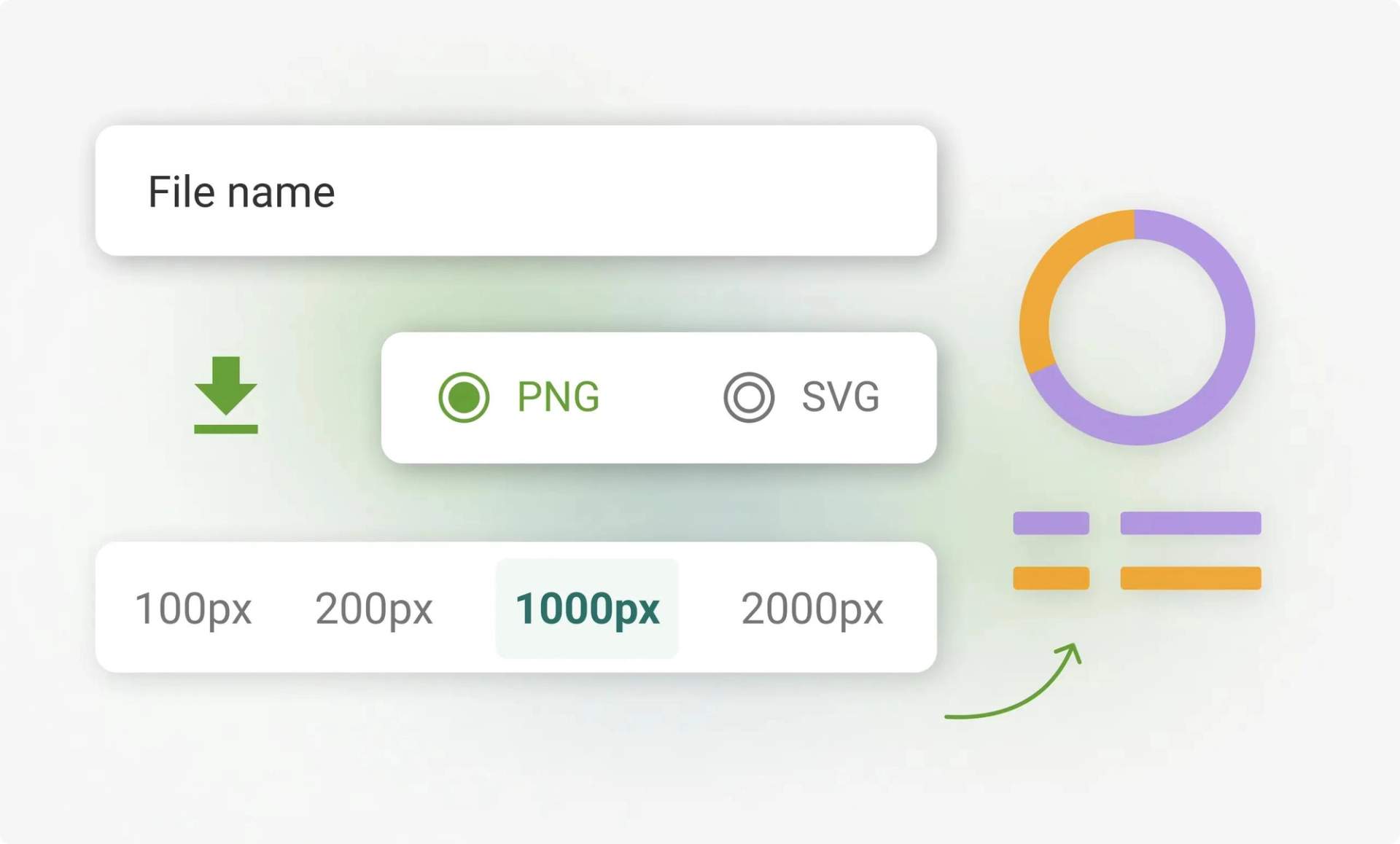
Enter a file name, choose PNG or SVG, and select a size from 100px to 2000px. Use PNG for digital use and SVG for print, since it scales to any size without losing quality. You can download static QR Codes without sign-up, while dynamic QR Codes need a free TQRCG account so you can edit and track them later.
QR Codes explained
Why 4 Million+ users trust TQRCG for ROI driven QR Code campaigns
Track every scan
Track every scan with TQRCG's real-time analytics: total scans, unique users, locations, and devices. Free accounts get 14 days of scan analytics on dynamic QR Codes. The paid Flex plan keeps 60 days and adds GPS-level scan locations.

Free dynamic QR Codes
The QR Code Generator (TQRCG) gives you 2 dynamic QR Codes free forever. Update the link or content anytime without reprinting, and they stay active after your trial ends.

Fast customer support
The TQRCG support team helps you fix issues quickly by email or chat, so your QR Codes keep working smoothly.
Pay for what you use
Start free with TQRCG and upgrade only when you need more, like extra dynamic QR Codes, bulk creation, or CSV exports. No hidden costs, cancel anytime, and your free static and 2 free dynamic QR Codes keep working even if you never upgrade.
Secure on every plan
The QR Code Generator (TQRCG) is SOC 2 Type II compliant, ISO 27001 certified, and GDPR compliant. Your QR Codes and scan data are protected on every plan, including free.
What types of QR Codes can you create for free with TQRCG?
Website (URL)
Turn any flyer, product label, or poster into a direct traffic booster by linking it to your website, landing page, or online store. With just a quick scan, people are where you want them to be — and if your link changes, dynamic QR Codes let you update the URL anytime without reprinting.
Multi-URL
Link websites, videos, and social profiles in a single QR Code. This works well for campaigns where you want to offer multiple options. You can update or reorder the links anytime without creating a new code.
PDF (Files)
Share brochures, menus, e-books, or guides as downloadable PDFs. It is a clean way to keep your audience informed without bulky attachments. You can also upload a new file anytime using a dynamic QR Code.
Contact (vCard)
Let people instantly save your updated contact details with a quick scan, without reprints. It is a great fit for business cards, networking events, and conferences.
SMS
Pre-fill a text message for your customers with just one scan. It's useful for instant responses, registrations, or follow-ups. You can customize the message to A/B test these campaigns as well.
Make it easy for people to contact you without typing a word. With one scan, they can send a pre-filled email to your inbox. Perfect for support pages, product packaging, or printed materials where quick communication matters.
Plain text
When scanned, it displays short messages, instructions, or other simple info. It works even without an internet connection, making it ideal for offline details such as Wi-Fi passwords or locker codes.
App
Send users directly to your app in the App Store or Google Play, perfect for boosting downloads from product packaging, posters, or in-store displays. Make it easy for customers to find and install your app with a single scan.
Phone
Let customers call you with one quick scan. Place a phone QR Code on flyers, brochures, or storefront signs to make it easy for people to reach you for support, bookings, or inquiries. No need to dial manually!
Where to place your QR Code to improve scans?
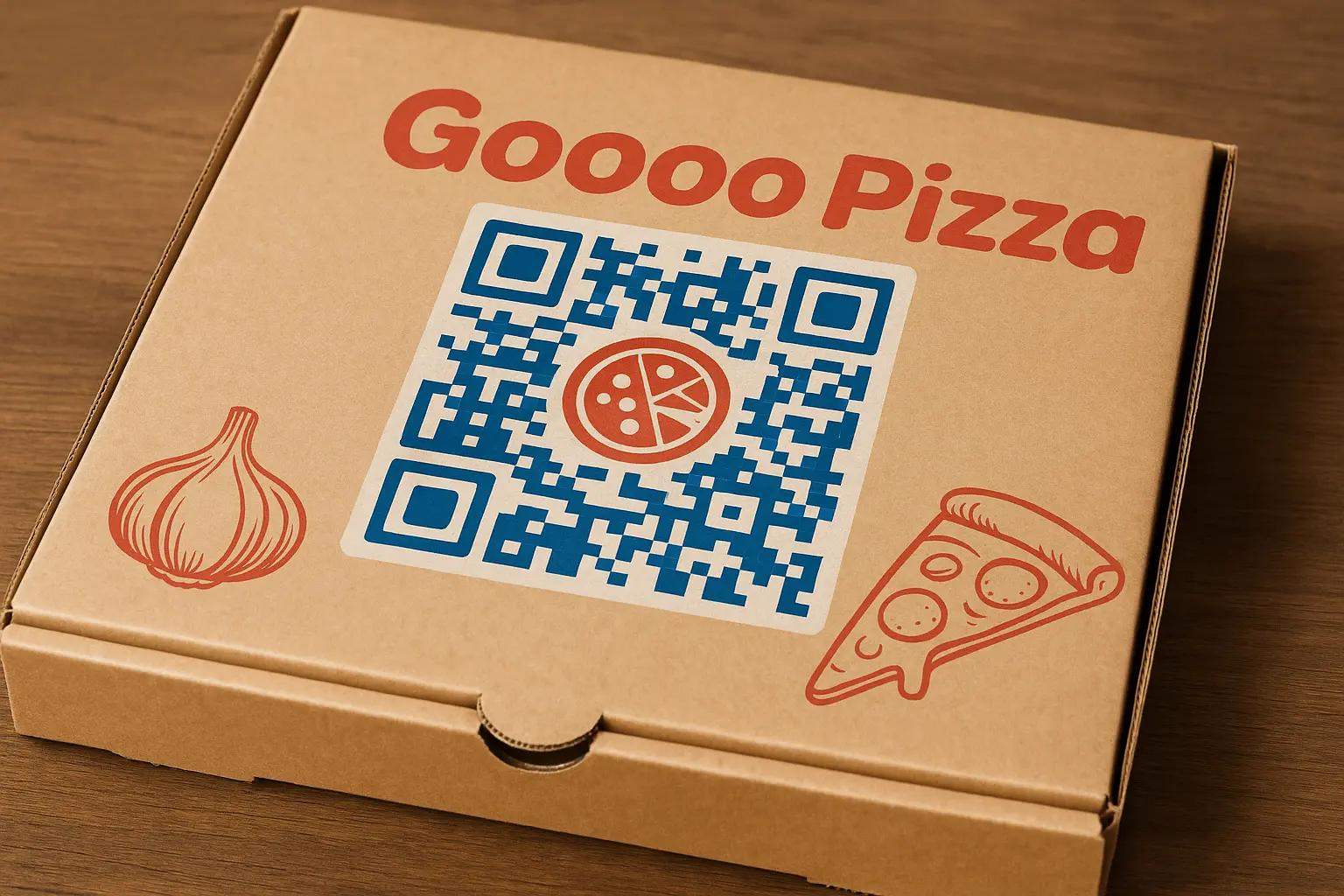
Packaging
Add QR Codes to product boxes, labels, or inserts. Use it to share manuals, how-to videos, or warranty details to help customers access useful content right after purchase without extra steps.
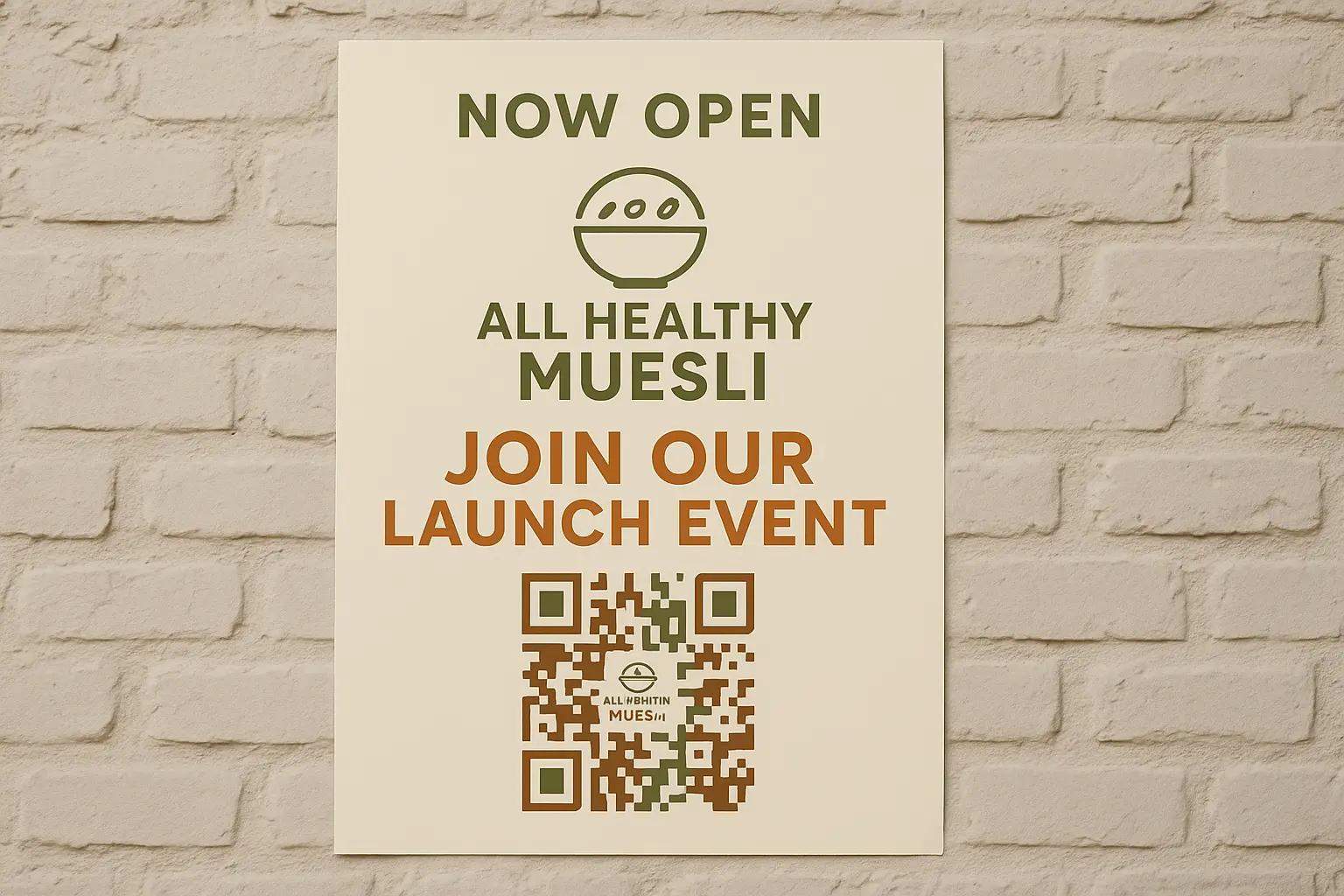
Posters and flyers
Place QR Codes on marketing materials to drive sign-ups, event registrations, or website visits. Turn offline interest into instant online engagement.
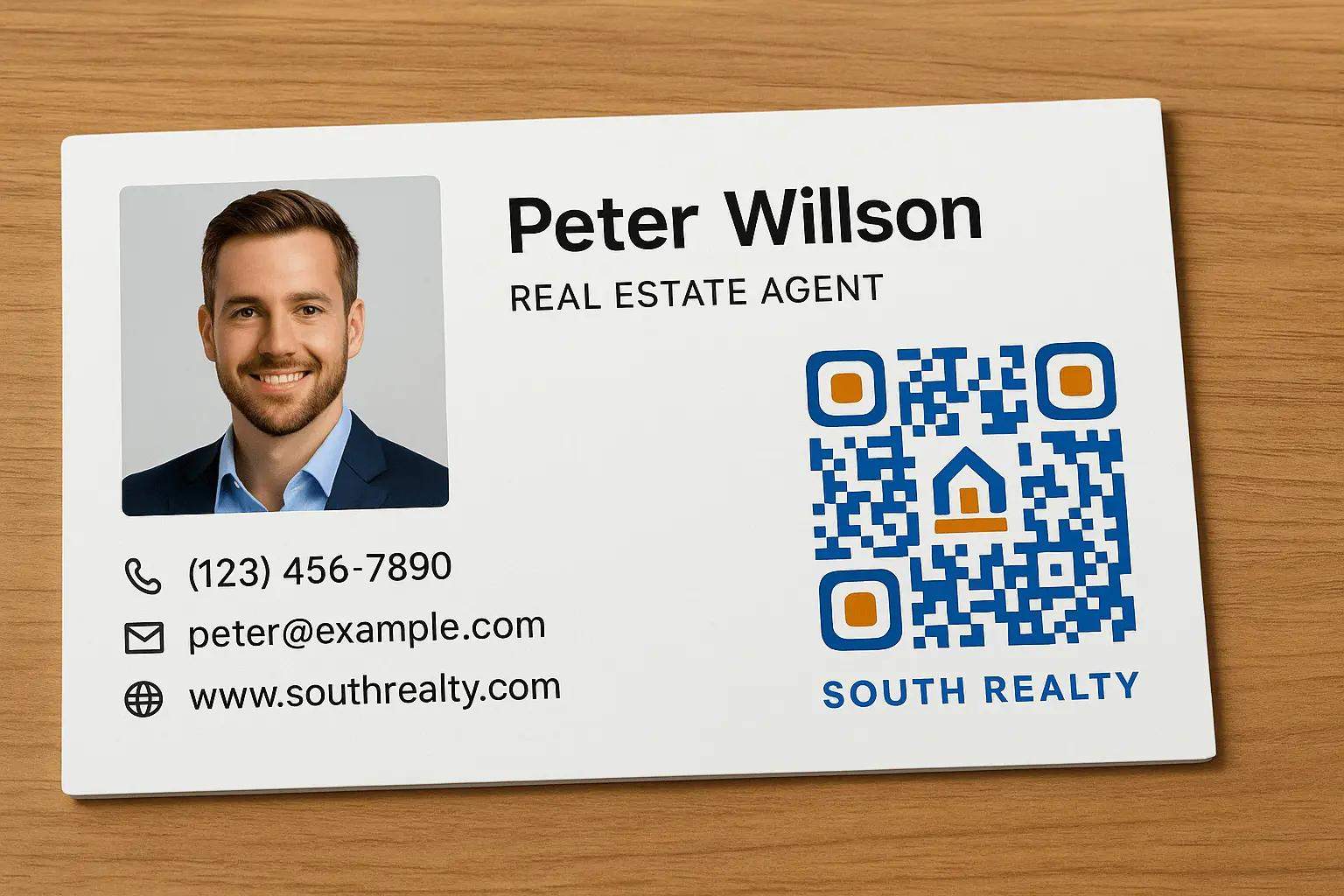
Business cards
Share all your contact details with a single scan — website, phone, LinkedIn, or calendar link. Ideal for networking events or remote introductions.
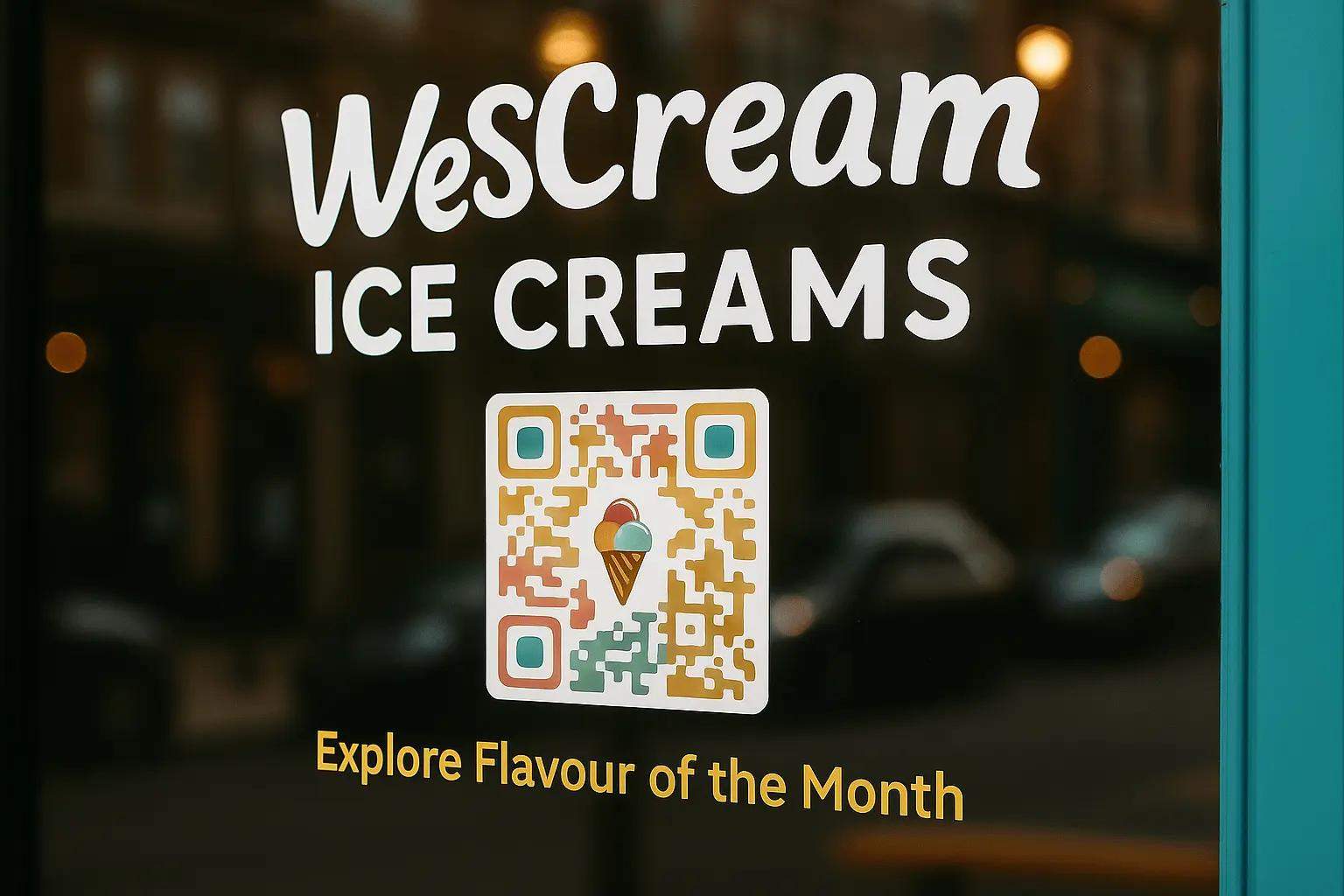
Storefronts and signage
Place QR Codes on windows, entryways, or tables to help passersby explore menus, leave reviews, or check out new arrivals. They work 24/7, even when your store is closed.
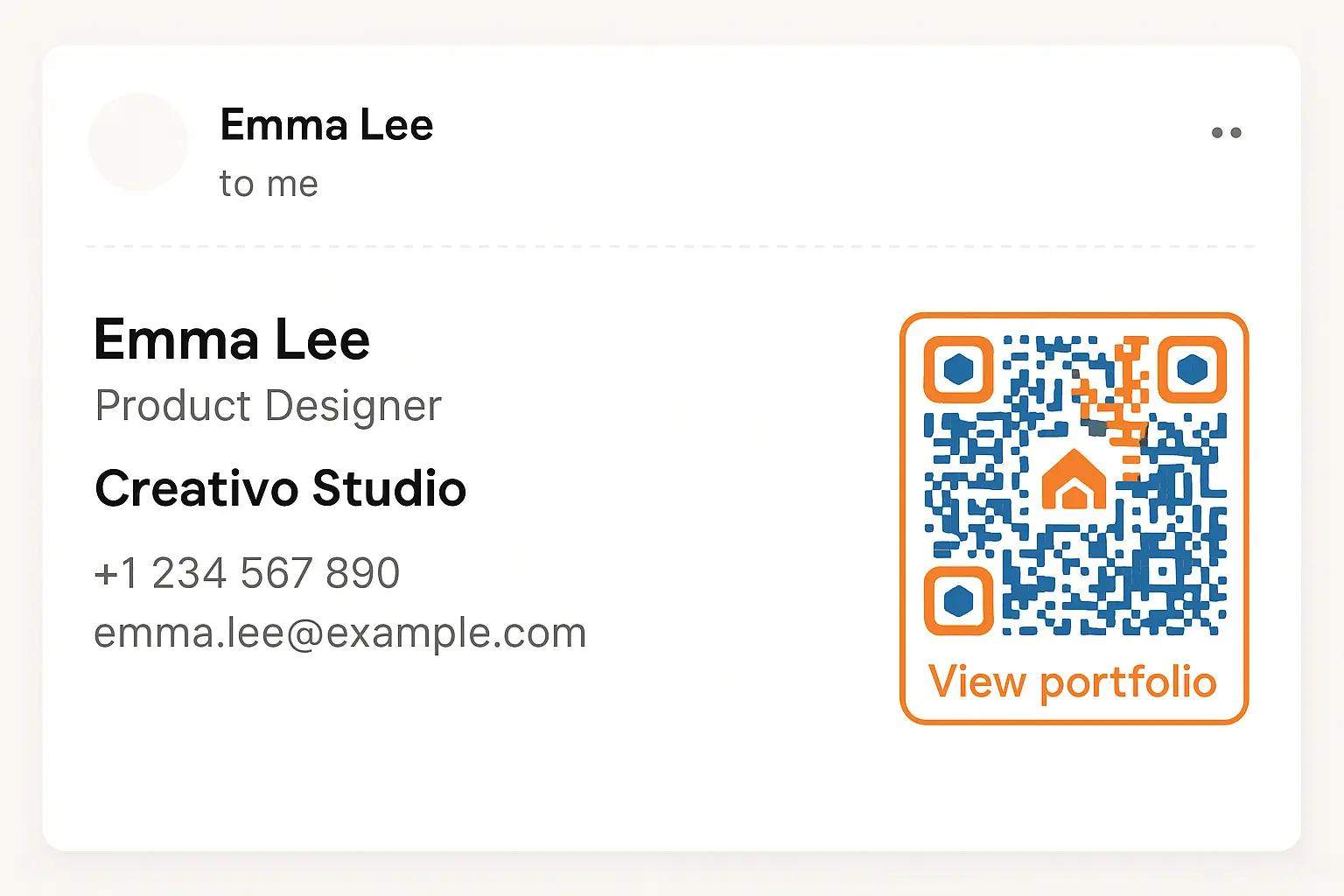
Email signatures
Add a QR Code to your email footer so recipients can book meetings, save your contact, follow your socials, or visit your website quickly and easily.
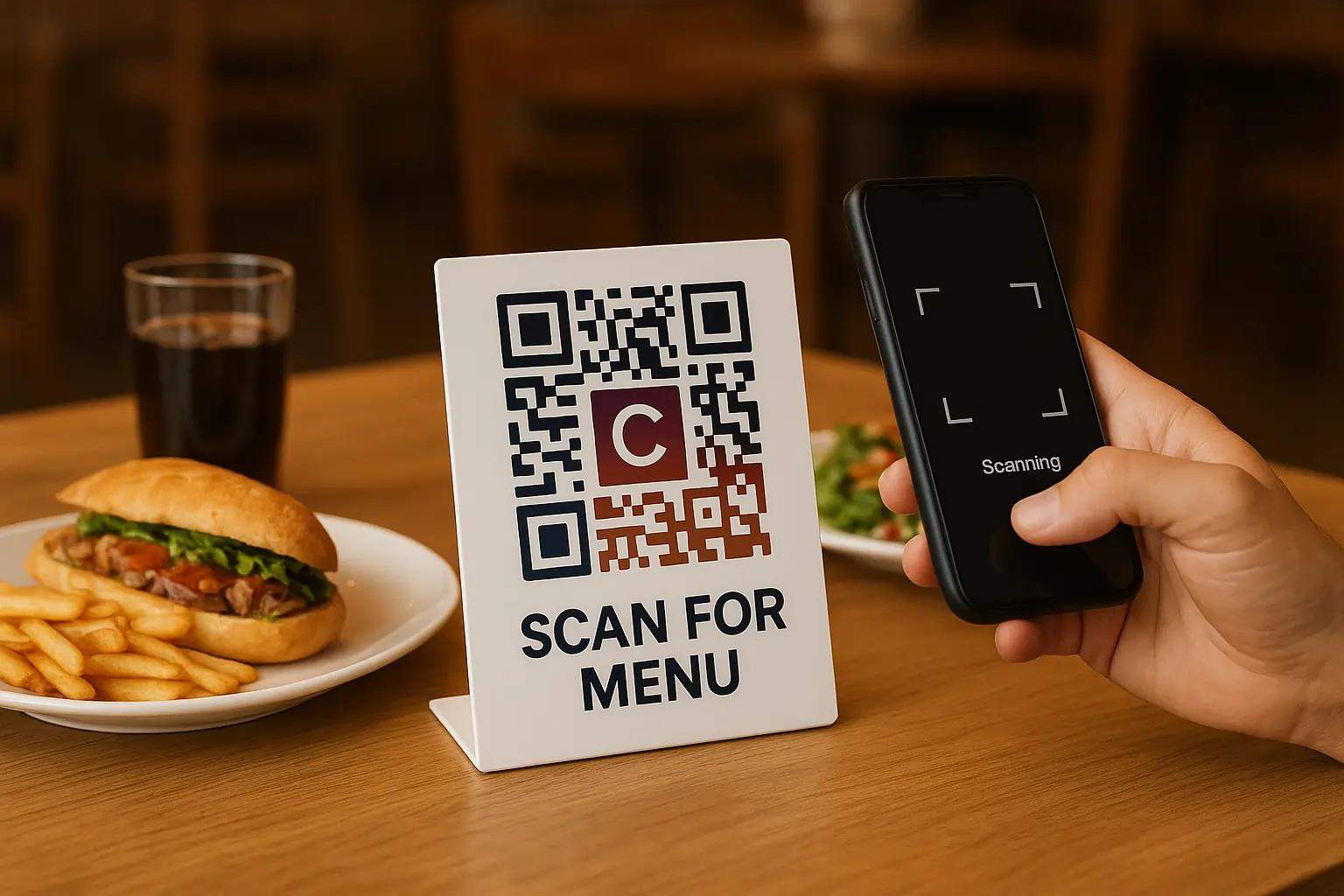
Tables and counters
Place QR Codes where customers wait or dine to show menus, collect tips, or request feedback. It's a smart way to enhance the in-person experience.
How different industries use QR Codes
QR Codes are everywhere, but some uses work better than others. The QR Code Generator (TQRCG) team analyzed QR Codes created by 4M+ users to find the ones that deliver real value in each industry.
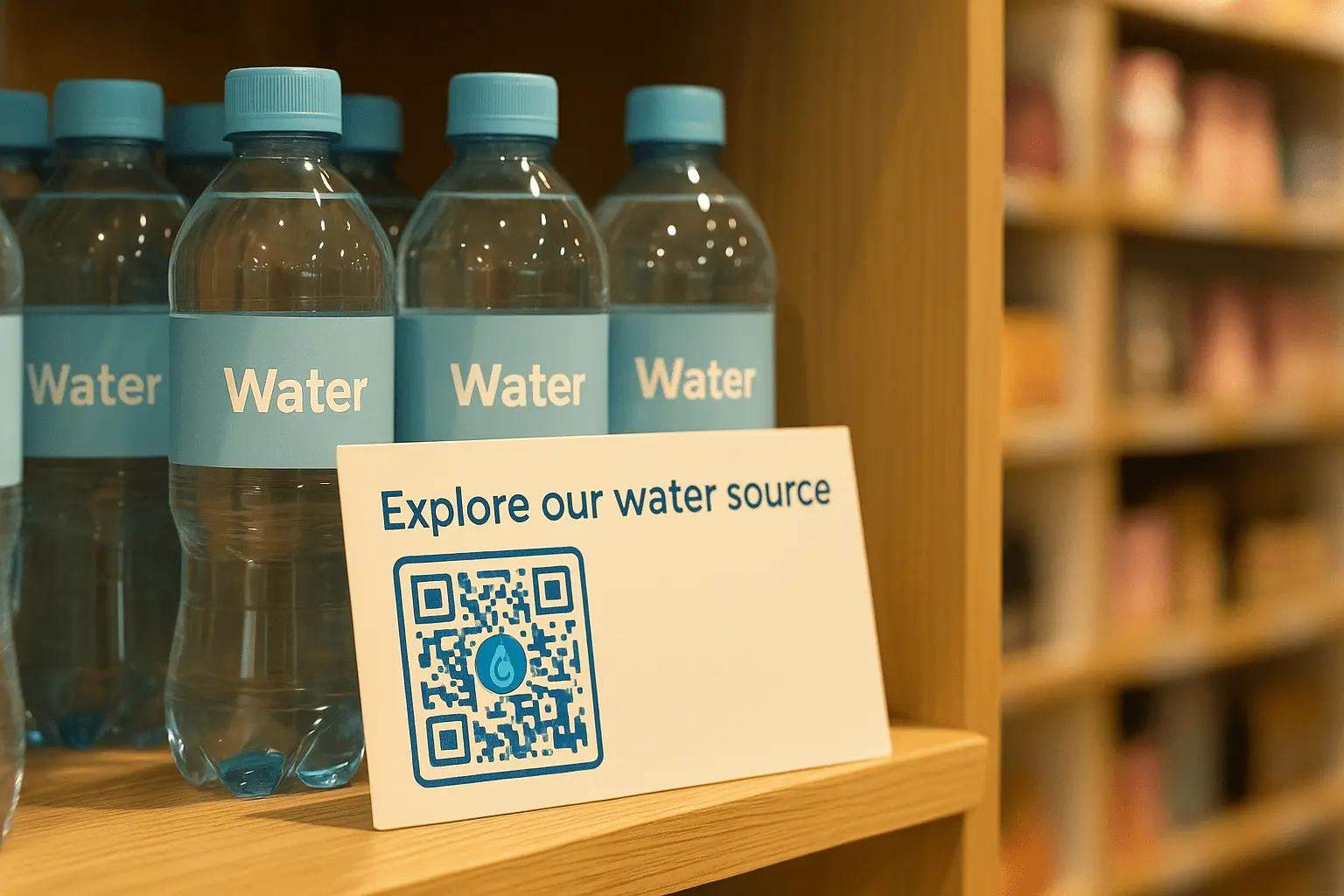
Retail
Enable contactless checkout, link directly to product pages, or collect customer reviews with a simple scan. QR Codes streamline the buying experience from shelf to smartphone.
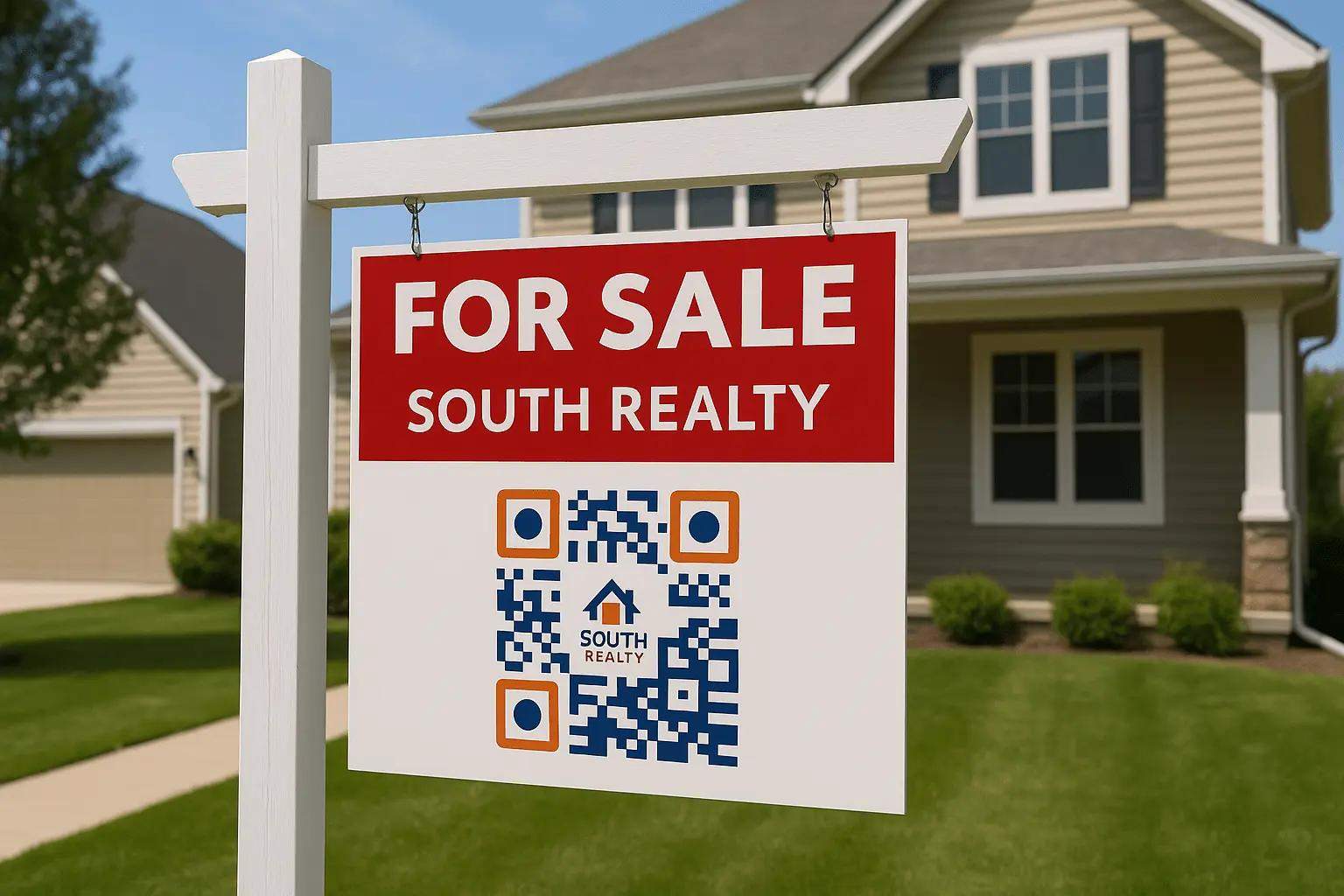
Real estate
Share virtual tours, property details, or agent contact info directly from for-sale signs or brochures. Potential buyers get instant access to everything they need.
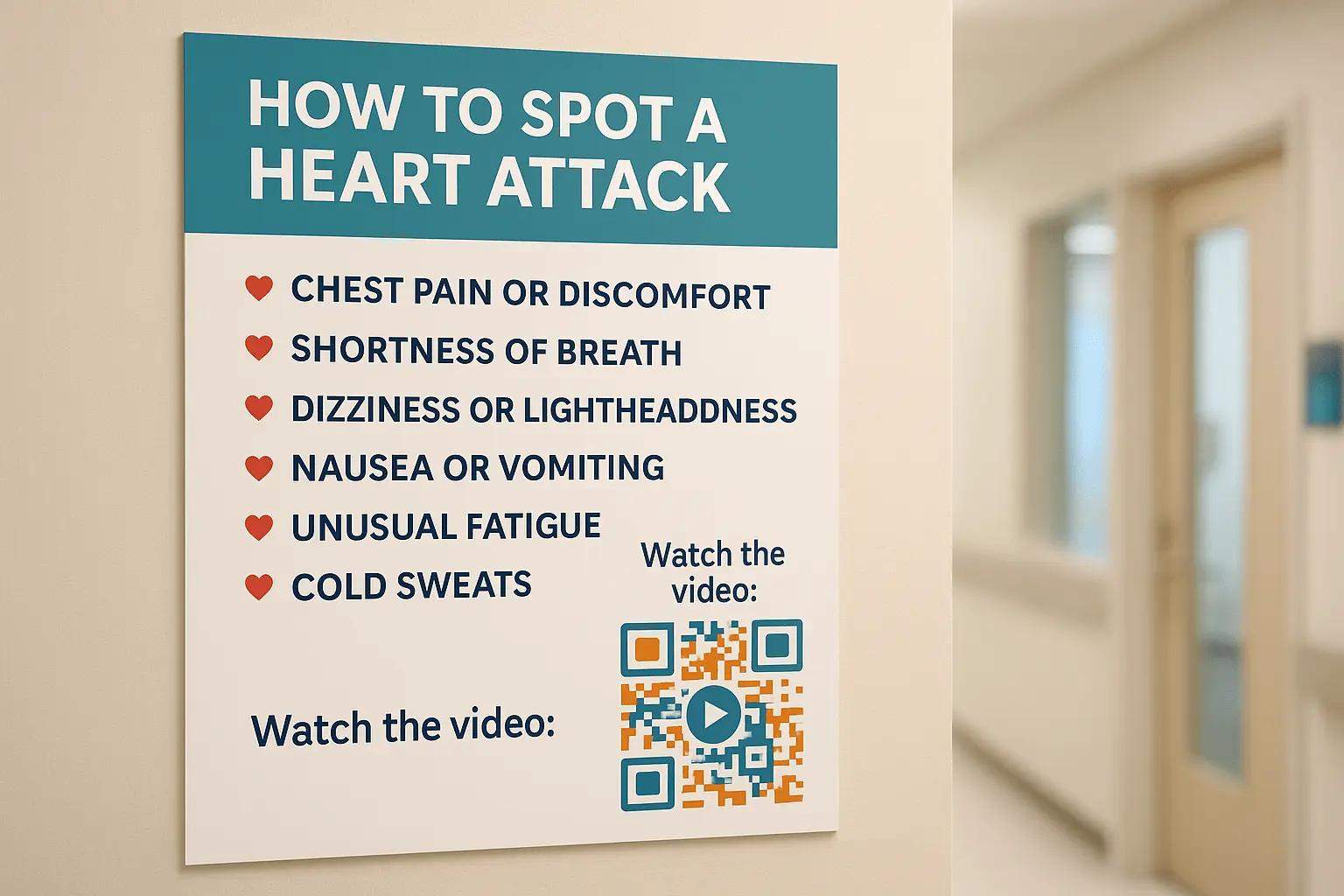
Healthcare
Simplify appointment bookings, share digital reports, or guide patients to the right information with scan-and-go access. Especially helpful in waiting rooms or prescription bags.
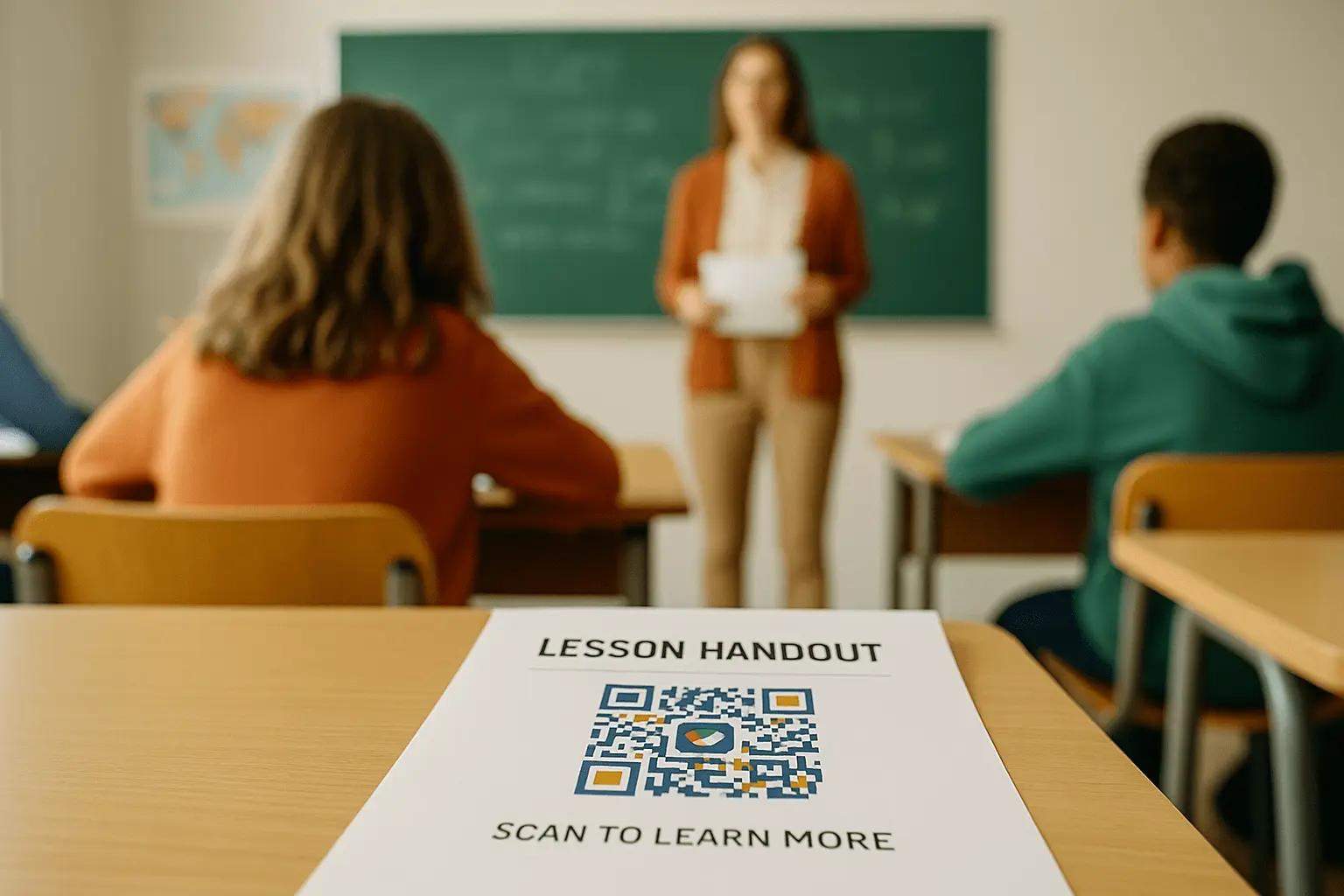
Education
Use QR Codes for lesson handouts, assignments, or links to learning platforms. Teachers save time, and students stay on track.
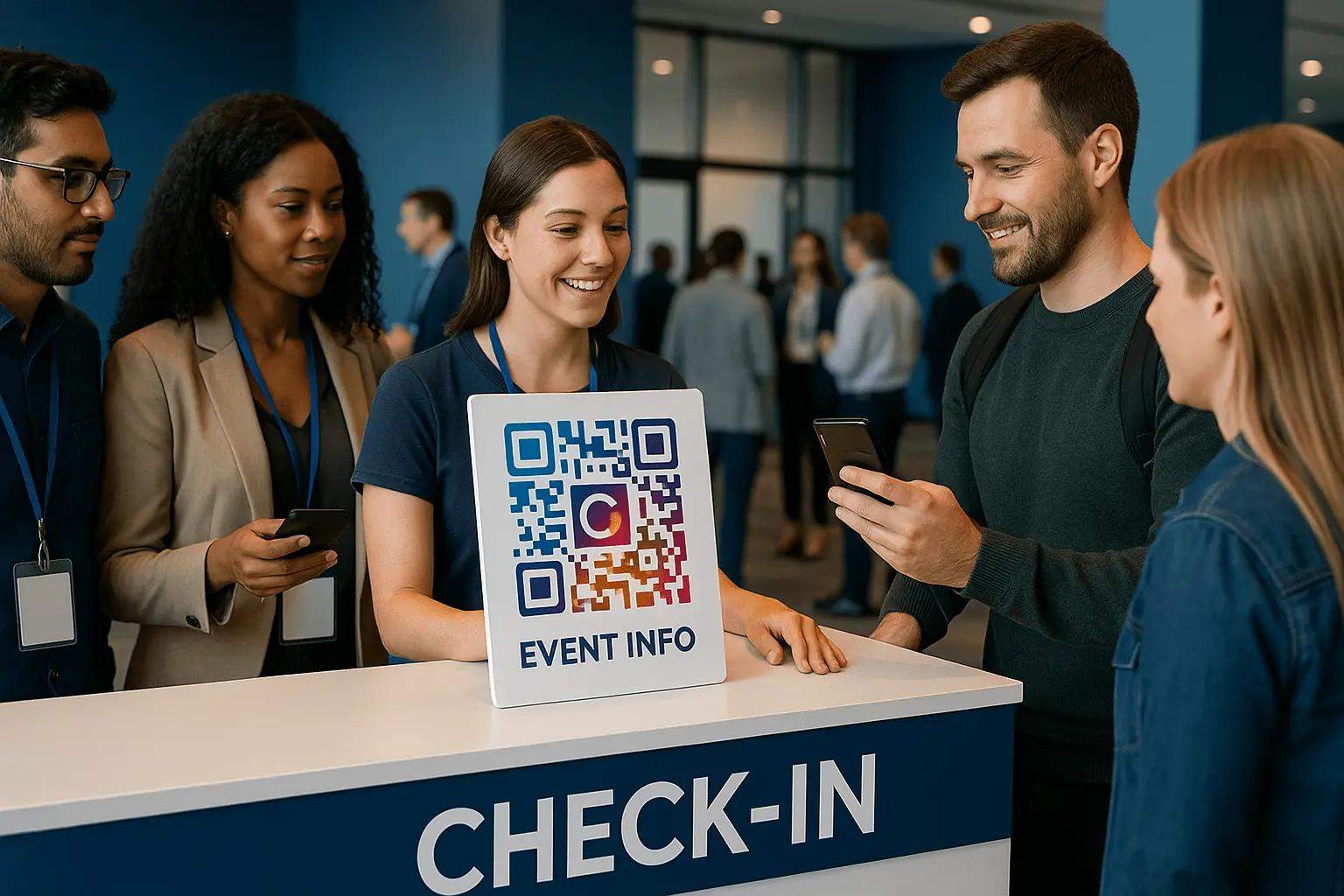
Events
Make check-ins seamless, deliver digital tickets, or provide access to event schedules and maps. Great for conferences, concerts, and festivals.
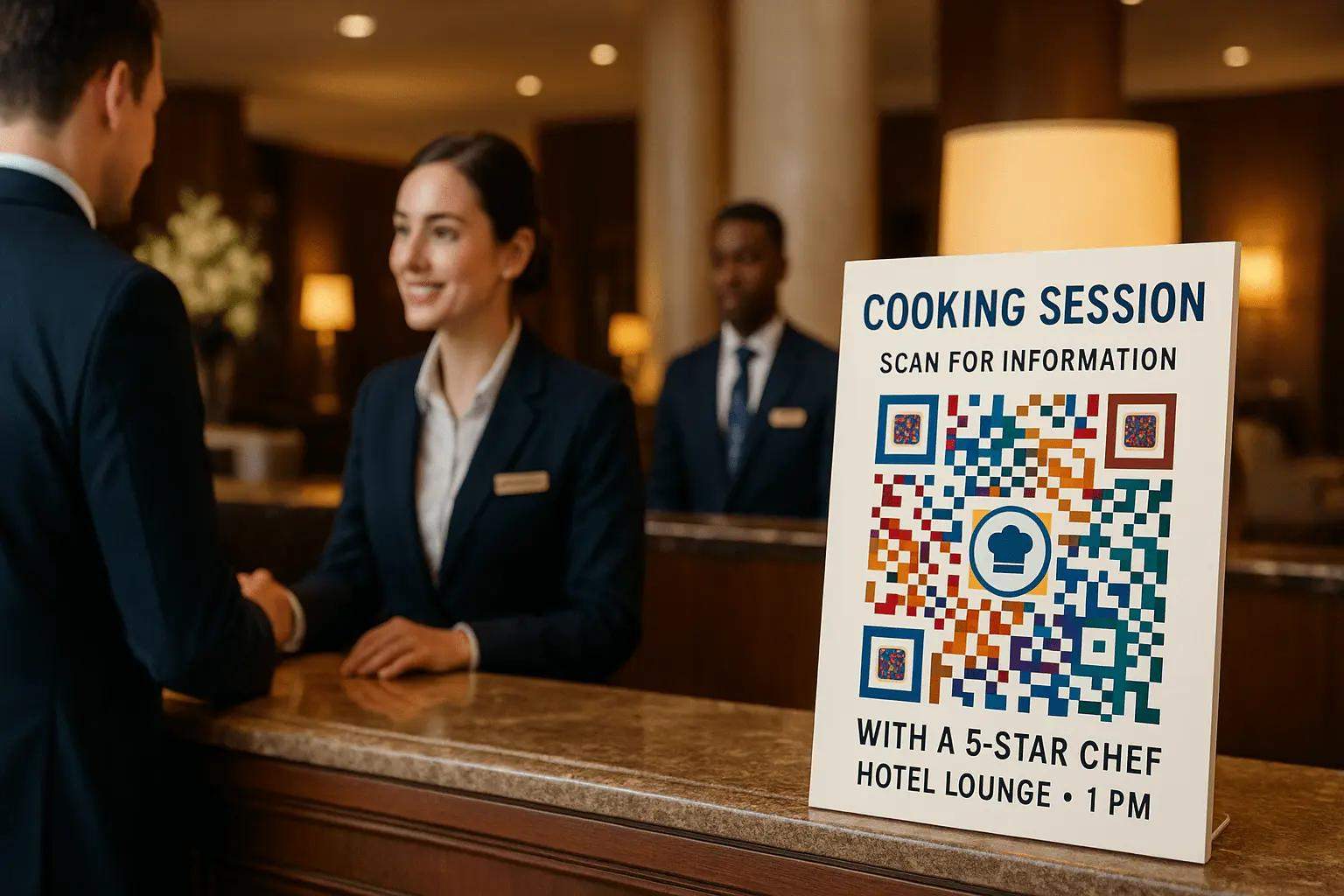
Hospitality
Replace physical menus, collect feedback, or promote special offers at the table or check-in counter. Guests enjoy a touch-free, modern experience.
Frequently asked questions
Need additional help? Check out our Help Center or contact us at support@the-qrcode-generator.com