Create QR Codes for Hotels to Improve Guest Experience
Place QR Codes throughout your property to create effortless guest journeys, increase service adoption, and capture insights that improve operations.
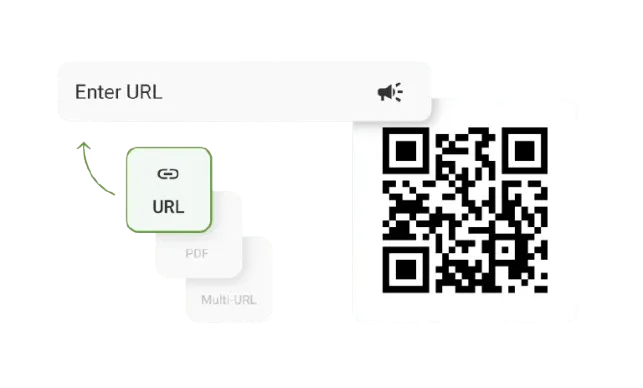
Redirect to an existing web URL
To enable tracking,

TQRCG is trusted by 30,000+ businesses globally!


How do QR Codes for hotels improve guest experience?

Turn guest touchpoints into bookings
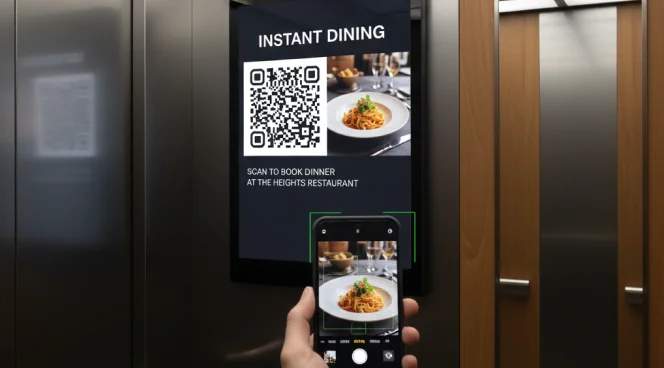
QR Codes placed strategically throughout your property drive immediate bookings for spa treatments, dining reservations, and activity sign-ups. Track which locations and promotions convert best to optimize your revenue.

Lower front desk traffic
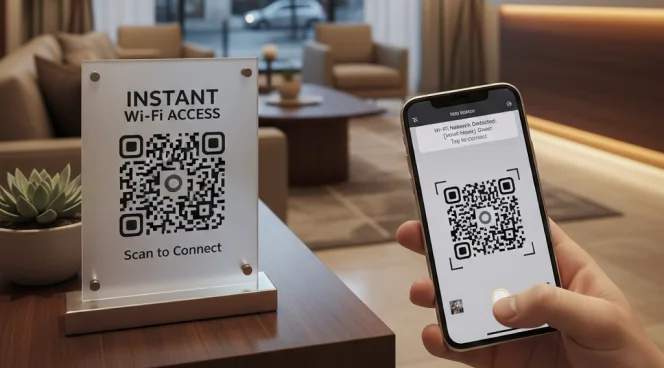
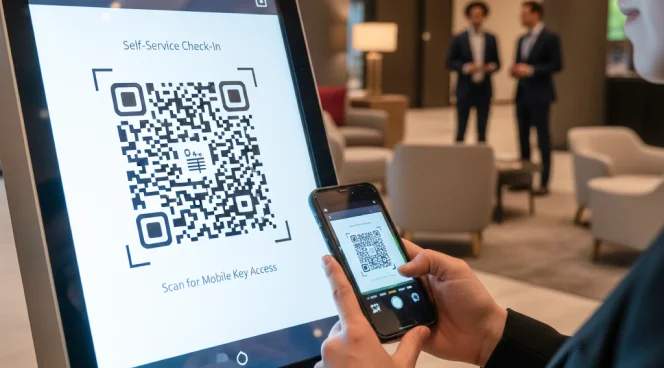
Guests can scan QR Codes to access Wi-Fi credentials, check-in instructions, or property information without needing to call or visit the front desk. It reduces staff workload during peak hours and improves guest satisfaction.

Keep property information up-to-date
Dynamic QR Codes let you update all property information instantly without reprinting materials. Keep guest-facing content refreshed year-round, whether you’re providing seasonal offerings or making last-minute changes.

Capture positive feedback from guests
QR Codes on checkout materials or in guest rooms make it effortless for satisfied guests to leave reviews immediately. Higher review volume and recency improve your property’s visibility on booking platforms and search results.
Gather first-party data for targeted marketing
Every QR Code scan gives you insights into guest preferences, behavior patterns, and service usage. Build your own guest database to power email campaigns, loyalty programs, and personalized offers without relying on online travel agency data.

Improve staff communication and task management
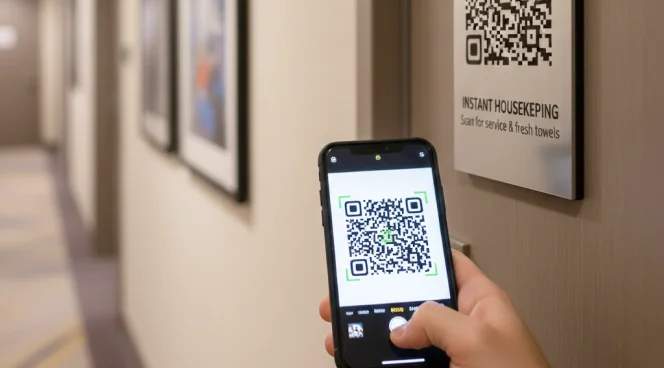
QR Codes linked to digital forms let guests submit service requests, report maintenance issues, or make special requests directly. Staff receive notifications instantly and can respond to guest requests faster.
Where can QR Codes be placed for maximum engagement in hospitality?
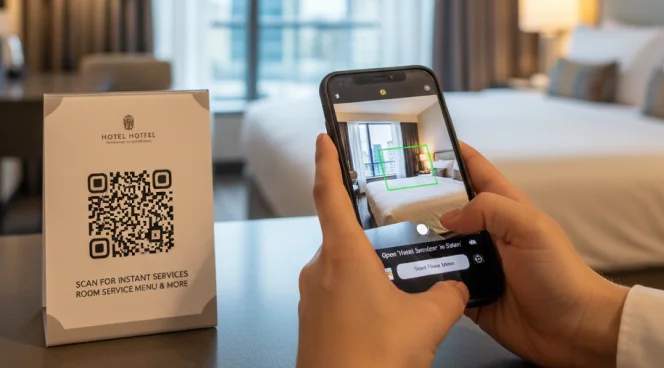
1. In guest rooms
Place multi-URL QR Codes on nightstands or desks to provide guests with a central hub for room service requests, spa bookings, and local recommendations, eliminating the need to contact the front desk. The information is accessible 24/7 and improves guest experience.
Why do hospitality leaders choose The QR Code Generator?

Free dynamic QR Codes for seasonal updates
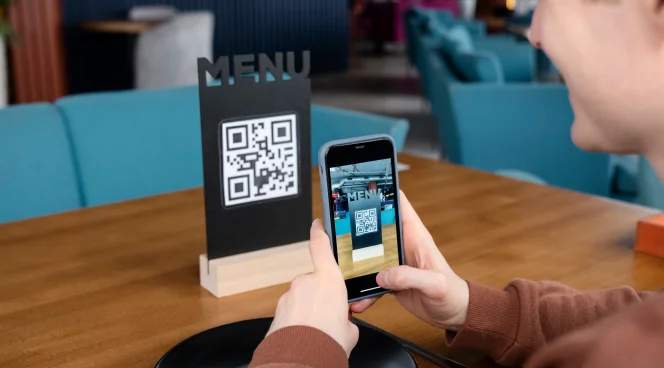
Update menus, promotions, or service offerings at any time without reprinting materials. Run seasonal campaigns such as summer pool specials or holiday dining packages while QR Codes remain in place throughout your property.

Multi-location tracking for hotel chains
Track scan performance across multiple properties, floors, or departments. Understand which locations generate the most guest engagement and optimize QR Code placement accordingly.

Custom-branded QR Codes
Customize QR Codes with your hotel logo, brand colors, and professional frames. Branded QR Codes build guest trust, improve scan rates, and reinforce your property's identity at every touchpoint.

Real-time analytics for guest behavior insights
Track when guests scan QR Codes, which services they access most, and how long they engage with digital content. Use these insights to optimize staffing, inventory, and promotional strategies.
Frequently asked questions
Create a free QR Code for your hotel today
Want to modernize your hotel guest experience?
Use The QR Code Generator to create, customize, and track hotel QR Codes — for check-in, Wi-Fi access, service requests, and guest feedback.