
Event QR Codes: Drive RSVPs, Engagement, and Tracking
Let attendees scan, RSVP, add to calendar, or check in in seconds with a single QR Code. Create your free event QR Code today for instant engagement and smooth event management.
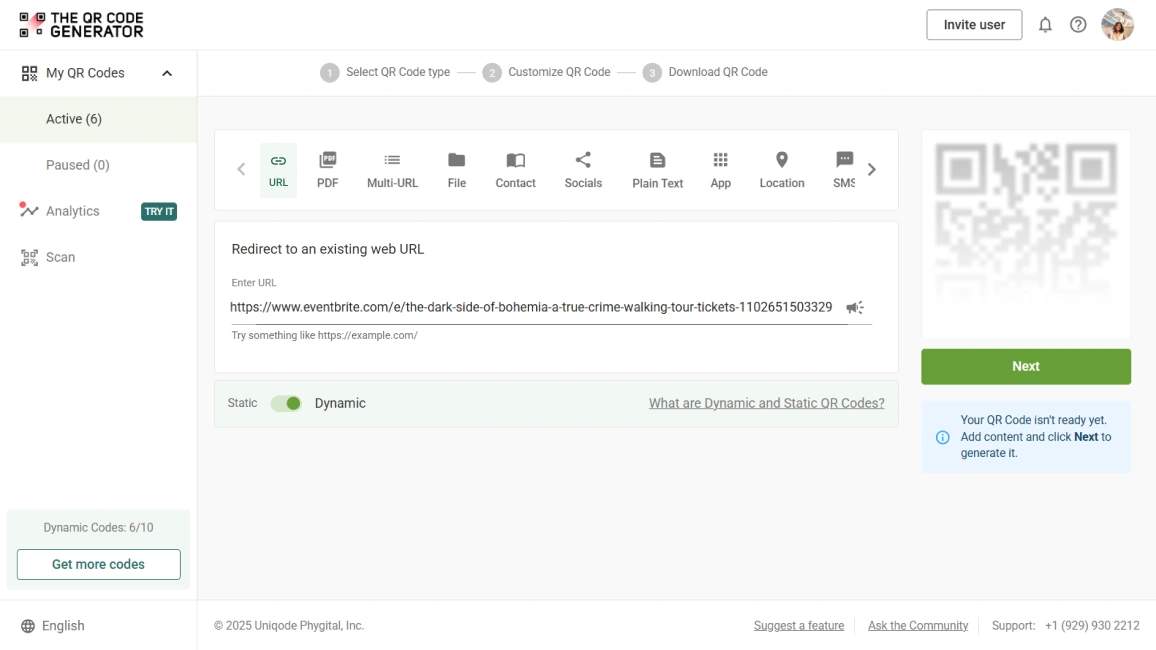
Redirect to an existing web URL
To enable tracking,

Trusted by 4M+ users
How does an event QR Code work?
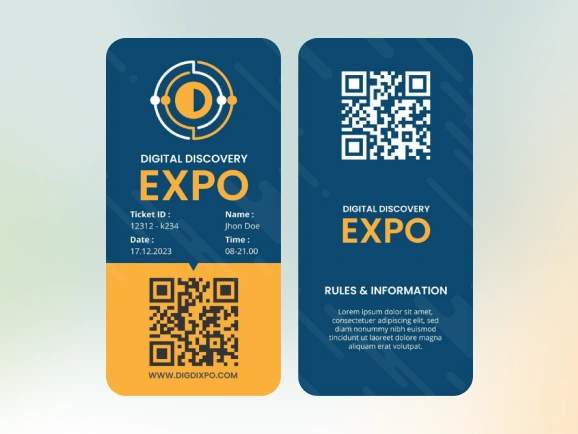
An Event QR Code simplifies the attendee journey from registration to calendar save to check-in.
- Drive attendees straight to RSVP or event details in one scan
- Auto-add to Google Calendar, Apple Calendar, Outlook, etc.
- Enable event check-in, ticketing, or RSVP tracking
- Get real-time reminders and updates
- Gather post-event feedback from attendees
4M+
Unique users worldwide
30,000+
Global businesses on our platform
60+
Countries with active users
How do event QR Codes improve attendee experience?
How to optimize your event QR Code for higher turnouts

Pre-fill calendar details
Make sure QR Codes auto-populate essentials such as title, date, time, and venue for calendar event integration. This prevents scheduling errors and reduces no-shows.

Test for mobile scanning
As most users scan from smartphones, ensure the QR Code opens a responsive, mobile-friendly page. Before mass distribution, test it under different lighting, sizes, and printing materials.

Use editable QR Codes for flexibility
Events evolve, venues change, or schedules update. With dynamic QR Codes, you can edit details anytime without reprinting assets.

Track performance across channels
Use analytics to see which sessions, materials, or activities get the most scans. Optimize your future marketing spend and improve event planning.

Brand it for recognition
Customize your QR Code with your event logo, brand colors, and a compelling CTA like “Scan to RSVP” or “Add to Calendar.” Branded codes build trust and increase scan rates.

Keep information relevant
Ensure the QR Code leads to the correct event details that attendees expect. Use an .ics calendar link to keep times accurate across time zones. Broken or unclear links can hurt trust.
Where to place event QR Codes for maximum engagement
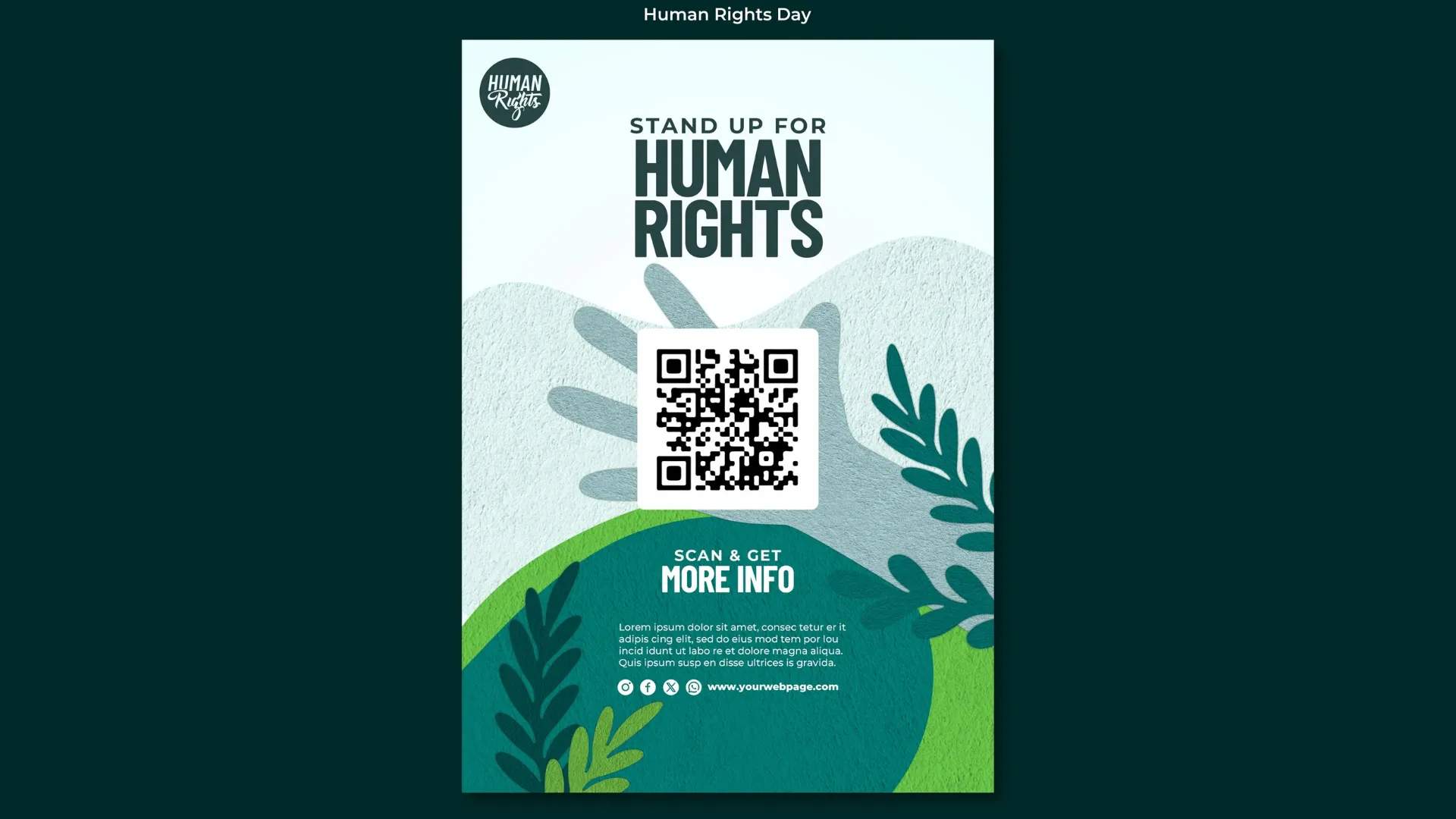
Printed flyers and posters
Place event QR Codes in heavy-traffic locations to drive instant sign-ups. Link directly to registration pages with pre-filled venue details so potential attendees can register in seconds. Pro tip: Use weatherproof stickers outdoors to keep your QR Codes on flyers scannable, rain or shine.
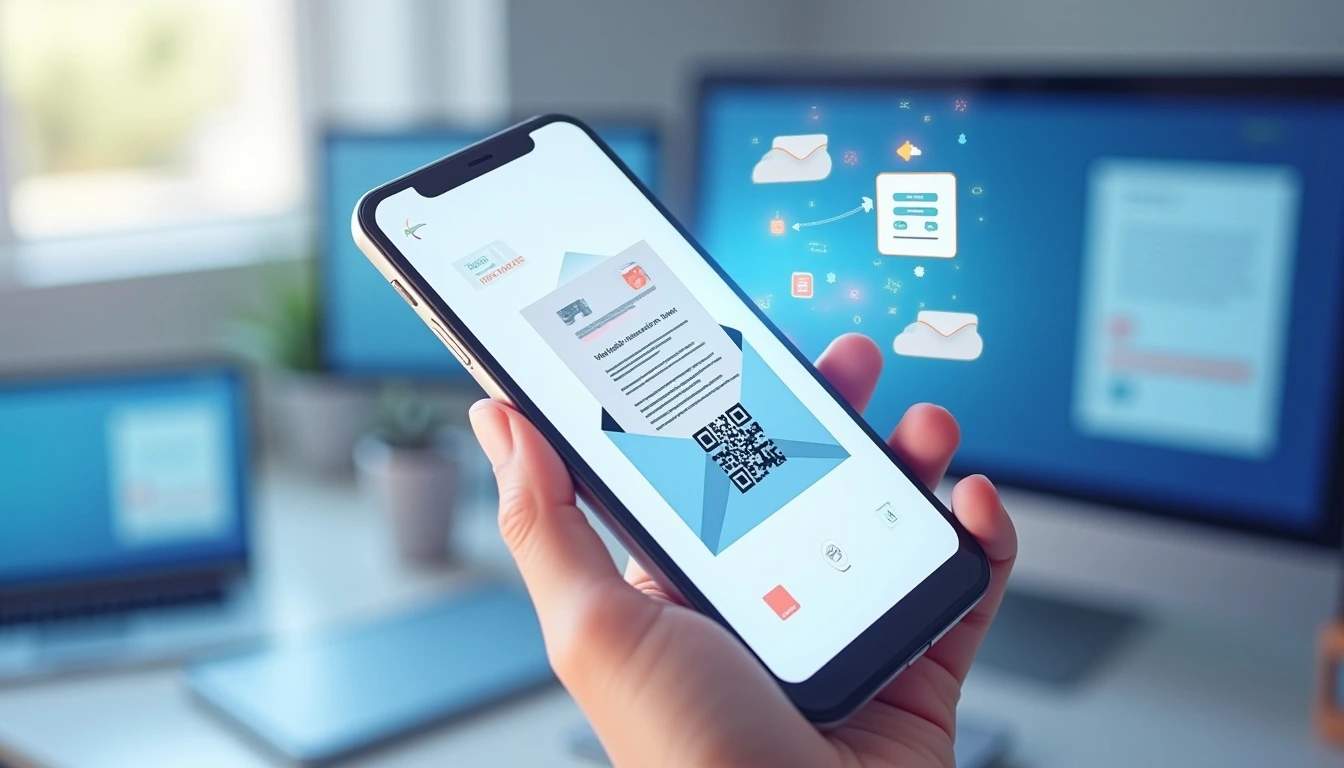
Email invites and signatures
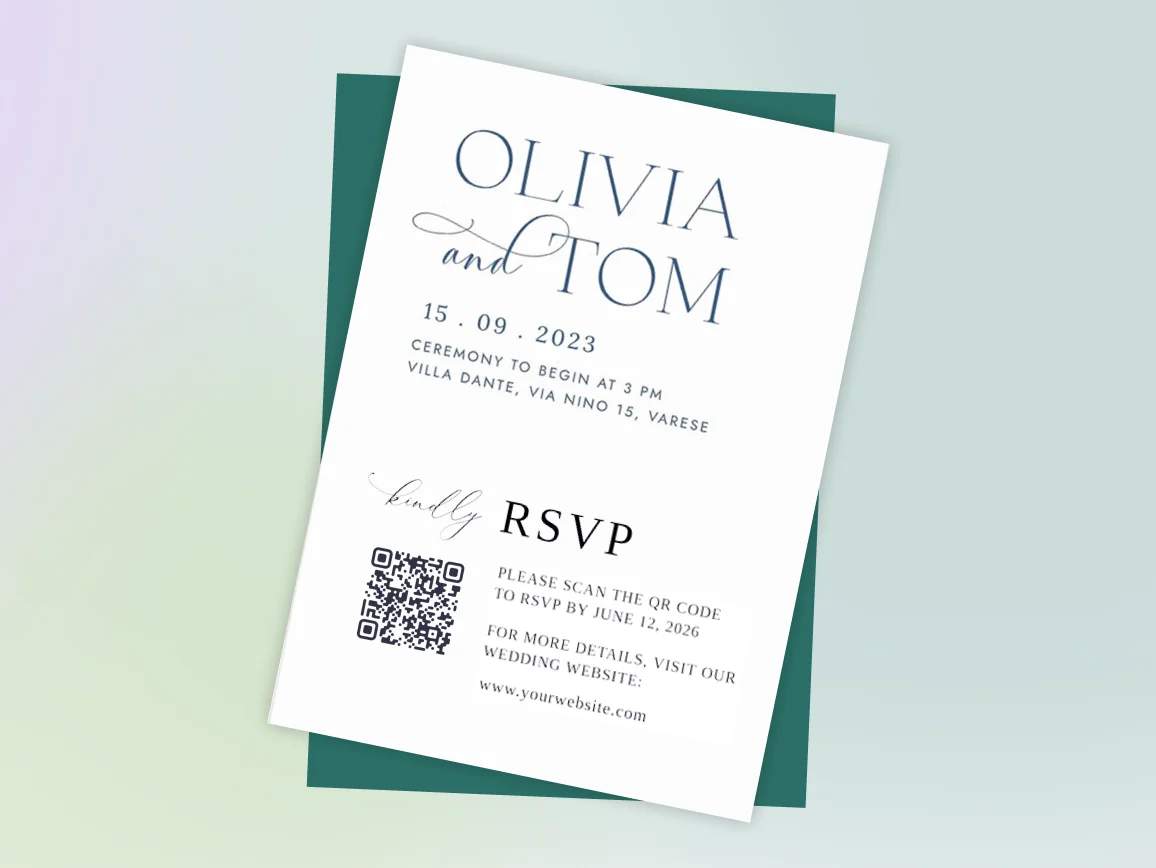
Embed event QR Codes in invitation emails and reminders, enabling recipients to add the event to their calendars with a tap. Perfect for last-minute pushes or “last chance to register” campaigns.
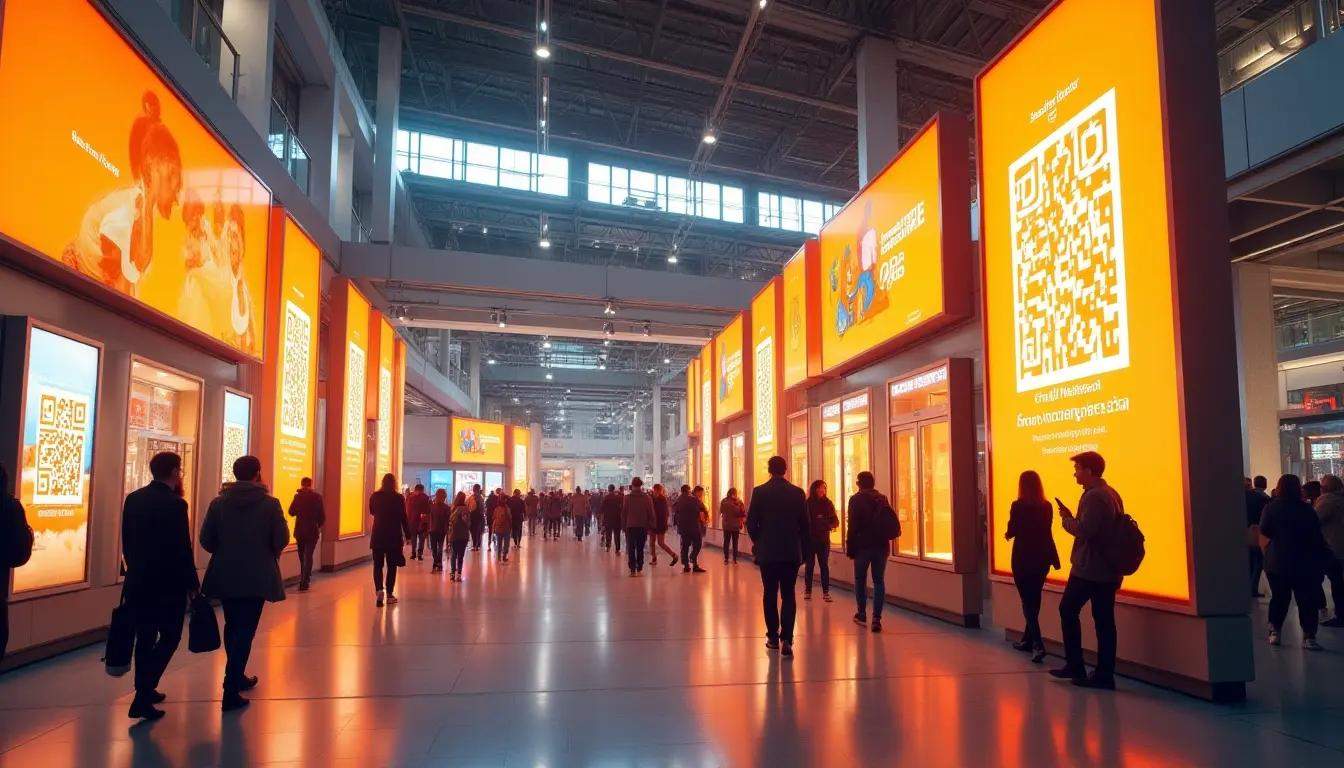
Digital signage
Feature QR Codes for your event on mall screens, expo centers, and community hubs to grab foot traffic attention. Rotate content during peak hours for maximum impact and prompt quick registrations on the spot.
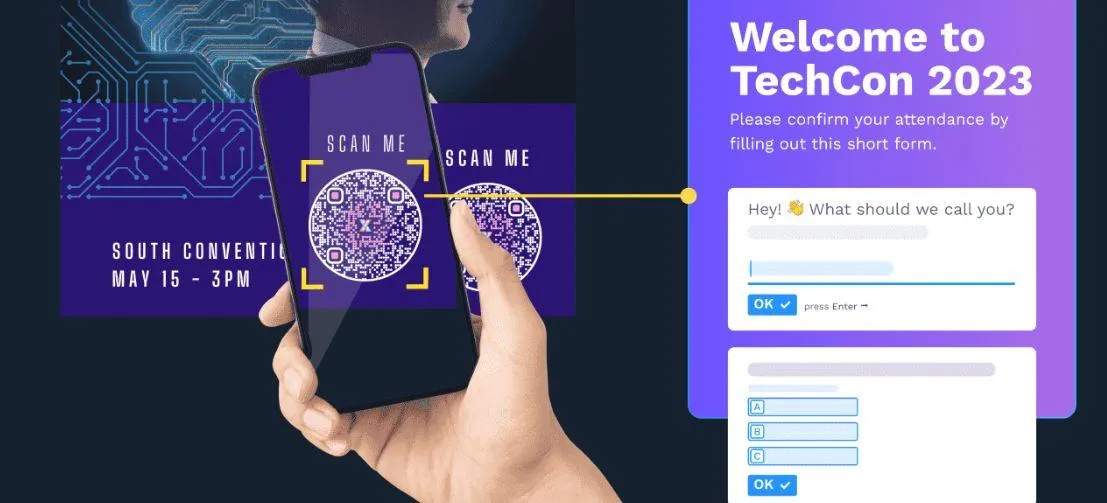
Event tickets
Print unique QR Codes on tickets for lightning-fast, contactless check-ins. This reduces lines, improves security, and ensures smooth guest entry.
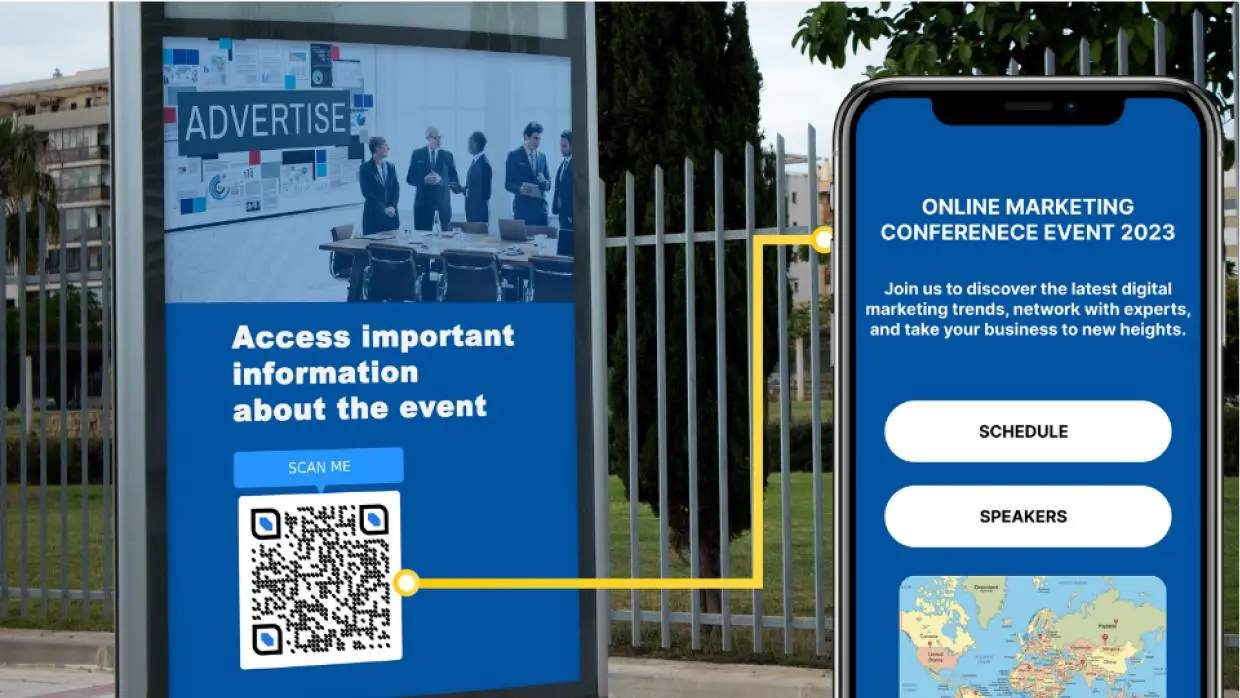
Venue entrances and kiosks
Position QR Codes at entry gates, welcome desks, and throughout the venue for self-service check-ins with GPS validation. Use it to gather data on popular event areas and hotspots.
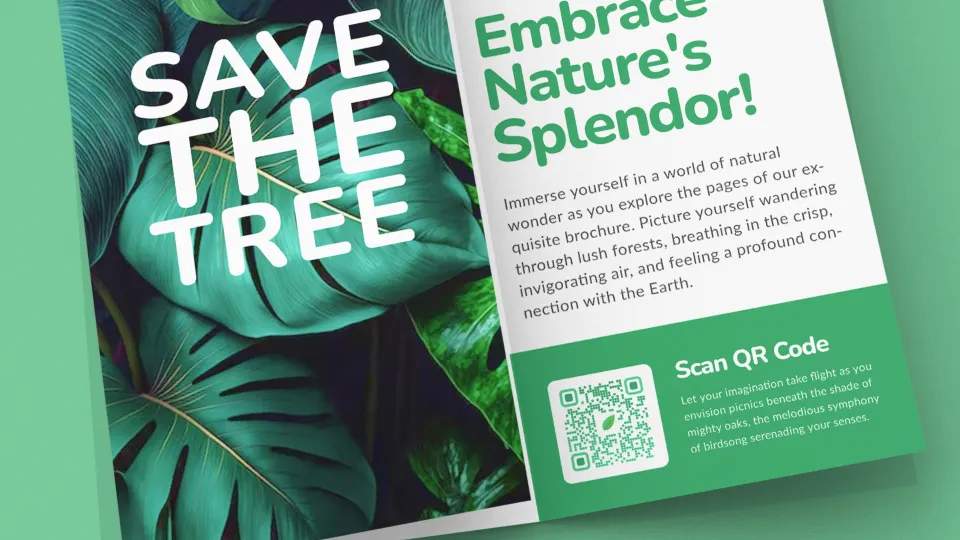
Brochures and badges
Reduce paper use at events to make them sustainable. Link QR Codes to session schedules, maps, speaker bios, or real-time updates to enrich printed materials and badges.
Which industries benefit from event QR Codes?
Whether you’re hosting conferences, concerts, or community meetups, event QR Codes are a must. They make registrations easy and make every touchpoint measurable.
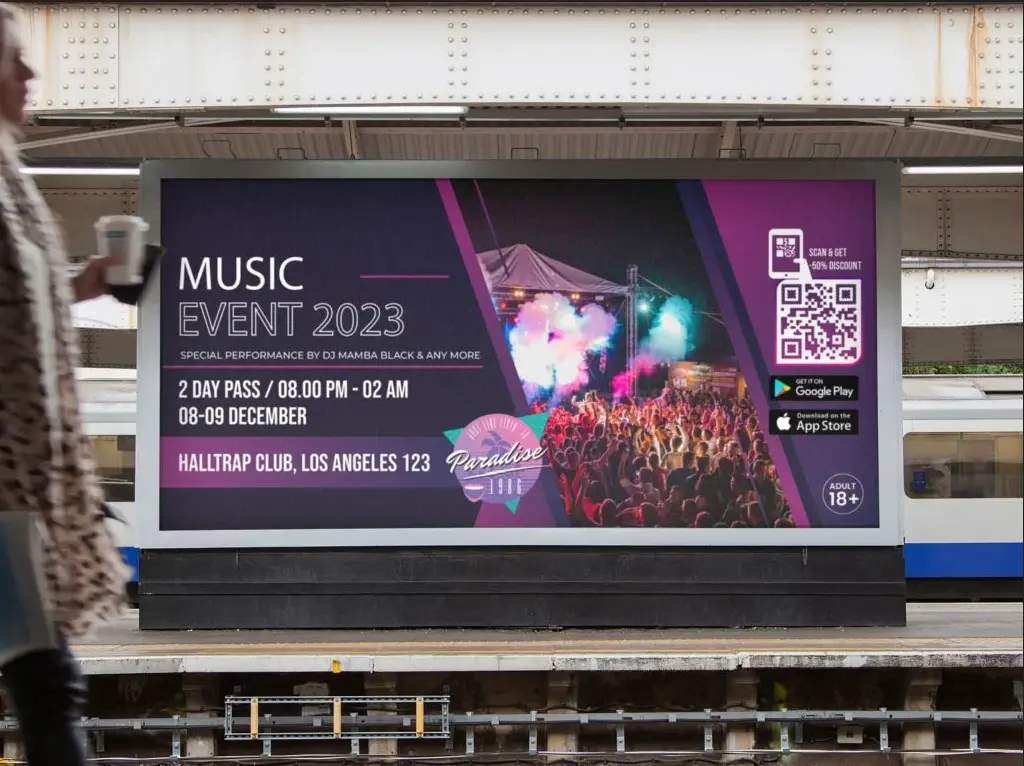
Entertainment and media
Use QR Codes on posters, billboards, and tickets to let fans instantly book seats, access event details, or unlock exclusive content. Share behind-the-scenes videos or teasers via QR Codes on merchandise to build hype before concerts or film screenings.

Corporate and professional events
Use event QR Codes to understand peak engagement time during the event. Add QR Codes to event badges for instant networking.
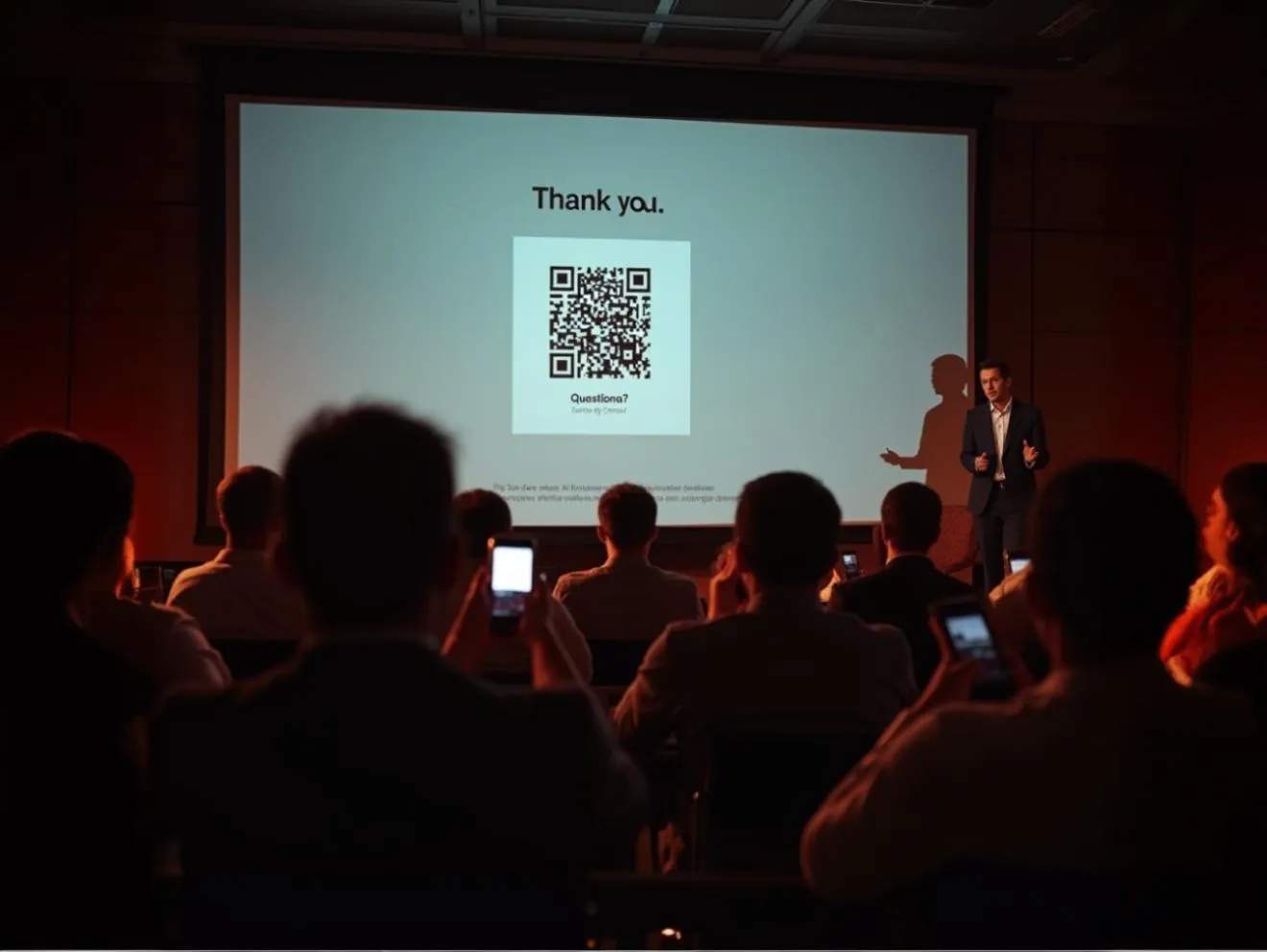
Education and training
Promote workshops and campus events with QR Codes on flyers. Link to speaker bios, course materials, and live polls to make learning interactive and accessible.
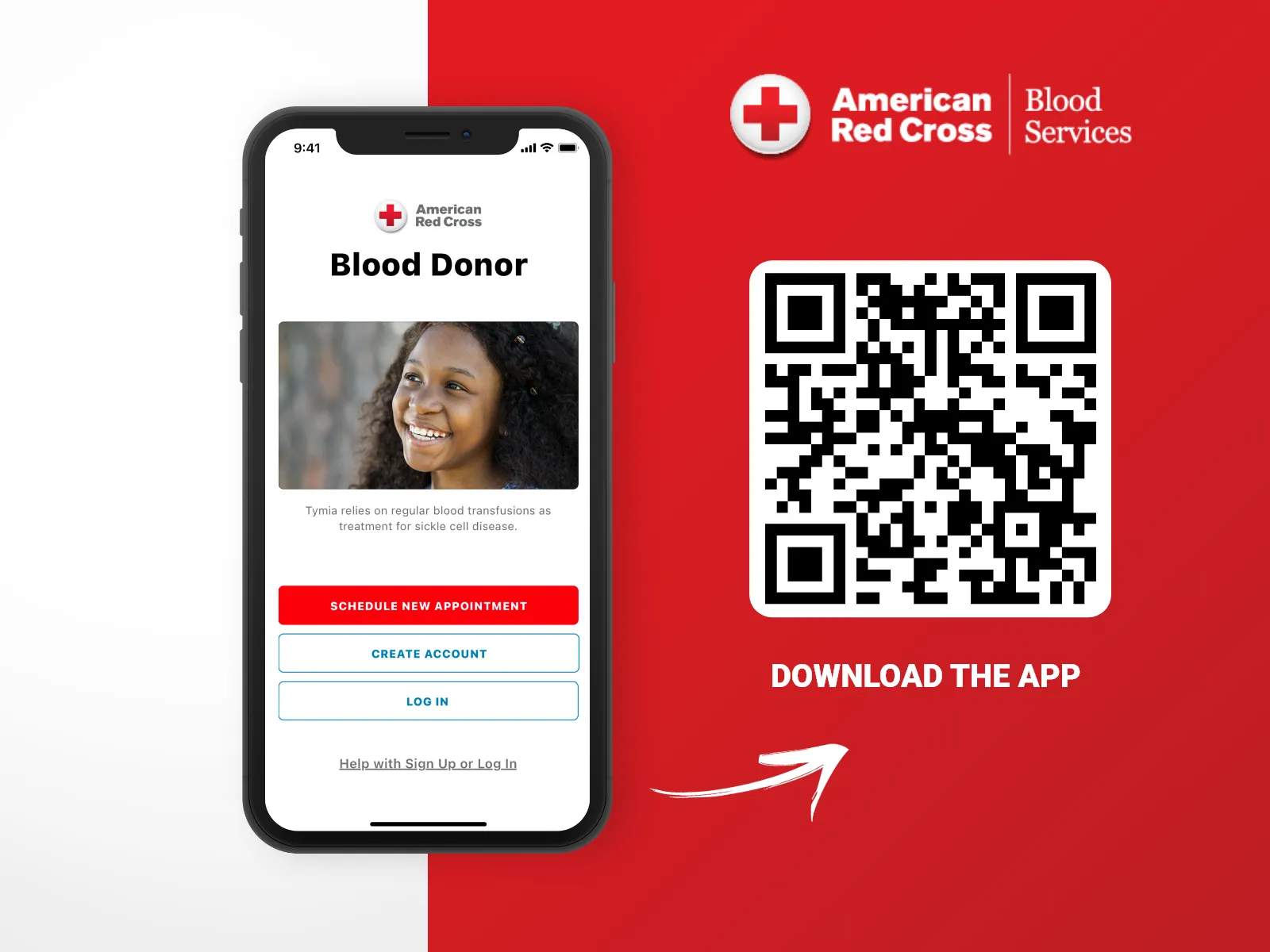
Healthcare and wellness
Print QR Codes on health camp posters, blood donation drives, or wellness event brochures. Enable quick patient check-in and attendance tracking by using QR Codes before appointments.
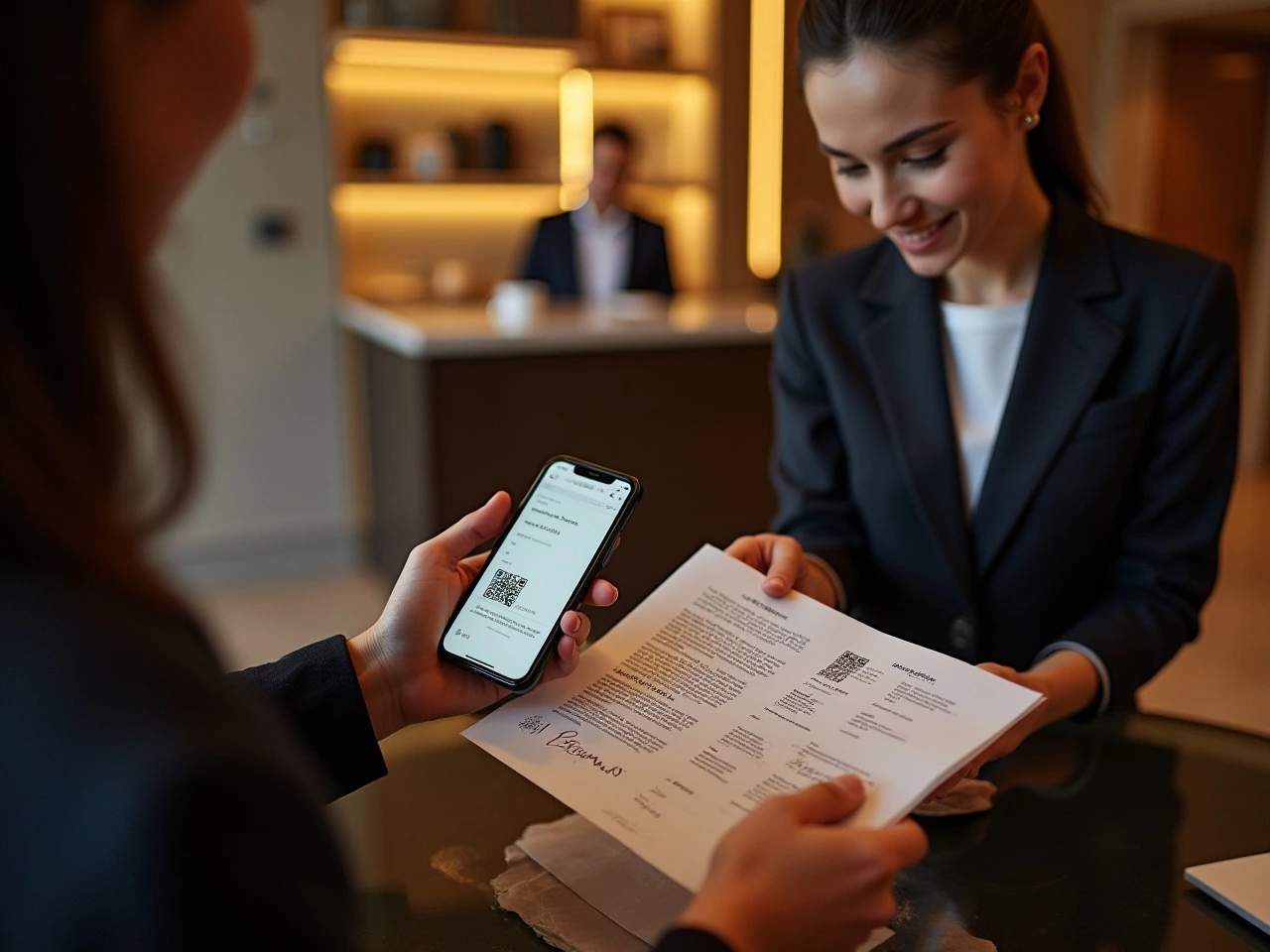
Hotels and hospitality
Invite guests to special events, tastings, or live performances by displaying QR Codes at entrances or reception desks. Also, they can be linked to partner events or local experiences to cross-promote and add extra value.

Nonprofits and community organizations
Add QR Codes to community boards, pamphlets, or social posts to encourage RSVPs for fundraisers or awareness drives. During the event, use QR Codes to sign up volunteers instantly.