
Free QR Code Generator with Logo
Add your logo, colors, and brand style to a QR Code that stays scannable. Get started with our free-forever plan!
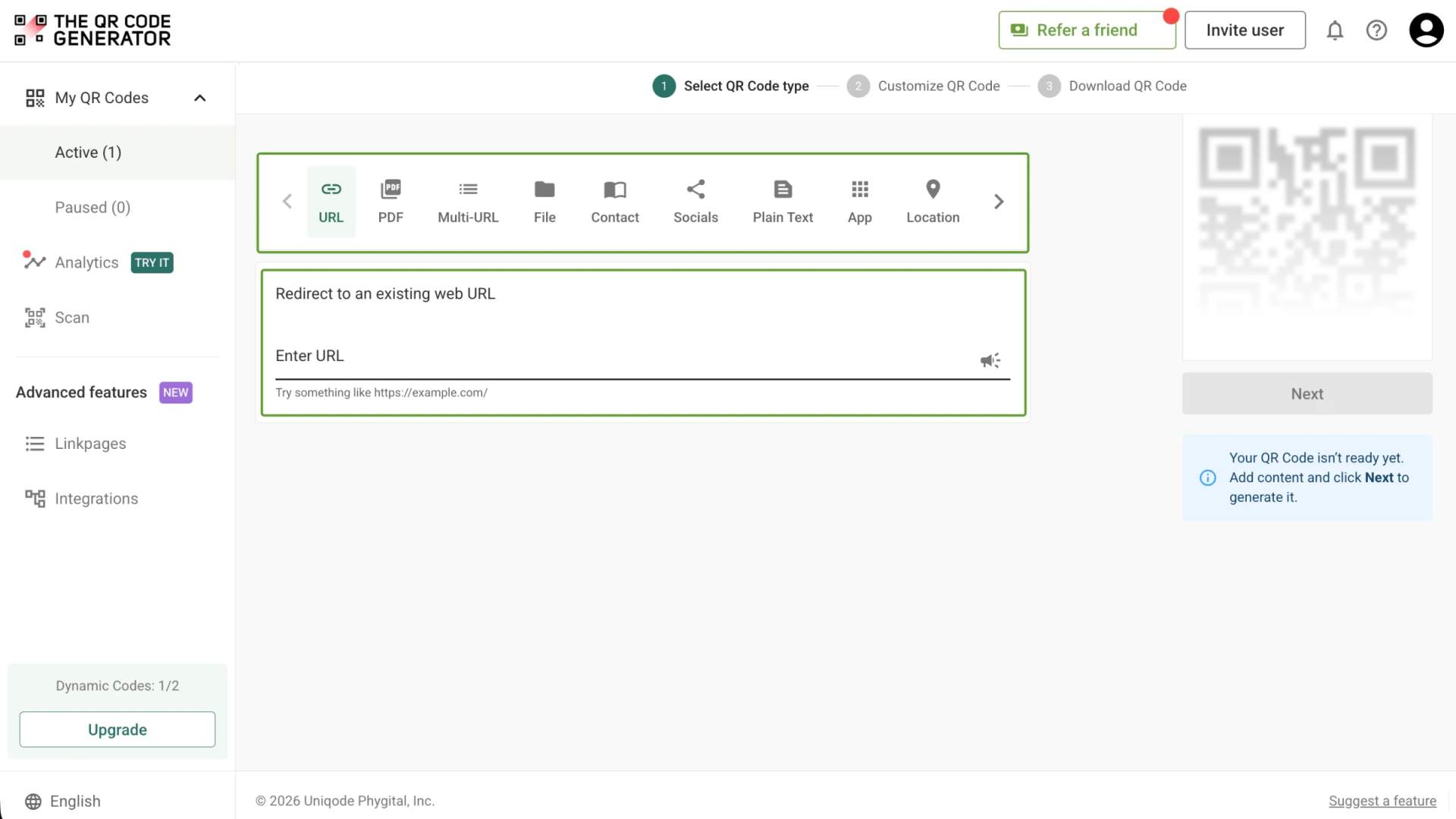
Redirect to an existing web URL
To enable tracking,

What is a QR Code with a logo?
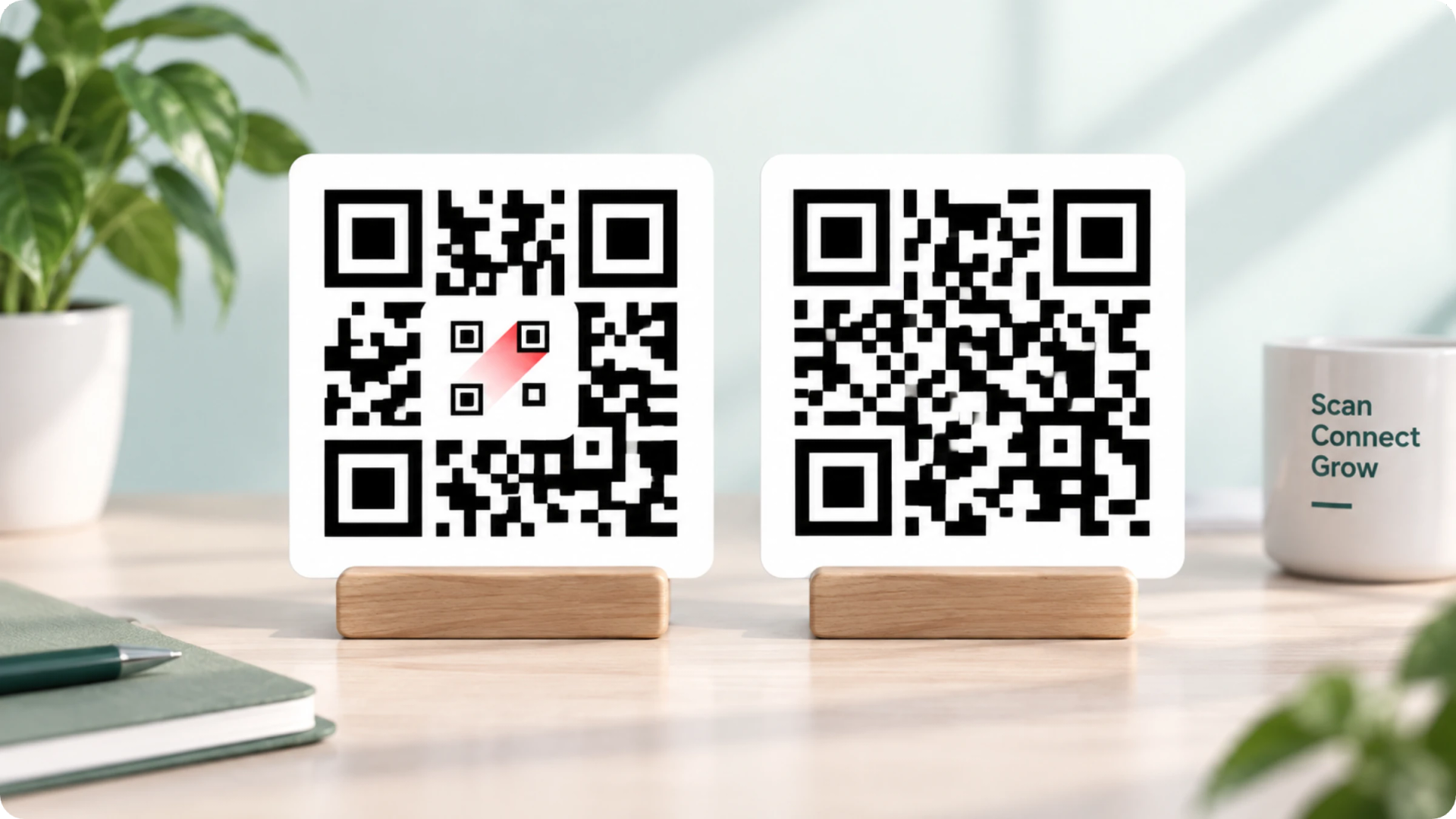
A QR Code with a logo includes your brand logo within the QR Code pattern while remaining fully scannable. The logo sits in the center or a corner, and the QR Code's built-in error correction covers the area the logo hides. TQRCG lets you upload your own logo file, pick a template, or drop in a social icon, then generate the QR Code for free.
4M+
Unique users worldwide
30,000+
Global businesses on our platform
60+
Countries with active users
What can you customize on a branded QR Code?
Every QR Code on The QR Code Generator comes with 6 design controls that work together without breaking the scan.

Logo upload
Upload your own PNG or SVG file, or start from a built-in icon set covering social profiles and common app marks. The logo size slider adjusts how much of the pattern your mark covers.

Brand colors
Set the background, the corner squares, and the pixel color separately. Independent color control lets you match a brand palette exactly, rather than settling for a single accent color.

Pattern and eye style
Choose from classic, rounded, thin, and smooth pattern styles, and change the shape of the three-cornered eyes. Pattern style changes the QR Code's character without changing what it encodes.

Ready-made templates
Start from a pre-made design and adjust it, which takes less time than building a look from scratch. Templates come pre-checked for contrast.

Editable destination
Change where a printed branded QR Code points at any time from your dynamic QR Code dashboard. The design stays identical while the link behind it changes.

Scan data
See scans by time, device, and location for every QR Code you brand. Full breakdowns live on the trackable QR Code page.
How big can the logo on a QR Code be?
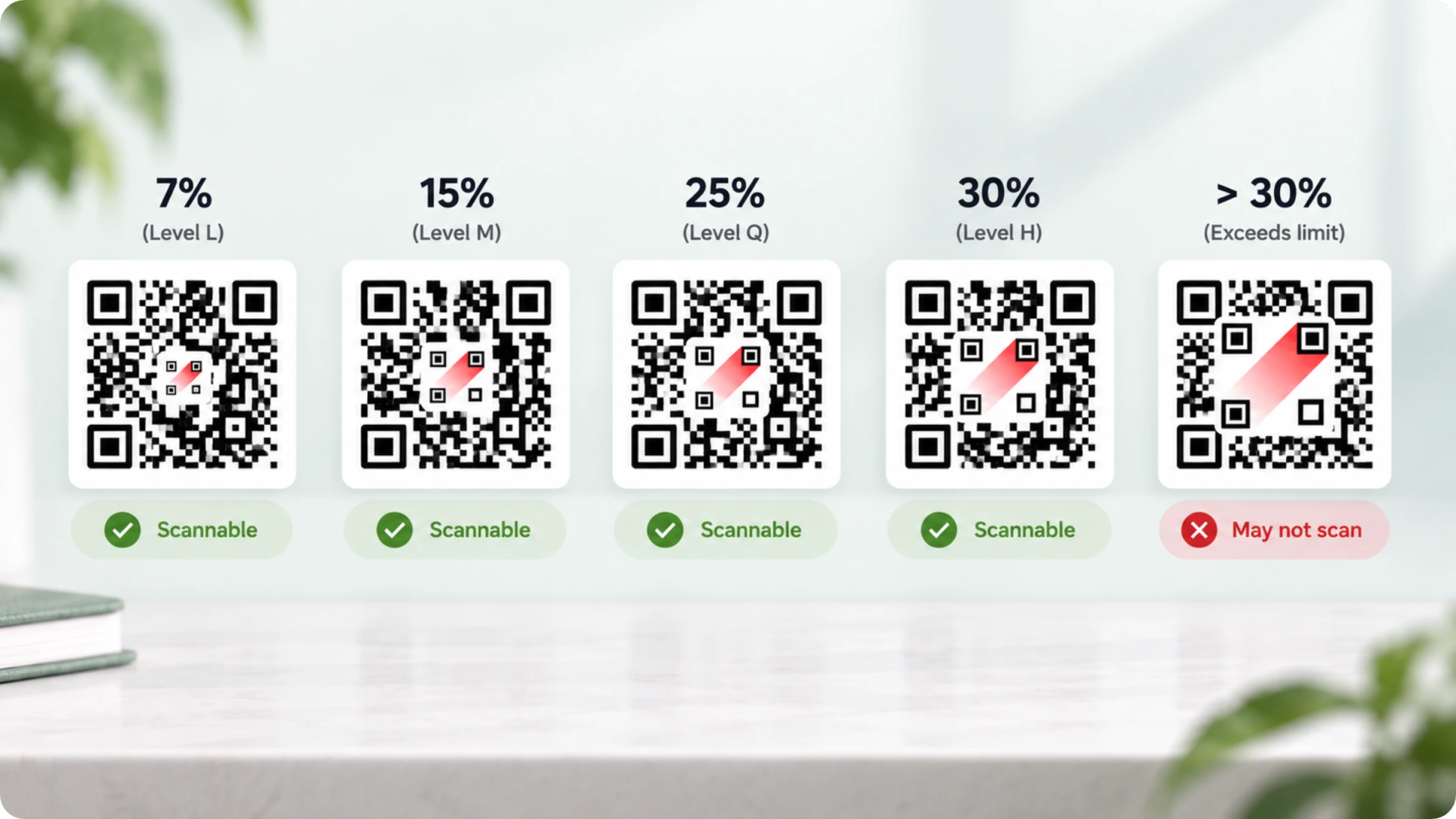
Keep your logo to no more than 30% of the QR Code's total area. QR Codes use Reed-Solomon error correction to store redundant data, allowing scanners to reconstruct information hidden behind logos. The standard offers 4 levels: L (~7%), M (15%), Q (25%), and H (30%). Exceeding the error correction limit creates unreadable gaps. Center placement is safest since the three corner eyes hold crucial alignment data, though corner placement works if those squares stay clear. TQRCG scales logo placement automatically and warns you when a QR Code becomes too small or too low in contrast to read reliably.
Where do branded QR Codes with logo work best?
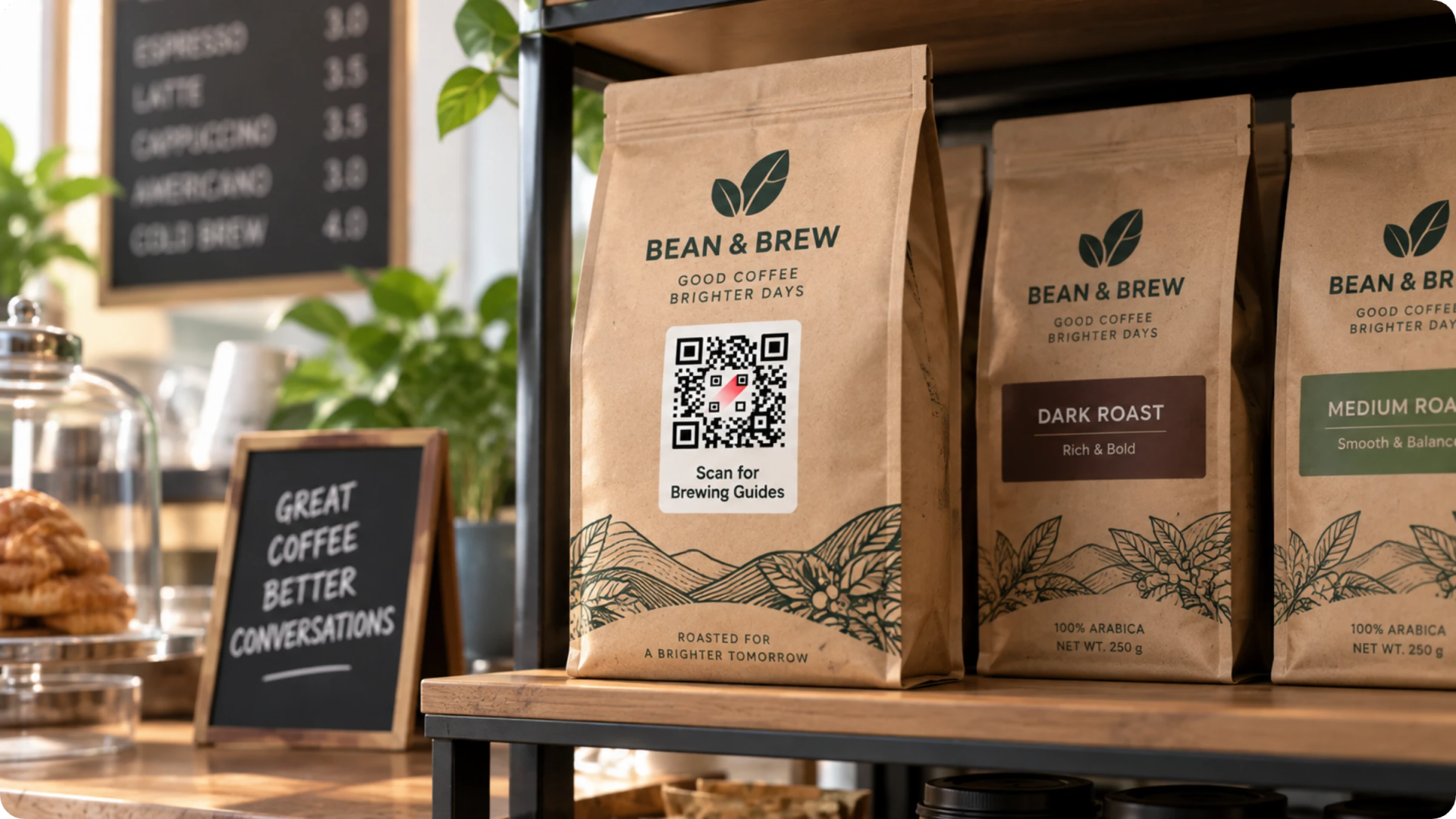
Product packaging
Print a logo QR Code on cartons, labels, and inserts to link buyers to setup guides, ingredient details, or registration. Shoppers scan a QR Code carrying the same mark as the box far more readily than an unmarked square.
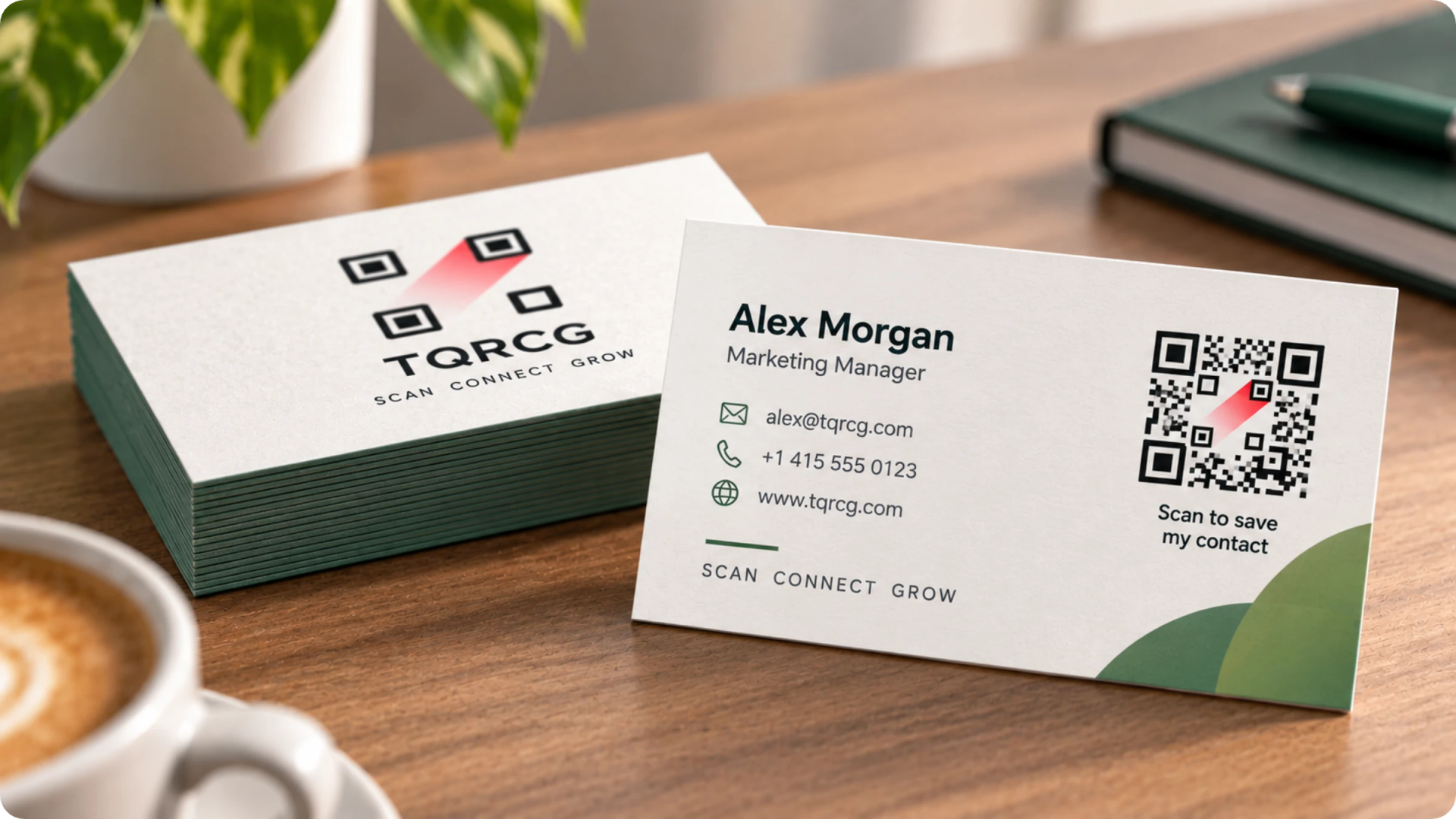
Business cards and name badges
Put a logo QR Code on a card that opens your vCard or portfolio. Contacts save your details in one tap instead of typing them manually.
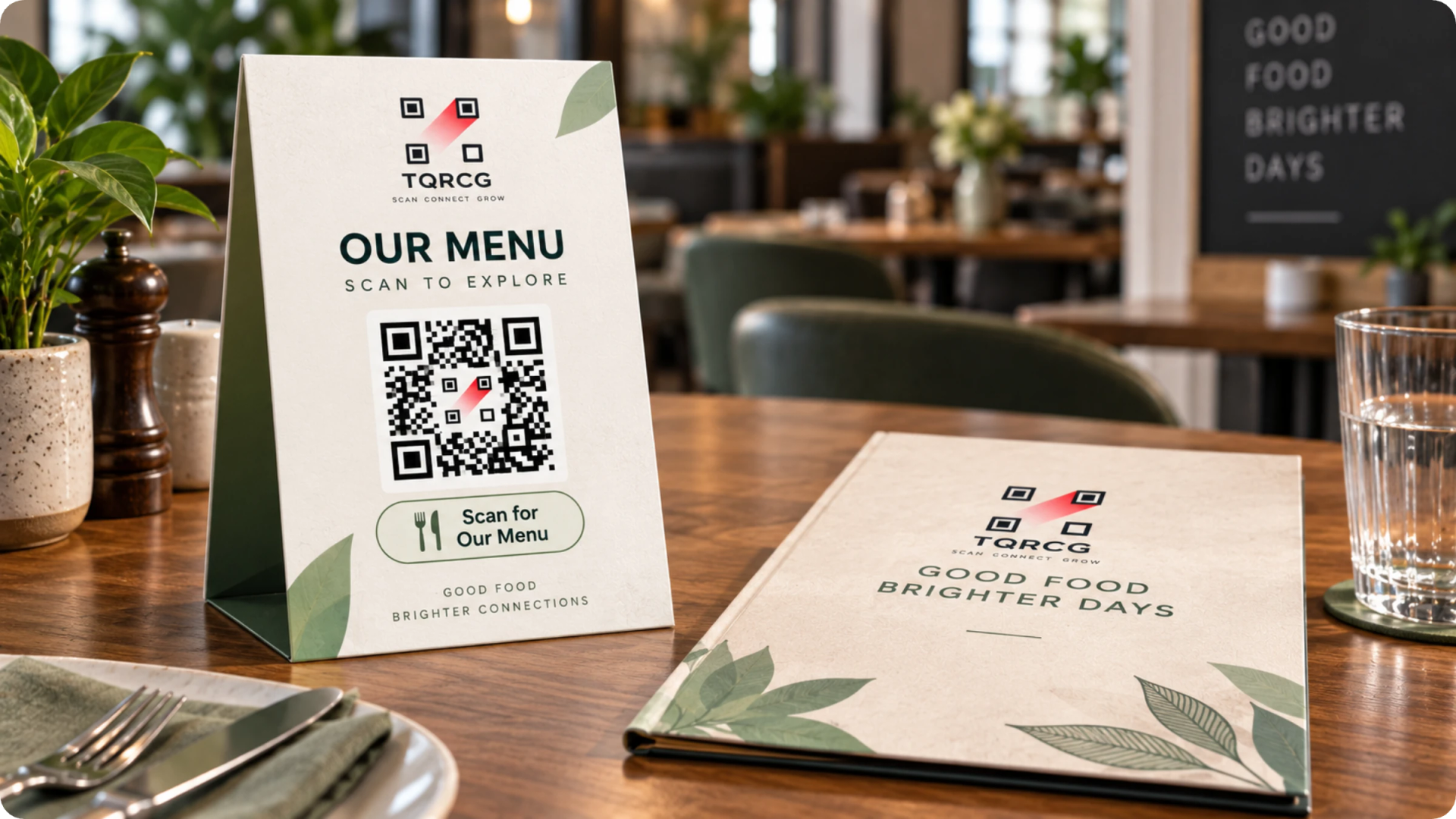
Restaurant menus and table tents
Brand the QR Codes on menus, table tents, and receipts so diners recognize the restaurant before they scan. Menu prices and items update from the dashboard without a reprint.
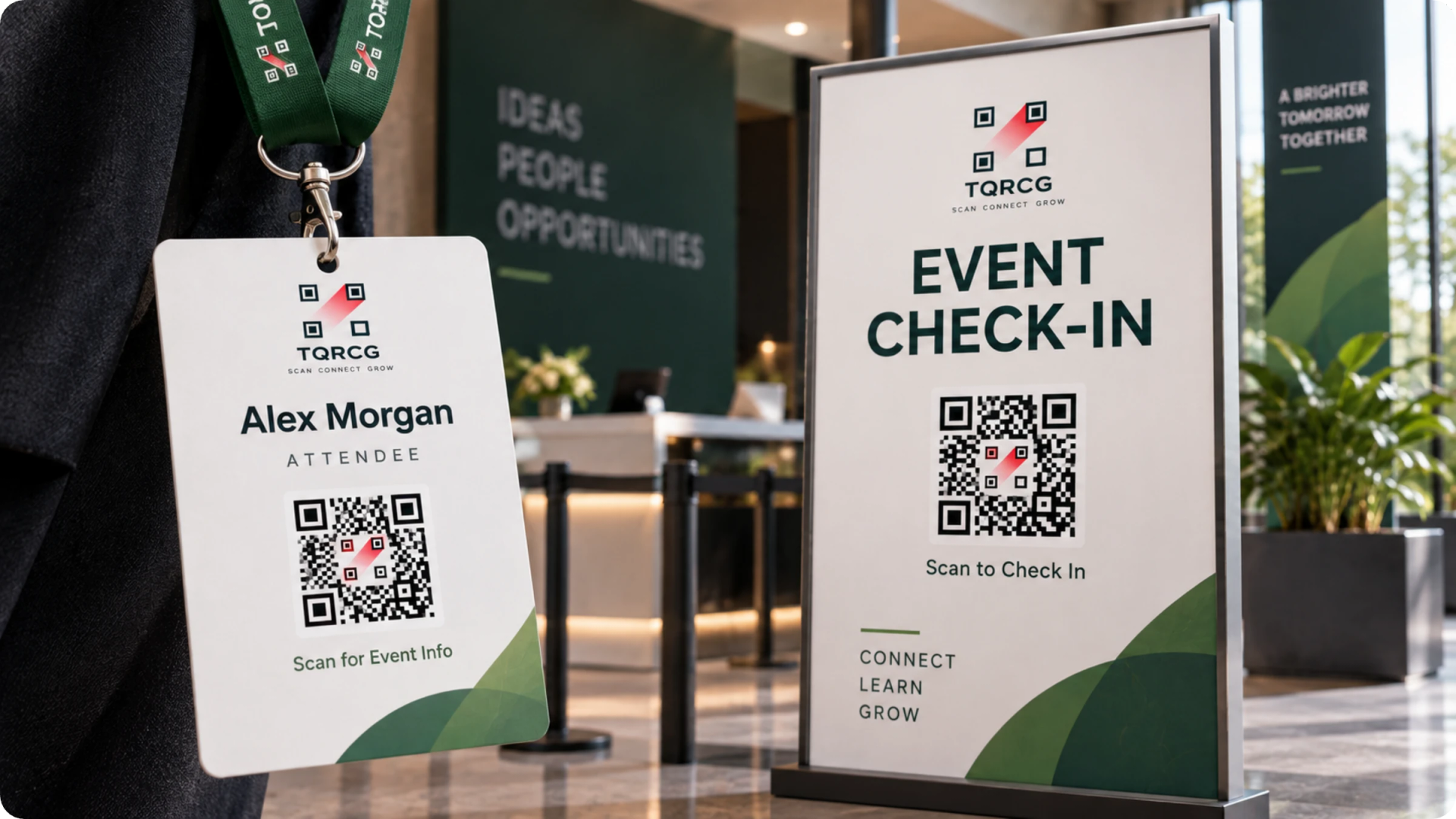
Event badges and signage
Add event branding to check-in QR Codes, wayfinding signs, and session handouts. A QR Code that matches the event's visual identity reassures attendees that they are scanning the organizer's QR Code.
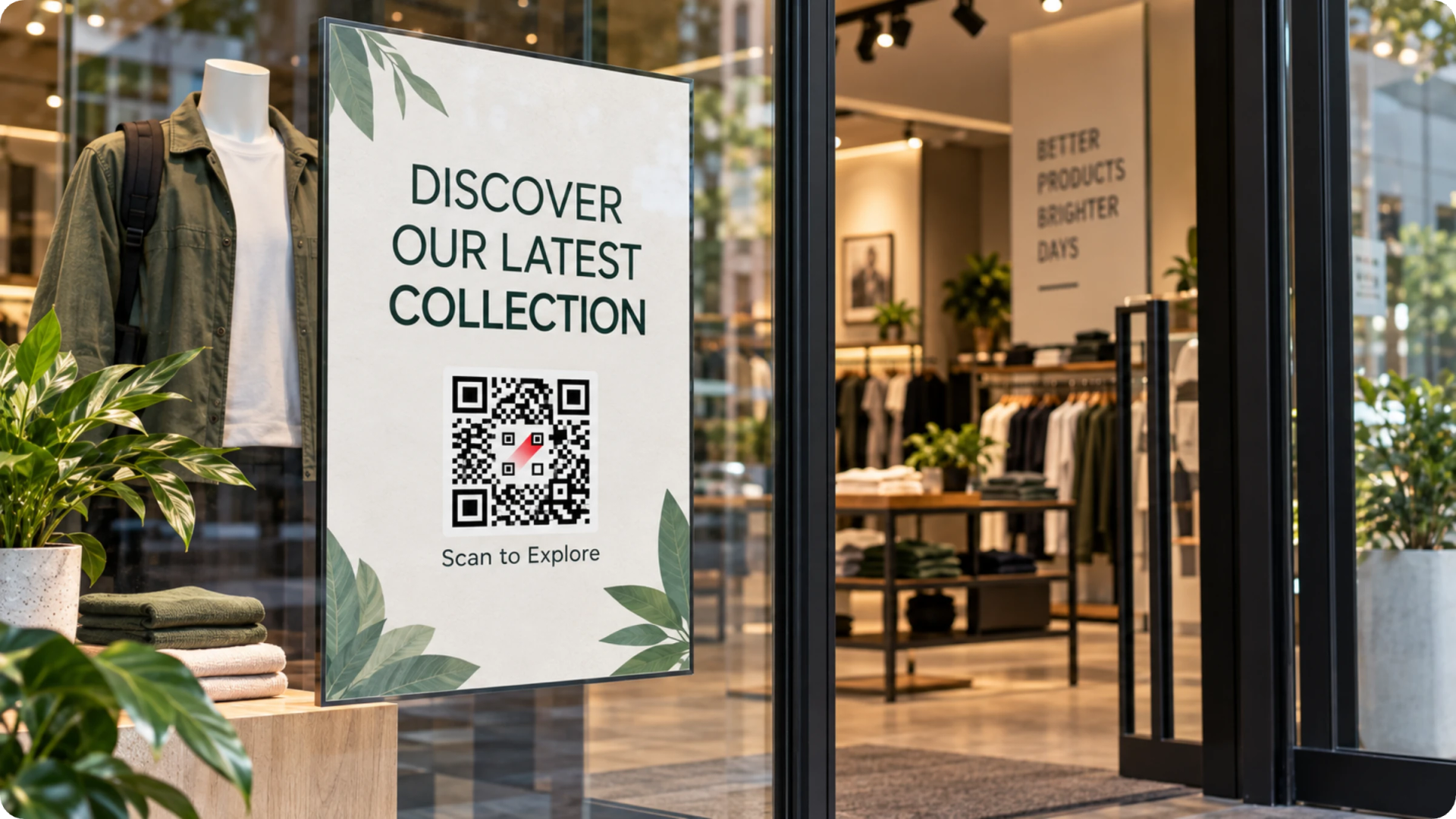
Retail displays and windows
Place branded QR Codes on shelf talkers, window decals, and end caps to direct shoppers to a product page or offer. Store staff can point to a recognizable mark when they explain what the QR Code does.
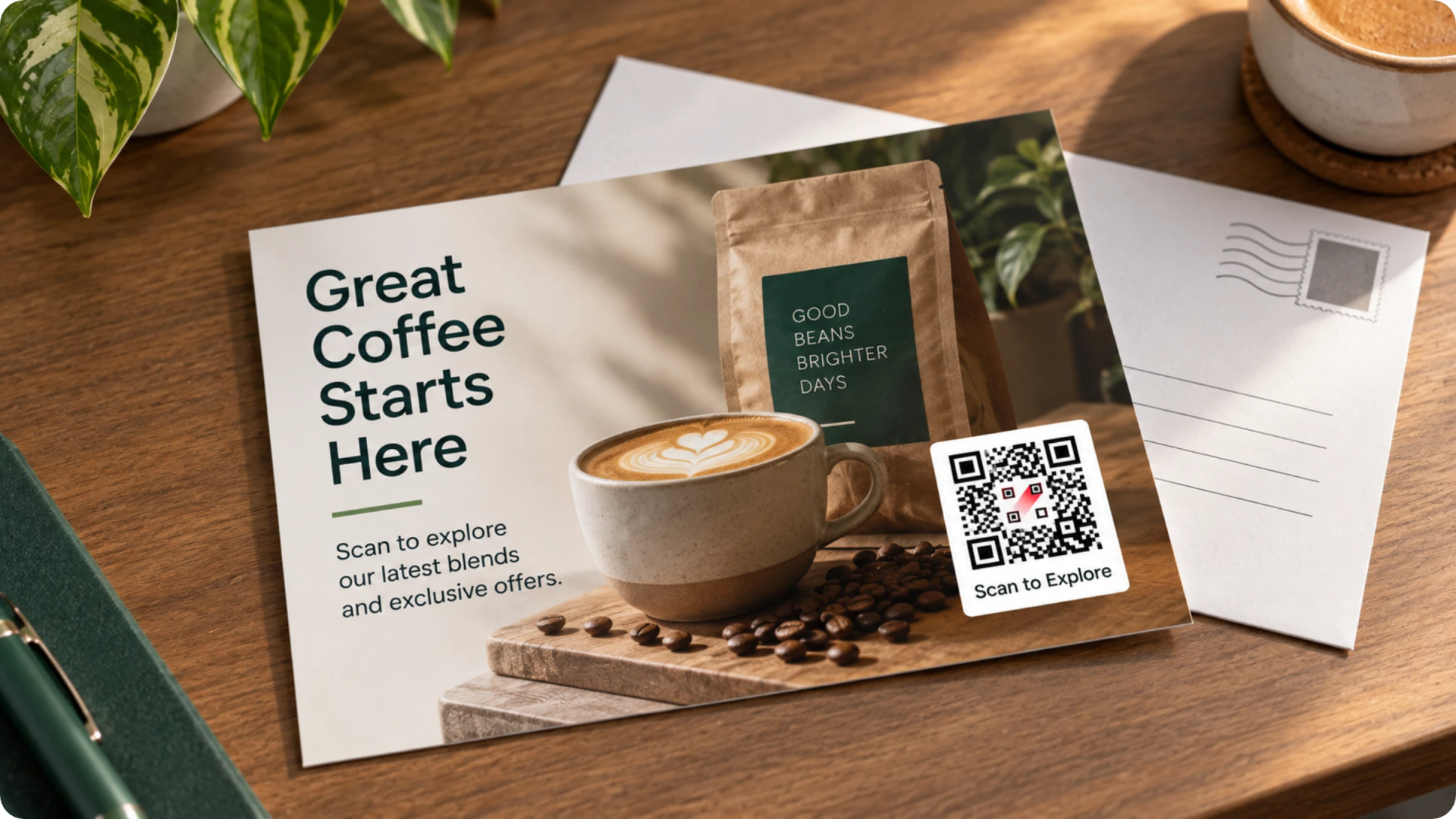
Print ads and direct mail
Carry your logo into magazine ads, flyers, and mailers so the QR Code reads as part of the creative. Each placement can point to a different destination while sharing a single design system.
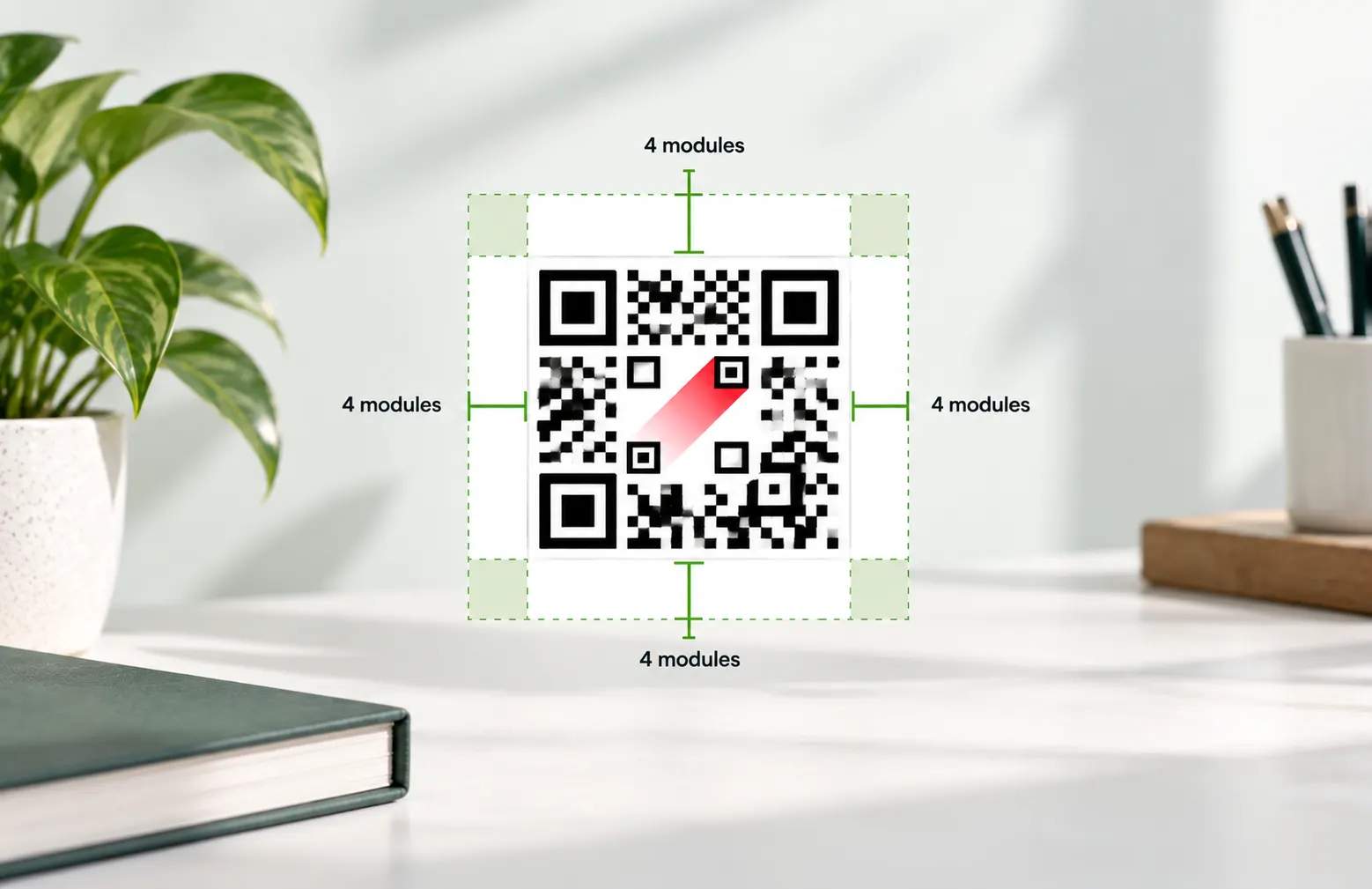
What are the best practices for logo QR Codes?
Frequently asked questions
Put your brand logo inside the QR Code
Start with 2 free dynamic QR Codes that never expire, add your logo and colors, and update the destination whenever your campaign changes.