
Free Facebook QR Code Generator
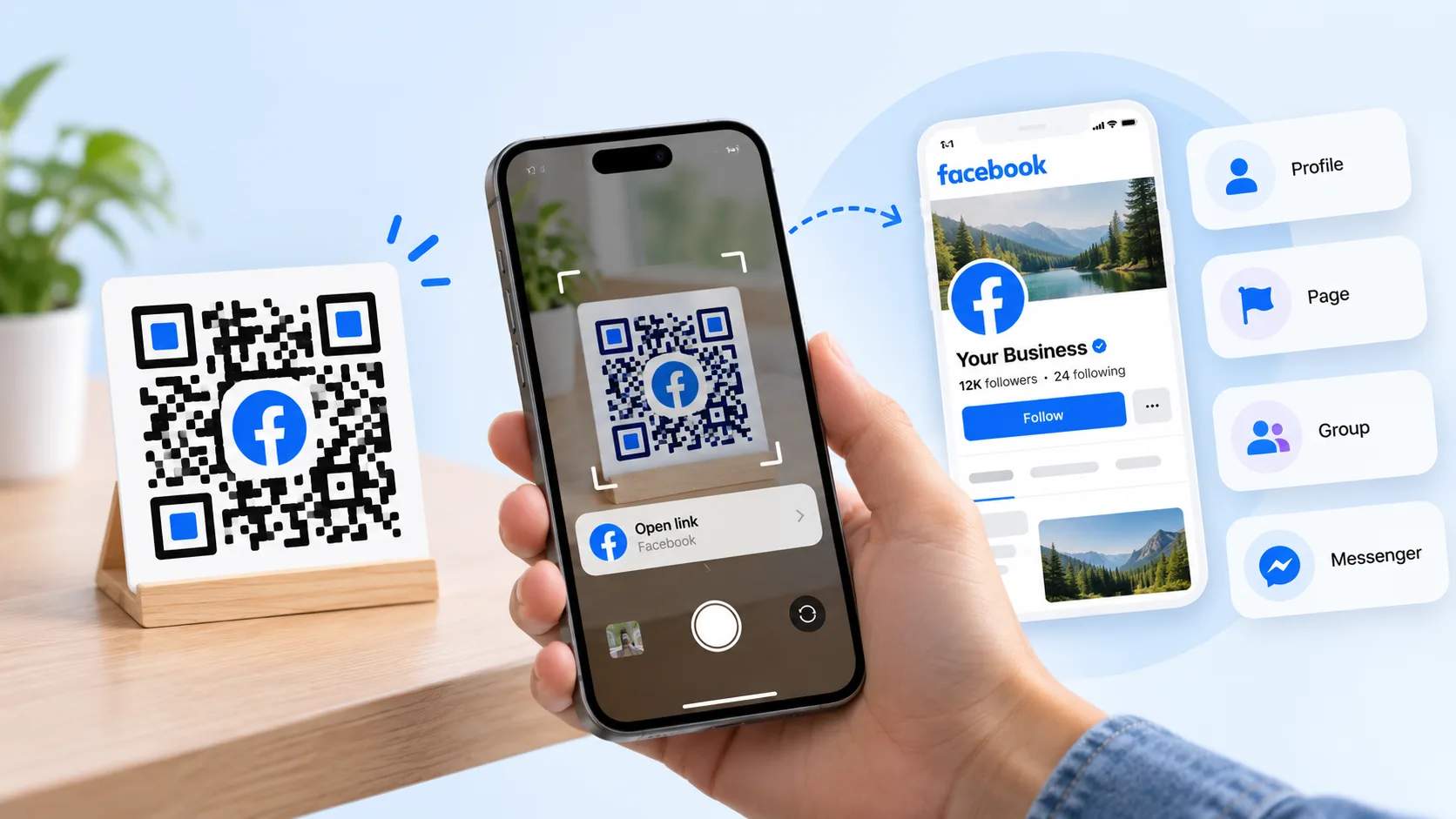
Turn any Facebook link into a QR Code that people can scan to reach your profile, Page, group, or Messenger chat in one tap.
Redirect to a Facebook page
To enable tracking,

What is a Facebook QR Code?
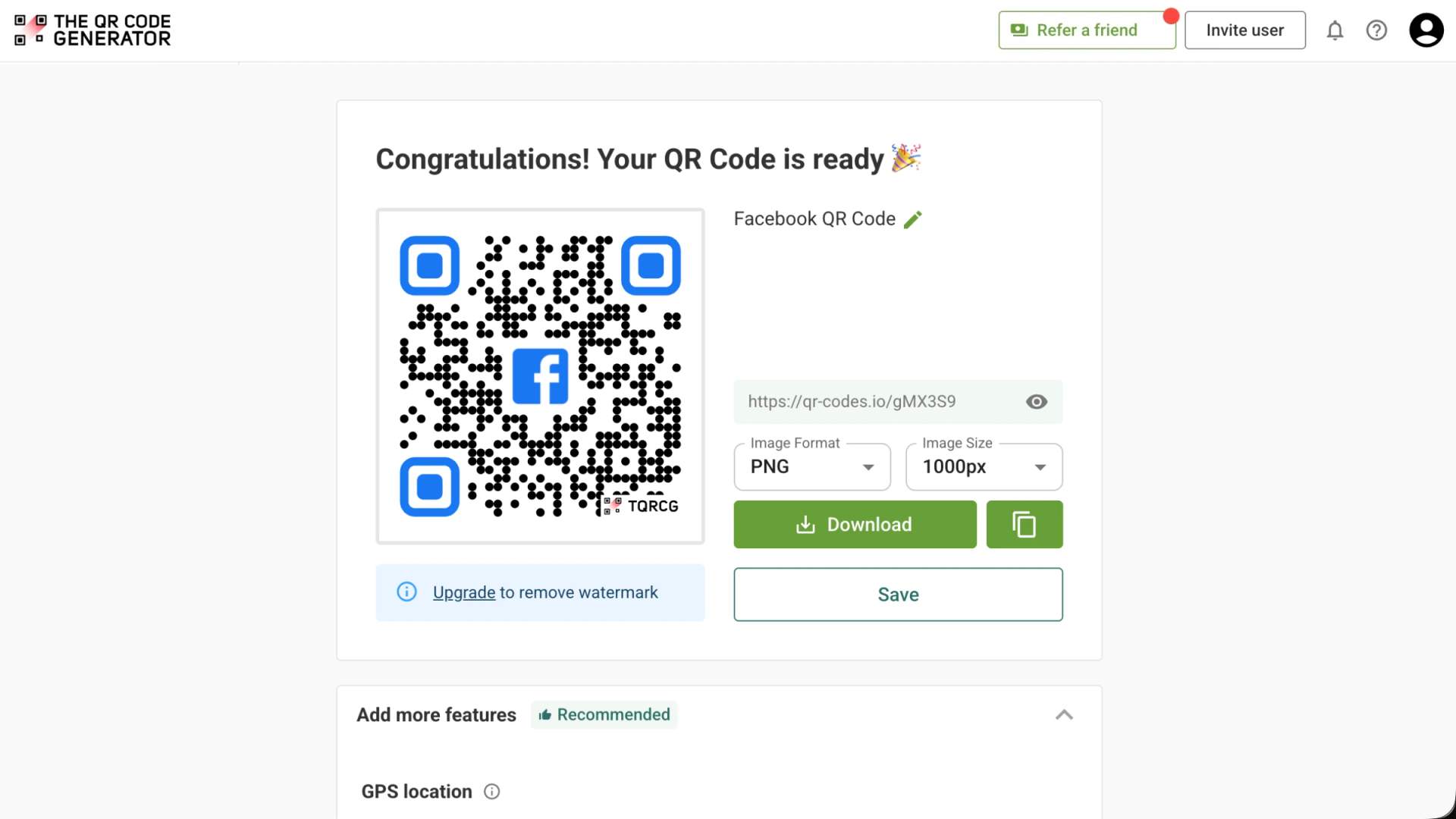
A Facebook QR Code is a scannable image that takes people straight to a specific place on Facebook, such as your profile, your business Page, a group, or a single post. One scan opens the exact destination you set, so no one has to search your name or type a URL.
How do you create a Facebook QR Code?
Create a Facebook QR Code in three steps with The QR Code Generator (TQRCG). The process takes a few minutes and works for a profile, page, group, or post.
Pick your QR Code type and paste your link
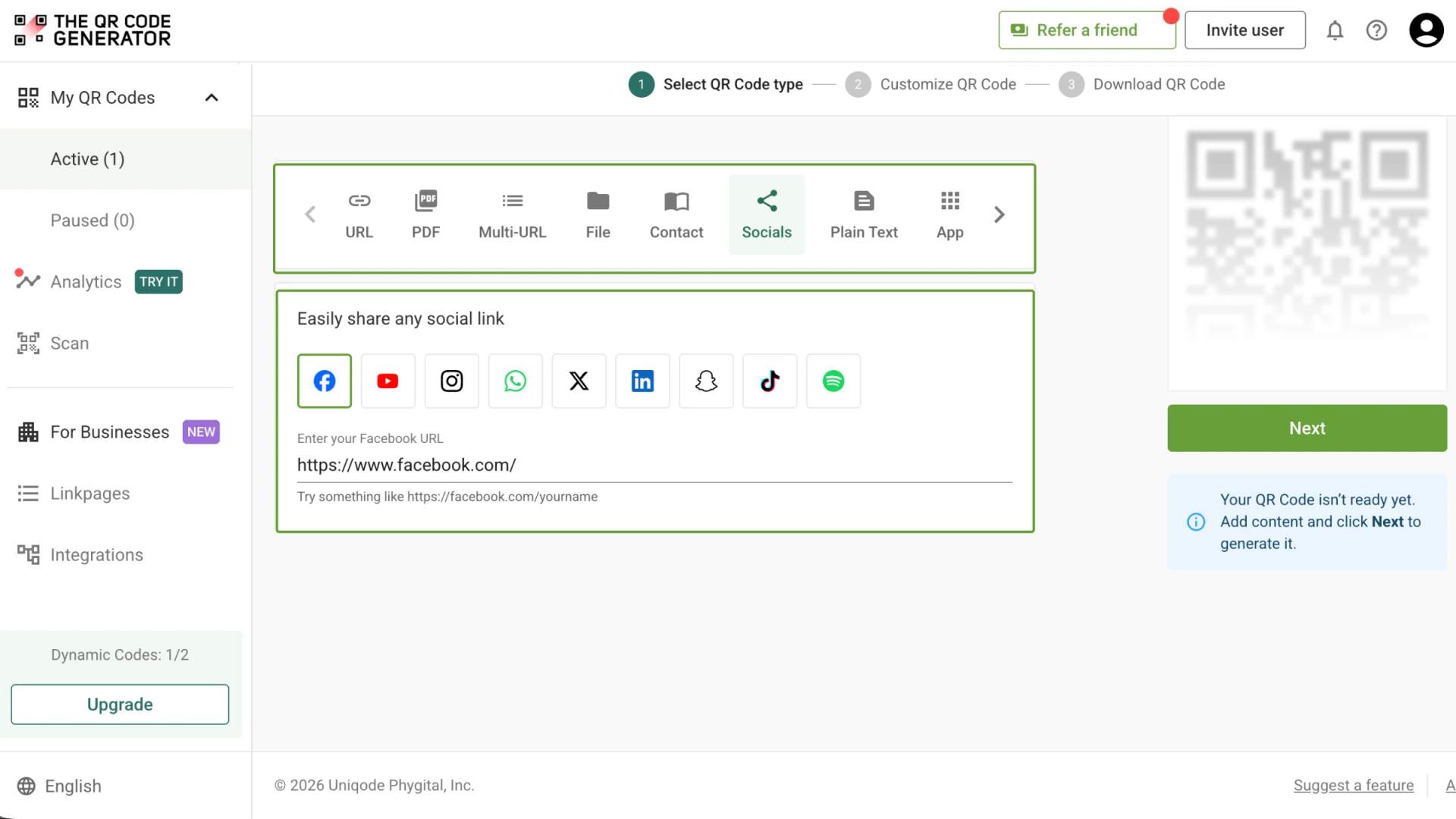
Log in to TQRCG dashboard, choose Socials as the QR Code type, select the Facebook icon, and paste your Facebook URL. Choose Dynamic if you want to edit the link later and track QR Code scans.
Customize the design
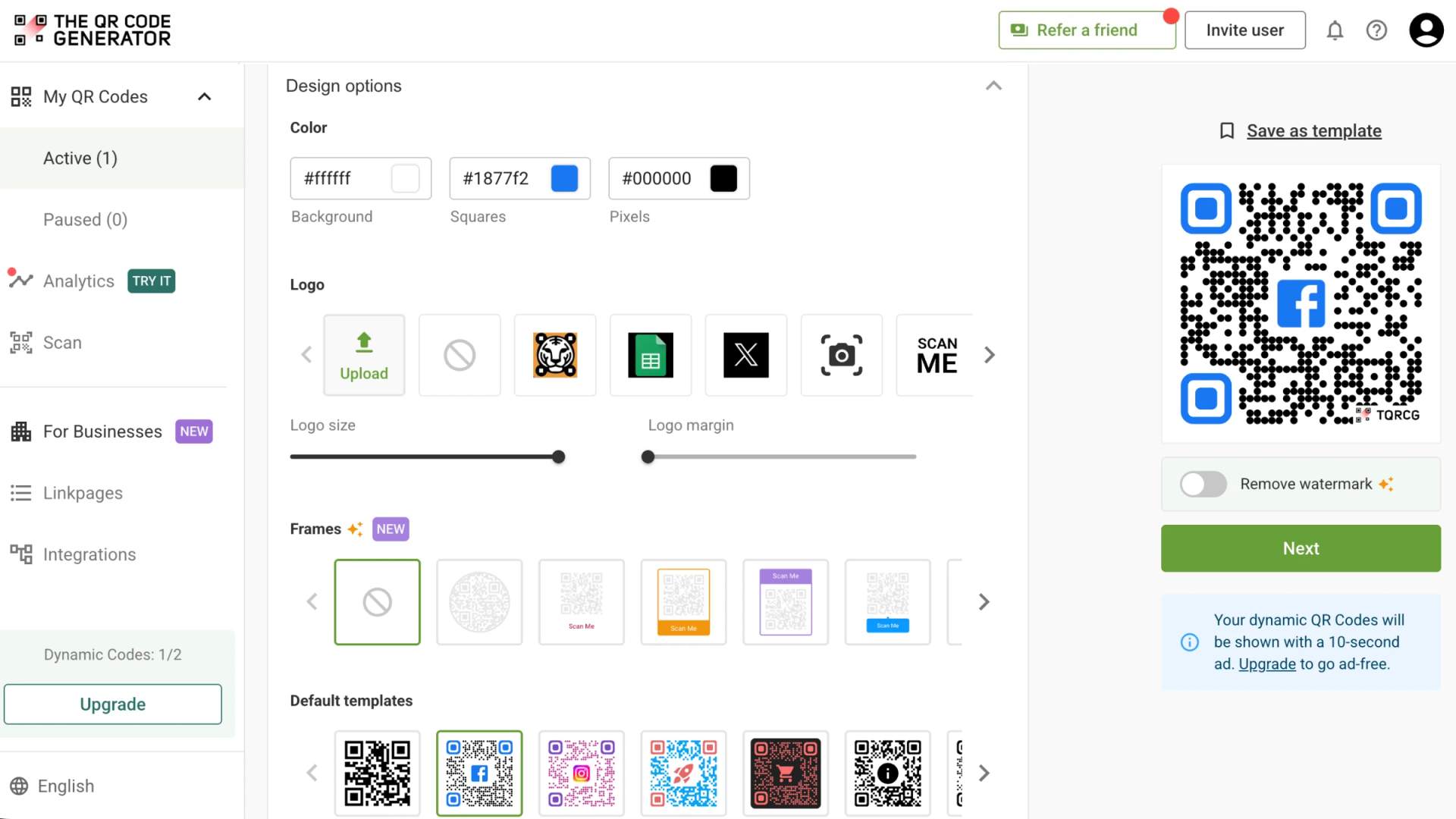
Add your logo, apply your brand colors, or start from the ready-made Facebook template. Run a quick scan test in the preview to confirm it works.
Download and share
Download the Facebook QR Code as a PNG, SVG, or PDF, then add it to packaging, print, or screens.
What is a Facebook Messenger QR Code?
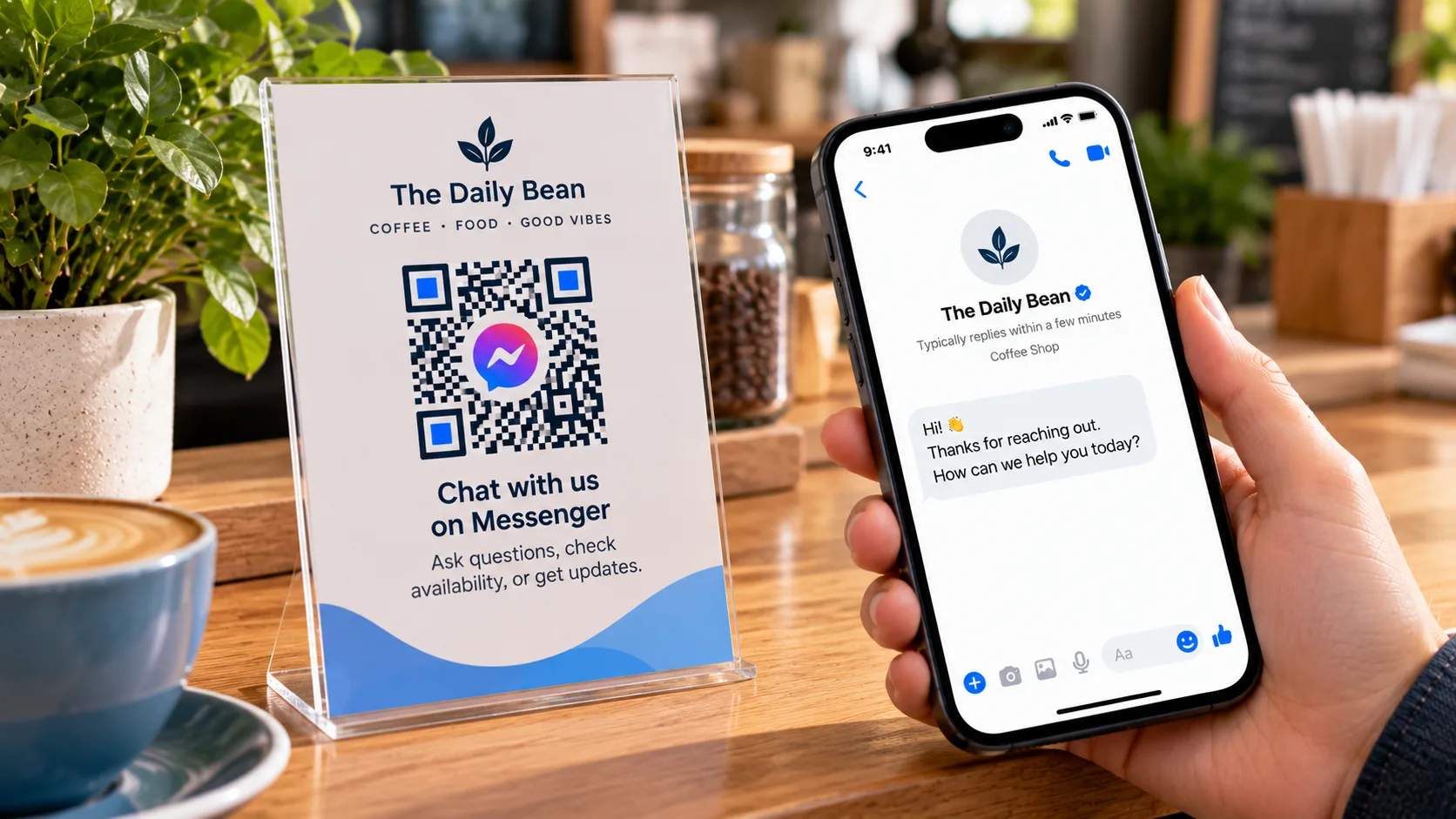
A Facebook Messenger QR Code opens a direct chat with your profile or Page in the Messenger app. One scan drops the person straight into a conversation with you, so there is no searching or typing to reach your inbox. Build it as a dynamic QR Code and you can switch the destination Page anytime and track how many chats it starts.
4M+
Unique users worldwide
30,000+
Global businesses on our platform
60+
Countries with active users
Where can you use Facebook QR Codes?
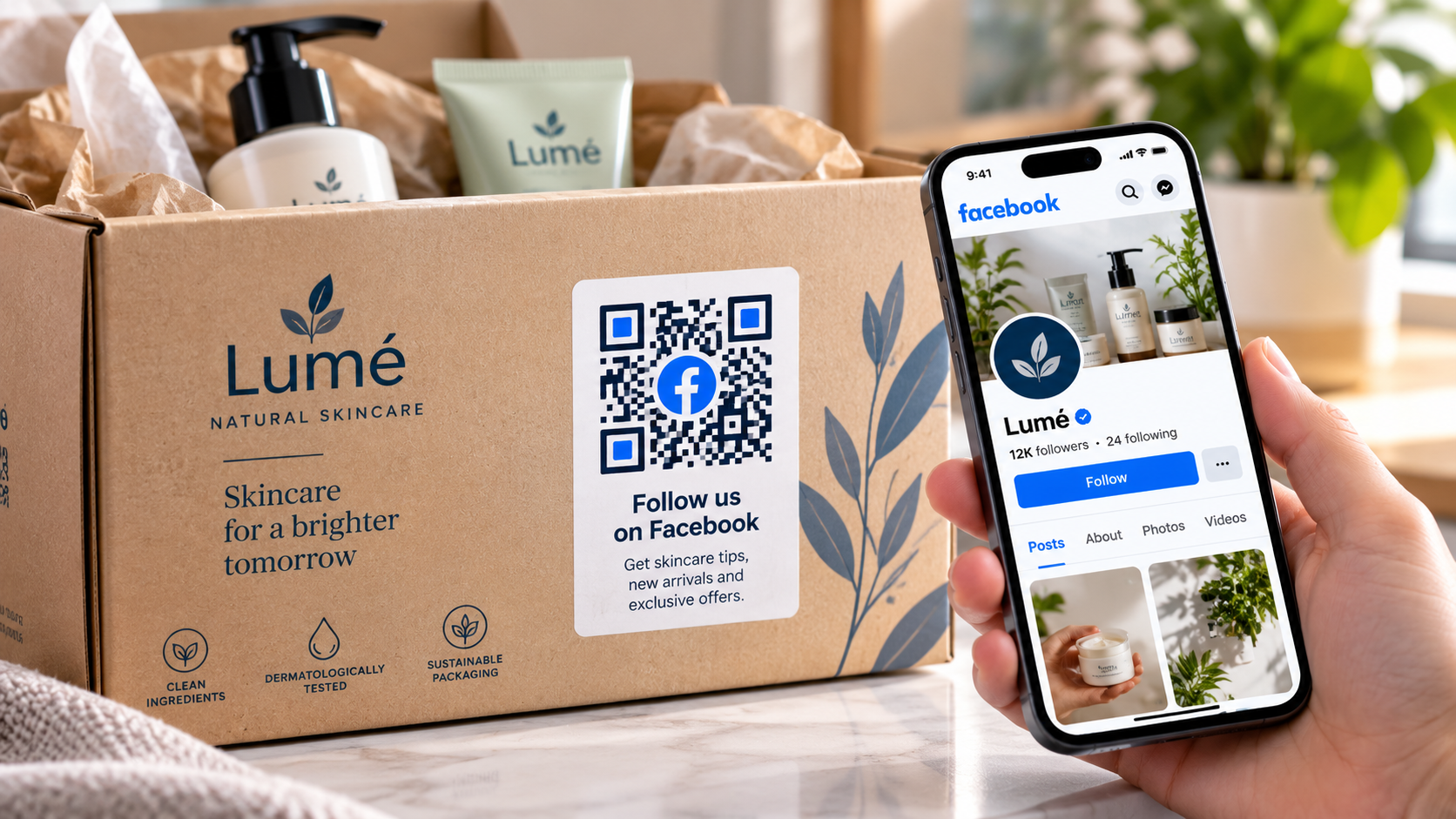
Product packaging
Print a Facebook QR Code on boxes, labels, or inserts so every purchase becomes a chance to connect. A shopper scans it while unboxing, when your brand is fresh in mind, and lands on your Page ready to follow or message.
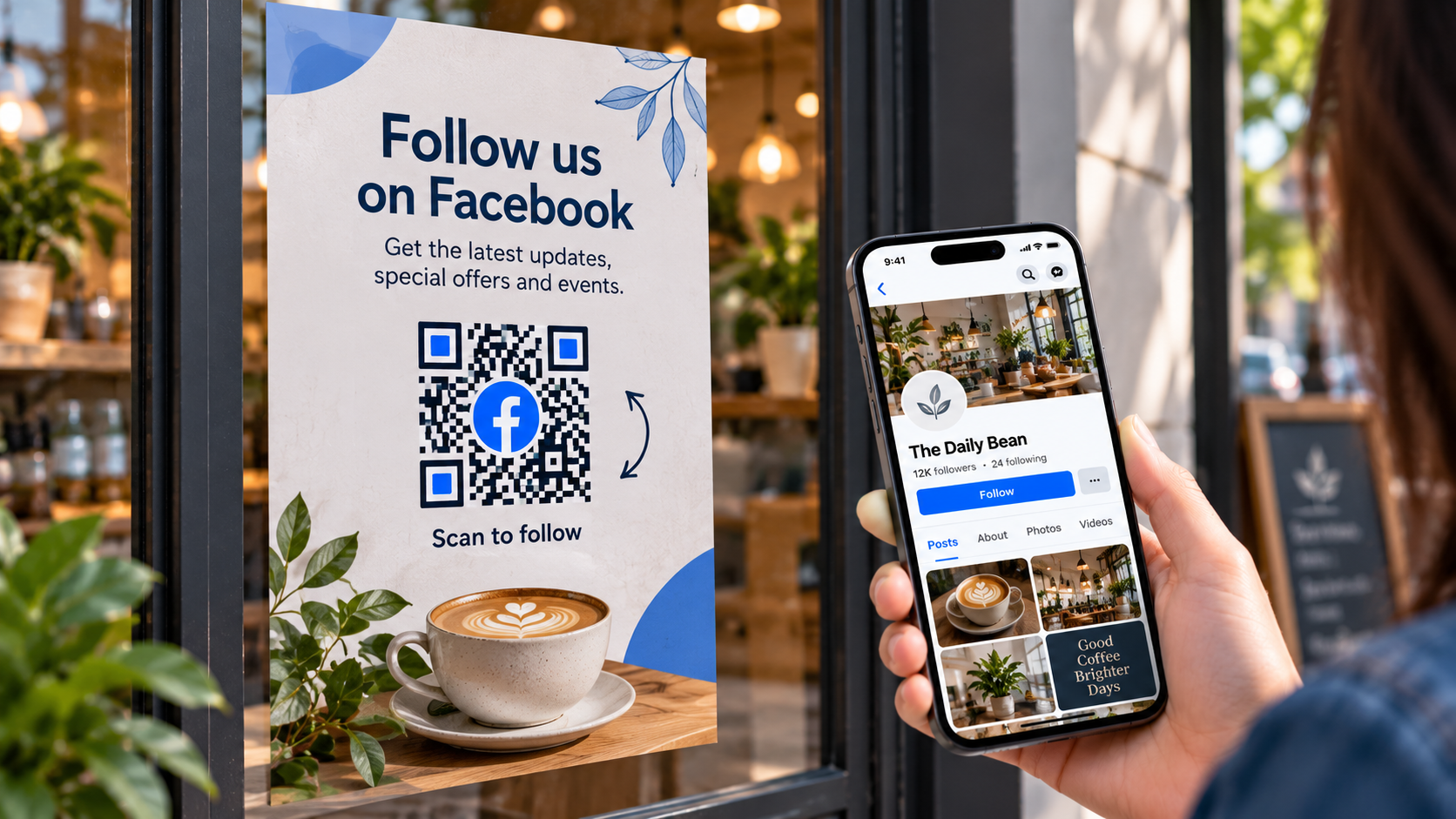
Posters and flyers
Add the QR Code to print campaigns so readers reach your Page in a single scan. It carries people straight from a wall, window, or handout to the content you want them to see, with no searching or typing.

Business cards
Put a Facebook QR Code on your card to link to your profile or Page the moment you meet someone. The person scans once and keeps the connection long after the conversation ends.
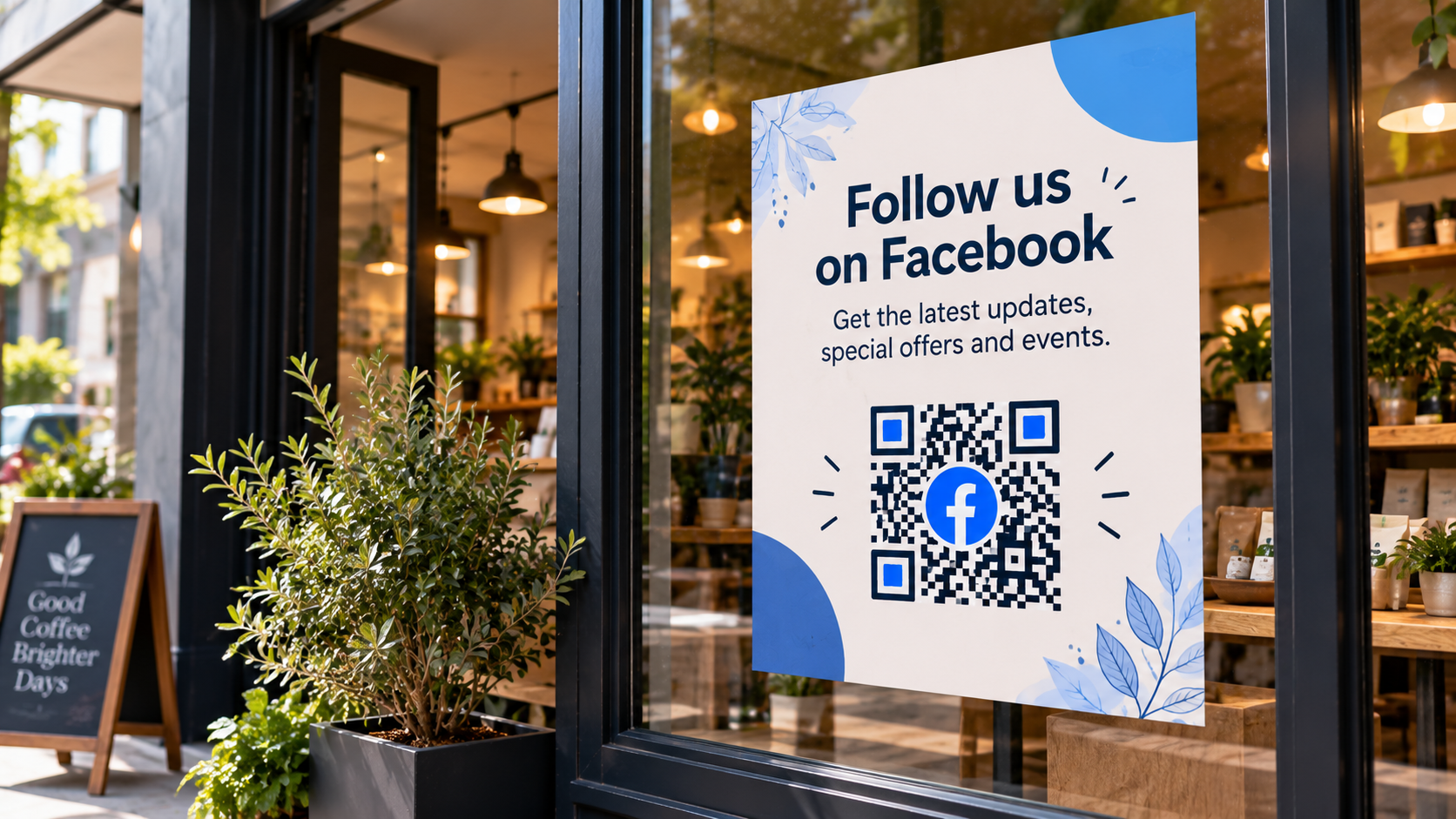
Storefront windows
Place the QR Code where passersby can scan from the sidewalk, even after you close. Foot traffic turns into followers and messages around the clock, so you capture interest you would otherwise lose.
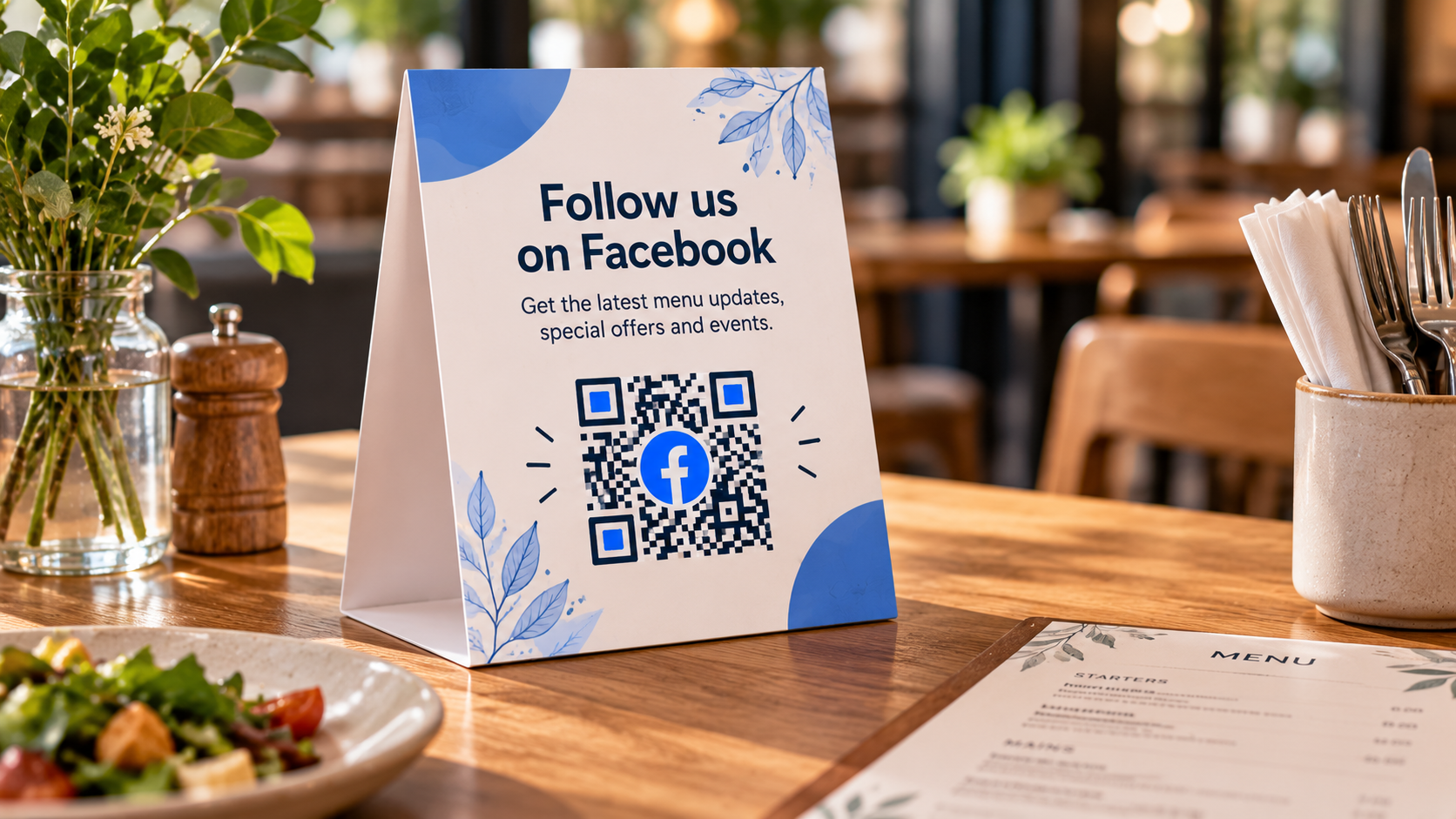
Table tents and menus
Set a Facebook QR Code on tables so diners follow your Page while they wait for their order. Those few idle minutes become an easy, low-pressure moment to grow your audience.
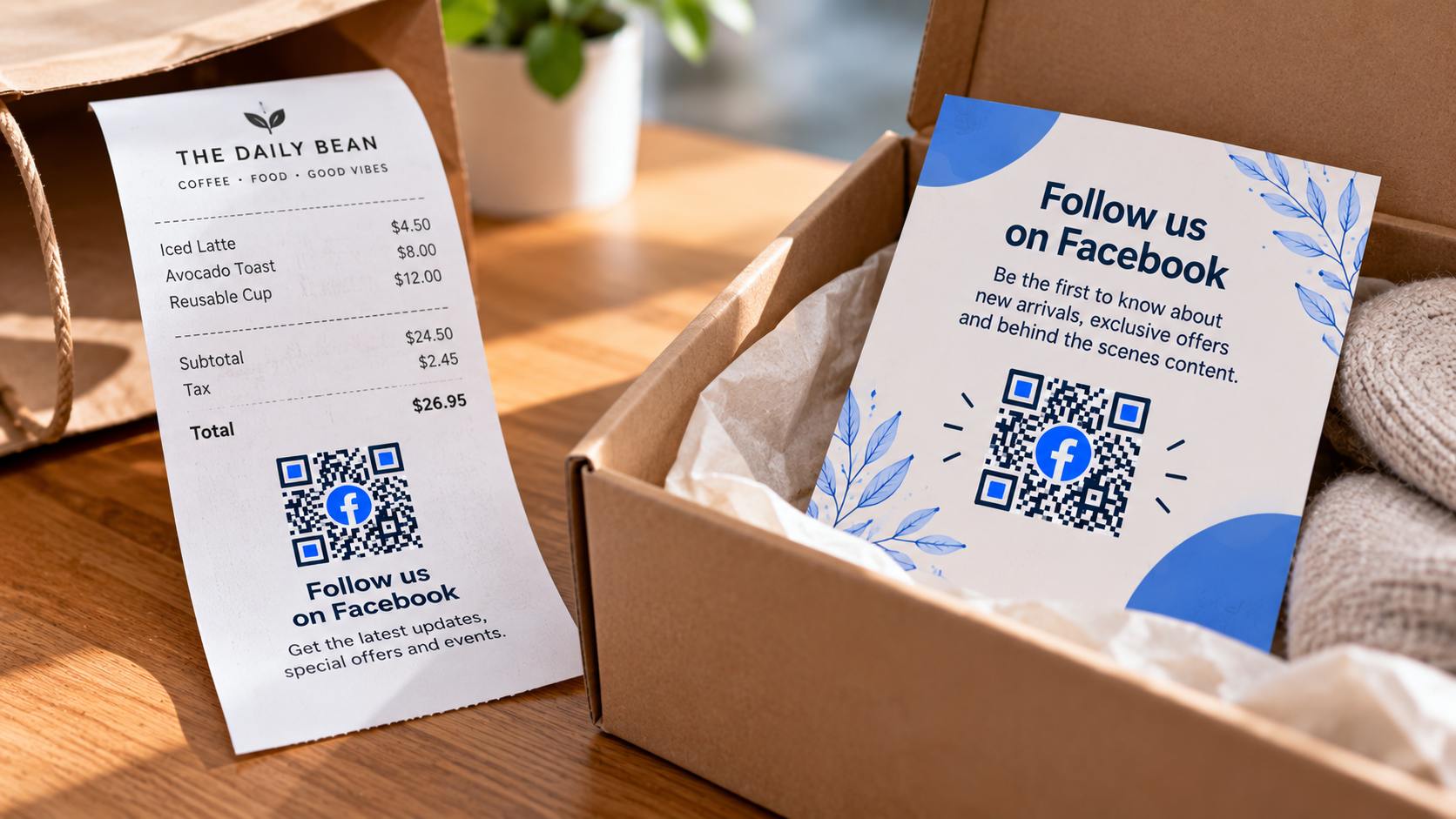
Receipts and inserts
Add the QR Code to receipts or package inserts so recent buyers connect with you on Facebook after they shop. These customers already know your brand, which makes them some of the most likely to follow and engage.
What are the best practices for Facebook QR Codes?

Check the contrast
Keep the QR Code’s dark modules on a light background so phone cameras read it cleanly. Low contrast between the code and its background is one of the most common reasons a scan fails, so avoid pairing similar tones or placing the code over a busy image.

Size it for the distance
Print the Facebook QR Code at least 1 inch (2.5 cm) square for close-up scans on packaging or cards. Scale it up for posters and signage, because the farther away someone stands, the larger the code needs to be to scan reliably.

Leave a quiet zone
Keep clear space around all four sides of the QR Code so nothing crowds it. This margin helps the scanner lock onto the code, so keep surrounding text, logos, and graphics at least the width of one module away from the edge.

Test on both platforms
Scan the finished QR Code with an iPhone and an Android phone before it goes to print. Testing on both confirms the link resolves correctly and the design still reads, which saves you from reprinting a whole run later.

Add a clear prompt
Pair the QR Code with a short line that tells people what happens when they scan, such as “Message us on Facebook” or “Follow us for updates.” A clear prompt sets expectations and gives people a reason to lift their phone.
Frequently asked questions
Ready to put your Facebook QR Code to work?
Start with 2 free dynamic QR Codes that never expire, then upgrade when you need more codes and deeper tracking.