
Free YouTube QR Code Generator
Redirect to a YouTube channel or video
To enable tracking,


What is a YouTube QR Code?
A YouTube QR Code opens a specific YouTube video, channel, playlist, or YouTube Music track the moment someone scans it with their phone camera. It saves viewers from typing a long URL or searching for your name, so they land on the right content on the first try. Creators, educators, and marketers use a YouTube QR Code to connect printed and physical spaces to their videos. Add one to a poster, a product insert, or a business card, and a quick scan takes people straight to the content you want them to watch.
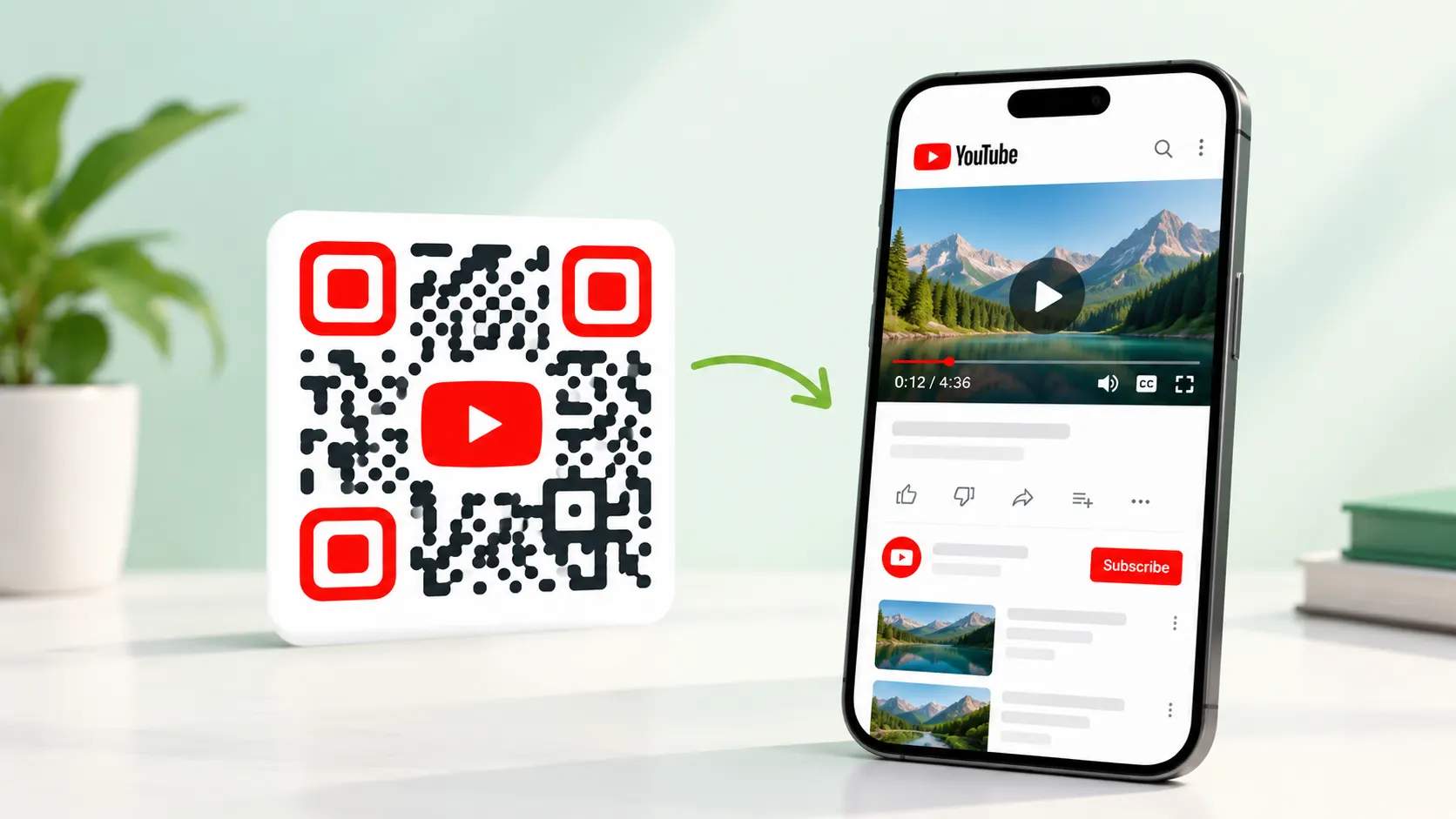
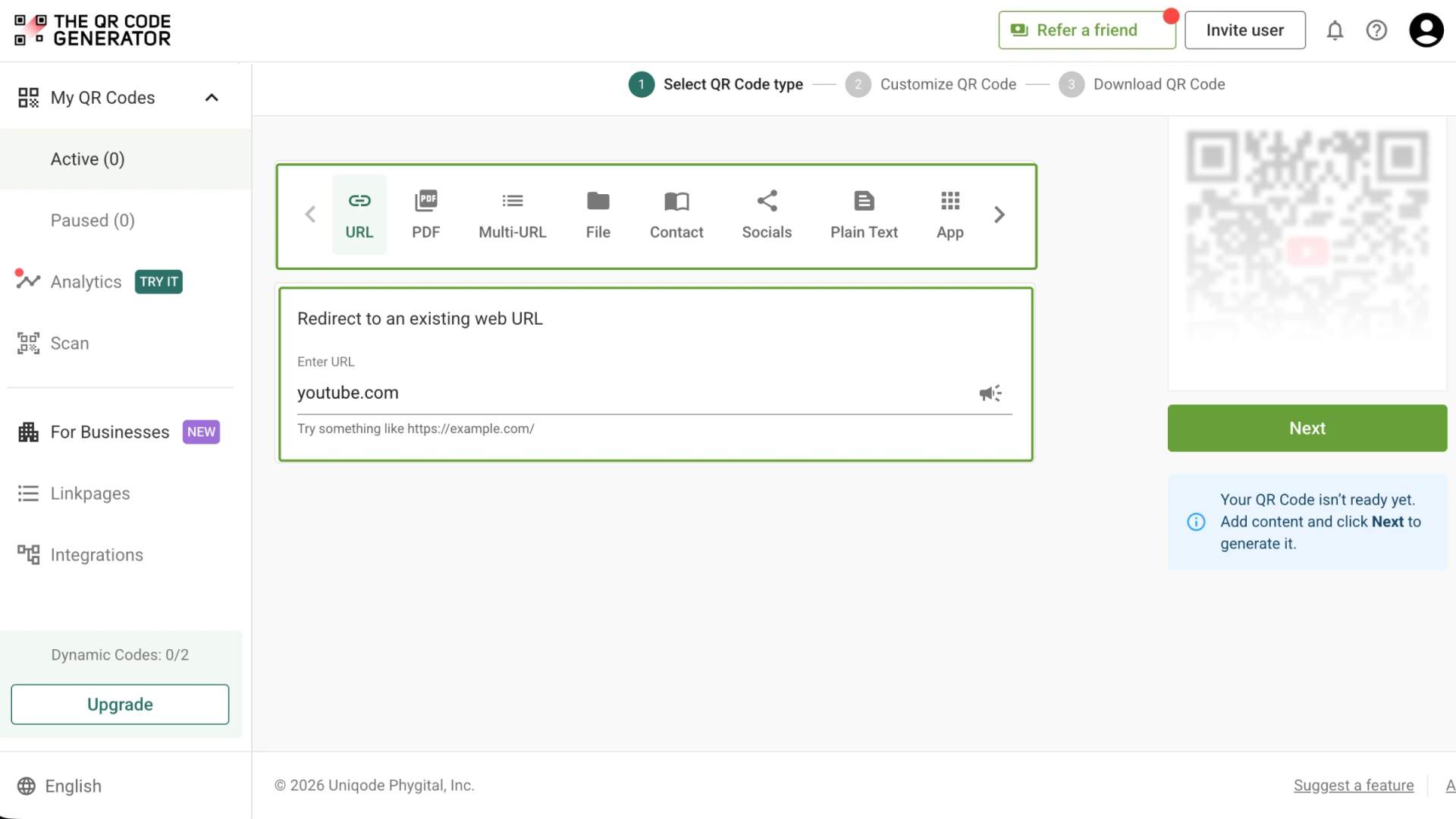
How to create a QR Code for YouTube
Create a QR Code for YouTube in three steps with The QR Code Generator (TQRCG).
What YouTube links can you turn into a QR Code?
Any YouTube URL works as a QR Code to direct viewers to your desired destination based on your specific goal.

Channel
Link to your channel homepage so new viewers can browse your full catalog and subscribe in one place. This fits brand campaigns where you want long-term followers rather than views on a single video.

Video
Link to a single video so that every scan lands on the same piece of content. A product demo, a tutorial, or an announcement works best here because there is no menu for viewers to get lost in.

YouTube Shorts
Link to a Short for quick tutorials, teasers, and behind-the-scenes clips. Shorts load fast and play vertically, which suits a quick scan and watch on a phone.

Playlist
Link to a playlist when viewers should watch a series in order. An onboarding course, a recipe series, or a multi-part walkthrough keeps people on your channel longer than a single clip.

YouTube Music
Link to a song, album, or playlist on YouTube Music so listeners can play your release straight from a poster, flyer, or album insert. This turns physical merch into a direct path to a stream.

Subscribe prompt
Add ?sub_confirmation=1 to the end of your channel URL, and the QR Code opens your channel with the subscribe box already waiting. It removes a step for the viewer and lifts the odds they follow you on the spot.
4M+
Unique users worldwide
30,000+
Global businesses on our platform
60+
Countries with active users
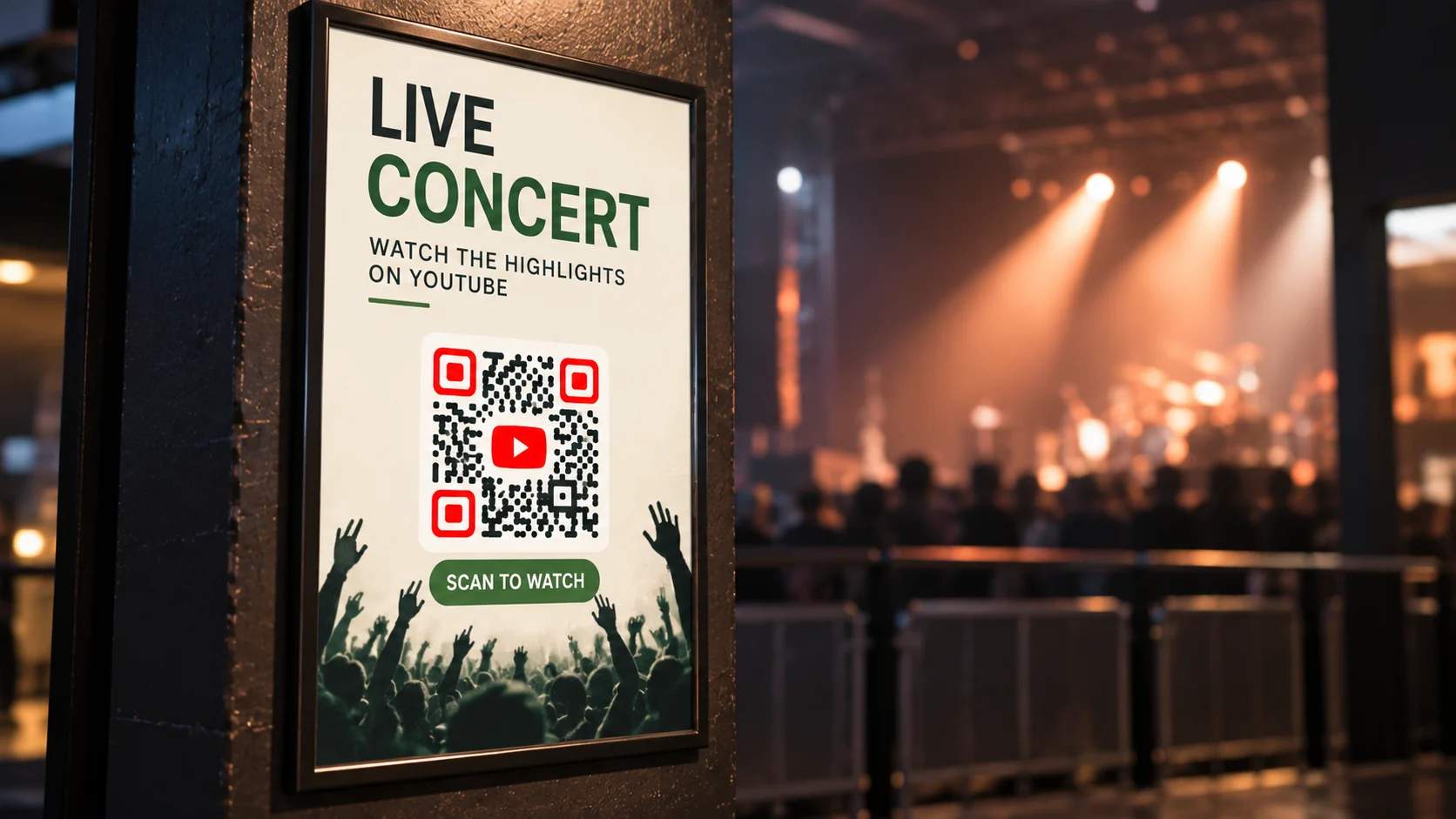
Where can you use a YouTube QR Code?
A YouTube QR Code works anywhere a camera can reach it. These six placements earn the most scans.
Best practices for a YouTube QR Code
A few setup choices determine whether your YouTube QR Code keeps working and provides any useful information. Follow these five practices before you print.
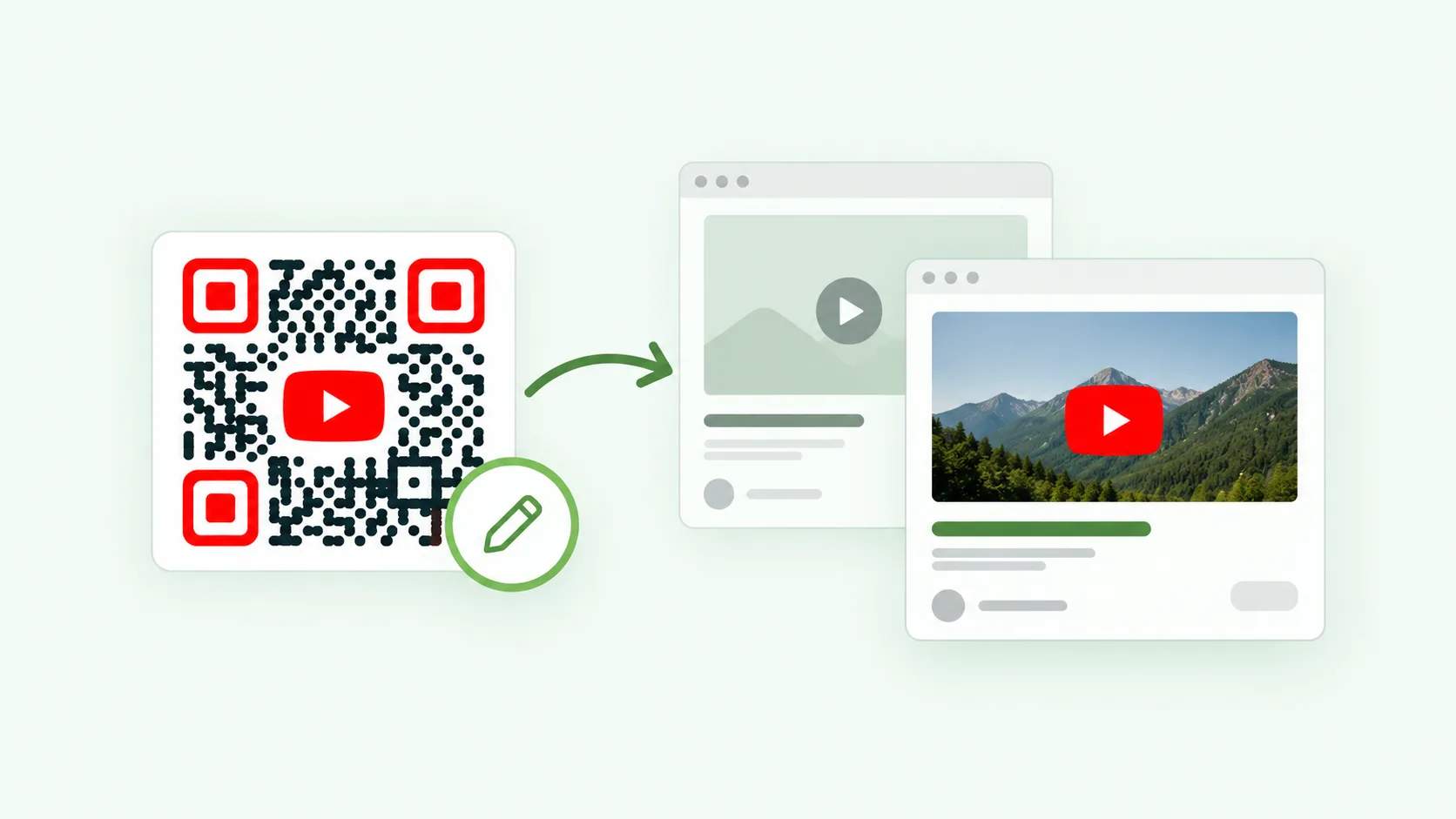
Use a dynamic QR Code
A dynamic QR Code lets you change the video it points to without reprinting, which matters when you swap out a campaign video.
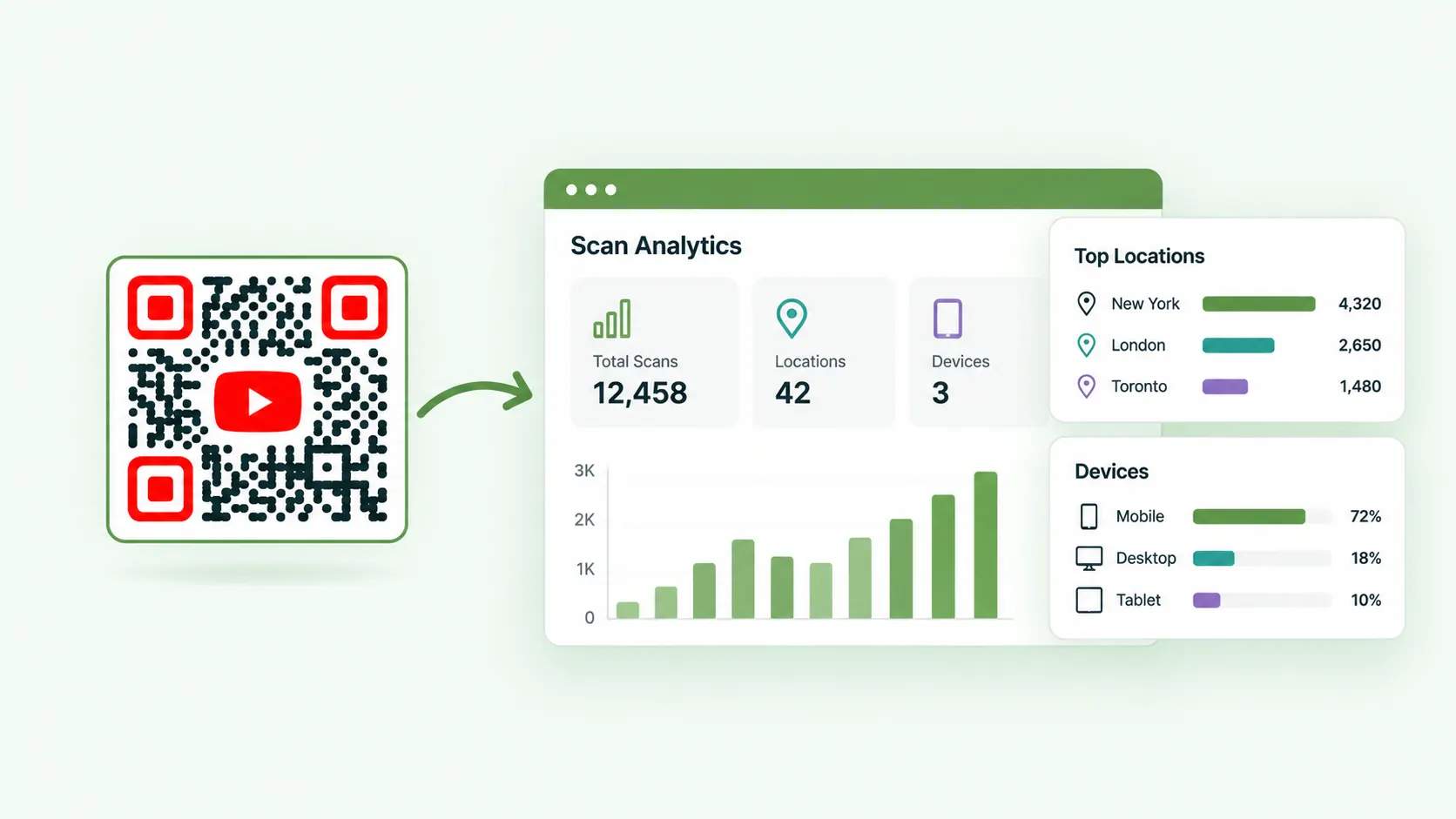
Turn on scan tracking to measure what works
Scan tracking on a dynamic QR Code shows total scans, locations, and devices, so you can see which placements earn views.
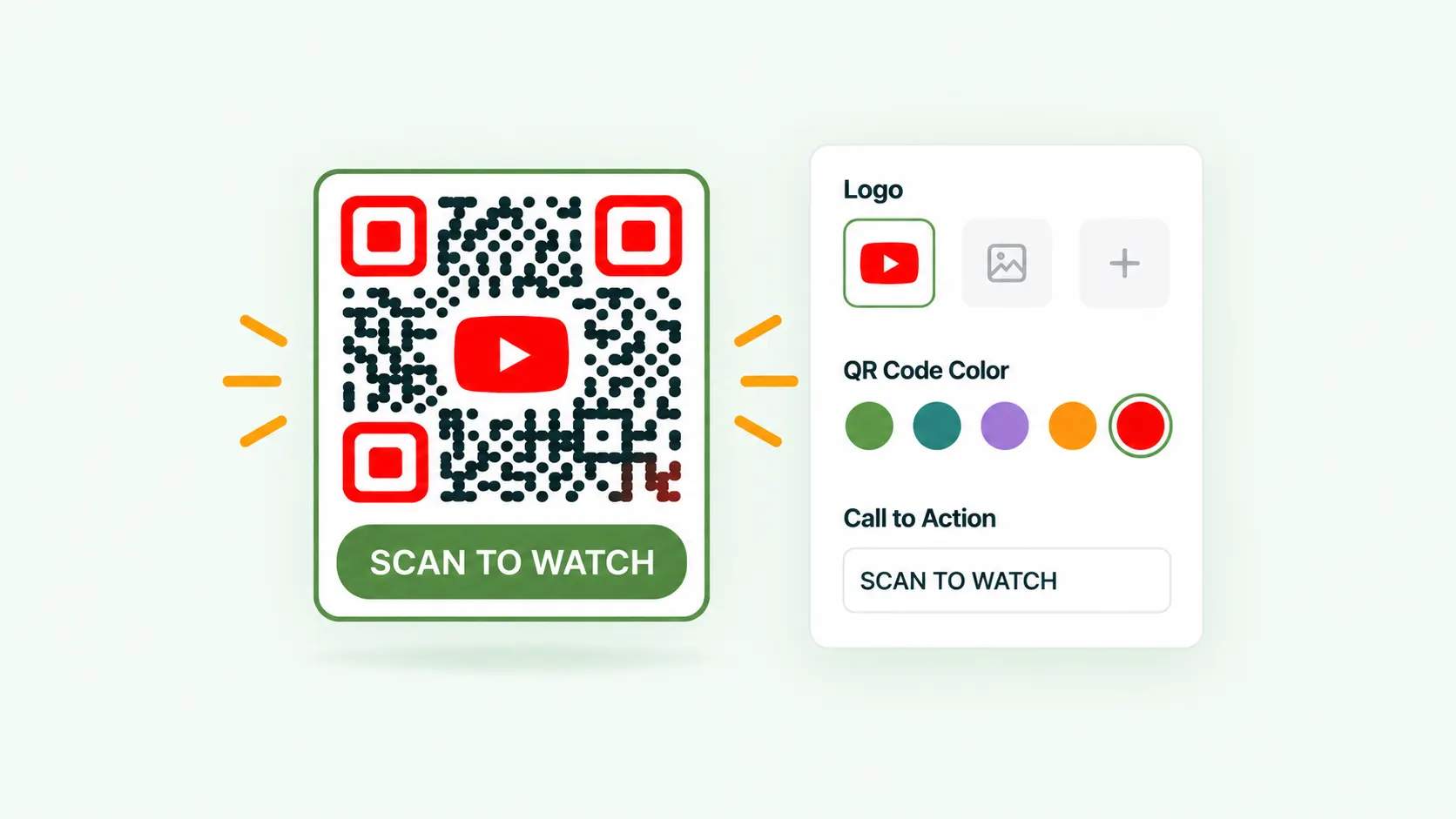
Customize QR Codes for branding and trust
Create a branded YouTube QR Code with your logo and custom colors to build recognition and trust. Add a clear call to action like “Scan to Watch” or “Watch the Demo” to guide users toward scanning.
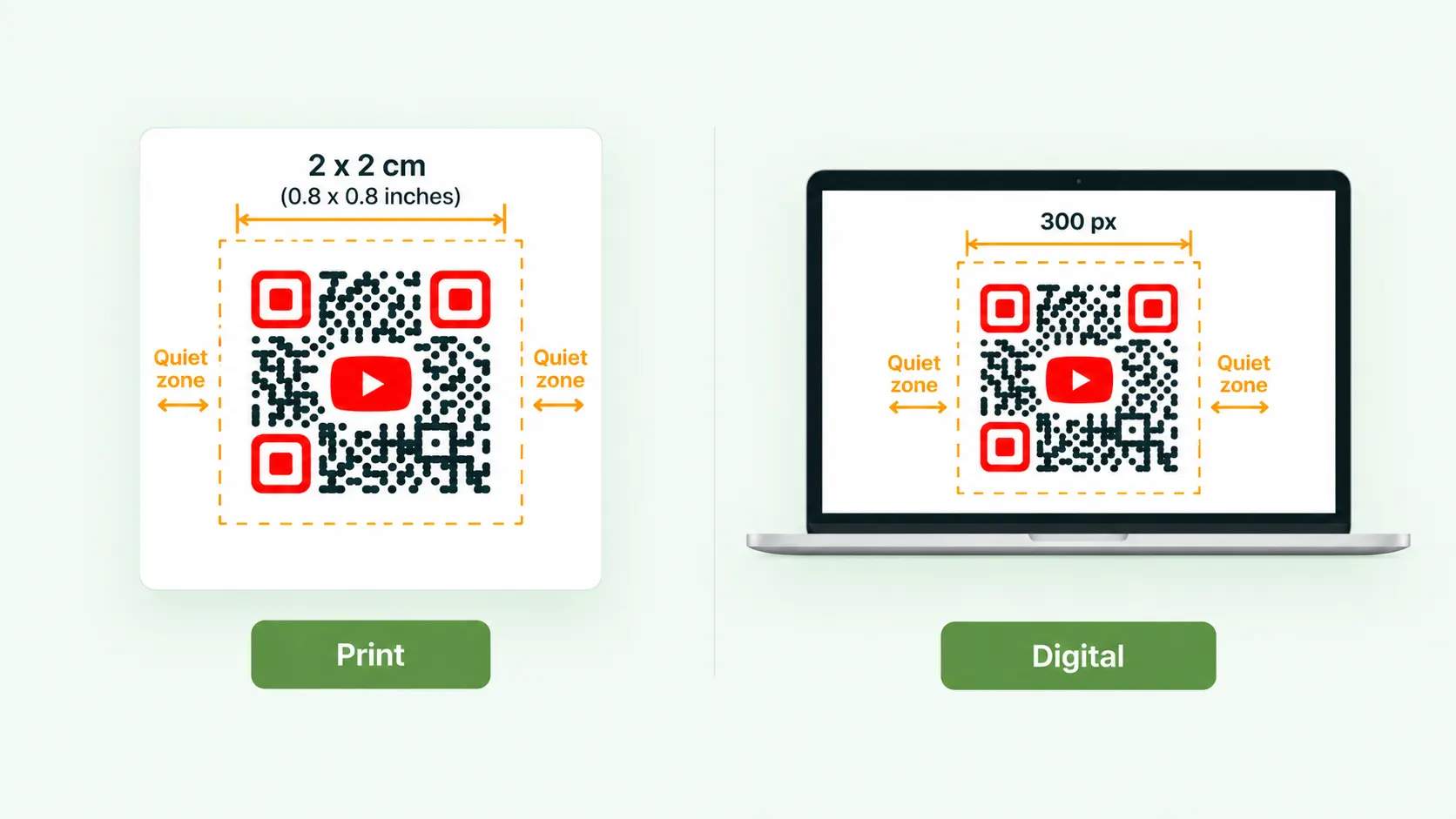
Size it for the scanning distance
Keep your YouTube QR Code at least 2 x 2 cm (0.8 x 0.8 inches) for print and 300 px for digital displays. Maintain a quiet zone around the QR Code for error-free scanning.
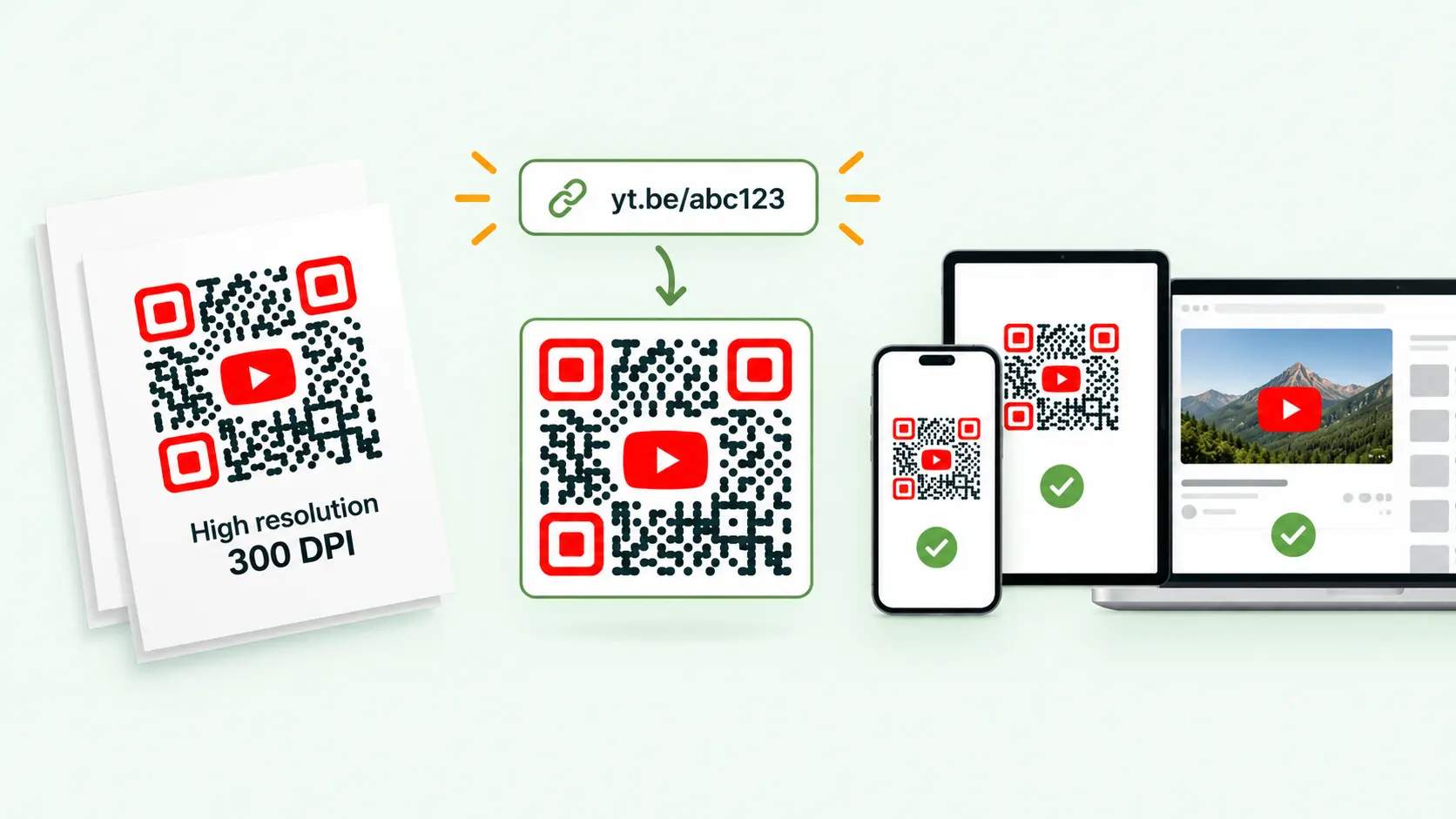
Ensure QR Code scannability and resolution
Generate high-resolution QR Codes at 300 DPI for print, and keep your YouTube URL short for better scannability. Always test the QR Code on multiple devices before you distribute it.
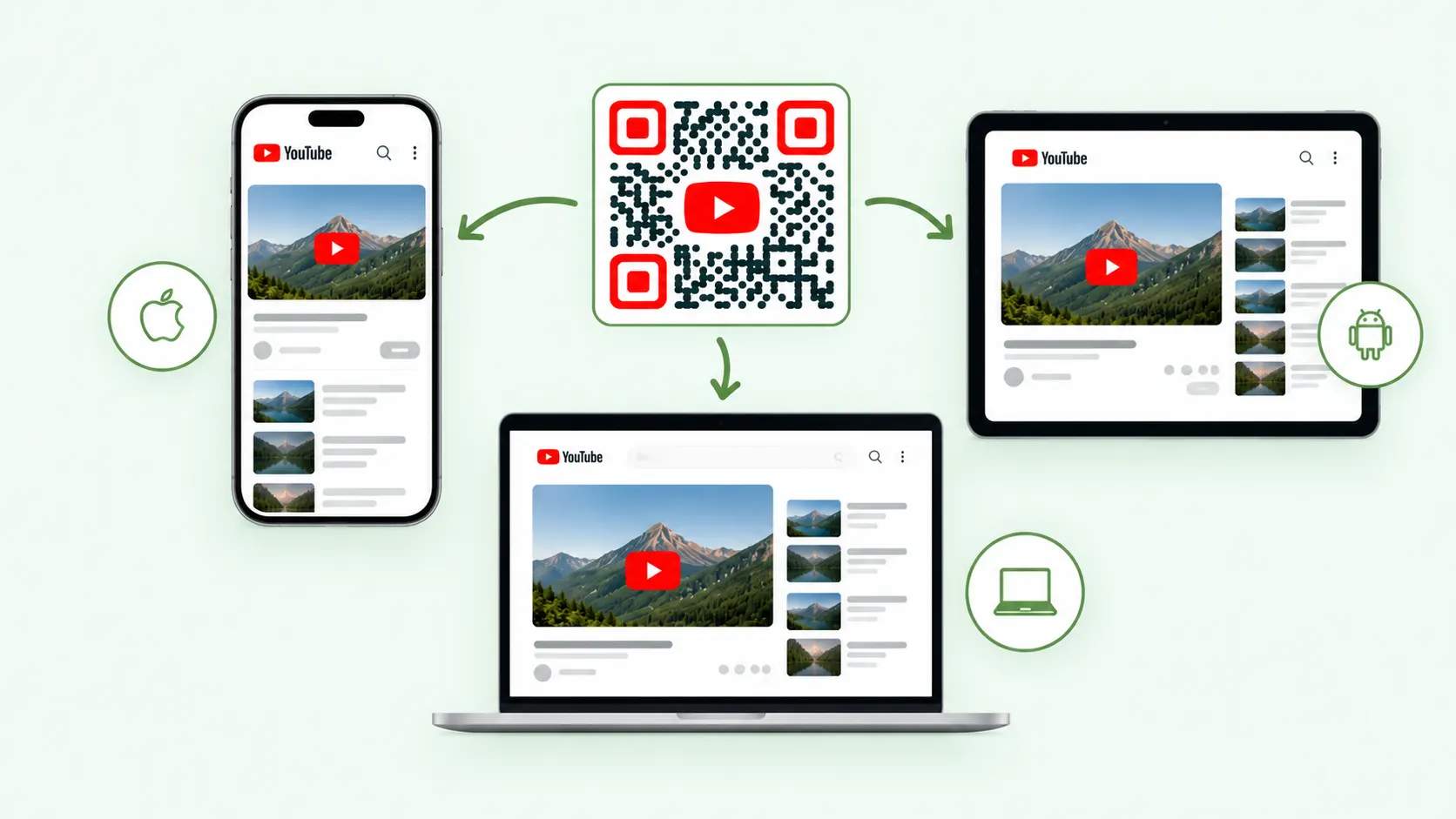
Optimize for cross-device compatibility
Make sure your YouTube QR Code works across platforms, including iOS, Android, and desktop. Test it to verify smooth video playback on every device.
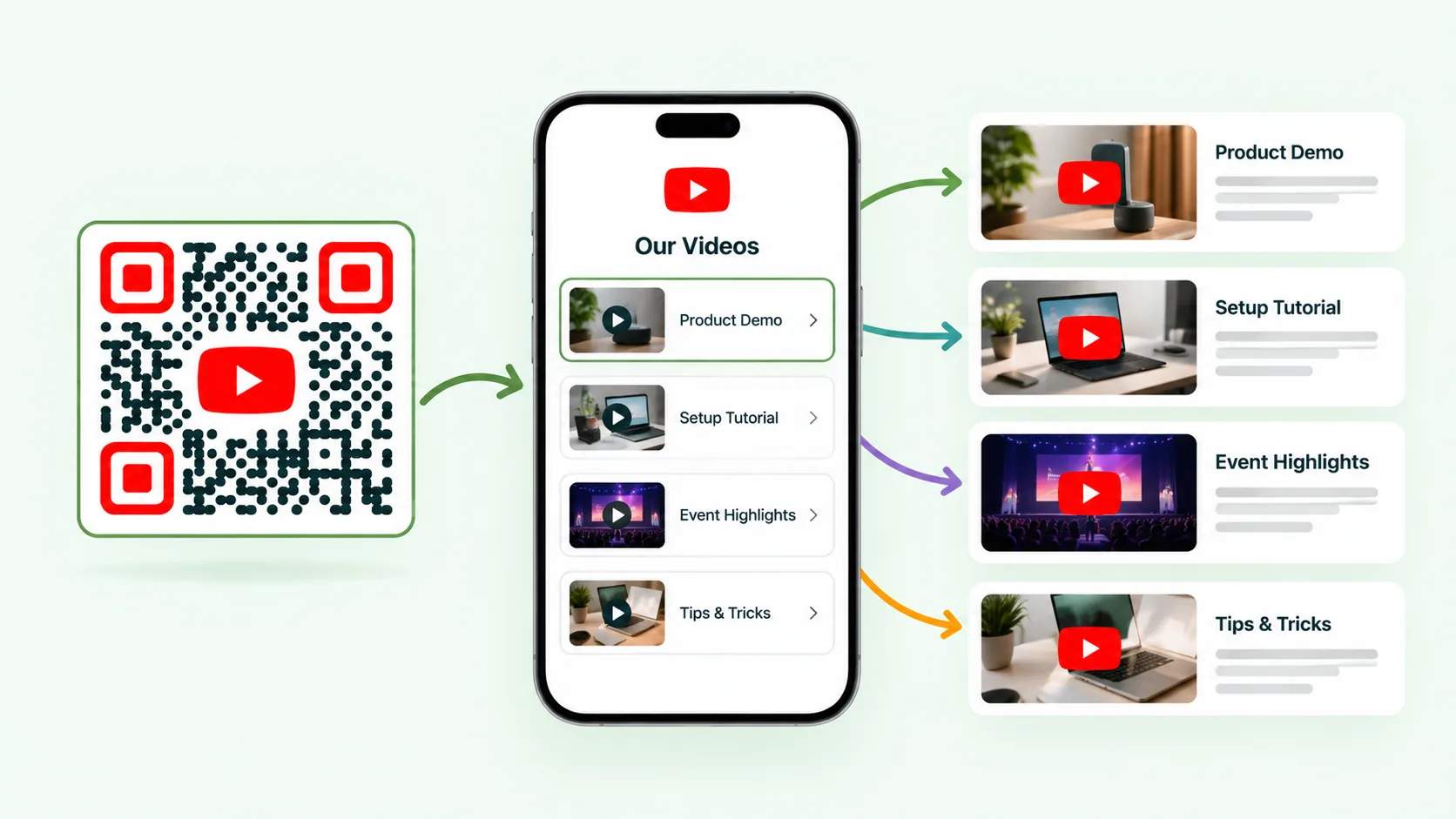
Use multi-URL QR Codes for multiple videos
To share more than one YouTube video, use a multi-URL QR Code. It lets viewers choose from tutorials, product demos, or event highlights, all from a single scan.
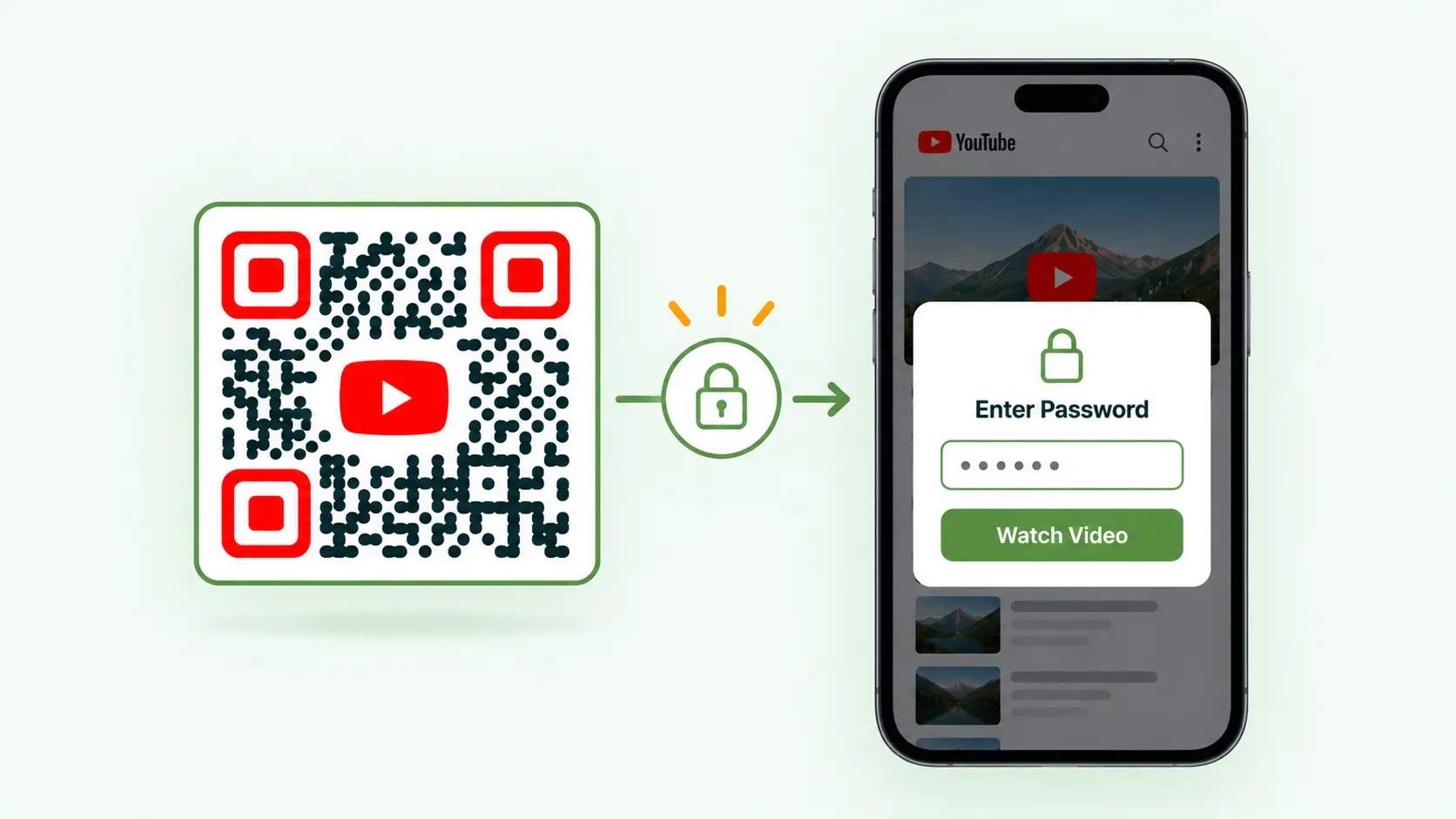
Secure content with password-protected QR Codes
For sensitive YouTube videos, use password-protected QR Codes to control access and share confidential content securely with specific users.
Frequently asked questions
Ready to put your YouTube QR Code to work?
The QR Code Generator is one of the best free ways to connect print, packaging, and physical spaces to your videos. Create a dynamic YouTube QR Code, track every scan, and update the link whenever your content changes.