
Create Audio QR Code for MP3, Podcasts, and Audio Clips
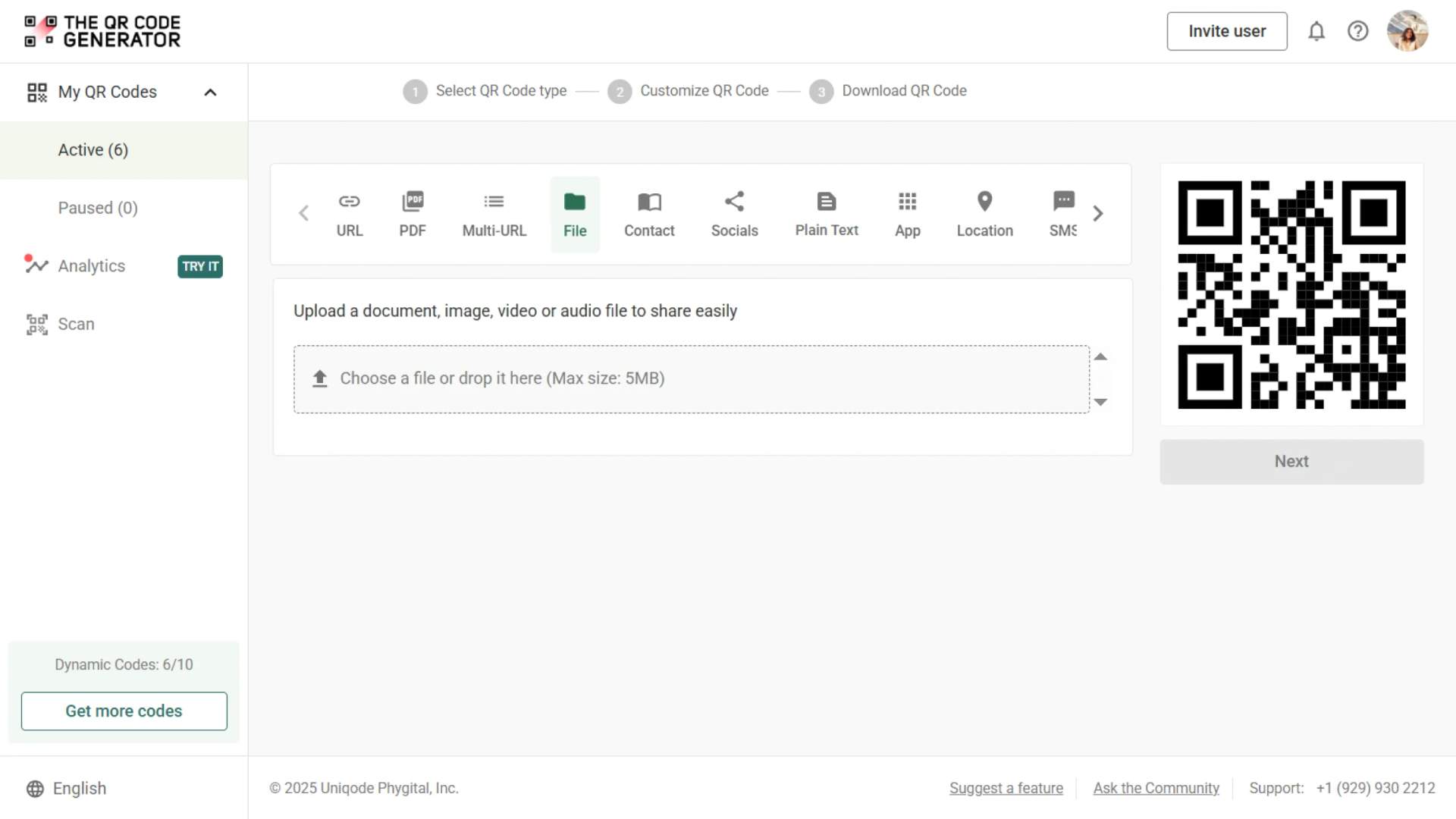
With an audio QR Code, you can turn any MP3 file into instant audio playback with a single scan.
Redirect to an existing web URL
To enable tracking,

Trusted by 4M+ users
How does an audio QR Code work?
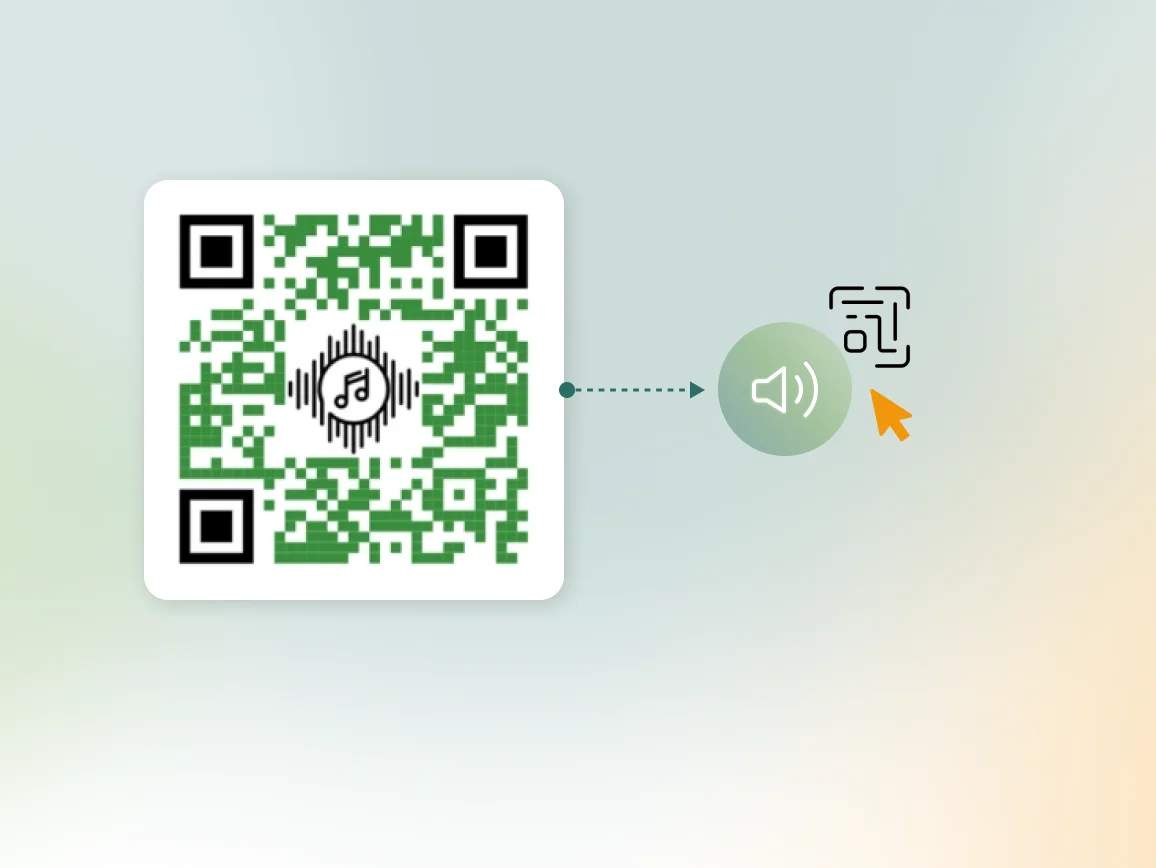
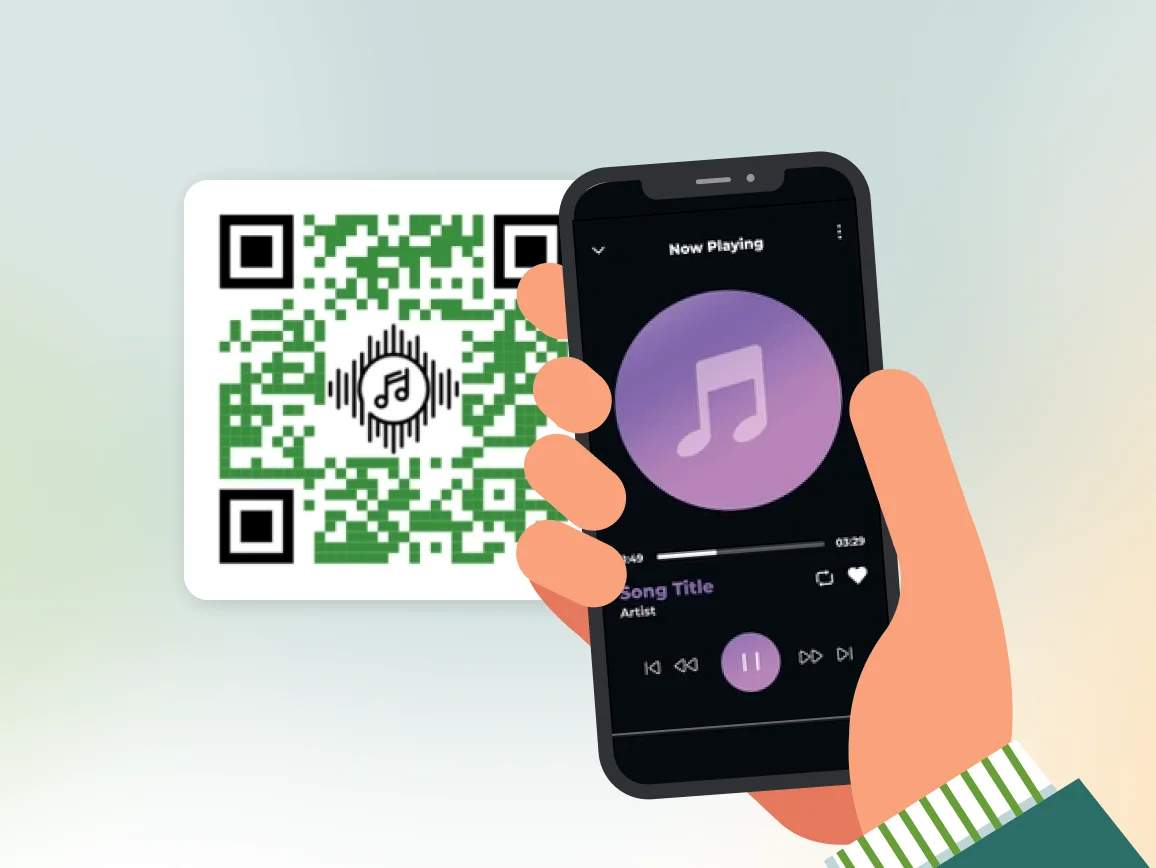
When someone scans your audio QR Code, they’re taken to a mobile-friendly audio player where your sound file plays instantly. No apps or sign-ups required. Just plug-and-play audio, anytime, anywhere.
4M+
Unique users worldwide
30,000+
Global businesses on our platform
60+
Countries with active users
Why should businesses use audio QR Codes?
How to get the most impact out of audio QR Codes

Optimize file size
Large audio files load slowly, which can frustrate listeners. Compress your audio before uploading to ensure smooth playback even on slower networks.

Ensure clear audio quality
Use a good microphone or editing software to remove background noise. High-quality, crisp audio builds trust and makes your message easier to understand.

Include context
Add a short description near your QR Code, like “Scan to hear our product demo” or “Listen to customer stories.” Setting expectations increases scan rates and listener engagement.
Test across devices
Before printing or sharing, test your QR Code on multiple devices. Make sure playback works on iOS and Android under different lighting conditions to ensure a consistent experience.

Make it visually appealing
Customize with brand colors and logos while maintaining proper contrast against the background. This ensures fast, reliable scanning and reinforces your brand presence.

Keep it concise
Aim for 30–90 second clips that deliver value immediately. If you share longer content like podcasts, hook listeners in the first 10 seconds to keep them engaged.
Where to place audio QR Codes for maximum scan rate
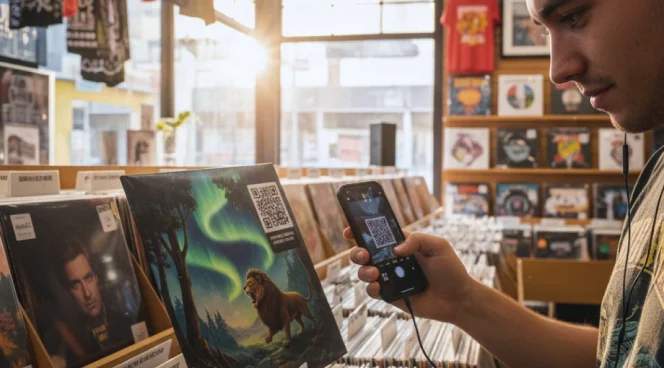
Merchandise and album covers
Add audio QR Codes to merchandise tags, album covers, or posters. Fans can instantly listen to demo tracks, exclusive behind-the-scenes audio, or personal messages, creating a direct and engaging connection.
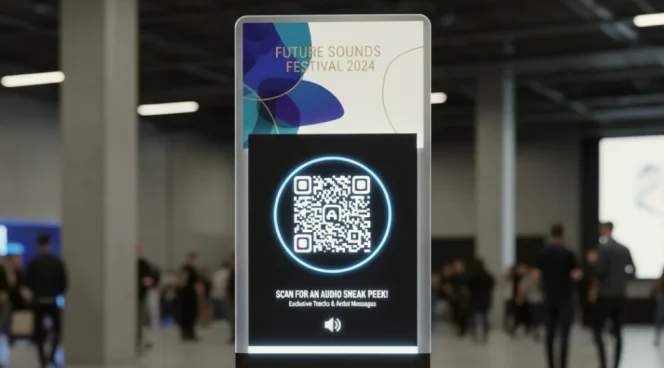
Event materials
Include QR Codes in program booklets, event stands, or freebies to share sneak-peek audio content. Make your event content accessible and engaging even after it is over.
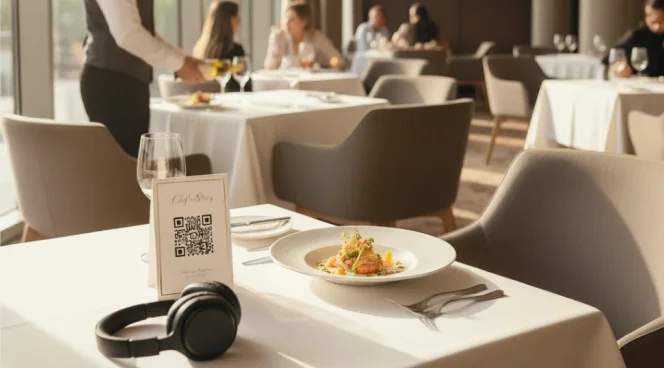
Restaurant tables
Add audio QR Codes to menus, table tents, or coasters to share chef recommendations, ingredient stories, or playlists. Create a unique and memorable dining experience.

Print advertisements
Add QR Codes to flyers, brochures, posters, or magazine ads to play snippets of podcasts or product explanations. Turn passive ads into interactive experiences.
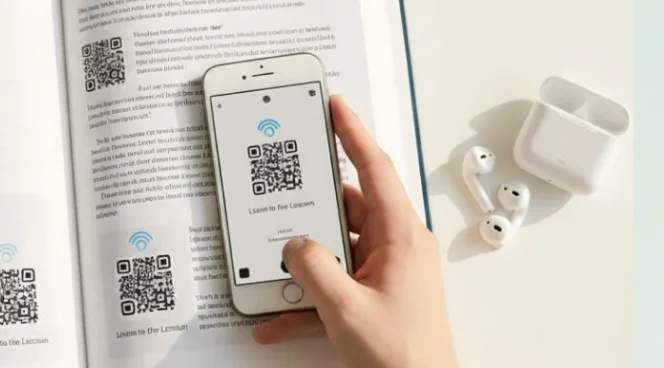
Educational materials
QR Codes can guide learners with audio instructions, pronunciation help, or supplemental lectures. Bring textbooks and training manuals to life.
Industries driving growth with audio QR Codes
A simple scan can turn any touchpoint into an interactive audio experience that drives engagement and trust.
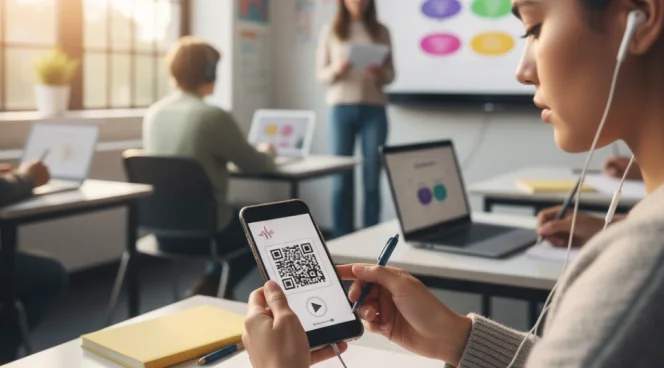
Education and training
Make learning more engaging and accessible with audio QR Codes. Embed pronunciation guides, lecture summaries, or step-by-step instructions into textbooks and worksheets. Students can scan and listen anytime, ensuring clarity and retention.
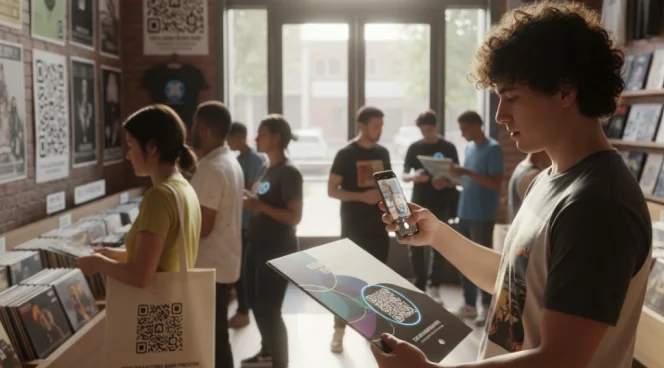
Music and entertainment
Use audio QR Codes as powerful promotional tools. Place QR Codes on posters or merchandise to promote upcoming albums. Let fans scan to hear demo tracks, behind-the-scenes commentary, or exclusive previews of new releases.
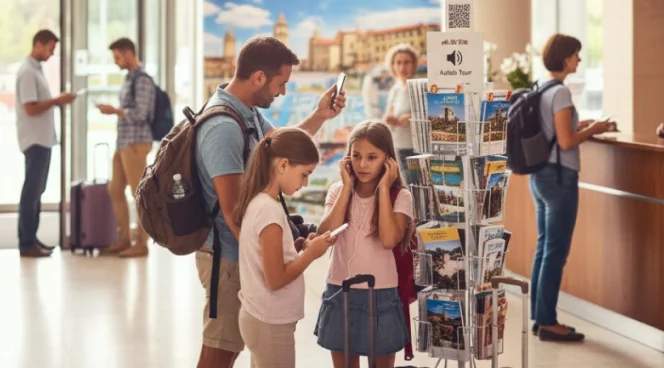
Hospitality and tourism
Make guest experiences more personal with audio QR Codes. Add it to brochures and maps to offer audio travel tips or cultural stories in multiple languages. Use them to provide self-guided audio tours, turning every scan into a more immersive and memorable journey.

Real estate
Make property listings more engaging with audio QR Codes. Provide guided walkthroughs or neighborhood highlights. Update the audio anytime using dynamic QR Codes, keeping listings fresh without reprinting materials.
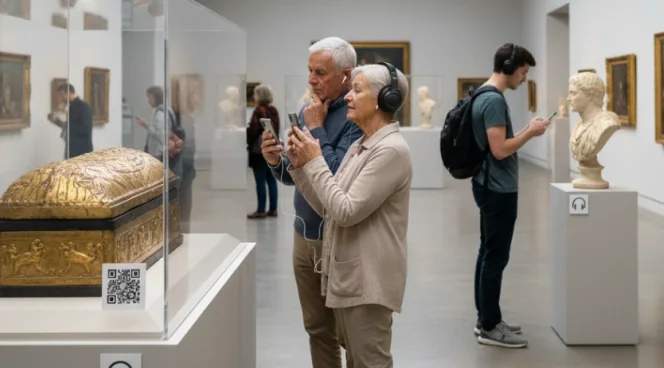
Museum exhibits and galleries
Transform museum experiences with audio QR Codes. Place it in guides next to artifacts, paintings, and displays. Provide multilingual narrations, curator insights, and historical context that enhance visitor engagement without crowding exhibits.