
Create Free QR Codes for Any URL
Turn any website link into a scannable QR Code, make it easier for customers to access webpages without typing long URLs, and measure engagement with real-time scan analytics.
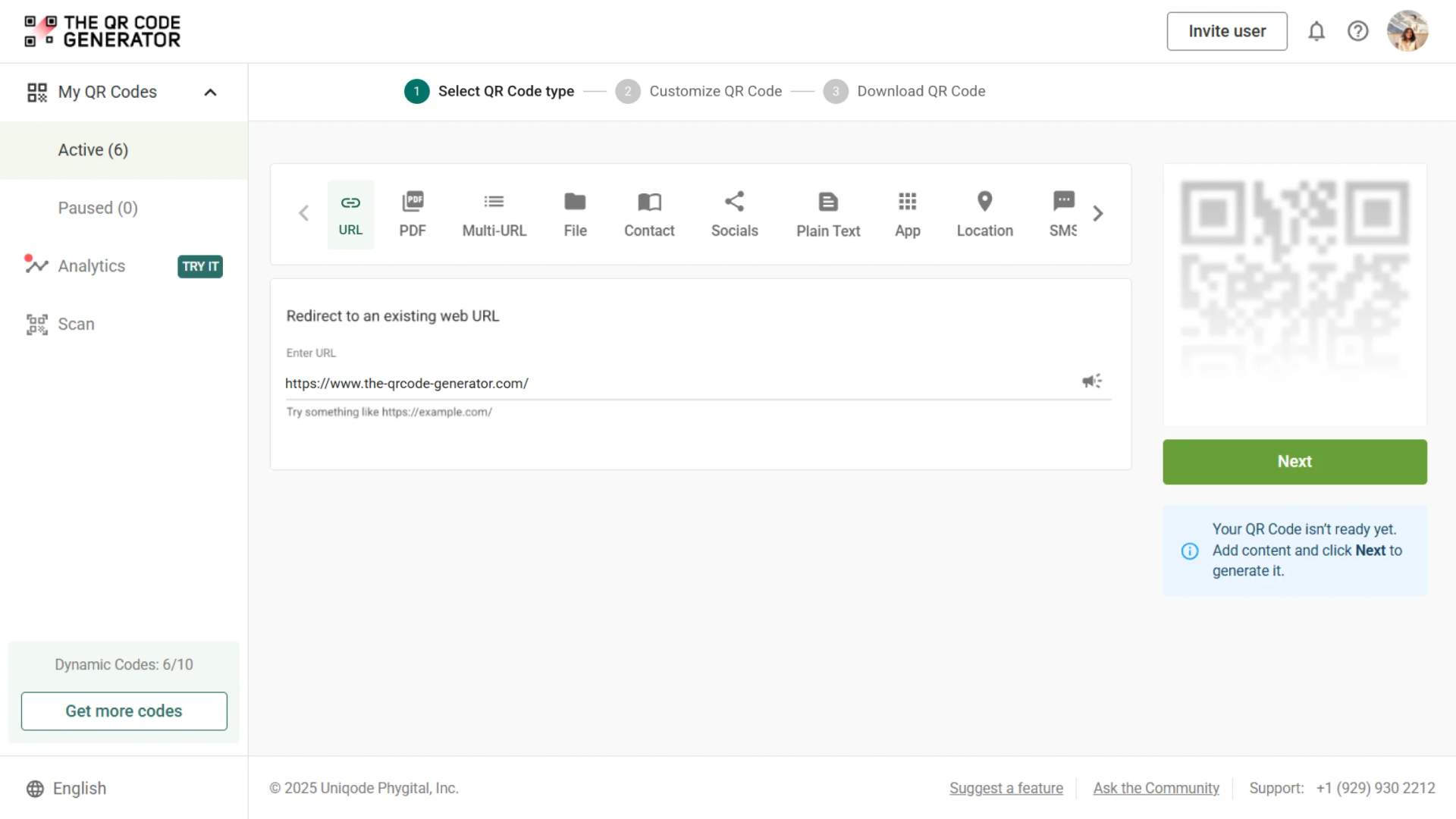
Redirect to an existing web URL
To enable tracking,

Trusted by 4M+ users
How does a URL QR Code work?
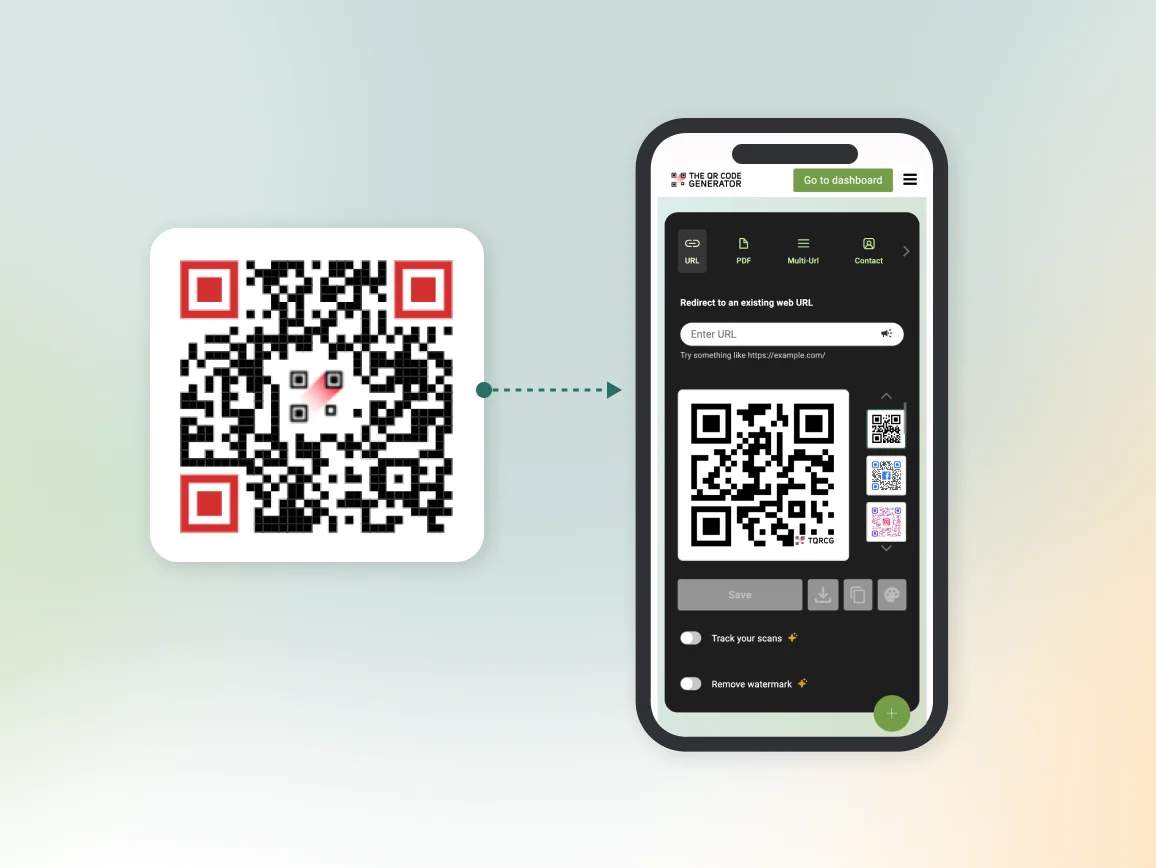
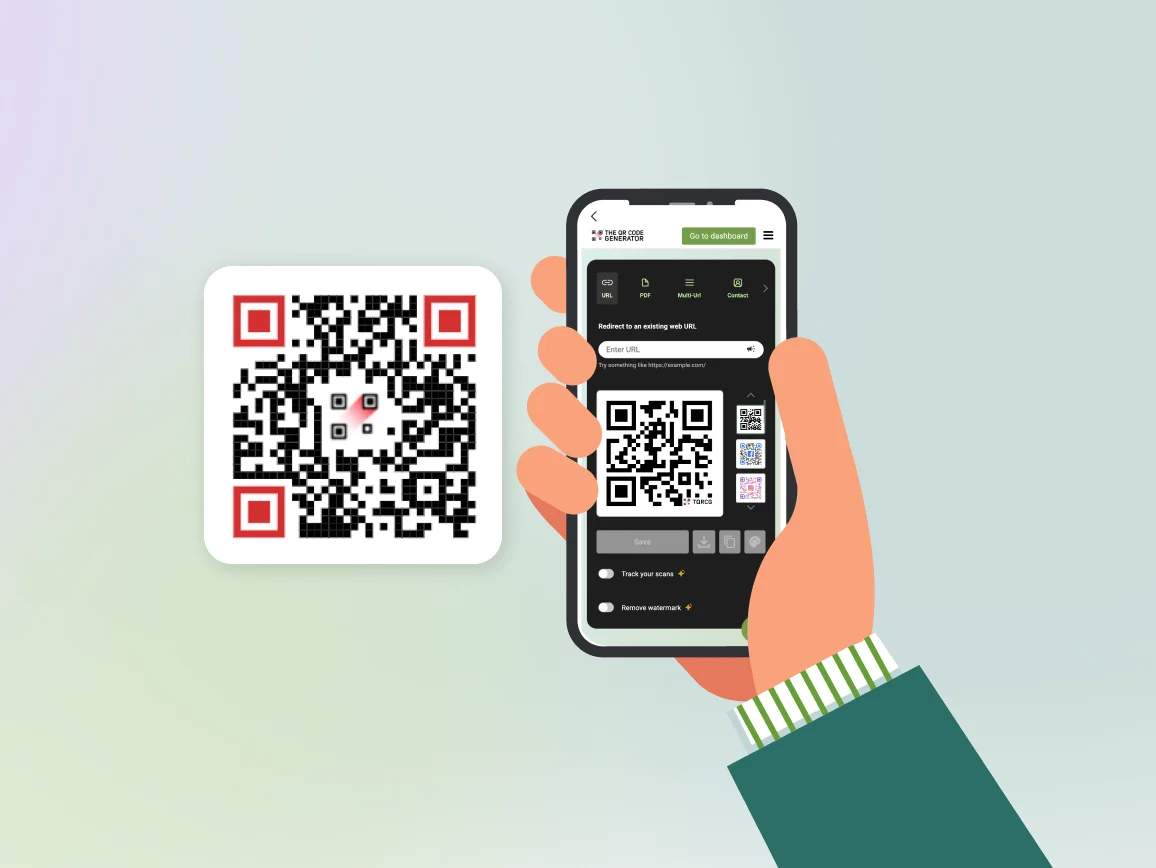
A URL QR Code turns a website link or web address into a scannable QR Code that opens instantly on a smartphone. Users simply scan the QR Code with their camera to access a landing page, website, form, or other online content without manually typing a long URL.
Why businesses use URL QR Codes to share links instantly
Expert strategies to get more scans from your URL QR Code

Optimize for mobile
A URL QR Code is mostly scanned on a phone. If the destination loads slowly or isn’t mobile-optimized, the scan converts to nothing regardless of how good the code looks.

Maintain the correct QR Code size
A URL QR Code that is too small becomes difficult to scan. Ensure your QR Code size follows recommended guidelines and scan distance ratios, especially when printing the same content on different kinds of marketing materials.

One code per placement
A URL QR Code created for each placement keeps analytics clean. Individual QR Codes for packaging, flyers and signage show you exactly which placement drives scans and which does not.

Include a CTA
A URL QR Code without context may go unnoticed. Adding a short message, such as “Scan to learn more” or “Scan to visit our website,” can significantly increase trust and engagement.

Test before you print
A URL QR Code should be scanned on both iOS and Android at the intended print size before committing to a print run. Test at every stage (dashboard, proof and final print file) because a QR Code that fails after printing cannot be recovered.
Where to place URL QR Codes to drive more traffic
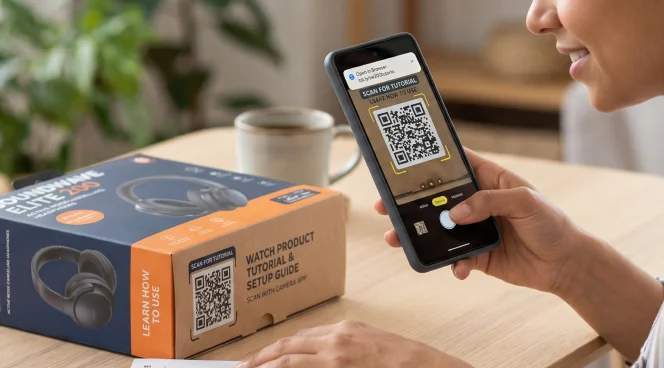
Product packaging
A URL QR Code printed on packaging can guide users to product tutorials, installation instructions, warranty registration pages, or reorder links. Many brands also use packaging QR Codes to direct customers to exclusive offers or loyalty programs.
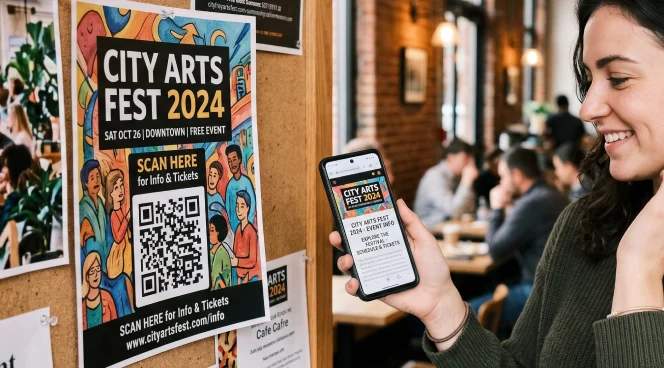
Flyers and posters
Printed promotions often have limited space to explain a campaign in detail. A QR Code for promotion allows marketers to keep the design simple while directing users to a dedicated landing page containing full campaign information, videos, or signup forms. These are especially effective in high-traffic areas like transit stations, campuses, malls, and event venues.
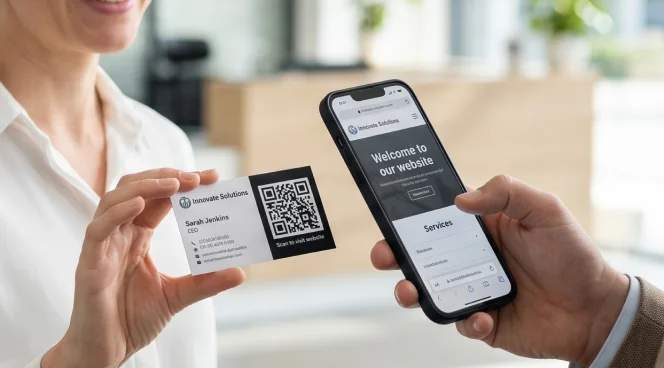
Business cards
Traditional business cards typically include a website URL, but expecting someone to type it later often leads to lost opportunities. By adding a URL QR Code, contacts can instantly open your portfolio, booking page, or vCard while the conversation is still fresh.
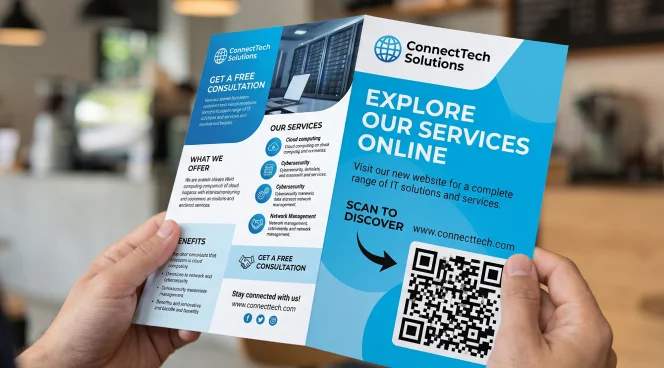
Brochures and catalogs
Printed brochures provide an overview of products or services, but cannot display every detail. URL QR Codes allow readers to explore product specifications, pricing pages, demo videos, or ecommerce listings directly from the printed material.
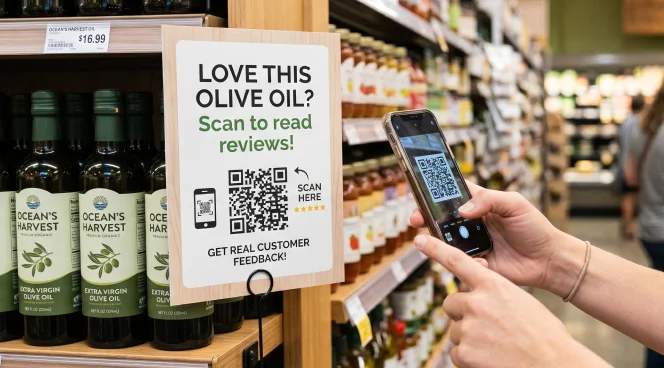
Retail displays and store signage
In retail environments, customers frequently research products while standing in the store. A URL QR Code next to a product can direct shoppers to reviews, comparison pages, inventory availability, or limited-time promotions, helping them make purchase decisions more confidently.

Event booths, badges, and signage
At busy events, attendees don't carry printed materials home. A URL QR Code on your booth banner or badge links them directly to your demo booking page, product catalog, or post-event content hub. They scan it in five seconds while the conversation is still happening and without needing a business card or manually typing out the URL.
How different industries use URL QR Codes
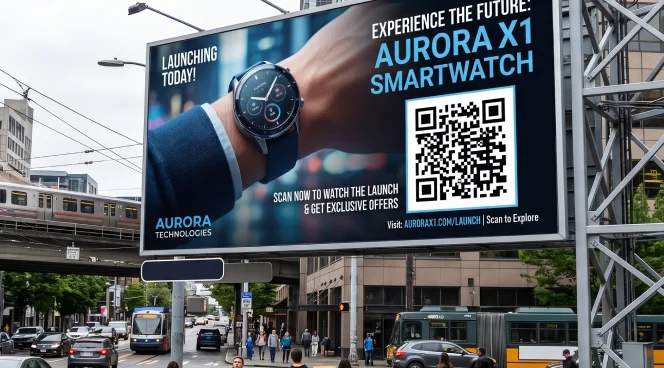
Marketing and advertising
Marketing teams use URL QR Codes to connect print campaigns directly to digital landing pages. A QR Code on a billboard or print ad links viewers to a campaign-specific page, not the homepage, so every scan is measurable and the experience matches the ad creative exactly.
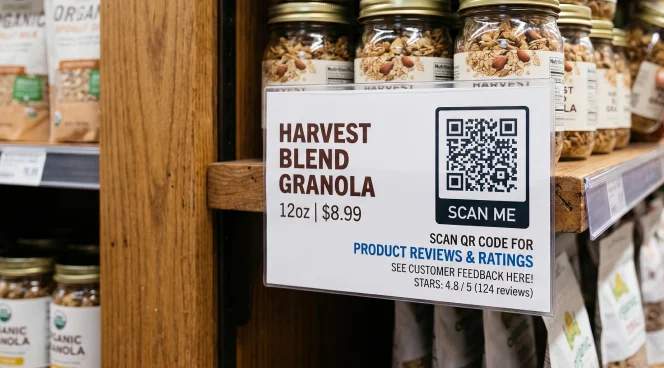
Retail and ecommerce
Retail brands use URL QR Codes to connect physical shopping with online experiences. A QR Code on a shelf label links shoppers to that product's review page, size guide or reorder link, giving them the information they need to buy without requiring a staff member nearby.

Events and conferences
Event organizers use URL QR Codes to give attendees instant access to digital resources. A QR Code on a lanyard or session slide links directly to speaker resources, a post-session survey or a calendar invite for the next event, information attendees would otherwise lose when they leave.
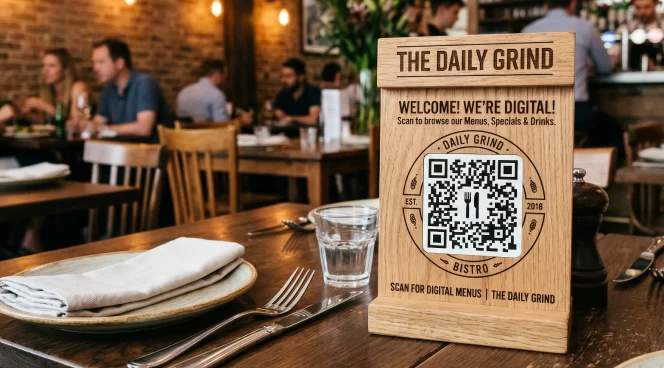
Restaurants and hospitality
Restaurants use URL QR Codes on table cards to link guests to digital menus, online ordering and loyalty sign-ups. A QR Code on a receipt links to a Google review page at the moment a guest is most likely to leave one. Hotels place them on in-room cards and lobby signage to direct guests to concierge services, room service ordering or checkout forms, replacing printed collateral that dates quickly and costs money to update.
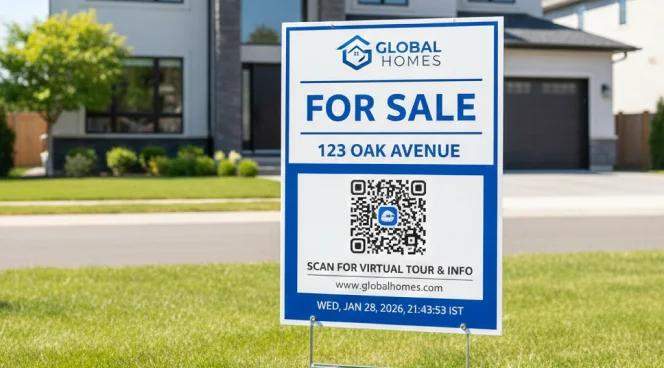
Real estate
Real estate agencies use URL QR Codes to turn passive interest into measurable leads. A QR Code on a yard sign links directly to that property's listing with photos, floor plans and a booking form for viewings, giving potential buyers everything they need from a single scan.
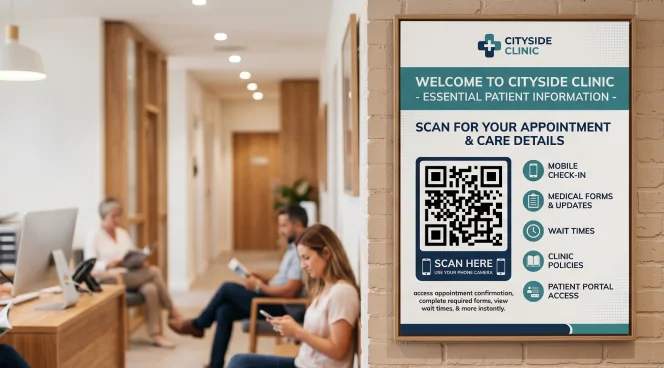
Healthcare
Healthcare providers use URL QR Codes to give patients faster access to essential information. A QR Code on an appointment reminder card links directly to the patient portal or intake form, reducing front-desk calls and giving patients a clearer path to what they need before they arrive.