
Create Product Info QR Codes for Manuals and Specs
Say goodbye to bulky booklets. Share product guides, manuals, specs, and warranty details instantly with a mobile-ready QR Code.
Redirect to an existing web URL
To enable tracking,

How does a product info QR Code work?
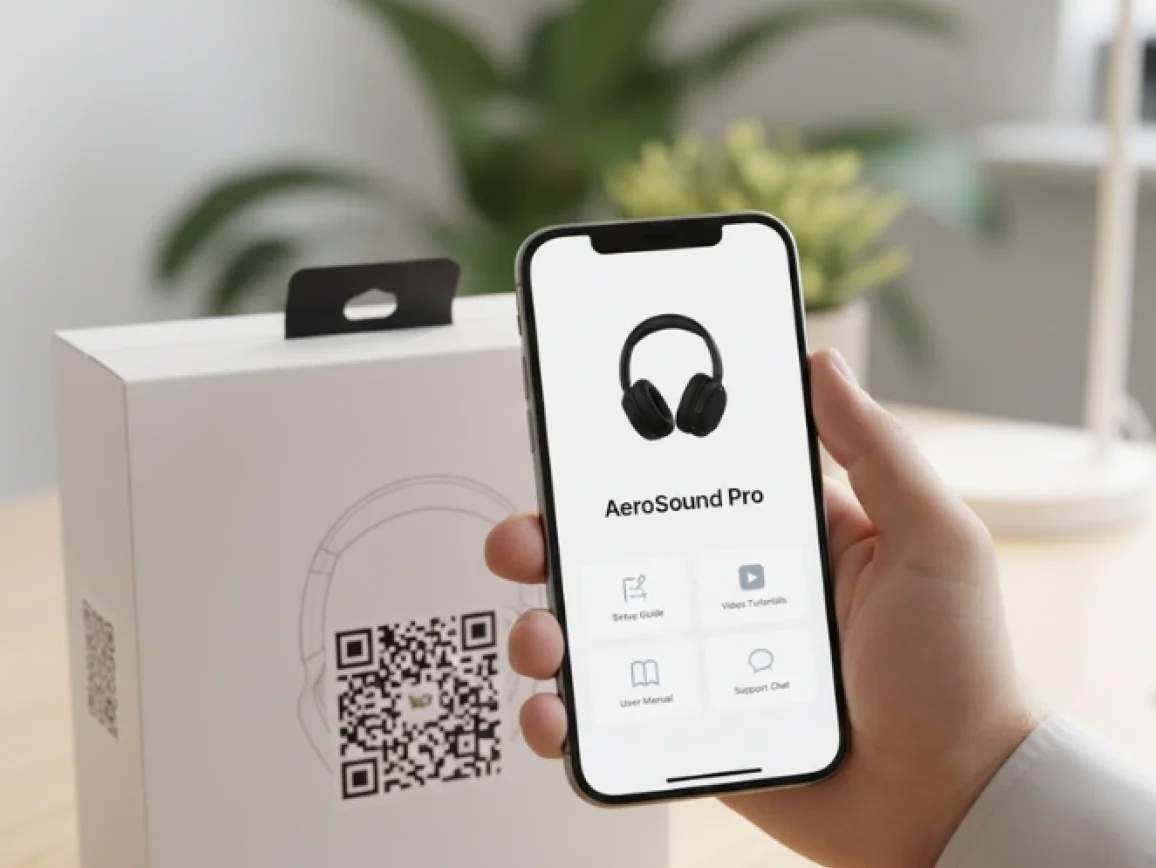
A product information QR Code gives customers instant access to everything they need after purchase. With one scan, they see the latest manuals, warranty details, or setup guides.
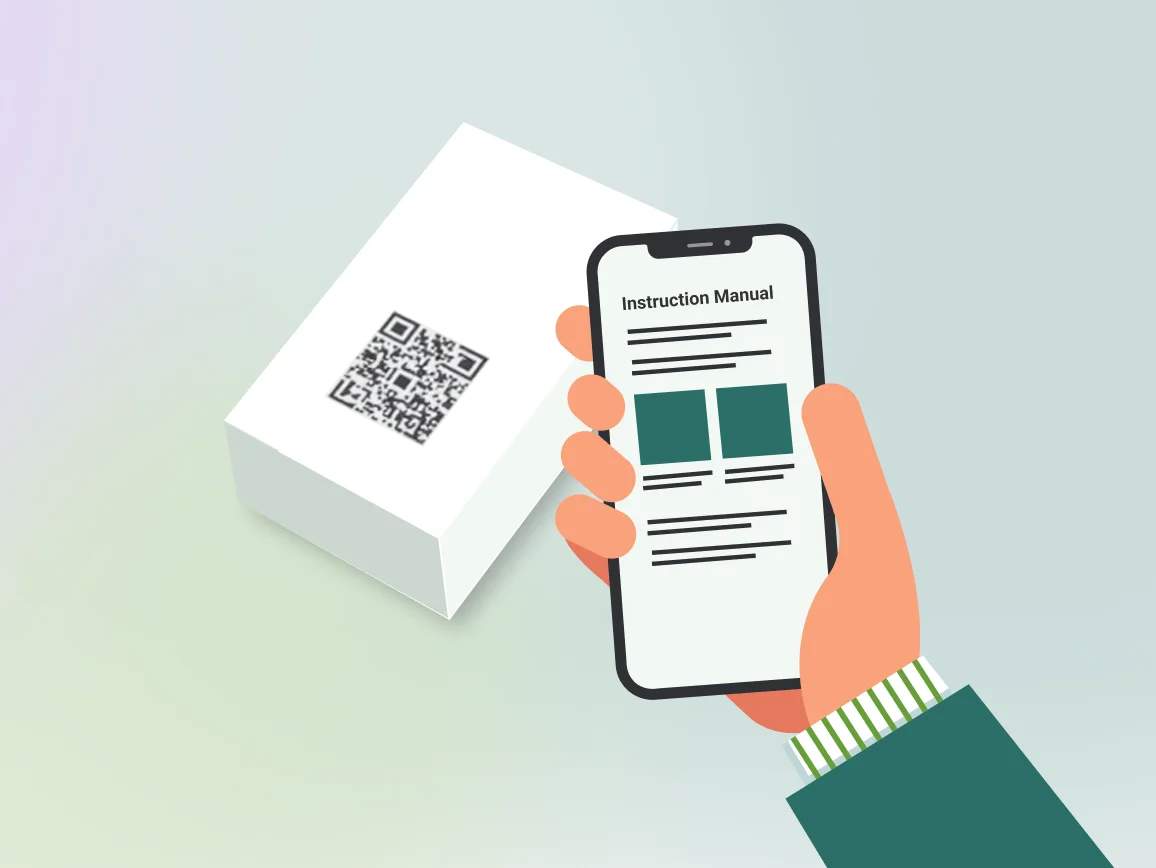
Because these QR Codes are dynamic, you can update manuals or specs anytime without reprints. Plus, every scan is tracked, giving you insights into usage and engagement.
4M+
Unique users worldwide
30,000+
Global businesses on our platform
60+
Countries with active users

How product info QR Codes add value for customers and brands
How to ensure your product info QR Codes deliver value

Ensure high contrast and minimum size
A QR Code only works if it’s scannable. Always design with dark code elements against a light background and never invert the pattern. For packaging, use at least 2 × 2 cm (300 dpi).

Place near the model or serial number
Customers naturally look at product serials and model identifiers during setup or support. Placing your QR Codes near these spots makes them intuitive to find and scan.

Add a clear call to action
Always add framed text like “Scan for manual” or “Register warranty here.” Pair it with a short fallback URL in case of rare scan issues. Test your CTA with real customers and A/B test frame text for higher engagement.

Test scanability across devices
Not all smartphone cameras or scanning apps behave the same. Always evaluate your QR Code on multiple devices (iOS, Android, mid-tier cameras). Test different lighting conditions and finishes (e.g., glossy vs. matte packaging).

Use trackable QR Codes for updates
Static QR Codes lock you into a single destination. Dynamic QR Codes allow you to update content anytime without reprinting. This makes your packaging future-proof and saves costly redesigns.

Offer language selection on landing pages
Products often ship globally. Ensure your landing page offers language selection or automatic redirects based on device location/language. Accessibility-friendly pages (alt-text, readable fonts) broaden usability.
Where to put product info QR Codes for easy scanning and access
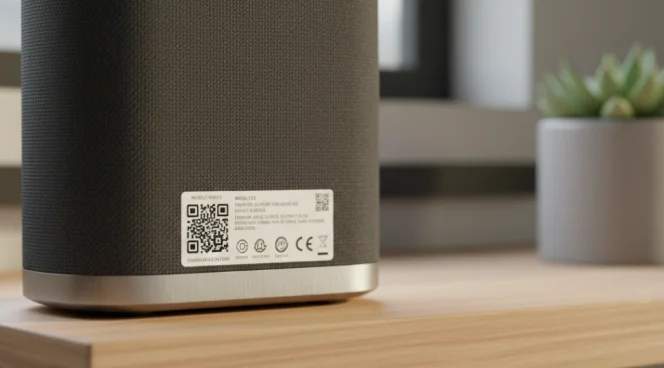
Product label
Your product’s back label is where customers go for model numbers, serial codes, and certifications. Add the product info QR Code here so the path is obvious when they need technical details or warranty information.
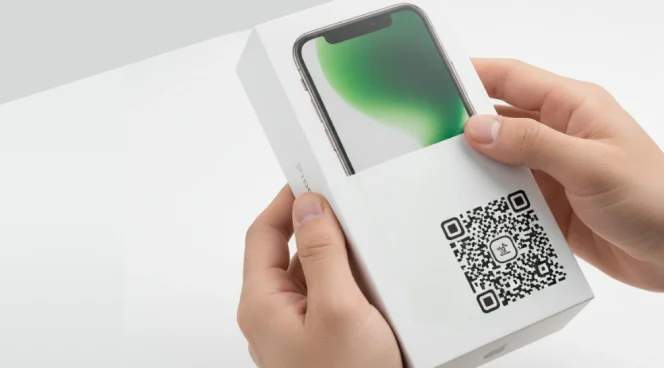
Packaging sleeve or box exterior
The unboxing stage is the most exciting moment for customers. Placing a product info QR Code on the sleeve or box creates a gateway to instant setup guidance right before they open it.
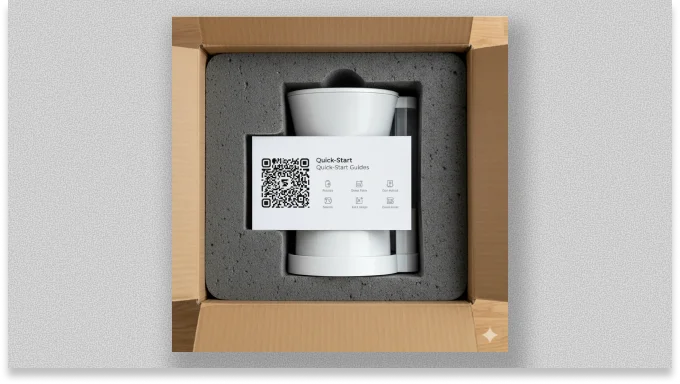
Quick-start card inside the box
Include a printed card with a QR Code that links to product registration, warranty claims, or how-to tutorials. It's best for products with longer life cycles, such as home appliances and industrial equipment.

Service center poster or repair forms
After-sales doesn’t stop with the customer. Your service partners and repair staff are key. QR Codes placed in service centers or repair documents give technicians instant access to troubleshooting guides, firmware updates, or spare parts catalogs.
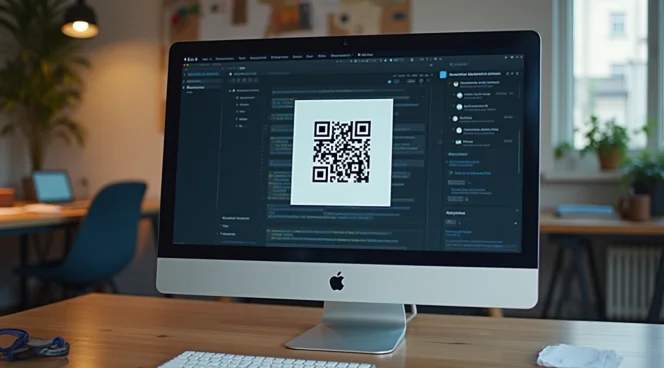
Product landing page and receipts
QR Codes can reinforce digital experiences by showing up on bills, confirmation emails, order receipts, or thank-you pages. After checkout, share a digital invoice including a QR Code to register the product or download the user manual.
Product info QR Code in action across industries
From electronics to food, industries use QR Codes to share manuals, updates, safety info, and product details right on the packaging.

Consumer electronics
Share firmware updates, digital manuals, and troubleshooting guides directly on the packaging. This will reduce post-purchase confusion and support tickets while keeping users happy and informed.

Manufacturing
Add a QR Code that links to installation guides, maintenance tips, and spare parts catalogs. Include warranty registration directly on the landing page for faster data capture.
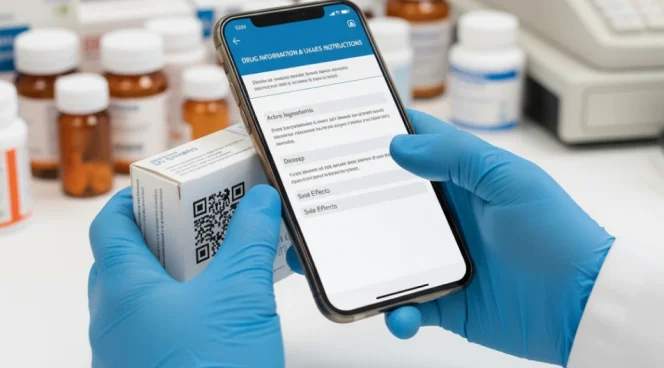
Healthcare and medicine
Print dynamic QR Codes on labels or sterile packaging to provide access to compliance documents (FDA or MDR approvals). Link the updated instructions for use (IFU) and safety alerts to maintain regulatory trust.

Automotive
Embed QR Codes on parts packaging, in service manuals, or under the hood. Allow mechanics or customers to verify authenticity, confirm fitment model compatibility, and access installation guides instantly.

Food and beverage
Turn your packaging into a transparency channel. QR Codes can show sourcing and sustainability practices, allergen warnings, certifications (like organic or fair-trade). Include recipe ideas to increase product usage frequency.

Retail
63% of the retail industry uses QR Codes on product packaging as a revenue channel. Use shelf tags, product packaging, and POS receipts to provide extended specs and warranty registration. Help shoppers make confident purchase decisions while driving repeat sales.