Create Retail QR Codes That Engage Shoppers Instantly
Boost in-store engagement, tell richer product stories, and finally see what drives online sales.
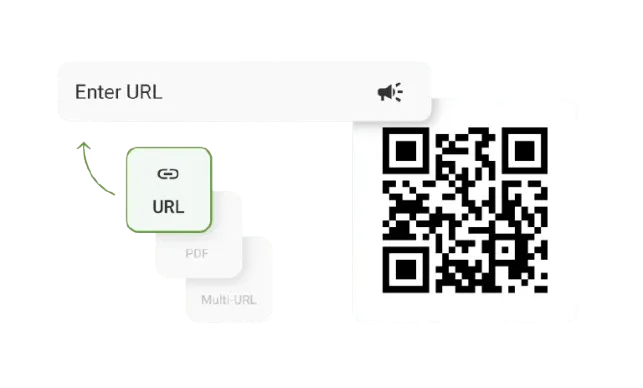
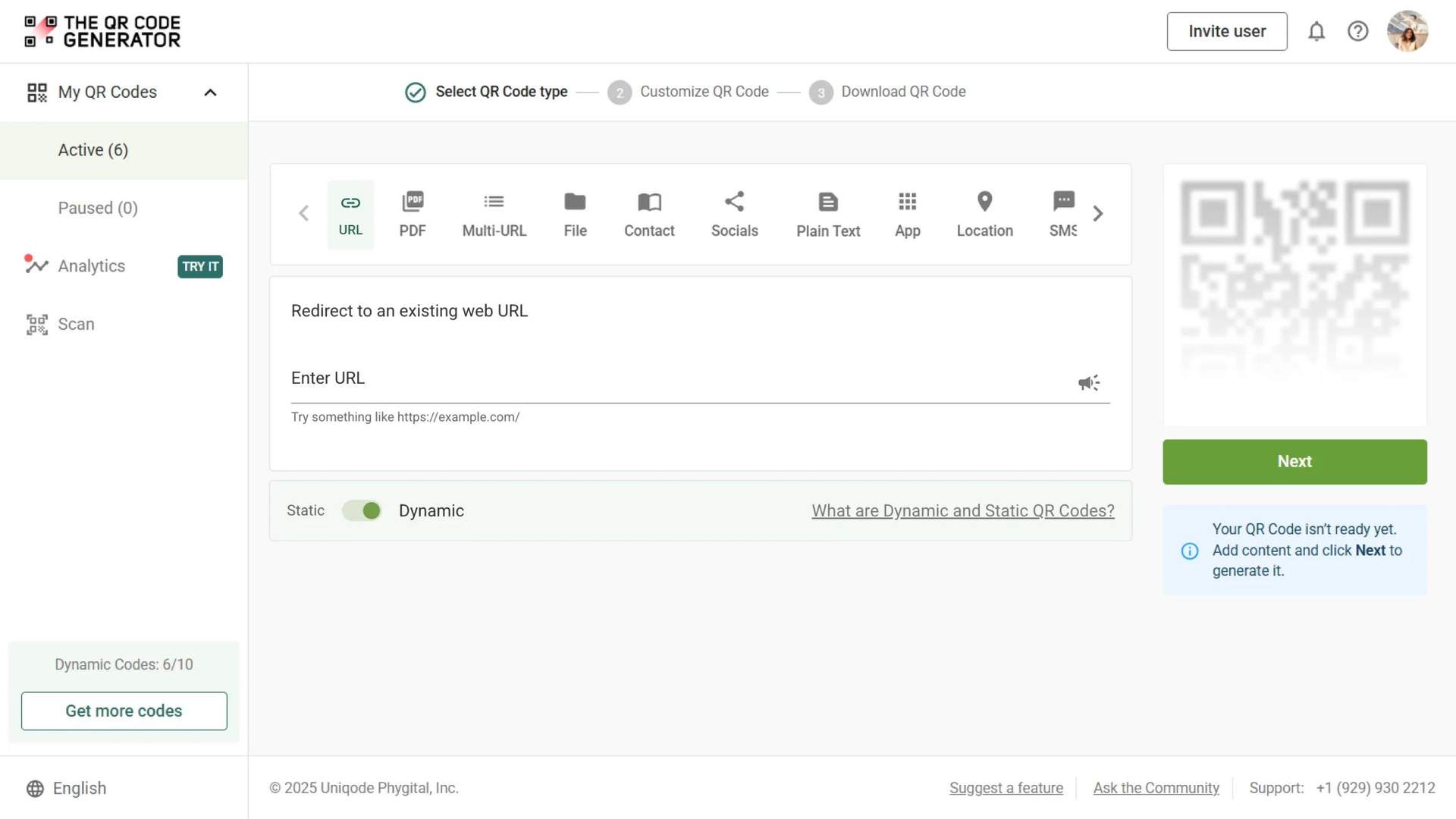
Redirect to an existing web URL
To enable tracking,

Trusted by 4M+ users
TQRCG is trusted by 30,000+ businesses globally!


How do QR Codes for retail improve the shopper experience?

Increase in-store engagement
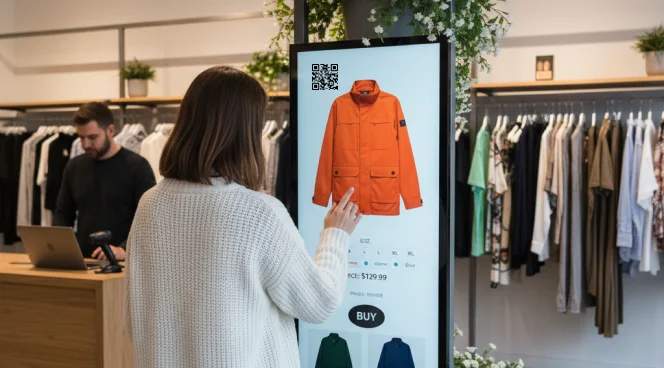
QR Codes give shoppers quick access to product details, discounts, or online availability right when they need them. It’s an easy way to turn casual browsing into a purchase.

Boost sales through better attribution
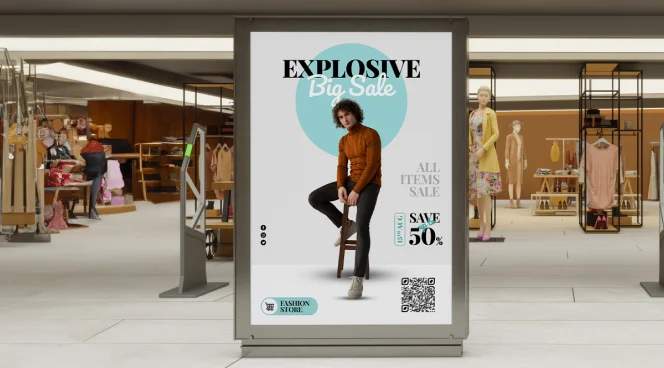
With real-time scan analytics, you can finally see which shelf, signage, or packaging drove the purchase. Trackable QR Codes let you a/b test your product and promotion placement easily.

Streamline checkout and reduce queues
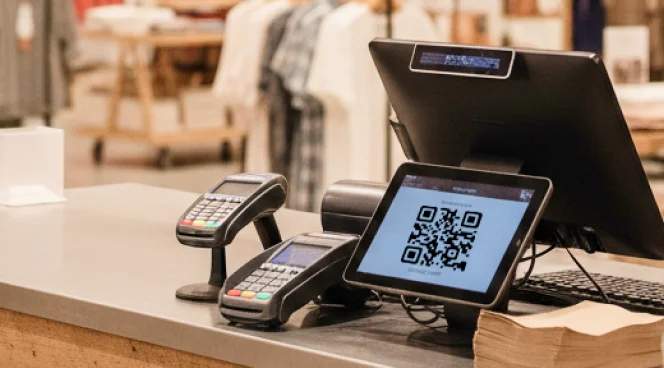
Place a payment QR Code that lets customers pay instantly via scan-and-pay or mobile wallets. It shortens lines and creates a smoother in-store experience.

Reduce print marketing costs
Dynamic QR Codes enable you to update offers or landing pages at any time. This way, you can reuse the same signage and labels for different marketing campaigns throughout the year.

Enhance transparency and compliance
Keep yourself compliant and share all product information transparently with your customers. QR Codes can carry GS1 Digital Link, sustainability information, and digital product passports.

Boost loyalty program sign-ups
Increase membership sign-ups with loyalty program QR Codes. Customers can join your loyalty program with a quick scan to access member-exclusive discounts.
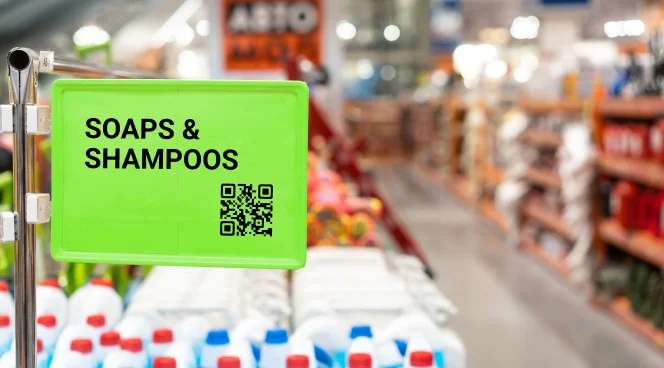
What are the best places to put QR Codes in retail stores?
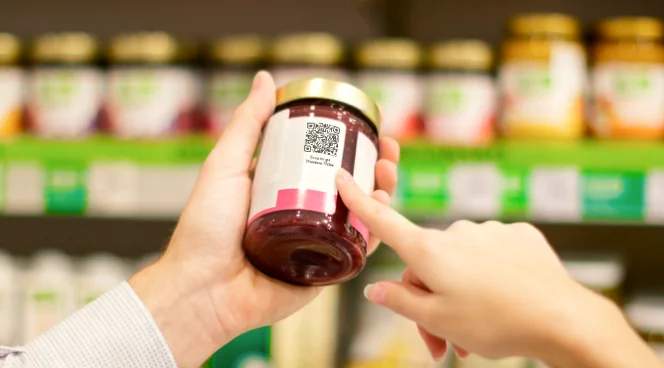
1. Product packaging
Add QR Codes to packaging to share product details, ingredients, sustainability information, or how-to tutorials. You can also use GS1 Digital Link for compliance and richer product origination information.
Why top retailers trust The QR Code Generator (TQRCG)

Dynamic and trackable QR Codes
Update your QR Code links anytime and track every scan with real-time analytics. Get insights like date, time, and even location of the scan to understand which promotions are driving engagement.

Retail-friendly QR Code types
From product pages and PDFs to coupons, payment wallets, or GS1/Digital Link support, our QR Codes cover every retail use case. Get flexibility to purchase only the QR Codes you actually need.

Brand-consistent designs
Make your QR Codes instantly recognizable by adding your logo, frame, and brand colors with ease. Download it in multiple formats based on the location, whether indoors or outdoors.

Secure QR Codes
Protect customers with HTTPS links, tamper-proof domains, and anti-phishing safeguards. Build trust and ensure a smooth experience every time for your customers.
Frequently asked questions
Create a free QR Code for your retail store today
Looking to modernize your in-store shopping experience?
Use The QR Code Generator to create, customize, and track QR Codes for products, checkout, and customer feedback.