
Generate Free QR Codes for Text
Turn any short message, such as Wi-Fi credentials, quick notes, product codes, or instructions, into a scannable QR Code. Create your free, offline-accessible plain text QR Code today!
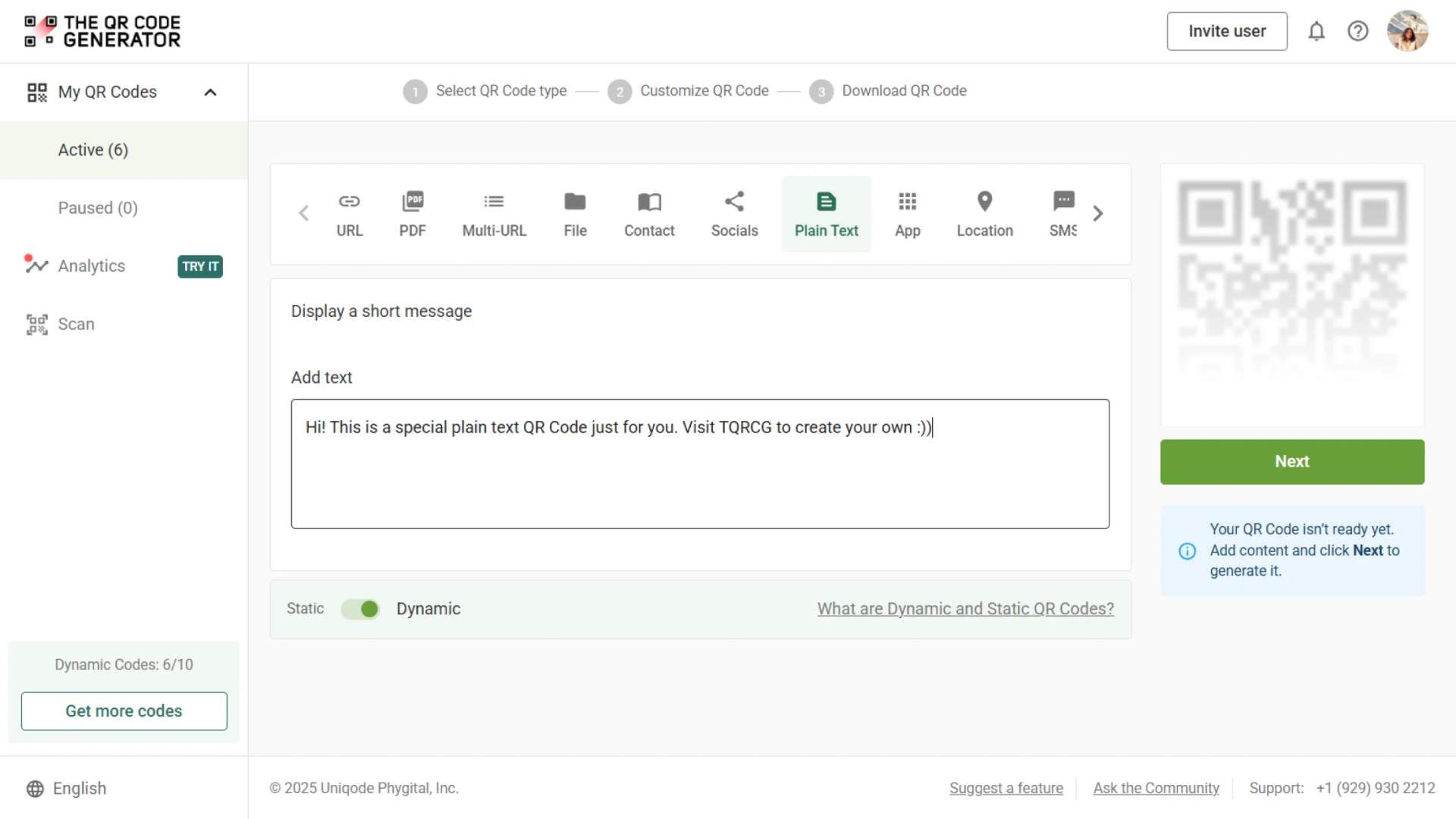
Display a short message
To enable tracking,

Trusted by 4M+ users
How does a plain text QR Code work?
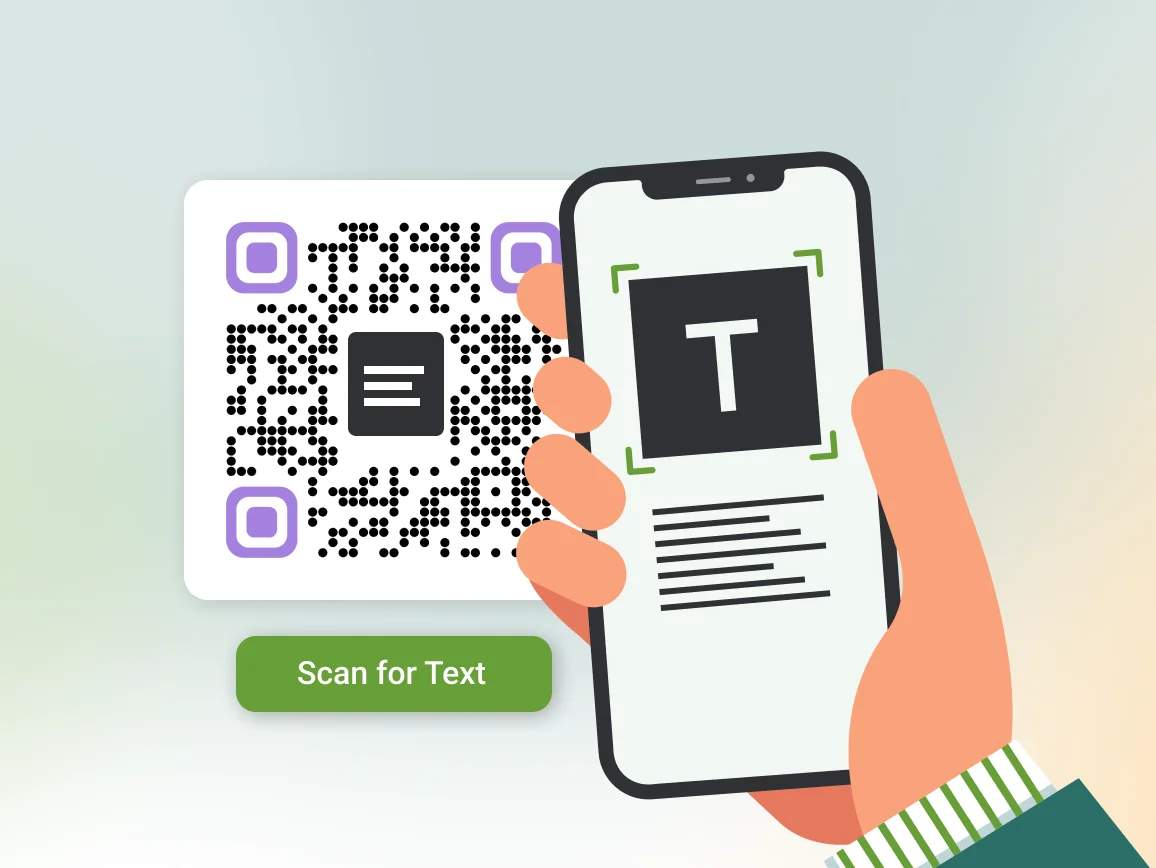
A plain text QR Code encodes your message directly inside the QR Code matrix. Scanning it with any phone instantly displays the text, with no browser redirects or internet needed. Use the text to QR Code tool, and anyone can scan and read your message offline.
4M+
Unique users worldwide
30,000+
Global businesses on our platform
60+
Countries with active users
How plain text QR Codes simplify communication and access
How to optimize your plain text QR Codes for success

Keep your text clear and concise
QR Codes can technically hold thousands of characters, but longer text reduces scannability and increases error rates. Stick to under 300 characters for reliability.

Maintain high contrast and quiet zone
Always use black QR Codes on a white background or similarly high-contrast colors. Leave a clear, quiet zone (margin) around the code free of any text, logos, or patterns to prevent scan errors.

Test your QR Codes on multiple devices
Different scanners render text slightly differently. Always test on iOS and Android, with/without the internet, to confirm your code works as expected. Scan in airplane mode to ensure offline readability before printing.

Check encoding for multi-language text
If your message includes non-Latin scripts (e.g., Chinese, Hindi, Arabic) or multi-line formatting, use UTF-8 encoding and test on multiple devices.

Avoid sensitive or personal data
Never encode passwords or personal info in static plain text QR Codes. They’re easily visible and vulnerable to quishing attacks. For sensitive info, use dynamic or encrypted QR Code options.

Include clear calls to action
Add short, compelling instructions near your QR Code, like “Scan to view Wi-Fi password” or “Scan for quick setup instructions,” to guide and encourage users.
Where to display plain text QR Codes for better engagement
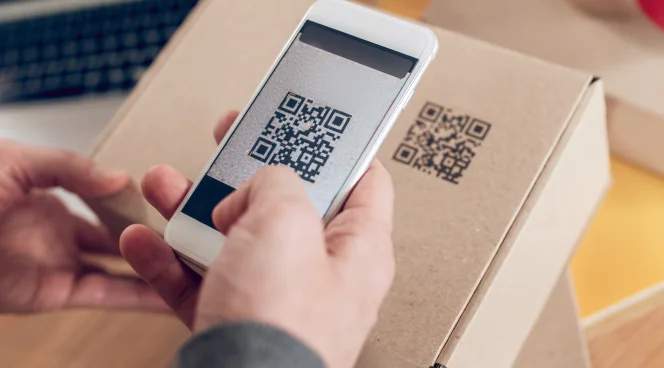
Product packaging
Print text QR Codes on boxes or labels to show batch numbers, expiry dates, or handling instructions. This helps shoppers or staff quickly scan and read important details without delays.

Shelf labels
Put text QR Codes on retail shelf tags to display offers of the day or short product notes. Customers can get immediate information without searching websites or apps.
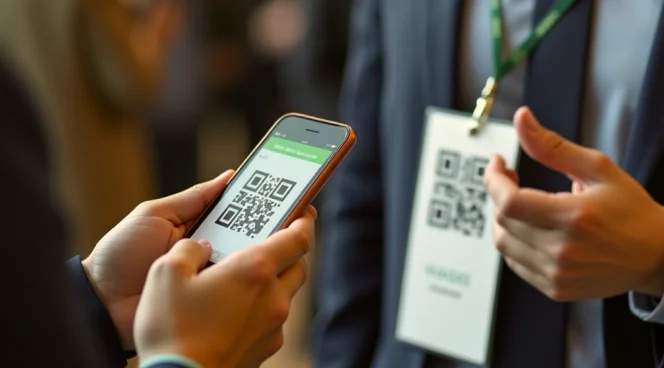
Event badges
Embed plain text QR Codes on attendee badges with role, group, or session notes. Organizers and participants scan for attendee information.

Restaurant tables
Place text QR Codes on menus, table tents, or counters for guests to access Wi-Fi, dish notes, or daily specials without asking staff.
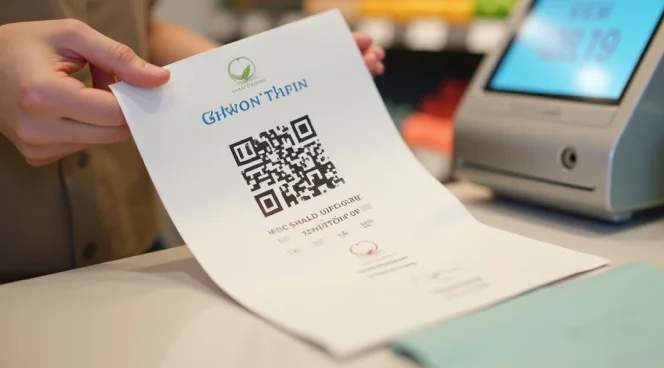
Print flyers & leaflets
Instead of URLs, print text QR Codes with promo or entry codes. Cashiers or event staff can scan them at the point of sale.
How different industries use plain text QR Codes effectively
Streamline operations across your industry with simple, secure, and offline-capable text QR Codes.

Retail
Add QR Codes to product packaging or shelf tags to display SKUs, restock notes, or quick promo codes. This will increase warehouse staff productivity and speed up inventory audits.
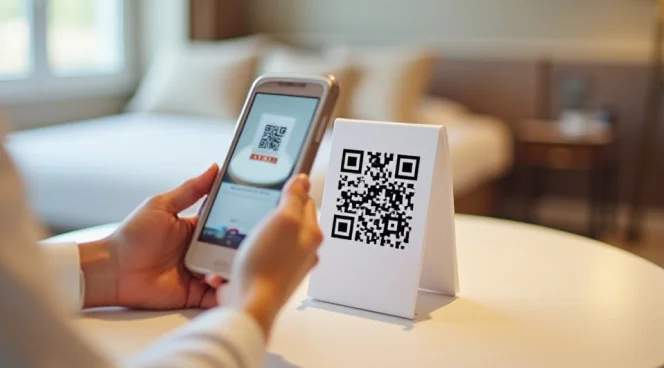
Hospitality and restaurants
Instead of staff repeating Wi-Fi passwords, place a text QR Code in the room service menus and table tents. Add QR Codes to the menus to share daily specials or allergen notes.

Education
Place plain text QR Codes in classrooms with a list of emergency contacts. Embed text QR Codes at the end of quizzes to provide instant answers.

Healthcare and manufacturing
Place QR Codes on machines to relay setup instructions or troubleshooting notes that are accessible offline. This allows you to share critical safety information without relying on an internet connection or apps.