
Create Free Trackable QR Codes with Analytics
Generate trackable QR Codes to see who's scanning them, and analyze the data to improve your campaigns. Get started with our free-forever plan!
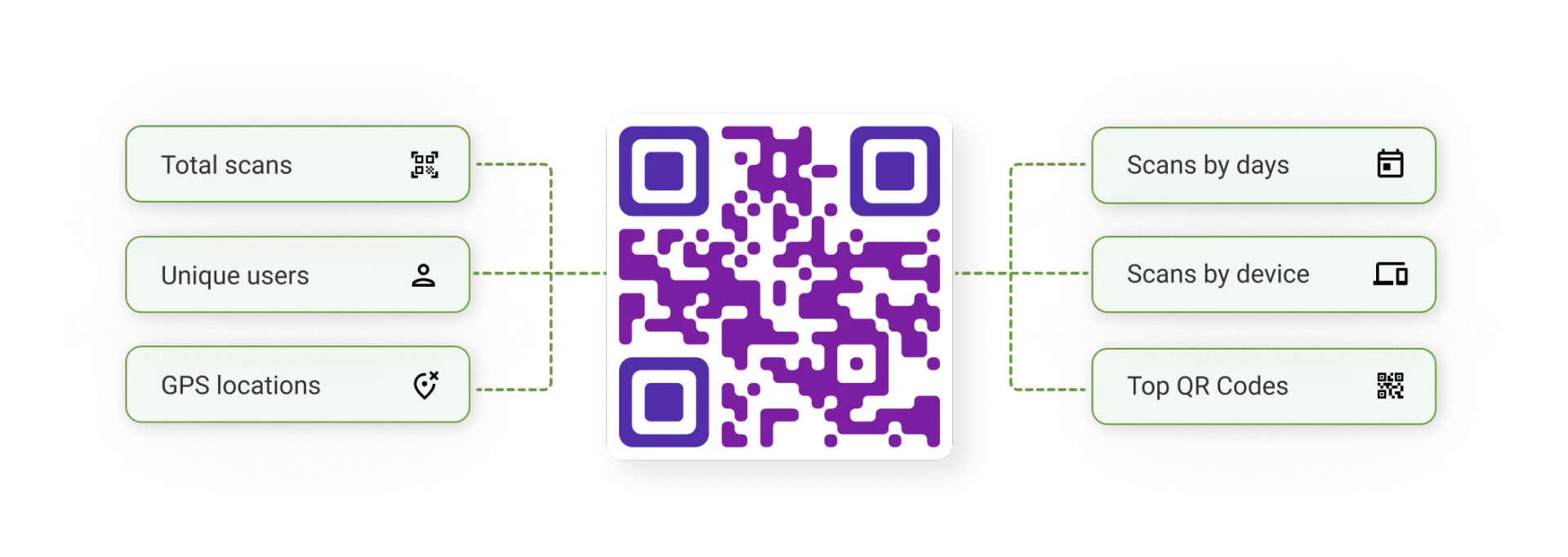
What is a trackable QR Code?
A trackable QR Code is a dynamic QR Code that you can use to monitor scan data. Unlike static QR Codes, which don't provide any data, a trackable QR Code lets you gather more data about your users and their scan activity. This helps you understand your audience better and optimize your marketing efforts. If you want to know how effective your QR Code campaign is, just check the QR Code analytics dashboard for scan data points, such as the number of scans, the scan time, the scan device, and more.
How to create a trackable QR Code
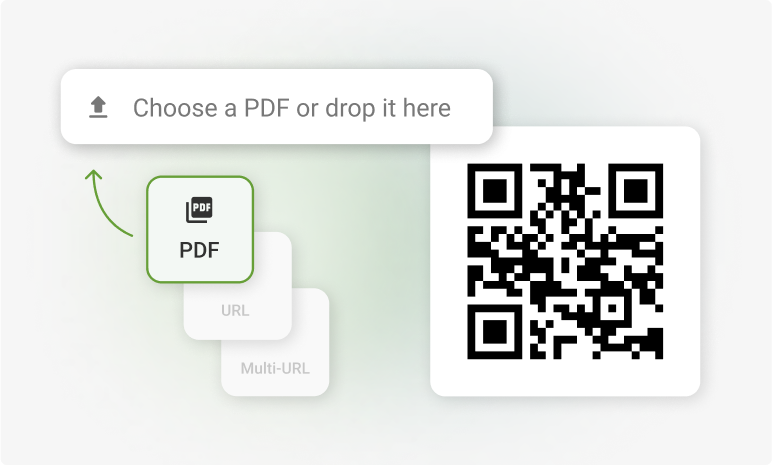
Pick your QR Code type
On your dashboard, select “Dynamic” (trackable). Then, choose the QR Code type you need, such as a website link, PDF, multi-URL, app download, or SMS.
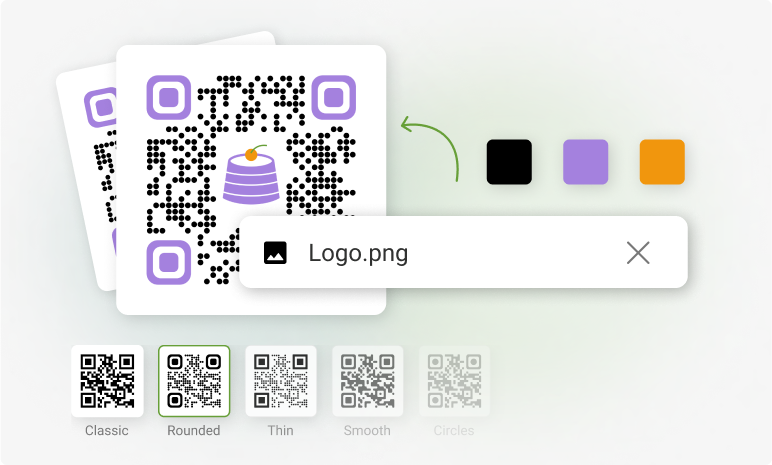
Personalize your QR Code
You can create a custom QR Code by adding a logo, adjusting the color scheme to match your brand, or selecting a pre-designed template.
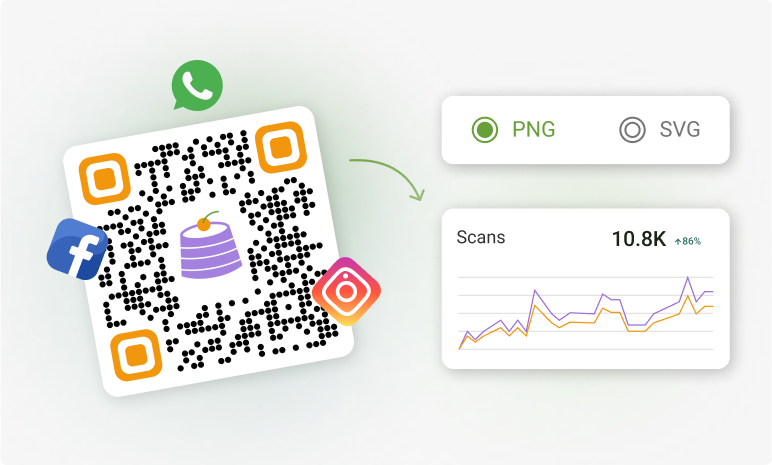
Download and monitor
Once your trackable QR Code is ready, download it, share it online, or print it. Then, start tracking performance in the dashboard to understand your audience.
What data can you see with QR Code analytics?
Every trackable QR Code feeds a live analytics dashboard. You see scans update in real time and break the data down 5 ways.
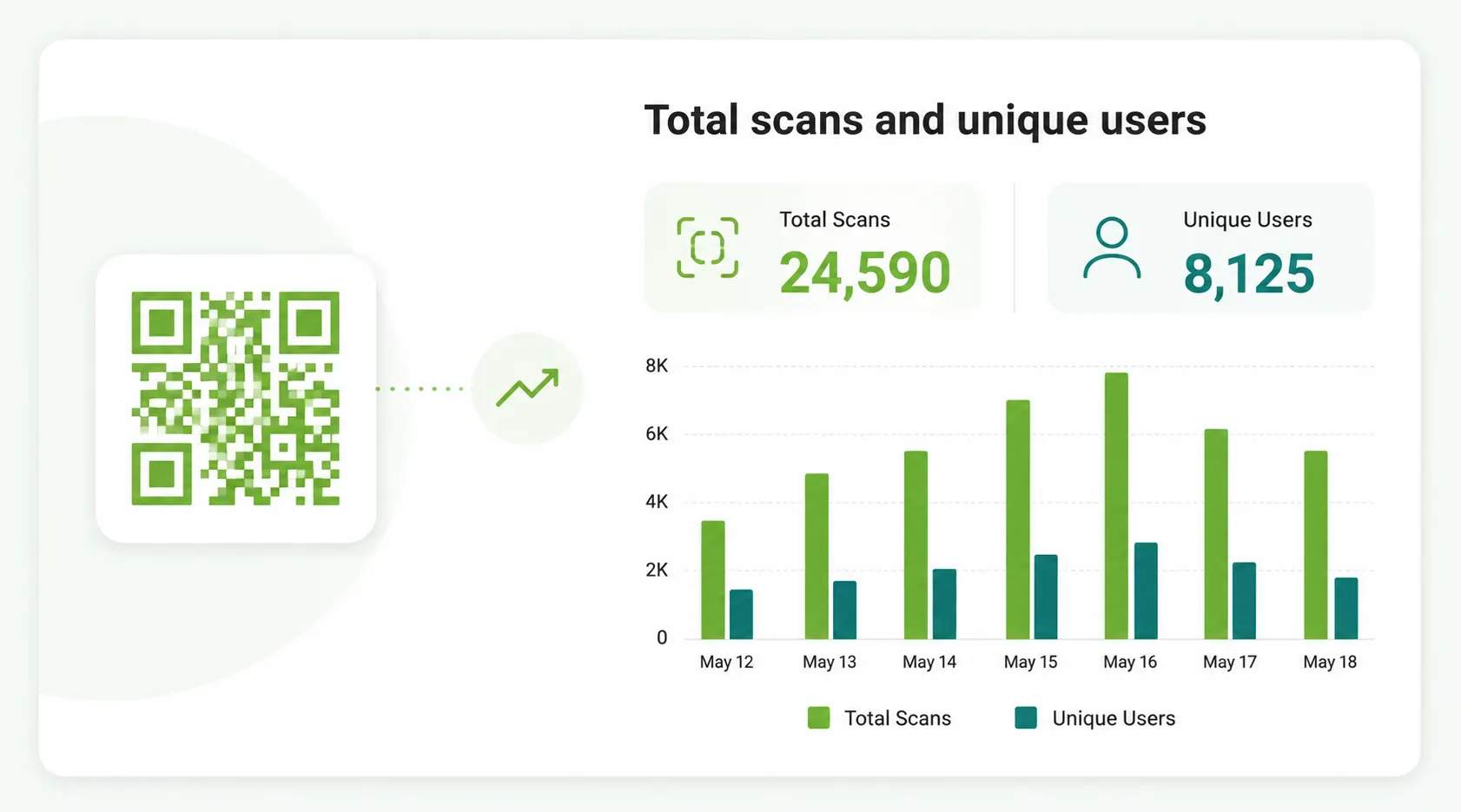
Total scans and unique users
See total scans to measure reach, and unique users to measure how many distinct people scanned. The gap between the two tells you how often people scan more than once.
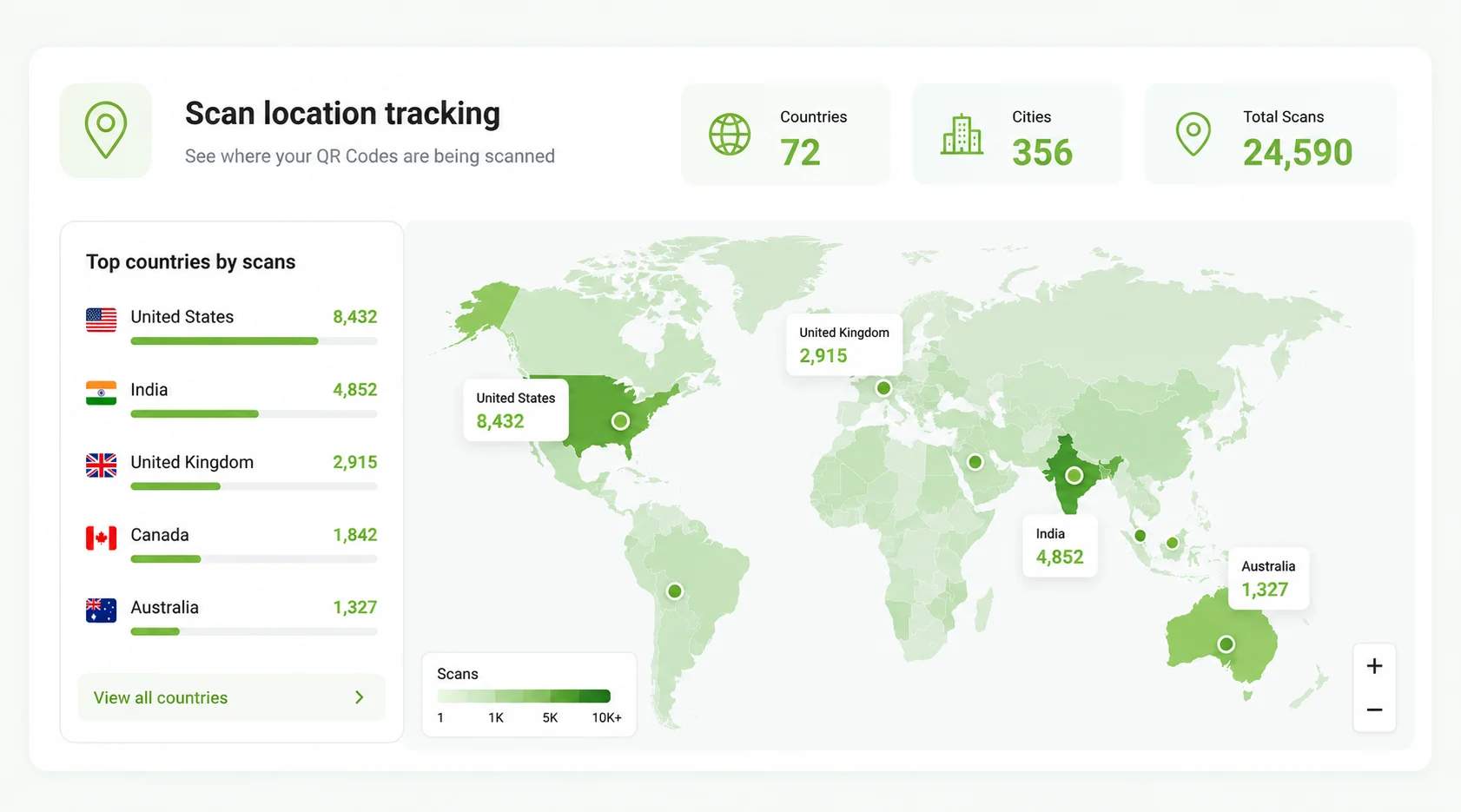
Scan location tracking
View scans by city, country, and GPS location on a live map. Location data shows you where demand is strongest, so you can place QR Codes where they get scanned.
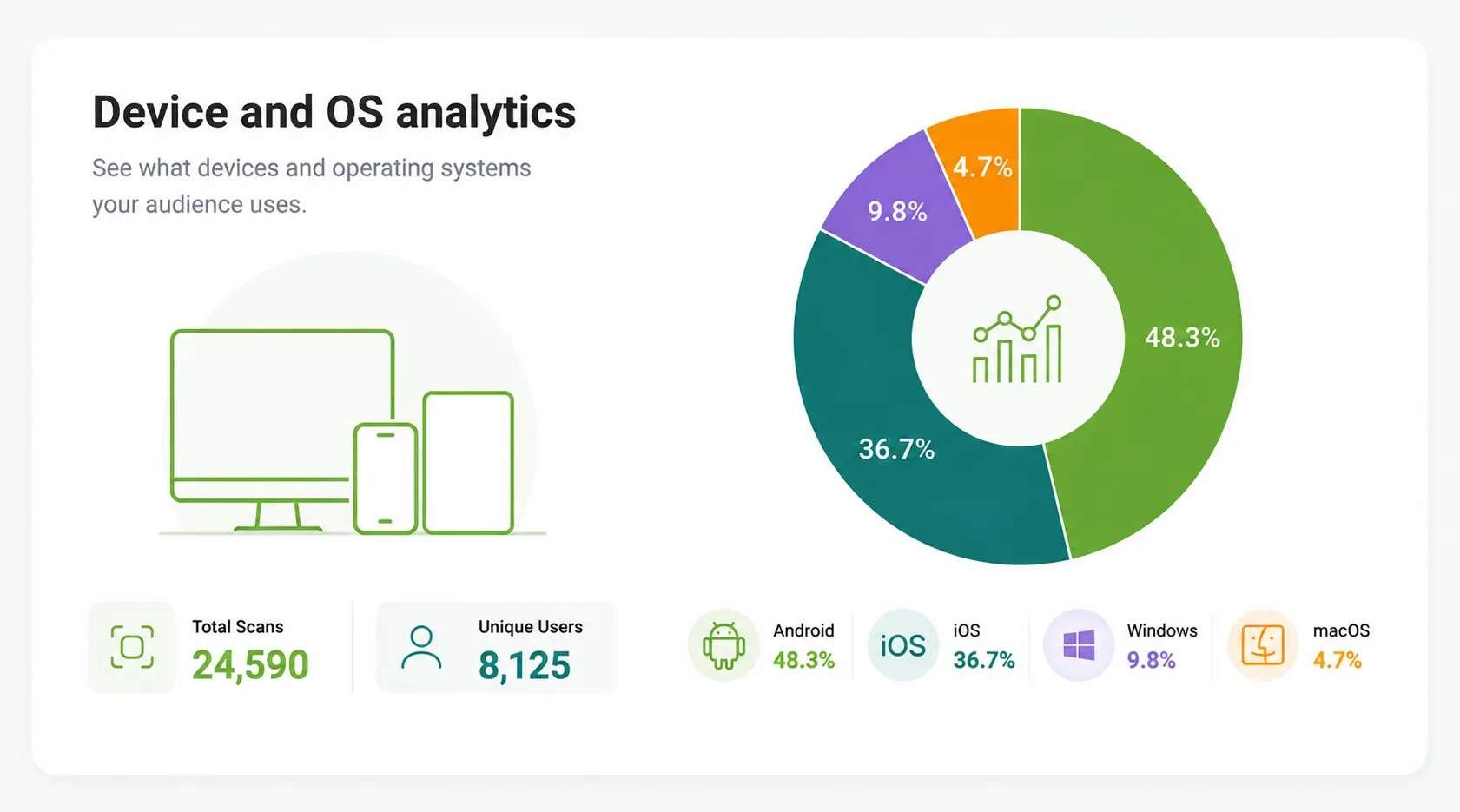
Device and OS analytics
Break scans down by device and operating system, such as iOS, Android, Windows, and Mac. Device data tells you which experience to optimize for first.
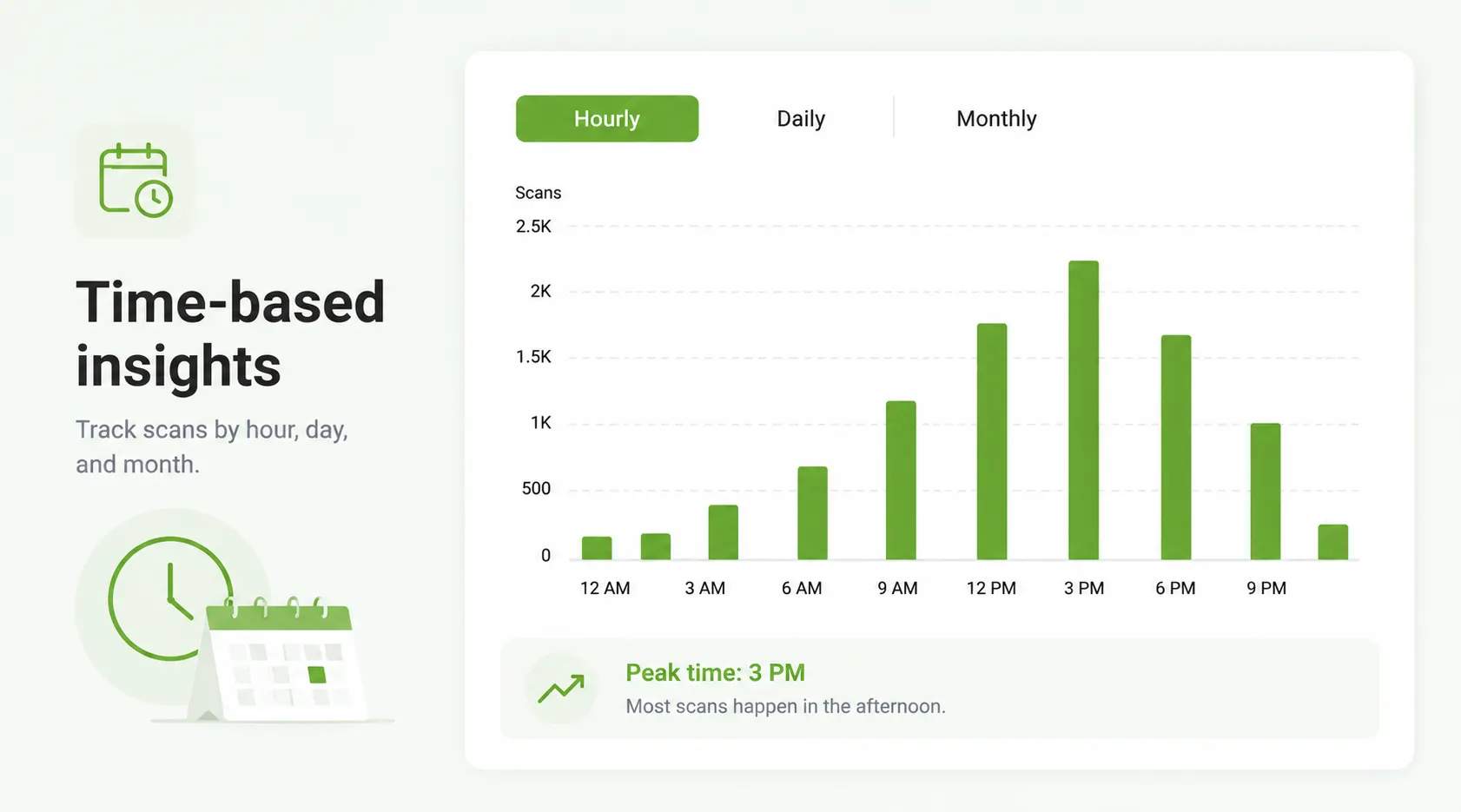
Time-based insights
Track scans by hour, day, and month. Time data reveals when your audience is most active, so you can schedule campaigns for peak windows.
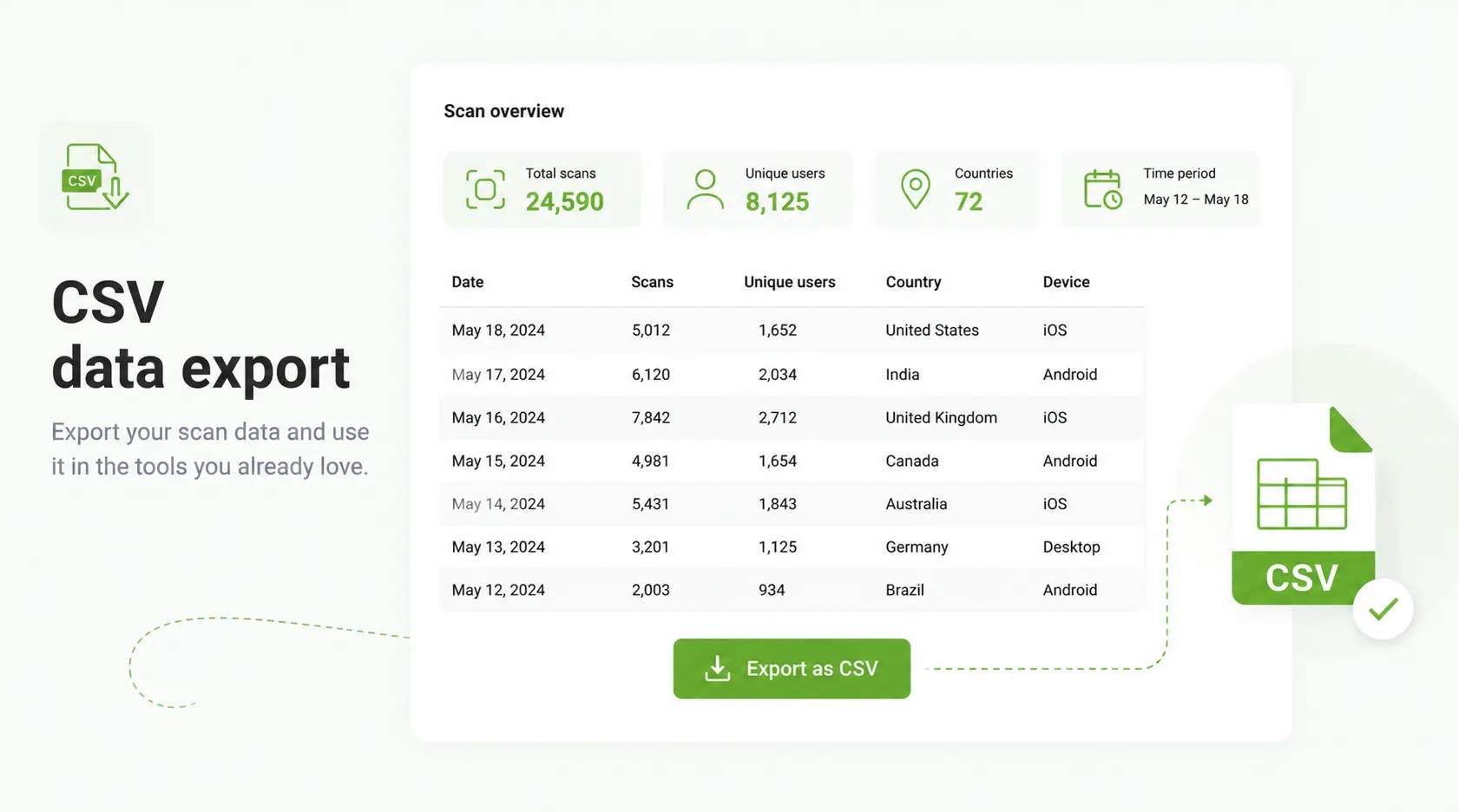
CSV data export
Export your scan data to CSV, then pull it into the tools you already use, such as HubSpot, Salesforce, or Zoho.
4M+
Unique users worldwide
30,000+
Global businesses on our platform
60+
Countries with active users
Track QR Codes with Google Analytics (GA4)
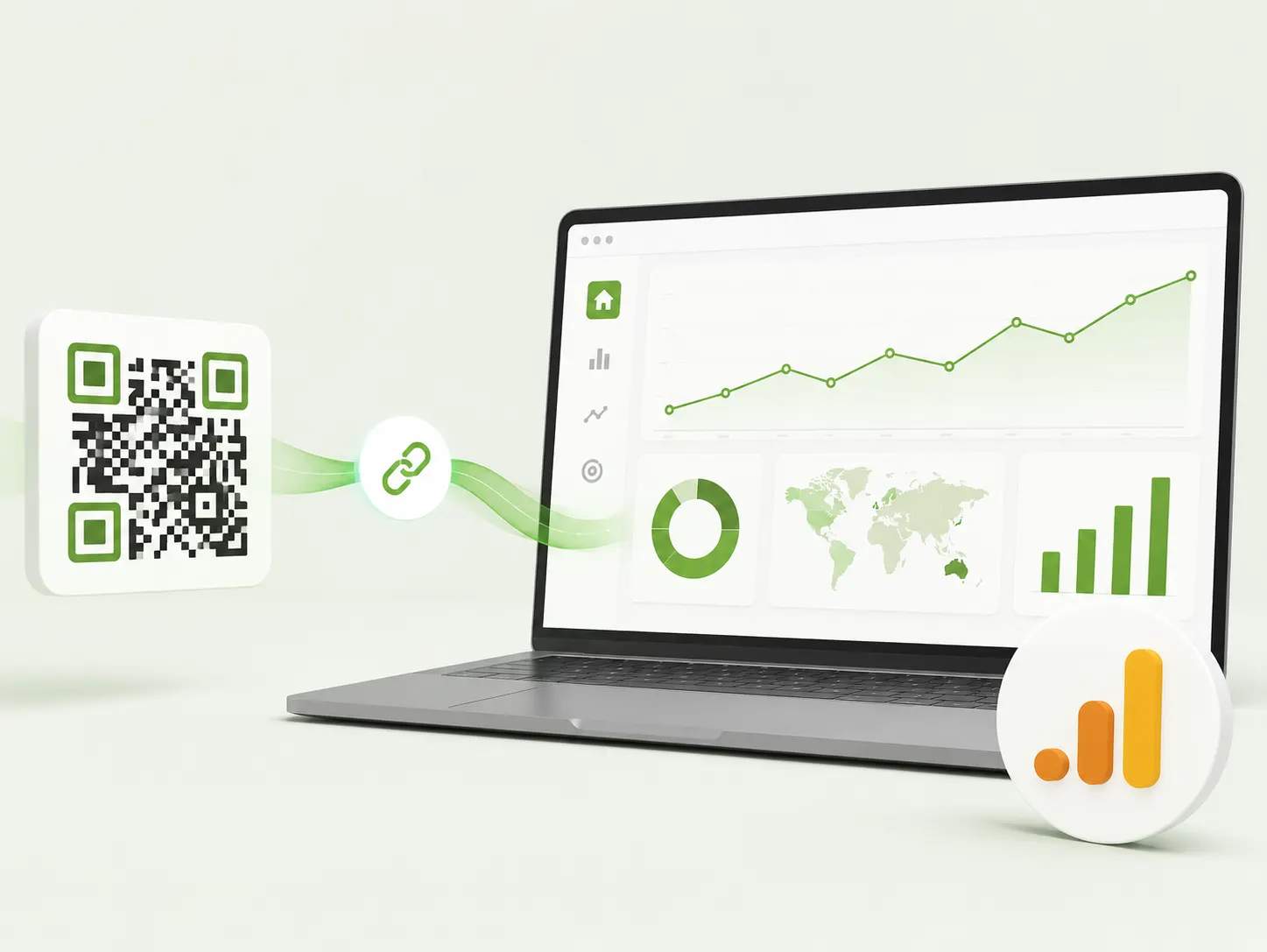
Trackable QR Codes work with Google Analytics 4 (GA4) when you want to scan data inside your wider web reporting. Add UTM parameters to your QR Code's destination URL, and GA4 records each scan as a tracked visit alongside your other traffic.
Where can you use trackable QR Codes?
Retail and CPG
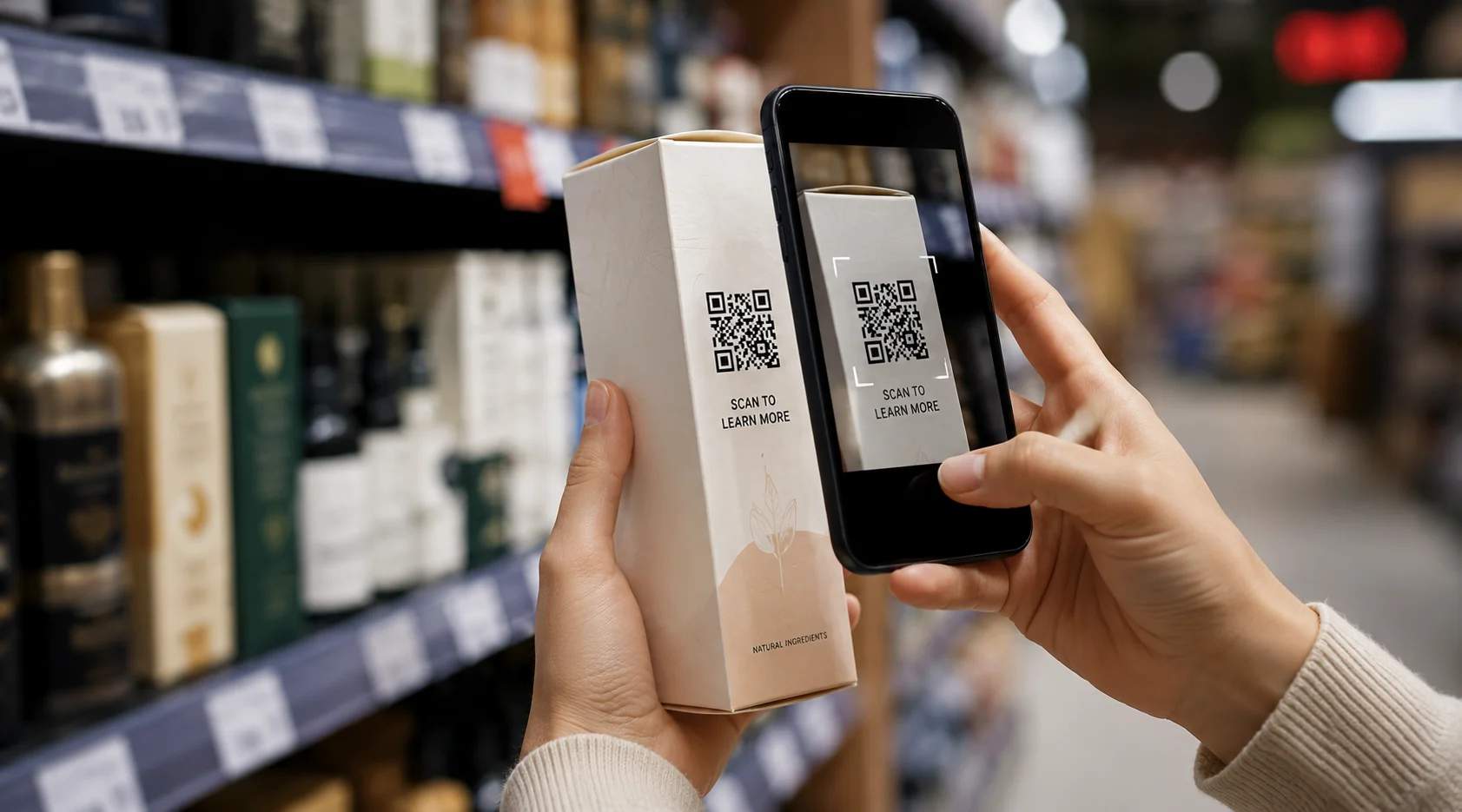
Print trackable QR Codes on product packaging, shelf displays, and launch flyers to see which products and stores drive scans. Use the data to shape your rollout and merchandising strategy.
Hospitality
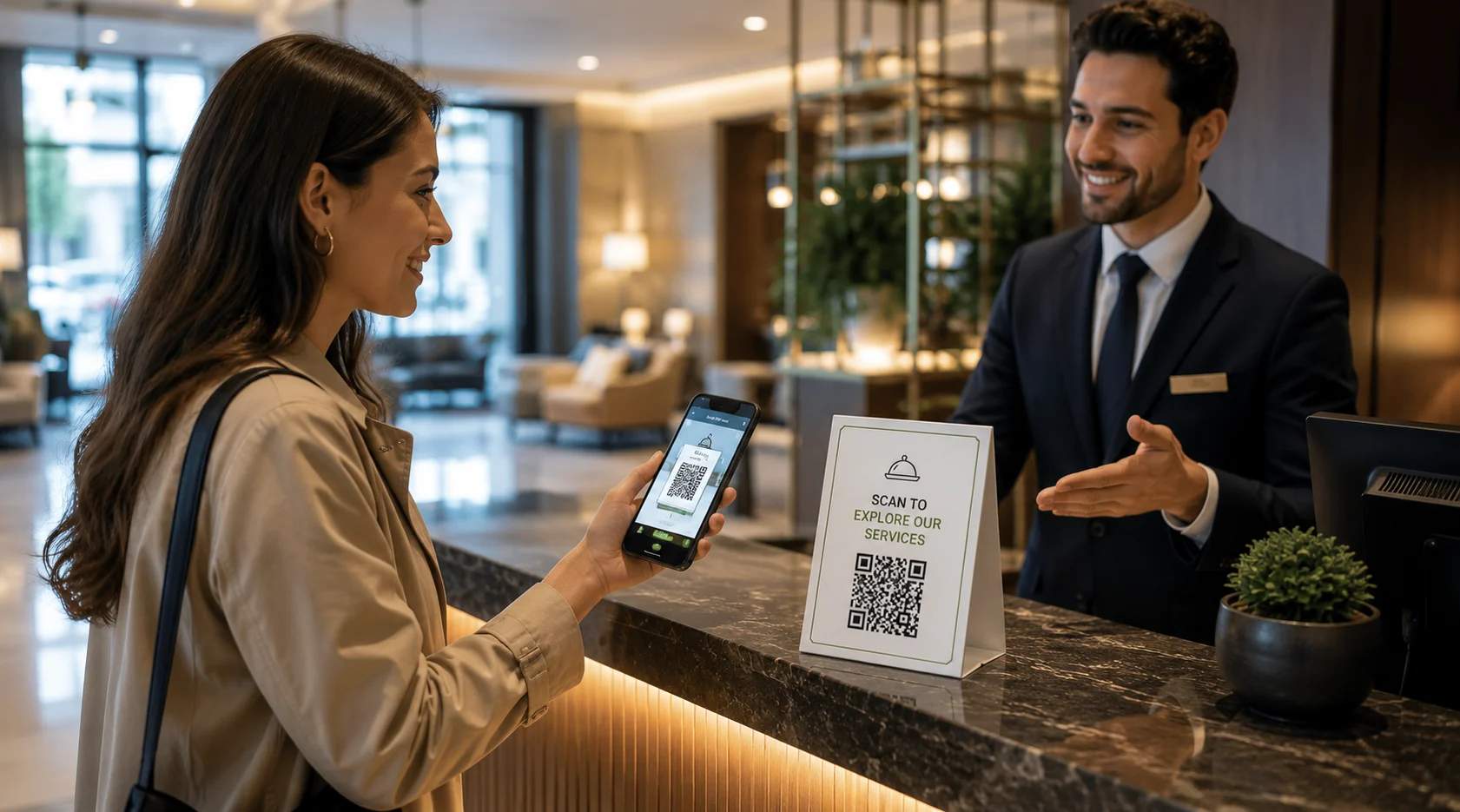
Add trackable QR Codes to restaurant menus, hotel rooms, and receipts to collect reviews and guide guests. Use the scan data to spot trends and improve the guest experience.

Events and venues
Use trackable QR Codes for event check-ins to track attendance in real time. Use this data to optimize event flow and plan better for future events.
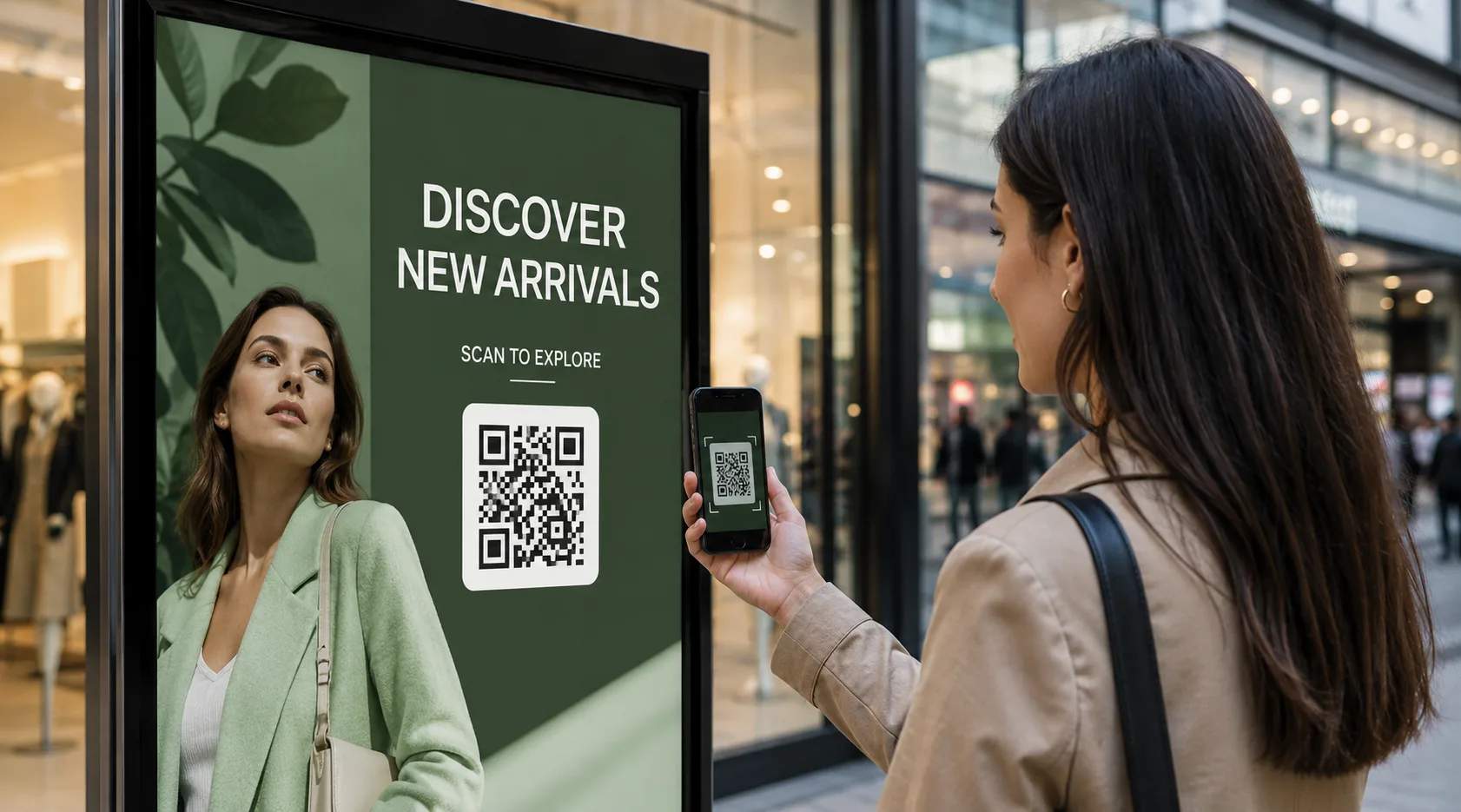
Marketing and advertising
Embed trackable QR Codes in ad campaigns across print, social, and outdoor placements to see which channels earn the most scans. Use the data to refine placements and maximize ROI.
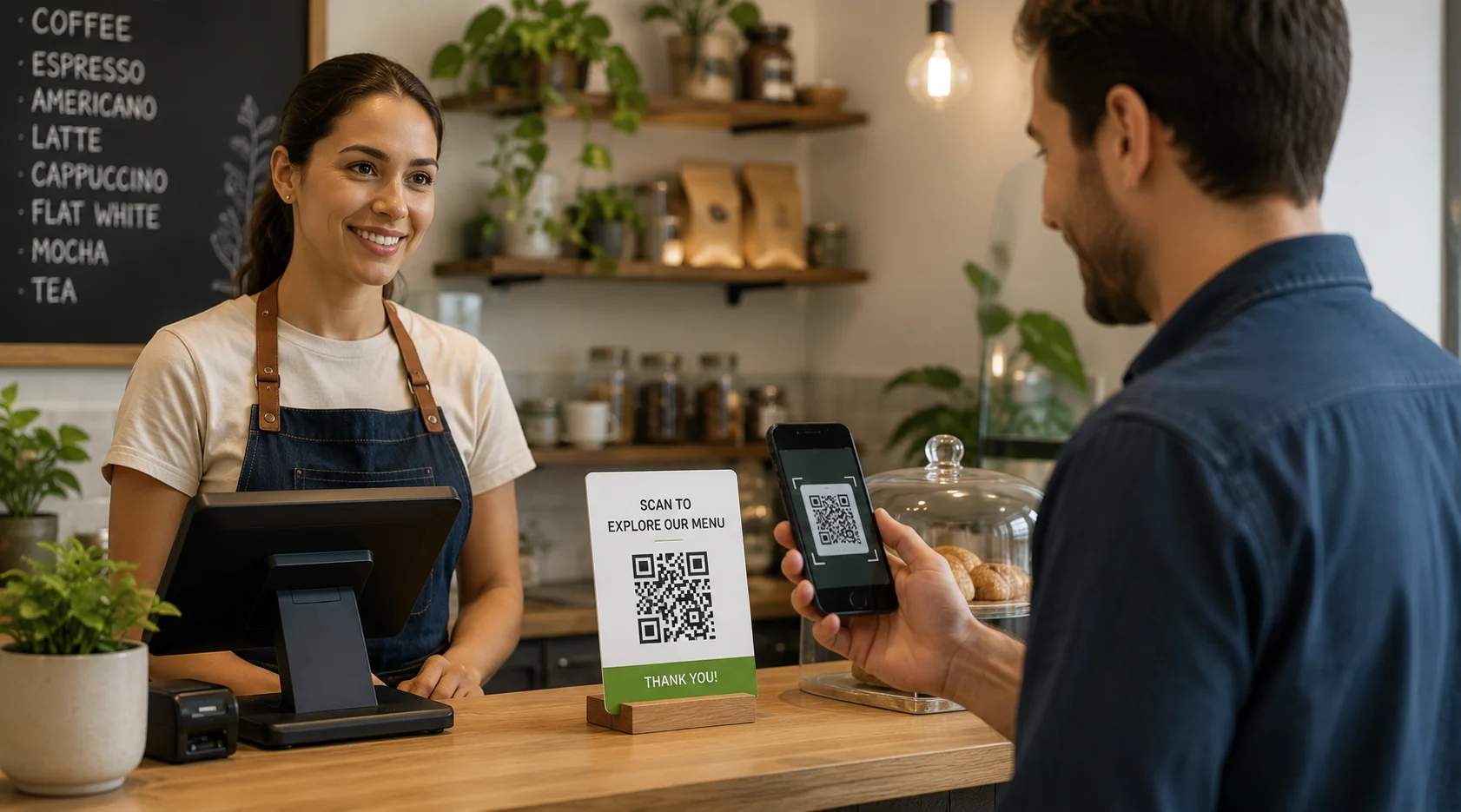
Small businesses
Place trackable QR Codes on storefronts, flyers, and promo displays to see which local offers get noticed. Use the insight to sharpen promotions on a small budget.
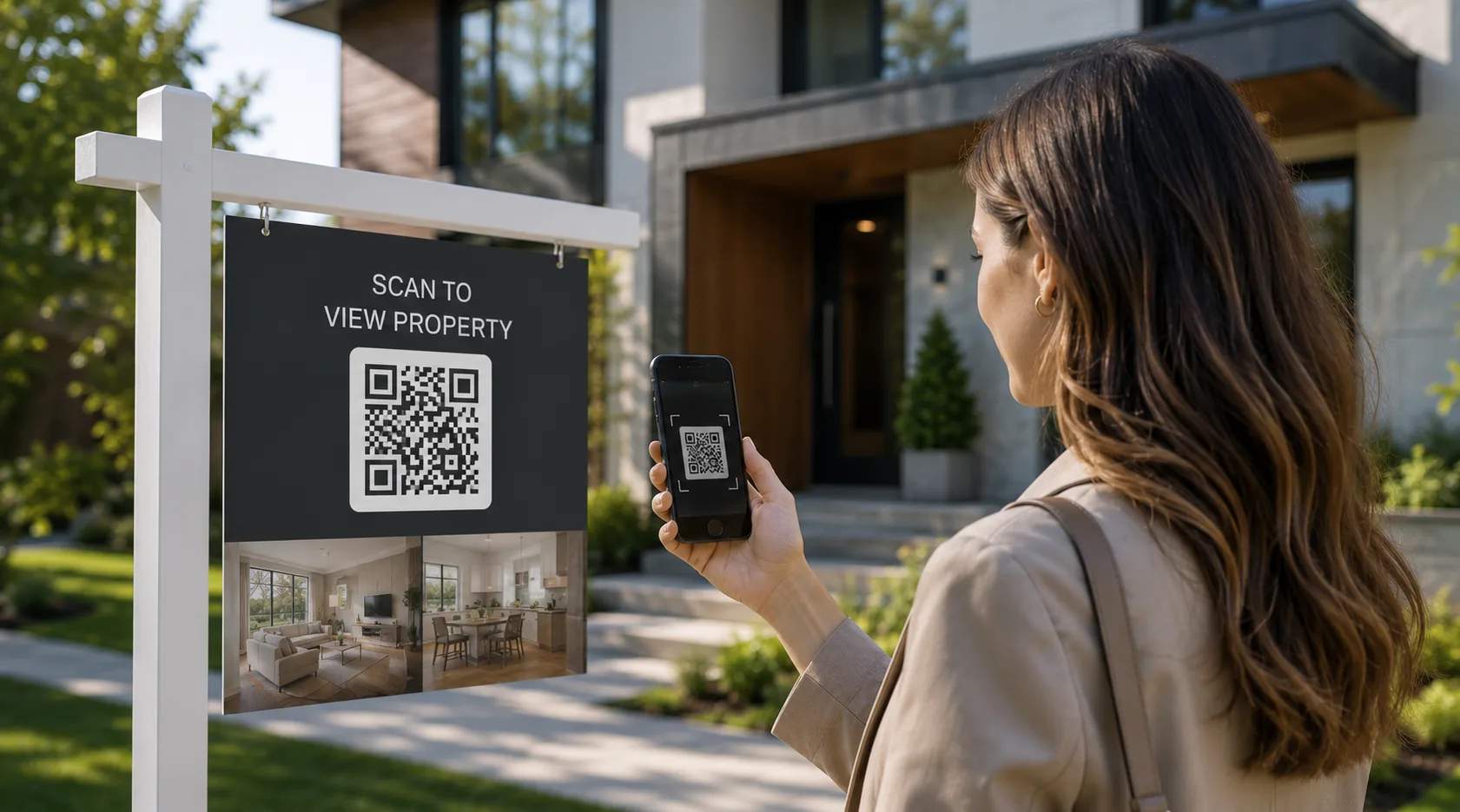
Real estate
Add trackable QR Codes to yard signs, listing flyers, and open house materials to see which properties attract interest. Use the scan data to follow up with the most engaged buyers.
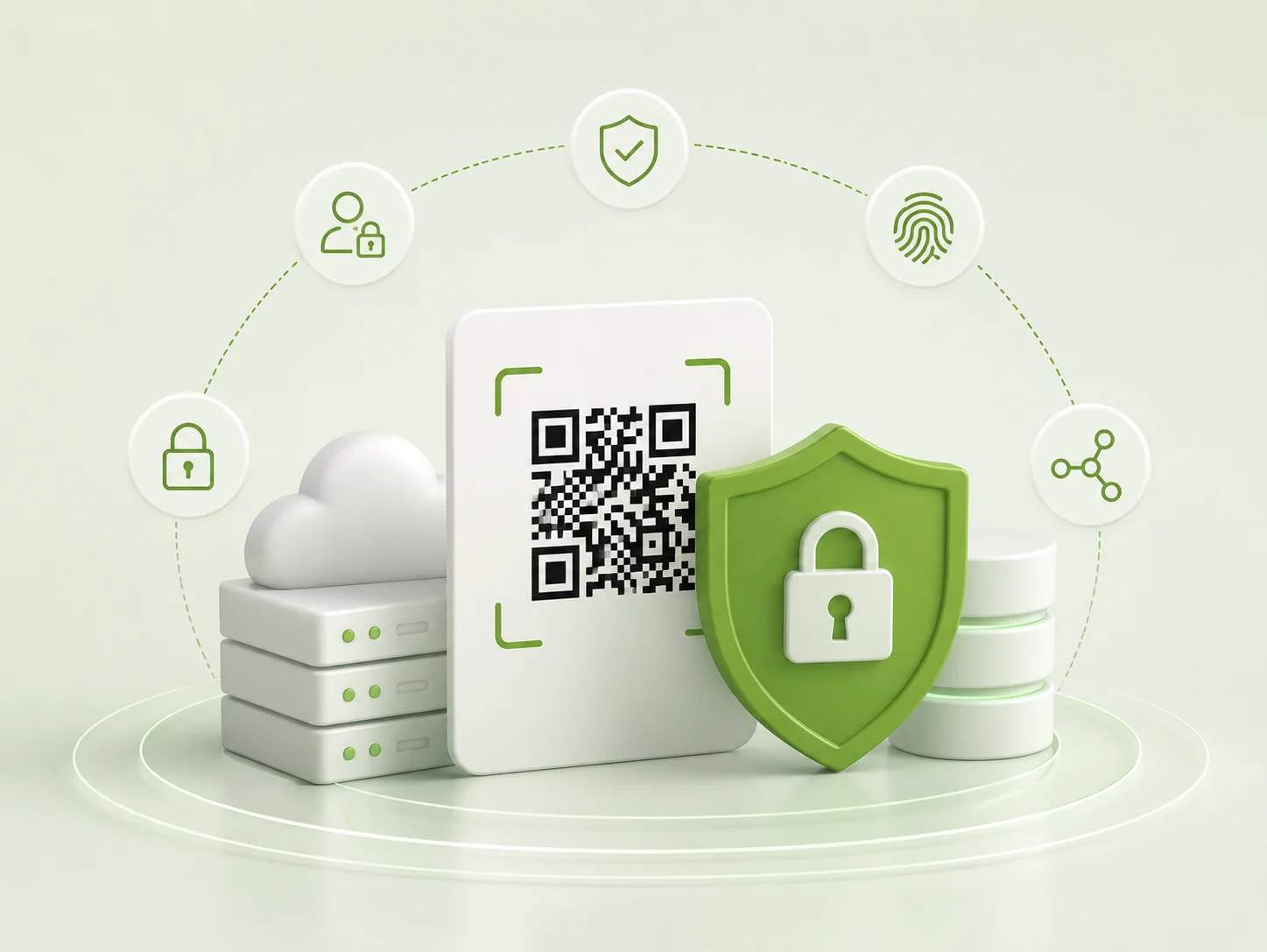
How does TQRCG keep your QR Code data secure?
Your scan data is protected by recognized security and compliance standards. TQRCG runs on Uniqode's infrastructure, certified for SOC 2 Type II, GDPR, and HIPAA, with SSO, two-factor authentication, and ScanGuard anomaly detection built in.
How to use QR Code analytics to improve your campaigns
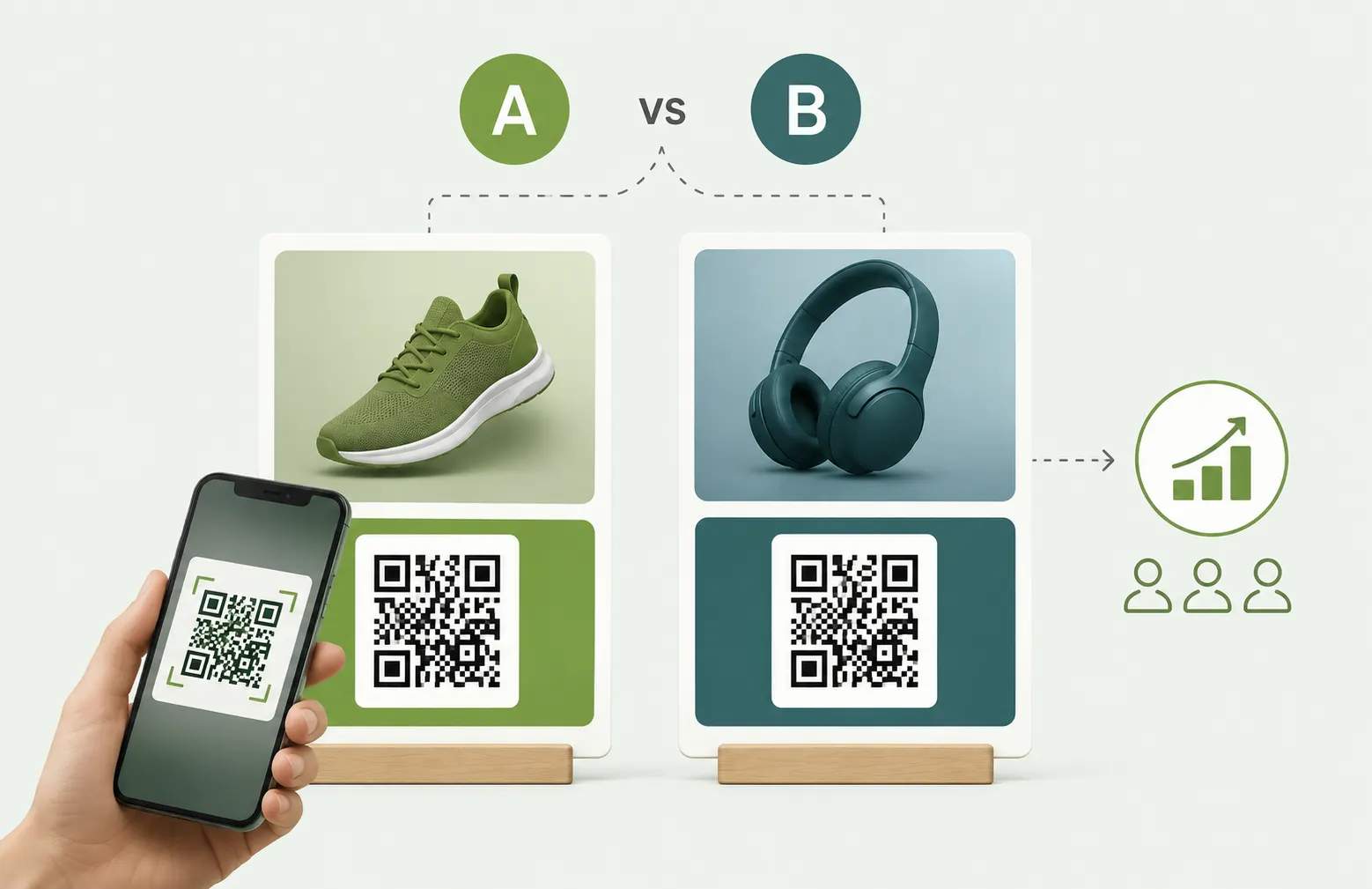
Scan data is only useful when you act on it. Use your QR Code analytics 5 ways to improve results.
Analyze scans and make data-driven improvements
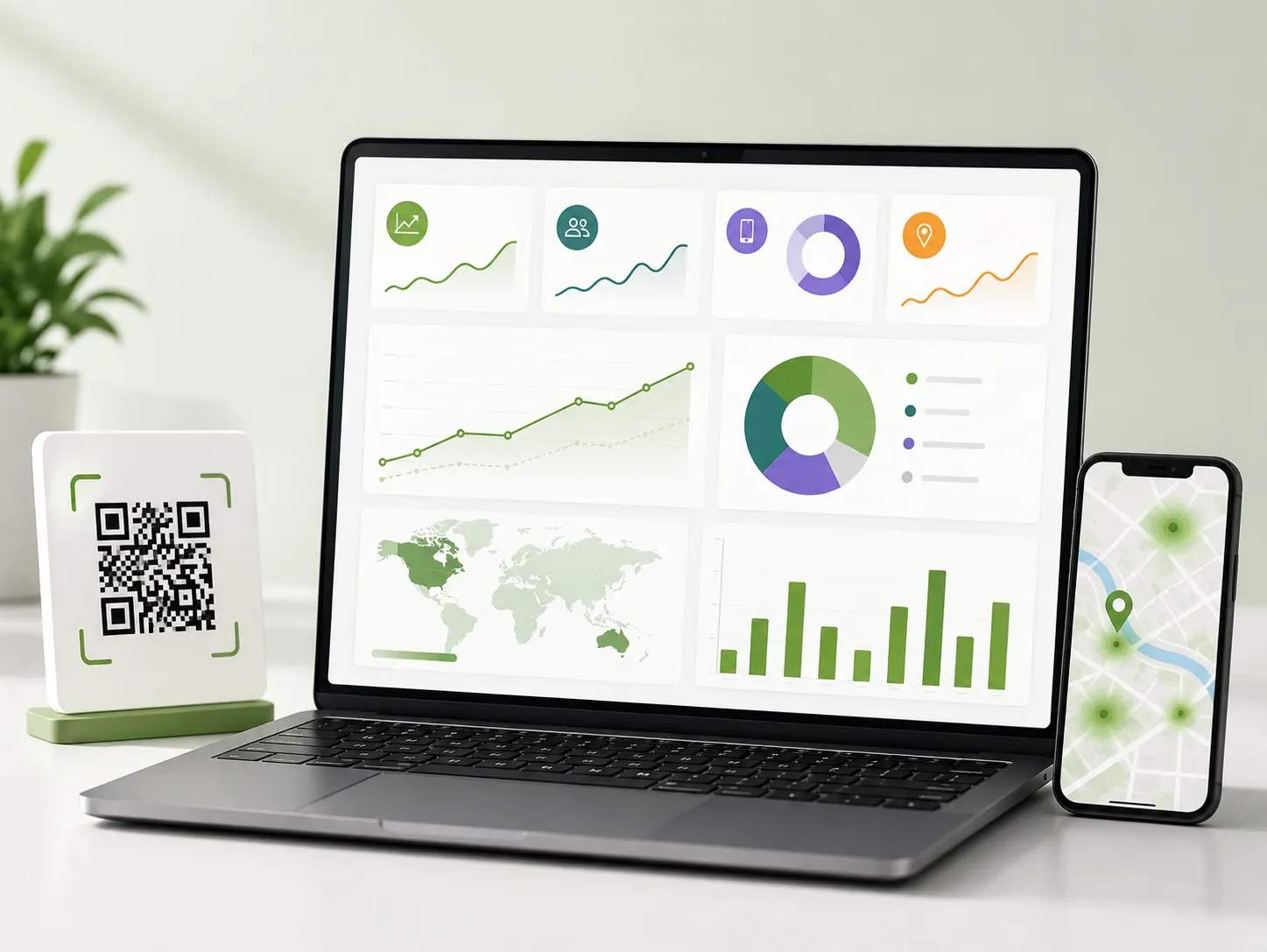
The QR Code Generator analytics dashboard provides all that you need to enhance your campaign performance. View essential QR Code metrics, including total and unique scans, scans by device usage, and geographic scan data by city, country, and GPS location. Use these insights to refine your QR Code campaigns for maximum impact.
Frequently asked questions
Need additional help? Check out our Help Center or contact us at support@the-qrcode-generator.com.