
Free WhatsApp QR Code Generator
Redirect to a WhatsApp chat
To enable tracking,


What is a WhatsApp QR Code?
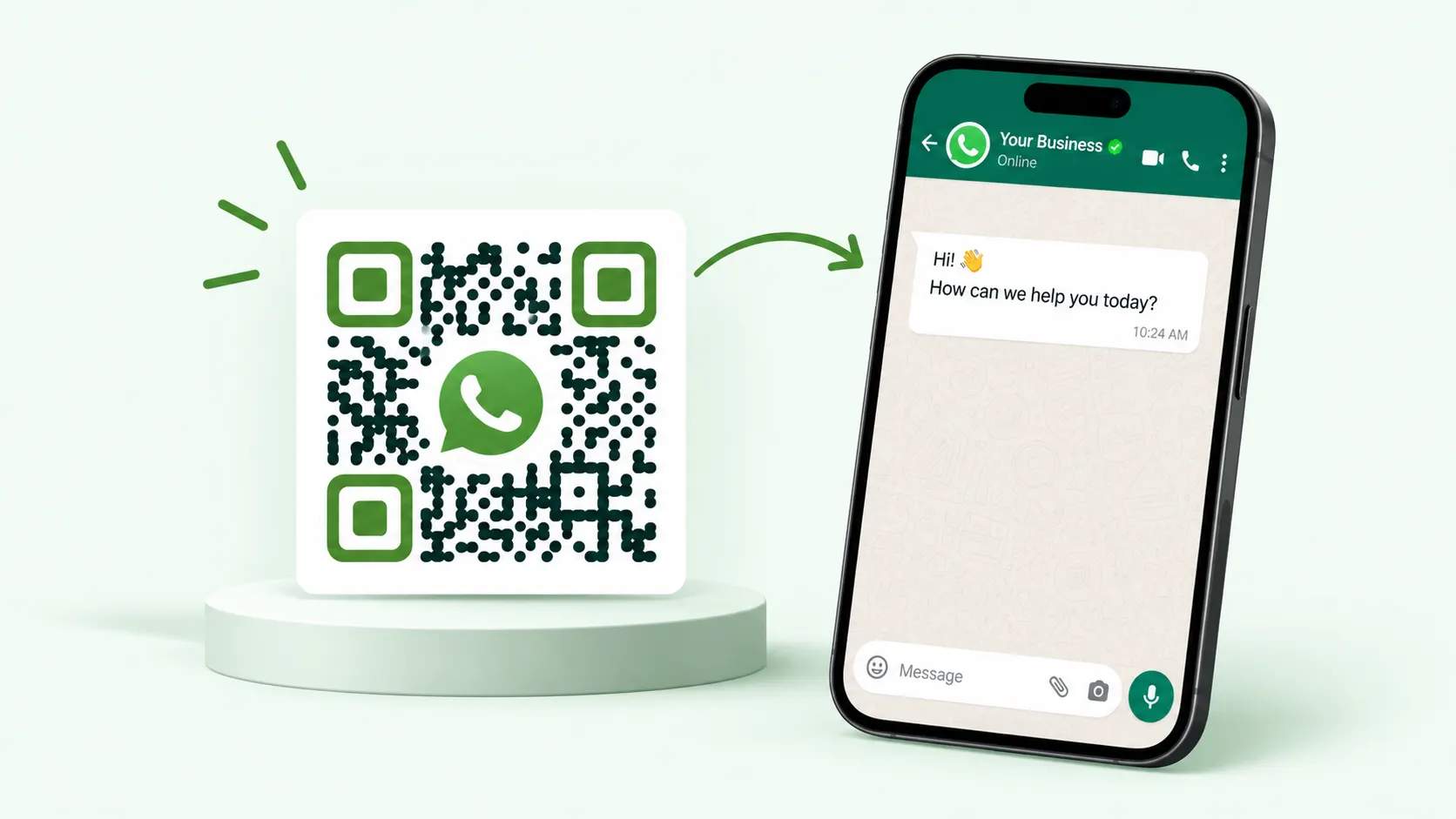
A WhatsApp QR Code opens a WhatsApp chat, business profile, group, channel, or catalog the moment someone scans it with their phone camera. It saves people from having to save your number or search for your account, so they can reach you with a single tap. Businesses, support teams, and creators use a WhatsApp QR Code to connect print and physical spaces to a live conversation. Add one to a storefront, a receipt, or a business card, and a quick scan starts a chat with the person who’s already interested.
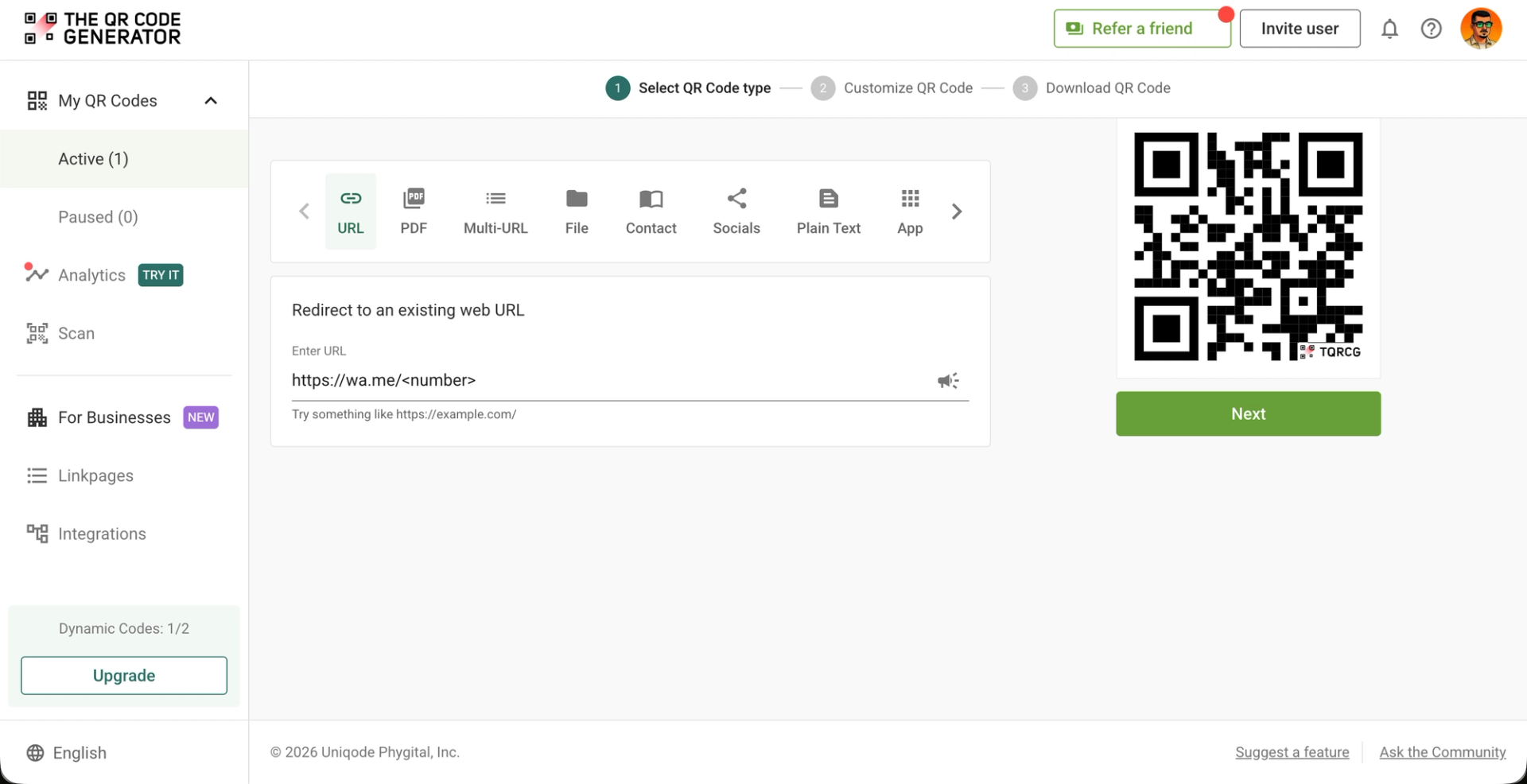
How to create a WhatsApp QR Code
Create a WhatsApp QR Code in three steps with The QR Code Generator.
What WhatsApp links can you turn into a QR Code?
Any WhatsApp link works, so you can point each QR Code at the exact destination your goal calls for.

Chat or contact
Link to a wa.me chat built from your phone number and country code, so a scan opens a direct conversation with you. This fits customer support, sales inquiries, and any moment you want someone to message you first.

Pre-filled message
Add text to the end of your wa.me link so the chat opens with a message already typed and ready to send. A prompt like “Hi, I’d like to book a table” lowers the effort for the customer and tells you why they’re writing before they say a word.

Business profile
Link to your WhatsApp Business number so scanners land on a profile with your hours, address, and catalog in view. This gives an ad or storefront a professional first impression instead of a bare chat window.

Product catalog
Link to your catalog in the WhatsApp Business app so customers can browse products and prices inside the chat. A scan on the packaging or at the shelf edge turns a shopper into a conversation about the item in their hand.

Group invite
Link to a WhatsApp group invite so people can join your community in one scan. A class, an event, or a neighborhood group fills up faster when nobody has to be added by hand.

Channel
Link to your WhatsApp Channel so followers can receive your broadcasts without sharing their numbers. This suits brands and creators who want to reach without fielding replies from thousands of people.

Community
Link to a WhatsApp Community so members find the right sub-groups under one umbrella. Schools, clubs, and larger organizations use it to keep separate groups organized in a single place.

Call link
Link to a WhatsApp voice or video call so a scan starts a live conversation. This works for consultations, remote support, and appointments where a call beats a text thread.
4M+
Unique users worldwide
30,000+
Global businesses on our platform
60+
Countries with active users
Where can you use a WhatsApp QR Code?
A WhatsApp QR Code works anywhere a camera can reach it. These six placements earn the most scans for businesses.
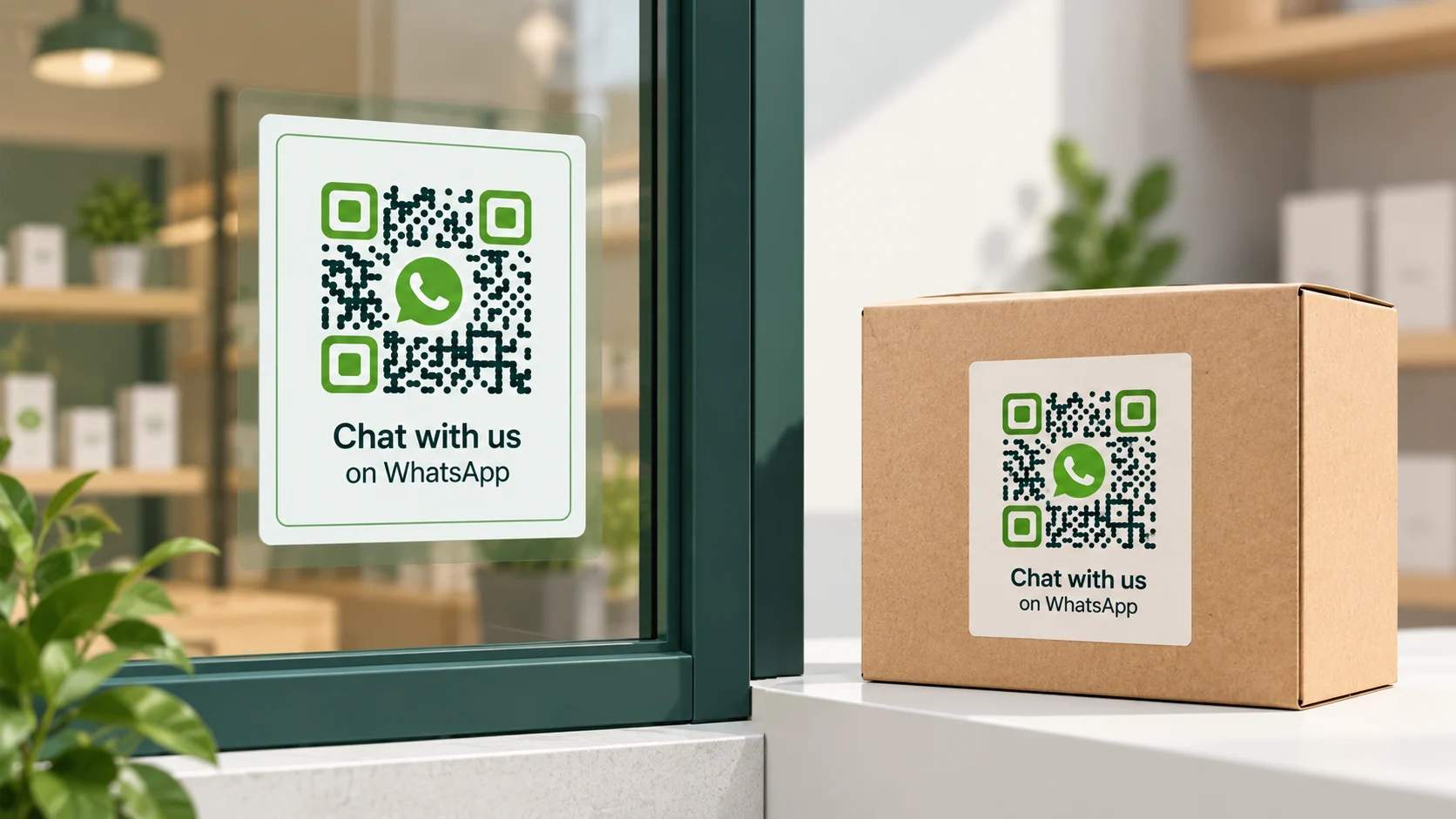
Storefronts and packaging
Place the QR Code on your window, shelf, or product box so customers can message you about stock, sizes, or support while they’re looking at the item. A question answered on the spot can save a sale that would otherwise walk out.
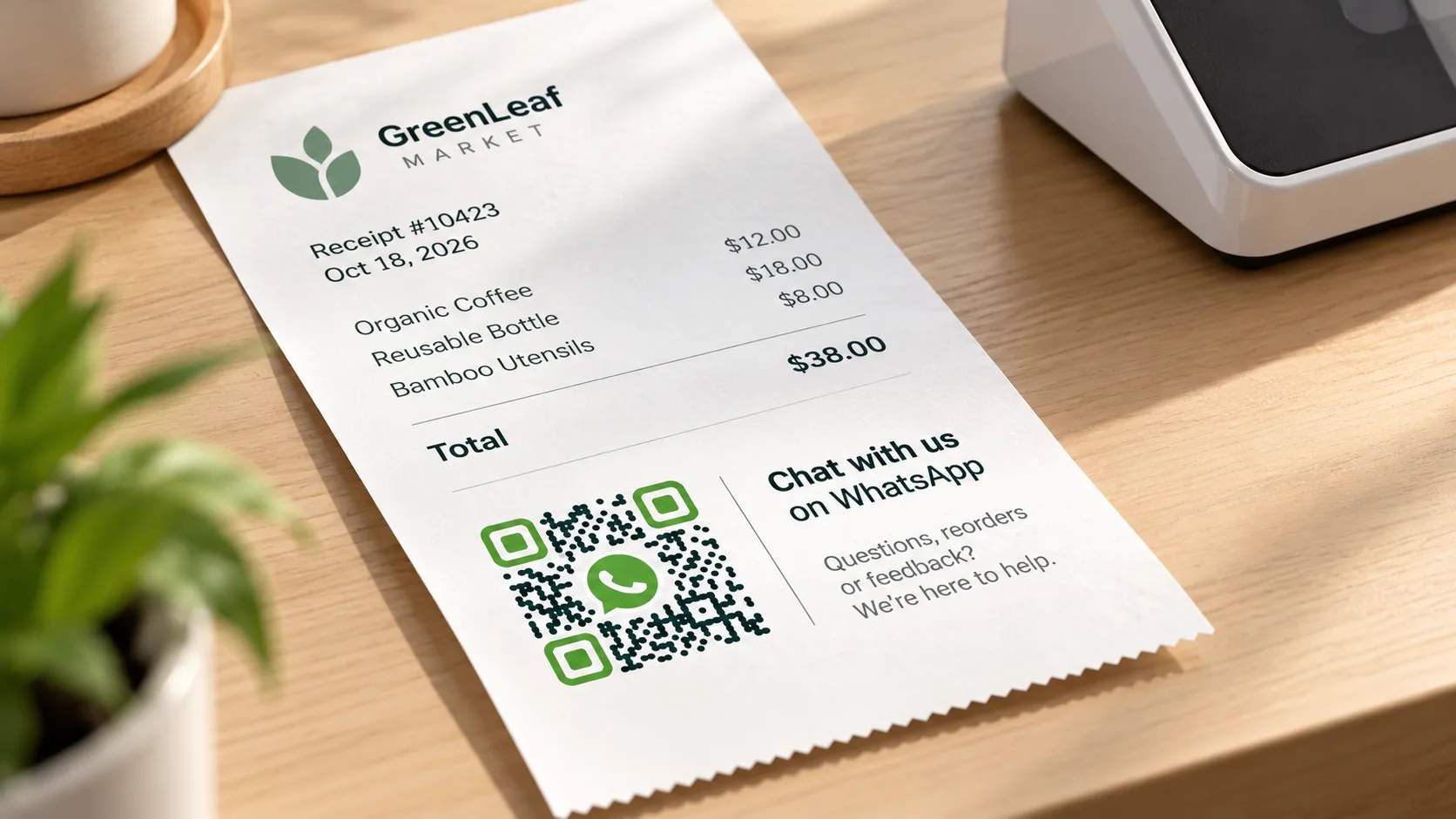
Receipts and invoices
Print it on receipts or invoices so customers reach out to you for reorders, warranty, or feedback after they leave. A reorder becomes one scan instead of a phone call nobody makes.

Business cards
Add it to a digital or printed card so contacts open a chat with you instead of typing your number. A sales rep or agent can start the conversation before the meeting even ends.
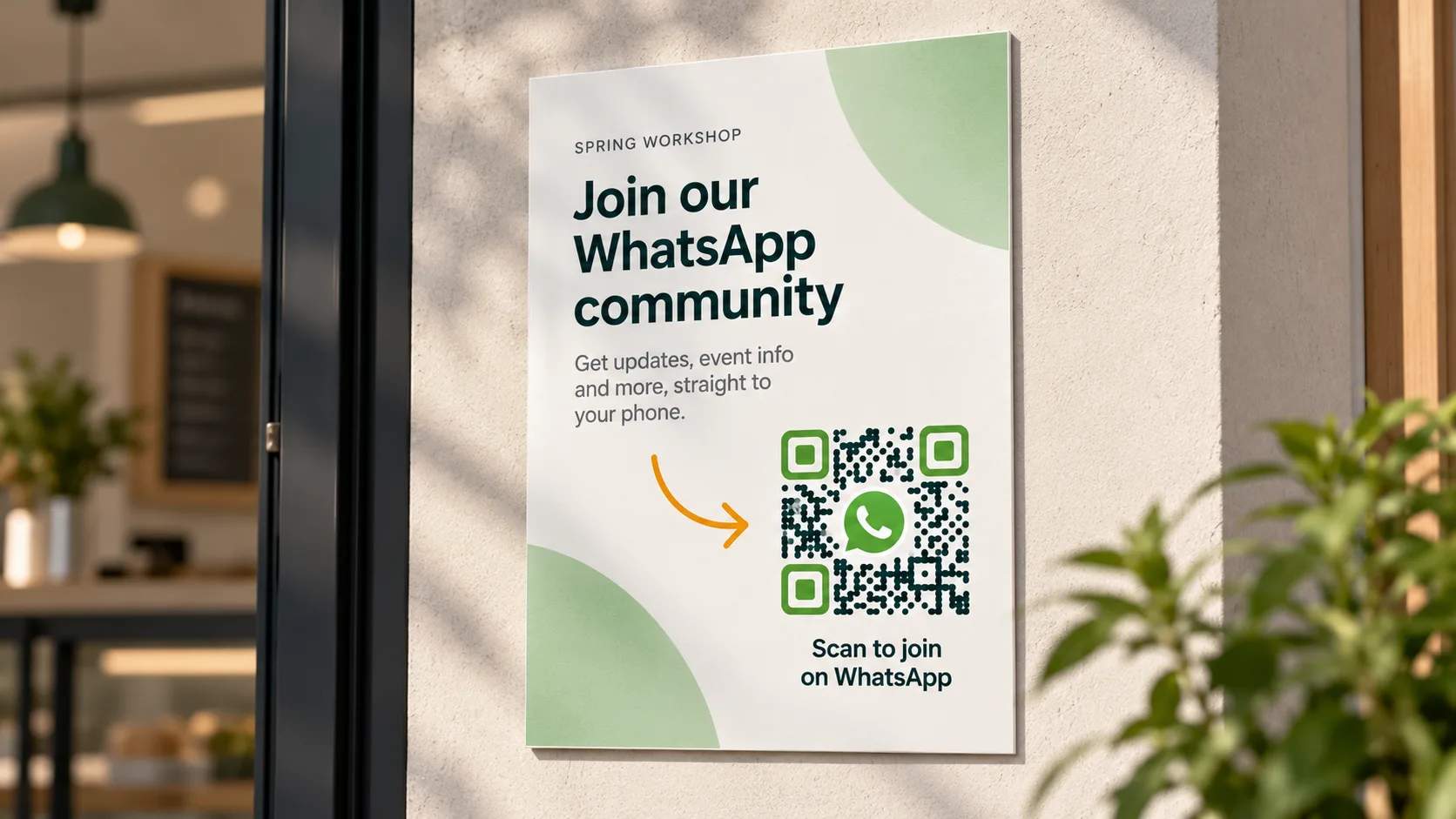
Posters and flyers
Put it on event posters or local flyers so people can join a group or ask a question in one scan. A pop-up or workshop fills seats faster when signing up is this simple.
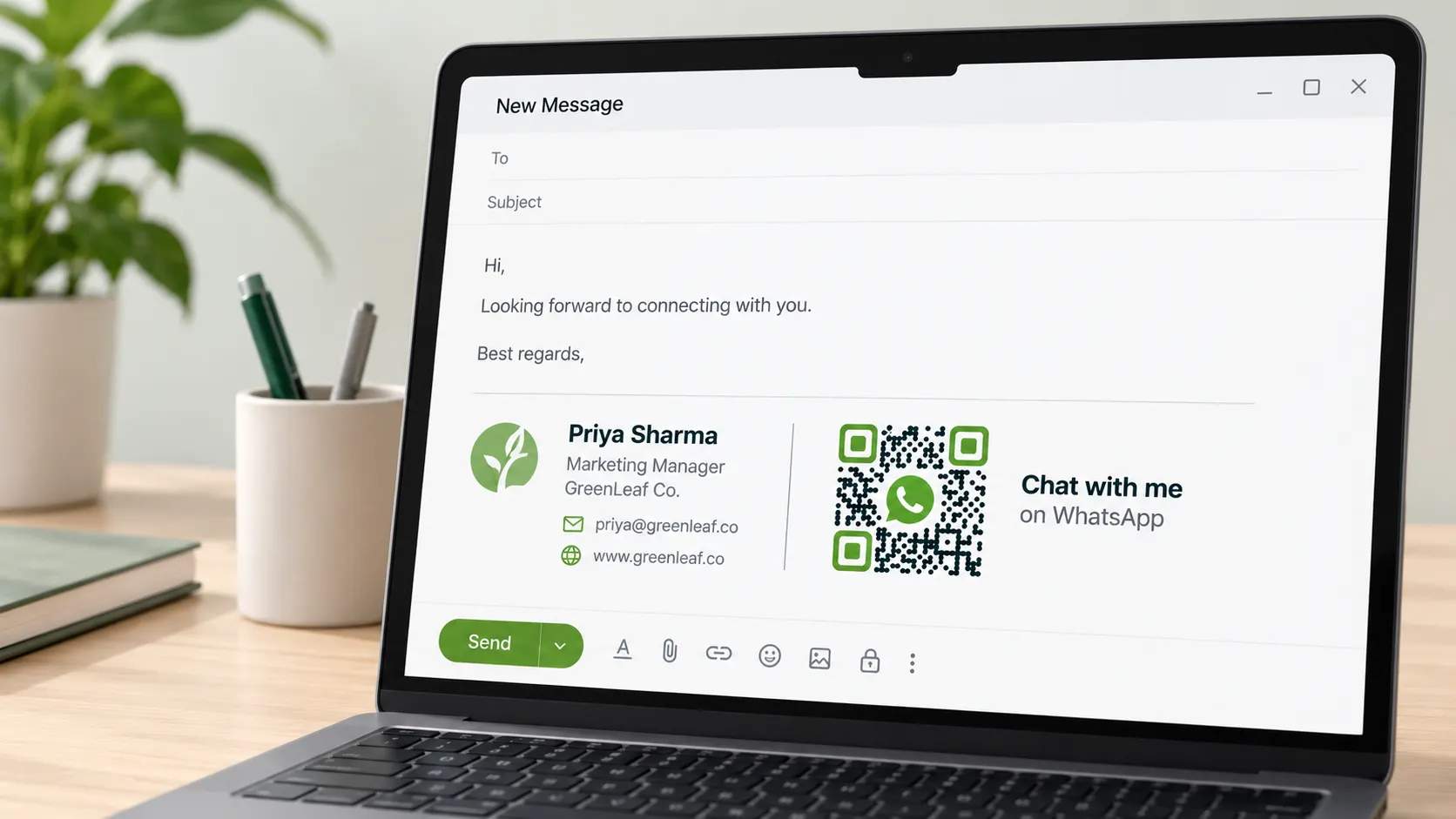
Email signature and social bio
Drop it in your signature or link to it from your bio so your audience moves from a channel they’re browsing to a direct chat. This turns passive followers into active conversations.

Printed ads
Add it to magazine, transit, or in-store ads so readers act the moment the message lands. A WhatsApp chat captures their interest while the ad is still in front of them.
Best practices for a WhatsApp QR Code
A few setup choices determine whether your WhatsApp QR Code keeps working and keeps earning scans.
Frequently asked questions
Ready to put your WhatsApp QR Code to work?
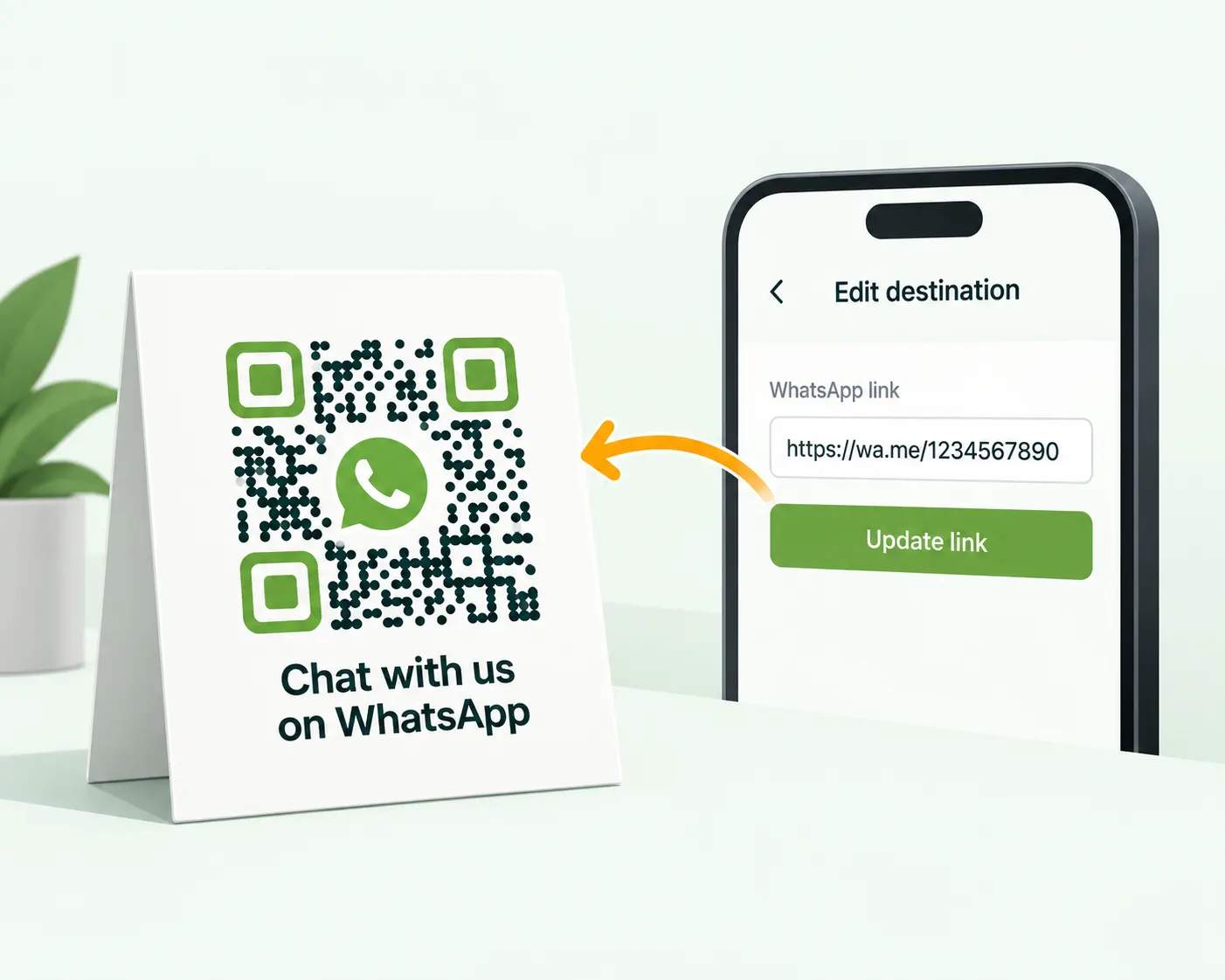
The QR Code Generator is one of the best free ways to turn storefronts, packaging, and ads into WhatsApp conversations. Create a dynamic WhatsApp QR Code, track every scan, and update the link whenever your number or campaign changes.