
Generate Free Location QR Codes for Google Maps
Provide precise map directions with free Location QR Codes. Never lose customers to confusing addresses or wrong pins!
Redirect to an existing web URL
To enable tracking,

How does a location QR Code work?
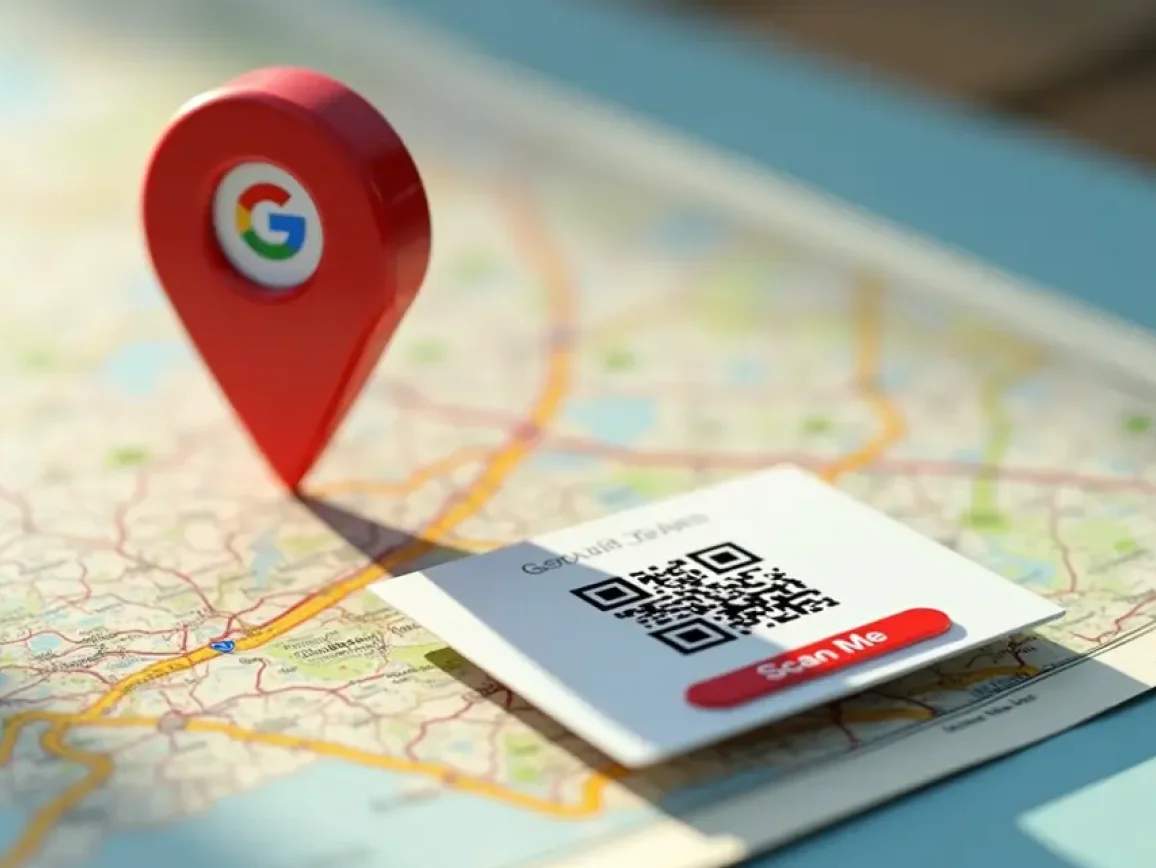
When scanned, a location QR Code opens a specific map link, such as a pinned Google Maps location or Apple Maps coordinate. This ensures everyone is directed exactly where you want them to be, not just in the general vicinity.
4M+
Unique users worldwide
30,000+
Global businesses on our platform
60+
Countries with active users
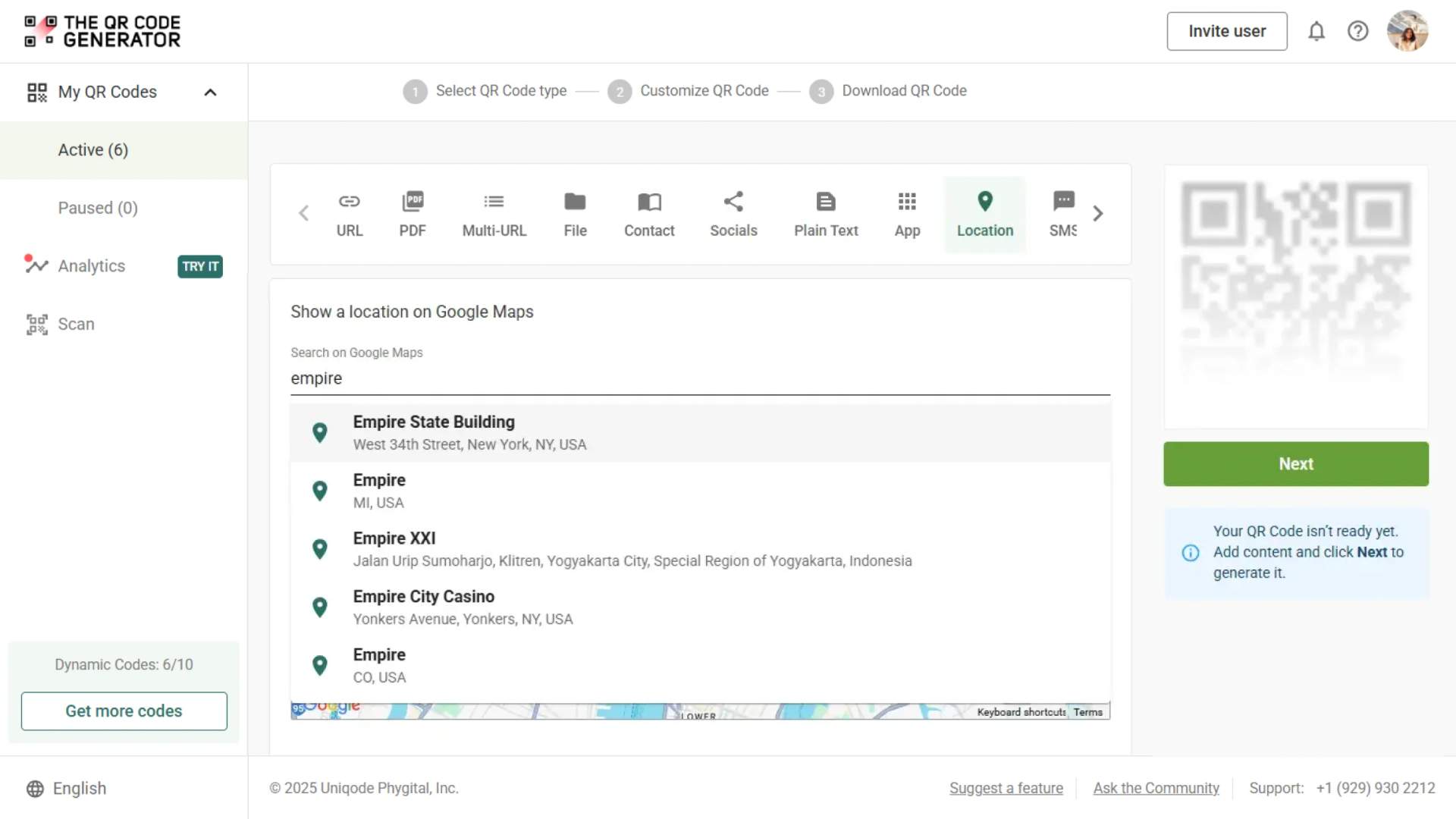
Make every customer find you faster with location QR Codes
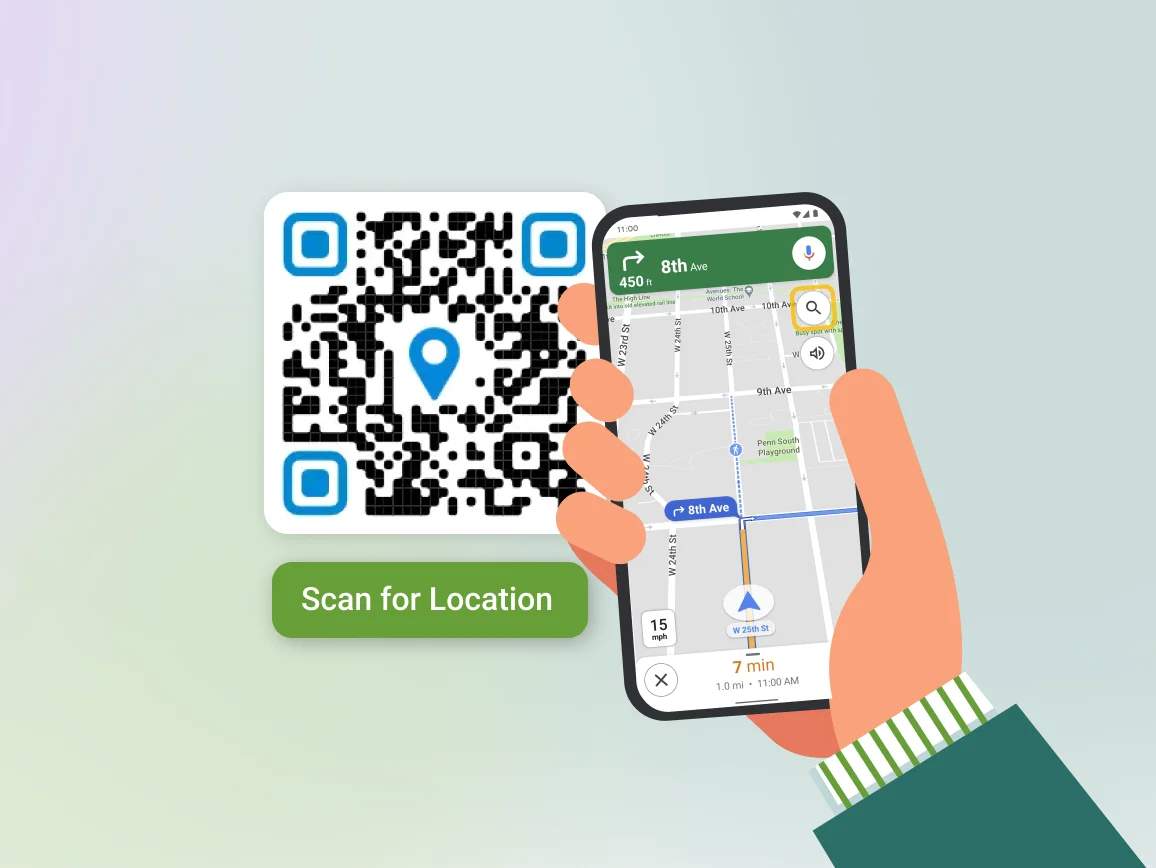
From scan to arrival: getting the most out of your location QR Code

Use a strong contrast
Avoid glossy or reflective surfaces and ensure the QR Code has at least a 7:1 contrast ratio against the background.

Test across devices and lighting
Scan your QR Code on different smartphones to verify that it opens the correct location to avoid future hiccups.

Add a call to action (CTA)
Tell users exactly what they'll get from the scan. CTAs such as “Scan for Directions” convert significantly better.

Customize to match your brand
Make the QR Code your own by adding your logo, brand colors, and design.

Choose the right size
Use a minimum size of 2 × 2 inches on your flyers and posters for reliable scanning.

Track scans for insights
Post creation, measure engagement and learn when and where people scan, so you can optimize marketing placements and boost foot traffic.
Where to place your location QR Code for maximum scans
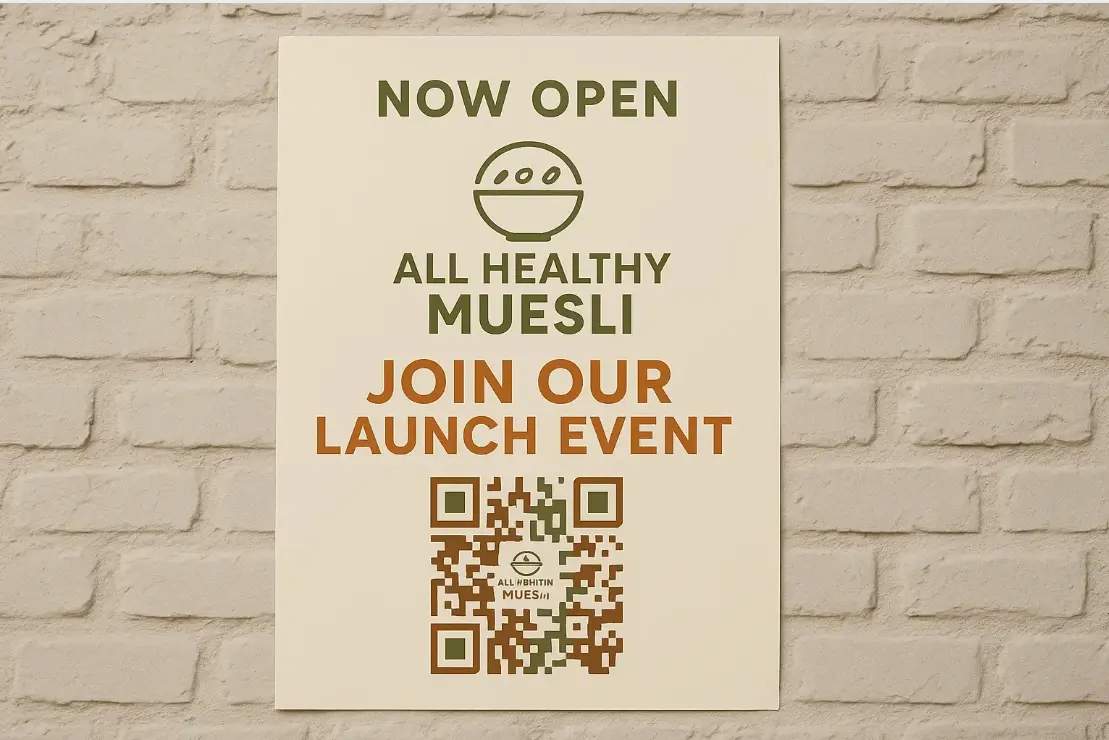
Event flyers
Help guests find your venue without confusion. Add the location QR Code to the bottom corner with a CTA such as “Scan for venue directions.”
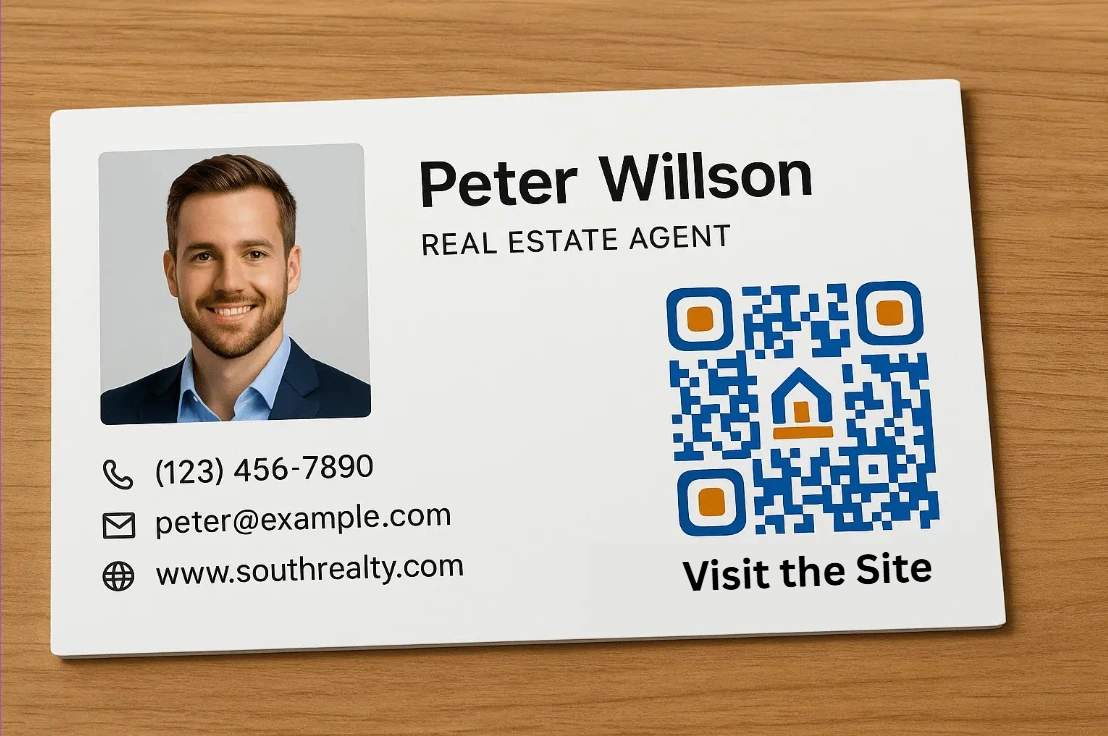
Business cards
Turn a static address into a clickable map. Place the QR Code near your address or contact information, so clients can instantly open your location on their phone.
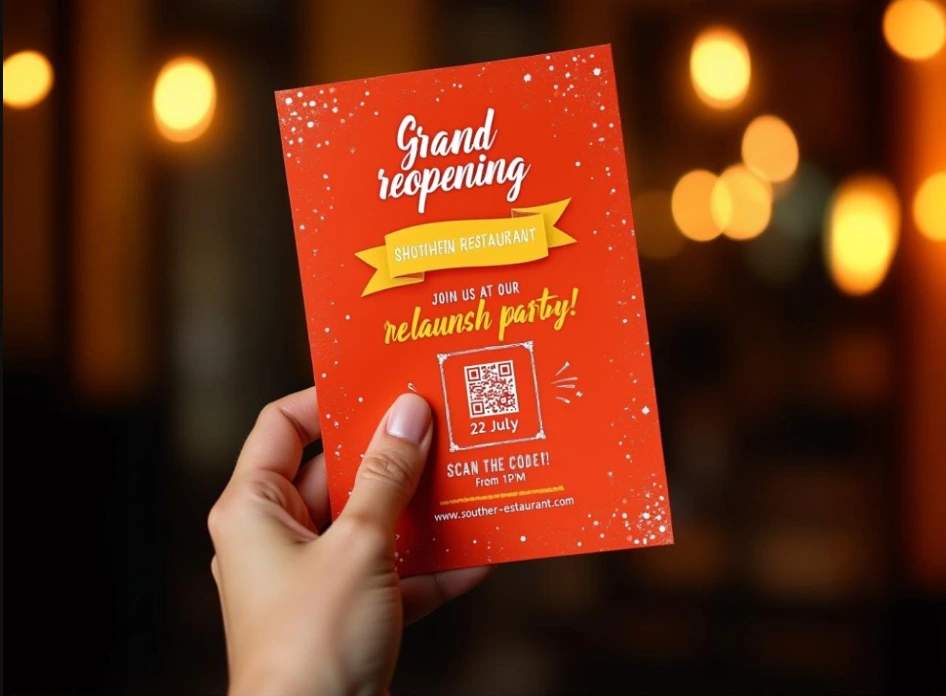
Invitations
Eliminate last-minute texts asking for directions by placing location QR Codes on your invites, allowing your guests to plan their visit smoothly.
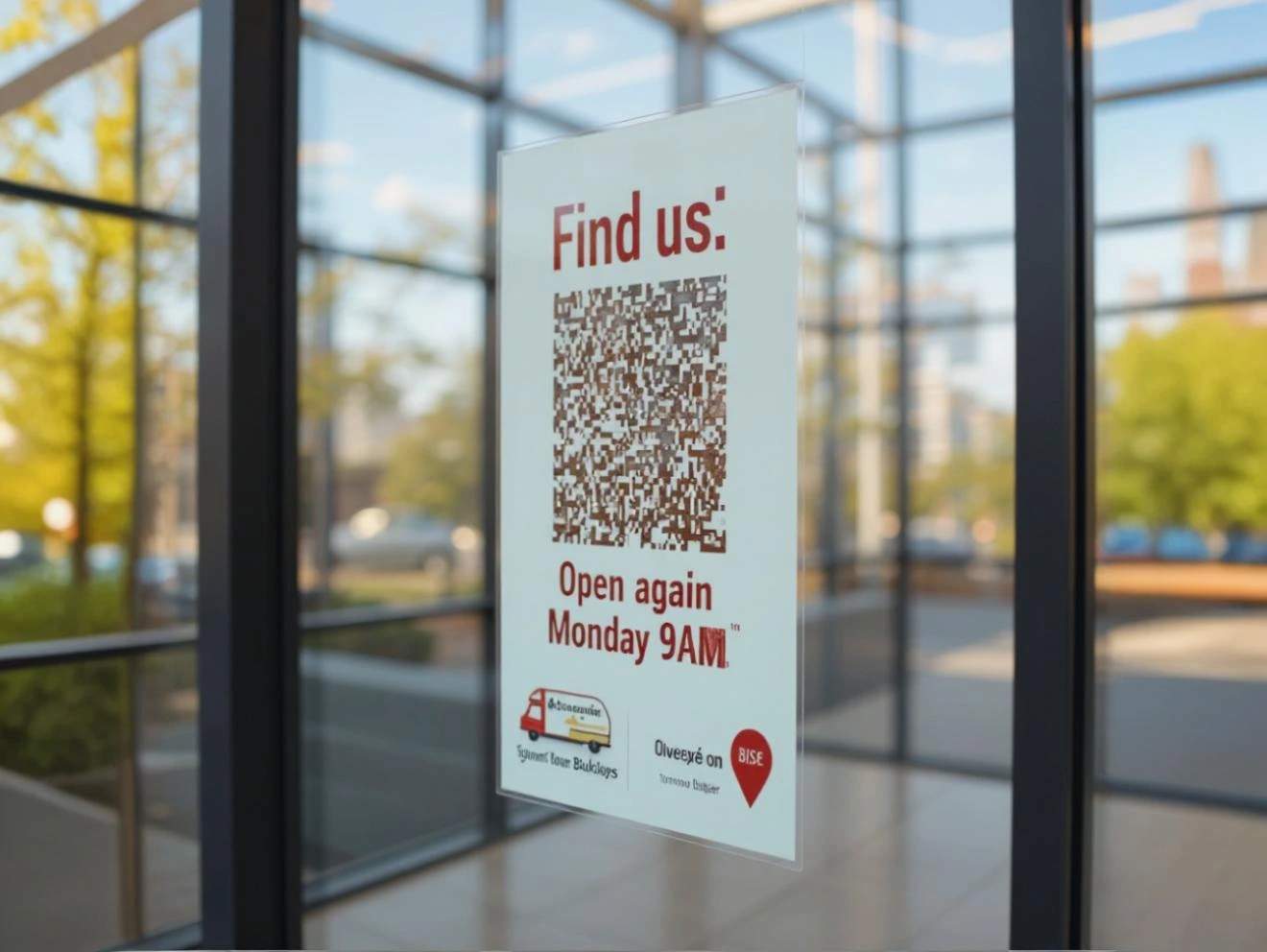
Window decals
Guide walk-by visitors even when you're closed. Help your after-hours visitors find alternate locations and delivery options, or return when you're open.
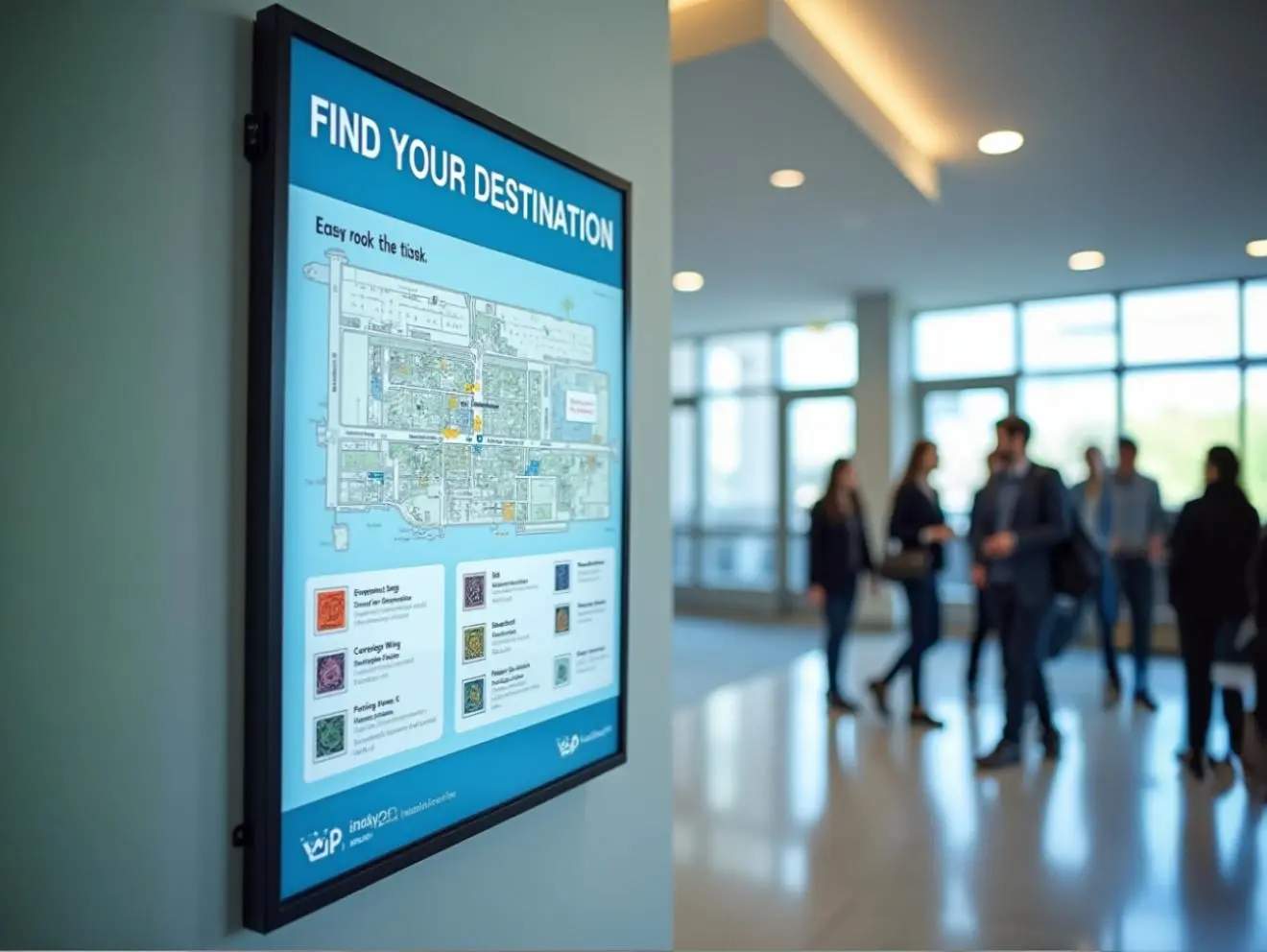
Digital signage
Simplify on-ground navigation for large venues. Use QR Codes on visitor maps or directional signage to help people find buildings and departments within large premises.
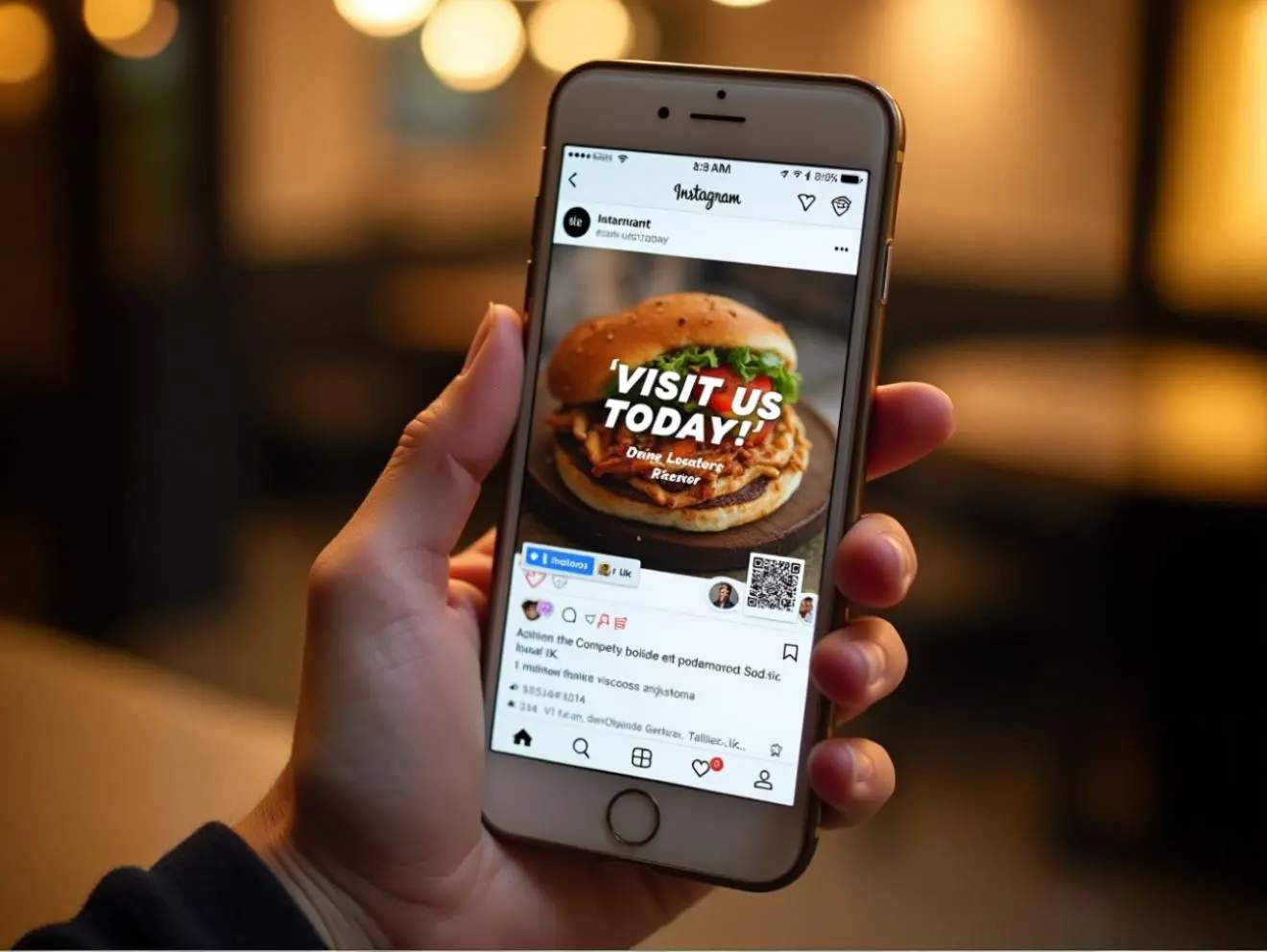
Online ads and social posts
Let mobile viewers jump straight to your pinned location by embedding location QR Codes in social posts or email banners.
Built for every industry where physical locations matter
Whether welcoming walk-in customers or guiding event attendees, location QR Codes always deliver a seamless on-ground experience.
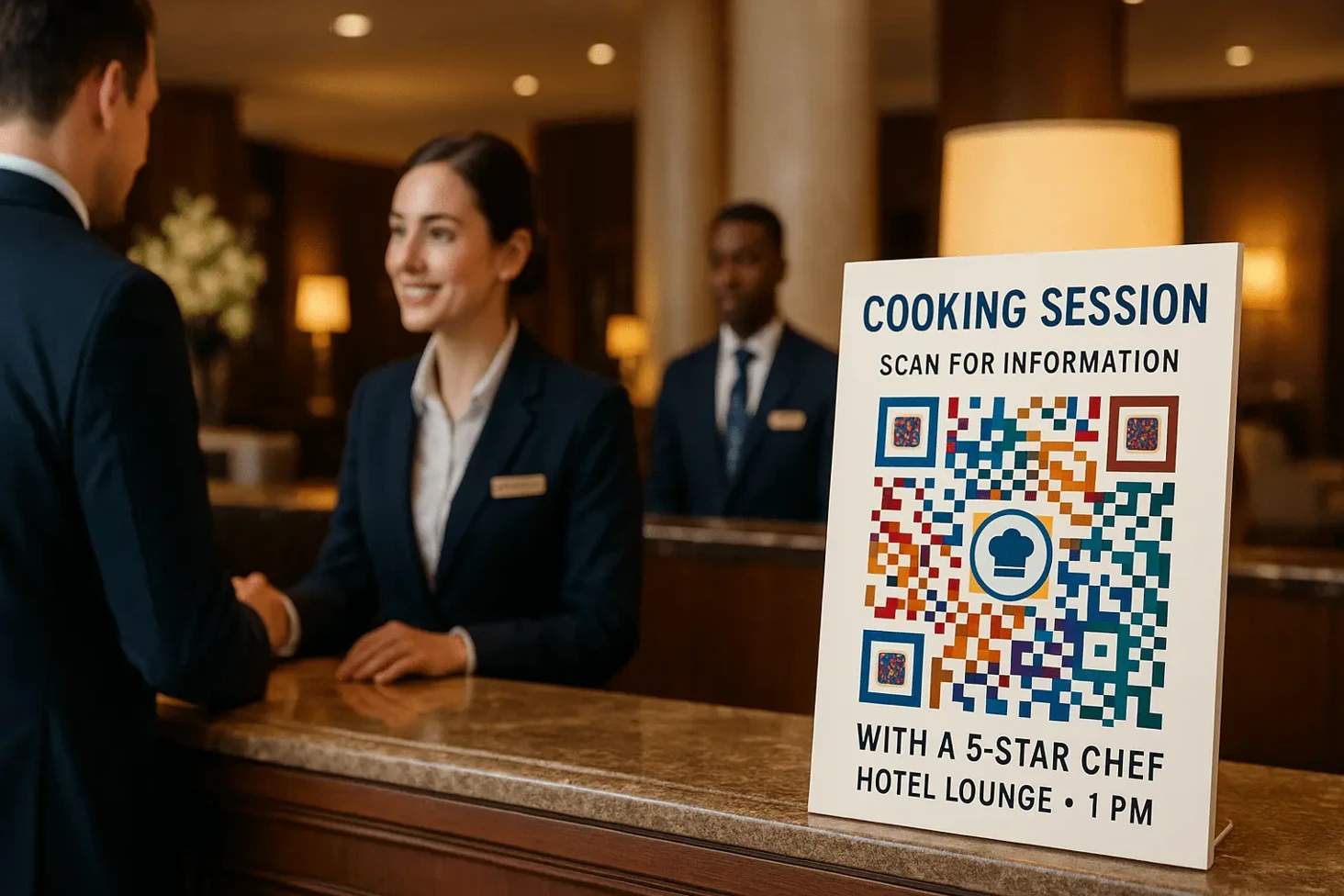
Hospitality and tourism
Help guests arrive on time and stress-free by placing location QR Codes on booking confirmations, lobby signage, or printed maps. Guide them directly to check-in, parking, rooms, or nearby attractions easily.
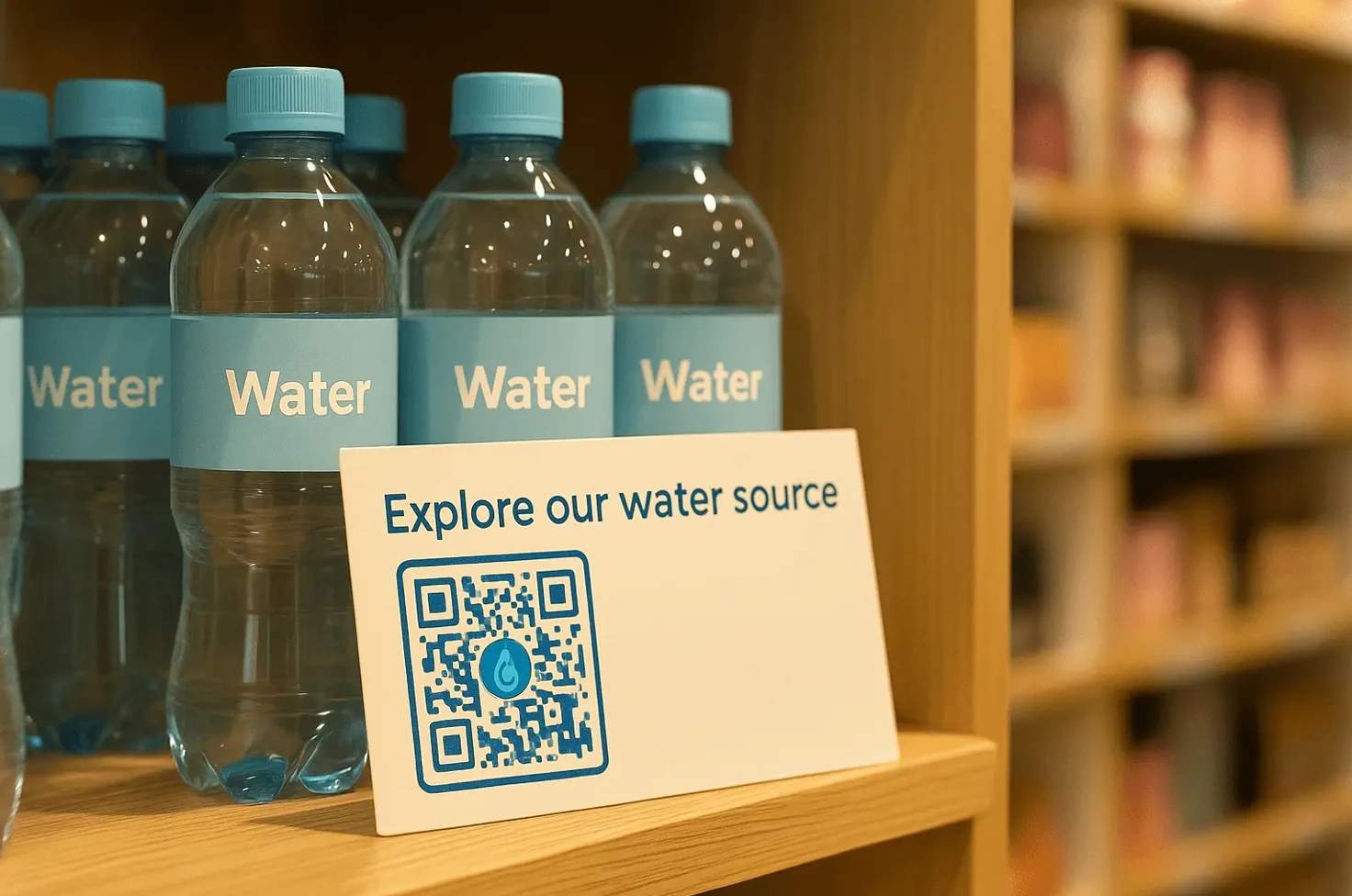
Retail
Increase store visits and foot traffic by adding location QR Codes to flyers, in-store posters, or seasonal promotions. Direct customers to your nearest store, pop-up, or grand opening effortlessly.
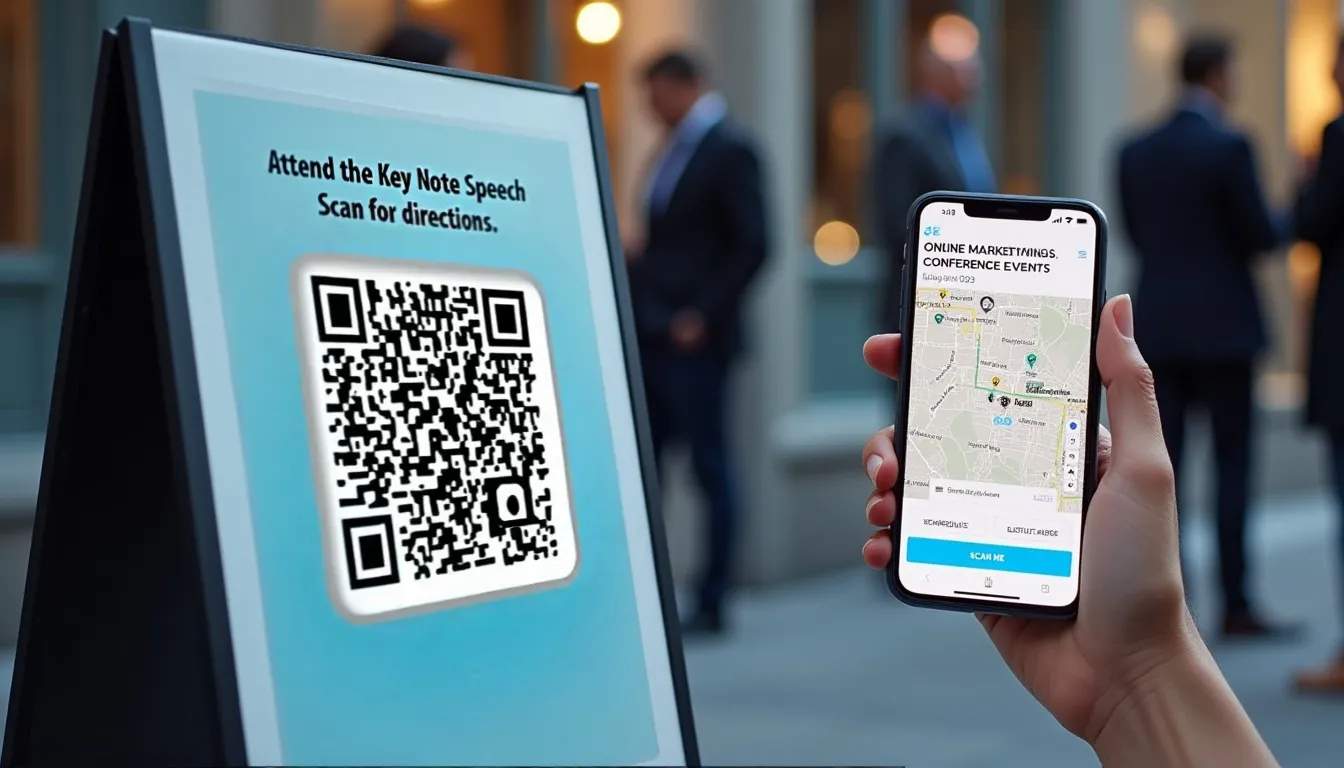
Events and entertainment
Ensure smooth crowd flow and reduce venue confusion by using location QR Codes on tickets, stage maps, or directional signs. Guide attendees to entrances, stalls, or parking quickly.
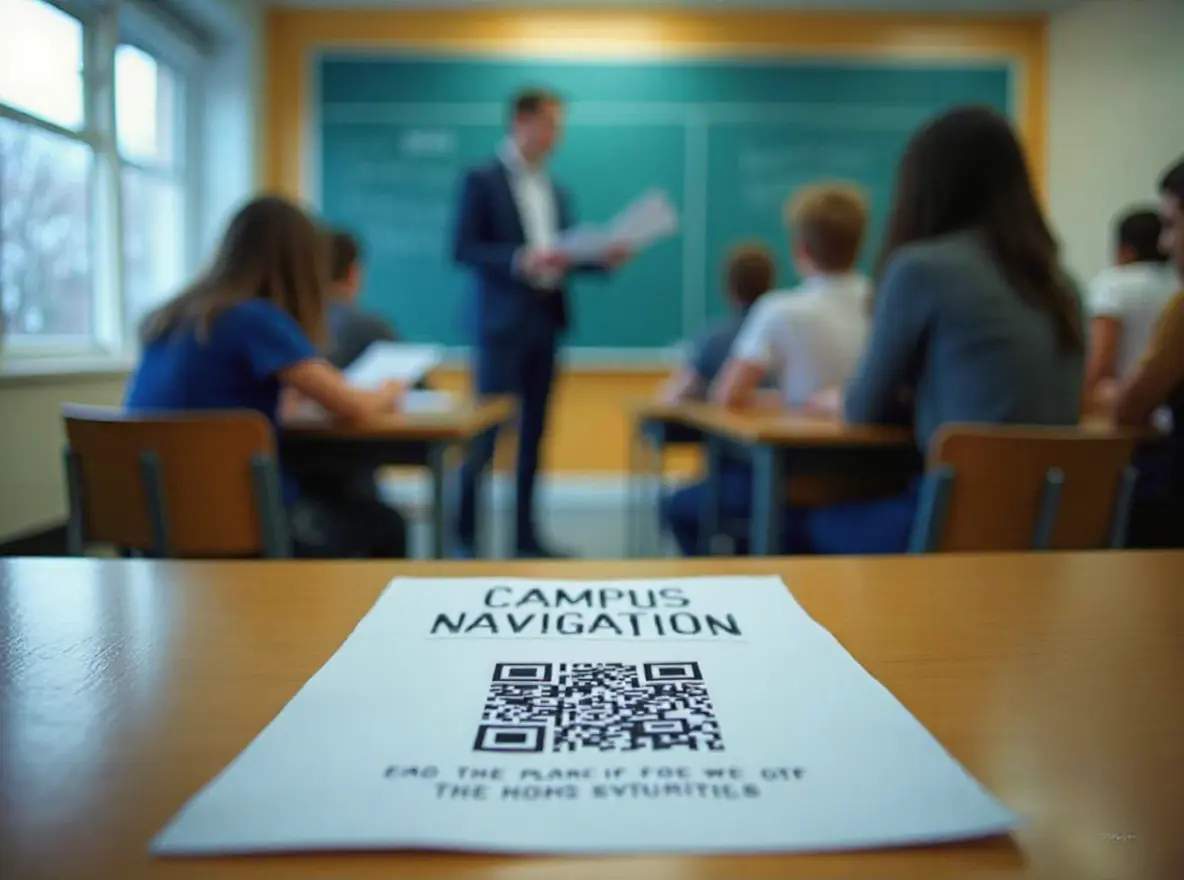
Education and campus facilities
Make campus navigation simple for visitors and students by placing location QR Codes on brochures, emails, or outdoor signage. Help people find buildings, classrooms, or event locations without asking staff.
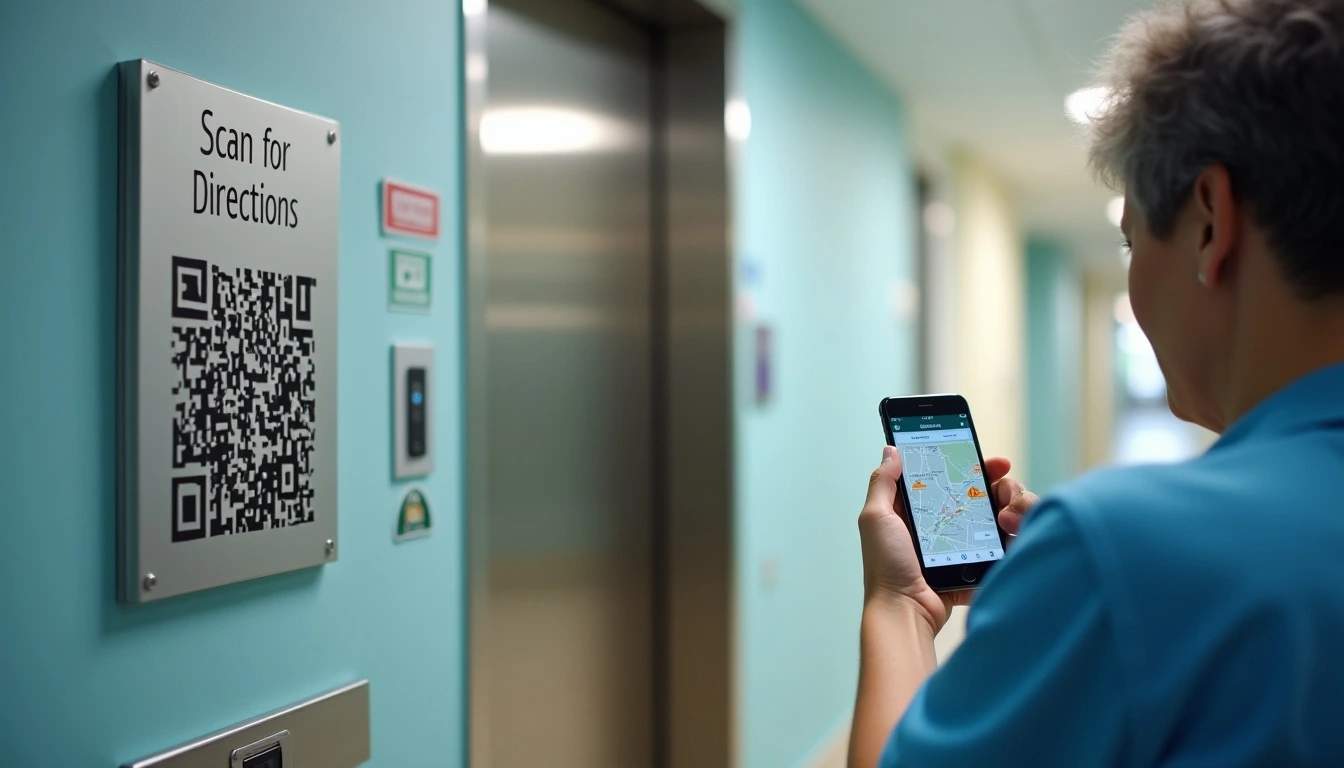
Healthcare and clinics
Support timely arrivals and emergency access by helping patients find the correct entrance or ward. Place location QR Codes on appointment slips, websites, or SMS reminders to reduce missed check-ins.

Logistics and supply chain
Streamline last-mile delivery and field operations by adding location QR Codes for drivers or teams. Guide them directly to docks, warehouses, or delivery checkpoints for faster turnaround.