
Bulk QR Code Generator | Create QR Codes in Bulk
Generate hundreds of QR Codes from a single spreadsheet upload. Brand the whole batch in a few clicks, download every code together, and keep each one editable and trackable.
Redirect to an existing web URL
To enable tracking,

Trusted by 4M+ users
What is a bulk QR Code generator?
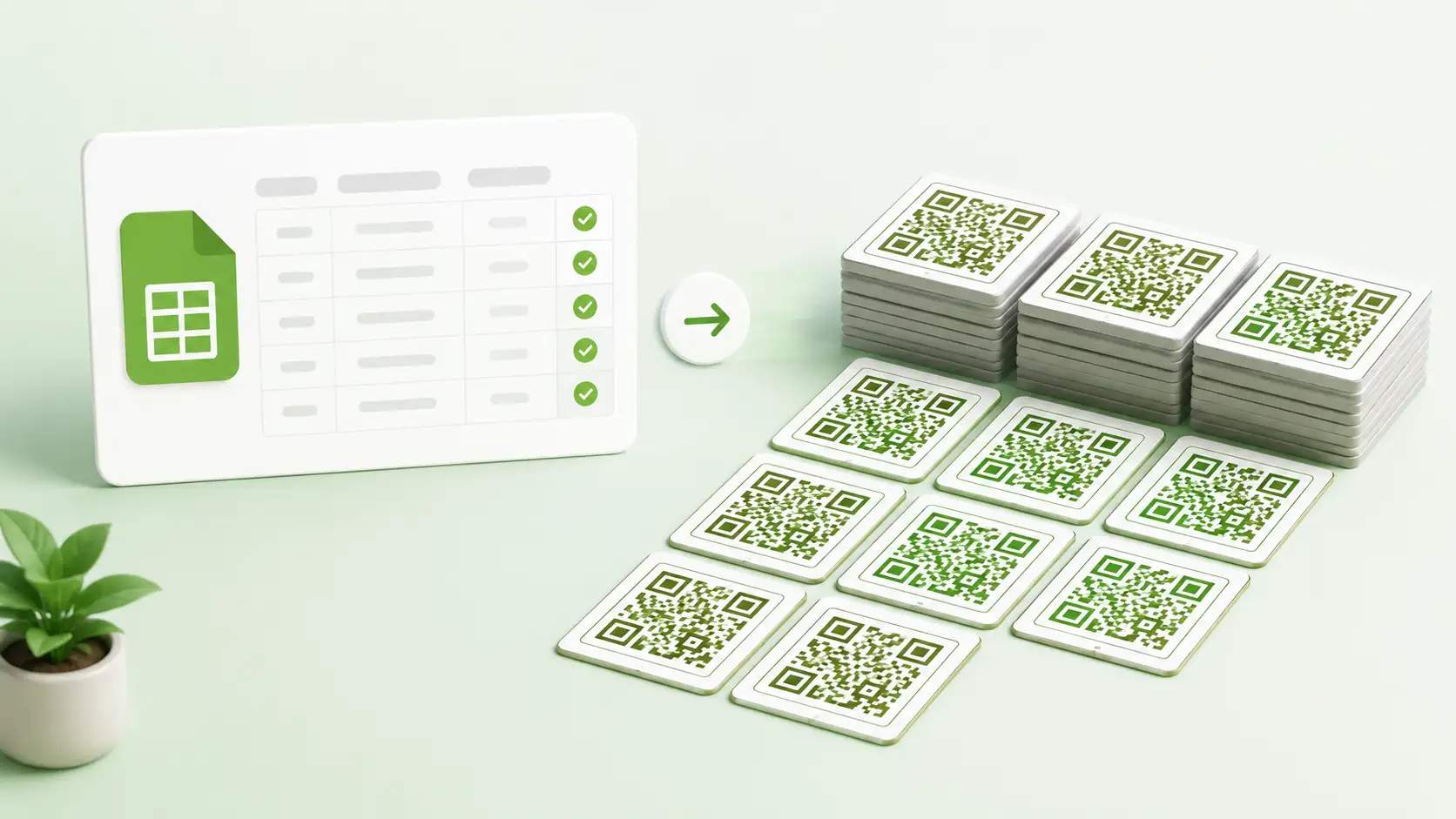
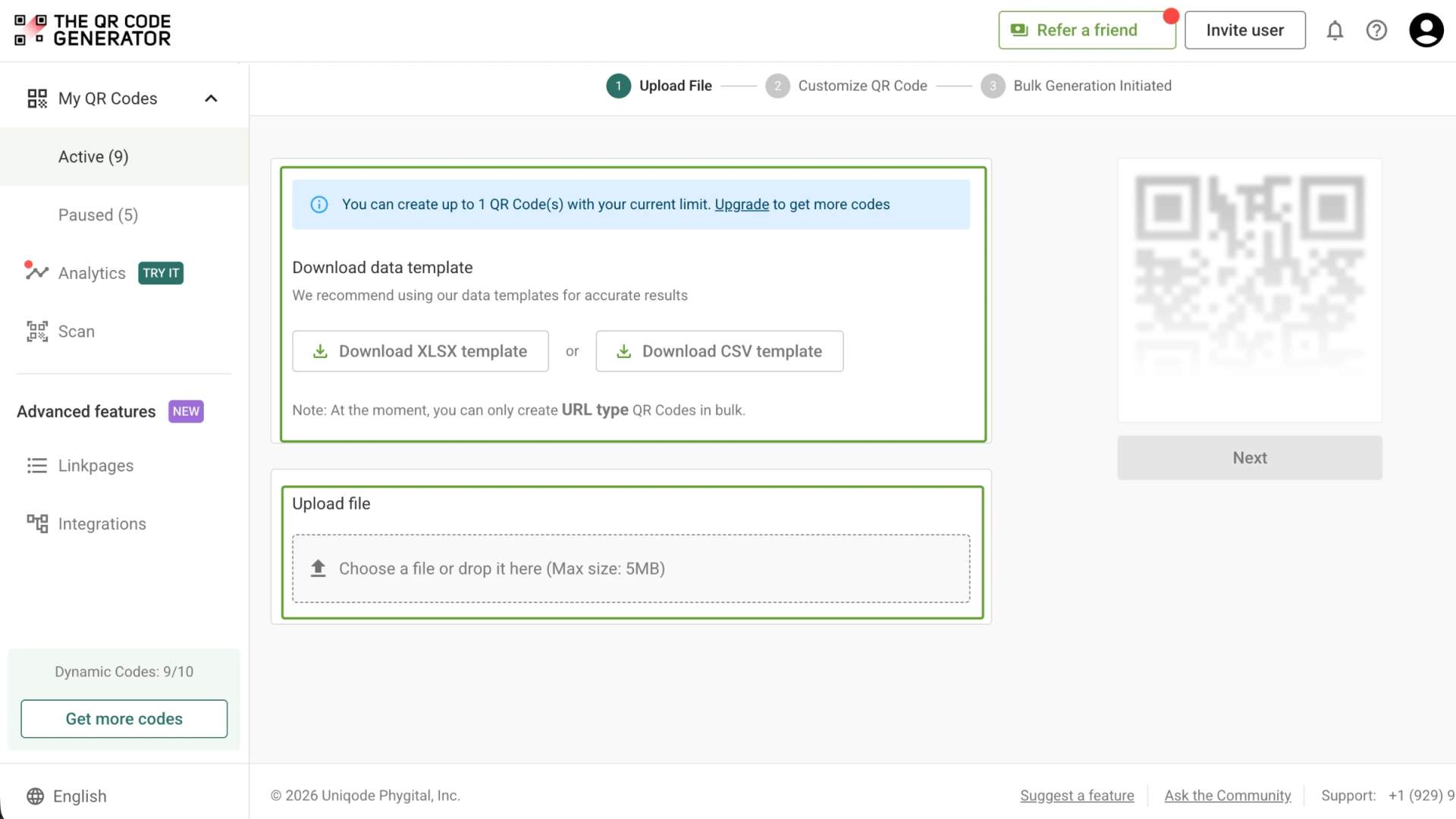
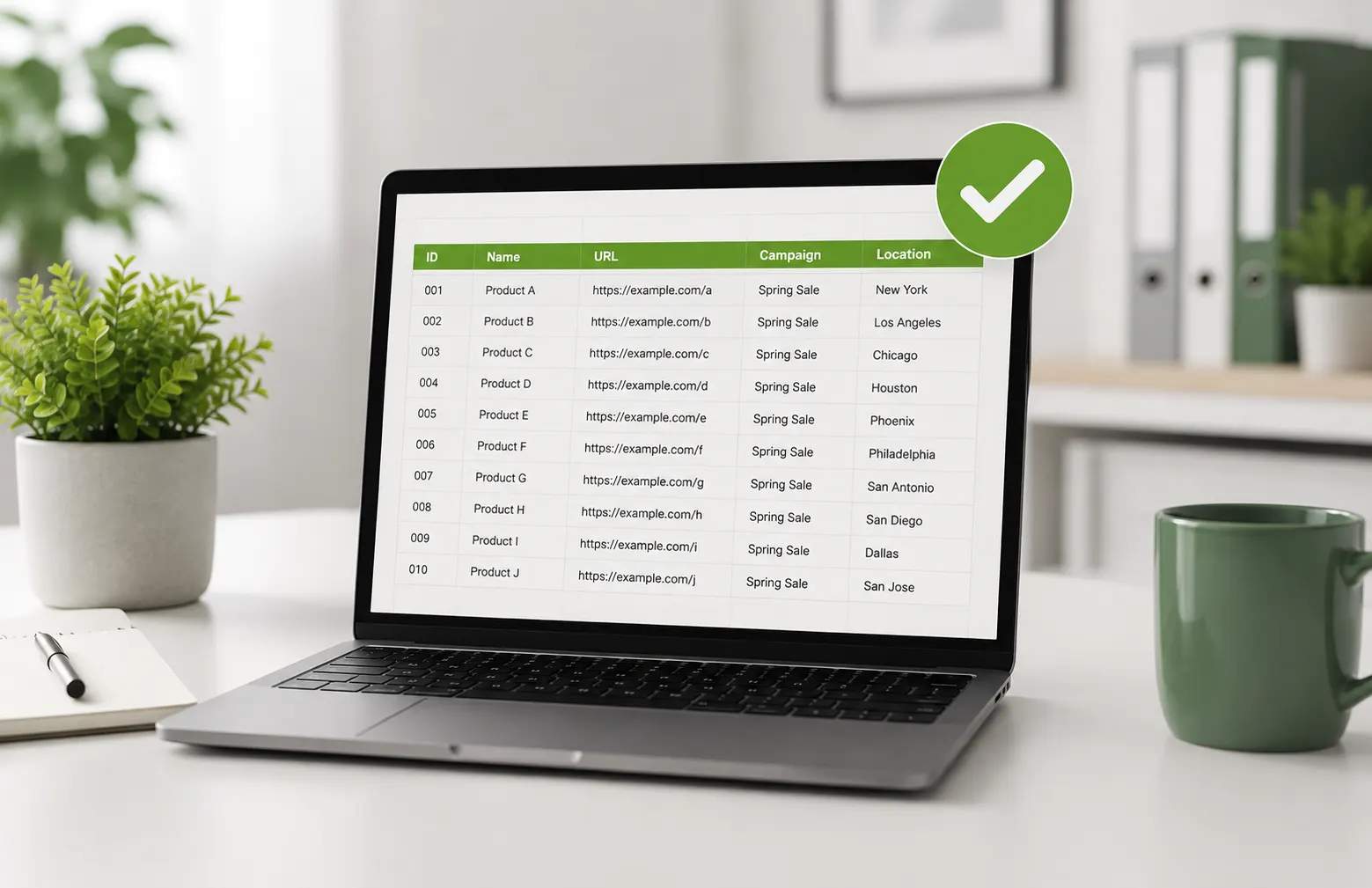
A bulk QR Code generator lets you create multiple QR Codes at once from a single spreadsheet, rather than generating each code individually. Upload a CSV or Excel file with your QR Code data, and the generator creates a unique QR Code for each row in the file. This makes it easier to create and manage QR Codes for large sets of products, events, assets, campaigns, or other individual records.
How to create QR Codes in bulk
What are the benefits of bulk QR Code generation?

Save hours creating QR Codes at scale
Bulk generation replaces hours of manual work with a single upload. Create hundreds of QR Codes from one spreadsheet instead of building each code by hand. A batch that once took a full afternoon can be ready in minutes, helping your team launch campaigns sooner.

Keep every QR Code on brand
Apply your branding across the whole batch at once. Add your logo, colors, and template, and every QR Code follows the same design. Keep your branding consistent across a 50-product line or a 500-store rollout, with no design drift between codes.

Manage and track every code from one dashboard
Keep your QR Codes organized in one place. Sort codes into folders, edit dynamic ones, and track their scans from a single dashboard. See total scans, unique users, and location data for each code, then use those insights to improve your campaigns.
4M+
Unique users worldwide
30,000+
Global businesses on our platform
60+
Countries with active users
Where can you use bulk QR Codes?
Create and manage QR Codes at scale for products, properties, events, campaigns, and locations.
Packaging and SKUs
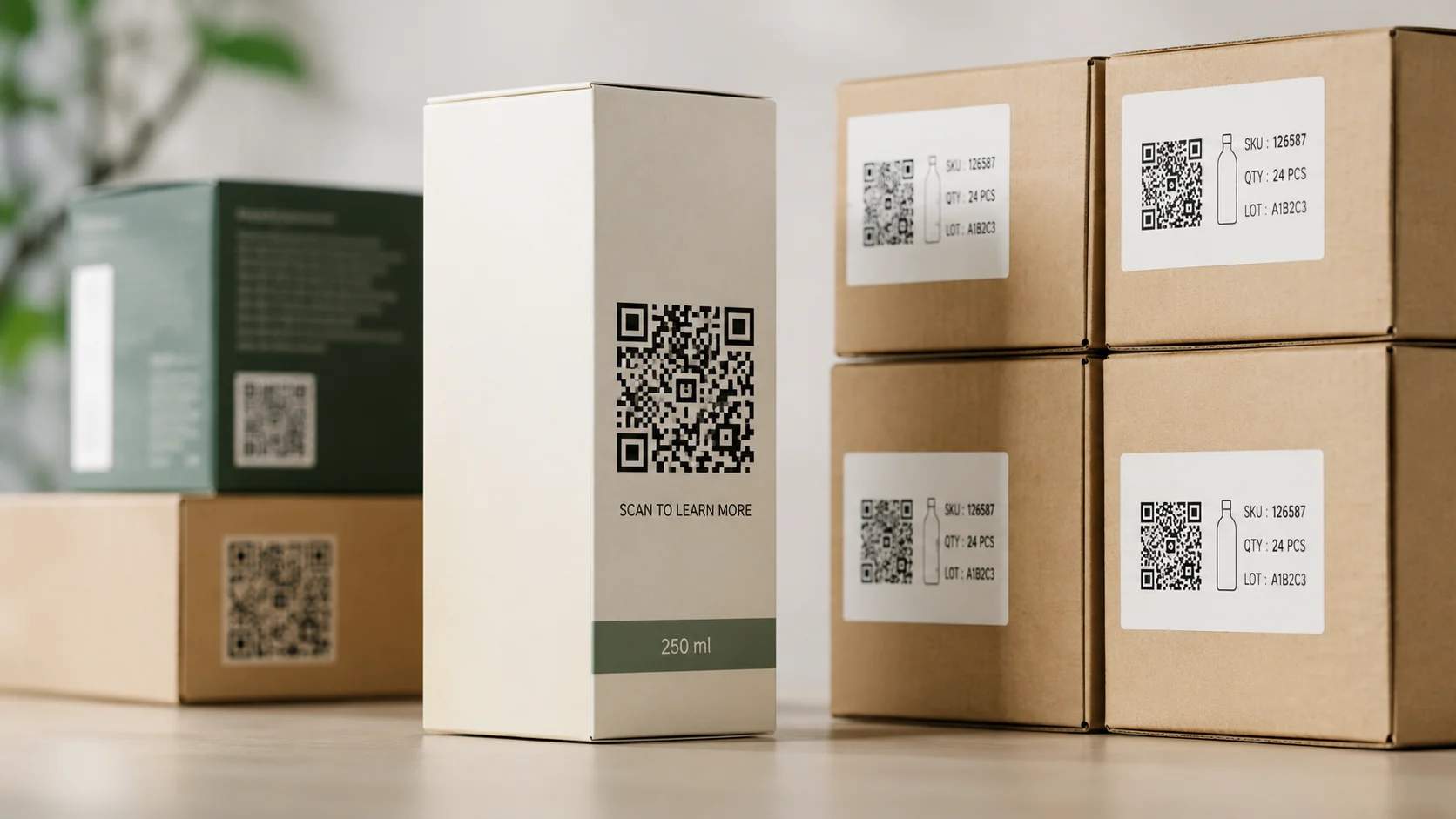
Add QR Codes to product packaging that lead customers to product details, manuals, videos, offers, or other digital content. Generate codes for an entire product catalog from one spreadsheet.

Retail and asset tracking
Label products, equipment, inventory, and other assets with QR Codes. Give each item a scannable identity that helps teams access the right information and keep track of what they manage.
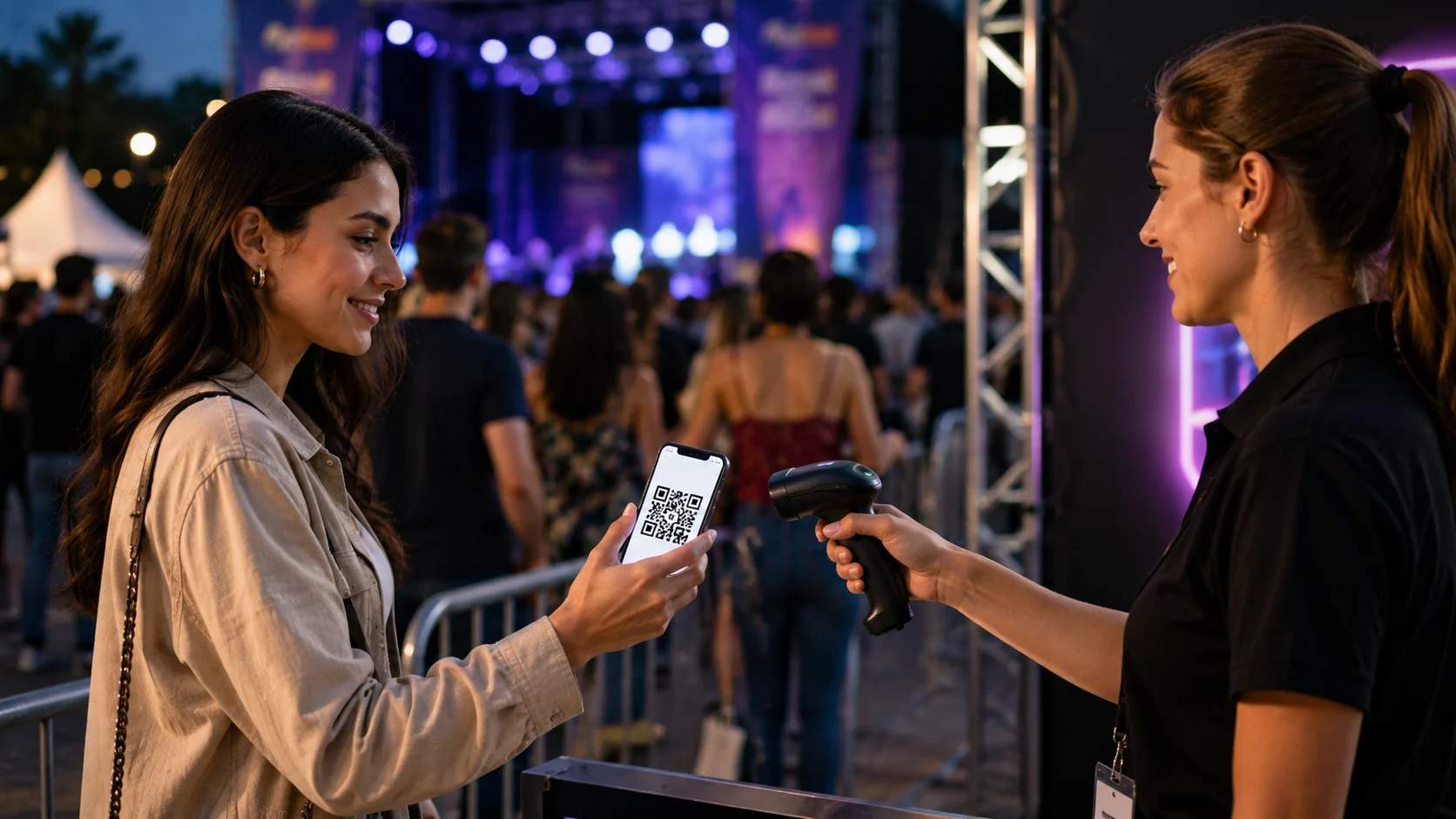
Events and tickets
Generate QR Codes for tickets, attendee badges, sessions, and event materials. Upload your attendee data once and create the codes you need for a large event in a single batch.

Real estate
Add QR Codes to property signs, brochures, and listings. Send prospective buyers directly to property details, virtual tours, floor plans, or contact information for each listing.
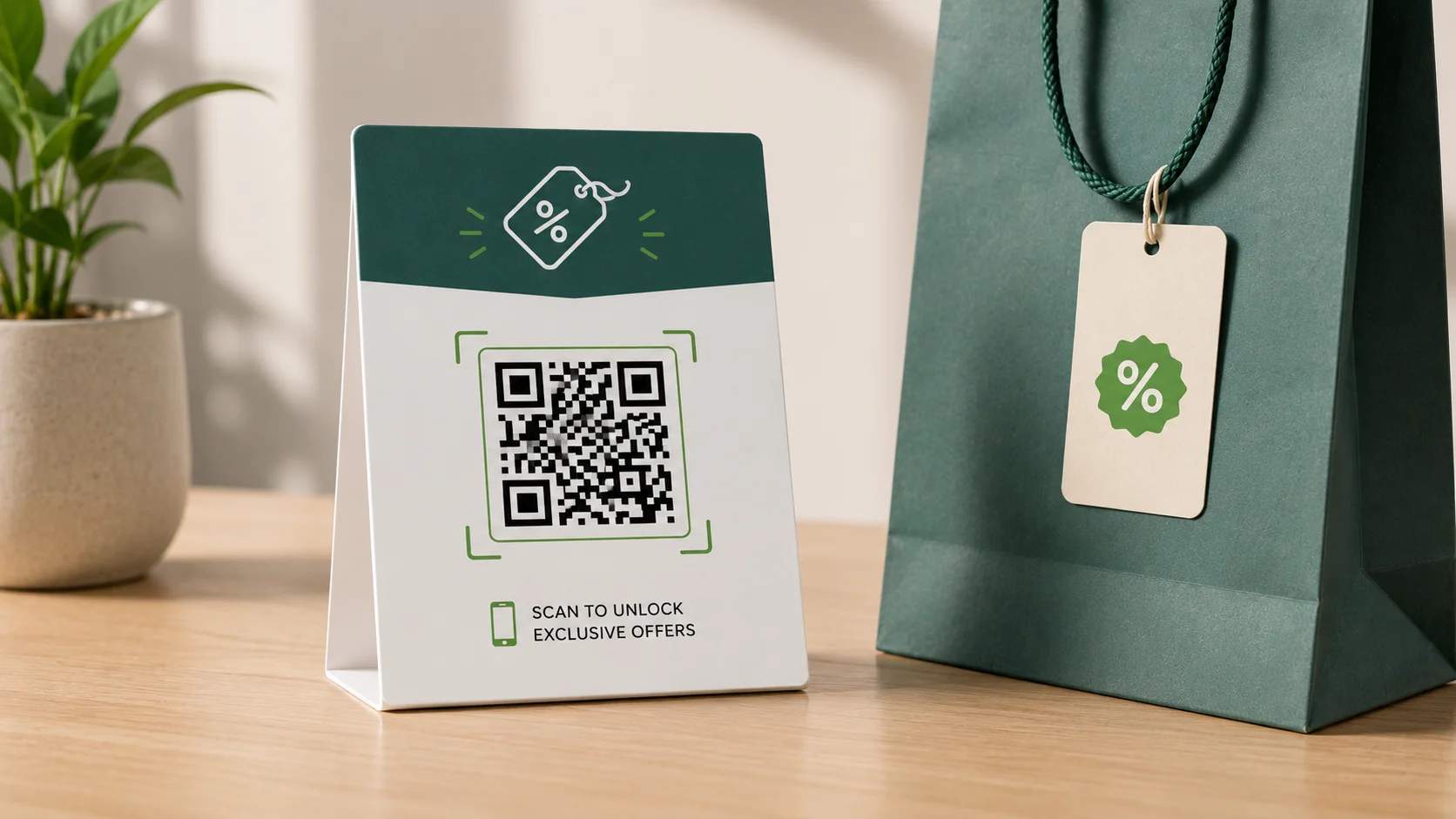
Coupon campaigns
Create QR Codes for different promotions, offers, or campaign variations. Place them across packaging, flyers, ads, and other marketing materials, then use scan data to see which offers perform best.
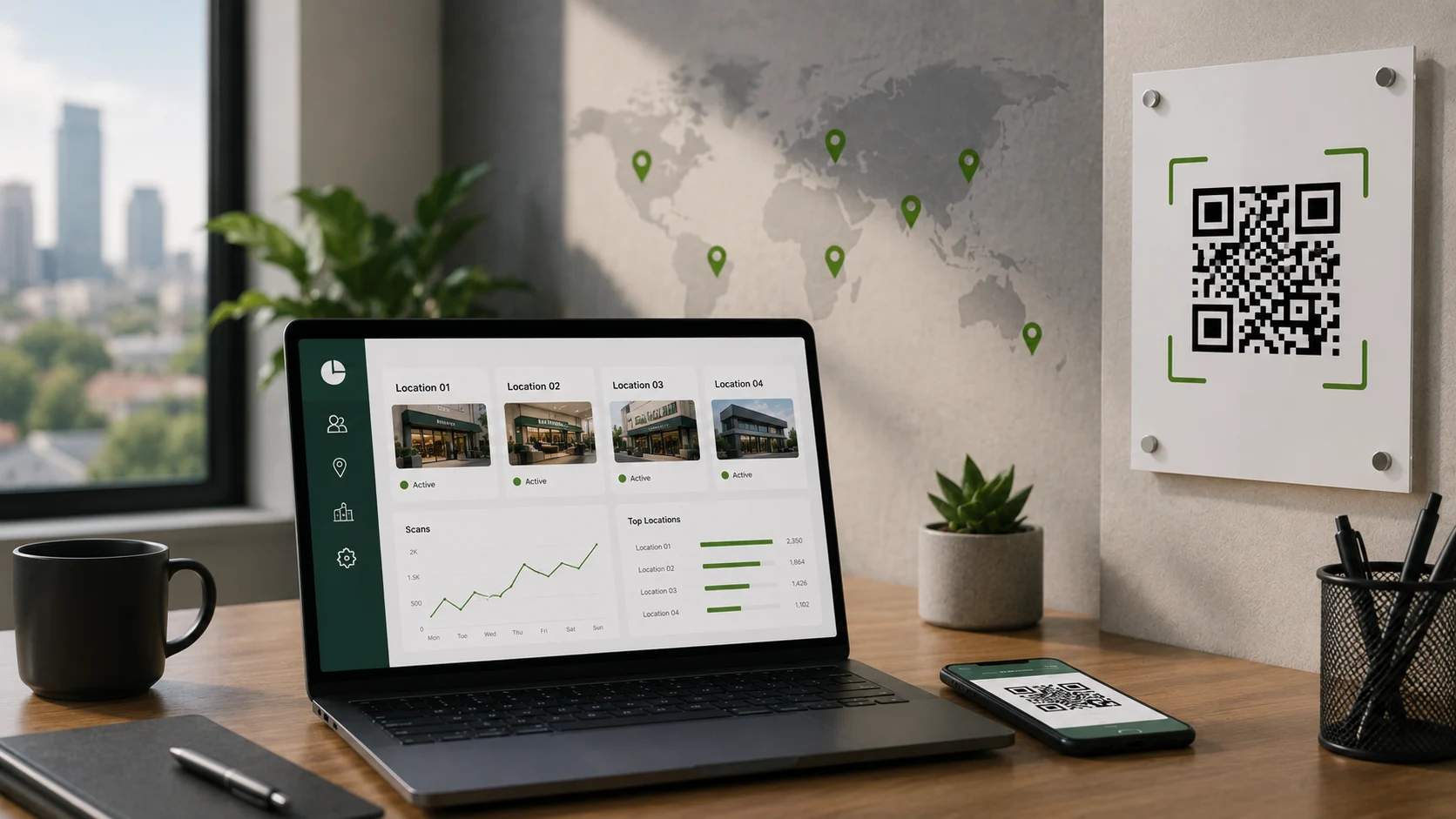
Teams and multiple locations
Create codes for stores, branches, offices, or team members from a central spreadsheet. Organize them by location or team so everyone can find and manage the codes they need.
How does TQRCG keep your bulk QR Code data secure?
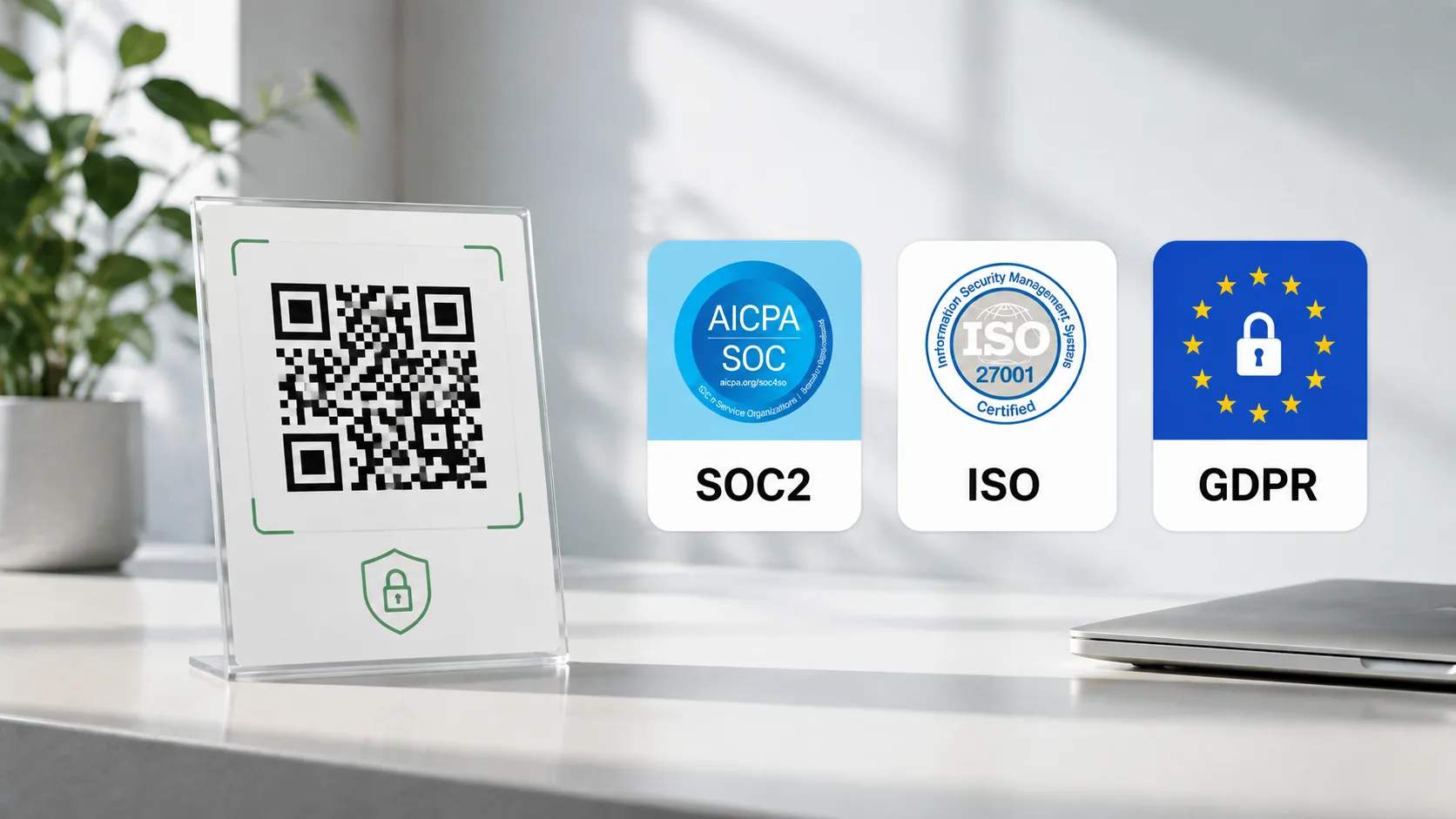
TQRCG is SOC 2 Type II, ISO, and GDPR compliant. Your bulk QR Code data stays protected by these standards across the entire process, from uploading your spreadsheet to tracking the generated codes.
TQRCG also offers Uniqode plans for teams that need enterprise-grade security. Uniqode adds multi-factor authentication, anomaly detection, and is GDPR, SOC 2 Type 2, HIPAA, and ISO 27001:2022 compliant.
What are the best practices for bulk QR Codes?
Frequently asked questions
Create QR Codes in bulk with TQRCG
Generate hundreds of QR Codes from a single CSV or Excel file. Apply your branding, download the entire batch, and manage your QR Codes from one place. Get started with TQRCG and simplify QR Code creation at scale.