
Ticket QR Code Generator for Fast and Secure Event Entry
Speed up check-in, prevent duplicate tickets, and track real-time attendance across every entry gate.
Redirect to an existing web URL
To enable tracking,


Trusted by 4M+ users
How does a ticket QR Code work?
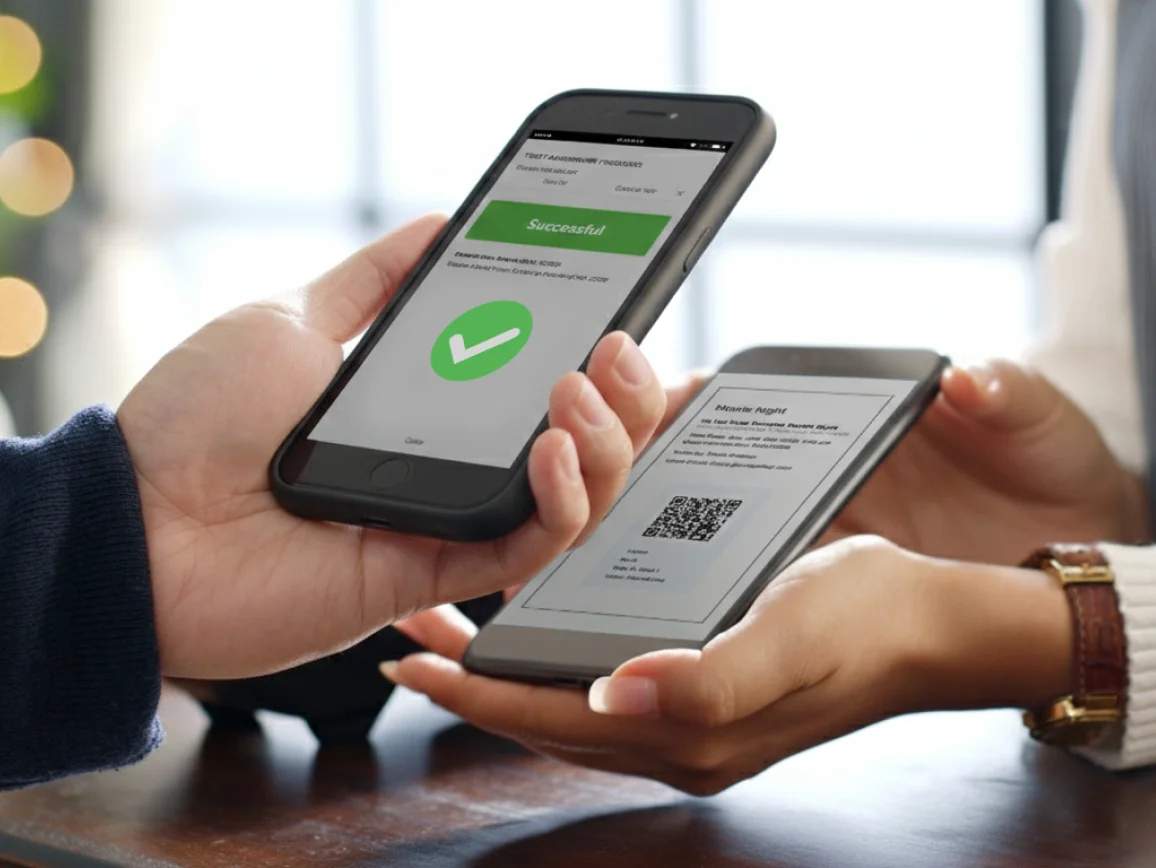
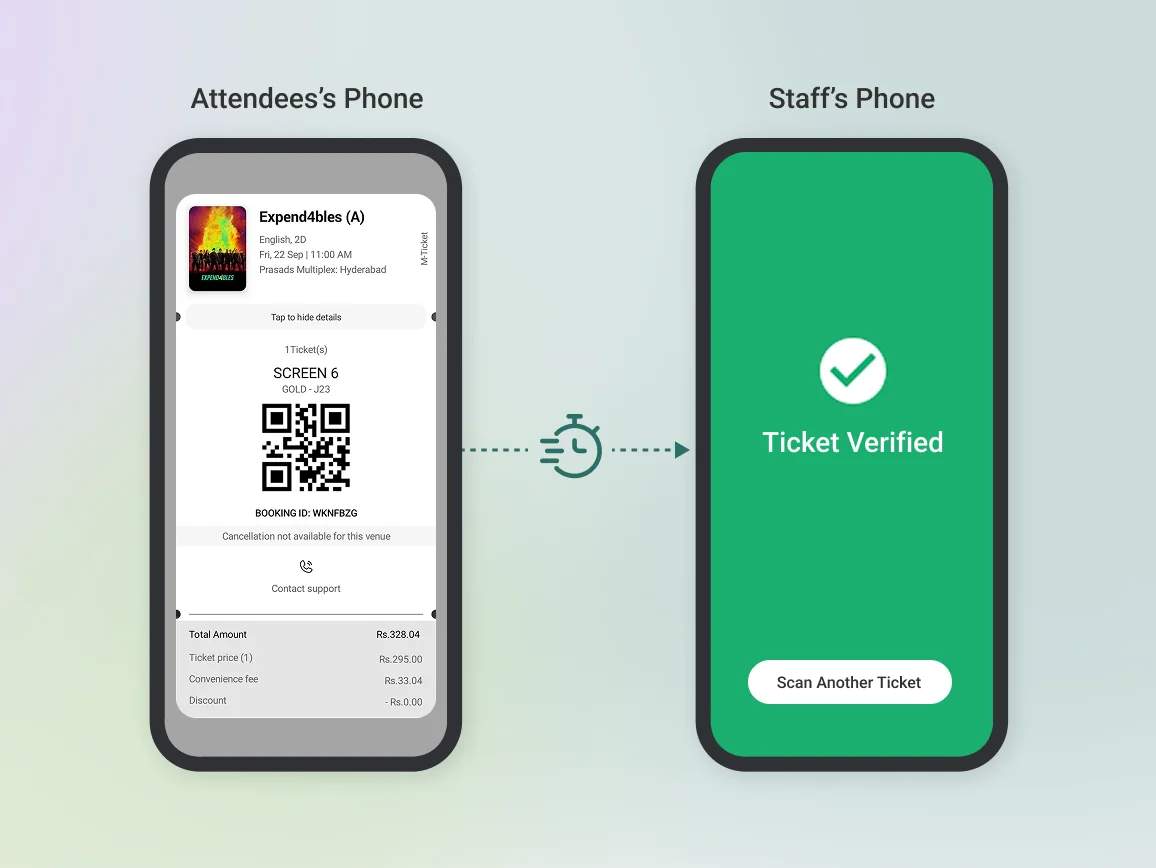
A ticket QR Code links each event ticket to a unique validation page. When scanned at entry, staff instantly verify whether a ticket is valid or already used.
Connected ticketing systems update attendance in real time, preventing duplicate entries and reducing manual checks. Dynamic QR Codes also let you update event details or change validation destinations without reissuing tickets.
4M+
Unique users worldwide
30,000+
Global businesses on our platform
60+
Countries with active users
Benefits of creating ticket QR Codes
Best practices to create QR Codes for tickets

Generate unique ticket codes
Assign a distinct validation link to each ticket at the point of creation. Avoid duplicating QR Codes across attendees to maintain accurate scan tracking.

Connect to validation systems
Ensure QR Codes resolve to a live validation endpoint that updates ticket status after each scan. This enables real-time check-in workflows at entry gates.

Protect attendee data
Use secure platforms that support GDPR compliance and SOC 2 certification. Limit exposed data fields and avoid embedding sensitive information directly inside the QR Code.

Test scanning before the event
Run trial scans with your actual hardware and entry setup. Test under different lighting conditions and scanning distances to avoid delays during peak entry.

Optimize QR Code size
For printed tickets, use a minimum 1 × 1 inch QR Code. For mobile tickets, optimize the QR Code size for screen viewing at 1.5 × 1.5 inches or larger for quick scans at busy entry points.

Use high contrast designs
Design ticket QR Codes with dark codes on light backgrounds. Avoid low-contrast color combinations that scanners struggle to read, especially under varied lighting conditions.
How to deliver and scan ticket QR Codes at events
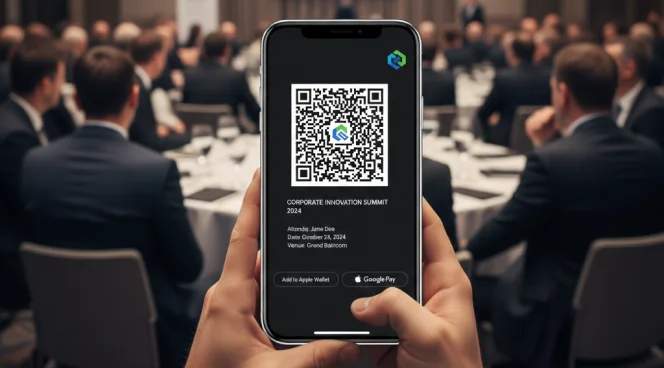
Email and mobile wallet delivery
Send ticket QR Codes via email confirmations or mobile wallets like Apple Wallet and Google Pay. Attendees access tickets instantly on their phones, enabling fast, contactless entry.
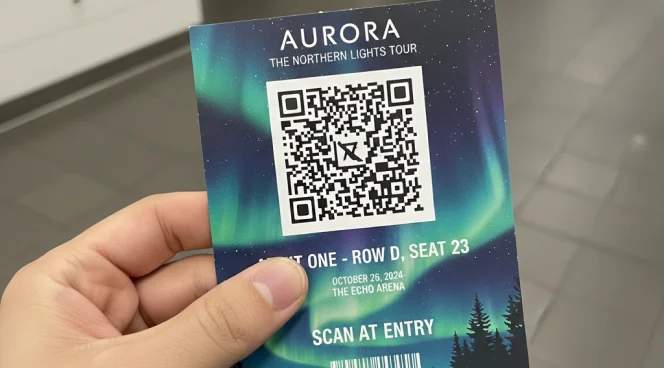
Printed tickets and will call
Include QR Codes on physical tickets for attendees who prefer print. Place codes prominently on the ticket front at a minimum 1 × 1 inch size for reliable scanning.
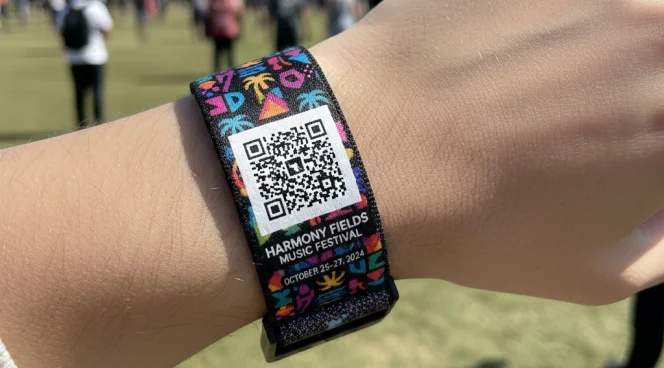
Event badges and wristbands
Add QR Codes to badges or wristbands for multi-day events. This allows quick re-entry scanning and access control without separate tickets.
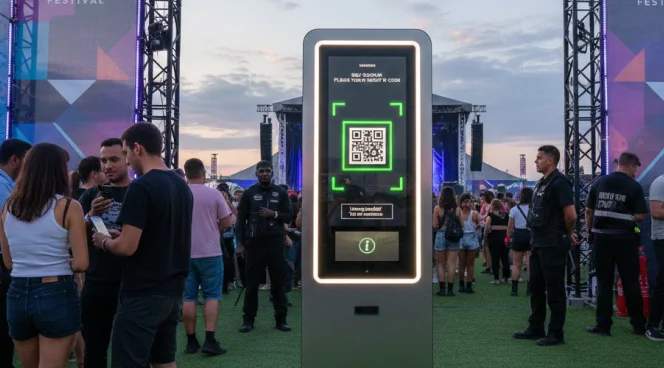
Self-service kiosks
Deploy QR Code scanners at entrances for self-check-in. Guests scan independently, reducing staffing needs and speeding up entry flow.
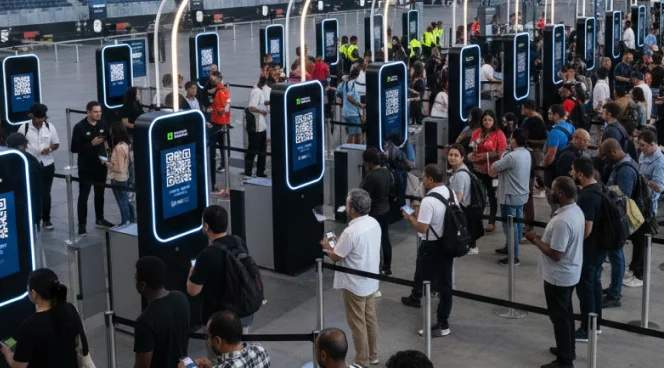
Multiple entry stations
Install scanners across all entry gates to distribute crowds and minimize bottlenecks during peak arrival times.
Which events benefit from ticket QR Codes?
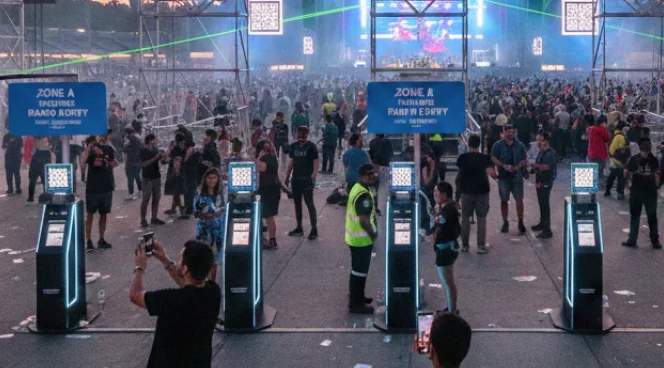
Music concerts and festivals
Process large crowds quickly at multiple entry gates. Connect QR Codes to validation systems to prevent ticket fraud and track attendance patterns for future event planning.
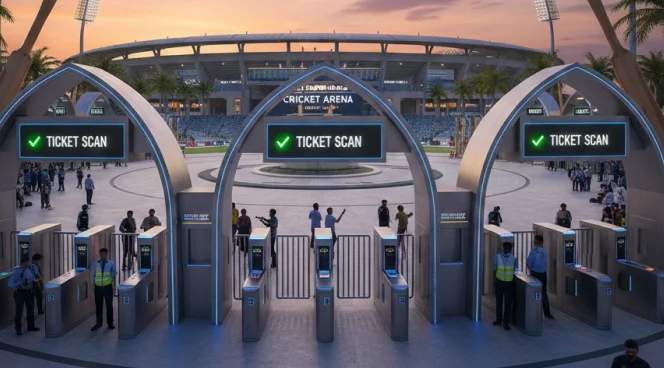
Sports events and stadiums
Handle peak entry times when thousands arrive within narrow windows. Distribute attendees efficiently across gates and track season ticket attendance.
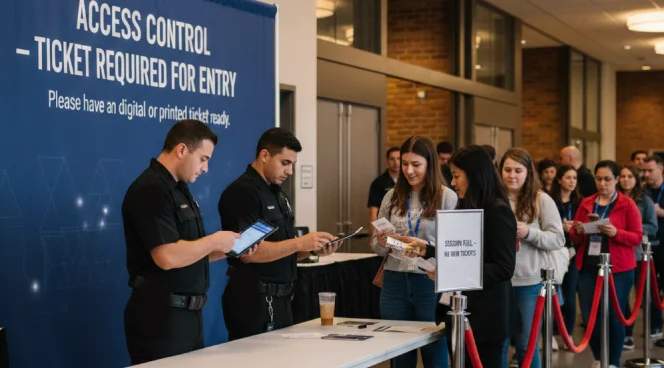
Conferences and business events
Control access to paid sessions and workshops. Track attendance to understand session popularity and support post-event analysis.

Theaters and performing arts
Enable contactless ticket validation for shows and performances. Reduce lobby congestion during pre-show arrival and intermission re-entry.

Exhibitions and trade shows
Manage exhibitor and visitor access separately. Track booth visit patterns when exhibitors scan attendee badges.

Private events and parties
Control guest list access for weddings, corporate celebrations, and exclusive gatherings. Prevent unauthorized entry while maintaining a smooth arrival experience.