
RFID vs. QR Code: Which Is Better for Asset Tracking?

Shanti Nair
Last updated: April 27, 2026
8 min read
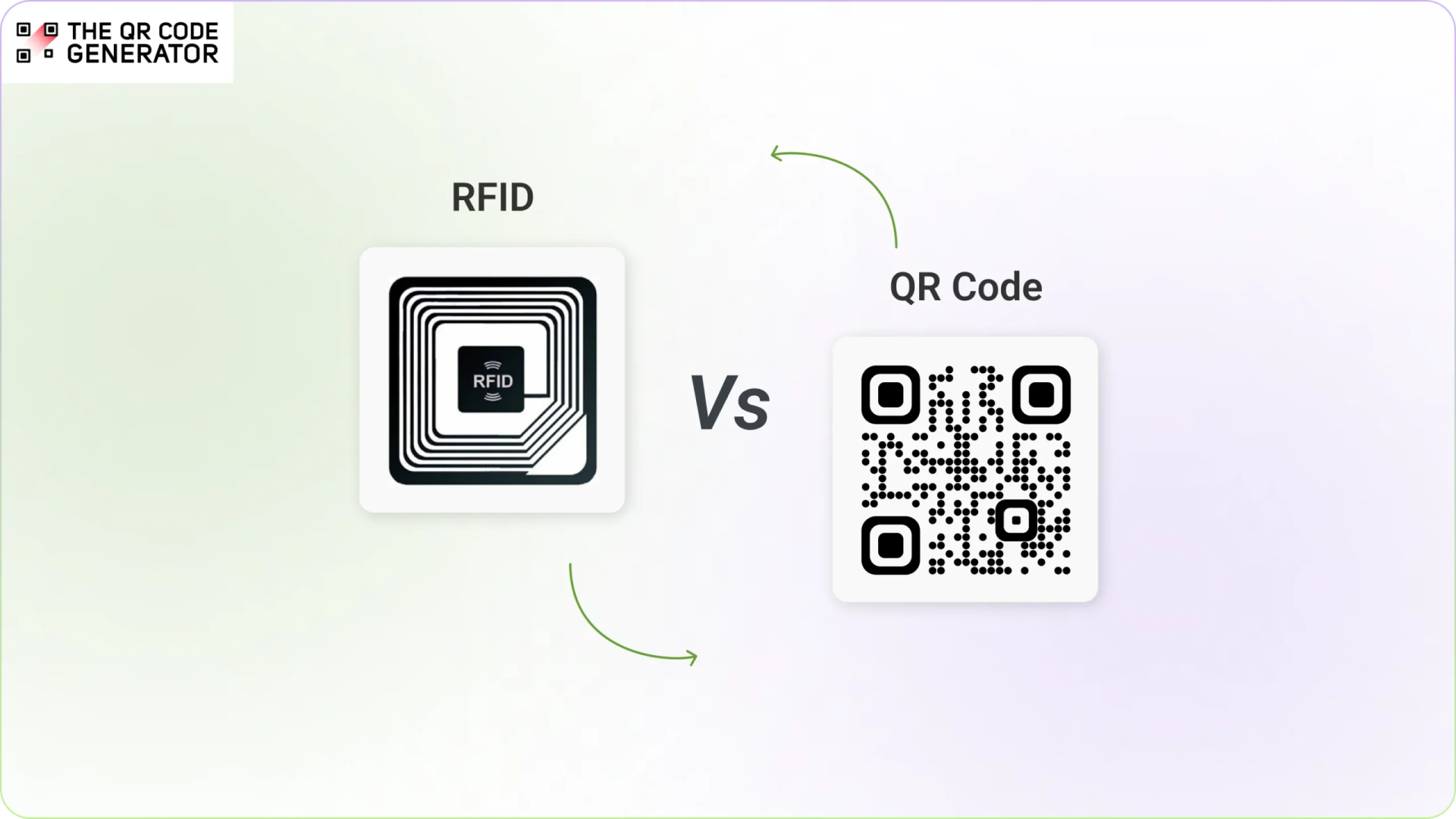
At some point, every operations manager may face the question: are QR Codes enough, or is RFID worth the investment?
The answer depends on what your operation actually needs. A 500,000 sq ft distribution center scanning pallets around the clock will see RFID pay for itself fast. A 50-person company tracking laptops and field equipment will almost certainly find it overkill. This guide gives you the comparison you need to make that call confidently.
We break down RFID and QR Codes across cost, scanning capability, security, infrastructure requirements, and real-world use cases, so you can identify which technology fits your business.
What is the difference between a QR Code and RFID?
QR Codes and RFID both identify and track physical assets, but they work in fundamentally different ways.
A QR Code is a printed, visual label that must be scanned by a camera. RFID uses radio waves to detect tagged objects automatically, with no camera and no line of sight needed. That single difference cascades into major gaps in cost, infrastructure, scanning speed, and where each technology makes sense.
What is a QR Code and how does it work?
A QR Code (Quick Response Code) is a 2D barcode that stores information in a grid-based square pattern. Scanning it with a smartphone camera or barcode scanner instantly links the data to a product record, maintenance history, inventory entry, or asset file.
QR Codes come in two forms.
- A static QR Code contains fixed information that cannot be changed after creation, suited for permanent labels where the underlying data never changes.
- A dynamic QR Code lets you update the linked destination or record at any time without reprinting the label, making it far more practical for asset tracking, where records evolve over time. Dynamic QR Codes also support analytics, access control, and integration with asset management platforms.
What is RFID and how does it work?
RFID (Radio Frequency Identification) uses radio waves to automatically identify tagged objects. An RFID reader broadcasts a signal, nearby tags respond with their stored data, and the entire exchange happens in milliseconds without any visual contact between the reader and the tag.
A typical RFID system includes tags containing a microchip and antenna, readers that transmit and receive signals, antennas that extend reader coverage across a zone, and middleware that processes tag reads and connects them to enterprise systems.
Types of RFID tags:
- Passive RFID: No internal power source. Uses energy from the reader’s signal to transmit data. The most common type and is widely used in retail, logistics, and inventory tracking. Lower cost than active RFID.
- Active RFID: Battery-powered for longer read ranges. Higher cost than passive RFID and requires battery maintenance. Used for real-time tracking of high-value assets, vehicles, or equipment across large facilities.
- UHF RFID (ultra high frequency): Longest read ranges and fastest bulk scanning speeds. It is the standard choice for warehouse, logistics, and large-scale asset tracking.
- HF RFID (high frequency): Works at shorter distances. Commonly used in access control cards, payment systems, and ticketing. NFC is a subset of HF RFID.
RFID vs. QR Codes: A side-by-side comparison
The choice between QR Codes and RFID affects more than just how your team scans assets. It shapes how much you spend upfront, how quickly you can get started, and whether the system actually gets used day to day.
The table below breaks down how each technology compares across the factors that matter most to businesses.
| Factor | RFID | QR Codes | Winner |
|---|---|---|---|
| Setup | Needs specialist hardware and installation | Works with smartphones and scanners you already own | QR Codes |
| Cost per asset | Per tag costs + readers, software, and integration expenses | Near zero; no extra hardware needed | QR Codes |
| Scanning range | Can be read from a distance without line of sight (varies by system and tag type) | Line of sight required | RFID |
| Bulk scanning | Hundreds of tags at once | One at a time | RFID |
| Security | Encrypted reader-tag communication | Password protection and access controls available | Tie |
| Data storage | Up to 2KB stored on-chip, works offline | Links to unlimited cloud data, updates dynamically | Tie |
| Deployment speed | Weeks of setup and configuration | Ready in a day | QR Codes |
How different industries use RFID and QR Codes for asset management
Different industries have different asset tracking requirements. Here’s how various industries typically use RFID and QR Codes for asset management.
1. Warehousing and logistics
Warehouses manage thousands of moving items across shelves, loading docks, and distribution channels, making speed and automation critical.
Large distribution centers use RFID portal readers at warehouse gates to automatically capture inventory movements during receiving, picking, and shipping without any manual scanning.
Small to mid-sized warehouses typically use QR Codes, scanning individual items with smartphones or handheld scanners for inventory audits, bin tracking, and stock reconciliation.
2. Healthcare and hospital equipment tracking
Hospitals must track high-value equipment such as infusion pumps, wheelchairs, diagnostic devices, and surgical tools across multiple departments.
Hospitals use RFID-powered real-time location systems (RTLS) to continuously monitor the movement of critical equipment, such as infusion pumps, wheelchairs, and surgical tools, across departments.
QR Codes in healthcare handle fixed asset management, compliance audits, and maintenance tracking, giving staff instant access to service history and inspection records from a mobile device.
3. Construction and field asset management
Construction companies track tools, heavy machinery, and temporary equipment across constantly changing job sites.
RFID tags embedded in heavy machinery support long-range scanning across large job sites.
QR Codes on equipment are the more practical choice for day-to-day tool tracking, equipment allocation, and maintenance logging, where workers scan with their phones to update asset status on the spot.
4. Retail inventory management and loss prevention
Retailers must track products across warehouses, store floors, and checkout systems while minimizing shrinkage and improving inventory visibility.
Large retailers use RFID to count entire shelves in seconds and automatically flag missing stock.
QR Codes in retail are used for product traceability, stock updates, and customer-facing content such as product details, promotions, and warranty registration.
5. IT asset management and enterprise equipment tracking
Organizations with large IT infrastructures must track laptops, monitors, servers, networking hardware, and other digital assets across offices and departments.
RFID monitors equipment movement in large data centers and flags unauthorized hardware removal.
QR Codes are the everyday workhorse for IT teams, used for device lifecycle tracking, helpdesk workflows, and instant access to warranty and service records.
Which technology is right for your business?
The honest answer is that most small teams and growing businesses will never need RFID. But there are specific situations where it earns its price tag.
Here is how to know which side of that line you fall on.
When should you choose RFID?
RFID makes sense in a narrow but specific set of situations. If your operation involves any of the following, it is worth the investment.
- You are running a large warehouse or distribution center where manual scanning creates bottlenecks.
- Assets move through fixed checkpoints like dock doors or conveyor systems where automated scanning saves significant labor.
- You need to know where high-value equipment is located at all times, not just when someone scans it.
- You have a dedicated IT team that can manage readers, antennas, and system integrations.
- The operational gains in speed and accuracy clearly justify an upfront investment that can run into tens of thousands of dollars.
When should you choose QR Codes?
For small teams, field workers, and growing businesses, QR Codes meet the vast majority of asset-tracking needs without the complexity or cost.
- Any smartphone can scan them, so there is no hardware to buy and no learning curve for staff.
- Labels cost virtually nothing to print and can be deployed across locations in a single day.
- Dynamic QR Codes let you update asset records, maintenance history, and ownership details without ever reprinting a label.
- They work just as well for customer-facing use cases like product packaging, warranty registration, and equipment manuals.
- As your asset count grows, your only scaling cost is printing more labels.
Make the right call regarding RFID or QR Codes
The best asset tracking system is not the most advanced one. It is the one your team will actually use, costs the least to scale, and that delivers accurate data without a six-figure infrastructure investment.
RFID is a powerful technology that enables long-range scanning and automated bulk tracking. However, it typically requires specialized readers, antennas, and system integrations, making it more infrastructure-heavy and expensive to deploy.
QR Codes provide a simple, scalable, and cost-effective solution for most asset-tracking and inventory-management use cases. They work with devices your team already has, so you can start tracking assets without investing in specialized hardware.
For businesses looking to optimize cost per asset and improve operational efficiency, QR Codes deliver faster ROI and a significantly lower total cost of ownership.
This is where The QR Code Generator (TQRCG) comes in. With TQRCG, you can create dynamic QR Codes built for asset tracking, inventory labeling, and operational workflows. Update linked records anytime without reprinting labels, deploy across multiple locations without any hardware setup, and scale your tracking system as your team and asset count grow.
Sign up and start creating dynamic QR Codes with TQRCG today.
Frequently Asked Questions
Is RFID outdated?
No, RFID is not outdated. RFID technology is still used across industries such as logistics, retail, and manufacturing for automated asset tracking. However, many businesses today prefer QR Codes for asset management because they are easier to implement, require minimal infrastructure, and can be scanned using smartphones without specialized hardware.
What is the disadvantage of RFID?
One of the main disadvantages of RFID is its high implementation cost and infrastructure requirements. RFID systems typically require dedicated readers, antennas, and specialized tags. Additionally, signals can be affected by metal surfaces or liquids.
3: Can I use my smartphone as an RFID reader?
Most smartphones cannot function as full RFID readers. Some phones support NFC (near field communication), which is a short-range form of RFID, but it only works with compatible tags. In contrast, QR Codes can be scanned by almost any smartphone camera, making them far more accessible for everyday asset tracking.
4: What is cheaper to implement, RFID or QR Codes for asset management?
QR Codes are significantly cheaper and easier to implement. They only require printed labels and a smartphone or scanner to read them. RFID systems involve higher upfront costs due to specialized tags, readers, and infrastructure. For many businesses, QR Codes offer the best balance of affordability, scalability, and ease of use.
5: When should you choose QR Codes over RFID for asset tracking?
QR Codes are ideal when businesses want a low-cost, flexible, and easy-to-deploy asset management system. They work well for office equipment, IT assets, tools, inventory, and field assets, where employees can simply scan the code using their phones to update asset records instantly.
6: Are QR Codes reliable for asset management?
Yes, QR Codes are a highly reliable solution for asset management, especially when using dynamic QR Codes connected to asset management software. They are durable, easy to replace if damaged, and can store or link to detailed asset information such as maintenance records, ownership details, and usage history.