









 New Dynamic QR Code
  New Static QR Code
 To enable tracking, create a Dynamic QR Code




Link a PDF document to share easily
Show multiple links in a webpage
Share contact details easily
Display a short message
Redirect to app download based on the device OS
Link phone number to send a text message quicker
Link an email address to open the email app ready to go
Link a phone number for quick calls
Link a phone number for quick calls

Remove The QR Code Generator watermark by signing up for the Flex plan



 No credit card required
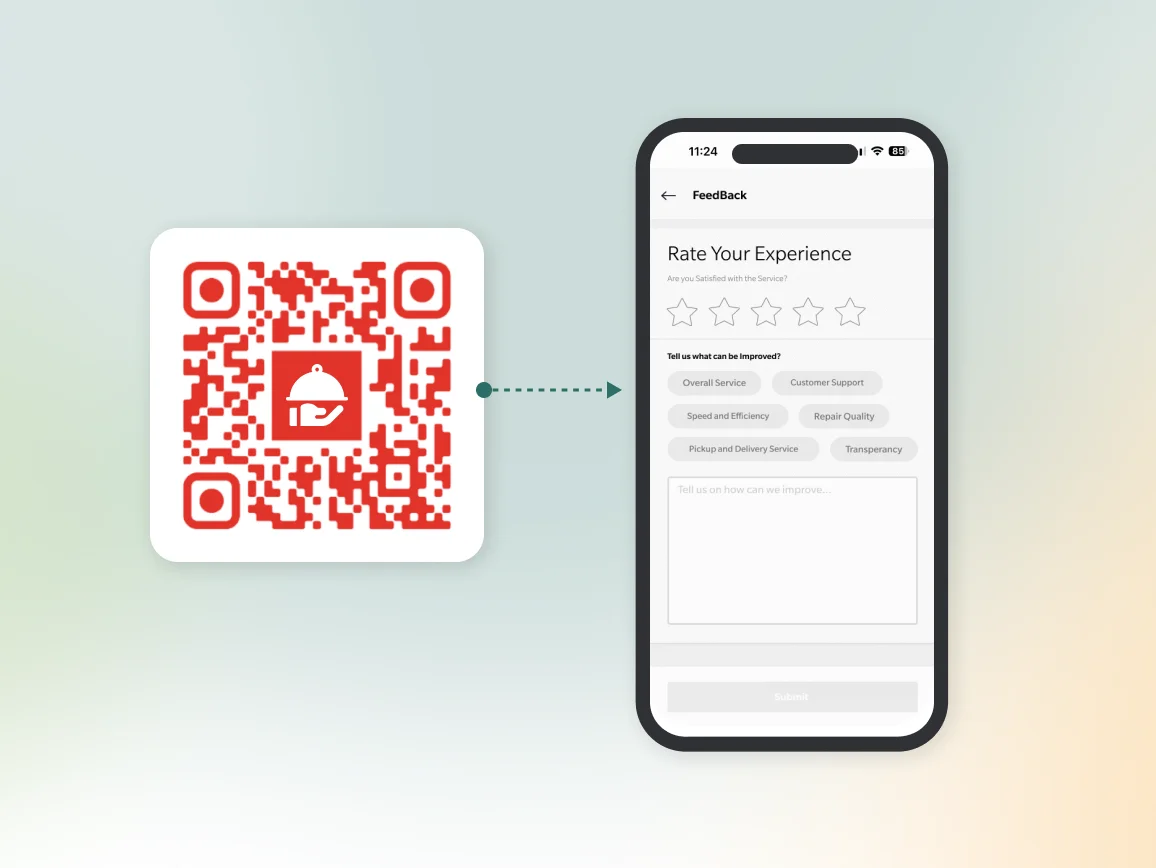
How does a feedback QR Code work?
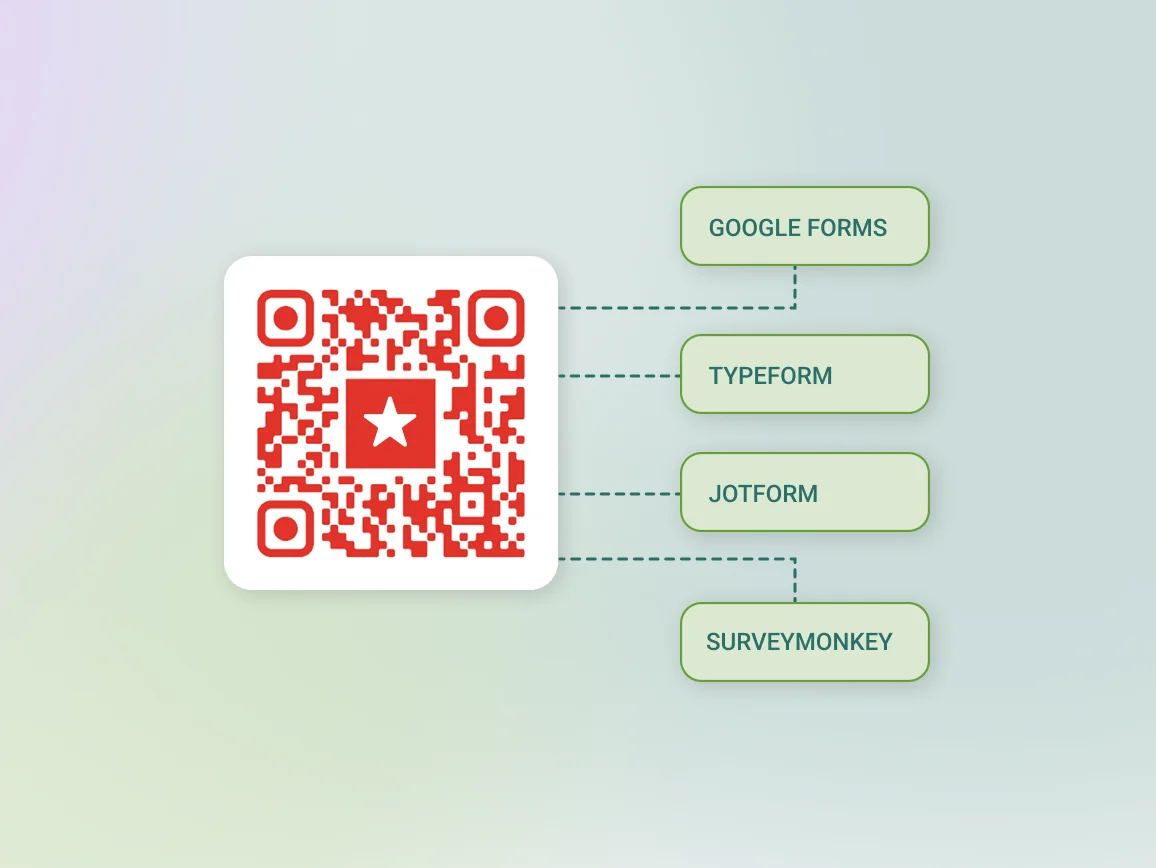
A feedback QR Code links directly to your survey or form. This could be a Google Form, Typeform, SurveyMonkey survey, or any URL where customers can share their thoughts.
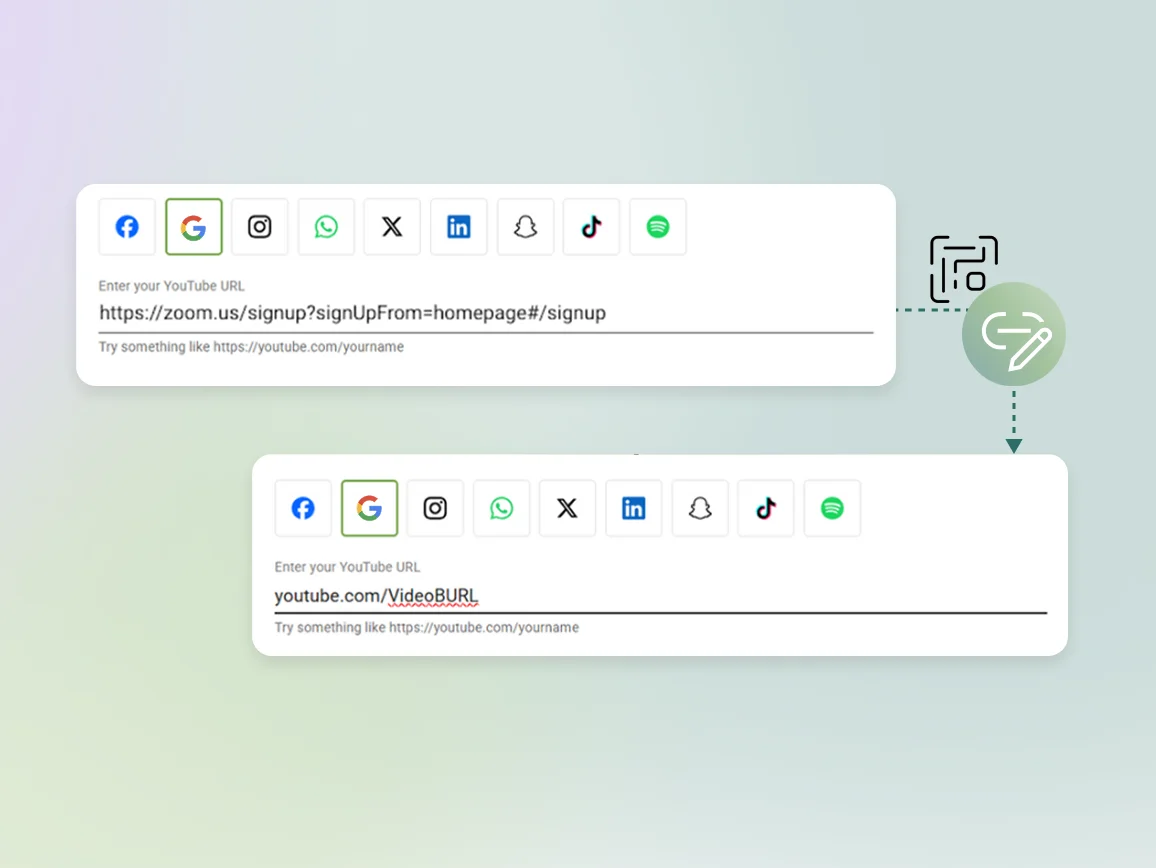
When someone scans the code with their phone camera, they’re taken straight to the form. Using a dynamic QR Code lets you update the destination anytime and track scans by time, location, and device without reprinting the code.
3M+
Unique users worldwide
30,000+
Global businesses on our platform
60+
Countries with active users
How to create a QR Code for feedback in minutes
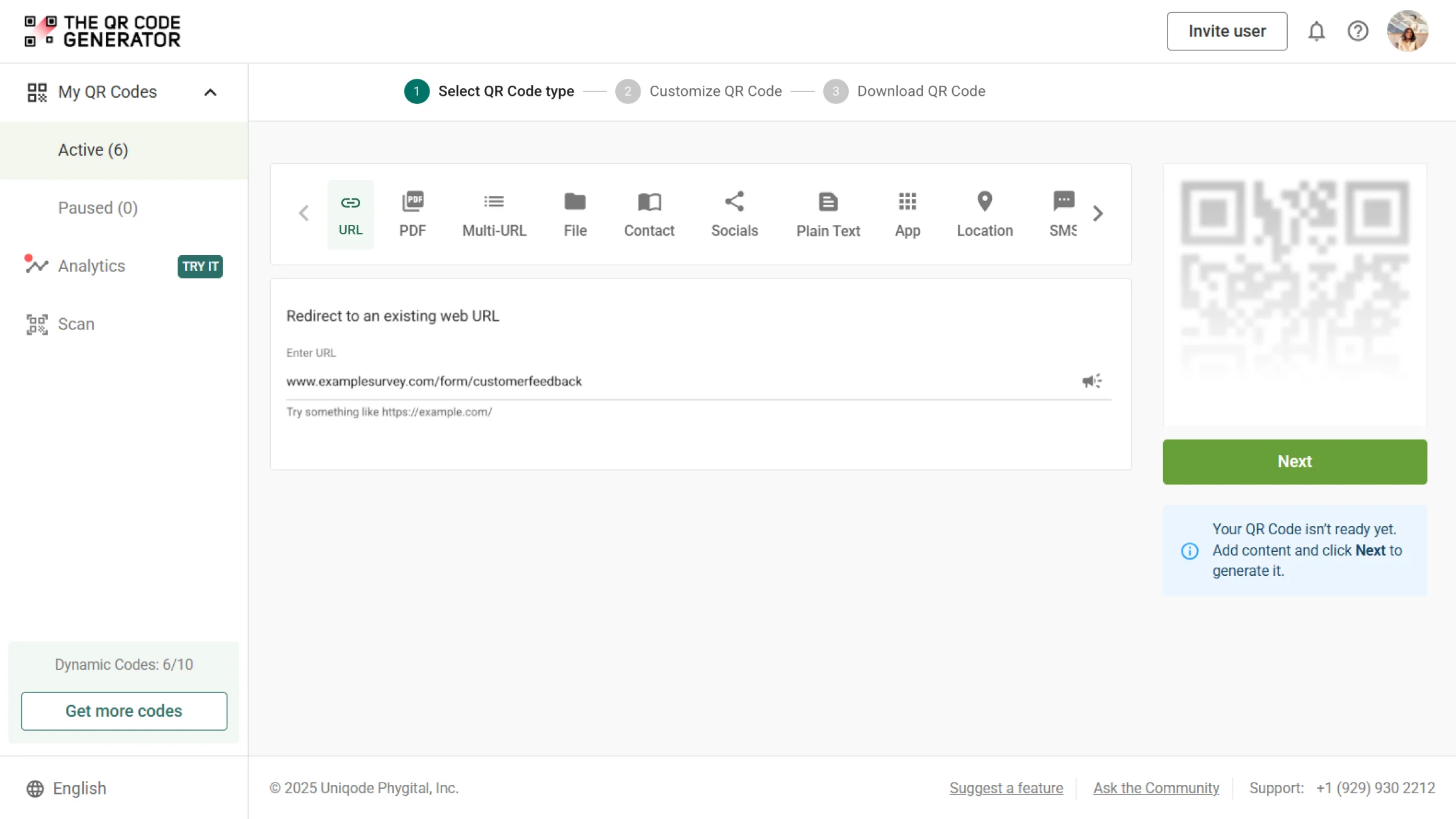
Step 1
Log in to TQRCG
Log in to The QR Code Generator (TQRCG). Paste the link to your survey, Google Form, Typeform, SurveyMonkey form, or any feedback page into the URL field.
Step 2
Customize the QR Code
Add your logo, choose brand colors, and include a clear call-to-action frame such as “Scan to share your feedback.” Click Save when you’re done.
Step 3
Download the QR Code
Download your QR Code in SVG or PNG format and place it on receipts, packaging, table tents, signage, emails, or other customer touchpoints.
Benefits of creating a feedback QR Code

Expert tips to optimize your feedback QR Codes
Where to place a feedback QR Code to improve scans?

Checkout counters
Place a feedback QR Code at the point of sale where customers naturally pause. A small tent card or sticker next to the card reader can turn every purchase into a quick feedback opportunity.

Receipts and order confirmations
Print a feedback QR Code at the bottom of every paper or digital receipt to collect feedback when the experience is fresh. This eliminates the need for extra handouts or staff prompts.
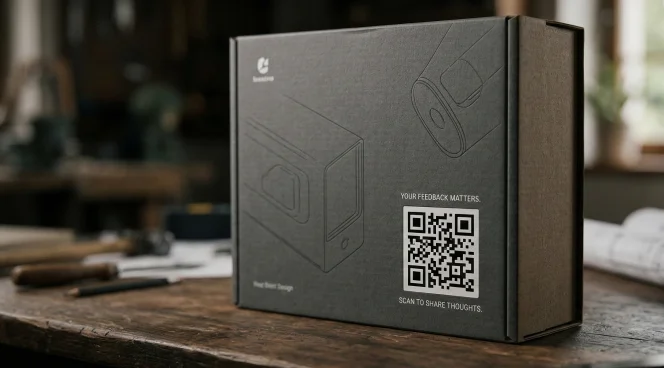
Product packaging and inserts
Place a feedback QR Code inside product boxes or directly onto packaging so customers can share their thoughts after trying your product. Reach customers right at unboxing without relying on a follow-up email.
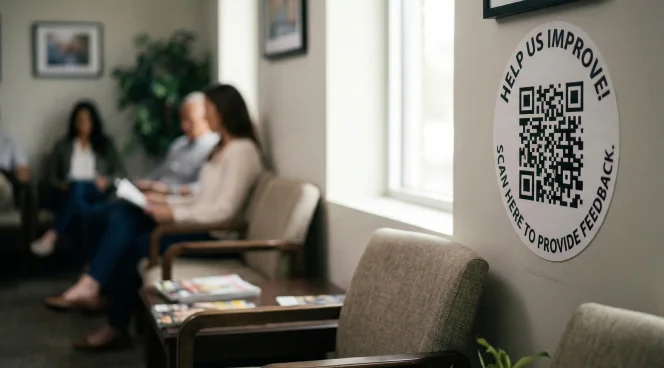
Waiting and seating areas
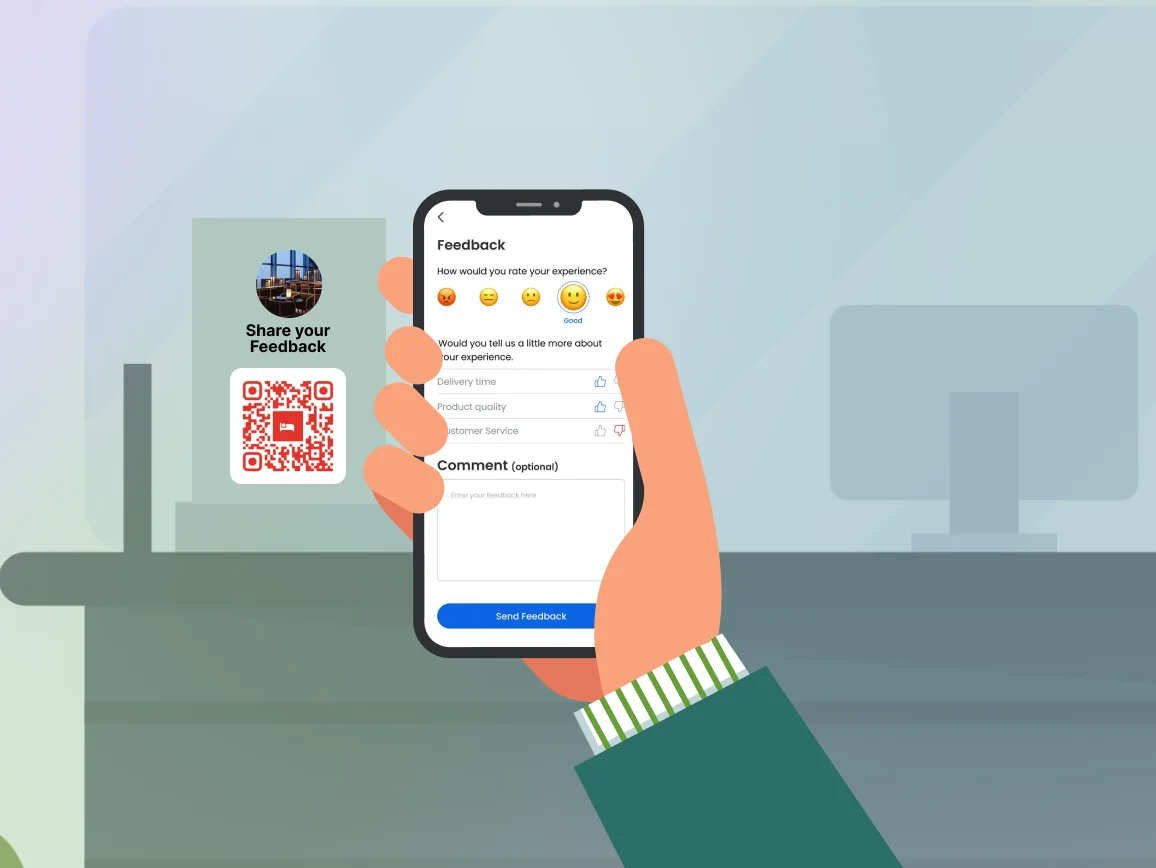
Display a feedback QR Code on a framed sign or wall decal in waiting rooms, lobbies, or seating areas where customers have time on their hands.

Staff badges or uniforms
Print a small feedback QR Code on staff lanyards, aprons, or name badge holders so customers who've just had a standout interaction can act on that feeling immediately.
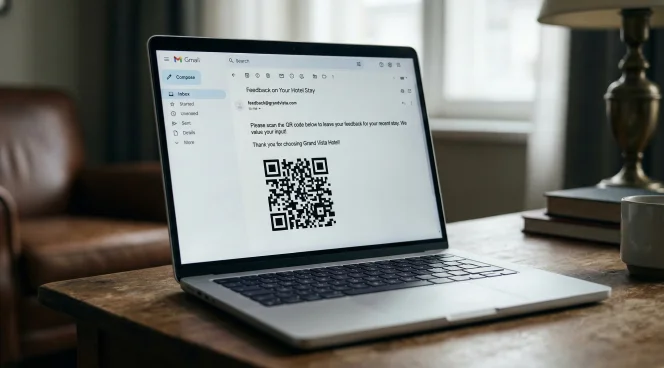
Post-experience emails
Include the QR Code in post-purchase or post-visit emails so customers can quickly share feedback without having to navigate multiple links. Sending it within 24 hours helps capture feedback while the experience is still fresh.
Checkout counters
Place a feedback QR Code at the point of sale where customers naturally pause. A small tent card or sticker next to the card reader can turn every purchase into a quick feedback opportunity.
Receipts and order confirmations
Print a feedback QR Code at the bottom of every paper or digital receipt to collect feedback when the experience is fresh. This eliminates the need for extra handouts or staff prompts.
Product packaging and inserts
Place a feedback QR Code inside product boxes or directly onto packaging so customers can share their thoughts after trying your product. Reach customers right at unboxing without relying on a follow-up email.
Waiting and seating areas
Display a feedback QR Code on a framed sign or wall decal in waiting rooms, lobbies, or seating areas where customers have time on their hands.
Staff badges or uniforms
Print a small feedback QR Code on staff lanyards, aprons, or name badge holders so customers who've just had a standout interaction can act on that feeling immediately.
Post-experience emails
Include the QR Code in post-purchase or post-visit emails so customers can quickly share feedback without having to navigate multiple links. Sending it within 24 hours helps capture feedback while the experience is still fresh.
Which businesses can unlock better insights with feedback QR Codes?
Feedback is the foundation of every great customer experience. Here’s how you can use a feedback QR Code for your industry.

Restaurants and food service
Place feedback QR Codes on tables, menus, and receipts to capture real-time ratings of the dining experience. This helps identify your best-performing dishes and address service issues before they surface on public review platforms.
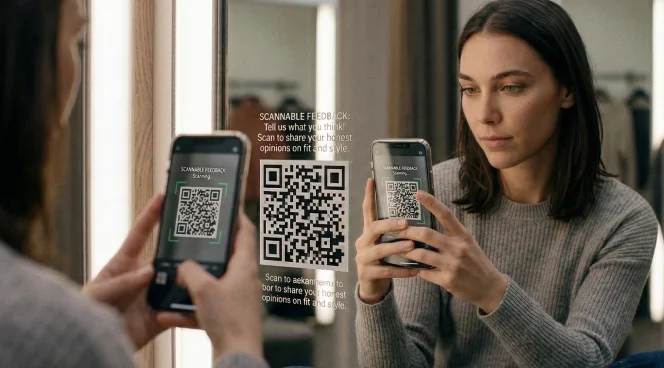
Retail stores
Give shoppers a frictionless way to rate their in-store experience or comment on product quality. Placing feedback QR Codes on receipts, packaging, or fitting room mirrors helps capture honest opinions right after the interaction.
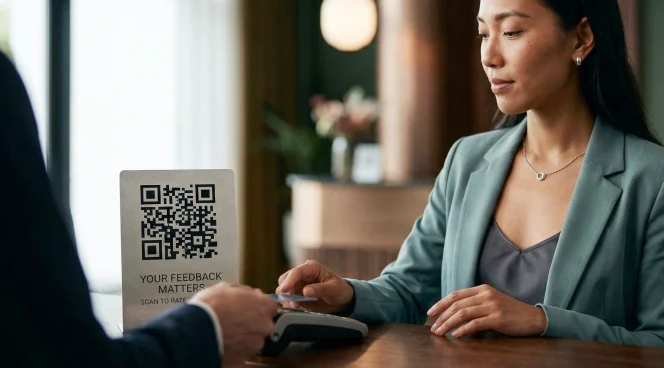
Hospitality and hotels
Place QR Codes at reception desks, checkout kiosks, or inside guest rooms to gather feedback throughout a guest’s stay. Location-specific QR Codes can help you track satisfaction across amenities such as housekeeping, dining, or front desk service.
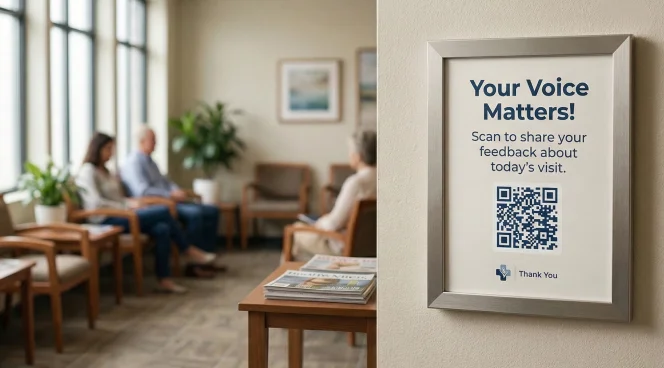
Healthcare and clinics
Display QR Codes in waiting rooms, prescription letters, or appointment reminder cards so patients can share feedback privately and immediately. This helps providers identify service gaps and continuously improve patient experience.

Education and training
Course instructors and corporate trainers can add QR Codes to handouts, presentations, or learning portals to collect session ratings and post-training assessments. Real-time responses help educators refine content and improve future sessions.
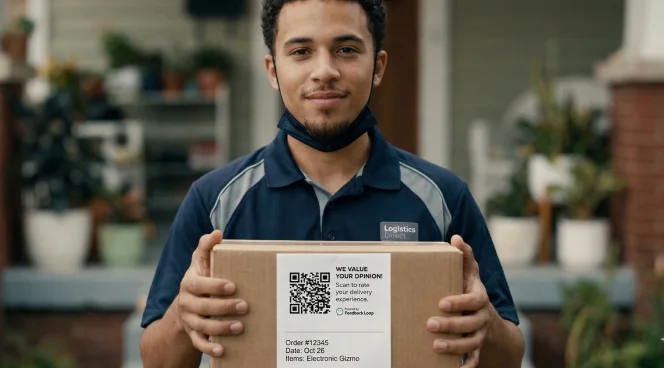
E-commerce and delivery
Include feedback QR Codes in packaging inserts or on delivery notes to capture post-purchase satisfaction. Linking the QR Code to product reviews or customer satisfaction surveys helps businesses understand the full experience after the transaction.
Restaurants and food service
Place feedback QR Codes on tables, menus, and receipts to capture real-time ratings of the dining experience. This helps identify your best-performing dishes and address service issues before they surface on public review platforms.
Retail stores
Give shoppers a frictionless way to rate their in-store experience or comment on product quality. Placing feedback QR Codes on receipts, packaging, or fitting room mirrors helps capture honest opinions right after the interaction.
Hospitality and hotels
Place QR Codes at reception desks, checkout kiosks, or inside guest rooms to gather feedback throughout a guest’s stay. Location-specific QR Codes can help you track satisfaction across amenities such as housekeeping, dining, or front desk service.
Healthcare and clinics
Display QR Codes in waiting rooms, prescription letters, or appointment reminder cards so patients can share feedback privately and immediately. This helps providers identify service gaps and continuously improve patient experience.
Education and training
Course instructors and corporate trainers can add QR Codes to handouts, presentations, or learning portals to collect session ratings and post-training assessments. Real-time responses help educators refine content and improve future sessions.
E-commerce and delivery
Include feedback QR Codes in packaging inserts or on delivery notes to capture post-purchase satisfaction. Linking the QR Code to product reviews or customer satisfaction surveys helps businesses understand the full experience after the transaction.
Frequently asked questions
Yes, depending on how it’s generated, a feedback QR Code can be set to deactivate after a certain date, a set number of scans, or if the destination URL is changed or deleted. Dynamic QR Codes let you update the destination anytime without reprinting the code.
You can link a feedback QR Code to any URL-based feedback tool, including Google Forms, Microsoft Forms, Jotform, Trustpilot, Google Reviews, or your own custom survey platform. If it has a URL, you can connect it to a QR Code.
We recommend dynamic QR Codes for feedback use cases. They let you update the destination form anytime without reprinting materials, track scan volumes by location or time period, and also test different survey formats. Moreover, they do all of that from a single code already in the field.
To increase your QR Code scan rates, experiment with placement and timing. Position your QR Code right after an experience. This could be at checkout, on packaging, or at the side of a mirror or table. Pair it with a short, benefit-focused call to action. Keeping the linked form short (3–5 questions) also significantly improves completion rates.
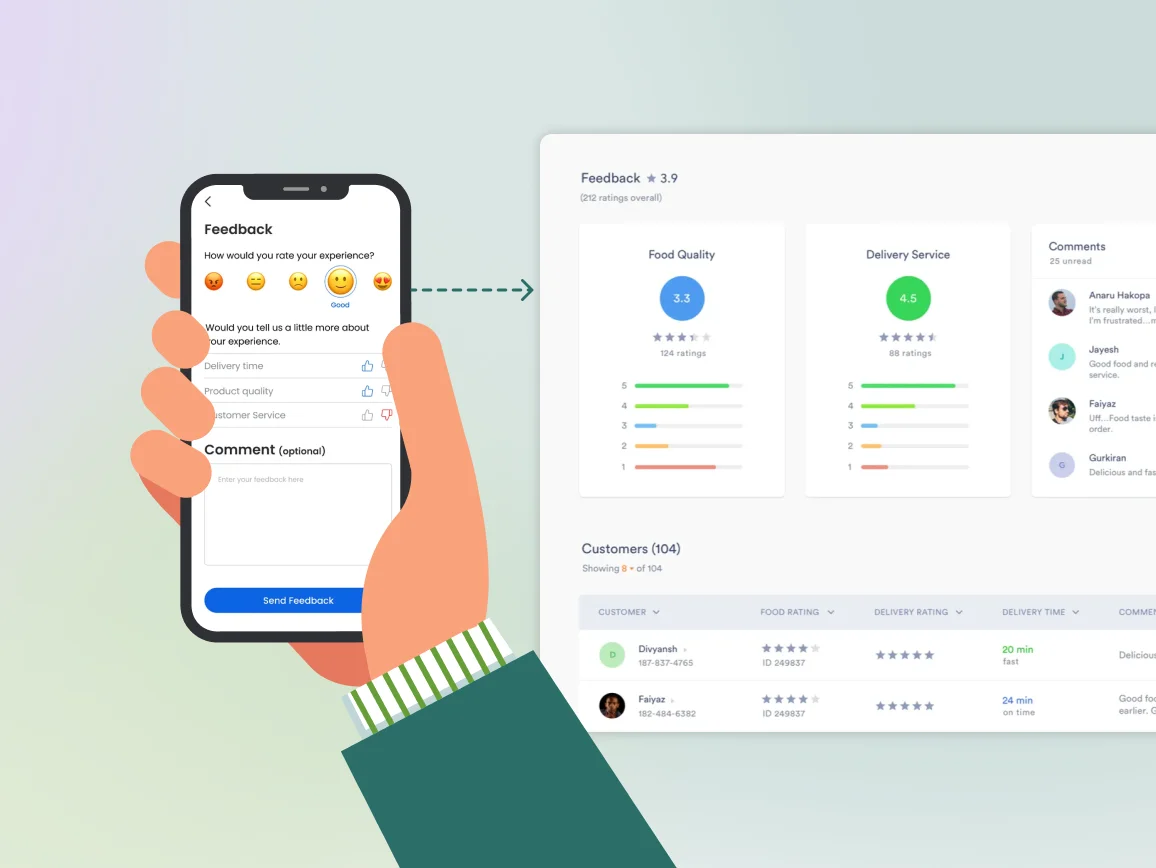
Yes. With a dynamic QR Code, you get access to real-time analytics showing total scans, unique scans, scan time, location, and device type. You can also assign unique codes to different placements, such as table, receipt, and exit signage, to compare performance across each touchpoint.
A Google Review QR Code and a feedback QR Code serve similar but distinct purposes. A Google Review QR Code links specifically to your Google Business review page. A feedback QR Code can be used to lead to any internal survey or multi-platform review destination. In other words, feedback QR Codes give you more flexibility over what kind of feedback you collect and where it goes.