
Free Google Form QR Code Generator
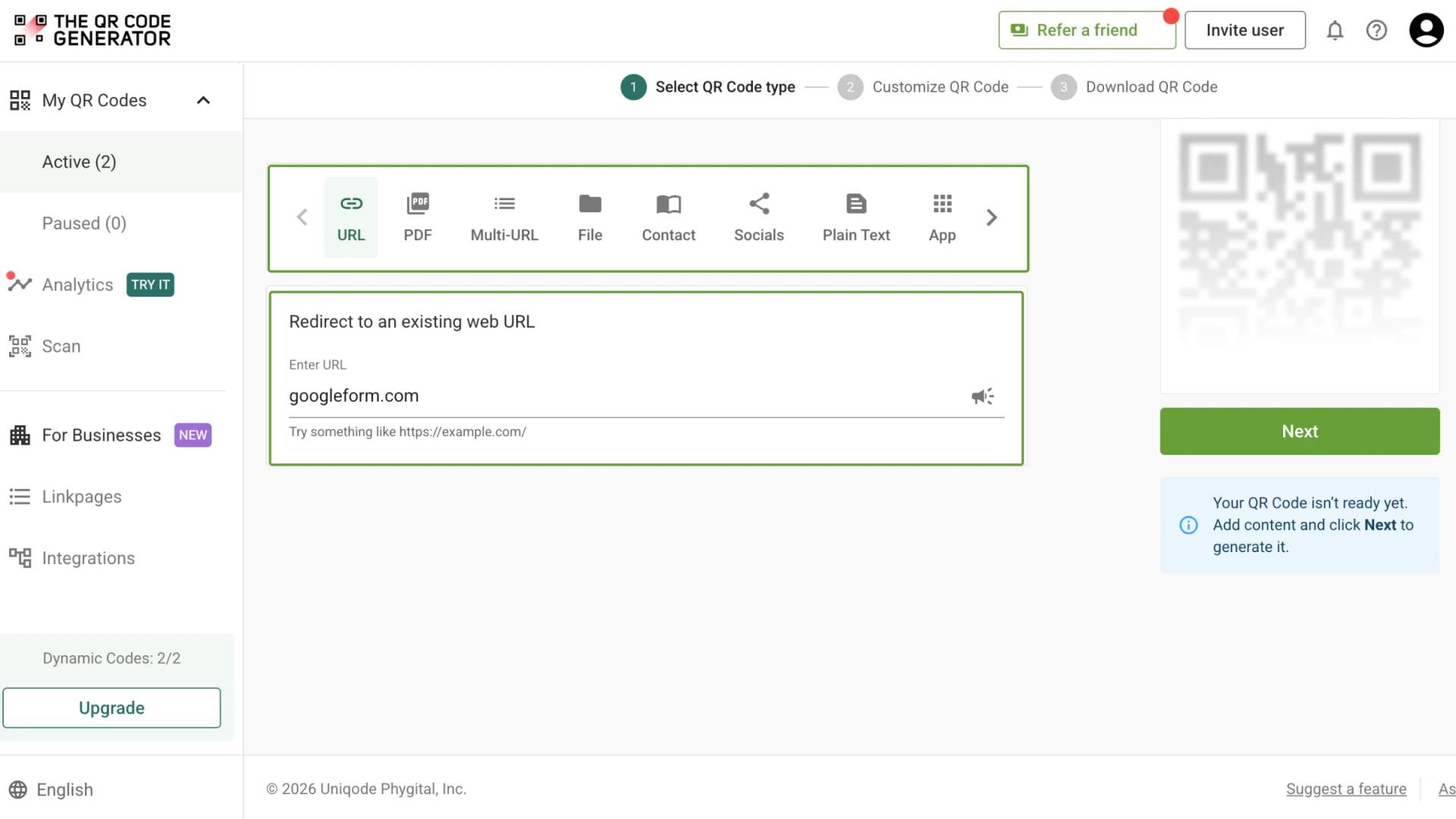
Redirect to an existing web URL
To enable tracking,

What is a Google Form QR Code?
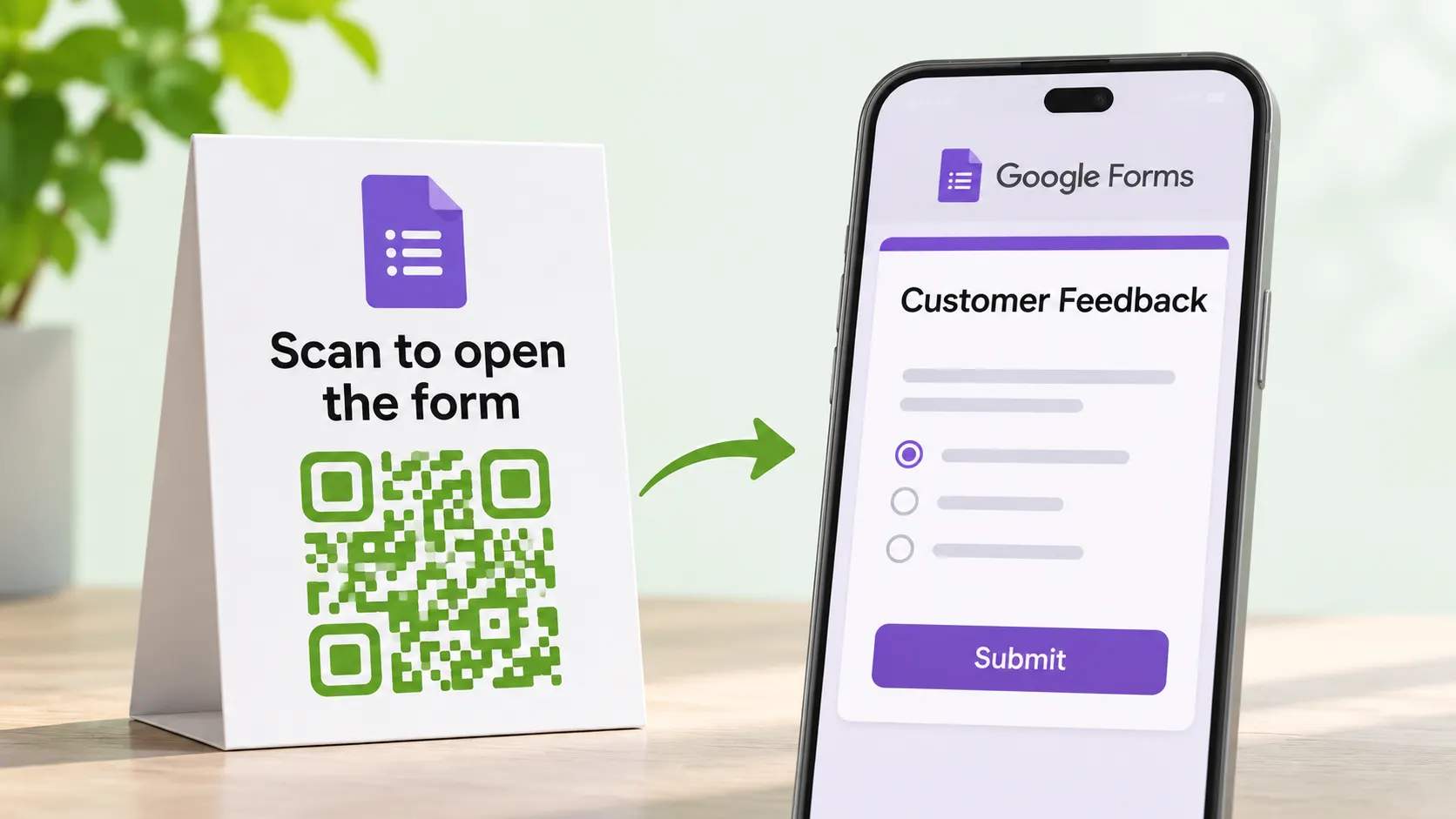
A Google Form QR Code links directly to a Google Form, allowing anyone with a smartphone to open and fill it out with a single scan. It eliminates the need to type or share a URL, making it easier to collect survey responses, event registrations, RSVPs, and customer feedback.
Businesses, schools, and event organizers can add the QR Code to posters, flyers, display screens, and other high-traffic touchpoints. People can access the form immediately, complete it on their phones, and submit their responses without searching for a link.
How to create a QR Code for a Google Form
Create a QR Code for a Google Form in three steps with The QR Code Generator.
Watch: How to Make a QR Code for a Google Form (Free, Trackable)
This short walkthrough takes you through the whole flow, from copying your Google Form link to customizing the QR Code and downloading it for print or screen. Watch it once, and you can make your own in a couple of minutes.
Static vs dynamic Google Form QR Code
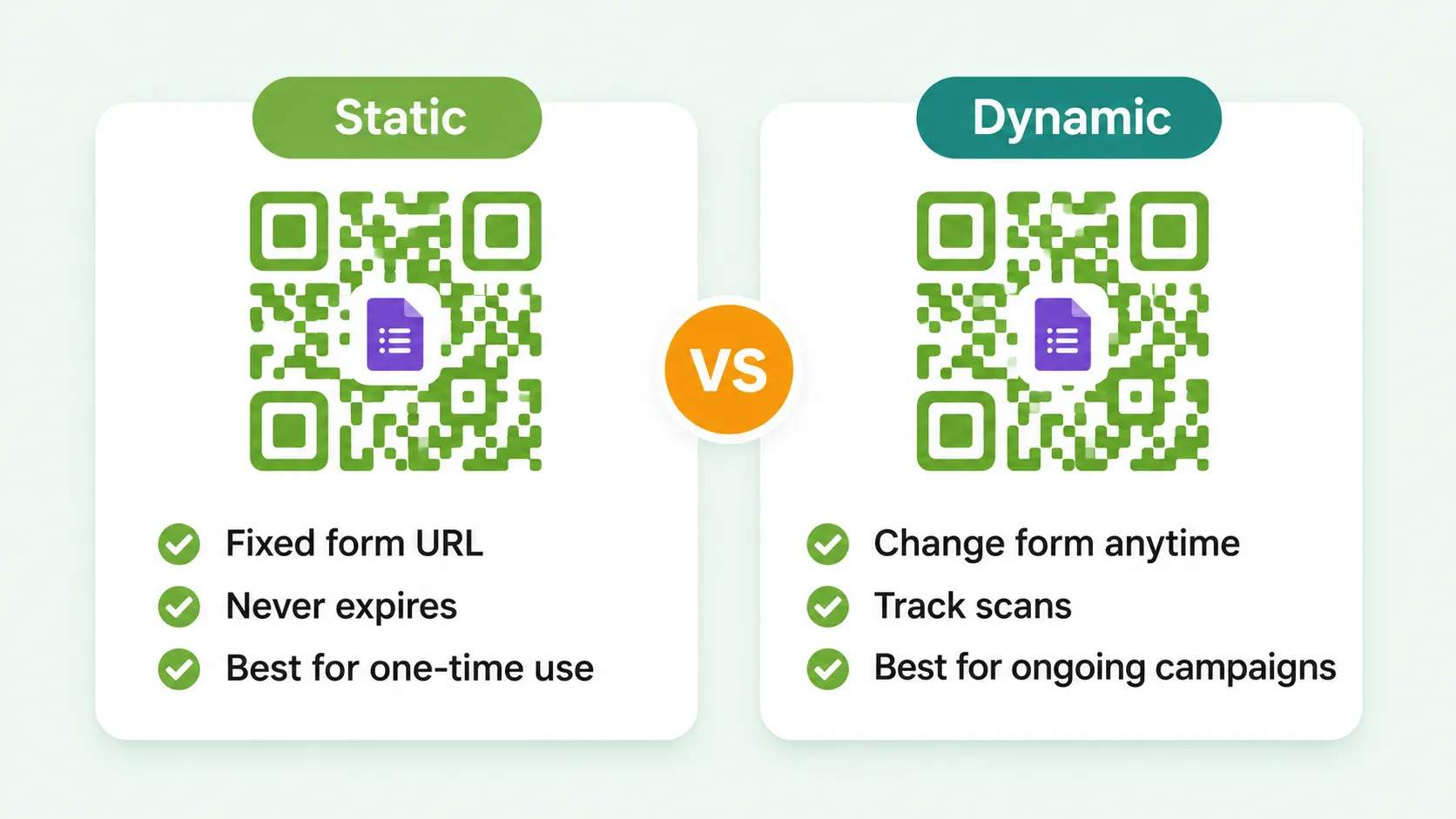
A static Google Form QR Code stores your form URL directly in the QR Code. It is free, never expires, and continues to work as long as the form URL remains unchanged. It works well for one-time surveys, posters, and printed notices. A dynamic QR Code lets you change the linked form after printing and track scans by location and device. This makes it useful for ongoing campaigns where you need to update forms or measure engagement.
What can you collect with a Google Form QR Code?
One Google Form QR Code can gather whatever your form is built to collect.
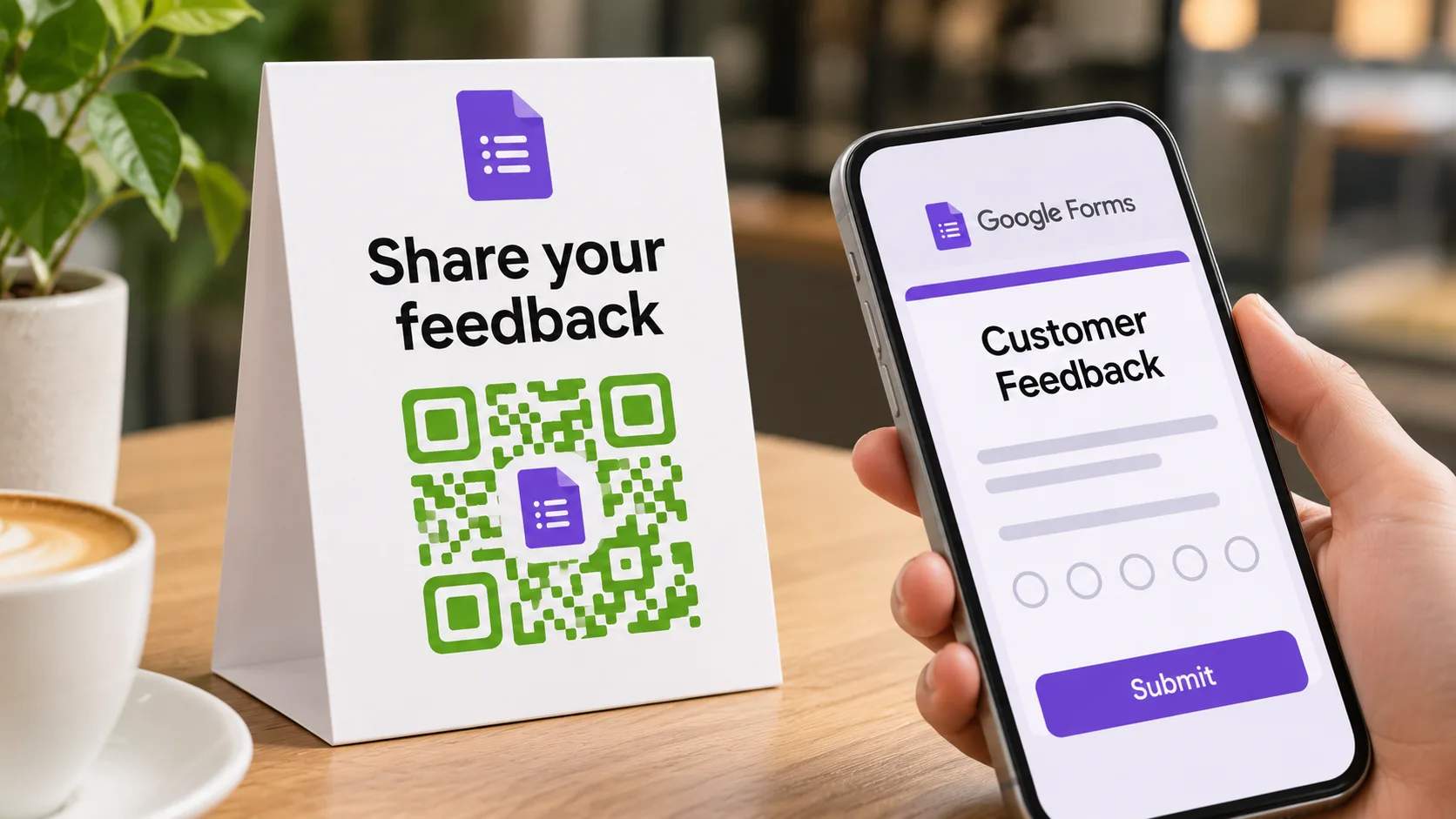
Surveys and feedback
Link to a satisfaction or feedback survey so customers respond while the experience is fresh. A table tent or receipt turns a quick reaction into data you can act on.
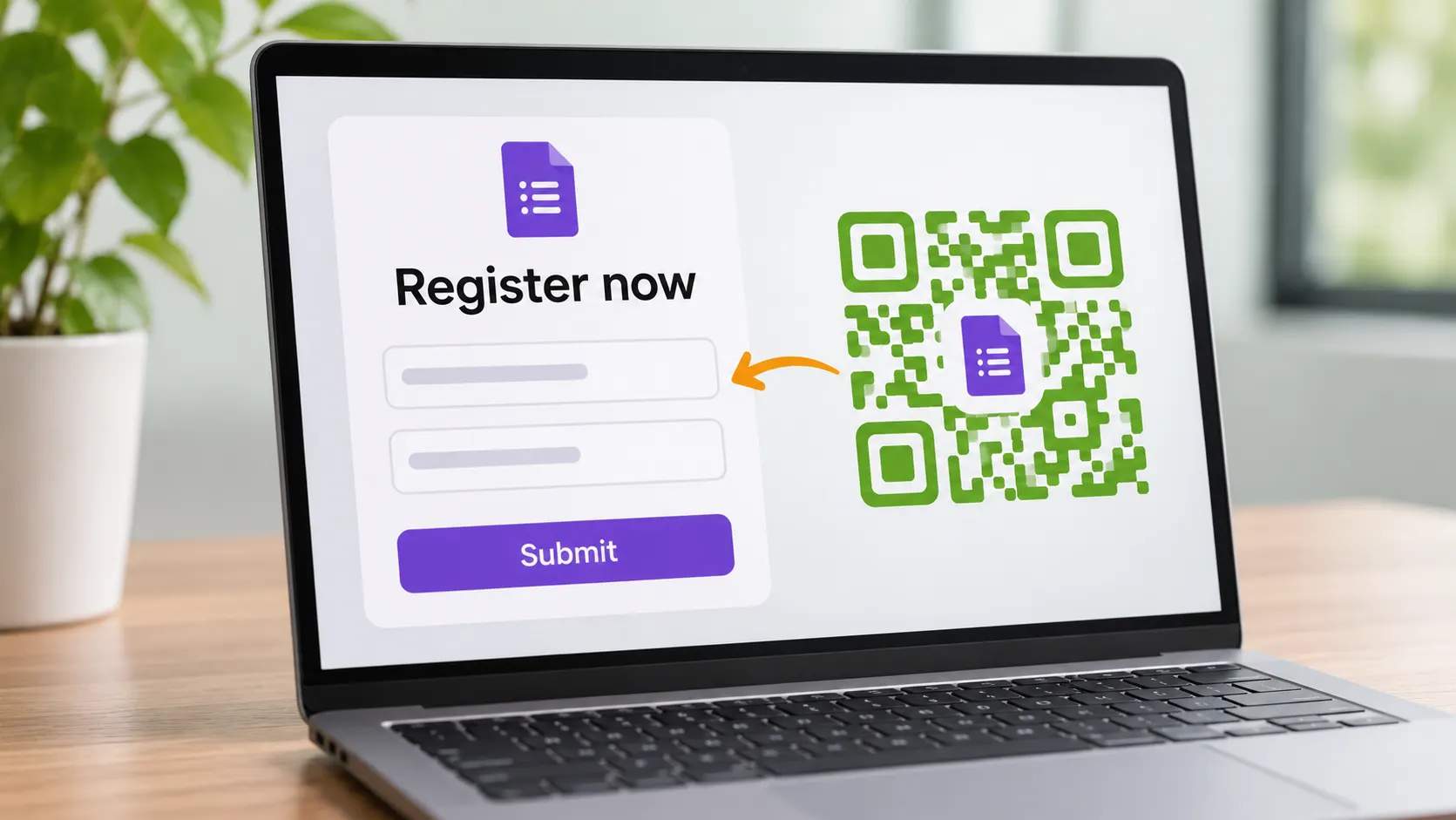
Event registration and RSVPs
Point it at a registration form so attendees sign up from a poster or invite in seconds. You get a clean list without manual entry or chasing replies.
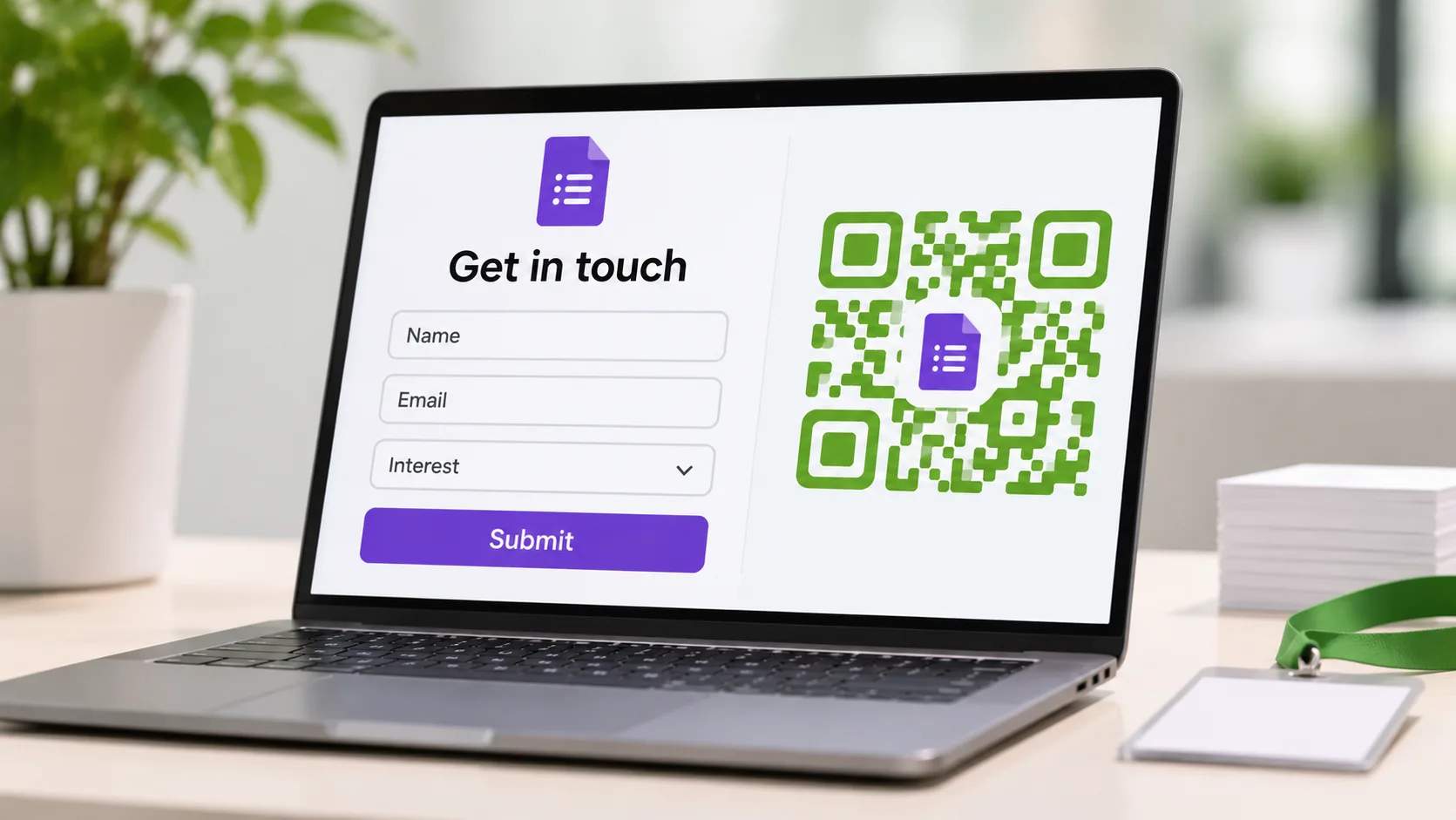
Lead capture
Send prospects to a contact or interest form at a booth, event, or storefront. A scan captures their details while interest is still high.
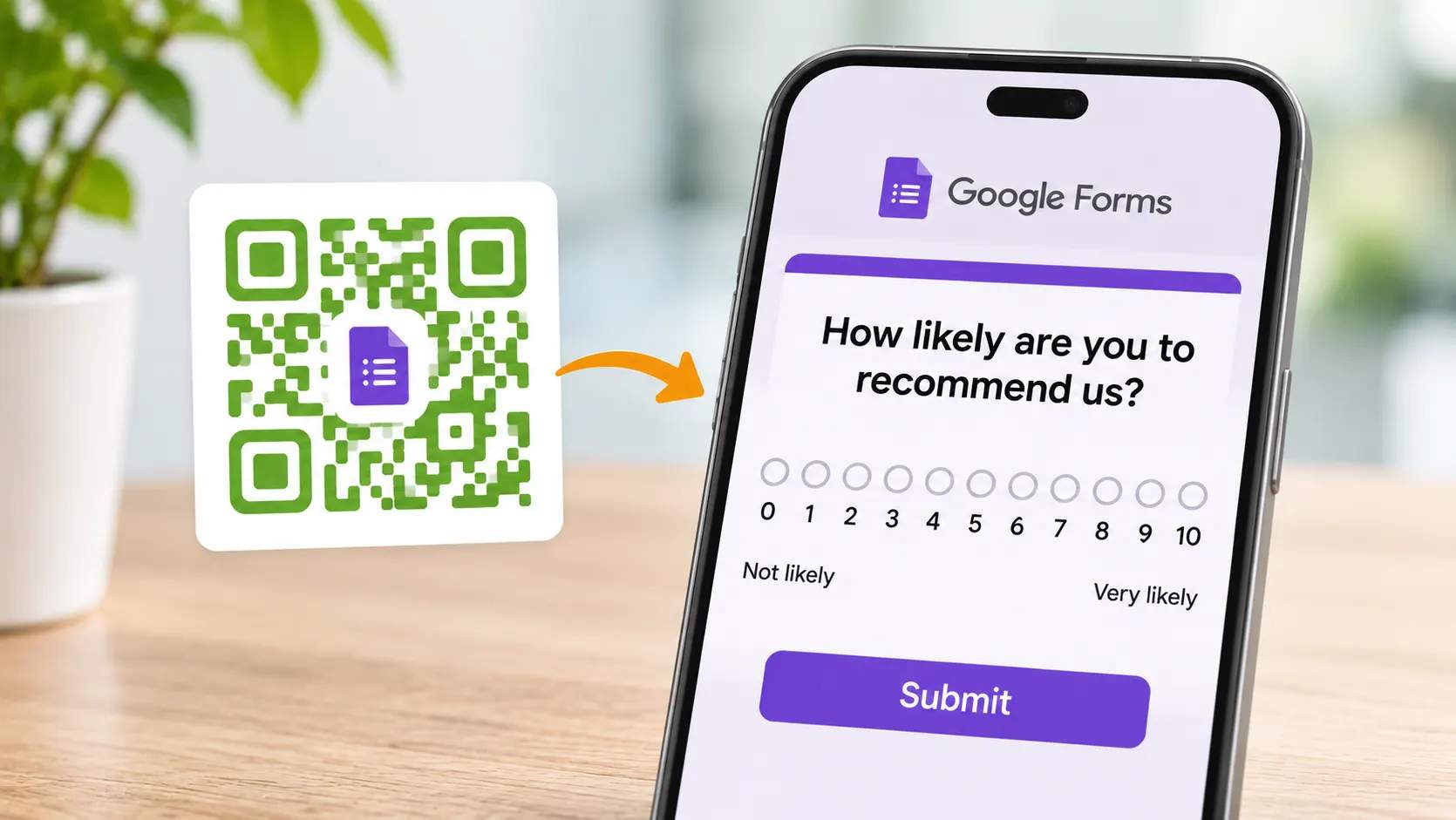
NPS and customer satisfaction
Link to an NPS form so you measure loyalty at the point of service. Scores collected over time show whether your changes are working.
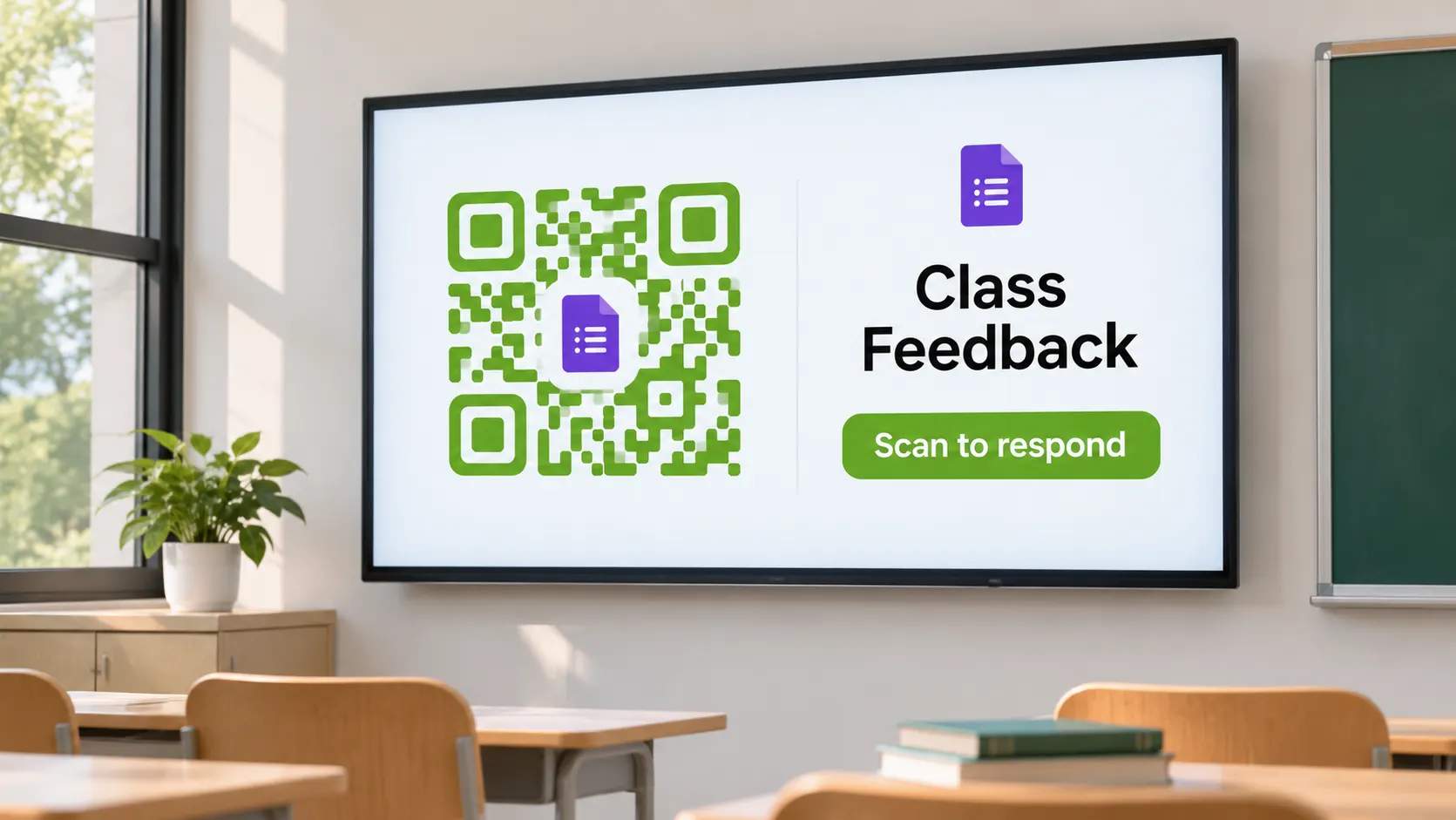
Classroom and education
Share quizzes, attendance, or feedback forms with students in one scan. Teachers collect responses without passing around devices or links.
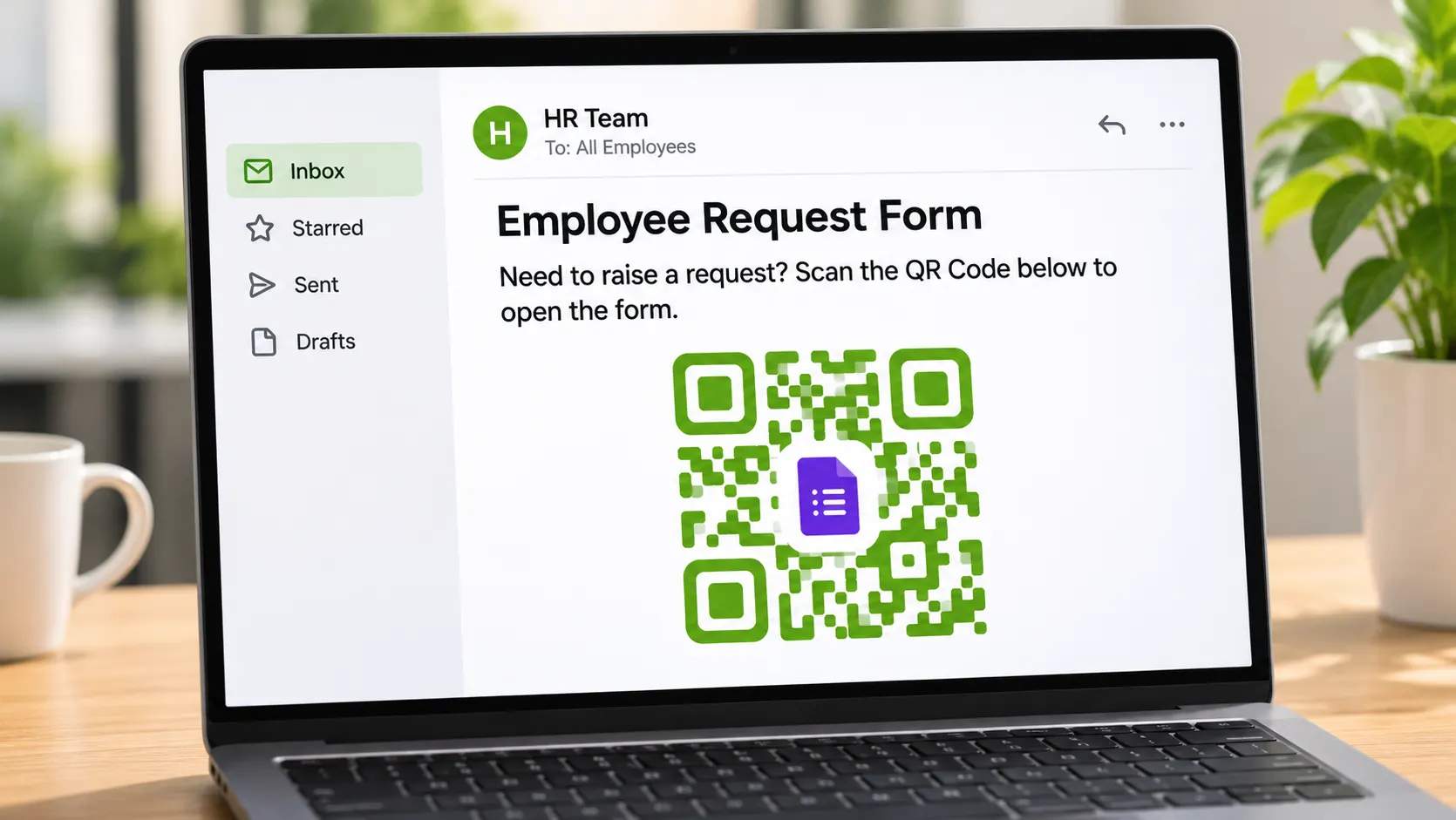
Internal and HR forms
Route staff to onboarding, request, or incident forms from a noticeboard or shared workspace. Employees act without digging through email.
4M+
Unique users worldwide
30,000+
Global businesses on our platform
60+
Countries with active users
How to get more form responses with a QR Code
A few form-specific moves lift completed responses well beyond what placement alone does.
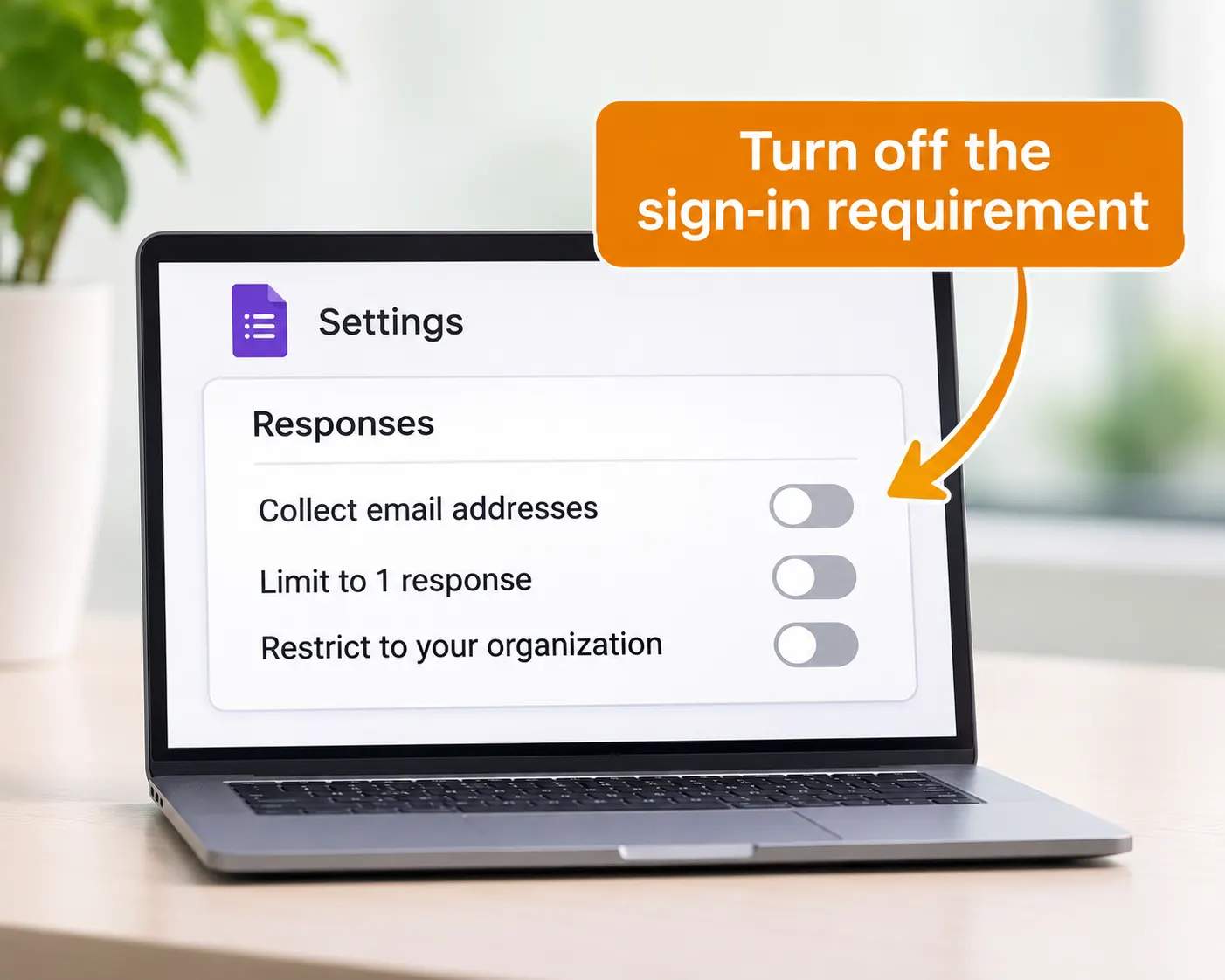
Best practices for a Google Form QR Code
A few setup choices decide whether the QR Code works and tells you anything useful.

Confirm the QR Code opens the right form
Scan it and check that it loads your form and the correct version, since a wrong link loses every response behind it. Recheck after you rename or move the form.

Make the QR Code easy to scan
Keep it at least 2 x 2 cm (0.8 x 0.8 inches) for print, scale it up for posters and kiosks, and leave a quiet zone of clear space around the edges. Strong contrast with the background helps older phones read it.

Brand it with your logo and colors
Add your logo and brand colors so the QR Code looks like part of your campaign. A branded QR Code earns more trust and more scans than a plain square.

Add a clear call to action
Include a short line like “Scan to fill out the form” so people know what the scan does before they point their camera. A labeled QR Code answers the viewer’s first question.

Use a dynamic QR Code with scan tracking
A dynamic QR Code lets you change the linked form later and shows total scans, locations, and devices. The free plan includes 2 dynamic QR Codes that never expire, with more available on the Core Plan (powered by Uniqode) and Plus Plan (powered by Uniqode).

Test on iOS and Android before you print
Scan the finished QR Code on an iPhone and an Android phone to confirm it opens the form cleanly. A quick check saves a whole print run from pointing nowhere.
Frequently asked questions
Ready to collect more responses?
The QR Code Generator is one of the best free ways to turn posters, flyers, and screens into completed Google Form responses. Create a dynamic Google Form QR Code, brand it, track every scan, and swap the linked form whenever you need.