
How QR Codes on Flyers Make Print Marketing Measurable
Stop guessing if your flyers work. Add a QR Code to connect print campaigns to your website, promotions, or offers, and track every scan.
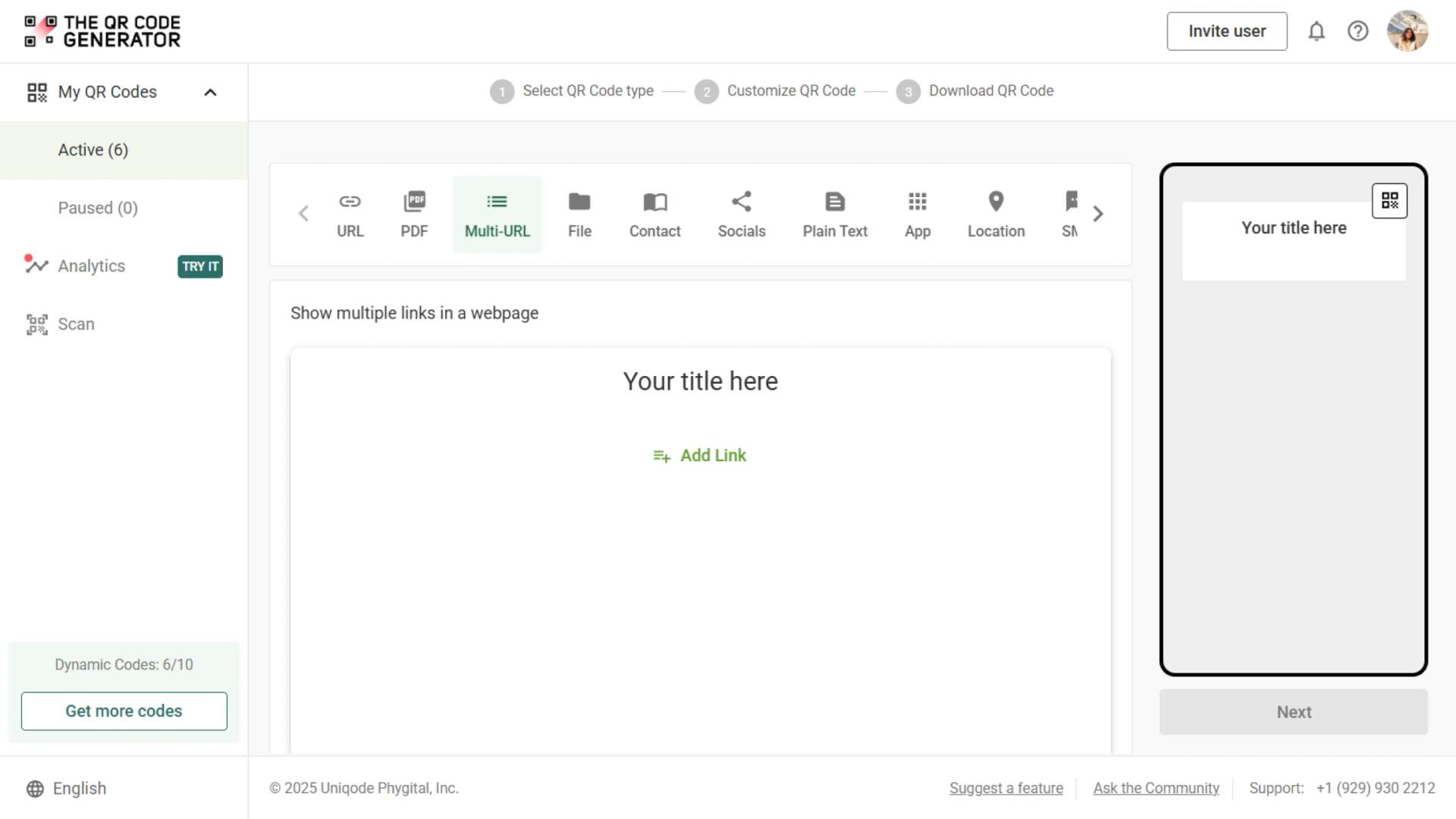
Redirect to an existing web URL
To enable tracking,

How does a flyer QR Code work?
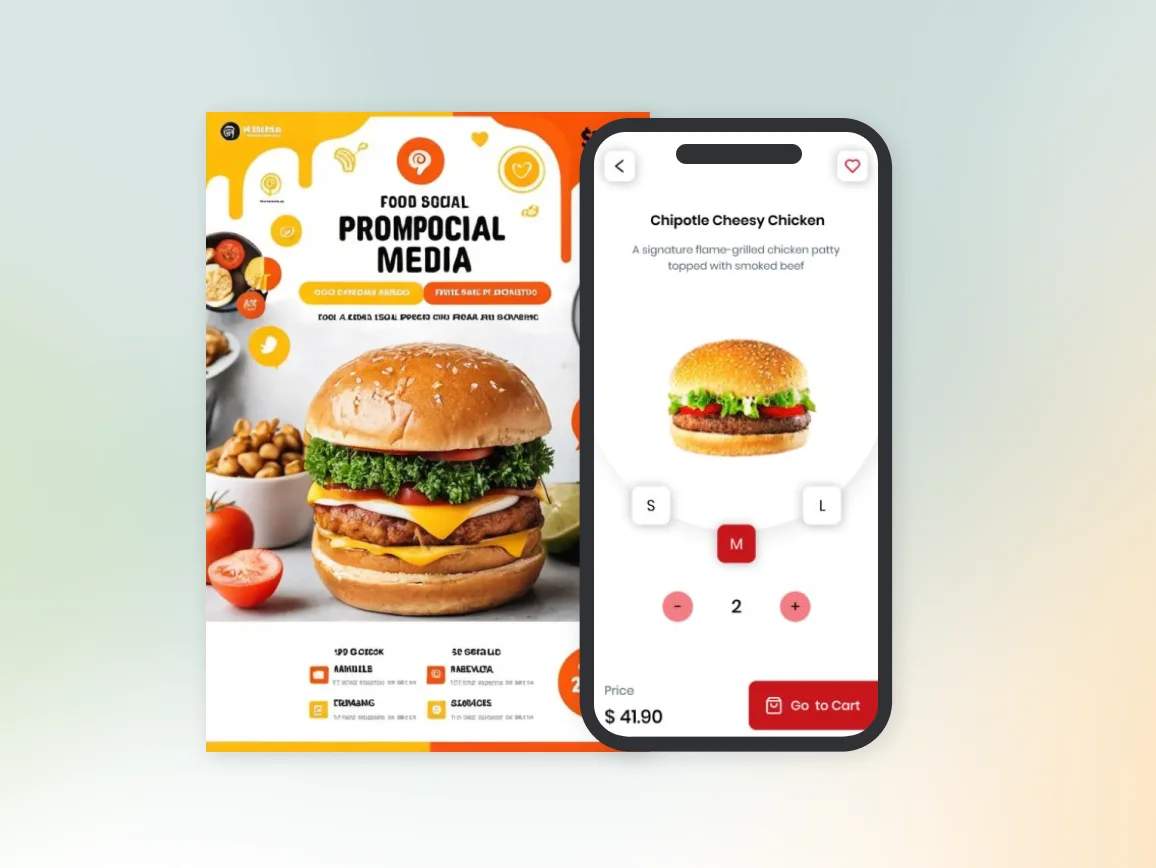
When someone scans the QR Code on your flyer, they’re instantly directed to your chosen destination: a landing page, special offer, event registration, or digital content. Measure campaign performance and ROI with every scan tracked in real time.
4M+
Unique users worldwide
30,000+
Global businesses on our platform
60+
Countries with active users
How do flyer QR Codes boost campaign results?
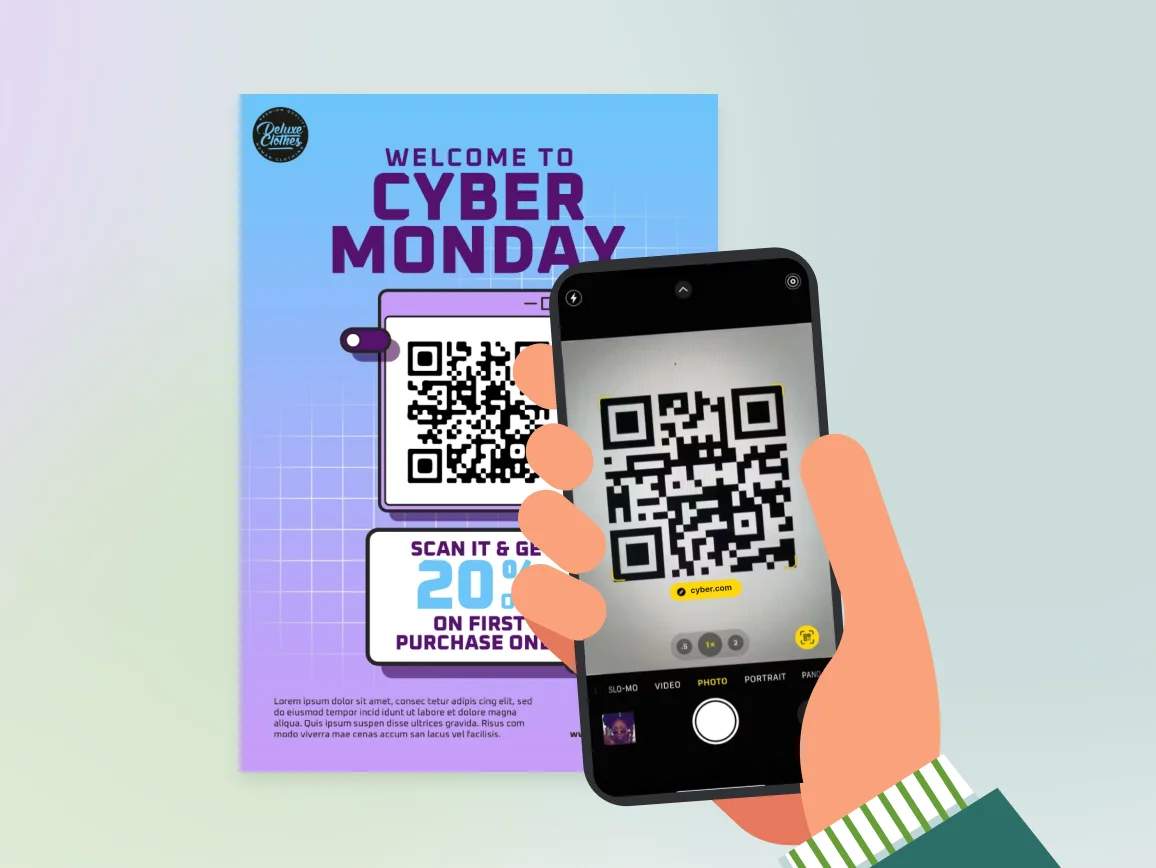
Best practices to maximize flyer QR Code scan

Size for your distribution method
Match QR Code size to how people will view your flyer. Handheld flyers require a minimum size of 1 × 1 inch, as people tend to scan them up close. Wall posters or window flyers must use 2 × 2 inches or larger because viewers scan from a distance.

Make the CTA flyer-specific
Never leave a QR Code without context. Add text such as “Scan for Exclusive Discount,” “Get Your Free Guide,” or “Register Now” to clearly inform people about what happens when they scan.

Avoid fold lines and staples
Place your QR Code away from folds, staples, or punched holes. Even a small crease can make it unscannable. Always check your printer’s trim and fold specs before finalizing placement.

Respect the quiet zone
Leave white space around your QR Code, at least 4x the width of one module. The quiet zone helps scanners identify the code instantly.

Match landing pages to flyer content
Make sure the scan experience delivers what your flyer promises. If your flyer promotes a sale, the landing page must show the sale immediately. If it’s an event flyer, the page should direct users straight to registration.

Where to use flyer QR Codes for maximum impact

Community boards
Post flyers with QR Codes on coffee shop bulletin boards, library community boards, and apartment complex notice areas linking to event registrations, service bookings, or detailed information. Capture interest from local audiences browsing community resources.
Industry conferences
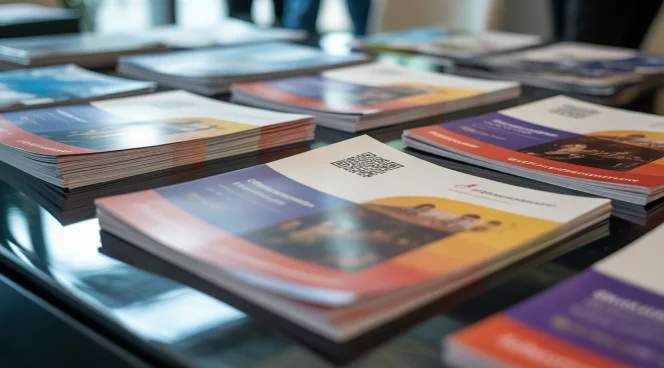
Distribute flyers with QR Codes at trade shows and conferences linking to product demos, booth schedules, speaker presentations, or lead capture forms. Let attendees save your information and follow up at their convenience.

Checkout counters
Place promotional flyers with QR Codes near retail checkout areas linking to loyalty programs, upcoming sales, or exclusive online offers. Capture customers while they're already engaged and ready to take action.
Residential mail drops
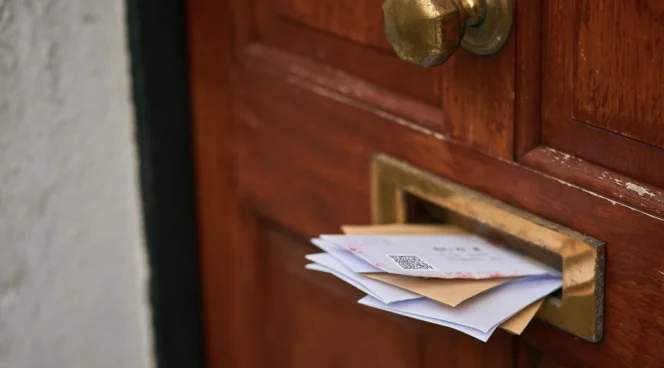
Include QR Codes on direct mail flyers linking to appointment booking, service estimates, virtual consultations, or neighborhood-specific offers. Track which neighborhoods respond best to optimize future campaigns.

Newspaper inserts
Use flyers with QR Codes in newspaper inserts linking to extended promotions, store locations, detailed product catalogs, or time-sensitive deals. Bridge traditional print advertising with measurable digital engagement.
Industries transforming print marketing with flyer QR Codes

Retail and e-commerce
Retailers use flyer QR Codes for seasonal promotions, product launches, and in-store events. Connect physical storefronts to online platforms so customers can browse inventory, read reviews, and purchase from home.
Real estate
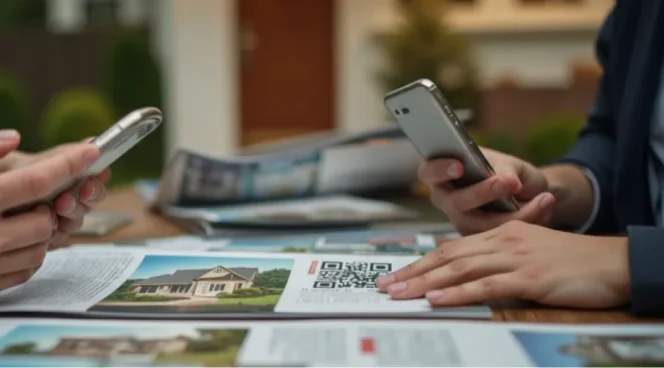
Agents add QR Codes to property listings and open house announcements for instant access to virtual tours, mortgage calculators, neighborhood statistics, and contact information, eliminating the need for manual searches.
Hospitality and tourism
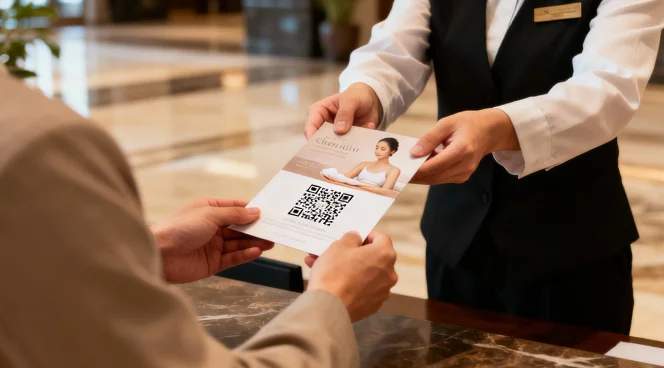
Hotels, restaurants, and attractions can provide details about amenities, menus, packages, and booking portals via QR Codes. Connect visitors to interactive experiences, reviews, and reservation systems with one scan.
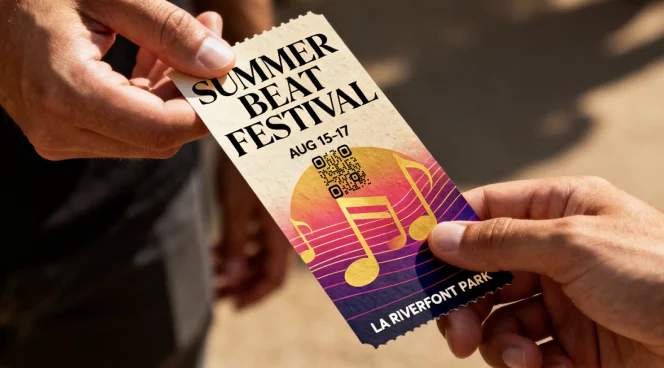
Events and entertainment
Venues and organizers can use QR Codes to link to ticket sales, event schedules, artist information, and venue maps. Streamline the path from awareness to attendance while tracking the effectiveness of promotions.
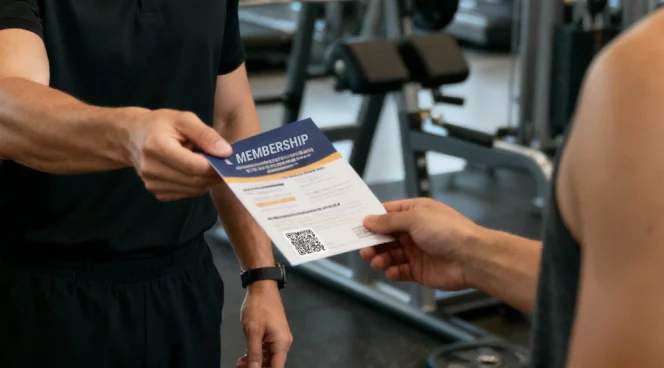
Healthcare and wellness
Medical practices and fitness centers can use QR Codes to direct users to appointment scheduling, intake forms, class registrations, and educational content. Reduce administrative burden through automated information collection.
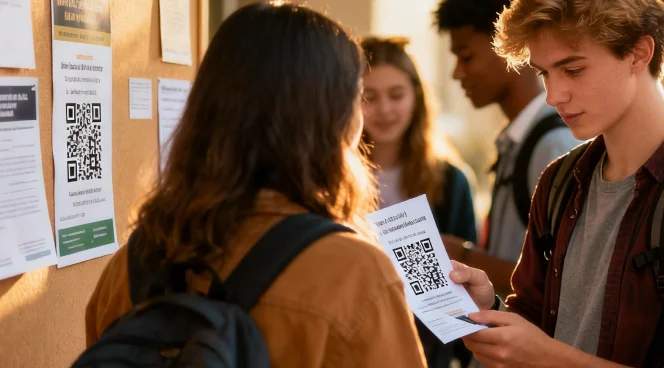
Education and training
Schools and training centers can use QR Codes to share program information, course catalogs, campus tours, and application portals. Students find detailed information instantly without navigating complex websites.