
Free Spotify QR Code Generator
Turn any Spotify link into a scannable QR Code.
Redirect to a Spotify track or playlist
To enable tracking,


What is a Spotify QR Code?
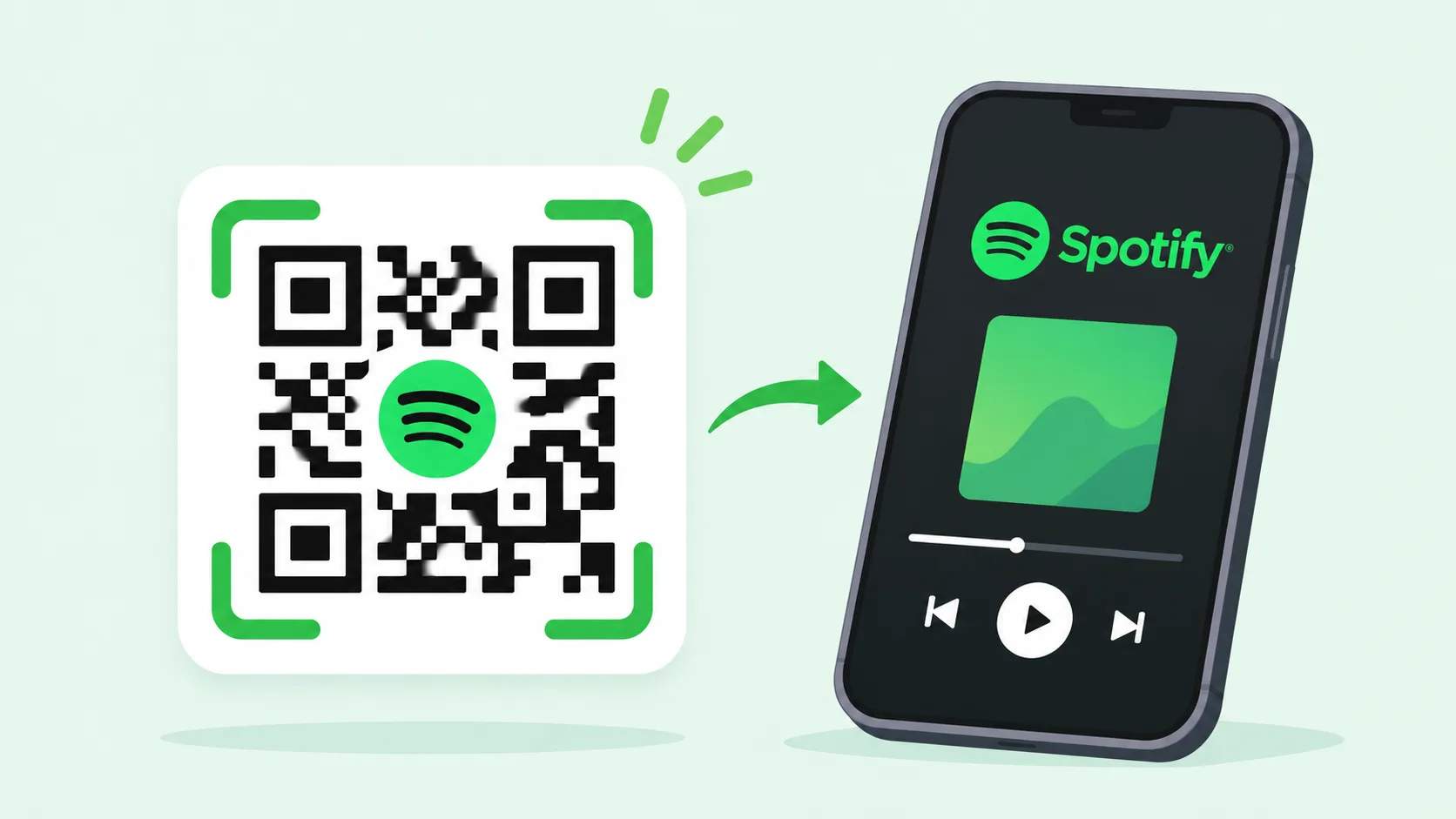
A Spotify QR Code is a scannable QR Code that links to a song, playlist, album, artist, or podcast on Spotify. Scanning it with a phone camera opens that content in Spotify, without searching or typing a link. Musicians, podcasters, and promoters use a Spotify QR Code to connect printed and physical spaces to what they’ve released.
How do you create a Spotify QR Code?
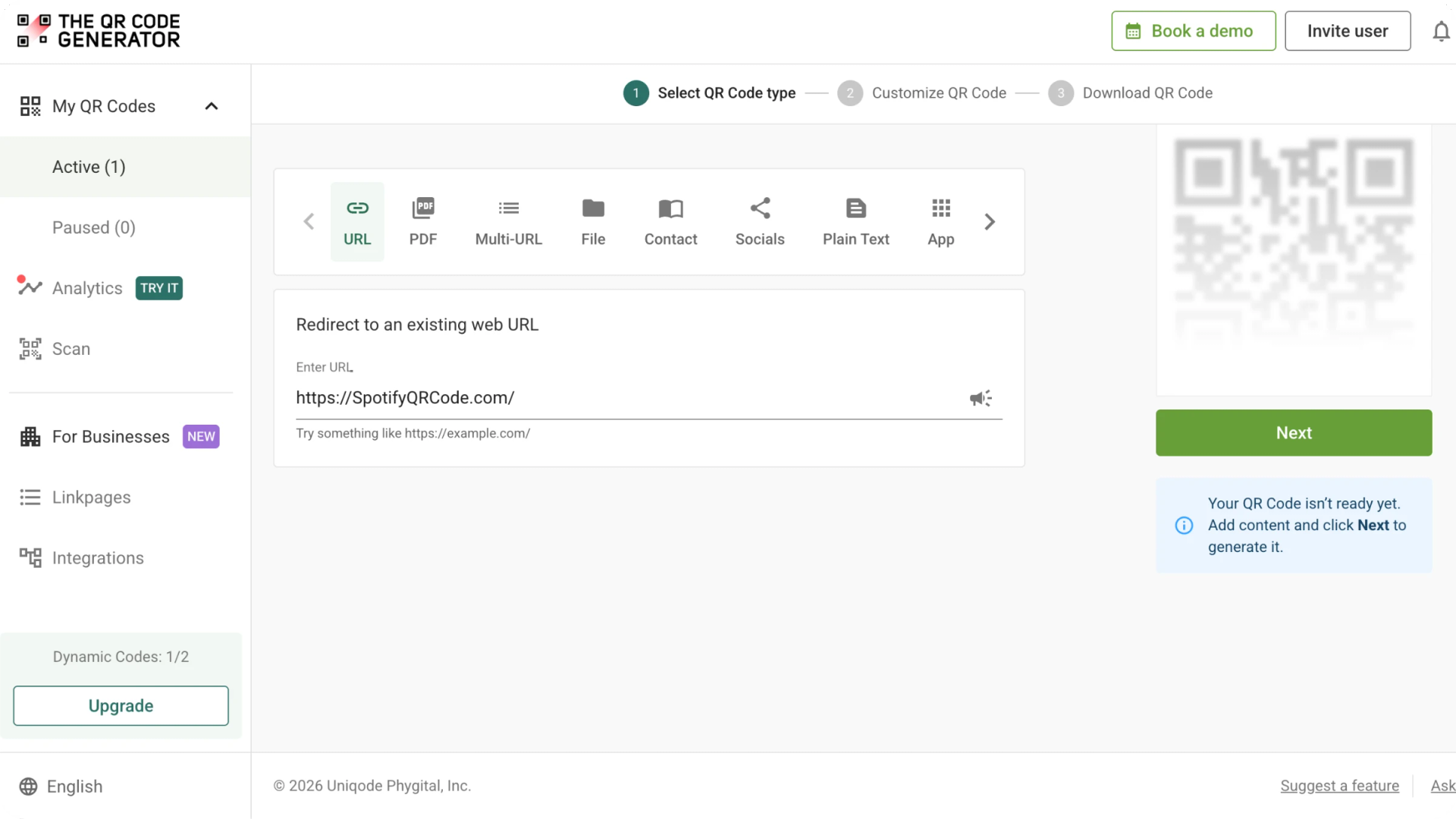
Open your song, playlist, or podcast in Spotify, tap Share, and choose Copy link to grab the URL. Then create the QR Code in three steps with The QR Code Generator.
What’s the difference between a Spotify Code and a Spotify QR Code?
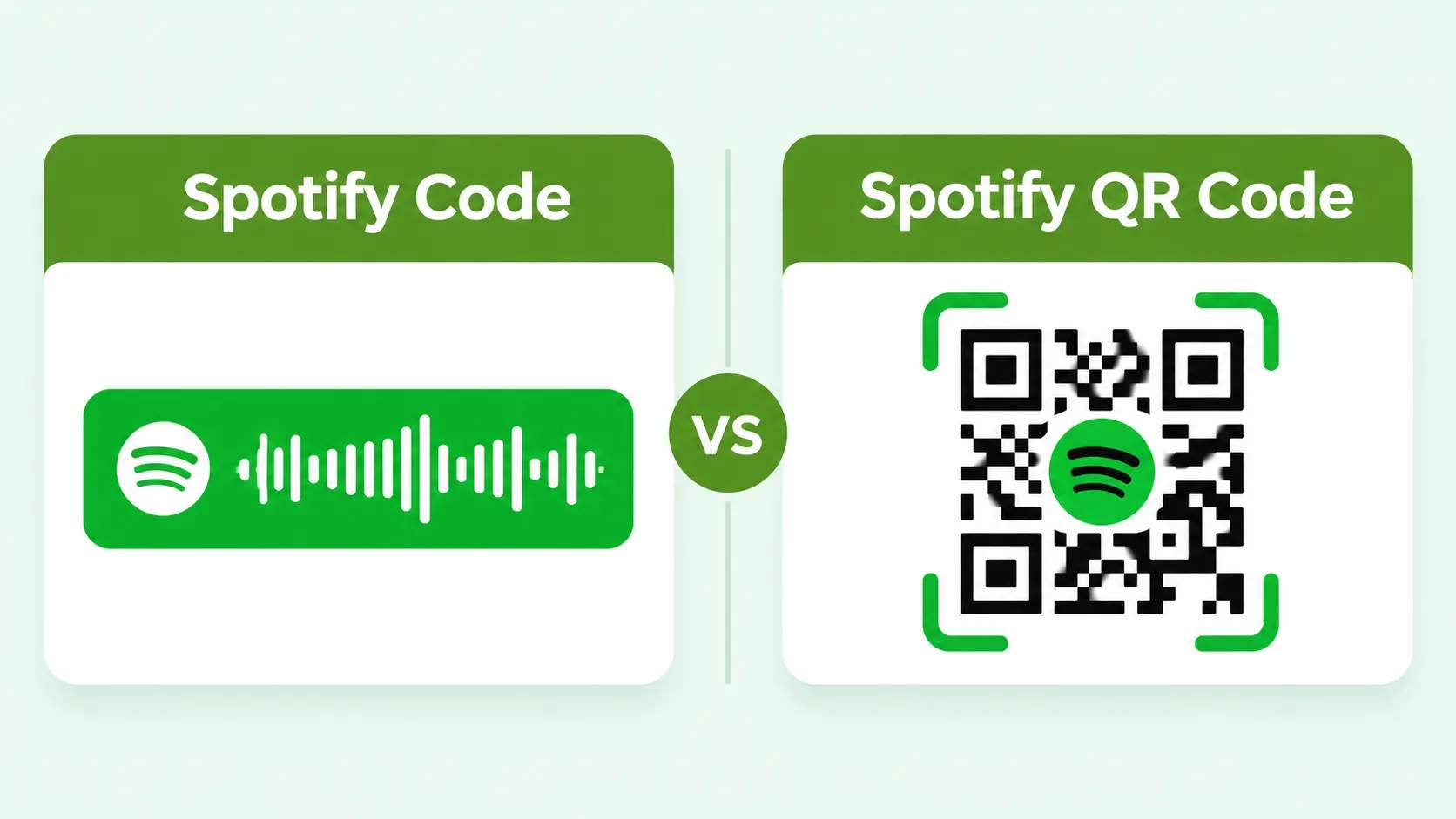
A Spotify Code uses Spotify’s native soundwave design and cannot be customized or tracked. A Spotify QR Code uses your Spotify share link and works with any smartphone camera or QR Code scanner. You can customize a Spotify QR Code with your logo, brand colors, and a frame. Making it dynamic also lets you update the linked track without reprinting and track scans by location and device.
What can you use a Spotify QR Code for?
A Spotify QR Code works anywhere you want to turn attention into a play.
Promote a release or album
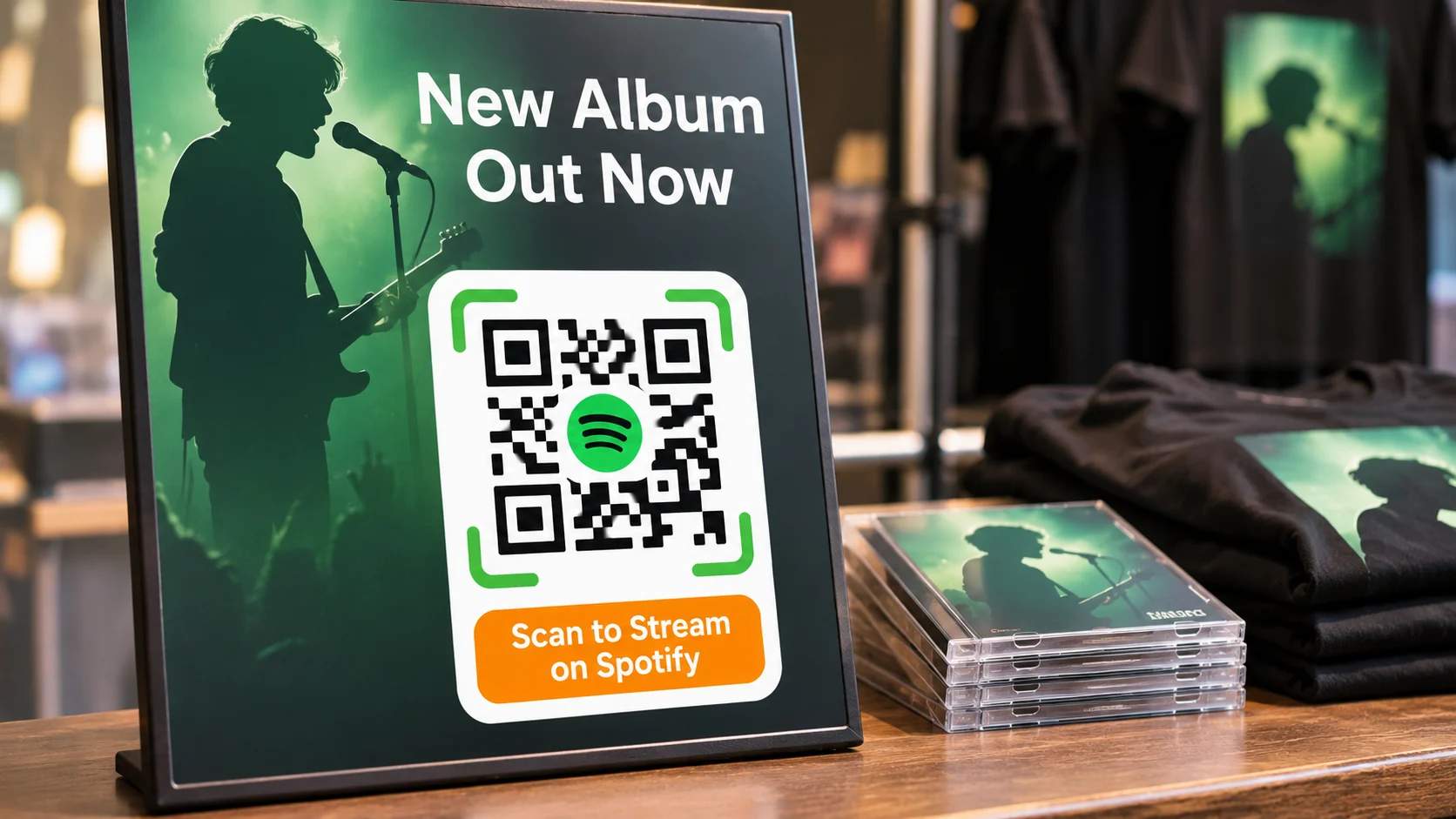
Link the QR Code to your latest single or album so fans play it straight from a poster, a flyer, or the merch table. A scan turns a glance at your artwork into a stream.
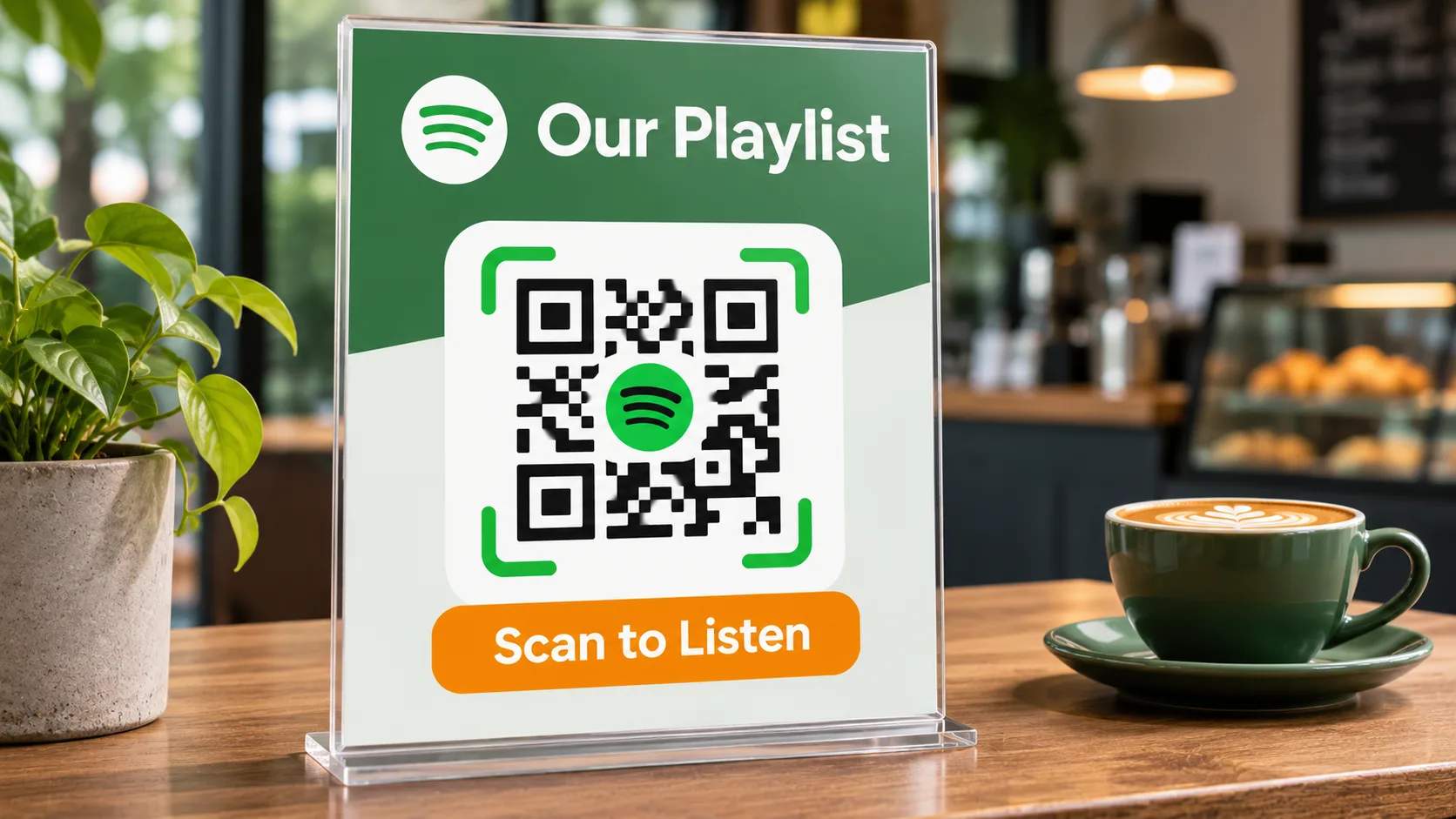
Share a playlist
Point it at a playlist you curate so listeners open the whole set in one tap. Cafés, gyms, and events use this to share the music playing in the room.
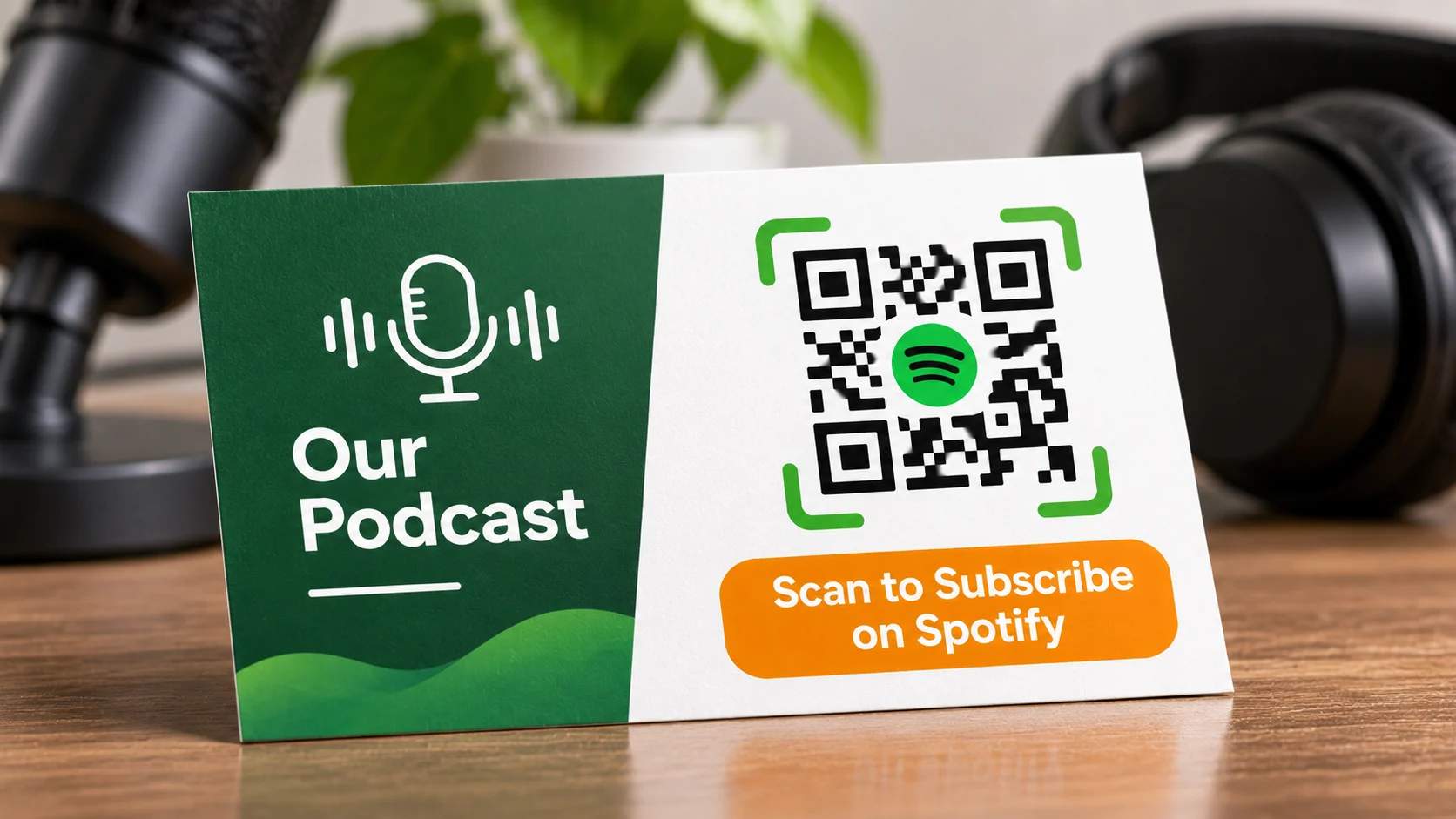
Grow a podcast
Link to your show so people subscribe from a flyer, a slide, or a business card. The QR Code keeps your podcast one scan away wherever your audience already is.
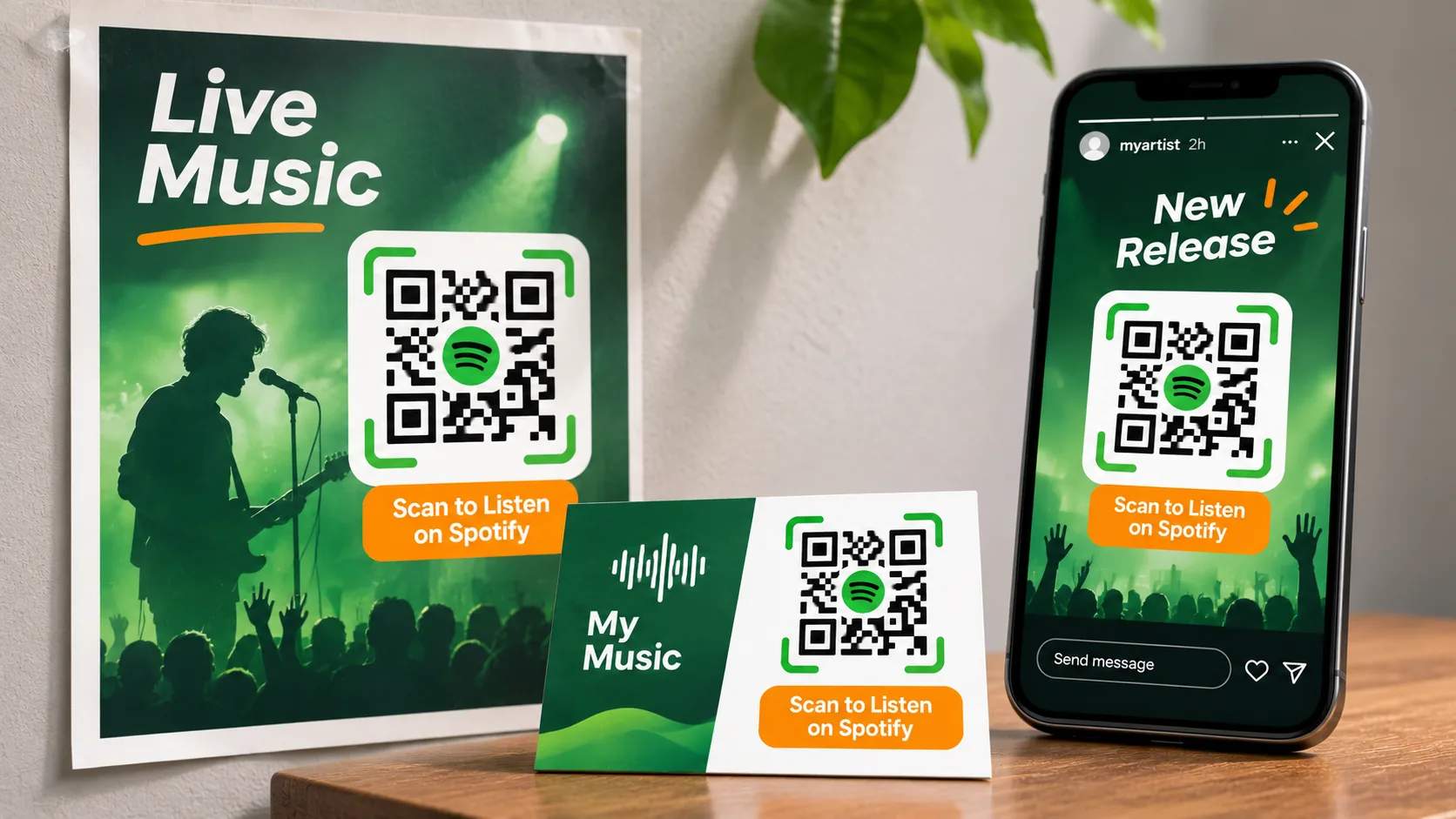
Put it on posters, business cards, and social
Add the QR Code to any printed or digital surface so your music travels with your brand. It works on a gig poster, a sticker, or an Instagram story alike.
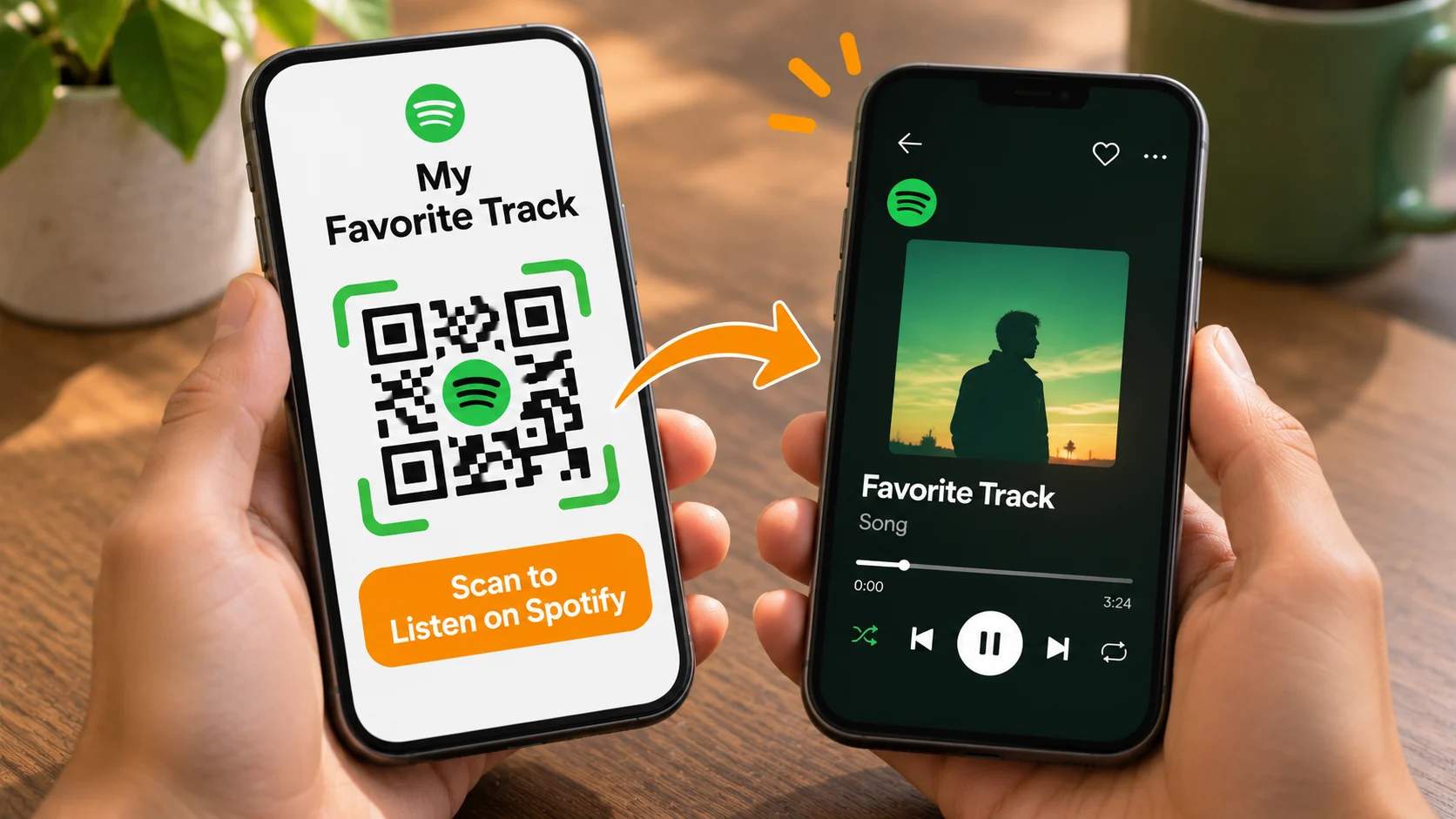
Share songs with friends
Send someone straight to a track with a scan instead of a pasted link. It’s a quick way to pass along something you’re into.
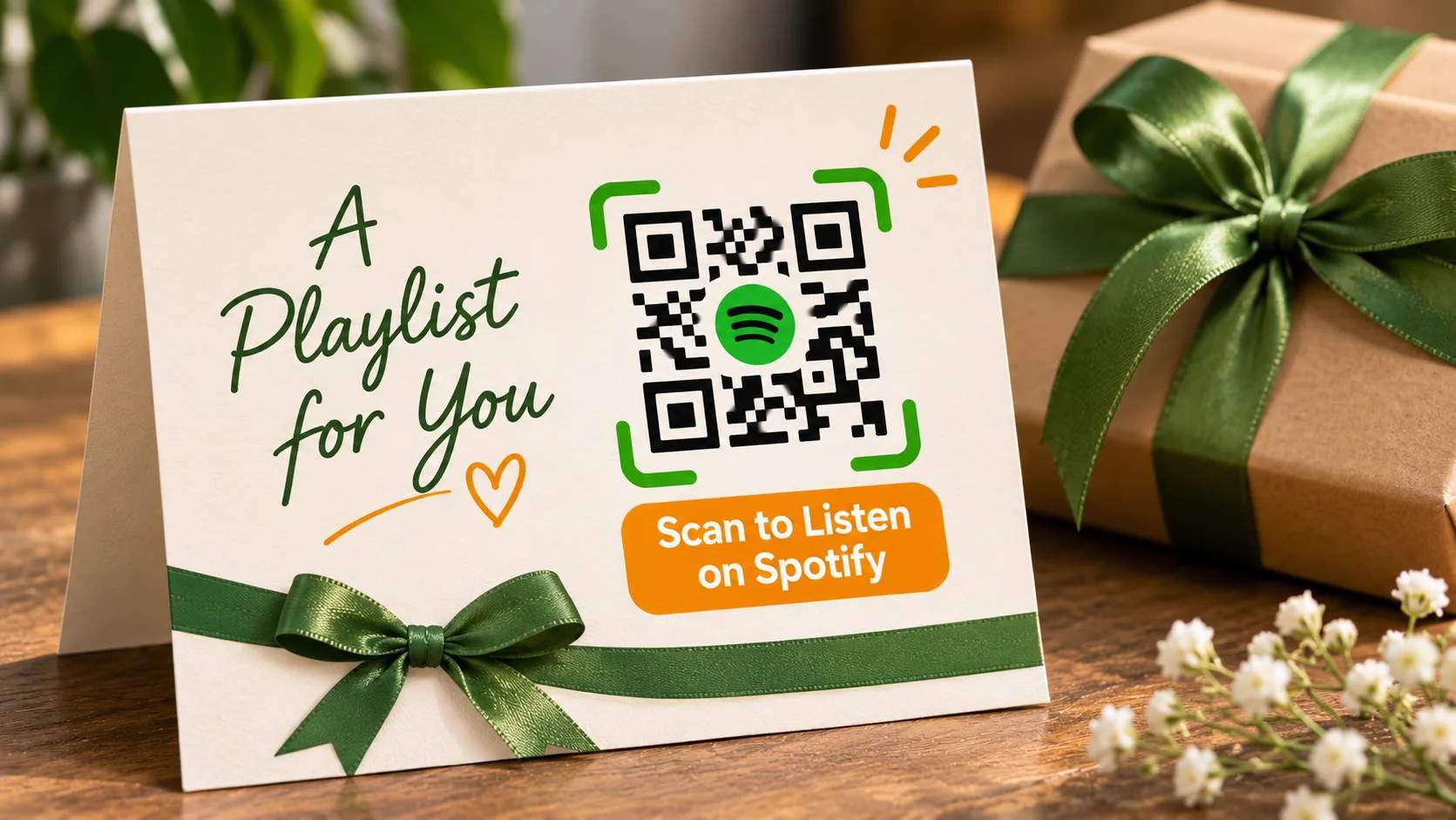
Create a music gift
Add a QR Code to a card or present so it opens a song or playlist that means something to the person. The music starts the moment they scan.
4M+
Unique users worldwide
30,000+
Global businesses on our platform
60+
Countries with active users
Best practices for a Spotify QR Code
A few setup choices decide whether your Spotify QR Code earns scans and tells you anything useful.

Use a dynamic QR Code to track and update
A dynamic QR Code lets you change the linked track later and shows total scans, locations, and devices. The free plan includes 2 dynamic QR Codes that never expire, with more available on the Core Plan (powered by Uniqode) and Plus Plan (powered by Uniqode).

Brand it to match your artwork
Add your logo and colors so the QR Code looks like part of the cover or poster. A branded QR Code earns more trust and more scans than a plain square.

Add a clear prompt
Include a short line like “Scan to listen” so people know what the scan does before they point their camera.

Size it for the scanning distance
Keep print QR Codes at least 2 x 2 cm (0.8 x 0.8 inches), scale them up for posters and stage screens, and leave a quiet zone of clear space around the edges.

Test on iOS and Android before you print
Scan the finished QR Code on an iPhone and an Android phone to confirm it opens the right Spotify content. A quick check saves a whole print run from pointing nowhere.
Frequently asked questions
Ready to turn scans into streams?
The QR Code Generator is one of the best free ways to put your Spotify music on posters, merch, and social. Create a dynamic Spotify QR Code, brand it to match your artwork, track every scan, and update the linked track whenever you release something new.