
The QR Code Generator (TQRCG) vs. QRCodeKIT: Which is Better?

Harshajit
Last updated: October 2, 2026
8 min read
Key Takeaways
- TQRCG offers better overall value than QRCodeKIT, with a $5 entry against QRCodeKIT's $20 and 2 free dynamic QR Codes that never expire.
- Both tools give 2 free dynamic QR Codes, but QRCodeKIT caps each free QR Code at 100 scans a month while TQRCG sets no per-QR Code scan cap on any plan.
- QRCodeKIT meters scans per QR Code and lifts the ceiling by tier, reaching unlimited only on the $50 Pro plan.
- TQRCG opens its QR Code API and integrations on the $49 Core plan, where QRCodeKIT reserves API access for its $150 Enterprise plan.
- QRCodeKIT fits large, fixed libraries and bigger teams, with 1,000 to 5,000 QR Codes on set plans and ten team members on the $50 Pro plan.
- TQRCG keeps scan analytics from 14 days on the free plan up to lifetime on the Enterprise tier, while QRCodeKIT ties the data you can gather to each QR Code's monthly scan allowance.
QRCodeKIT is a capable dynamic QR Code generator, and it works well for marketers needing editable QR Codes and scan tracking, but its plan limits warrant attention. For instance, its free plan offers two dynamic QR Codes capped at 100 scans monthly, a limit active campaigns easily hit, while paid tiers jump to $20/month.
And that’s exactly why user may start looking for a QRCodeKIT alternative, particularly if they need more room to scale without a steep jump in cost. The QR Code Generator (TQRCG) is one option to consider. Its free plan includes two dynamic QR Codes that never expire, and paid plans start at $5 a month. This guide compares QRCodeKIT and TQRCG across their features, pricing, analytics, and other key differences to help you find the better fit for your campaigns.
What is QRCodeKIT?
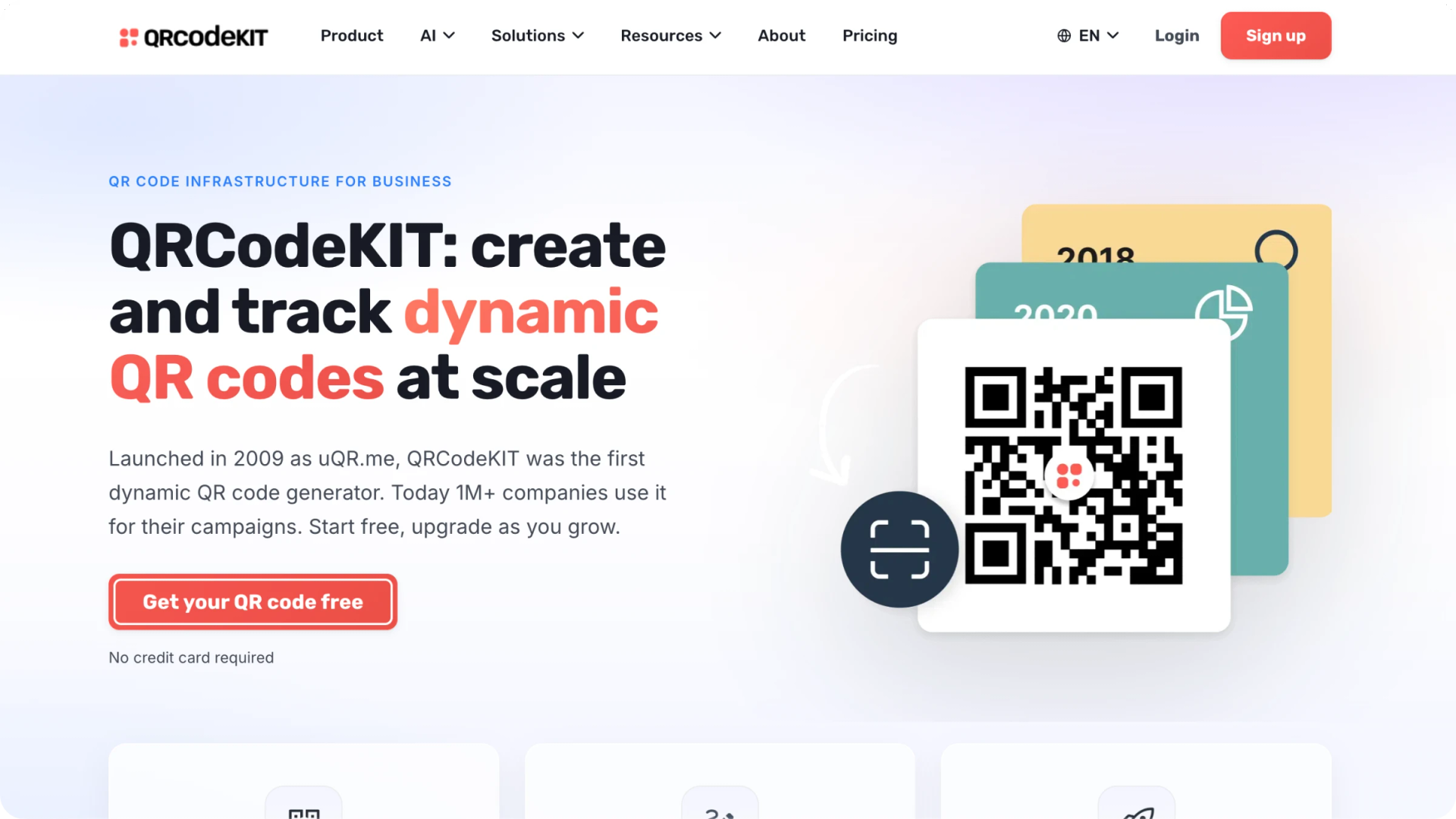
Launched in 2009 as uQR.me, QRCodeKIT is a dynamic QR Code generator used by over a million companies. It enables users to create customizable QR Codes, update destinations post-printing, and track scan analytics by time, location, and device. It is popular with marketing agencies, ecommerce brands, and restaurants running long-term printed campaigns.
The product runs on a free plan and three paid tiers billed annually, scaling from 2 dynamic QR Codes to 5,000 as you move up, with higher scan limits, more team seats, and added controls such as custom domains, single sign-on, and API access at the top end. The table below shows where each plan sits.
| Plan | Price (USD) | Dynamic QR Codes | Scans | Notable inclusions |
|---|---|---|---|---|
| Free | $0 | 2 | 100 per QR Code/month | Basic analytics, basic QR Code design, no credit card |
| Starter | $20/mo, billed annually | 100 | 10,000 per QR Code/month | Advanced analytics, page templates, bulk creation |
| Pro | $50/mo, billed annually | 1,000 | Unlimited | 10 team members, 1 custom domain, premium support |
| Enterprise | $150/mo, billed annually | 5,000 | Unlimited | 50 team members, custom domains, SSO, API access |
What is The QR Code Generator (TQRCG)?
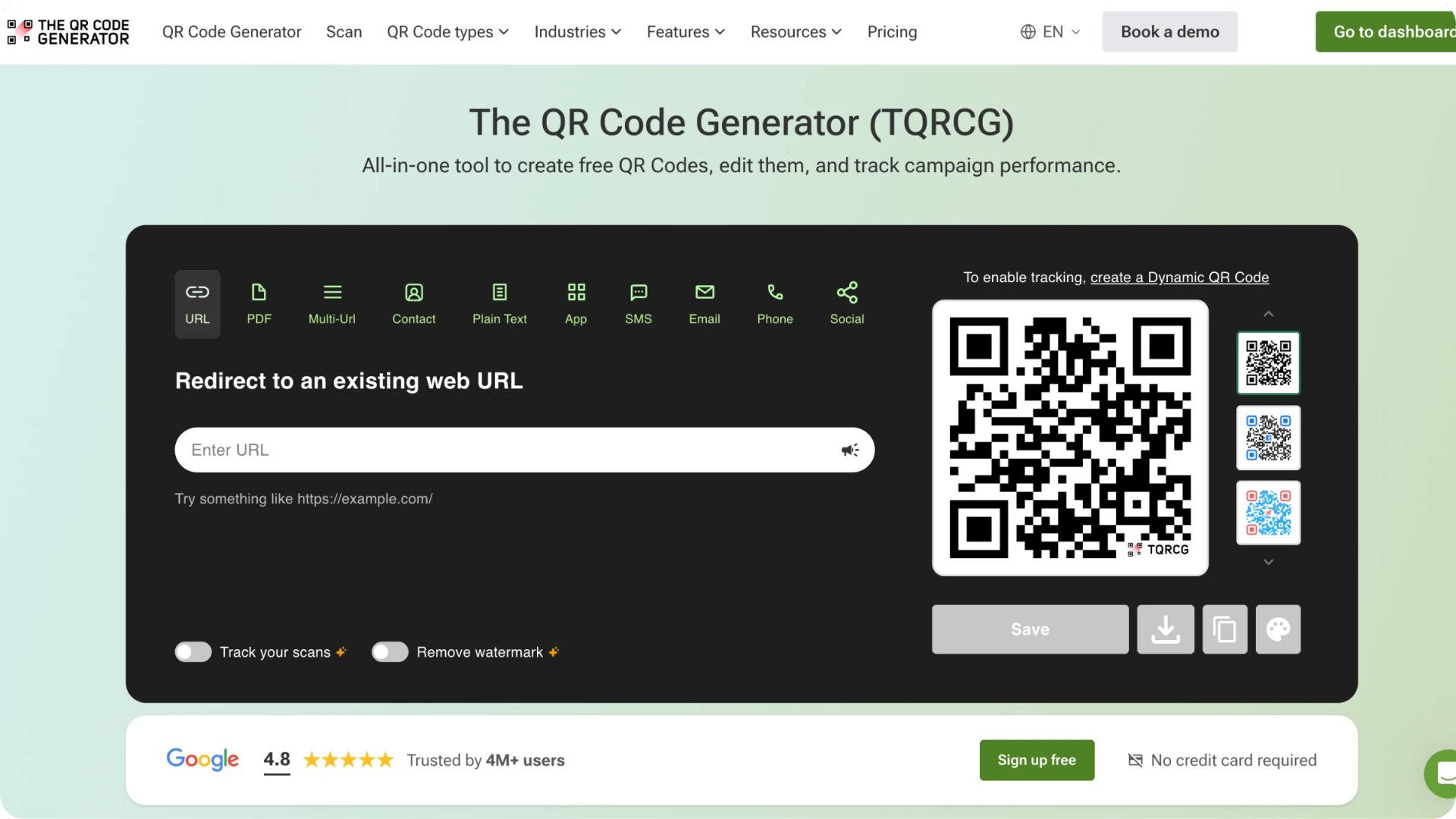
The QR Code Generator (TQRCG) is a free QR Code generator, powered by Uniqode, that lets you create, customize, and track QR Codes from one place. It supports both static and dynamic QR Codes across a wide range of types, from a website URL or PDF to a vCard, multi-URL, or app download, and it lets you style each QR Code with a logo and colors before downloading it as a PNG or SVG.
More than four million users work with TQRCG, and its dynamic QR Codes carry real-time analytics on scans, unique users, location, and device, which suits campaigns where every scan needs measuring. Individuals, small businesses, and teams use it across industries such as restaurants, retail, real estate, education, and events.
TQRCG runs on a free plan, an individual Flex plan, and the Uniqode-powered Core and Plus plans for businesses, with a custom Enterprise tier above them. The ladder moves from 2 free dynamic QR Codes up to 500 on Plus and a custom allowance on Enterprise, with longer analytics retention and added controls such as GPS tracking, Linkpages, a QR Code API, and custom domains higher up. The table below shows where each plan sits.
| Plan | Price (USD) | Dynamic QR Codes | Scan analytics | Notable inclusions |
|---|---|---|---|---|
| Free | $0 | 2 (with ads) | 14 days | Edit anytime, 1 user, no credit card |
| Flex | $5/mo, billed yearly | 5 (adjustable) | 60 days | GPS (add-on), Ad-free, watermark-free, CSV export, 1 user |
| Core (powered by Uniqode) | $49/mo, billed yearly | 250 | 90 days | GPS tracking, 10 Linkpages, integrations, QR Code API, AI Assistant |
| Plus (powered by Uniqode) | $99/mo, billed yearly | 500 (adjustable) | 180 days | 3 users, 25 Linkpages, custom domain add-on, advanced customization |
How QRCodeKIT and The QR Code Generator compare
QRCodeKIT and TQRCG cover the same essentials, so the real differences sit in how they price scans, where they gate advanced features, and how gently each one scales from free to paid.
Free plans and dynamic QR Codes
Both QRCodeKIT and TQRCG give you 2 dynamic QR Codes at no cost. TQRCG even keeps its two free QR Codes editable for life. The trade-off each attaches to free is where they part: QRCodeKIT serves its free QR Codes without ads but limits each one to 100 scans a month, while TQRCG runs its free QR Codes with a loading screen and a shorter analytics window. Clearing that ad costs $5 a month on TQRCG's Flex plan, whereas QRCodeKIT's first paid step opens at $20.
QR Code types and customization
TQRCG leans on the breadth of its QR Code types, offering a wide range spanning URL, vCard, PDF, multi-URL, app download, and social links, each of which can be styled with a logo and colors on every plan.
QRCodeKIT keeps a narrower set of types and differentiates on design instead, including its newer transparent and invisible QR Codes that blend into artwork, with advanced design unlocking from the Starter plan.
Analytics and reporting
Each tool reports the same core metrics, including scans over time, location, and device, so the difference lies in how much depth you get and how far back you can see it. QRCodeKIT gates on depth, moving from basic analytics on the free plan to advanced analytics from the Starter plan, with the data you can gather tied to each QR Code's monthly scan allowance.
TQRCG gates retention, widening the window you can look back over as you climb the tiers: 14 days on the free plan to 60 on Flex, 90 on Core, 180 on Plus, and lifetime on Enterprise. It also layers on CSV export of scan data from the Flex plan, with GPS location tracking available as an add-on on Flex and included from the Core plan.
Scan limits
The clearest structural difference is how each counts scans. QRCodeKIT meters scans per QR Code each month and raises that ceiling by tier, from 100 scans per QR Code on the free plan to 10,000 on Starter, and then unlimited on the Pro plan. A single high-traffic QR Code, therefore, draws down its own monthly allowance until you upgrade. TQRCG takes the opposite approach and sets no per-QR Code scan cap on any plan, so a busy QR Code and a quiet one both keep recording with no monthly ceiling to track or outgrow.
Bulk creation and API
For teams building at volume, the two differ on when the key automation tools unlock. QRCodeKIT keeps bulk QR Code creation off its free plan and includes it from the Starter plan at $20, while holding API access back for the Enterprise plan at $150, so programmatic creation arrives only at the top of its ladder. TQRCG brings both within reach far earlier, with bulk creation part of the $5 Flex plan and the QR Code API, along with integrations, opening on the Core plan at $49. For a developer or marketing team that needs to generate QR Codes in batches and wire them into other systems, that is a $49 entry against QRCodeKIT's $150.
Pricing and plan structure
The plans diverge most in their ramps. QRCodeKIT moves straight from 2 free QR Codes to 100 on Starter with no step in between, so a user who needs only a handful of QR Codes still pays for a hundred. TQRCG adds a low-cost Flex tier between free and its business plans, then scales through the Uniqode-powered Core and Plus tiers, which give individuals and small teams a gentler climb. The table below sets the two side by side on the points that usually decide the choice.
| Dimension | QRCodeKIT | TQRCG |
|---|---|---|
| Free dynamic QR Codes | 2, ad-free, 100 scans each/month | 2, ad-supported |
| Cheapest paid plan | $20/mo (Starter) | $5/mo (Flex) |
| Scan limits | Metered per QR Code; unlimited from Pro ($50) | No per-QR Code scan cap |
| Bulk creation from | Starter ($20) | Flex ($5) |
| QR Code API from | Enterprise ($150) | Core ($49) |
| Top tier | Enterprise, $150/mo (5,000 QR Codes) | Enterprise, custom (powered by Uniqode) |
Which QR Code generator should you choose?
The better fit depends less on the features both tools share and more on four questions about how you will actually use QR Codes.
Start with how many QR Codes you need and how quickly that number will grow. For a handful of QR Codes, TQRCG's $5 Flex plan is the more economical entry, since QRCodeKIT's first paid plan prices in a hundred QR Codes at $20 whether you use them or not. For a large, fixed library, that math flips, because QRCodeKIT's Pro and Enterprise plans reach 1,000 and 5,000 QR Codes at set prices, with the $50 Pro plan also bundling unlimited scans and ten team members.
Next, consider how heavily any single QR Code will be scanned. A QR Code on high-traffic packaging or a busy storefront can exhaust QRCodeKIT's monthly scan allowance until you reach the Pro plan, where scans turn unlimited, while TQRCG imposes no per-QR Code scan cap at any tier.
Then weigh how early you need an API or integrations. TQRCG exposes its QR Code API and integrations from the Core plan at $49, so developers and marketing teams can automate without stepping up to a top tier, whereas QRCodeKIT holds API access for Enterprise.
Finally, think about the size of the team and where you will be in a year. QRCodeKIT suits a growing team that wants many QR Codes on one flat plan, since its $50 Pro plan covers ten members, while teams that expect to grow into advanced analytics, governance, and security can move from TQRCG into the Uniqode-powered Core and Plus plans, with single sign-on and compliance on the enterprise tier.
| If your priority is | Choose | Why it follows |
|---|---|---|
| A few QR Codes at the lowest cost | TQRCG | Flex starts at $5/mo, where QRCodeKIT's first paid plan is $20 for 100 QR Codes |
| A single QR Code with heavy scan volume | TQRCG | No per-QR Code scan cap at any tier; QRCodeKIT unlocks unlimited scans only from Pro at $50 |
| An API or integrations early | TQRCG | The QR Code API opens on Core at $49, against QRCodeKIT's Enterprise at $150 |
| The widest range of QR Code types | TQRCG | More than thirty QR Code types on every plan |
| A large fixed library of QR Codes | QRCodeKIT | Pro and Enterprise reach 1,000 and 5,000 QR Codes at set prices |
| A bigger team on one flat plan | QRCodeKIT | Pro at $50 covers ten team members with unlimited scans, where TQRCG's Plus covers three users at $99 |
| Enterprise analytics and governance | TQRCG, powered by Uniqode | Core and Plus run on Uniqode, with SSO and compliance at the top tier |
Start free and scale when you are ready
The surest way to settle a comparison is to run a real QR Code through the tool itself, and The QR Code Generator (TQRCG) is one of the best free QR Code generators to start that test with. Its free plan gives you 2 dynamic QR Codes that you can edit and track from day one, and the Flex and the Uniqode-powered Core and Plus plans are ready when a campaign outgrows them. You can launch one QR Code today, watch how it performs, and upgrade only once the numbers justify it.
Frequently Asked Questions
Does QRCodeKIT have a free plan?
Yes. QRCodeKIT's free plan includes 2 dynamic QR Codes with 100 scans per QR Code each month and basic analytics, and it requires no credit card.
Is there a 100% free QR Code generator?
Yes. The QR Code Generator (TQRCG) is a free QR Code generator that gives you 2 dynamic QR Codes that never expire on it forever free plan, alongside unlimited static QR Codes, with no credit card to start.
What is the difference between a static and a dynamic QR Code?
A static QR Code stores its destination directly, so it cannot be edited or tracked once created. A dynamic QR Code points to a short redirect, which lets you change the destination after printing and record each scan. Both QRCodeKIT and TQRCG build dynamic QR Codes.
Do I need an account to create a QR Code with TQRCG?
You can generate a static QR Code on TQRCG without an account, but a dynamic QR Code that you can edit and track requires a free sign-up.
Can I track who scans my QR Code?
You can track how a QR Code is scanned rather than the identity of each person. Dynamic QR Codes on both tools report scans over time, location, and device, and TQRCG offers GPS location tracking as an add-on on Flex and is included from the Core plan.
How do I create a free dynamic QR Code with TQRCG?
To create a dynamic QR Code on TQRCG, sign up for free, choose a dynamic QR Code type such as URL or PDF, add your content, customize the design, and download it as a PNG or SVG. You can change its destination later without reprinting.
Is TQRCG better than QRCodeKIT?
Yes, TQRCG is one of the best free QR Code generators for a low-cost start, offers 2 free dynamic QR Codes on free plan that never expire, a $5 Flex plan, and a QR Code API from the Core plan, which makes it the better value for individuals and growing teams. QRCodeKIT still fits specific cases such as very large fixed libraries of QR Codes, so match the tool to your QR Code volume, scan traffic, and budget.