
What Are QR Code Integrations and How Do They Work?

Harshajit
Last updated: September 25, 2026
11 min read
TL;DR
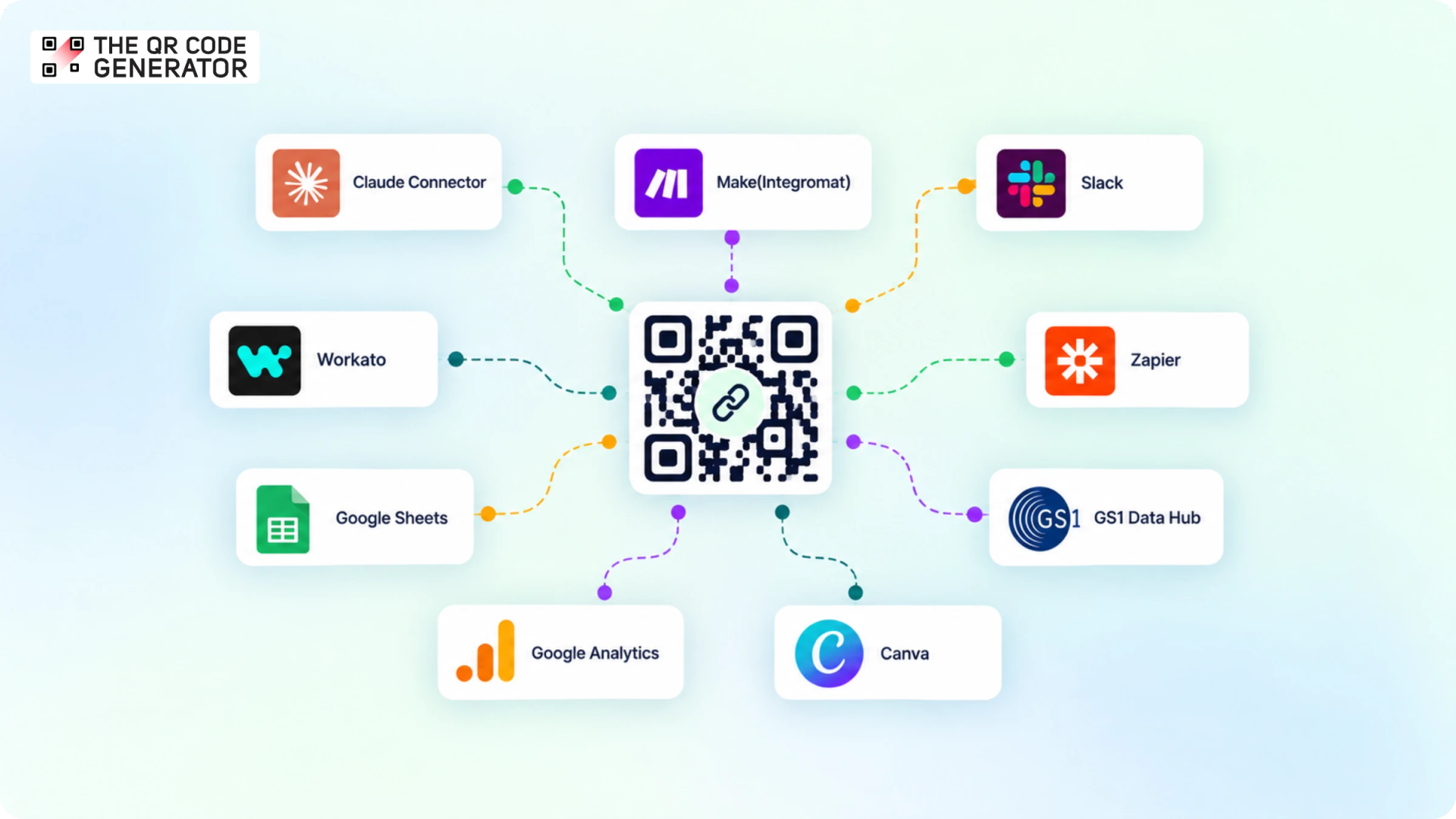
QR Code integrations connect your dynamic QR Codes to the apps you already use. On The QR Code Generator, integrations are powered by Uniqode. You access them by upgrading to the Core or Plus plan, which moves your account and QR Codes to Uniqode. From there, you can automate workflows with Zapier, Make, and Workato, send scans to Google Analytics, get Slack alerts, create codes in bulk from Google Sheets, design them in Canva, retarget scanners with Meta Pixel and Google Ads, and auto-fill product data with GS1 Data Hub. The Core plan includes 250 dynamic QR Codes and 90 days of analytics. Plus includes 500 dynamic QR Codes, three users, 180 days of analytics, and a custom domain. Both plans include the full set of integrations.
If you have ever run a QR Code campaign, you know the scans start rolling in the moment your QR Codes hit the real world, and for a while, that one dashboard feels like plenty. The trouble tends to show up later, once those scans start mattering to more people than just you.
Marketing wants them surfacing in Slack, your analyst wants them sitting in Google Analytics next to everything else, and someone in sales wants every form response to land in the CRM without a soul copying and pasting a thing. That is the gap QR Code integrations are meant to close. A QR Code integration connects your dynamic QR Codes to the apps you already use.
This blog walks through all the integrations you can use on The QR Code Generator, what each one actually does for you day to day, and how to turn them on.
What are QR Code integrations?
QR Code integrations are connections that let your QR Codes pass data back and forth with the other software you already run your business on. Rather than treating your QR Codes as a standalone thing you log in to check every now and then, an integration wires them into your wider stack, so the scans, form responses, and campaign data they generate can flow straight into the tools where you actually make decisions. Some integrations pull information out of your QR Codes and into an analytics or automation platform, while others push data the other way, like using a single spreadsheet to spin up hundreds of codes at once.
On The QR Code Generator(TQRCG), following are some of the integrations to work with:
- Google Analytics, for measuring scans right alongside your website traffic
- Slack, for real-time scan and form alerts in the channel you choose
- Zapier, Make (Integromat), and Workato, for no-code automation across your apps
- Google Sheets, for creating and managing QR Codes in bulk
- Canva, for dropping branded QR Codes straight into your designs
- Meta Pixel and Google Ads, for retargeting the people who scan
- GS1 Data Hub, for auto-filling product data into your GS1 QR Codes
Why connect your QR Codes to the tools you already use?
An integration lets a QR Code scan or form response automatically trigger an action in another app, and lets you push data the other way, too. Here is what that gives you in practice.
Cut manual work
Every scan and form response can move into another tool on its own, with no exporting or copy-pasting. With Zapier, Make (Integromat), or Workato, a form submitted through your QR Code can create a contact in your CRM and post a message to your team in the same run.
Measure scans in the tool you already use
Google Analytics receives your QR Code scans as events, so they appear next to your website sessions in the same GA4 reports. Scans appear in the real-time view straight away and in standard reports within about 24 hours.
Get notified as scans happen
Slack posts to a channel you choose every time one of your QR Codes is scanned or a form is submitted, so you see activity without opening the dashboard.
Create hundreds of codes at once
The Google Sheets add-on turns each row of a spreadsheet into its own dynamic QR Code. You map columns like destination URL and name to the code fields, generate them in a single run, and pull scan counts back into the sheet.
Retarget people who scan
Add Meta Pixel or Google Ads tracking to your QR Code's landing page, and everyone who scans joins a retargeting audience you can later serve ads to.
What each QR Code integration does
Here is a closer look at each integration, what it does, and how you connect it.
Automate the busywork with Zapier, Make, and Workato
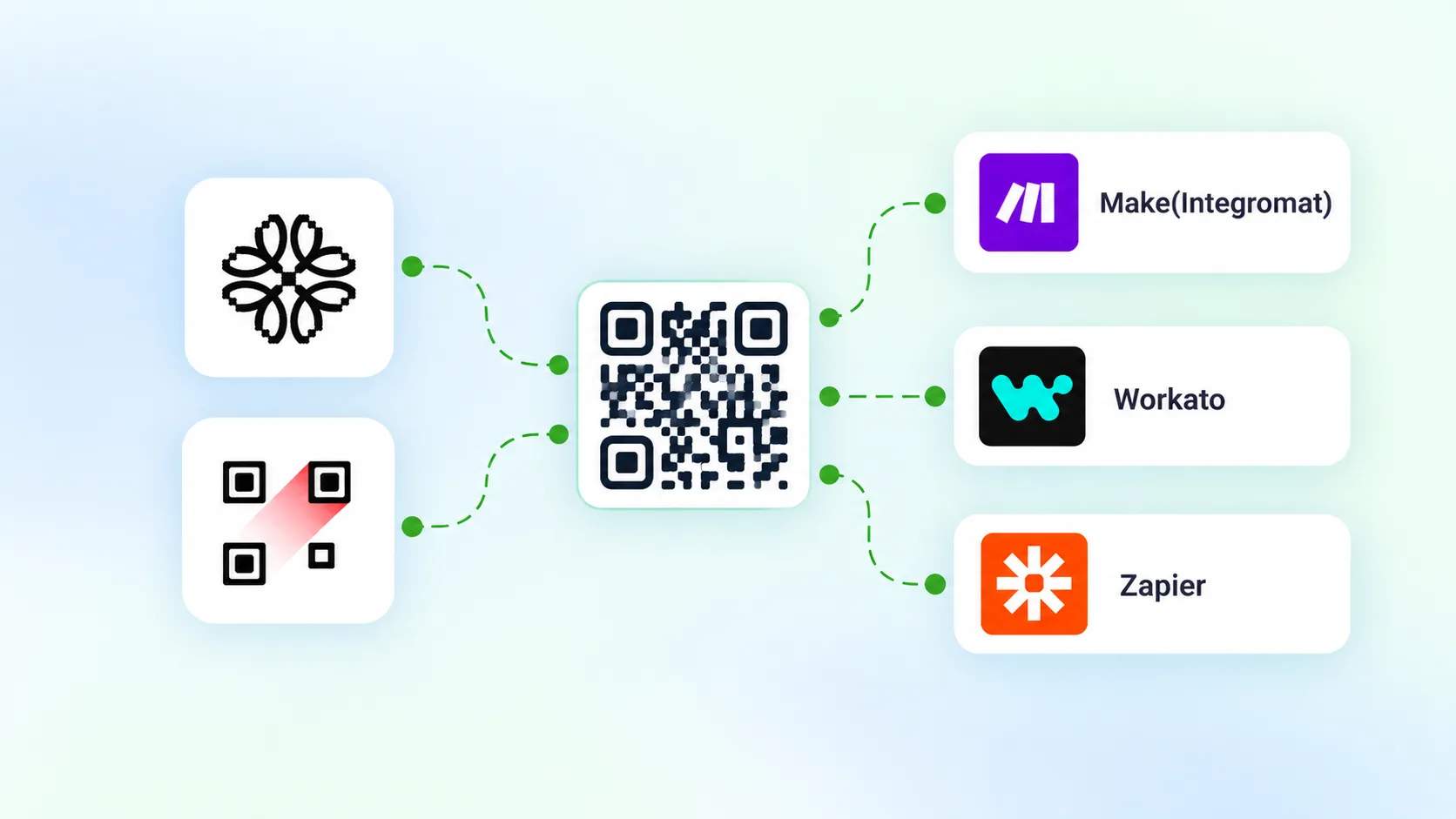
Zapier, Make (Integromat), and Workato run a set of actions every time a QR Code is scanned or a form on it is submitted. You choose the trigger, a scan or a form response, and the action that follows, such as adding a row, creating a contact, sending an email, or posting a message. It then repeats for every scan.
For example, when a visitor submits the form on your QR Code, Zapier creates them as a contact in HubSpot or Salesforce, with no one re-entering data. One trigger can run several actions, so the same submission can also post the lead to a Slack channel.
To connect any of the three, open the Integrations page, copy your API Key and Organization ID, and paste both into the tool. In Make, add the "Watch QR Code Scan" trigger. In Zapier, add Uniqode under My Apps, then build a Zap or use a prebuilt template.
Developers can skip the tools and use the QR Code API to create and update dynamic QR Codes directly, such as one unique code per order.
Track QR Code performance in Google Analytics
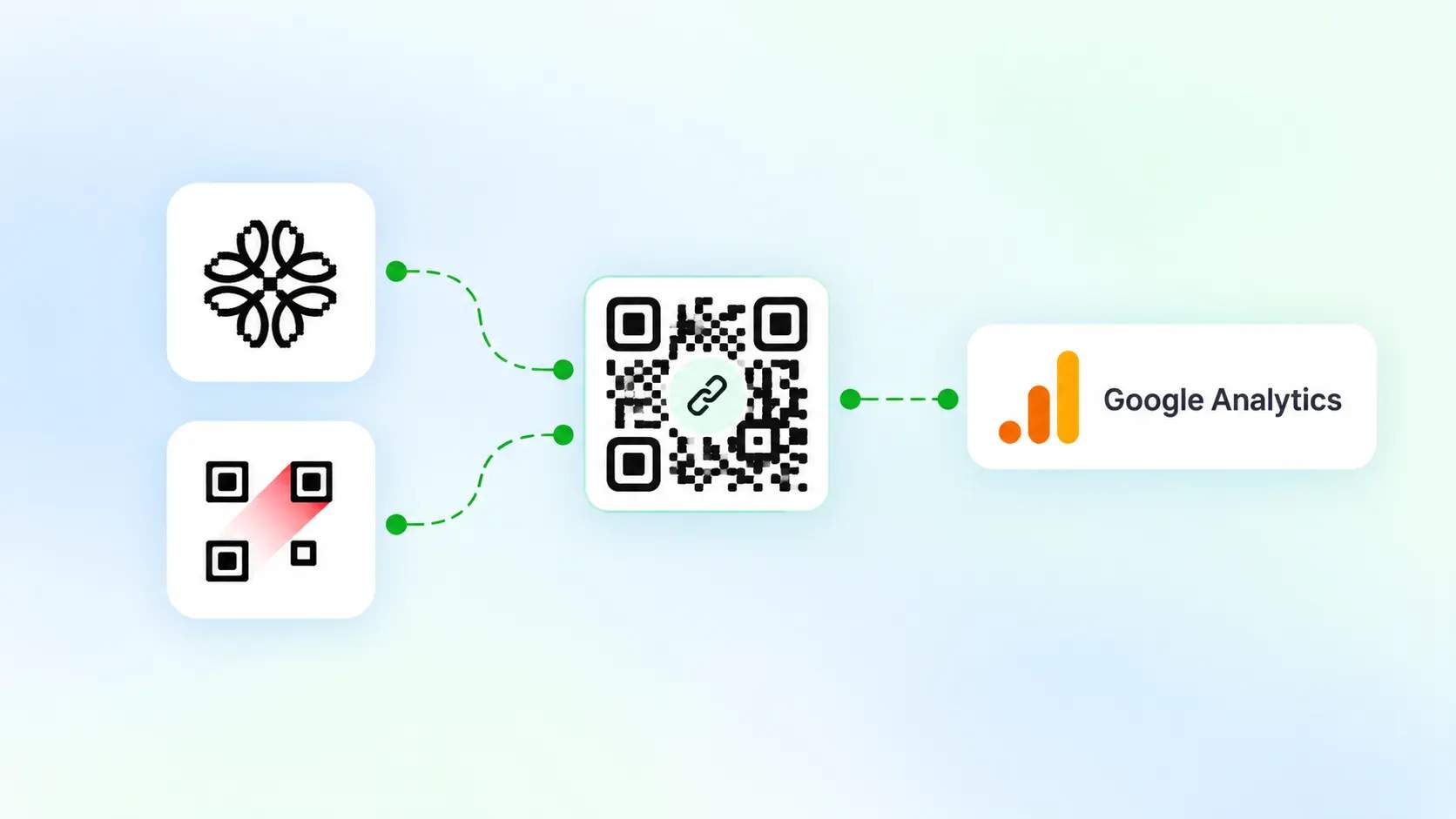
Google Analytics (GA4) is Google's free analytics tool that reports how people find and use your website. The integration sends your QR Code scans to GA4 as events, so you can measure them alongside your site traffic in the same reports, instead of switching between two dashboards.
Setup takes one ID. In Google Analytics, create a Data Stream for your QR Code domain (qrcodes.pro, or your own custom domain) and copy its Measurement ID. In Uniqode, open Integrations, select Google Analytics, paste the Measurement ID, and save.
Once connected, each scan arrives as an event named "Uniqode QR: [your QR Code name]", so you can separate QR Code activity from the rest of your traffic at a glance.
Two things to know about timing. Scans appear in GA4's Real-time report immediately, which is useful for confirming that a code works the moment it goes live. Standard reports take up to 24 hours to update. Tracking also starts from the day you connect the integration; it does not backfill scans from before then
Create QR Codes in bulk from Google Sheets
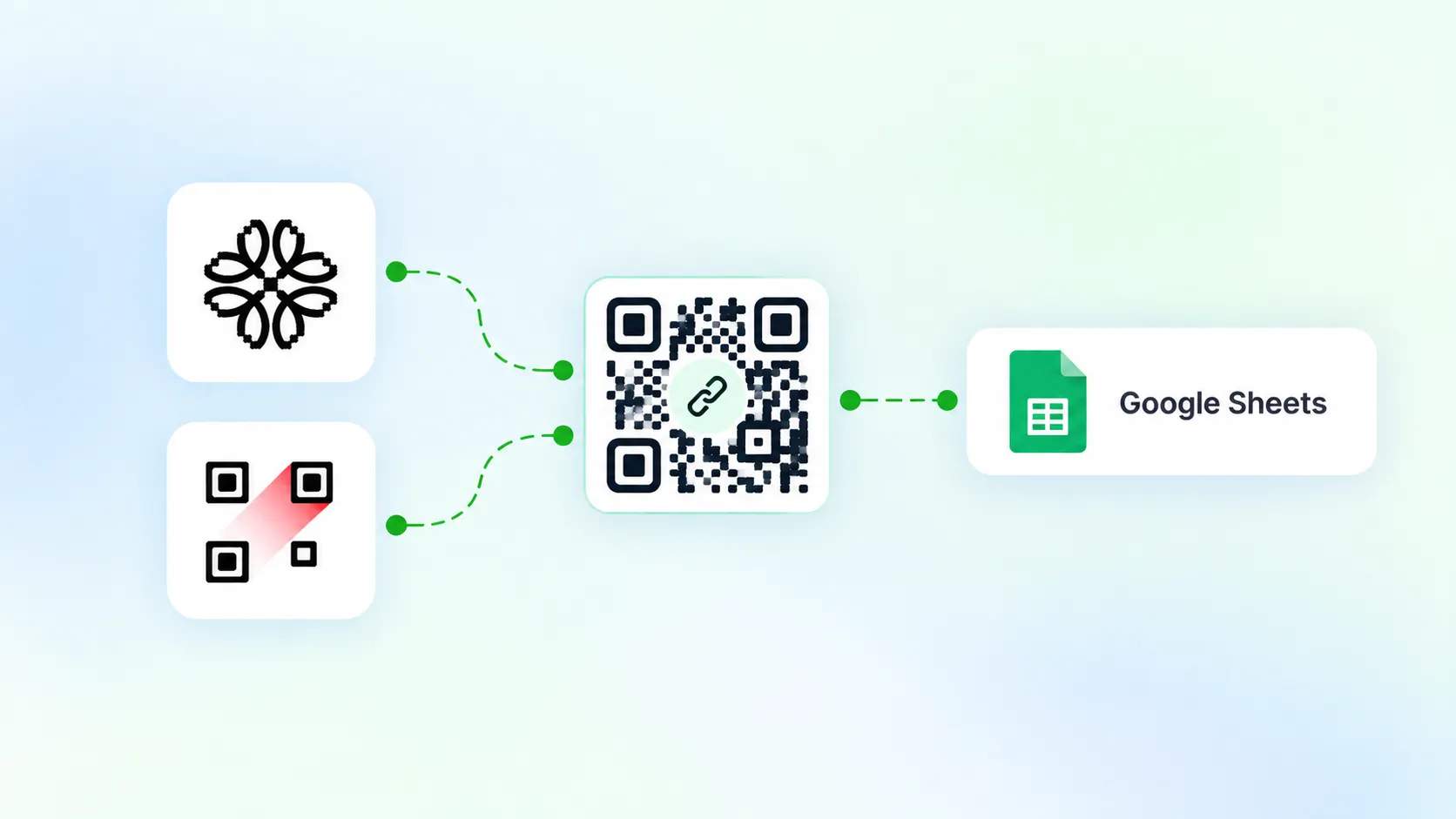
The Google Sheets add-on turns each row of a spreadsheet into its own dynamic QR Code, so you can create hundreds in one run instead of one at a time.
Say you need a separate QR Code for 200 store locations, each pointing to its own page. You list the destination URLs and names down the columns, then generate all 200 together.
To set it up, open Extensions in Google Sheets, go to Add-ons, get add-ons, and install Uniqode. Then open Extensions again, select Uniqode, and sign in using your API Key and Organization ID from the Integrations page. Add a column for each field a code needs, such as name and destination URL, map those columns to the QR Code fields, choose your settings like template and download format, and run.
The connection also works in reverse. It pulls each code's scan count back into the sheet, so your spreadsheet doubles as a live report you can sort and filter.
Design QR Codes inside Canva
The Canva app lets you create and add branded QR Codes to a design without leaving the Canva editor. You generate a Website, PDF, or Mobile App QR Code, style it to match the layout, and place it straight onto the page.
It fits the moment you are already designing a poster, flyer, or menu and need a working QR Code on it, so you skip exporting a code from one tool and importing it into another.
→ Related: Best Canva QR Code Alternatives
Get real-time scan alerts in Slack
The Slack integration posts a message to a channel you choose every time one of your QR Codes is scanned or a form on it is submitted. You connect it once, pick the channel, and choose whether to be alerted about scans, form responses, or both.
It earns its place the moment a campaign goes live. When your printed codes reach the field, everyone watching the channel sees the first scans as they occur, without anyone refreshing the dashboard.
Turn scans into ad audiences with Meta Pixel and Google Ads
Adding Meta Pixel or Google Ads tracking to your QR Code's landing page adds everyone who scans to a retargeting audience, so you can run paid ads to people who have already engaged with your code offline. On The QR Code Generator, both are set up in the Insights tab.
For example, a QR Code on an event banner directs scanners to a landing page, and each visit adds that person to your ad audience for follow-up ads. Meta Pixel builds audiences you can target on Facebook and Instagram, while Google Ads builds remarketing audiences across Search, YouTube, and the Display Network.
Auto-fill product data with GS1 Data Hub
GS1 Data Hub is GS1's platform for managing the standardized product data and barcodes behind the items you sell. The integration links your GS1 account to Uniqode and pulls product data directly into your GS1 QR Codes, so you do not have to enter it by hand.
You enter the Application Identifier, and the details mapped to it, its Key Qualifiers and Data Attributes, are fetched and filled in automatically. A GS1 QR Code built this way can carry both a web link for shoppers and structured data like GTIN, batch number, and expiry date for checkout systems.
This matters as retailers move toward scanning QR Codes at the point of sale, where the encoded data has to match GS1 standards exactly. Pulling it from the source cuts the risk of a mistyped attribute.
→ Related: Guide to GS1 Digital Link QR Codes
How to set up QR Code integrations
On TQRCG, every integration comes with the Core and Plus plan that are powered by Uniqode, so either one gives you the full set.
Core includes 250 dynamic QR Codes, 1 user, 90 days of scan analytics, and 10 Linkpages. Plus includes 500 dynamic QR Codes, 3 users, 180 days of scan analytics, 25 Linkpages, and a custom domain.
Choose Core if one person runs your dynamic QR Codes and a three-month analytics window covers your reporting. Move up to Plus when you need more dynamic QR Codes, a team of up to three, a six-month data trail, or your own custom domain.
Now, here’s how you can turn one on integrations:
- Sign up to The QR Code Generator and upgrade to the Core or Plus plan
- Log in to the Uniqode dashboard
- Click Integrations, select the tool you want to connect, and follow its instructions
Each tool has its own short setup. Most automation tools ask for your API Key and Organization ID, while others use a sign-in pop-up.
For example, to connect the Claude Connector, Uniqode's MCP integration that lets you ask about your QR Code performance in plain language, you set it up from Claude's side, and you need to be an Owner in Claude:
- Sign in to Claude on the web or desktop app.
- Go to Organization Settings.
- Under Libraries in the left panel, select Connectors.
- Click +Add, then All available.
- Search for Uniqode and look for the Community tag on the card.
- Click the + icon.
- In the Authorize App pop-up, click Accept.
Uniqode then appears in your Connectors list, ready to use.
Put your QR Codes to work with integrations
Your QR Codes are more useful once they connect to the tools you already run. The same code can log every scan in Google Analytics, alert your team in Slack, or send each new lead to your CRM, instead of sitting in one dashboard you check now and then.
If you are running QR Codes and want them to feed the tools that you already use, upgrade to the Core and Plus plans, powered by Uniqode. Both plans include the complete set of integrations, with higher limits on dynamic QR Codes, users, and analytics as you move up.
Frequently Asked Questions
Do QR Code integrations require coding?
No. Most connect in a few clicks, either by pasting your API Key and Organization ID or signing in through a pop-up. Developers who prefer to build directly can use the QR Code API instead.
Which plan includes integrations on The QR Code Generator?
The Core and Plus plan, powered by Uniqode, offer integrations on The QR Code Generator. When you upgrade to one of the two paid plans, you're taken to Uniqode along with QR Codes.
How do I track QR Code scans in Google Analytics?
Create a Data Stream in Google Analytics, copy its Measurement ID, then paste it into the Google Analytics integration in your Uniqode dashboard. Your scans arrive in GA4 as events you can view next to your website traffic.
Can I create QR Codes in bulk from Google Sheets?
Yes. Install the Uniqode add-on in Google Sheets, and each row of your spreadsheet becomes its own dynamic QR Code, generated in a single run.
What is the difference between Zapier, Make, and Workato?
All three connect apps and automate actions without code. Zapier and Make are quick to set up with common apps and prebuilt templates, while Workato is built for heavier, multi-step workflows. Pick the one your team already uses.
Can I run more than one integration at once?
Yes. You can connect as many as you need, so your QR Codes can feed Google Analytics, Slack, and your CRM at the same time.