
How to Offer 24/7 Self Check-In at Serviced Apartments

Harshajit
Last updated: November 13, 2026
12 min read
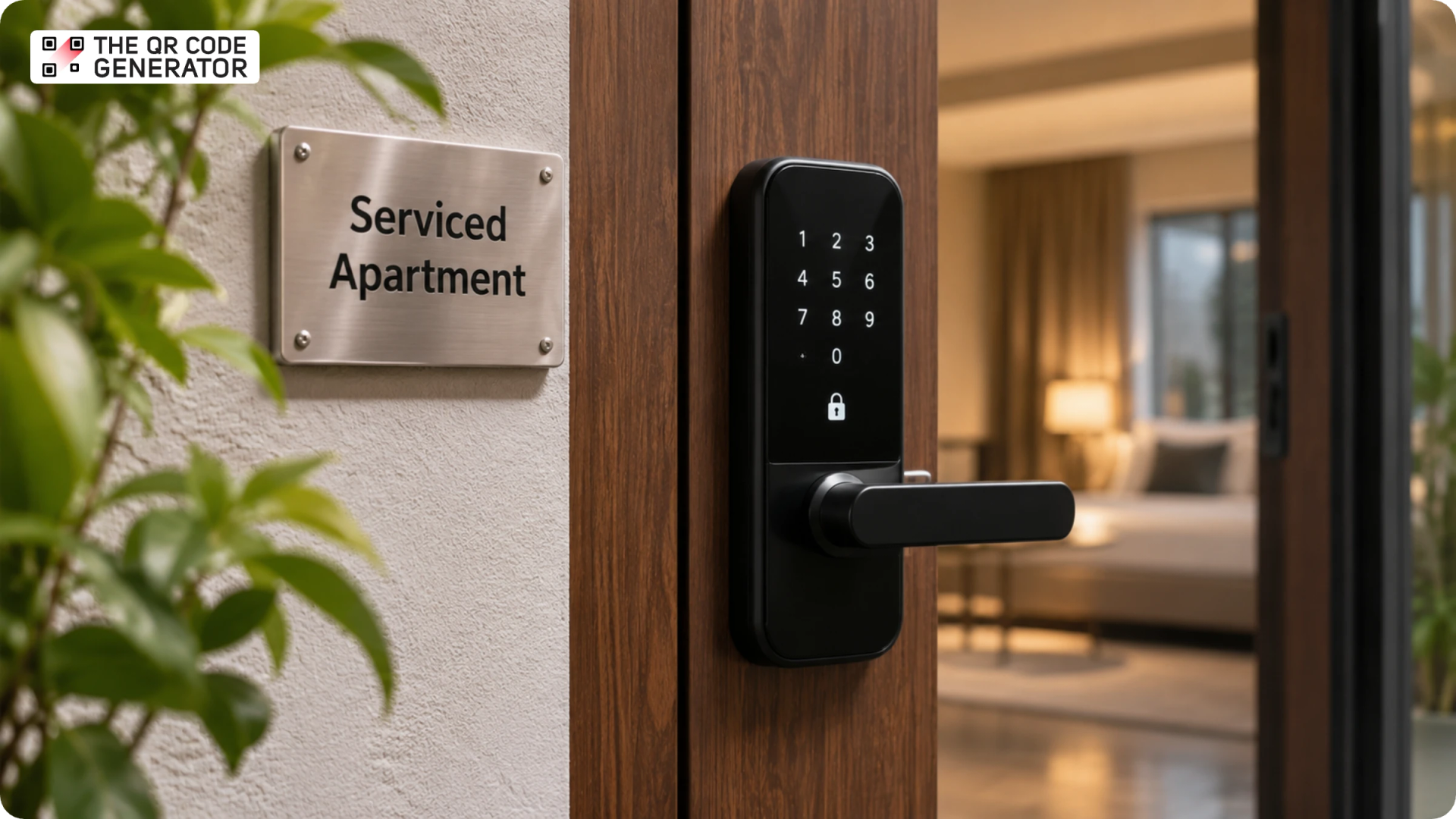
Self check-in lets a guest enter and settle into a property independently, using a door code, a smart lock, or a lockbox without waiting for a host to meet them. The approach gained wider acceptance during the COVID-19 outbreak, when contactless arrivals became an important part of the guest experience.
Today, it gives serviced apartments and Airbnb rentals the flexibility to accommodate arrivals at any hour, including late-night check-ins, early-morning arrivals, and bookings where travel delays make arrival times difficult to predict. This also allows serviced apartment and Airbnb operators to spend less time coordinating key handovers and responding to arrival-related messages.
This guide explains how serviced apartment operators and short-term rental hosts can implement 24/7 self check-in.
Why serviced apartment operators offer 24/7 self check-in
Revenue and capacity are the clearest gains from allowing guests to arrive on their own schedule. A property a guest can enter at any hour accepts bookings that a fixed reception window would turn away, including same-day reservations, red-eye arrivals, and delayed flights that push arrivals past midnight. Each of those stays is income an operator keeps instead of losing to a rigid schedule.
Capacity is the practical reason this matters to a growing operation. A single operator can manage several apartments across different buildings when none of them require a person to wait at the door with a key, making it feasible to add properties without building a larger workforce.
Lodgeur, a Houston operator that turns vacant apartments into furnished short-term and corporate rentals, is a working example of this. Its 14-person team manages dozens of units across several multifamily buildings and has run round-the-clock self check-in since 2019, handling thousands of key handoffs a year with no on-site reception and avoiding more than $10,000 in annual costs, according to a case study from its access provider, Keycafe.
The arrival experience itself also affects how a guest judges the stay. A guest who reaches the unit, finds the entry straightforward, and settles in within a few minutes begins the stay satisfied, and that first impression shows up in the review and in the odds of a direct rebooking. An efficient arrival gives the guest an early sign that the property is well run, which makes the rest of the stay easier to deliver.
Low-contact arrival is a further reason, and it matters a great deal for properties with health-sensitive guests. Operators who host medical travelers, recovering patients, or older visitors can keep face-to-face contact to a minimum, which supports the hygiene standards those guests and their families look for. A check-in that needs no shared counter, no exchanged pen, and no waiting in a lobby helps a property meet the health and safety expectations that some bookings depend on.
What are the different self check-in methods for serviced apartments?
The right self check-in setup depends on how your property is structured, the access restrictions of the building, and how many units you manage. Here are some of the options hosts can consider.
Key lockbox
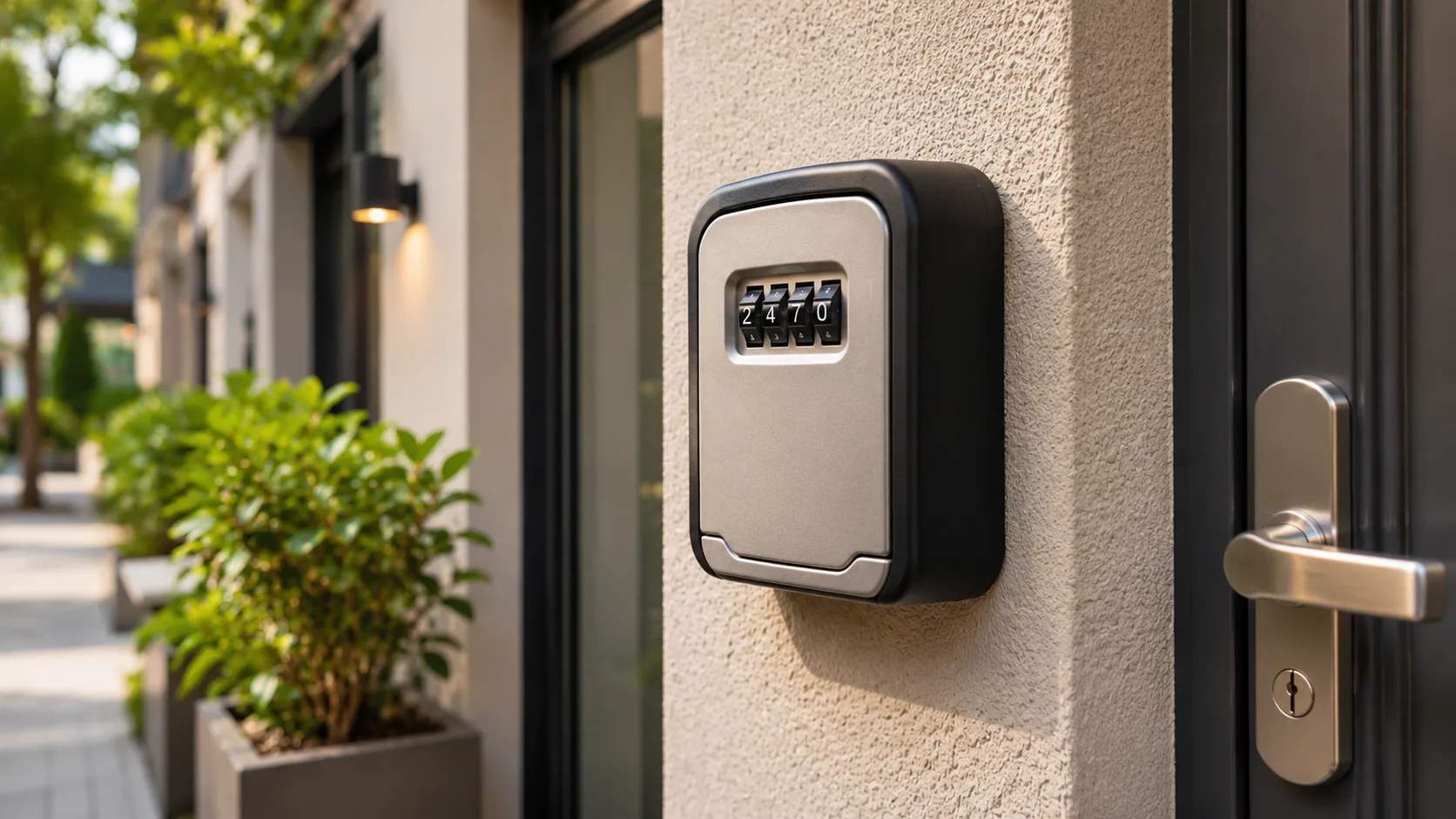
A key lockbox is a small metal box, mounted by the door or on a railing, that holds the unit key or an access card behind a combination dial or keypad. Fix it somewhere close to the entrance but out of plain sight, then set a numeric code and share both the box location and the code with the guest before they travel. Keep a spare key inside for longer bookings so a guest who misplaces one can still get in.
Smart lock or keypad
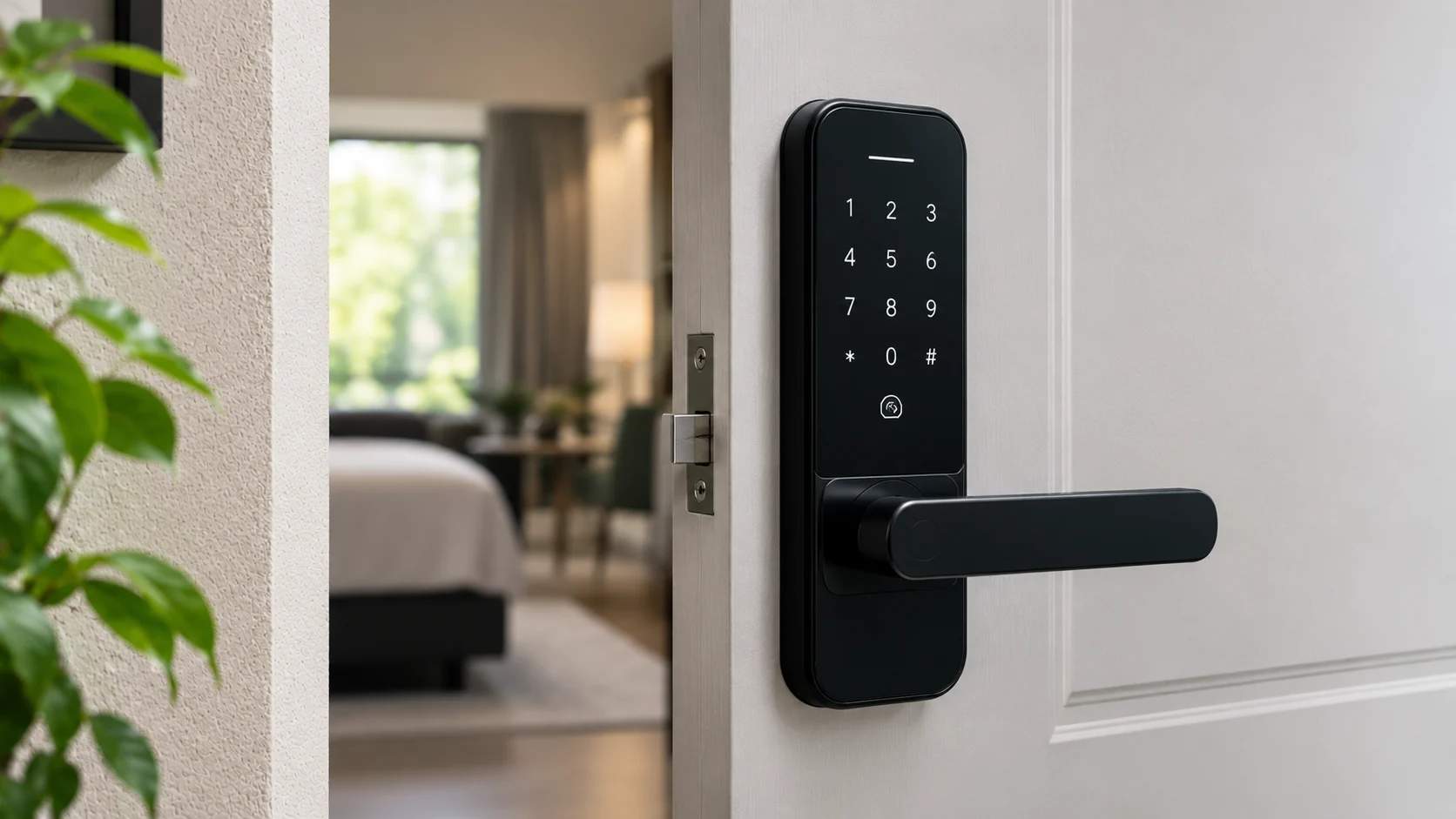
A smart lock replaces the unit’s existing lock with an electronic one that opens with a numeric code, a smartphone, or a key card. Install it on the unit door, create a separate code for each booking, and set that code to work only during the guest’s stay dates. Many smart locks connect to your reservation software and booking calendar, which lets a fresh code be generated automatically the moment a reservation is confirmed and sent to the guest without any manual step.
Building entry and intercom systems
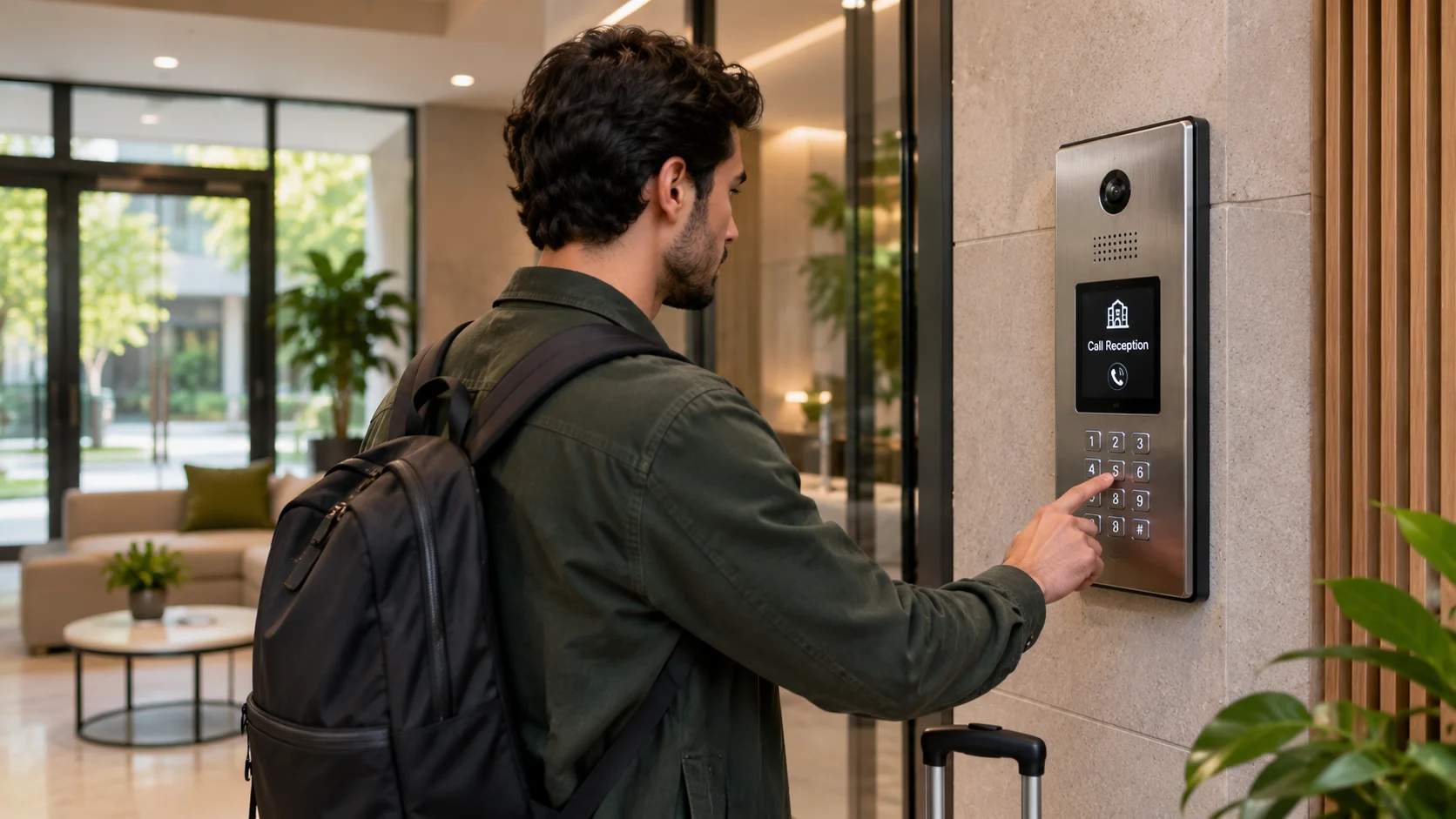
Serviced apartments in a managed building usually sit behind a lobby door, a gate, or a parking barrier that the unit lock alone cannot open. Confirm with the building management what access they allow for guests, then give the guest every layer they need, such as a lobby code, a fob collection point, or a video intercom that you can buzz open from your phone. Write the building steps and the unit steps together so that a guest follows a single, continuous set of directions.
In-person or third-party key handoff
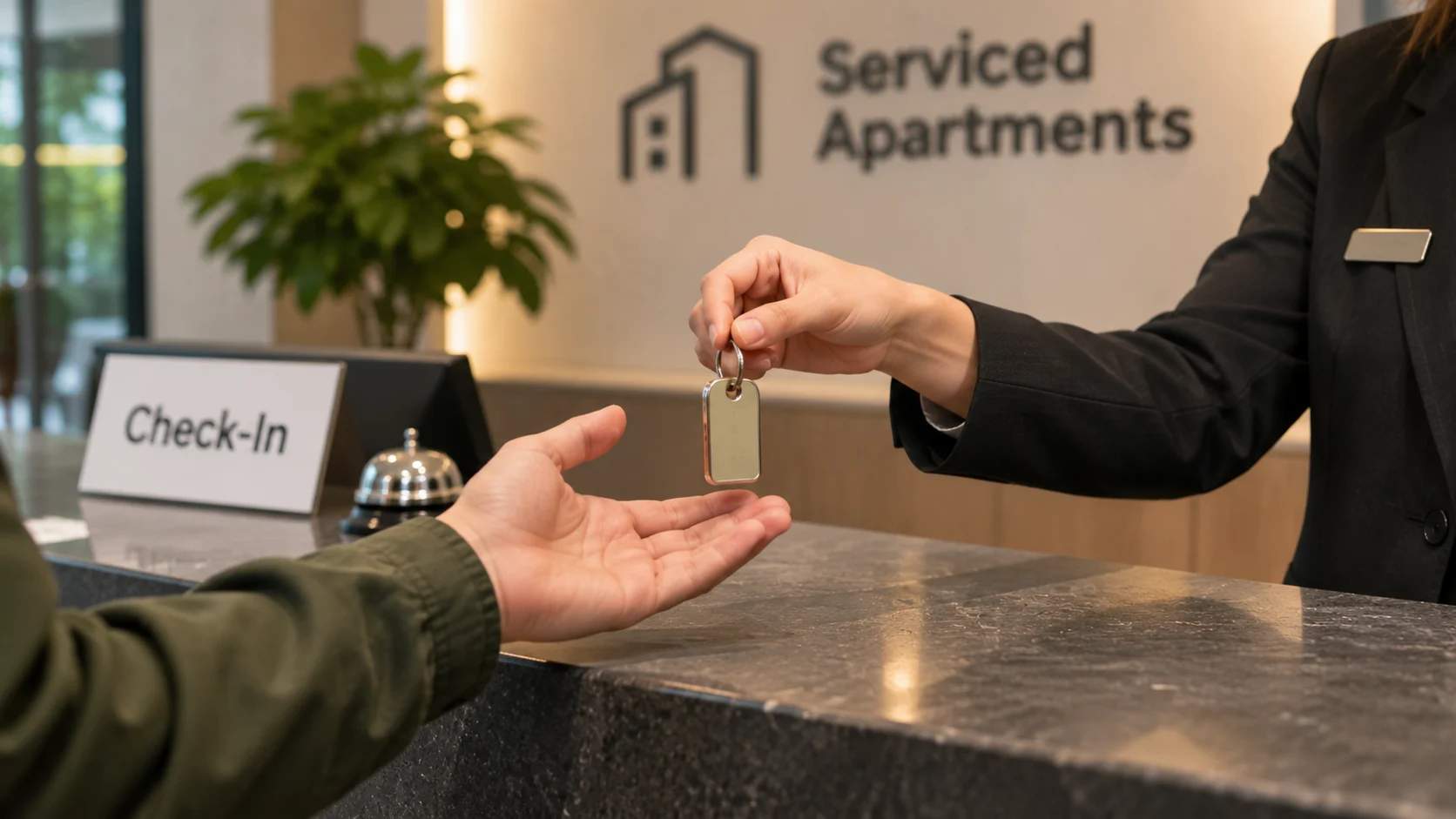
Some operators prefer to hand over a physical key, and this still supports arrival at any hour when it runs through a 24-hour point. Arrange a staffed reception, a concierge desk, or a nearby key-exchange locker where the guest collects a key whenever they land, then send them the exact location, the opening hours, and what to show to collect it. This approach fits buildings where a landlord limits changes to the doors.
Self-service check-in kiosk
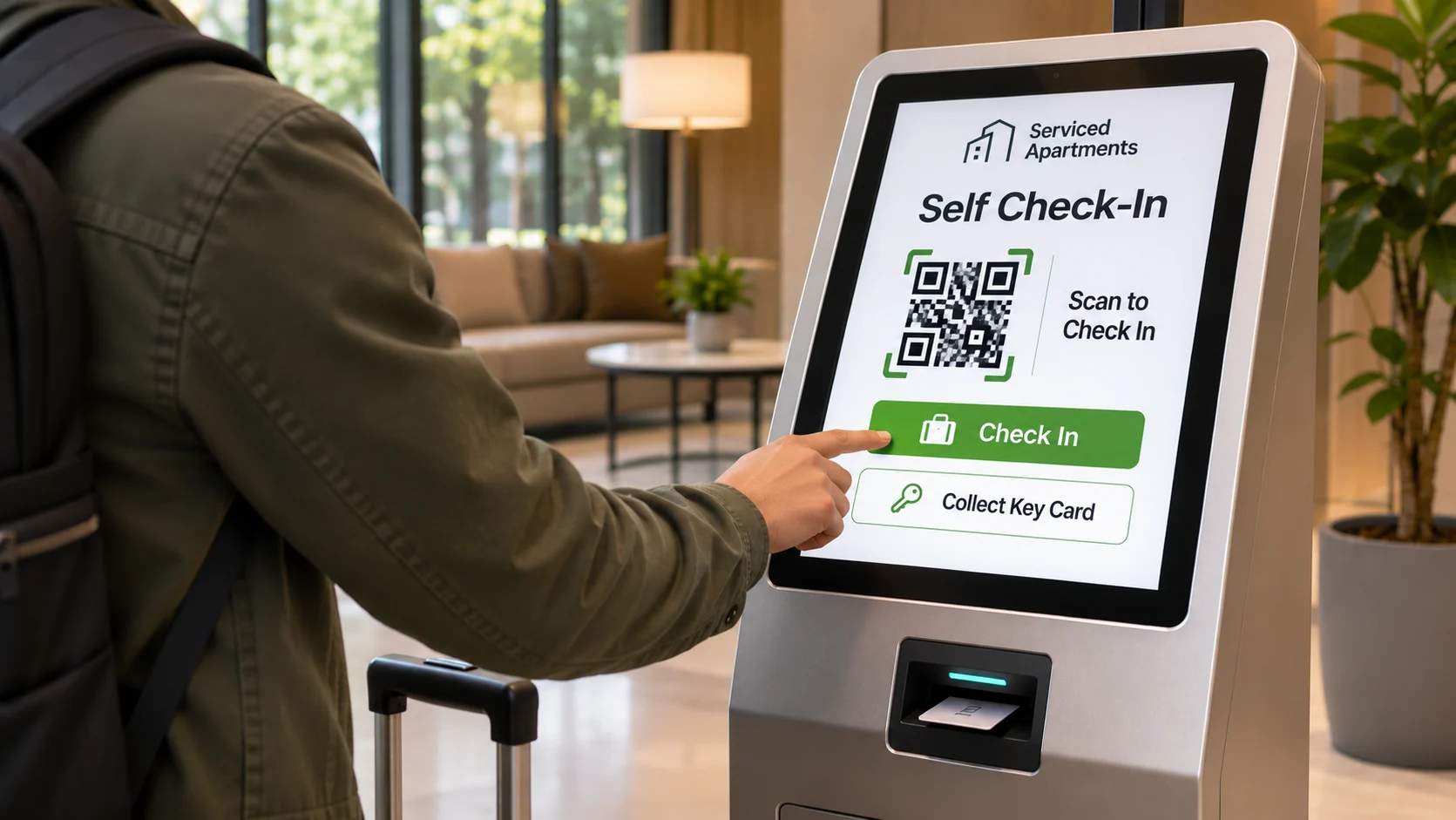
A self-service kiosk lets guests complete their check-in at a touchscreen station, usually placed in a property's lobby or reception area. Guests enter their reservation details, complete any required verification or payment steps, and collect their room key or access card without waiting for staff assistance. Some kiosks also connect to property management systems, allowing them to retrieve booking information and update check-in status automatically.
How do you set up 24/7 self check-in for a rental property?
Operators can set up 24/7 self check-in by following these steps, from choosing an access method to testing the guest experience.
Choose a booking and property management platform
Start with a booking management system or property management system (PMS) that lets you manage reservations, guest details, check-in dates, and communication from one place. If you manage multiple properties, look for features such as centralized reservation management, automated guest messaging, and integrations with smart locks or access management systems. Depending on your budget, you can also consider tools for identity verification, online payments, digital rental agreements, and guest communication.
Choose the access method that fits the property
Pick from the methods above based on what the building allows and how many units you run. A standalone apartment with its own street door works well with a smart lock or a key lockbox, and a unit inside a managed building depends on whatever the lobby and the management permit. Confirm those limits before you buy any hardware, so the method you commit to actually works on the day a guest arrives.
Set up guest verification and payment
Decide what a guest must complete before the code reaches them, and have access released only once those steps are complete. Most operators verify the guest with a photo ID or a quick selfie check, collect acceptance of the house rules or a signed rental agreement, and take the balance or pre-authorize a damage deposit in the same flow. Check whether your city asks for guest registration or a short-term rental permit as well, since the rules vary by location and some bookings depend on it.
Write the arrival instructions
Write a single set of instructions that carries the guest from the street to inside the unit without a gap. Cover the exact address, how to reach the door, how the access method works, and what to do once inside, ordered in the sequence the guest will follow. Keep the language plain, so someone reading it for the first time on a dark street at night can act on every line.
Here’s what to include in your check-in instructions:
- Property address: The full address, unit number, and a map pin.
- Entrance details: A photo of the door, recognizable landmarks, and parking directions.
- Access instructions: Exact steps for using the lockbox, keypad, or smart lock.
- Entry credentials: The access code and how long it remains active.
- WiFi details: The network name and password, with correct capitalization.
- Support contact: A number that reaches a real person, its availability, and an emergency alternative.
Automate how the instructions reach the guest
Set the instructions to send on their own ahead of arrival instead of waiting for each guest to ask. Most booking platforms and messaging tools let you schedule a message for a day or two before check-in, and a QR Code card already placed in the unit hands over the same information the moment a guest walks in. Send the details early enough for the guest to save a copy before they travel.
Test the whole flow on a phone
Walk through the arrival yourself on a phone before a paying guest ever does. Follow each instruction in order, then open the lock or collect the key to confirm every step matches reality. Repeat the test whenever a code, a lock, or a building rule changes, so the instructions never drift away from how the property actually works.
Related → How Hotels Use QR Codes at Checkout for Guest Feedback
How to use QR Codes for self check-in at serviced apartments
A QR Code can make the guest check-in process easier by connecting guests to digital access systems and essential property information. Operators can use it in these ways:
1. Direct guests to a secure check-in portal
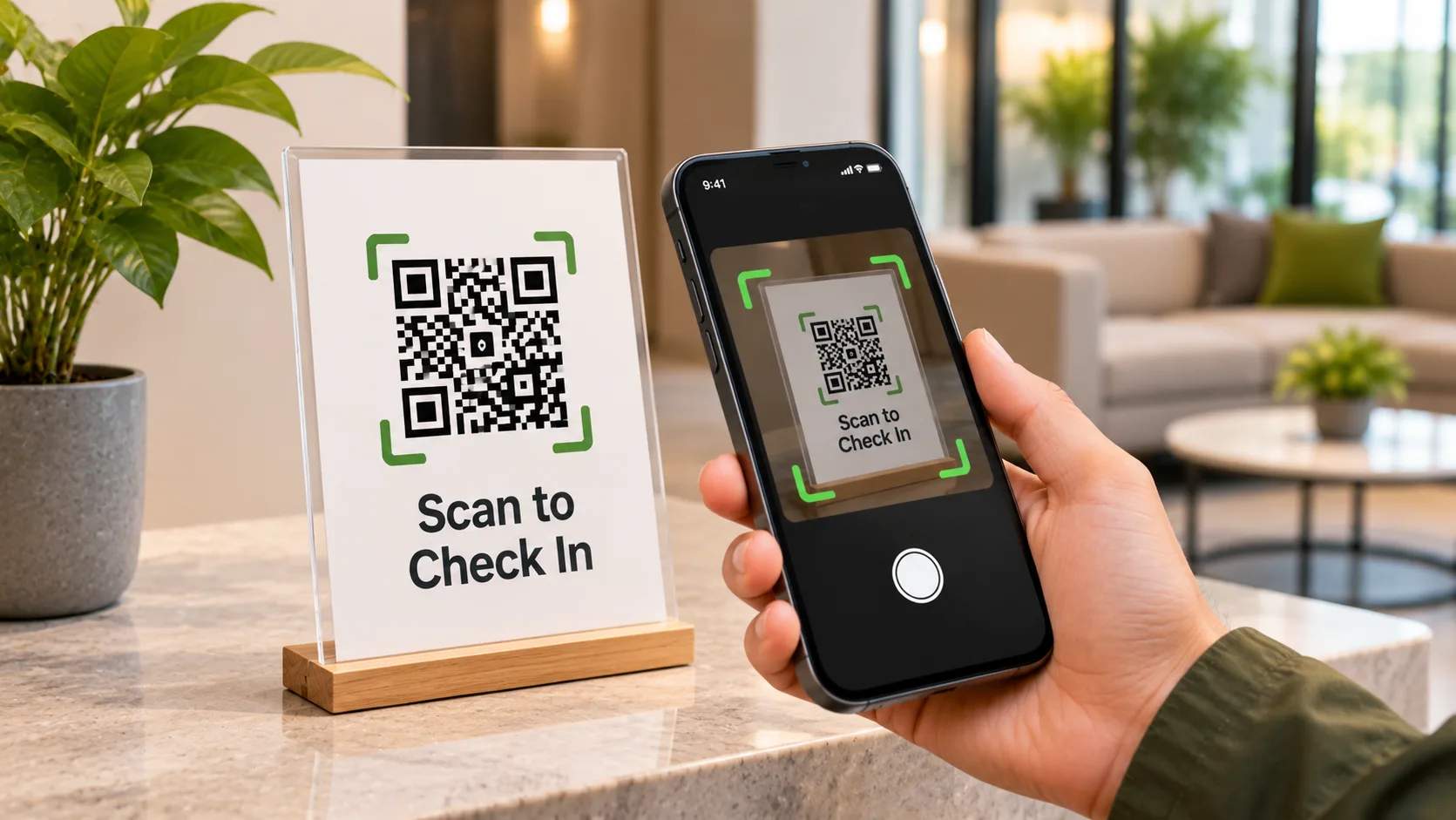
Place a QR Code near the property entrance or on a welcome card. When guests scan it, they reach a secure check-in portal where they can enter their booking reference, verify their identity, or log in to their guest account. Once the system confirms their reservation and eligibility, it can display their smart lock PIN or provide instructions to activate their digital key. This requires integration between the guest portal, reservation system, and smart lock.
2. Share property information
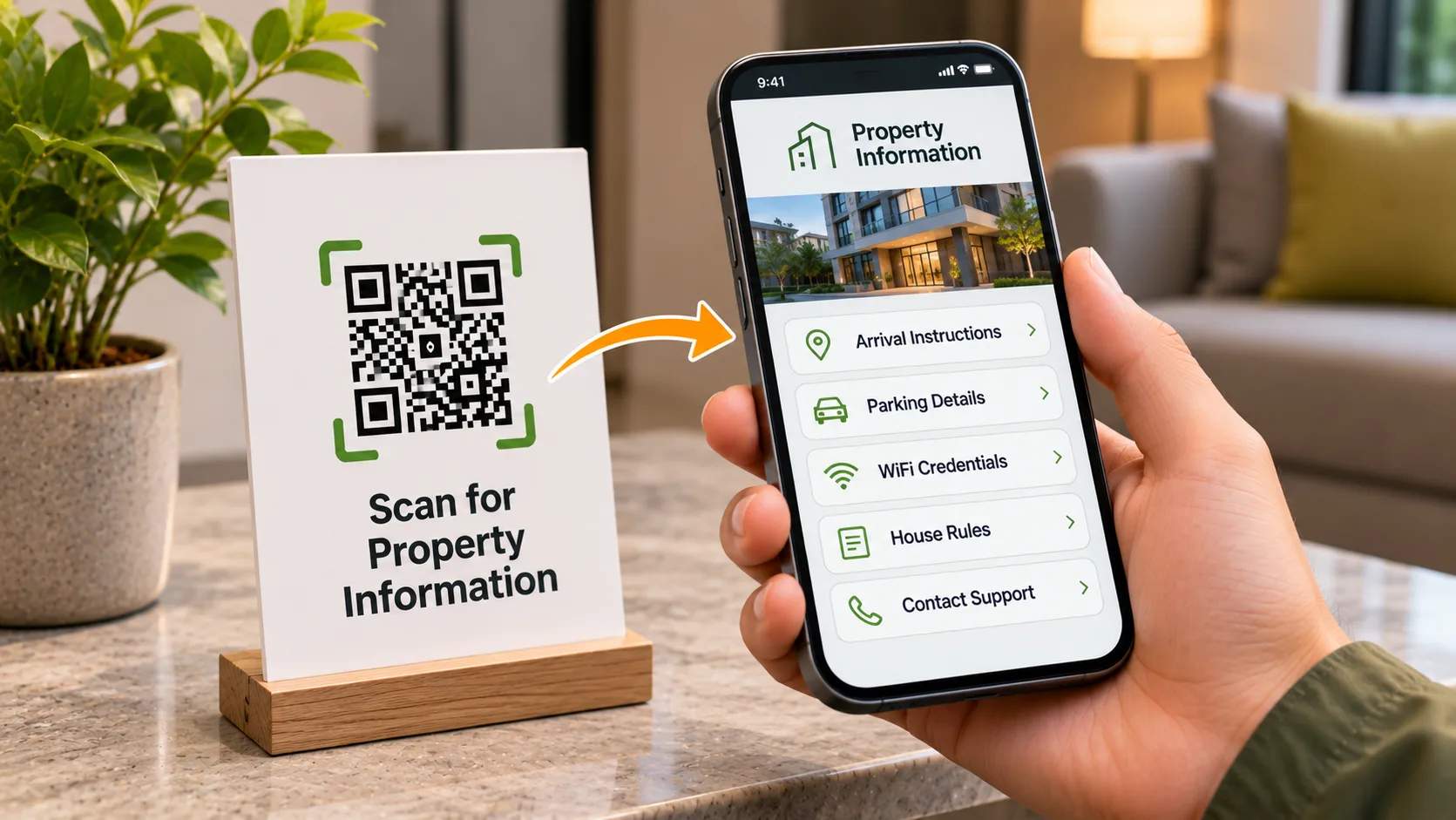
Create a dynamic QR Code that links to a mobile-friendly page or a linkpage, containing arrival instructions, directions to the entrance, parking details, WiFi credentials, house rules, and contact information. Place it on welcome cards or inside the unit so guests can access these details throughout their stay. You can update the linkpage whenever information changes, without reprinting the QR Code.
Dynamic QR Codes also provide scan analytics, helping operators understand when and where guests access the linked information.
Related → How Hotels Use QR Codes for Digital Concierge Support
Managing check-in across multiple units
A dynamic QR Code works per unit, so operators managing several apartments should assign each one a separate code and linked page. This keeps property-specific information separate and prevents guests from accessing details meant for another unit. For larger portfolios, use bulk QR Code generation and label each code by unit to ensure the right one goes on the right door. You can update individual pages independently and review scan reports by unit to understand how guests access property information across locations.
Common check-in problems and how to prevent them
A difficult check-in can affect the guest experience and lead to poor reviews. Check-in was the second most-asked topic after directions, accounting for 3,822 questions, or roughly one in ten guest conversations, according to an analysis of 37,359 guest messages by Touch Stay.
Three problems account for many of these queries:
- Access problems: A lockbox with the wrong combination, a jammed dial, or a keypad with a dead battery can leave guests unable to enter. Keep a backup access method available, such as a spare key at a nearby 24-hour collection point or an alternative entry code.
- Unresponsive support: Guests who cannot reach anyone when they encounter an access problem can become frustrated quickly. Provide at least two contact options, such as a phone number and a messaging channel, and make sure someone can respond to urgent queries outside regular business hours.
- Unclear directions: Guests may struggle to locate the correct entrance in large complexes or buildings with multiple access points. Share the exact address, a map pin, entrance photographs, and clear directions. A laminated card inside the unit with WiFi details, contact numbers, and checkout instructions also gives guests a backup if they lose the original message.
A few additional steps can help prevent these problems:
- Send check-in instructions a day or two before arrival, followed by a reminder on the morning of check-in. Airbnb, for example, releases check-in details around 48 hours before arrival.
- Test locks, keypads, and backup access methods regularly, and monitor smart lock battery levels.
- Regenerate guest access codes between bookings and release them only after reservation verification. Keep active entry credentials off publicly accessible information pages.
- Give cleaning and maintenance staff separate access codes, with their own validity periods, so turnover access never depends on sharing a guest's entry details.
Make your next check-in seamless
A smooth 24/7 check-in comes down to getting the right access method in place and handing the guest clear instructions at the moment they arrive. A QR Code brings those two jobs together, carrying the entry code, the directions, and everything else a guest needs onto a single page they open from their phone. That makes it one of the simplest additions you can bring to a check-in process that already works.
A free tool such as The QR Code Generator (TQRCG) gives you 2 dynamic QR Codes that never expire on its free plan, which is enough to build one for a unit, place it on a welcome card, and watch how guests use it across their next few arrivals. Set one up and see the difference for yourself.
Frequently Asked Questions
What does self check-in mean at a serviced apartment?
Self check-in means a guest enters the unit on their own using a code, a smart lock, a lockbox, or a collected key, without meeting a host or a receptionist at the door.
How do guests check in when no one is at the property?
Guests follow instructions you send in advance, open the access point with the code or key you provided, and reach the unit by scanning a QR Code or opening a message that lists every step in order.
When should I send check-in instructions?
Send the full instructions a day or two before arrival so the guest can save them, then add a short reminder on the morning of arrival, since platforms such as Airbnb release their own check-in details about 48 hours in advance.
Is self check-in safe?
Self check-in is safe when you regenerate the entry code between bookings, confirm the reservation before releasing the code, and keep a backup way in, which together prevent the use of old codes and lockouts.
Can I use a QR Code for Airbnb self check-in?
Yes, you can place a QR Code in your Airbnb message and inside the unit that opens a mobile page carrying the entry code and arrival steps, and a dynamic QR Code lets you update that page without reprinting anything.
Do guests need an app to scan a QR Code for self check-in?
No, guests scan the QR Code with the standard camera app on any modern phone, which opens the check-in page in their browser with nothing to download.
What is the difference between a static and a dynamic QR Code for check-in?
A static QR Code is fixed once it is printed, while a dynamic QR Code lets you edit the destination content behind it at any time, so you can update an entry code or an instruction and track scans without reprinting the QR Code.
Are QR Code check-in pages secure?
QR Code check-in pages are usually secure. However, you must keep active door codes off any publicly visible page and place guest-specific credentials behind an authenticated portal that releases them only after the reservation is verified.