
Twitter QR Code Generator: Create Free QR Codes
Grow your following faster by removing the friction between offline discovery and your X profile with Twitter (X) QR Codes.
Redirect to an existing web URL
To enable tracking,


What is a Twitter QR Code?
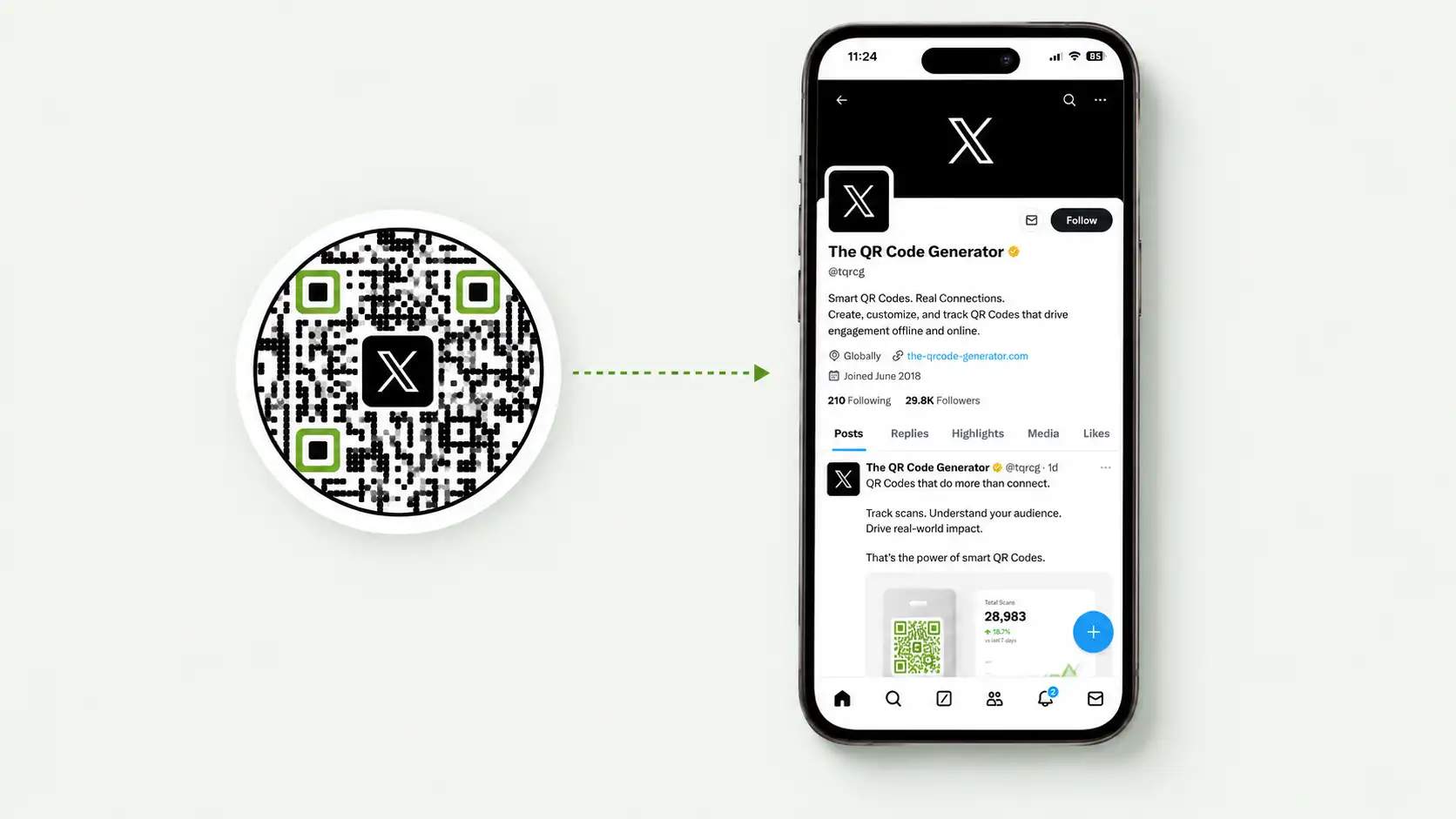
A Twitter QR Code is a scannable code that takes people directly to your Twitter (X) profile, post, Space, or other destination. It removes the need to search for your username and makes it easier to connect offline audiences with your X presence.
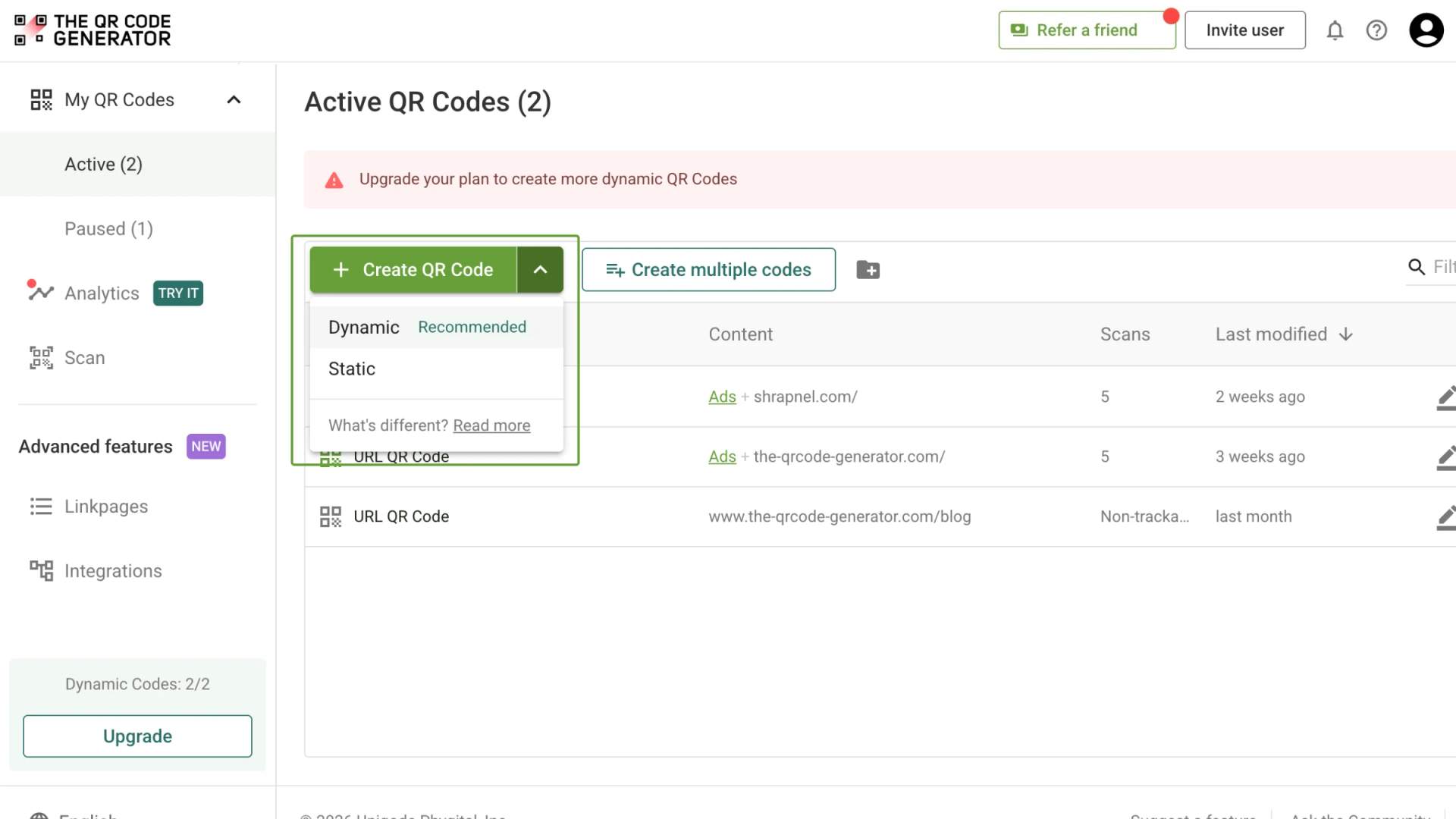
With a Dynamic QR Code, you can change the destination anytime without creating or printing a new code.
Why use a Twitter (X) QR Code?
Best practices for creating Twitter QR Codes

Use dynamic QR Codes
Create your Twitter (X) QR Code as a dynamic QR Code so you can edit the destination anytime. Dynamic codes also give you real-time scan analytics for location, device, and time.

Choose the right placement
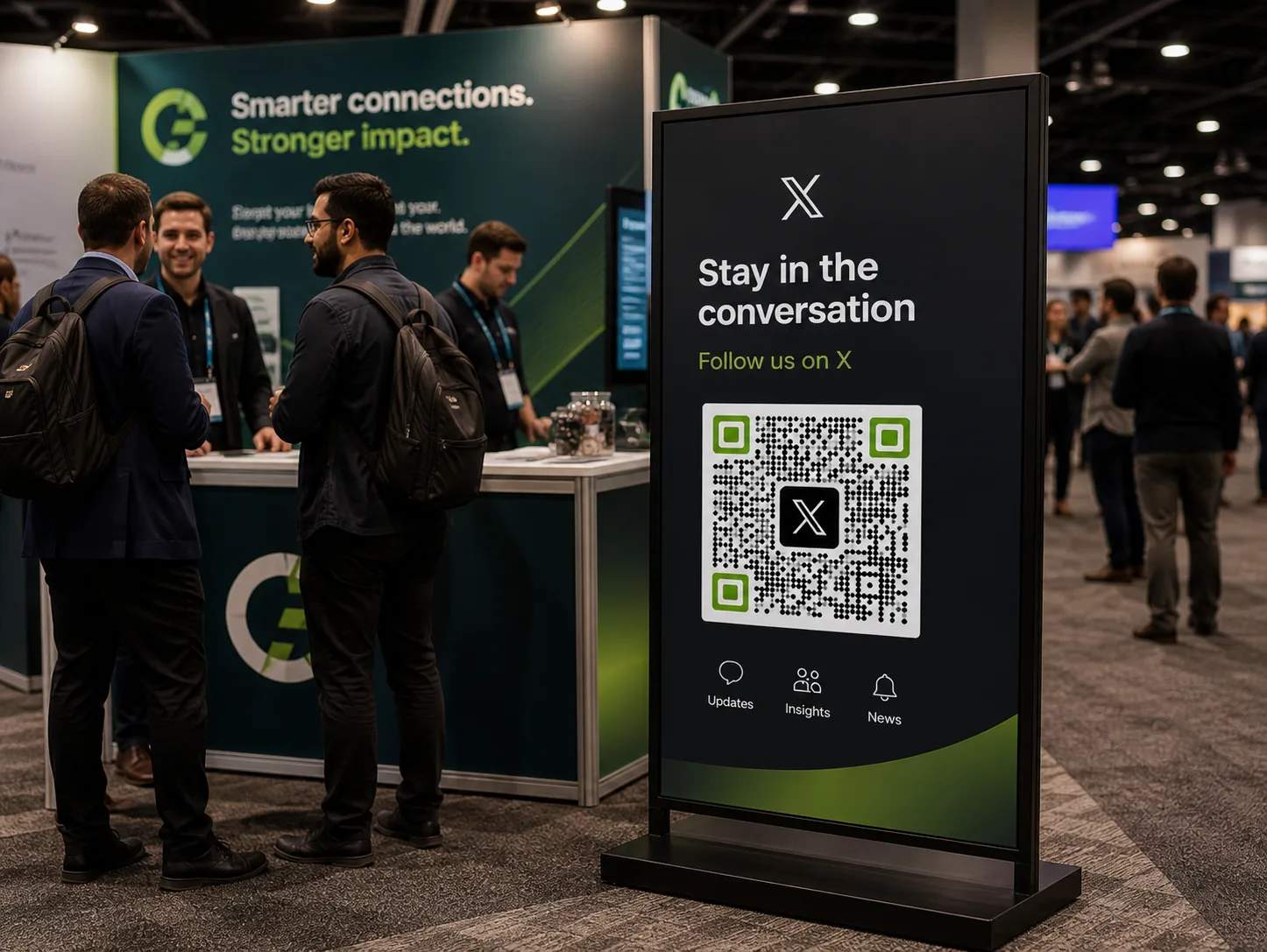
Put your Twitter (X) QR Code where people naturally pause and have a second to scan. Conference booths, event signage, packaging, and printed handouts all work because your audience is already standing still.

Design for instant recognition
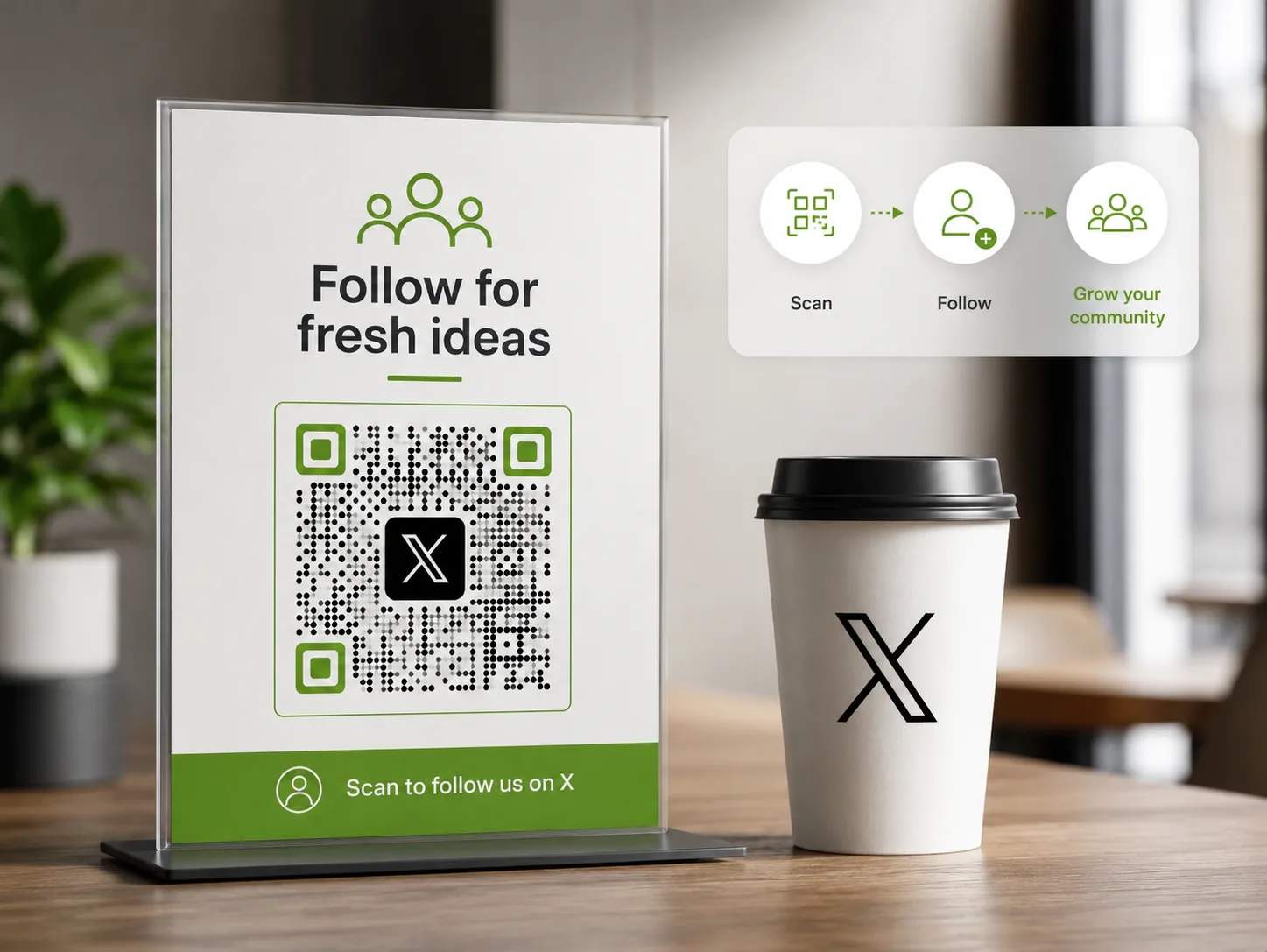
Use high contrast between the QR Code and its background so cameras can read it fast. Add your logo or the X icon inside the code to signal exactly where the scan leads. A recognizable QR Code earns more trust and more scans.

Add a clear CTA frame
Tell people what they get when they scan. Simple, action-first phrases like "Follow us on X" or "Join the conversation" set expectations and boost scan rates. Pair the CTA with a frame around the QR Code so the instruction never gets missed.

Test scannability
Test your X QR Code before you print or publish it. Scan it under bright light, on curved surfaces, and from a few distances on both Android and iOS. Confirm it opens the right destination every time, so no follower is lost to a broken scan.

Optimize for mobile and the X app
Make sure your QR Code opens directly in the X app, not a stripped-down browser view. App-native links load faster and let people follow, reply, or join a Space with one tap.
Where to place Twitter QR Codes for maximum scans
What industries use Twitter (X) QR Codes?
Twitter (X) QR Codes create marketing opportunities across industries that rely on real-time conversation and reach. Any organization that wants to connect offline moments with an engaged X audience can benefit.
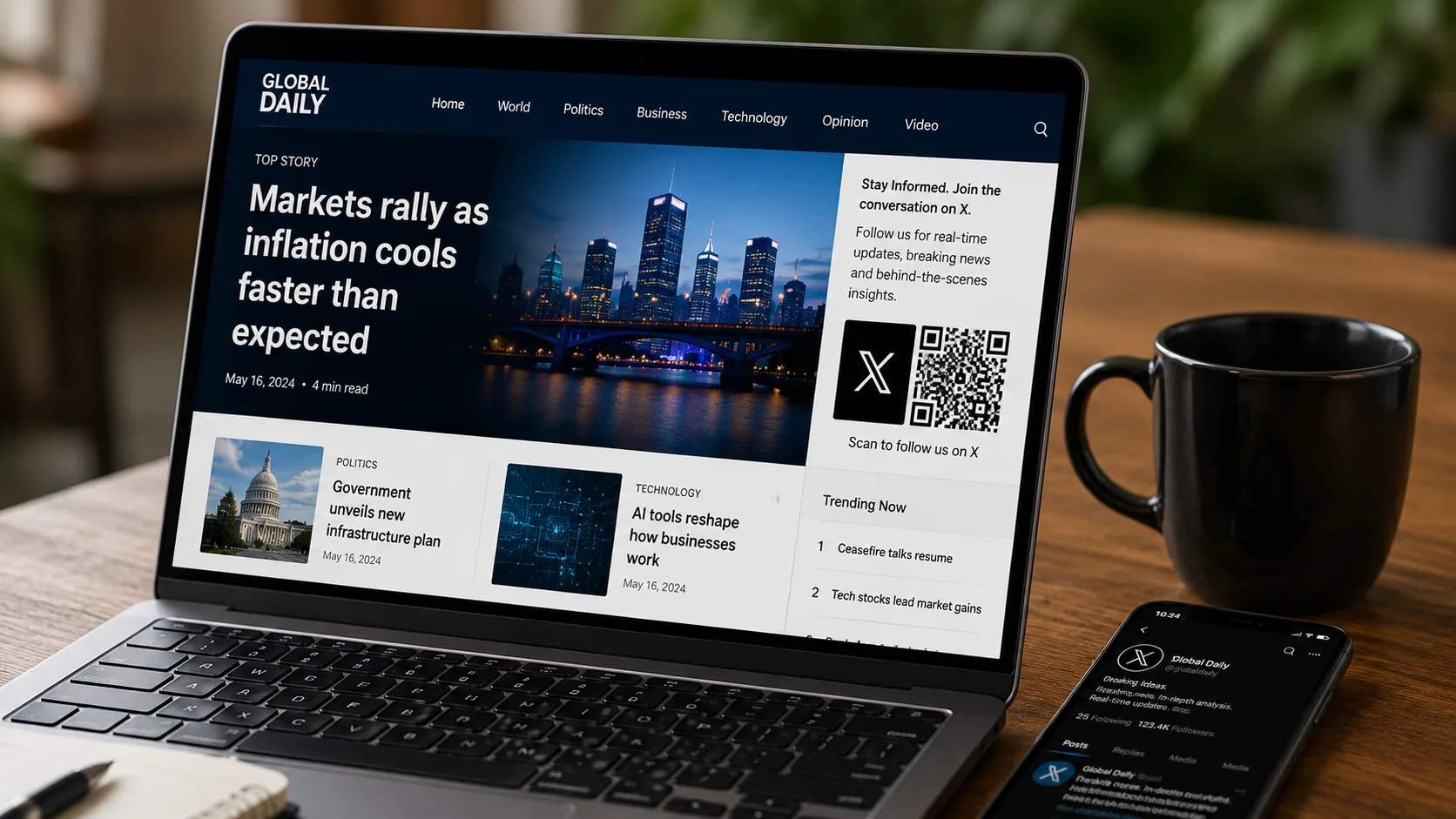
News and media publishers
Add Twitter (X) QR Codes to print editions, broadcasts, and out-of-home ads so audiences follow your newsroom for live coverage. Readers scan to jump into breaking-news threads and reporter updates as stories develop. This keeps a print or TV audience connected to your fastest channel.

Tech and SaaS brands
Use Twitter (X) QR Codes on conference booths, product docs, and webinar screens to build B2B thought leadership. Link scans to founder threads, product announcements, or community discussions where buyers already gather.

Events and conferences
Add dynamic Twitter (X) QR Codes to stage banners, lanyards, and session slides so attendees follow speakers and join the event conversation in real time. After the event, update the same code to point to recap threads or next-event details.
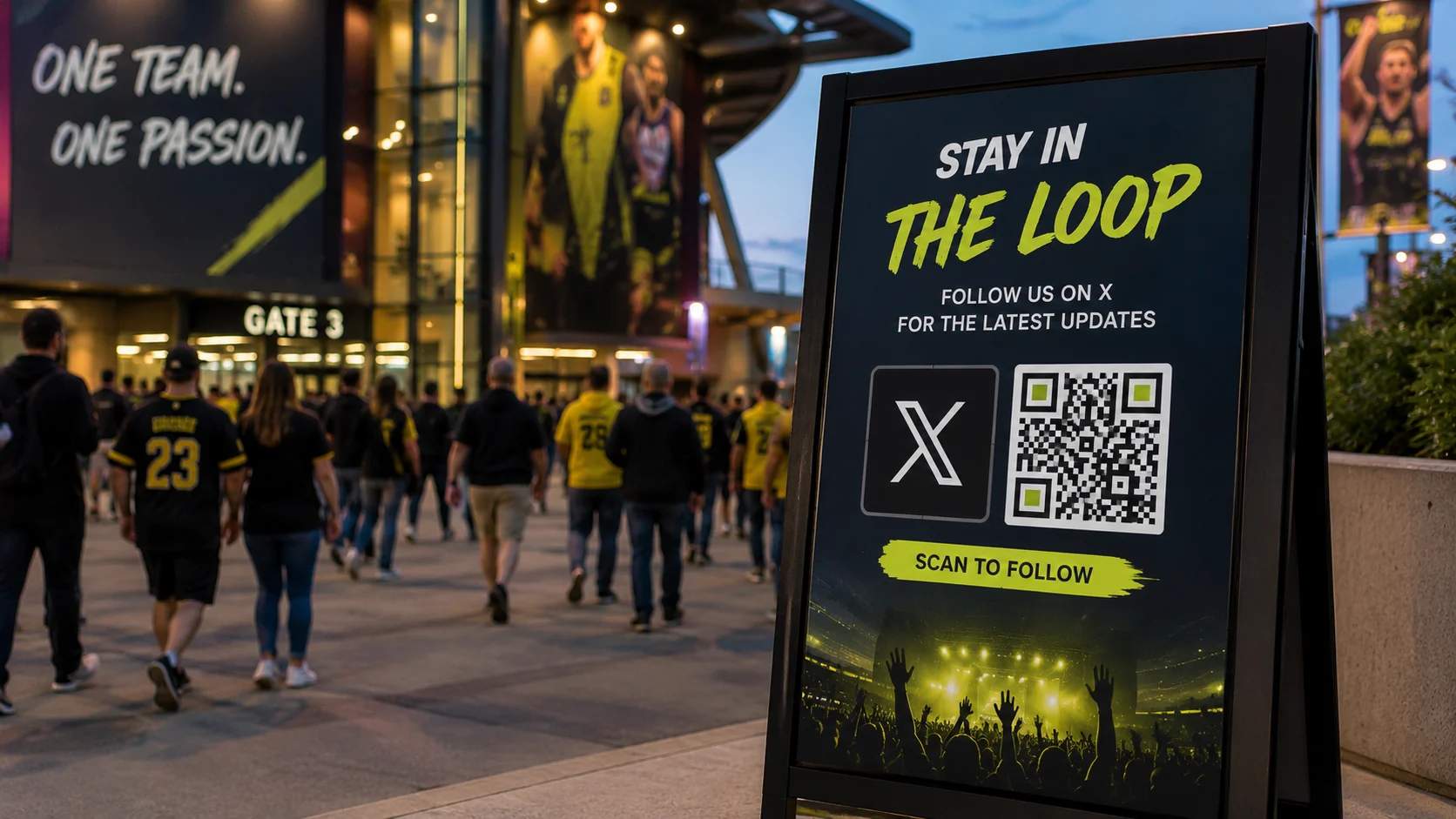
Sports and entertainment
Place Twitter (X) QR Codes on tickets, arena screens, and merchandise so fans follow teams, artists, and shows for live moments. Fans scan to join match-day threads, reaction posts, and behind-the-scenes updates.
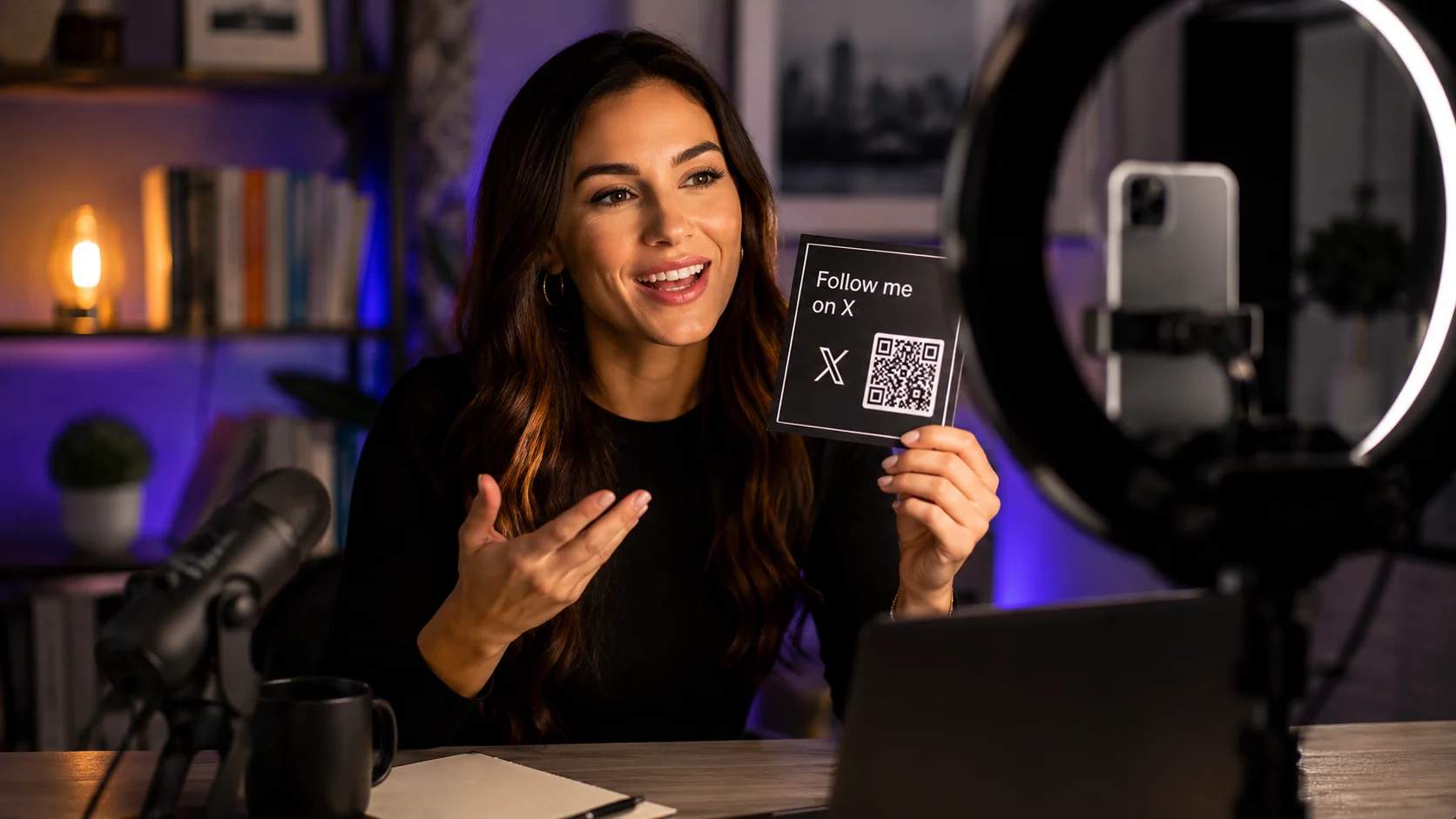
Public figures, creators, and journalists
Use Twitter (X) QR Codes in press kits, speaking slides, and profile links to grow your personal audience anywhere you appear. A single scan sends people to your profile or pinned thread so they hear your take first.
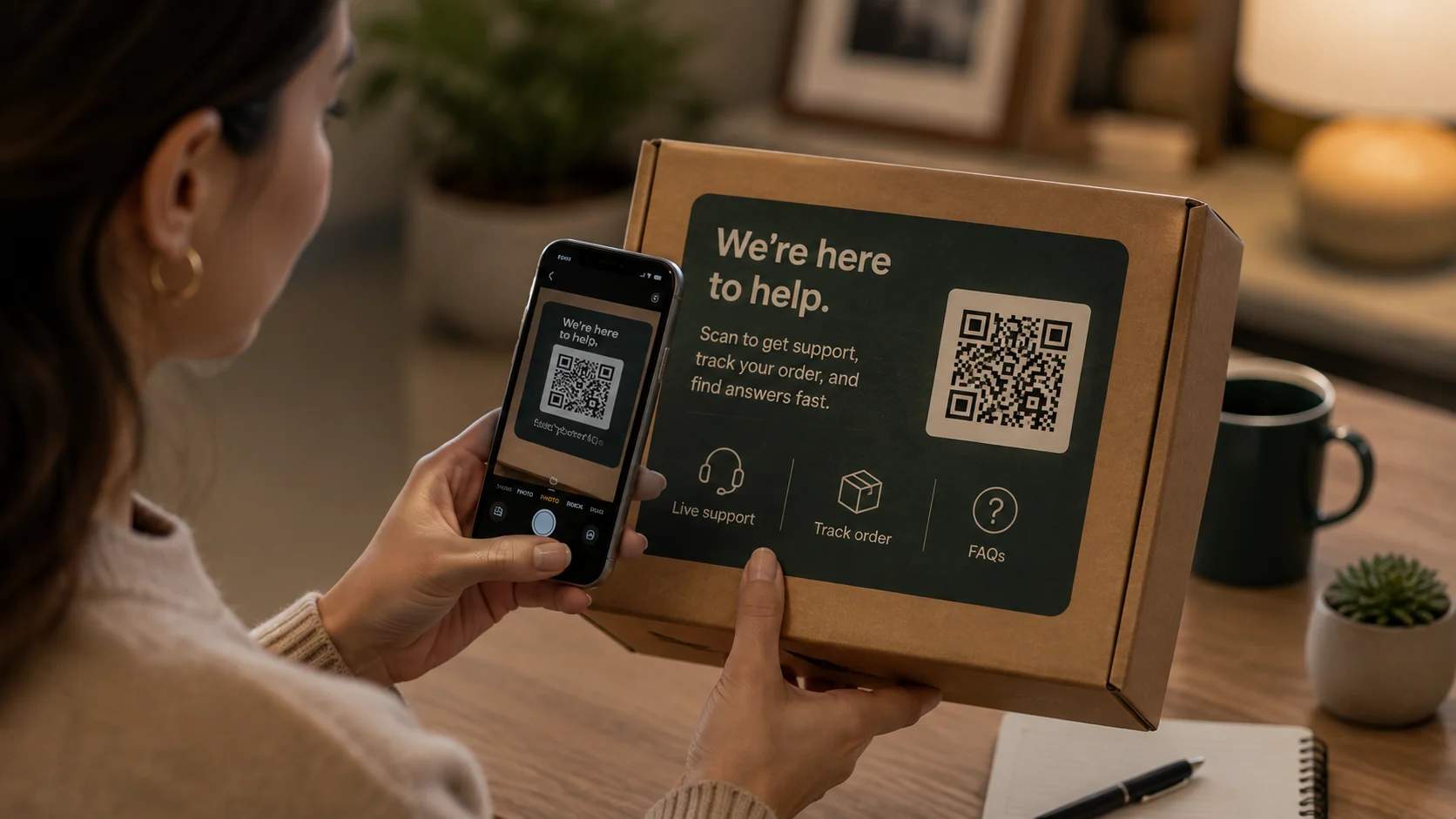
Customer support and brands
Add Twitter (X) QR Codes to packaging inserts, receipts, and help materials so customers reach your support presence on X fast. Link scans to your profile or a dedicated support thread where your team responds in real time.
Frequently asked questions
Turn your next scan into a new X follower
Create a free Twitter QR Code with TQRCG and connect every offline moment to your X profile. Get 2 free dynamic QR Codes that are editable, trackable, and never expire. No credit card required.