
Free Pinterest QR Code Generator
Link any Pinterest profile, board, or pin to a scannable QR Code.
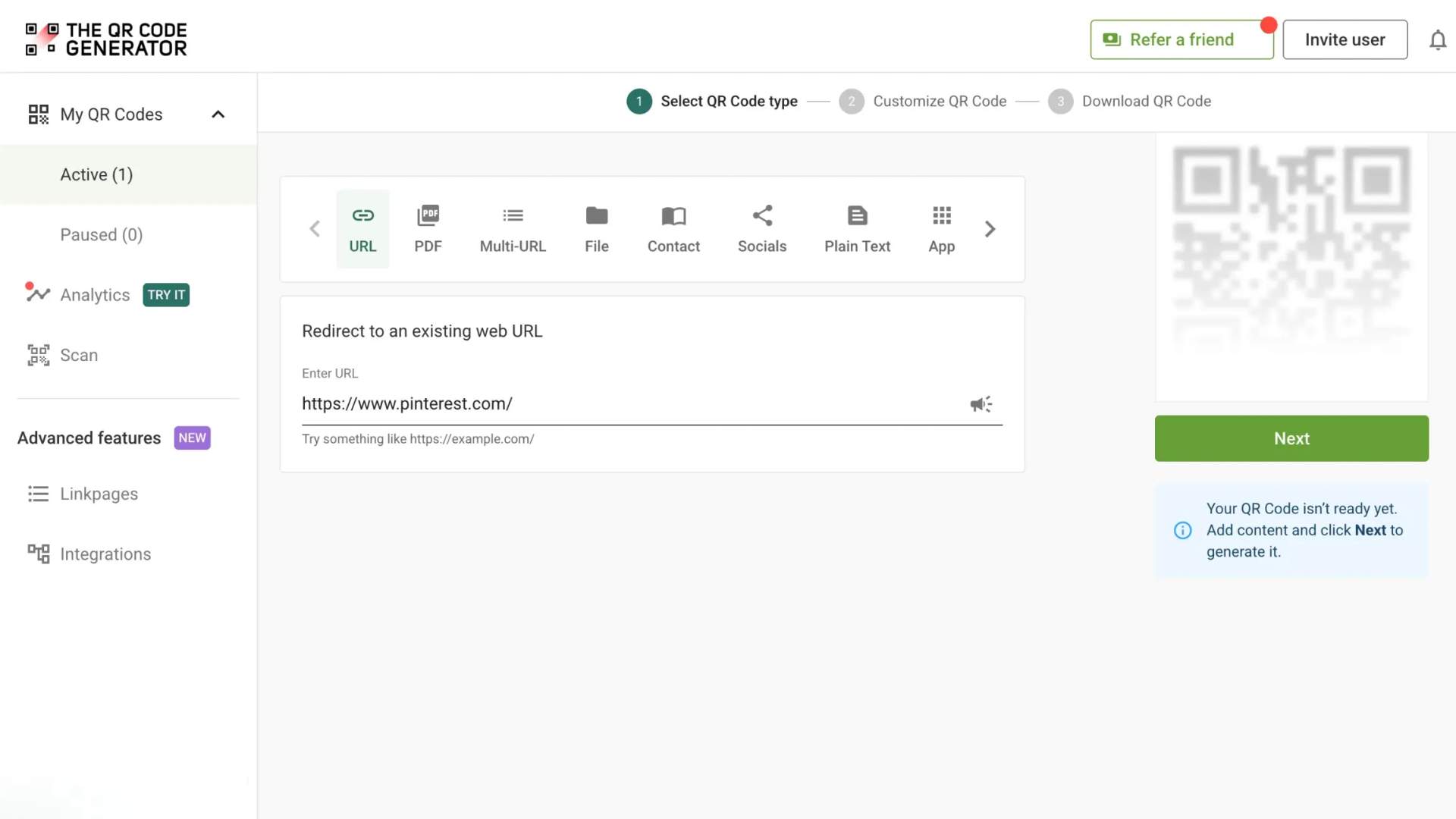
Redirect to an existing web URL
To enable tracking,


How does a Pinterest QR Code work?
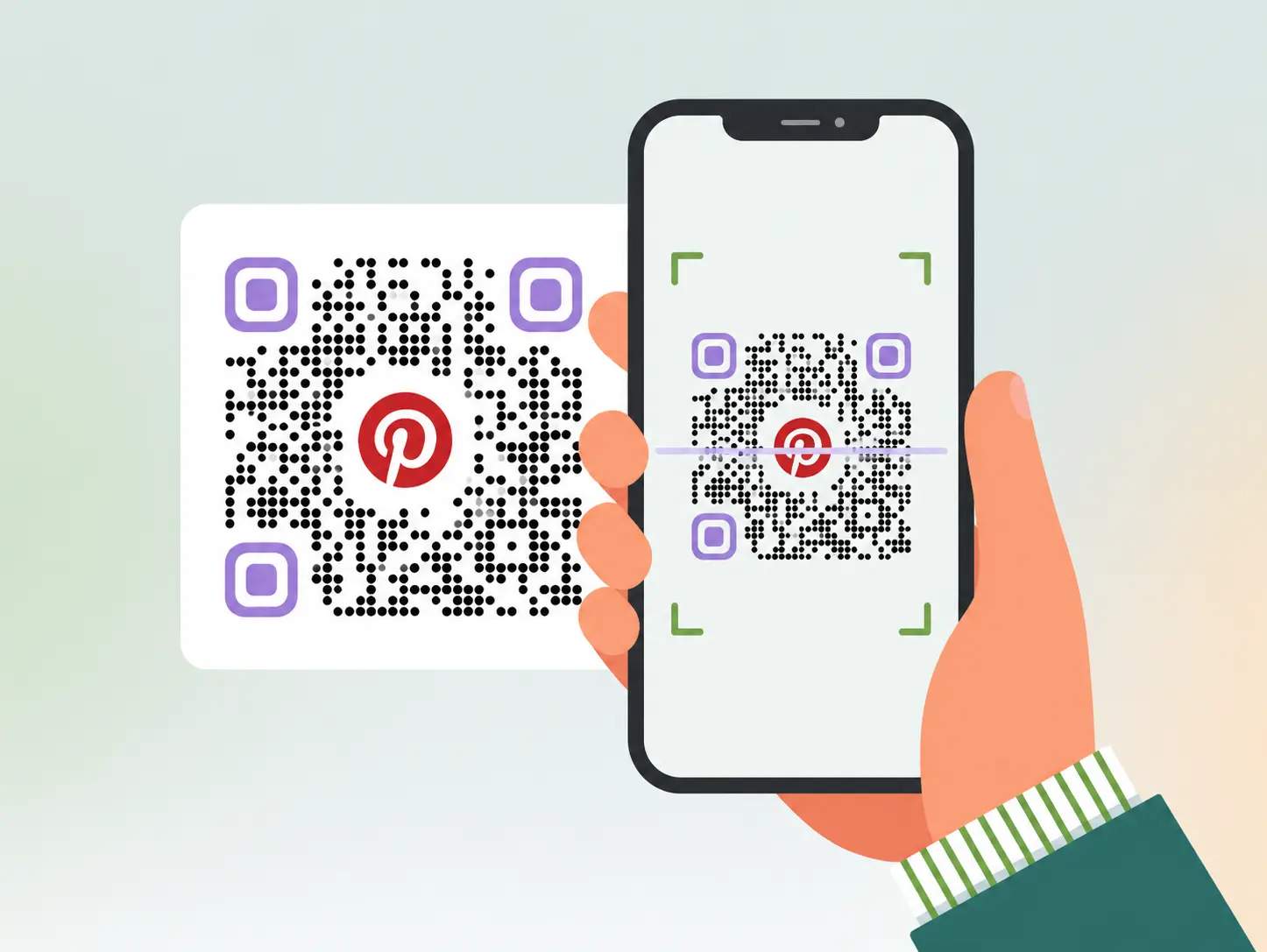
A Pinterest QR Code connects any physical item to your Pinterest content. When someone scans the code with their smartphone camera, they are taken directly to a Pinterest profile, board, or pin.
Add a Pinterest QR Code to packaging, business cards, signs, or marketing materials to help people discover your content, follow your account, and save ideas without manually searching for it on Pinterest.
4M+
Unique users worldwide
30,000+
Global businesses on our platform
60+
Countries with active users
Why marketers and creators use Pinterest QR Codes
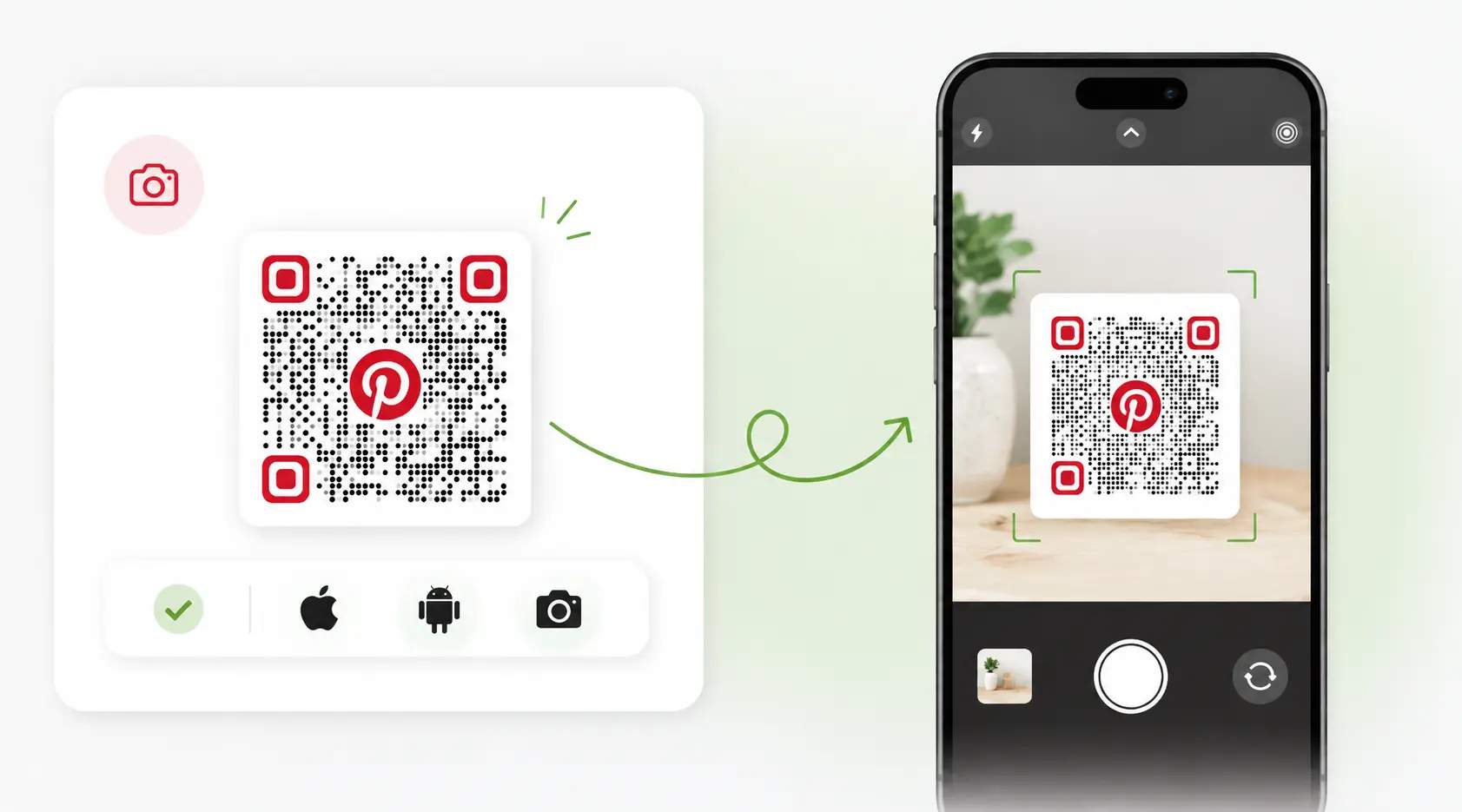
Works with any camera
No Pinterest app needed to scan. Any smartphone camera can read the QR Code instantly, making it ideal for audiences who don't use Pinterest yet.
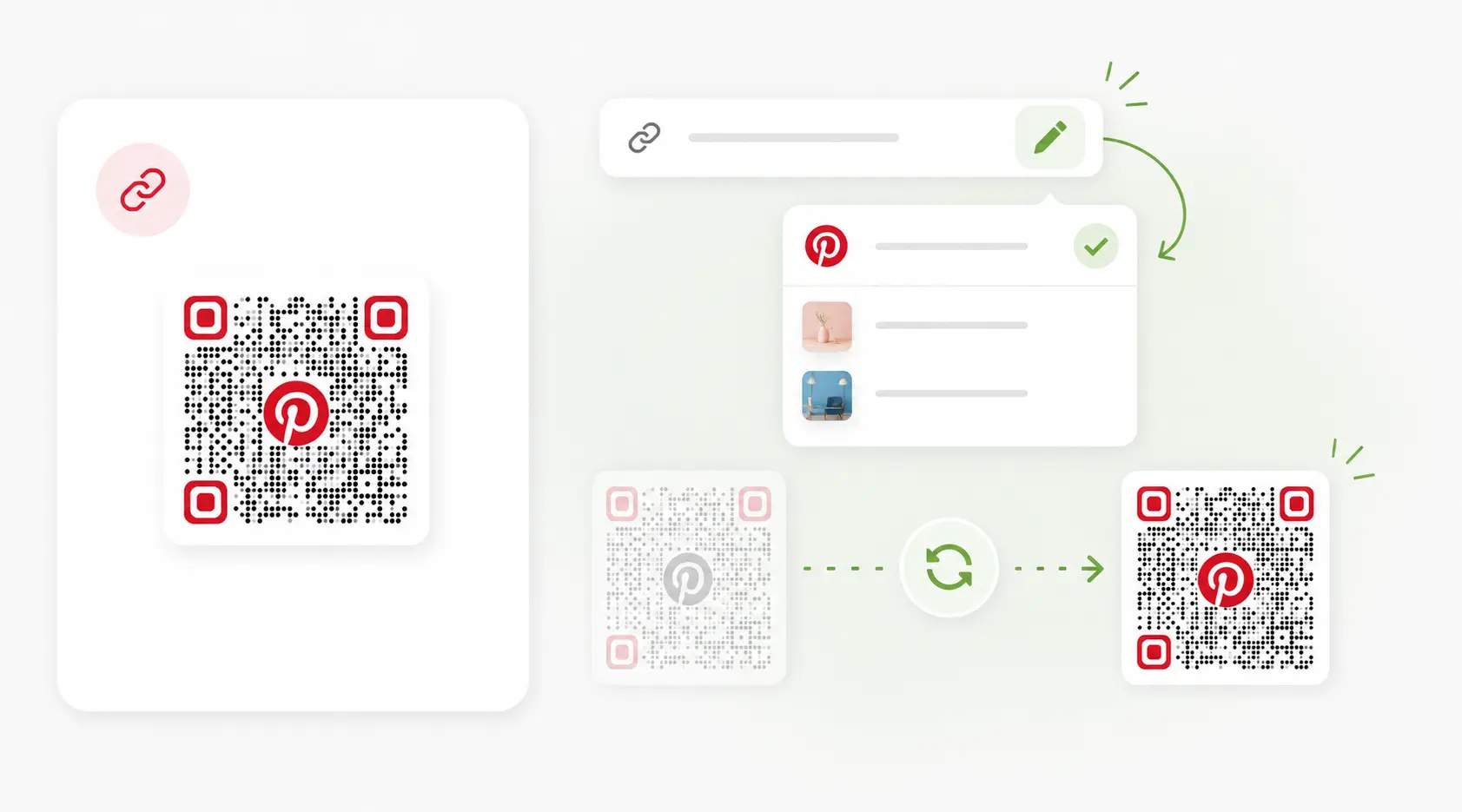
Update the link anytime
Swap boards between seasons. Dynamic QR Codes let you rotate the linked Pinterest board or pin after printing, with no reprint needed.
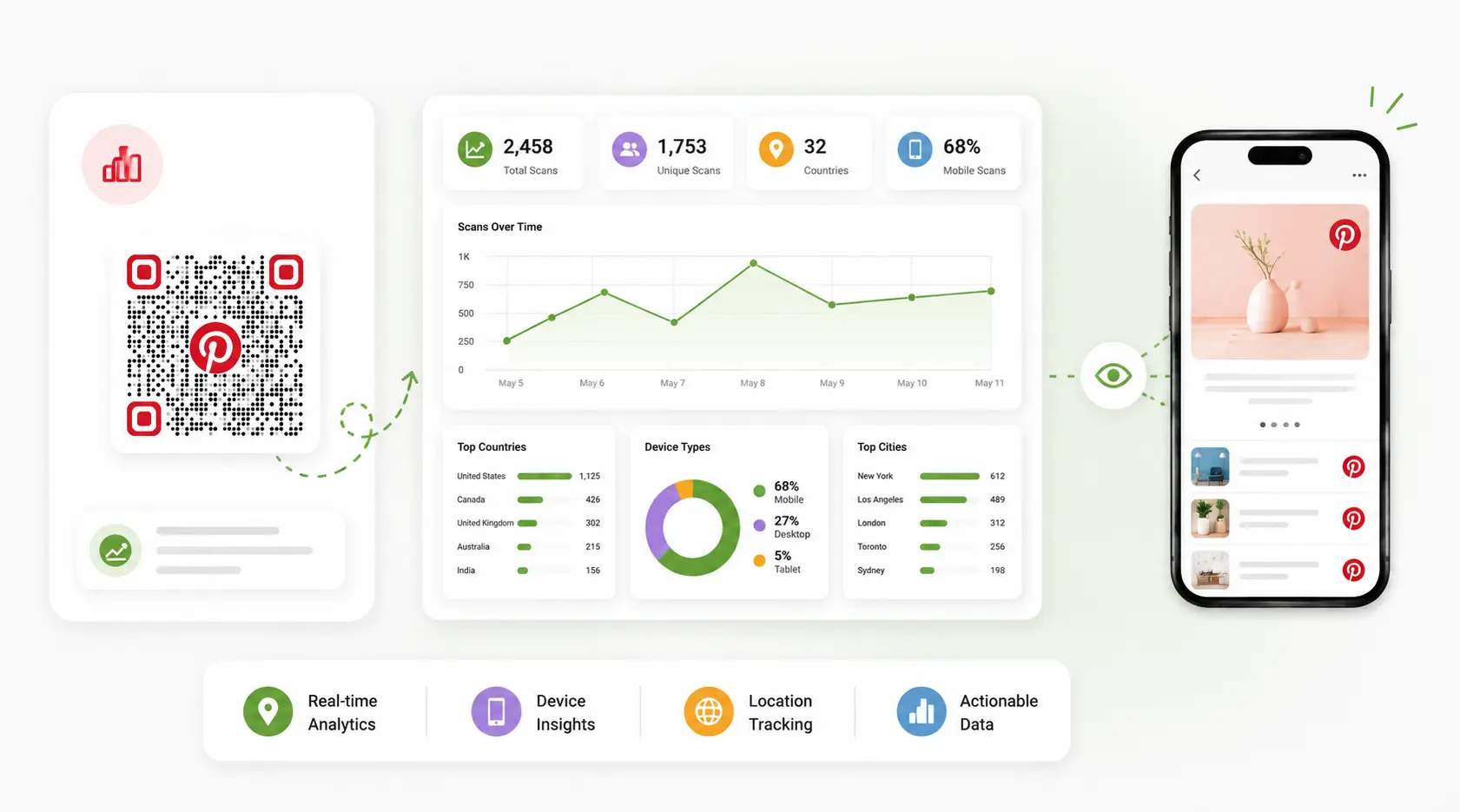
Track every scan
See which print placements bring in Pinterest followers. Scan analytics show counts, device types, and locations in real time.
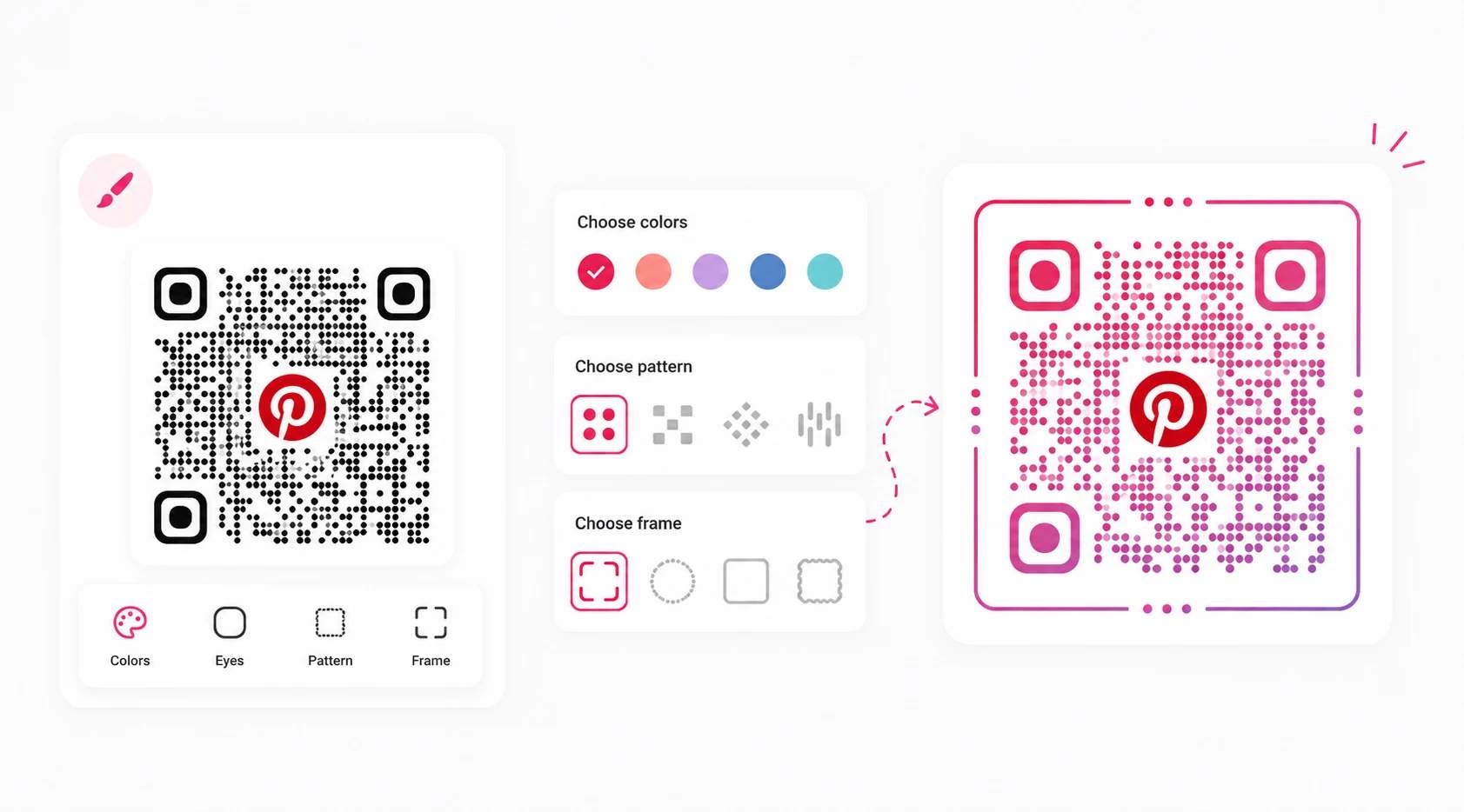
Custom design, zero cost
Brand the QR Code to match your Pinterest aesthetic. Add a logo, adjust colors, and set a frame.
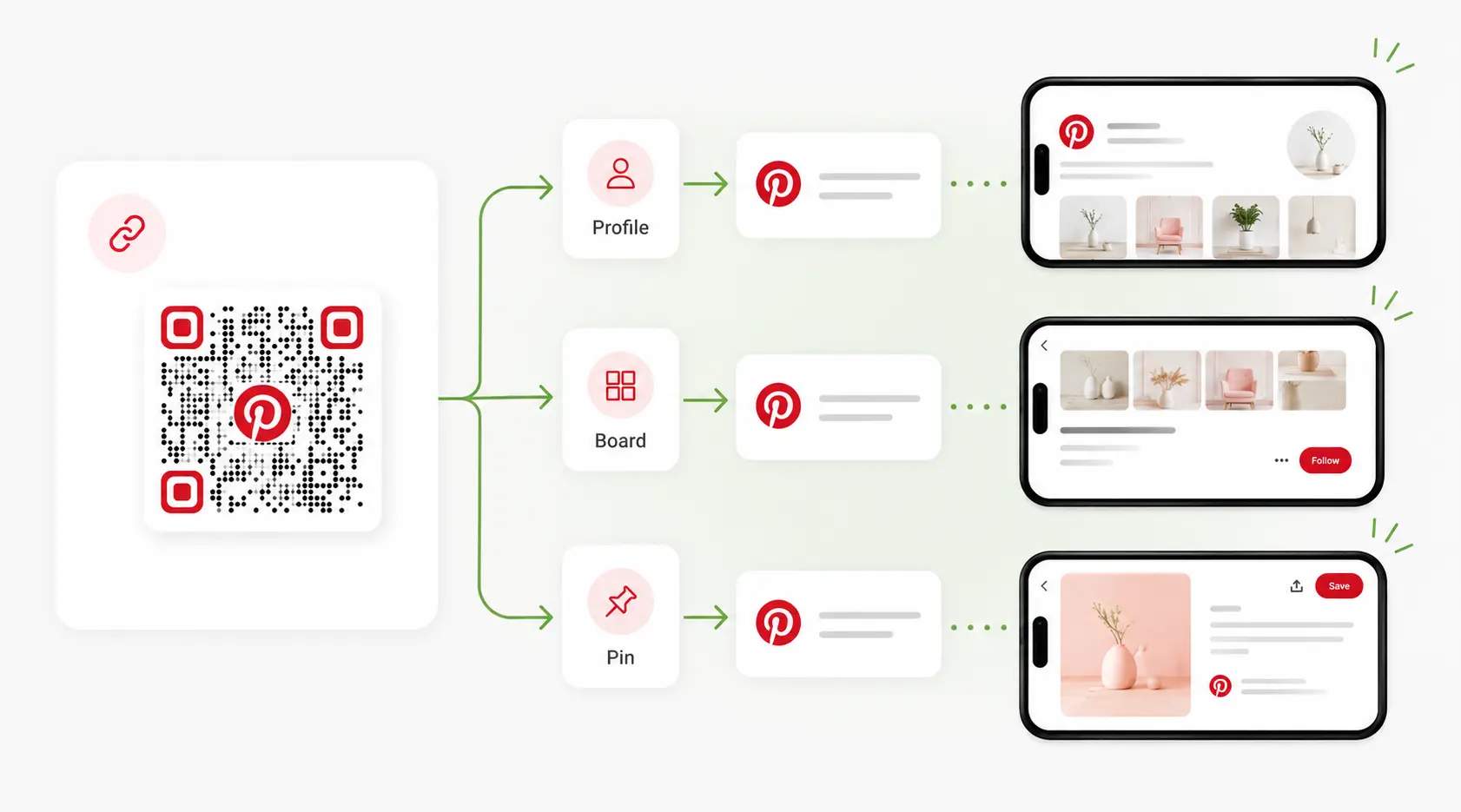
Link profiles, boards, or pins
One generator handles any Pinterest URL. Link to a brand profile, a seasonal inspiration board, or a specific shoppable pin.
Pinterest QR Code tips for better results

Link a board, not your whole profile
People are more likely to engage with a focused Pinterest board than a general profile. Match the board to the context of the QR Code. For example, a product package can link to styling ideas, while an event flyer can link to inspiration boards.

Use Pinterest-inspired branding
Use Pinterest-inspired branding by customizing the QR Code with your brand colors and logo while maintaining enough contrast for scanning. Consistent branding helps users recognize that the QR Code leads to Pinterest content and builds trust before they scan.

Add a clear Pinterest CTA
Tell people exactly what they will get after scanning. Phrases like "Follow us on Pinterest," "See more inspiration," or "Browse our idea boards" set expectations and encourage more scans than a standalone QR Code.

Update boards seasonally
Pinterest content performs best when it stays relevant. Use a dynamic QR Code so you can switch from holiday boards to spring collections, new product launches, or trending content without reprinting marketing materials.

Match the destination to the audience
Choose boards and pins that align with where the QR Code appears. A QR Code on beauty packaging should lead to tutorials and inspiration, while a QR Code at a trade show might link to product collections or portfolio boards. Relevant destinations create a better user experience and drive more followers and saves.
Where to use a Pinterest QR Code
Turn physical touchpoints into opportunities for Pinterest discovery.
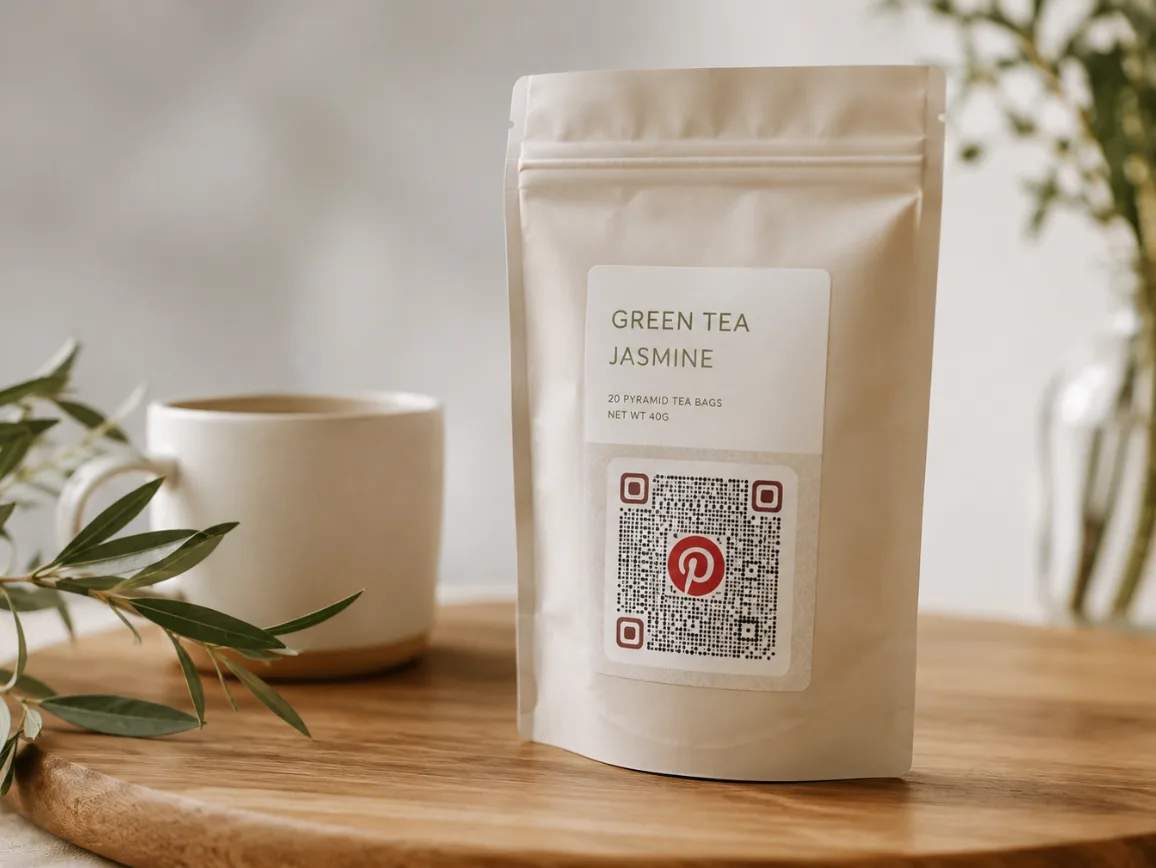
Who uses Pinterest QR Codes
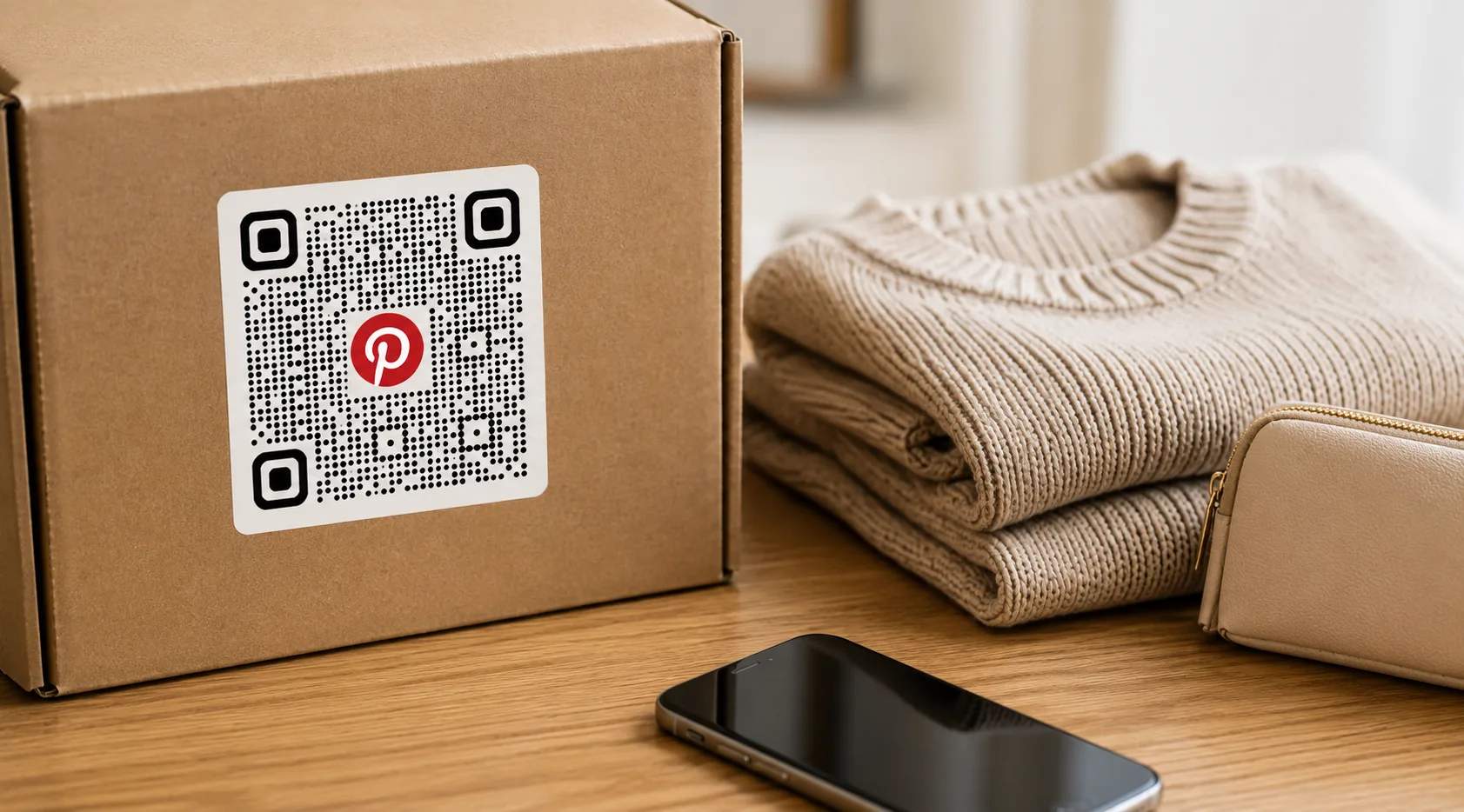
E-commerce brands
Add Pinterest QR Codes to packaging inserts, product tags, or thank-you cards to showcase products in real-life settings. Link customers to styling ideas, buying guides, seasonal collections, or user-generated inspiration that encourages future purchases.
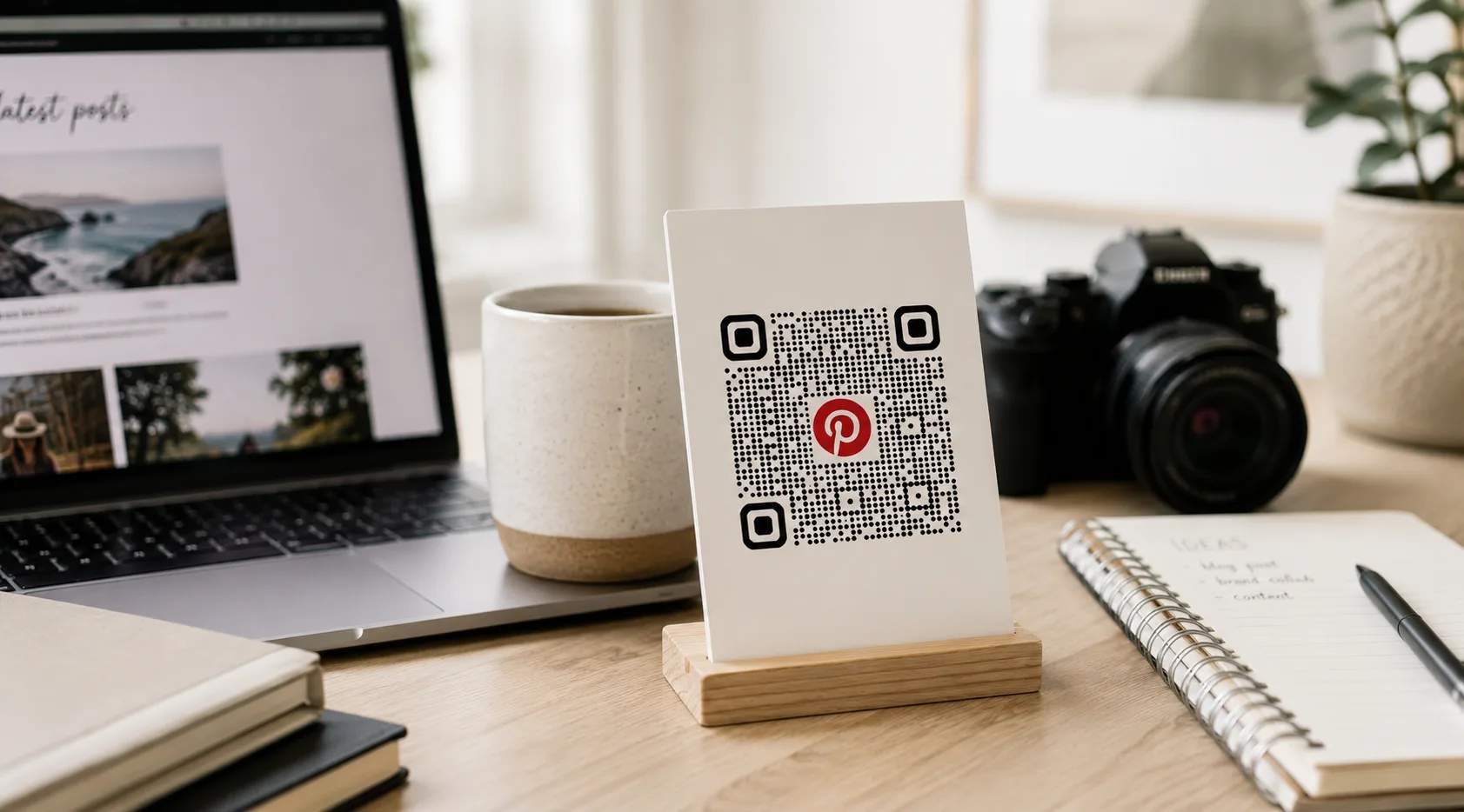
Creators and bloggers
Turn printed media kits, event materials, books, or merchandise into gateways to your Pinterest content. Share recipe collections, DIY tutorials, travel guides, fashion inspiration, or curated boards that help grow your audience beyond social media platforms.
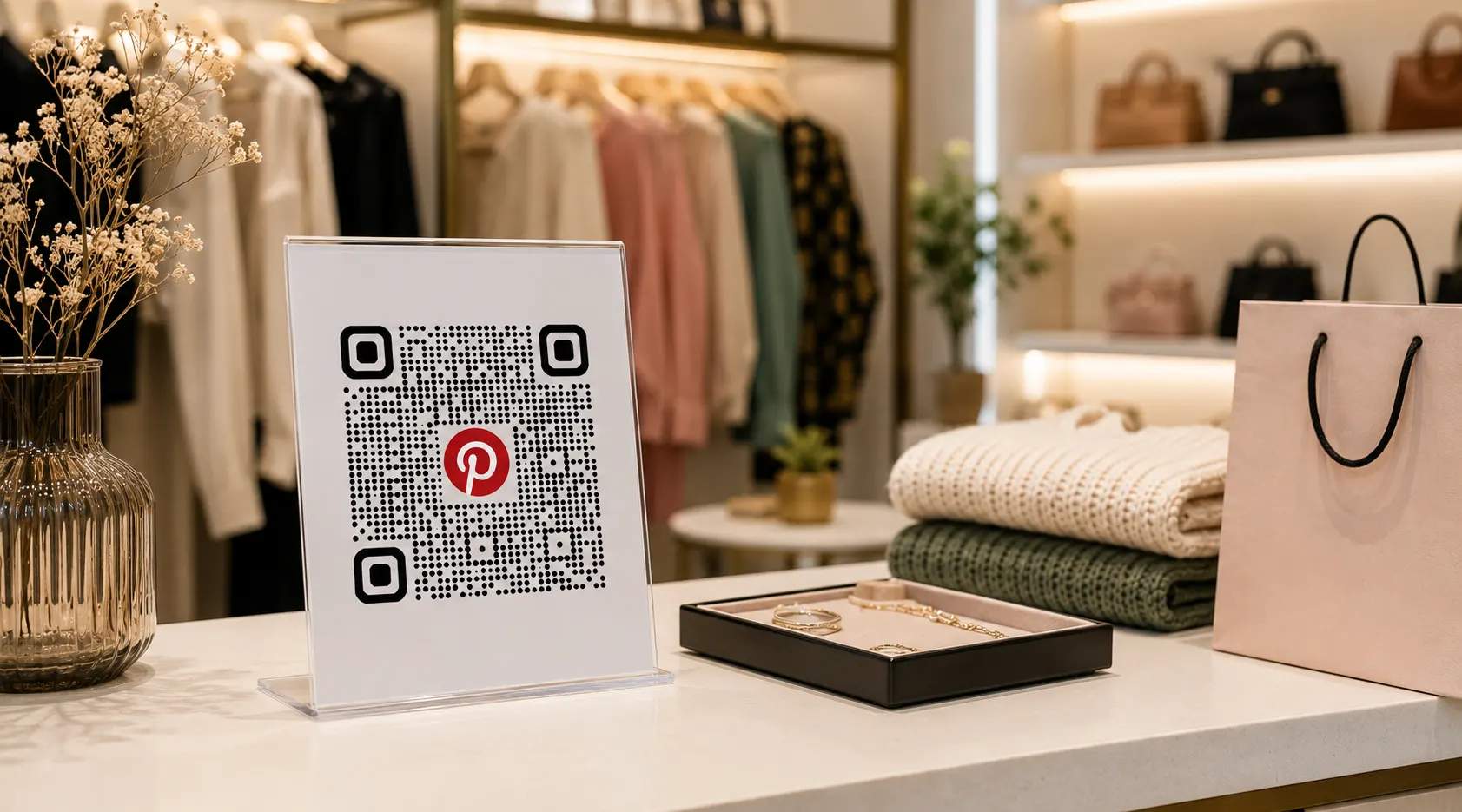
Retailers and boutiques
Place Pinterest QR Codes on swing tags, shelf displays, fitting-room mirrors, or storefront signage. Shoppers can browse outfit ideas, seasonal collections, home décor inspiration, and product recommendations while shopping.
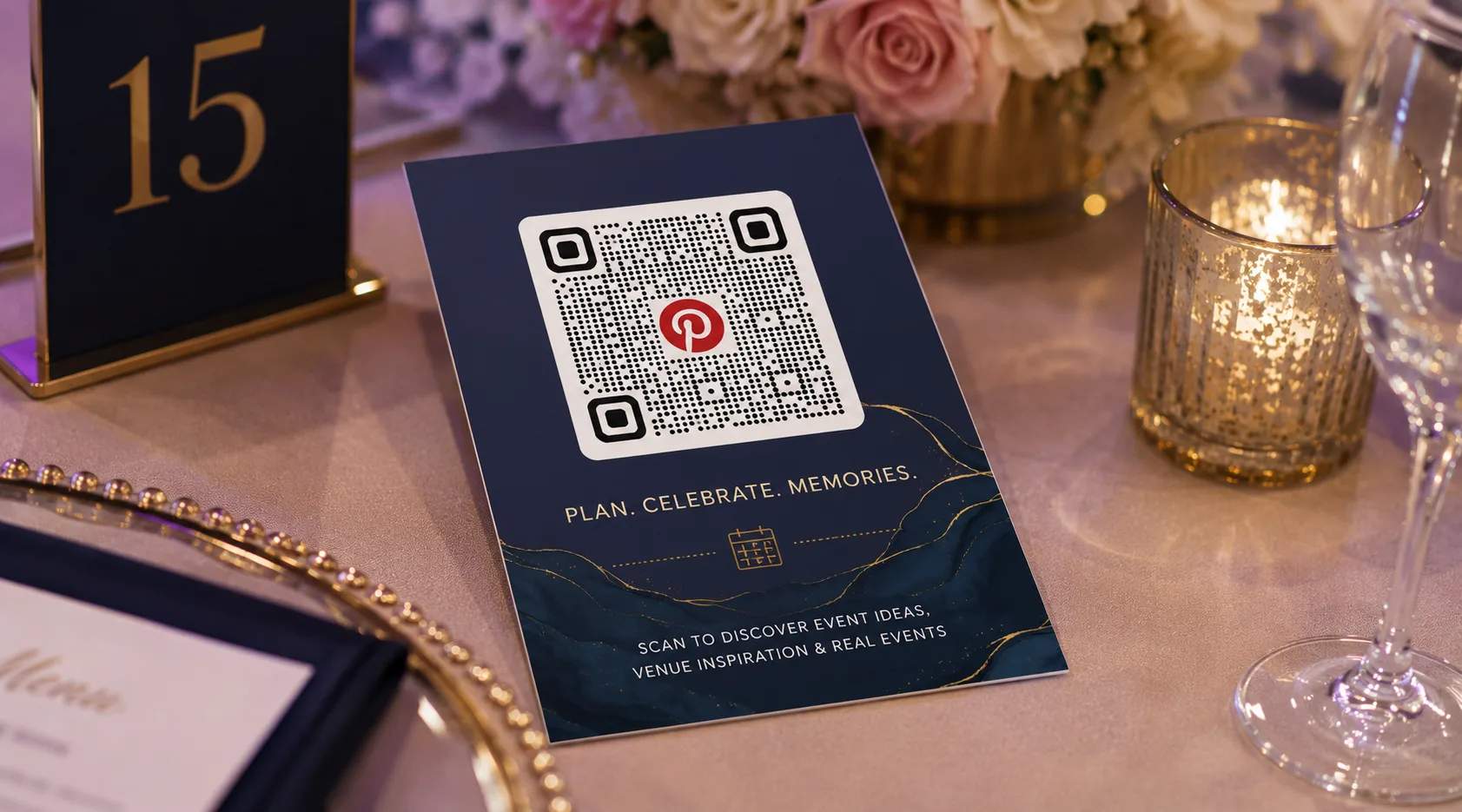
Event planners and venues
Share wedding mood boards, event inspiration, décor concepts, floral arrangements, and venue styling ideas through QR Codes on invitations, brochures, and venue signage. Clients can explore visual concepts before making decisions.
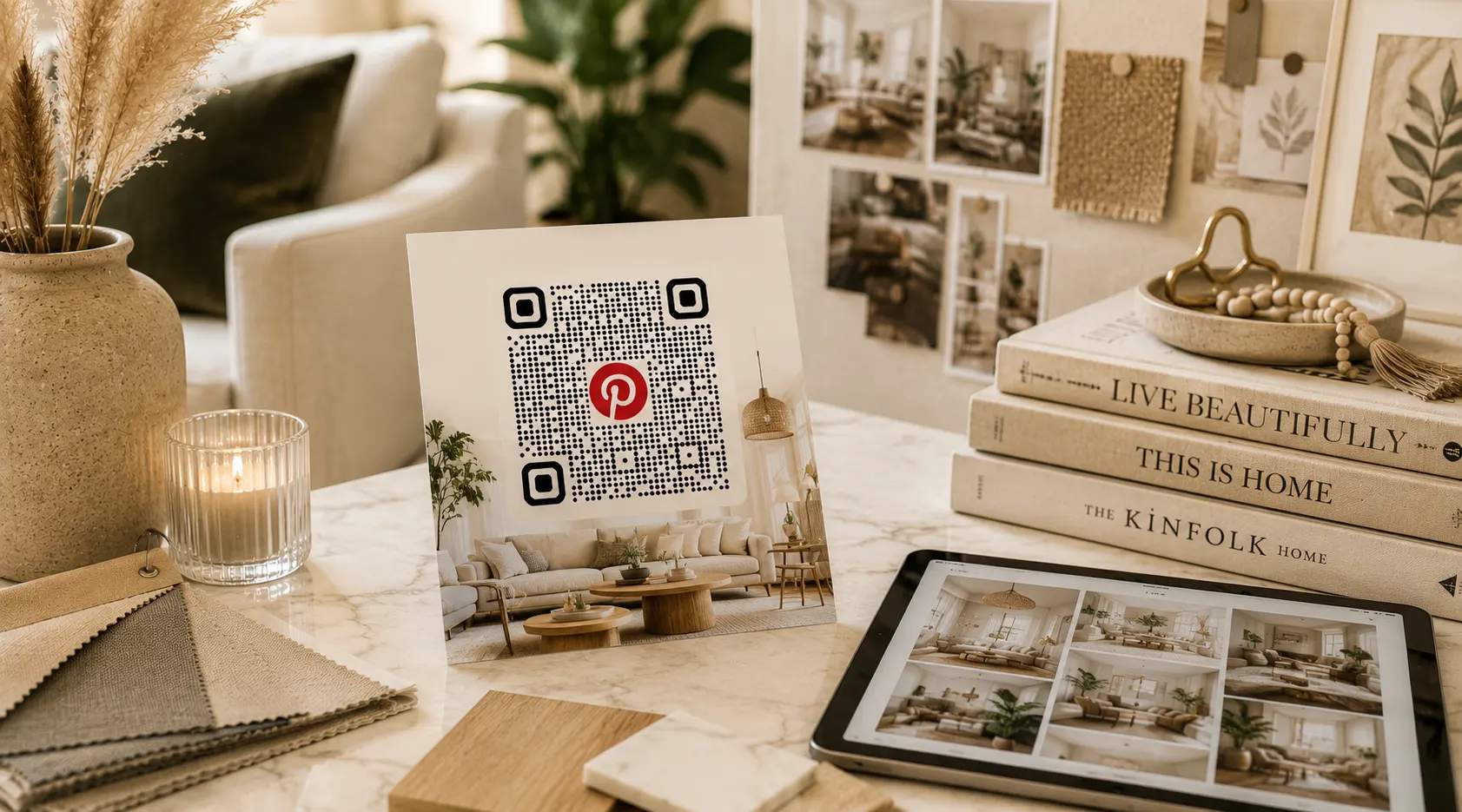
Home decor and interior designers
Use Pinterest QR Codes in showrooms, design presentations, catalogs, and project portfolios. Clients can instantly access room inspiration, furniture collections, color palettes, and completed projects that support your recommendations.
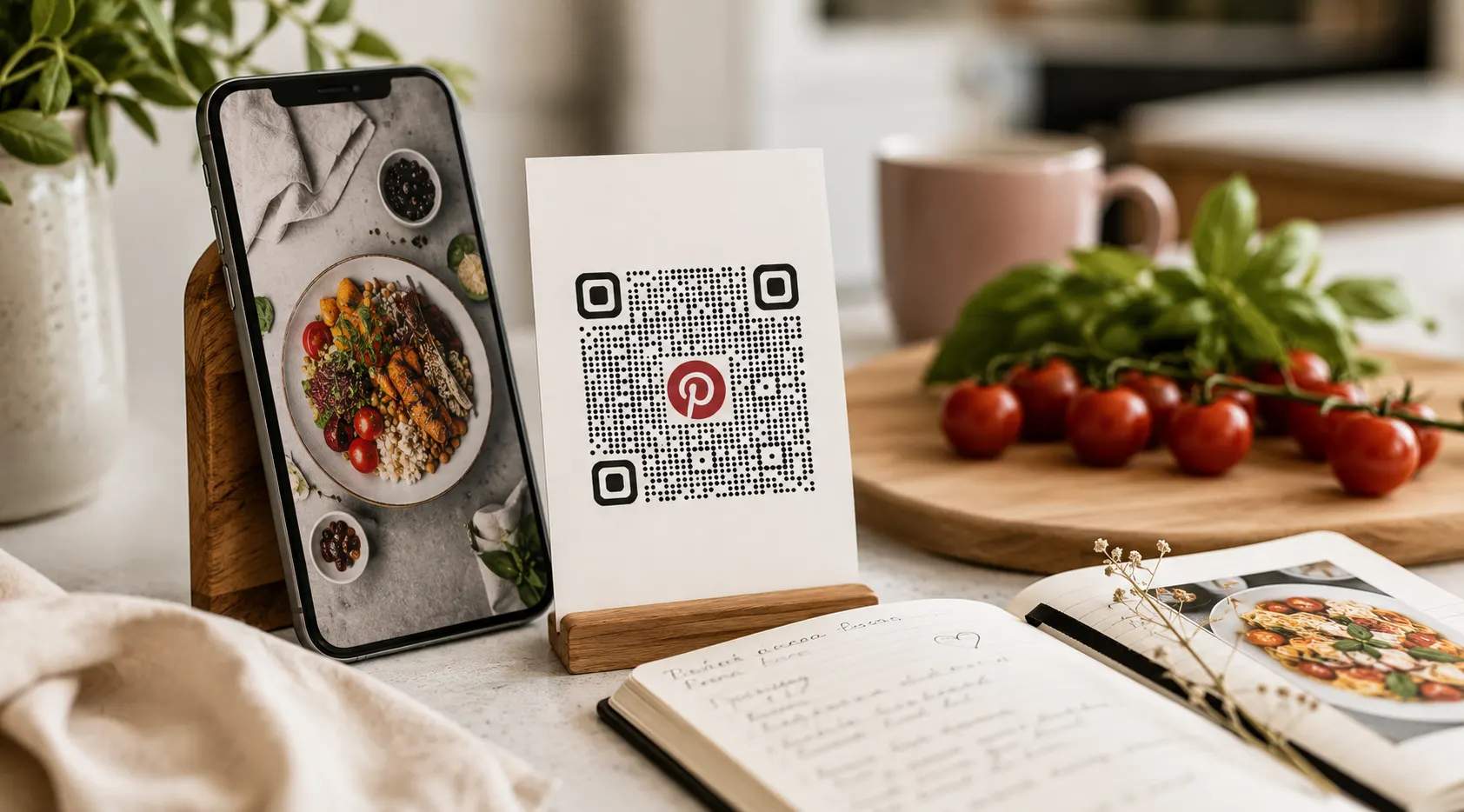
Food, recipe, and lifestyle brands
Food, recipe, and lifestyle brands can add QR Codes to packaging, recipe cards, cookbooks, or promotional materials that link directly to Pinterest recipe boards, entertaining ideas, seasonal menus, and lifestyle inspiration. This keeps audiences engaged long after the initial interaction.