
Create a Free Menu QR Code in Minutes
Skip reprinting menus every time prices or dishes change. A menu QR Code lets guests open your latest menu the moment they sit down.
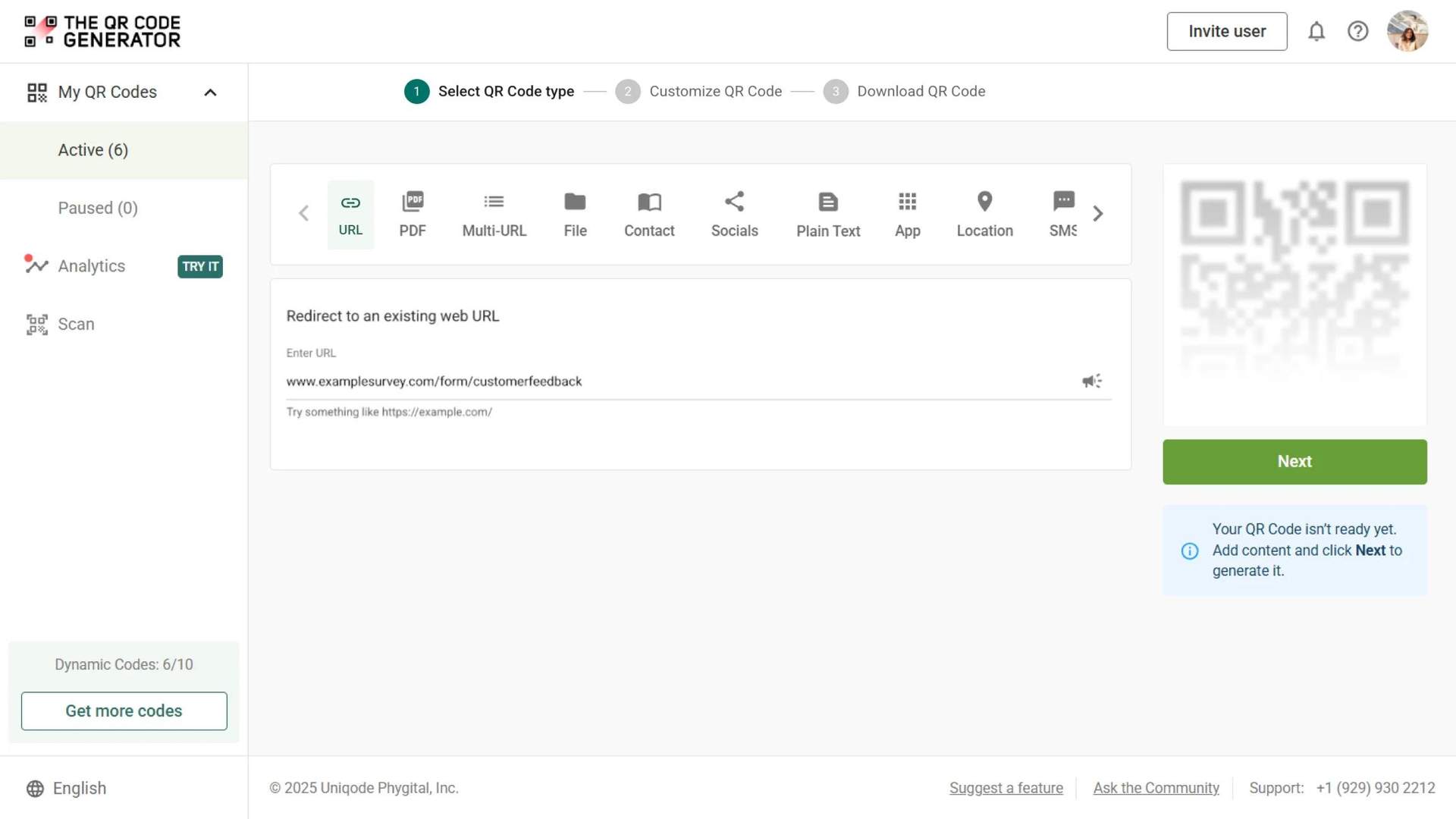
Redirect to an existing web URL
To enable tracking,

Trusted by 4M+ users
How does a menu QR Code work?
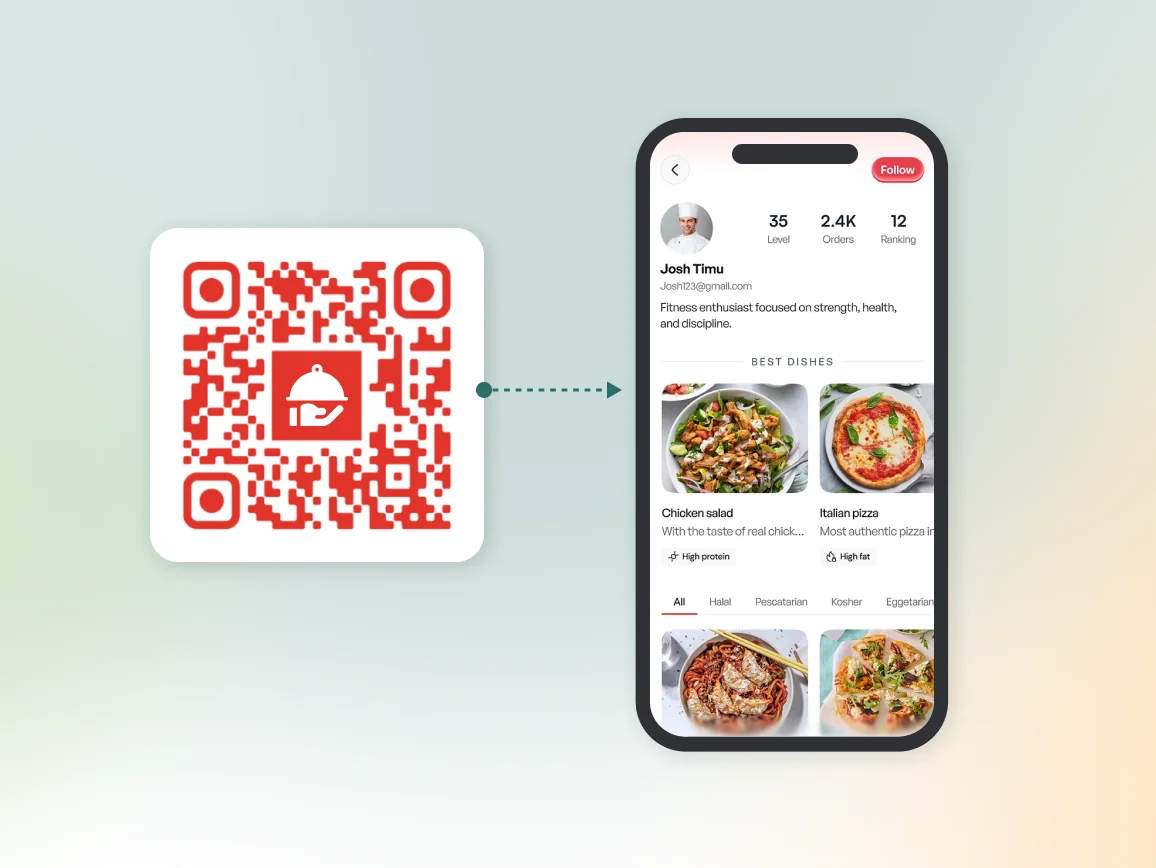
A menu QR Code contains a link to your restaurant’s menu. When guests scan the code with their phone camera, it instantly opens your menu page without requiring an app or manual typing.
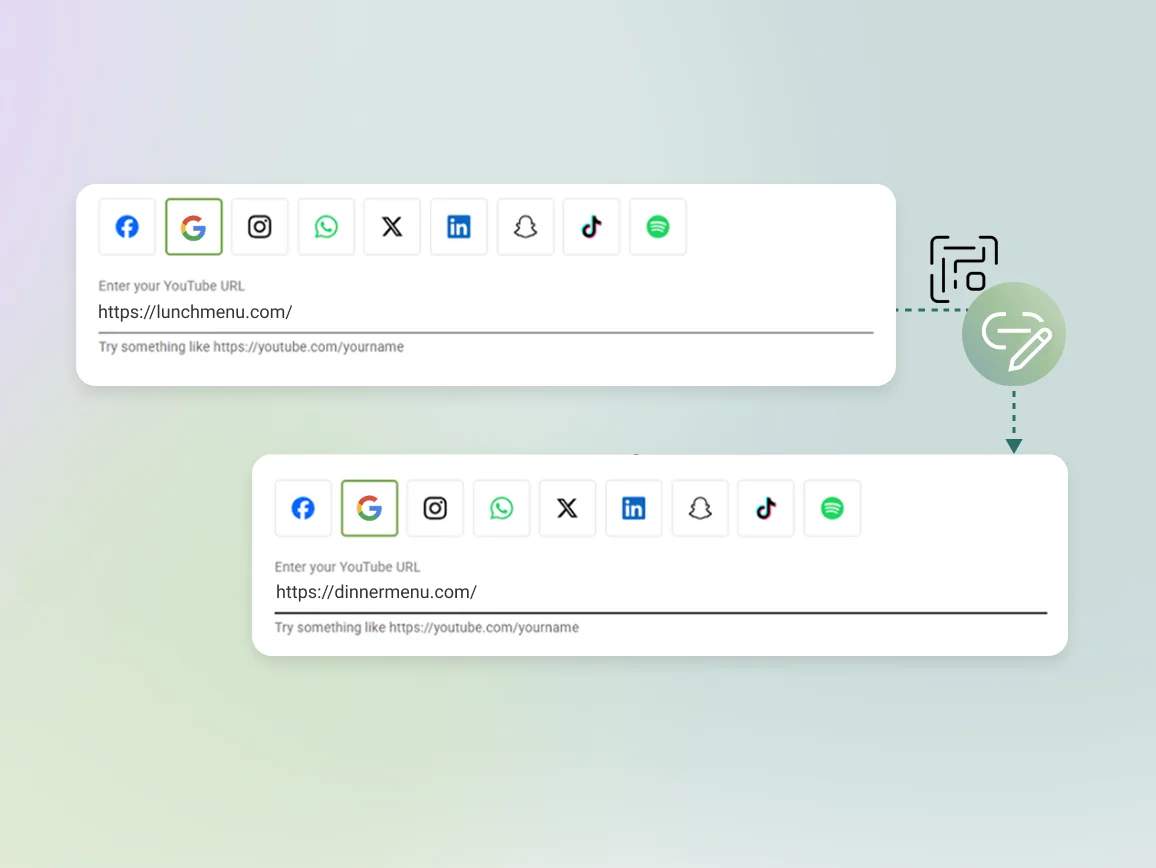
With a dynamic QR Code, you can update dishes, adjust prices, or launch seasonal menus anytime. The QR Code printed on your tables stays the same while the menu behind it changes.
4M+
Unique users worldwide
30,000+
Global businesses on our platform
60+
Countries with active users
Why create a contactless menu QR Code?
Best practices to create a menu QR Code

Build a mobile-friendly menu
Most guests will view your menu on a small phone screen while sitting at the table. Use large fonts, clear sections, and a vertical layout so the menu is easy to read without zooming.

Add a clear CTA
A QR Code without context is easy to ignore. Use a frame with a CTA like “Scan to See Today’s Menu” so guests know exactly what they’ll get when they scan.

Brand the QR Code
Add your logo and brand colors so the code feels like part of your table setup rather than an afterthought. Branded codes look more trustworthy and attract more scans.

Test before every service
Scan your QR Codes before service starts to make sure the menu loads quickly and the link works. Catching a broken link early avoids problems during busy hours.

Use analytics to improve placement
Scan analytics can reveal where guests interact most with your menu. If one area scans less frequently than another, it may signal a placement or visibility issue.
Where to place a menu QR Code to improve scans?
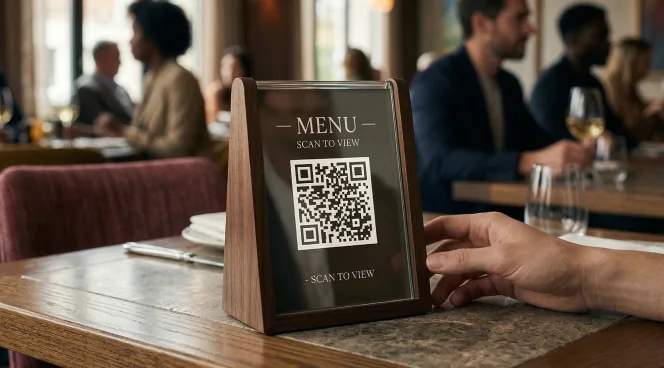
Table tent or table center
Put a menu QR Code on every table tent or placemat so guests find it the moment they sit down instead of asking for it.
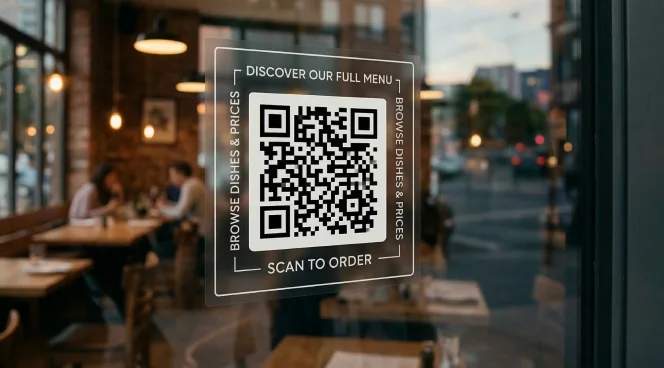
Storefront window
Display a menu QR Code on your storefront window so curious passersby can browse your dishes and prices right from the pavement.
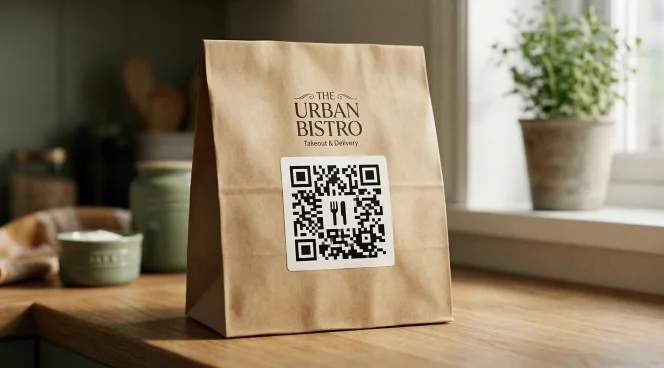
Takeout bag and box
Add a menu QR Code to your packaging so customers have something to scan when they get home.
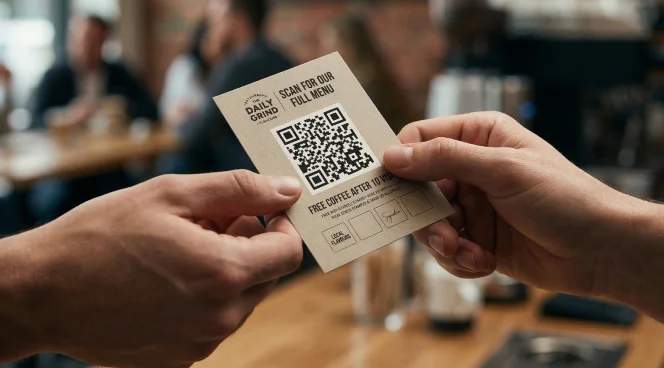
Loyalty cards and promotional flyers
Include a menu QR Code on every flyer or loyalty card you hand out so people can open your full menu on the spot.
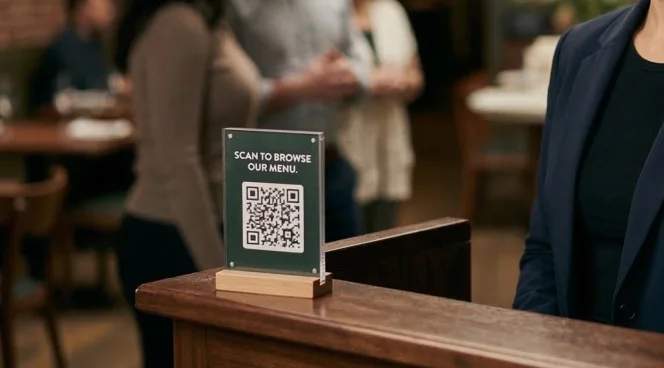
Hostess stand and waiting area
Place a menu QR Code at the hostess stand so guests can browse while they wait for their table, for faster ordering and a smoother service.
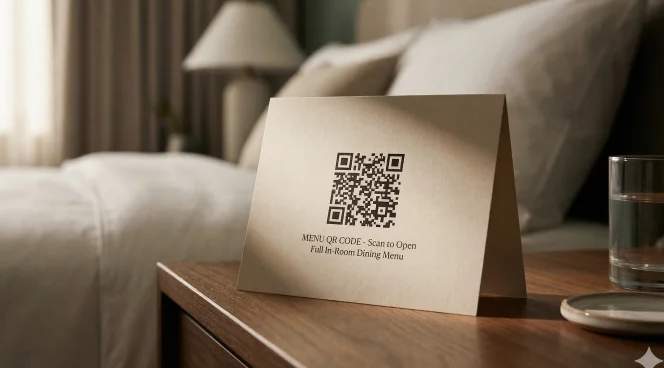
Hotel room dining cards
Add a menu QR Code to every in-room dining card so guests can access your full menu the moment they’re hungry, without having to call to order.
Which businesses can use a menu QR Code?
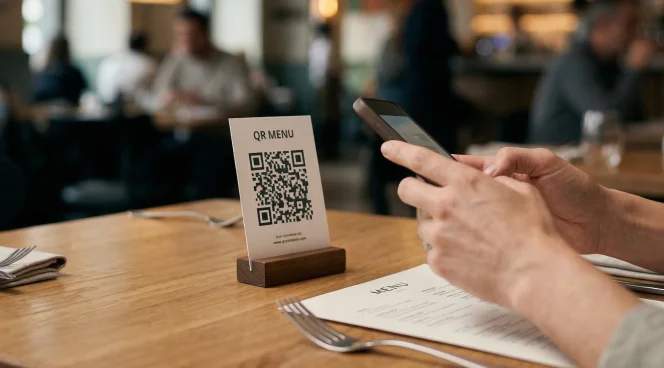
Restaurants and cafés
Put a menu QR Code on every table and let guests start browsing the moment they sit down. Update your menu URL each morning so the QR Code always opens with today's specials at the top.
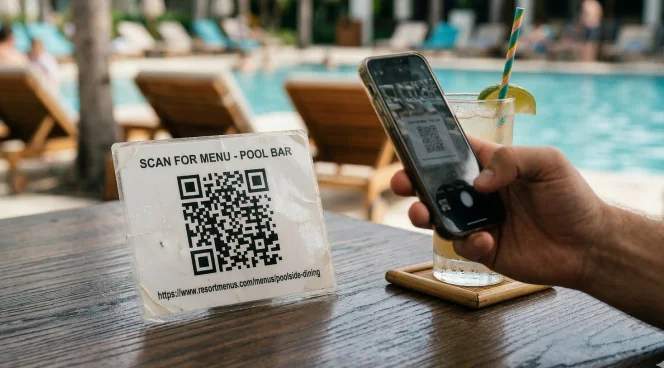
Hotels and resorts
Place menu QR Codes at every dining touchpoint (rooms, your pool bar, lobby lounge), then link each one to the menu relevant to that location. A guest by the pool should see the poolside drinks menu, not the fine dining one three floors up.
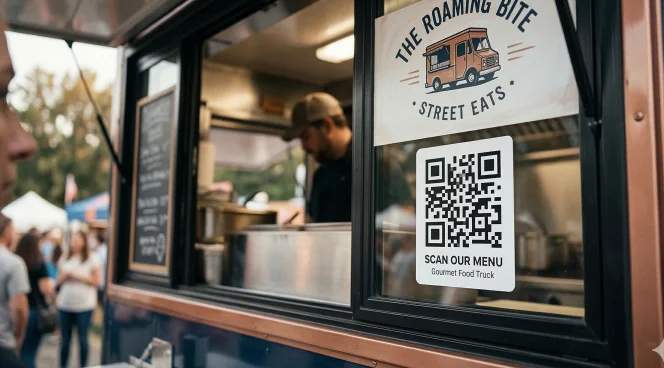
Food trucks
Display a menu QR Code on your serving window or a banner, and update the menu from your phone between locations. Because your setup changes constantly, a dynamic code keeps your offering accurate without producing anything new each time you move.
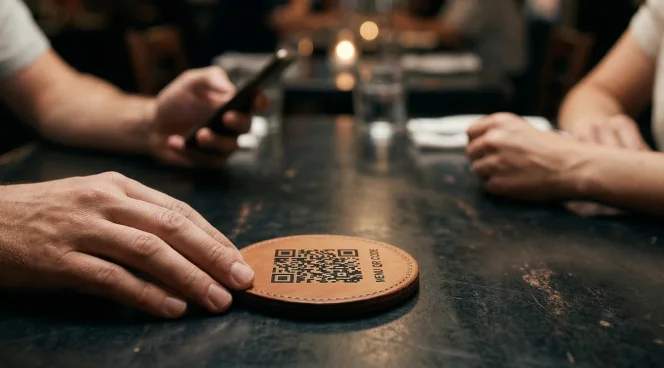
Bars and breweries
Give guests a menu QR Code at the bar or on coasters that opens more than just a drinks list. A well-built digital menu can show recommended food pairings alongside each beer or cocktail.
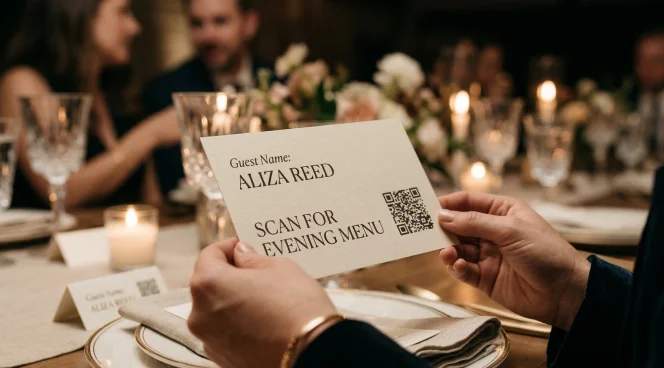
Catering and events
Hand guests a place card or table sign with a menu QR Code that opens the event-specific menu. A corporate lunch and a wedding dinner can use the same printed code, just by updating the links they point to.
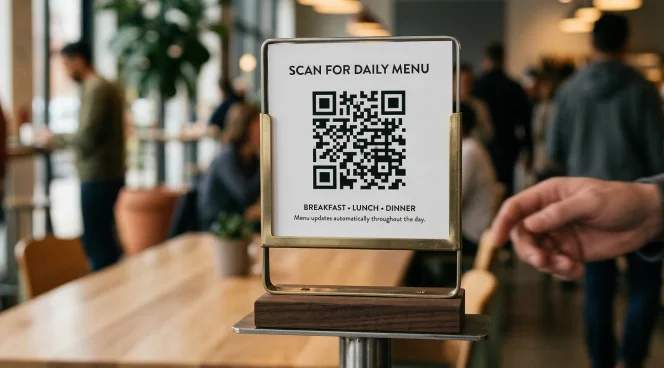
Corporate cafeterias and canteens
Post a single menu QR Code at the cafeteria entrance, and use a dynamic code to switch between breakfast, lunch, and dinner menus throughout the day. This lets employees check what's on offer before they leave their desks, so they arrive knowing exactly what they want.