
Free Instagram QR Code Generator
Turn any Instagram link into a QR Code that people can scan to reach your profile, posts, or reels in one tap.
Redirect to an Instagram profile
To enable tracking,

What is an Instagram QR Code?
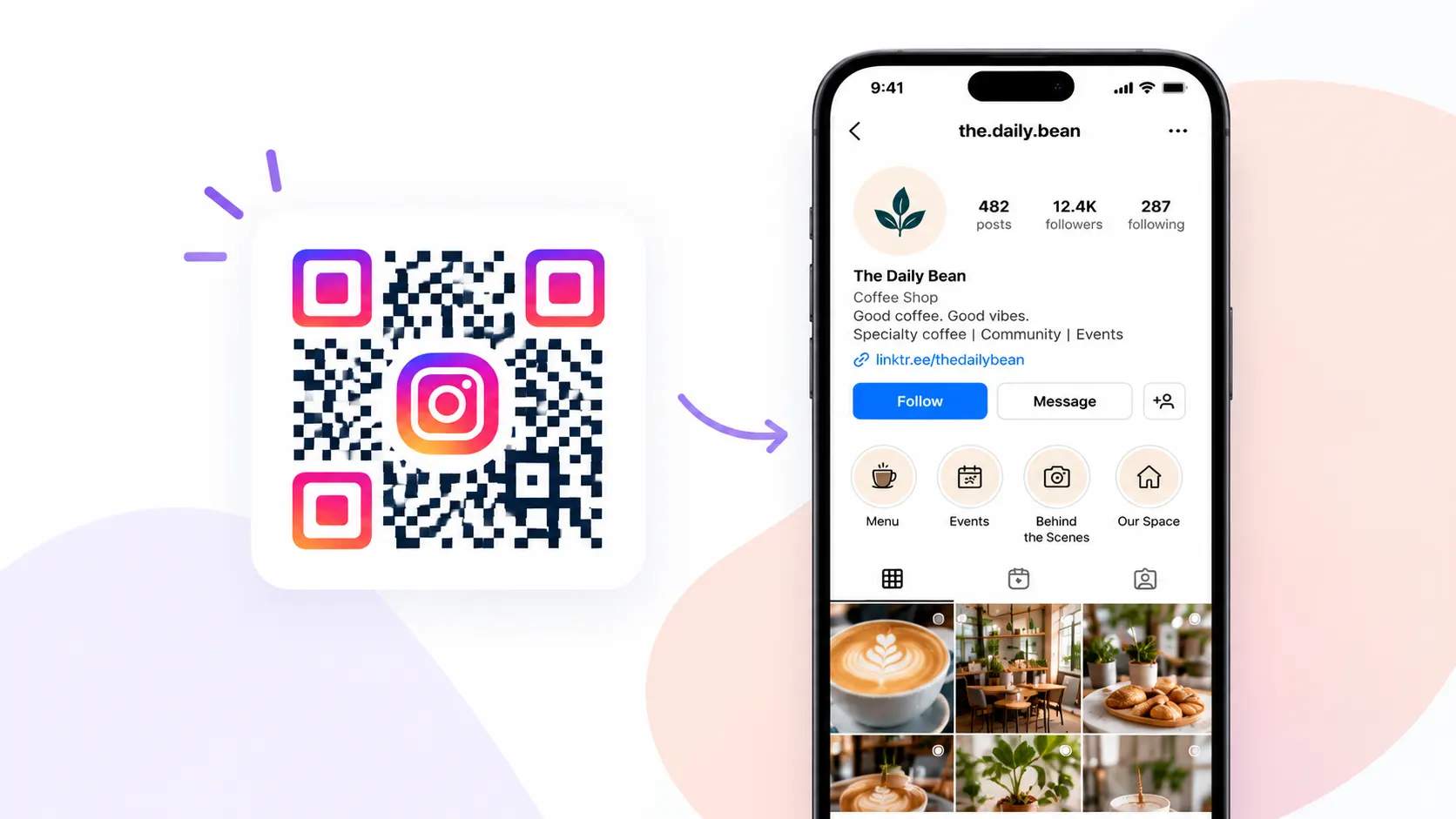
An Instagram QR Code is a scannable image that takes people straight to your Instagram, such as your profile, a specific post, or a reel. One scan opens the exact destination you set, so no one has to search your handle or type it out.
Why should you use an Instagram QR Code?
Instant access
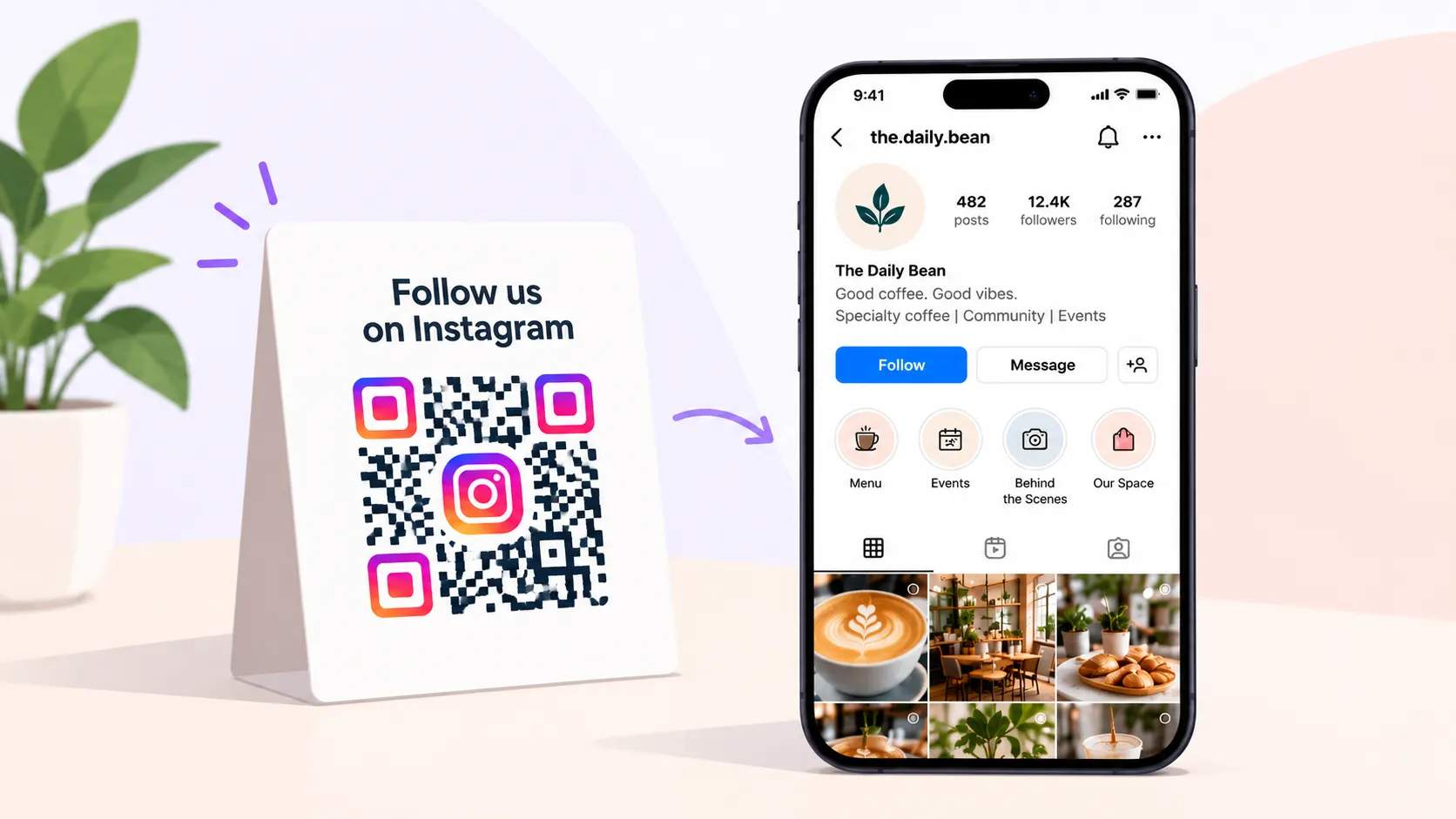
An Instagram QR Code gives people a direct link to your profile and skips the search-and-type step entirely. Shoppers and event-goers scan and follow on the spot, which makes new followers far more likely to find you.
Campaign and product promotion
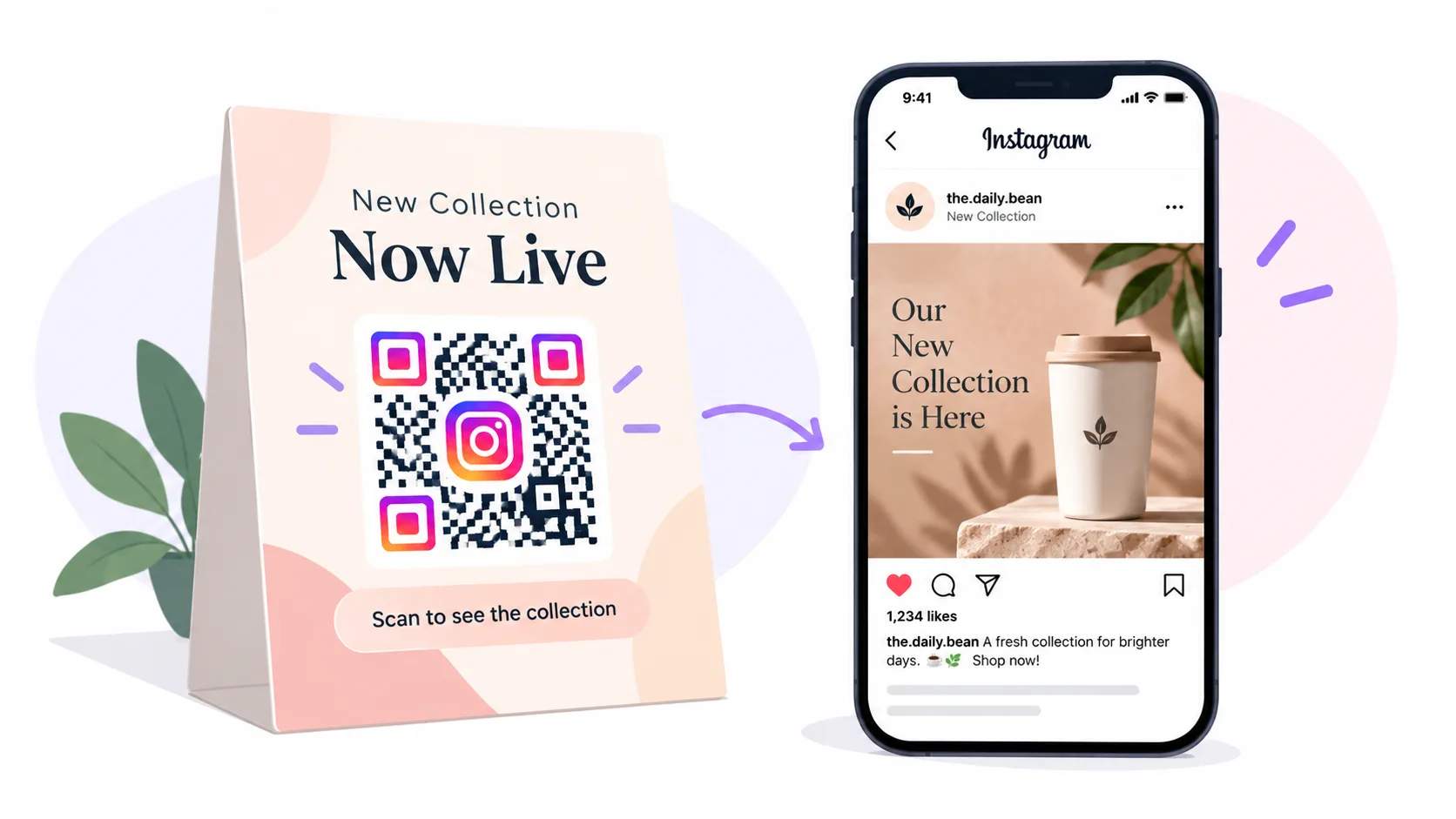
Point an Instagram QR Code at a campaign, a launch, or a specific piece of content instead of only your profile. Anyone who scans connects with that moment right away, which turns passing interest into followers and customers.
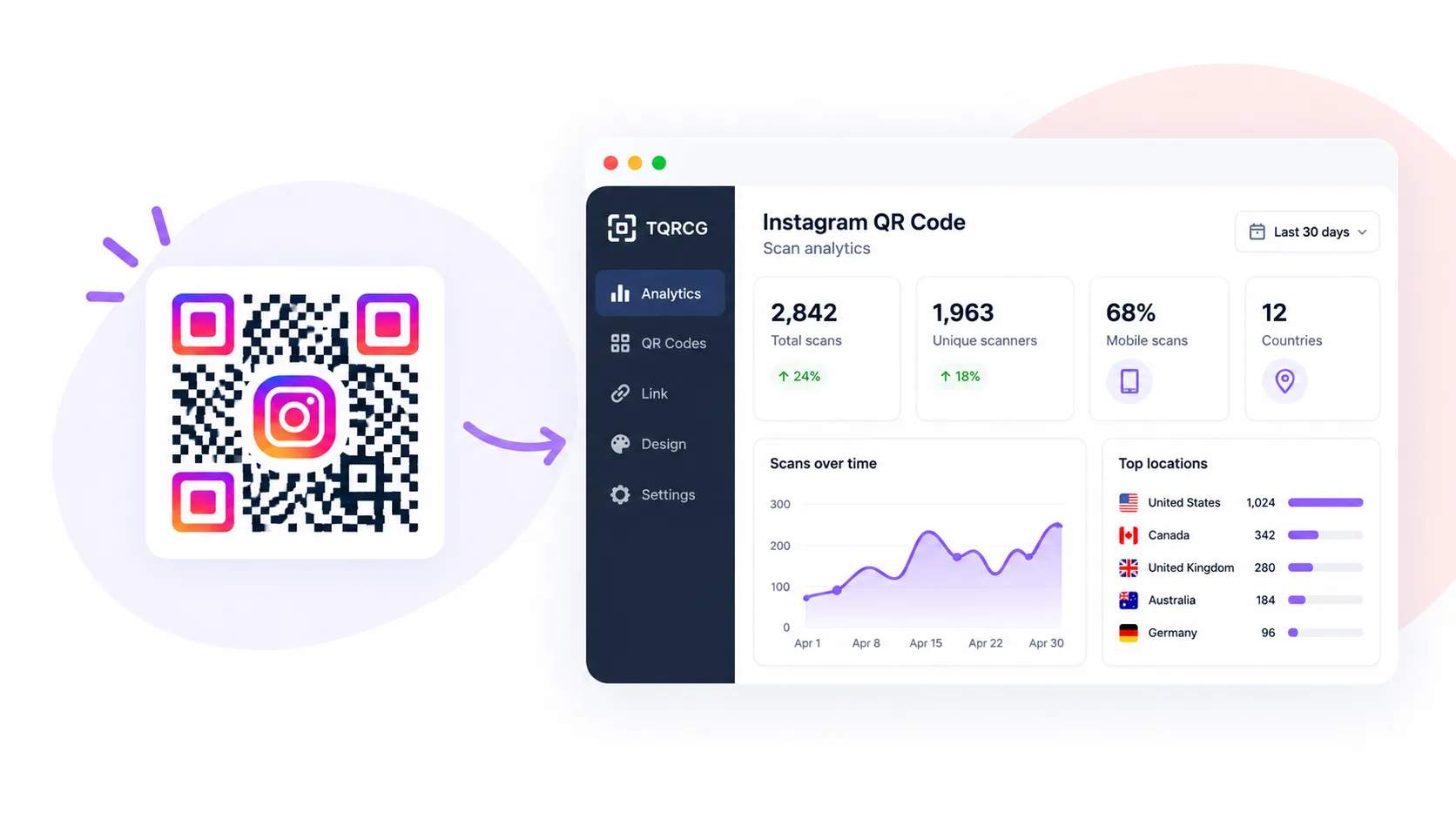
Scan data you can act on
A dynamic Instagram QR Code records when and where people scan, so you can see your busiest times and days. Use that data to schedule posts and shape content around the moments your audience is most active, all from the analytics in your TQRCG dashboard.
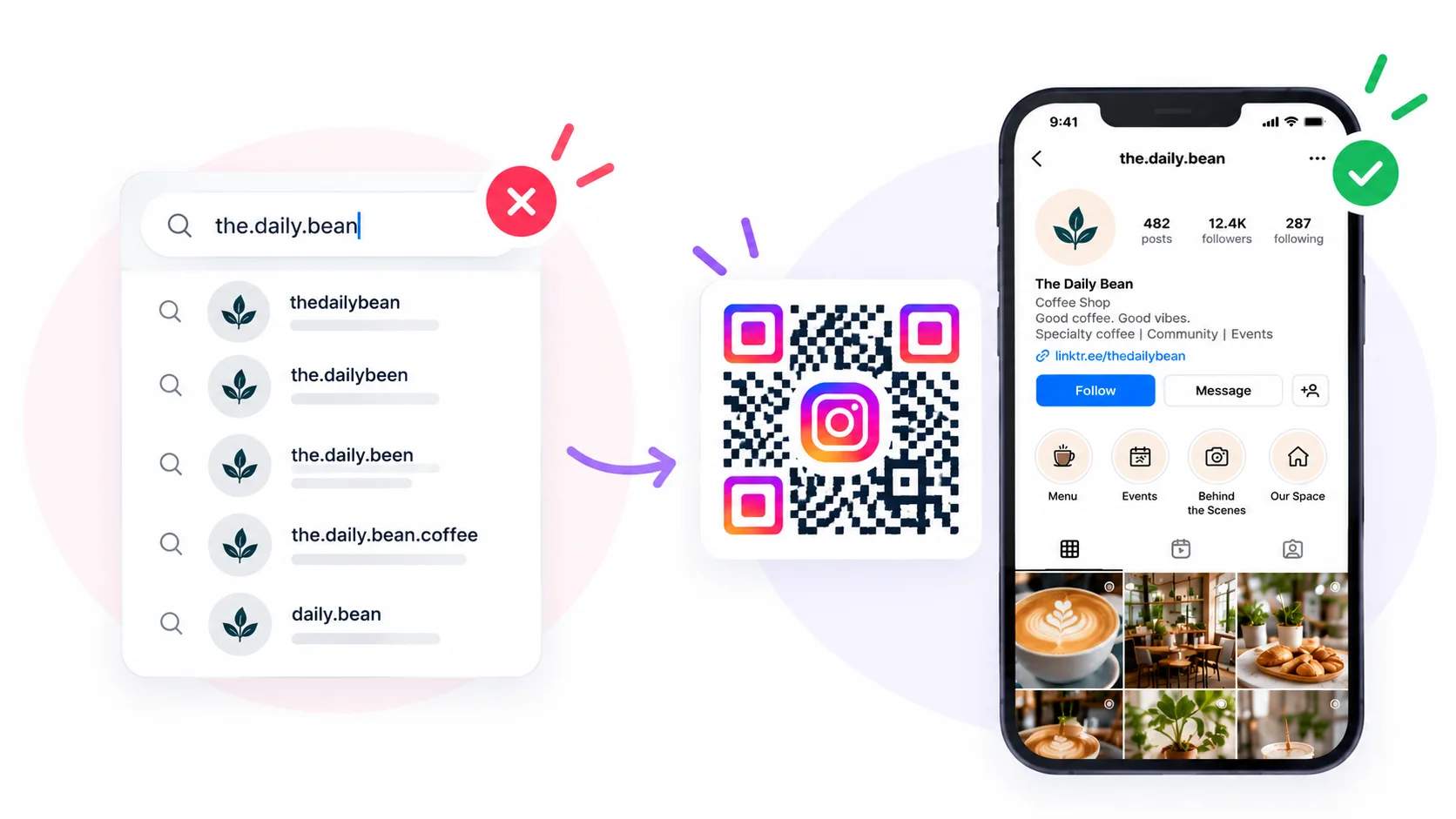
No username mix-ups
Spoken or printed handles are misheard and misspelled, and a single wrong character can send people to the wrong account. An Instagram QR Code removes that risk, because every scan lands on the exact profile you set.
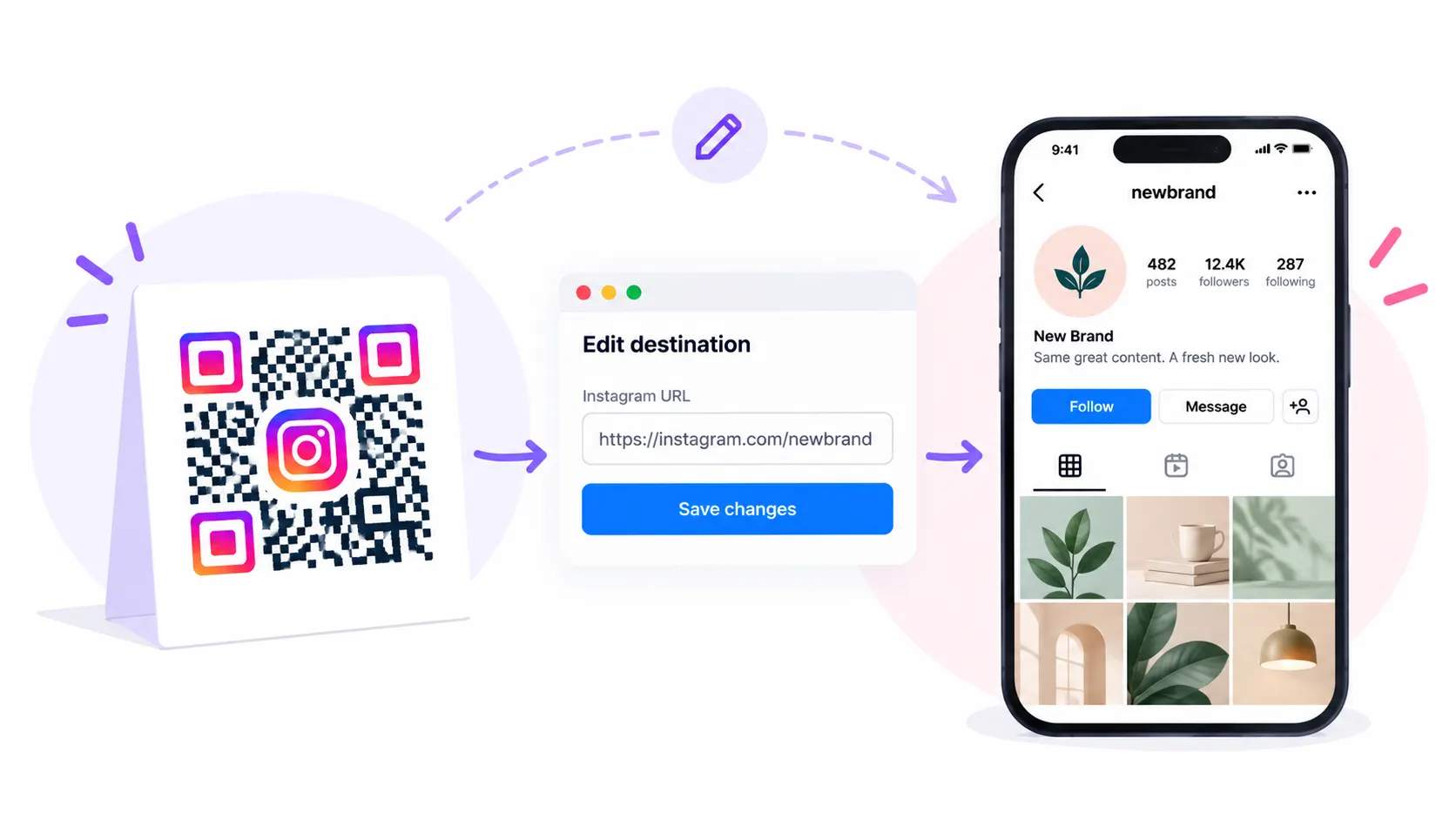
Works through username changes
Change your handle whenever your brand evolves, and a dynamic Instagram QR Code still points to the right profile after you edit it. This keeps printed codes working through a rebrand, so nothing you have already handed out goes dead.
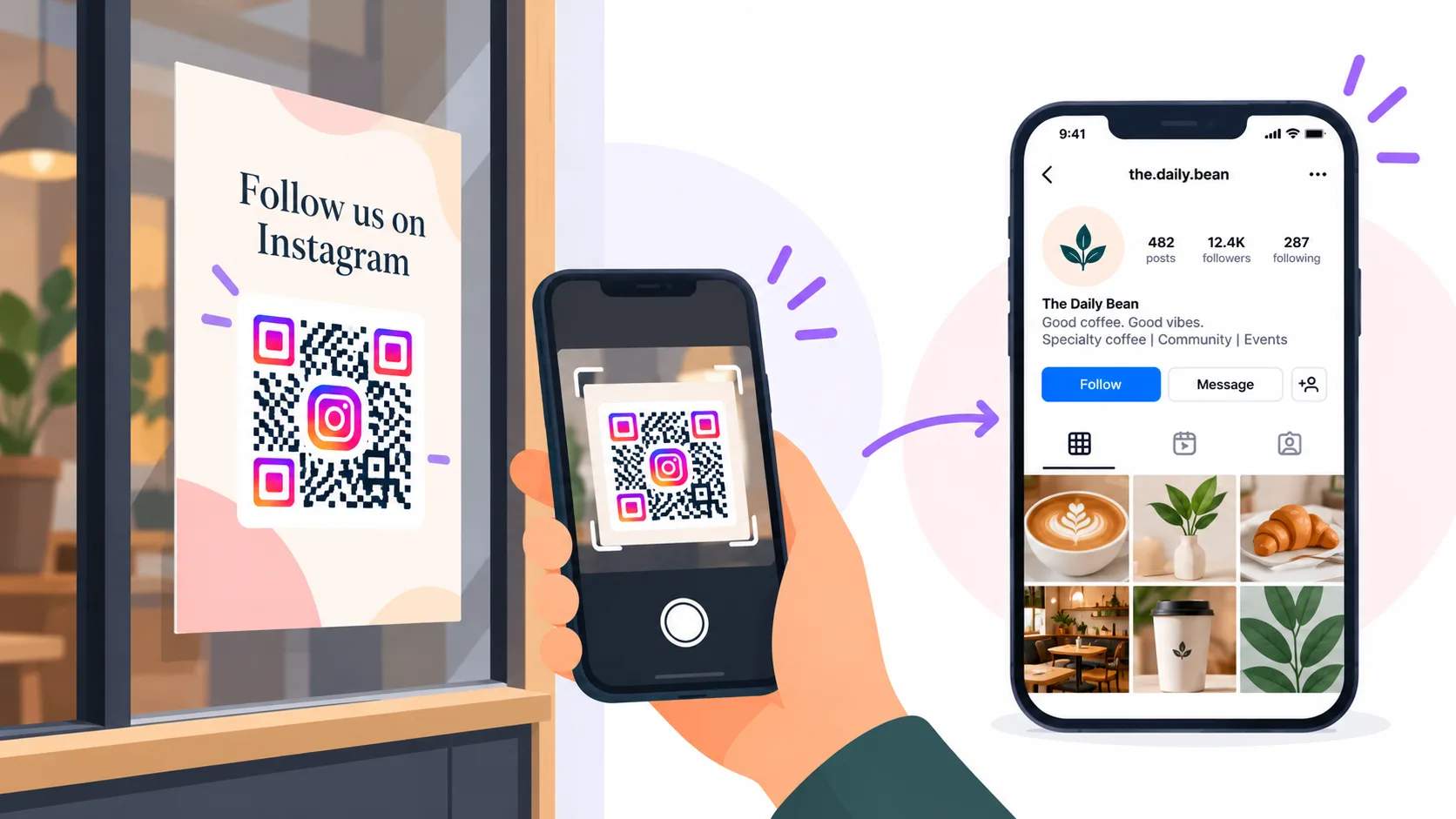
Offline to online
An Instagram QR Code carries offline interest straight into an online follow. Someone who spots your code on a flyer, a window, or a receipt can reach you with one scan, even without a paid ad in front of them.
How do you create an Instagram QR Code?
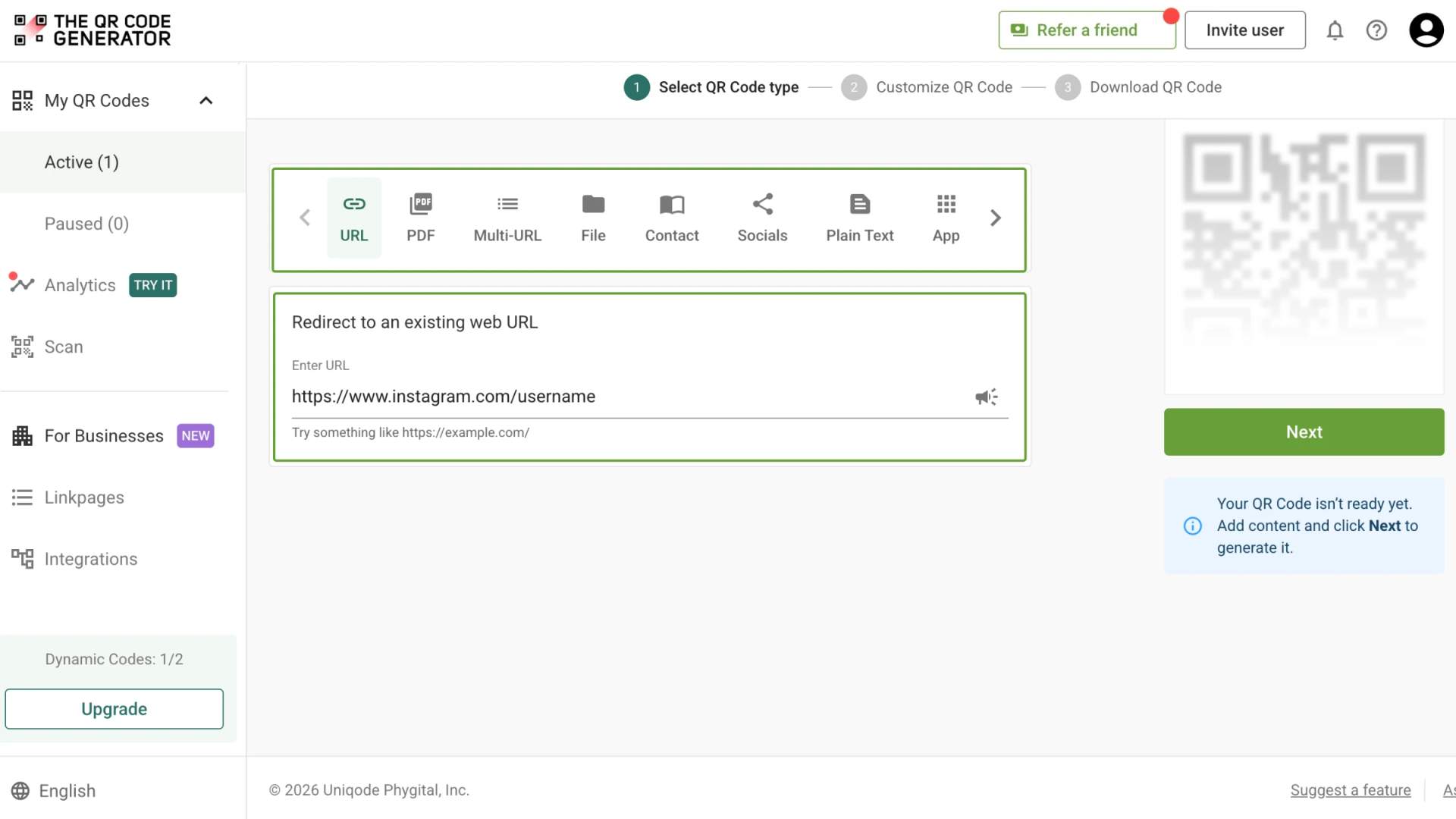
Create an Instagram QR Code in three steps with The QR Code Generator (TQRCG). The process takes a few minutes and works for your profile, a post, or a reel.
4M+
Unique users worldwide
30,000+
Global businesses on our platform
60+
Countries with active users
What is a Threads QR Code?
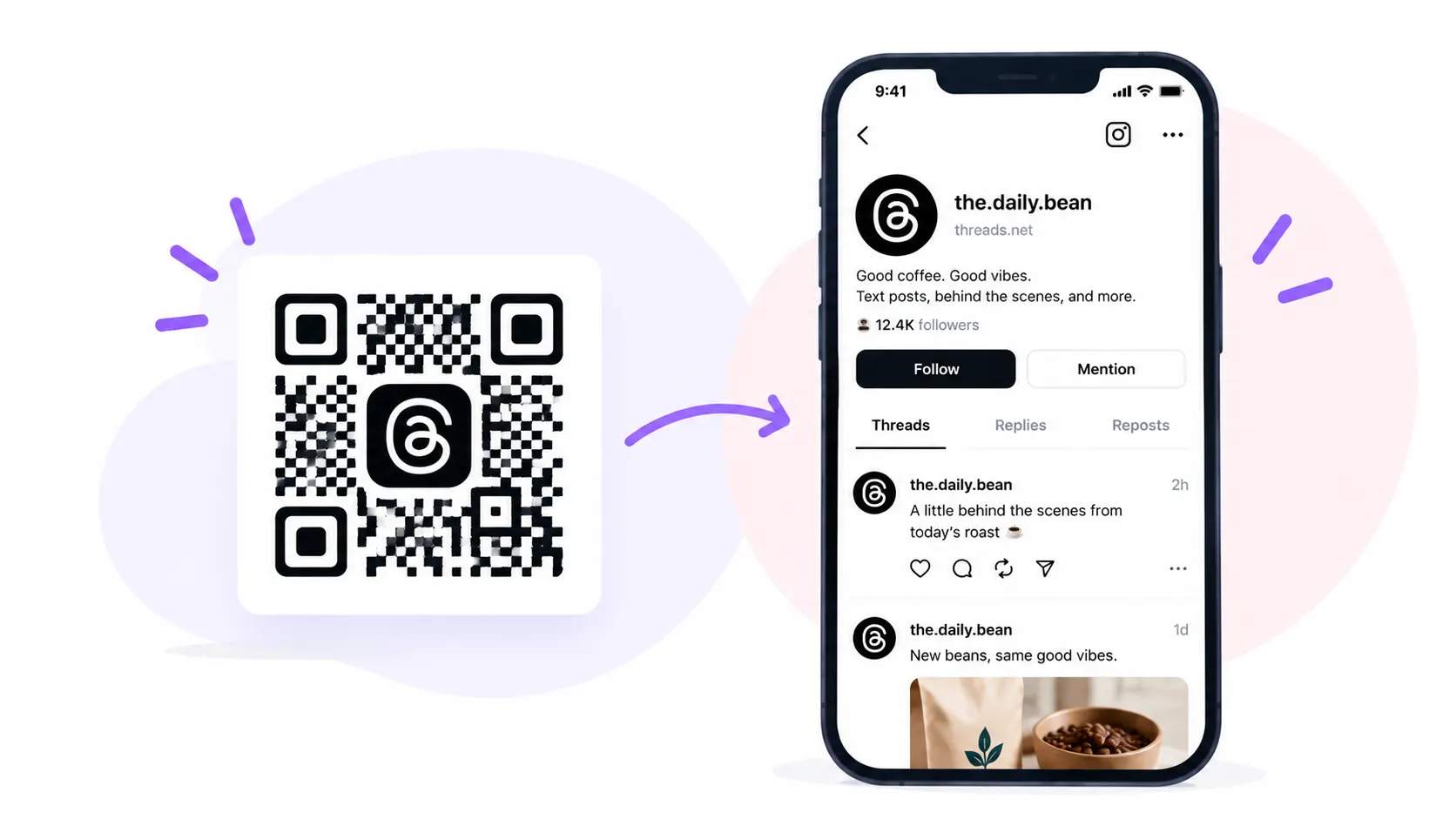
A Threads QR Code opens your Threads profile the moment someone scans it, so your audience can follow your text posts without searching for your handle. Create it as a dynamic QR Code that points to your Threads profile, and you can update the destination anytime and track how many people scan. Because your Threads account is linked to your Instagram account, it is an easy way to stretch a single scan across both.
Where can you use Instagram QR Codes?
Business cards
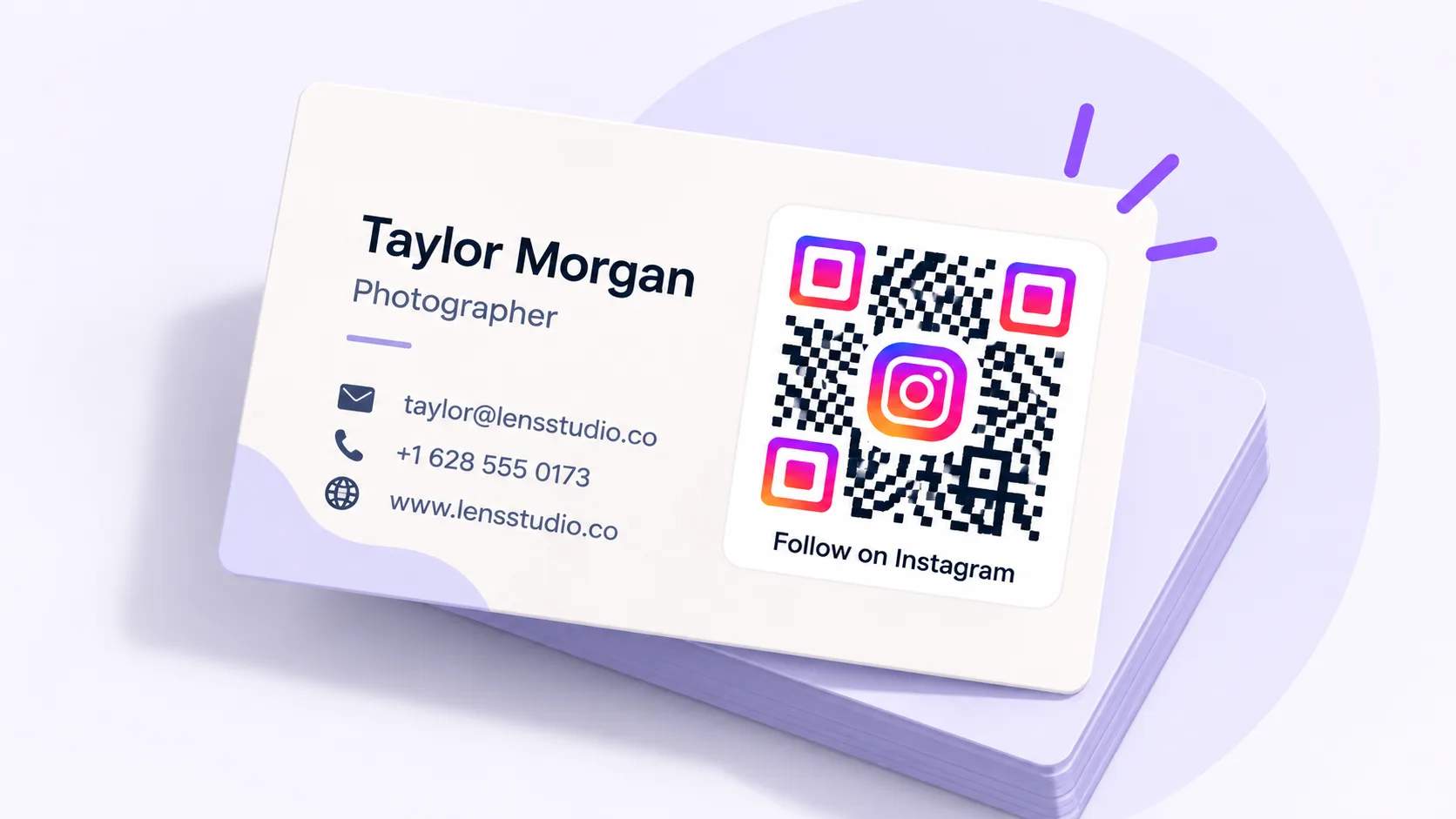
Add an Instagram QR Code to your business card so new contacts follow you the moment you meet. One scan opens your profile, and the connection outlasts the handshake, which makes it a favorite for photographers, realtors, and creators who network in person.
Storefront windows
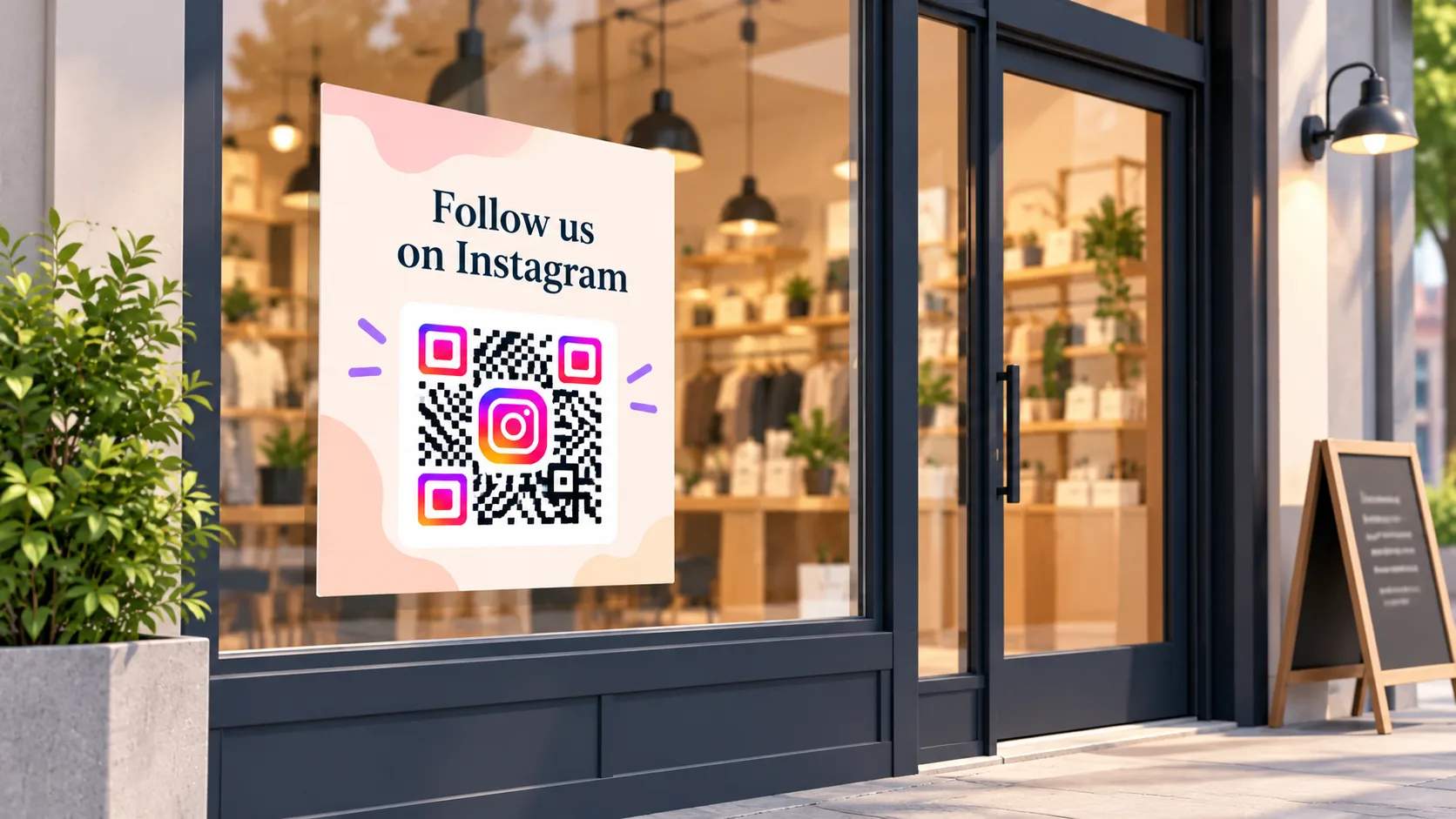
Place an Instagram QR Code on the sidewalk so passersby can scan it, even after you close. Foot traffic turns into followers around the clock, and shoppers can preview your feed before they step inside.
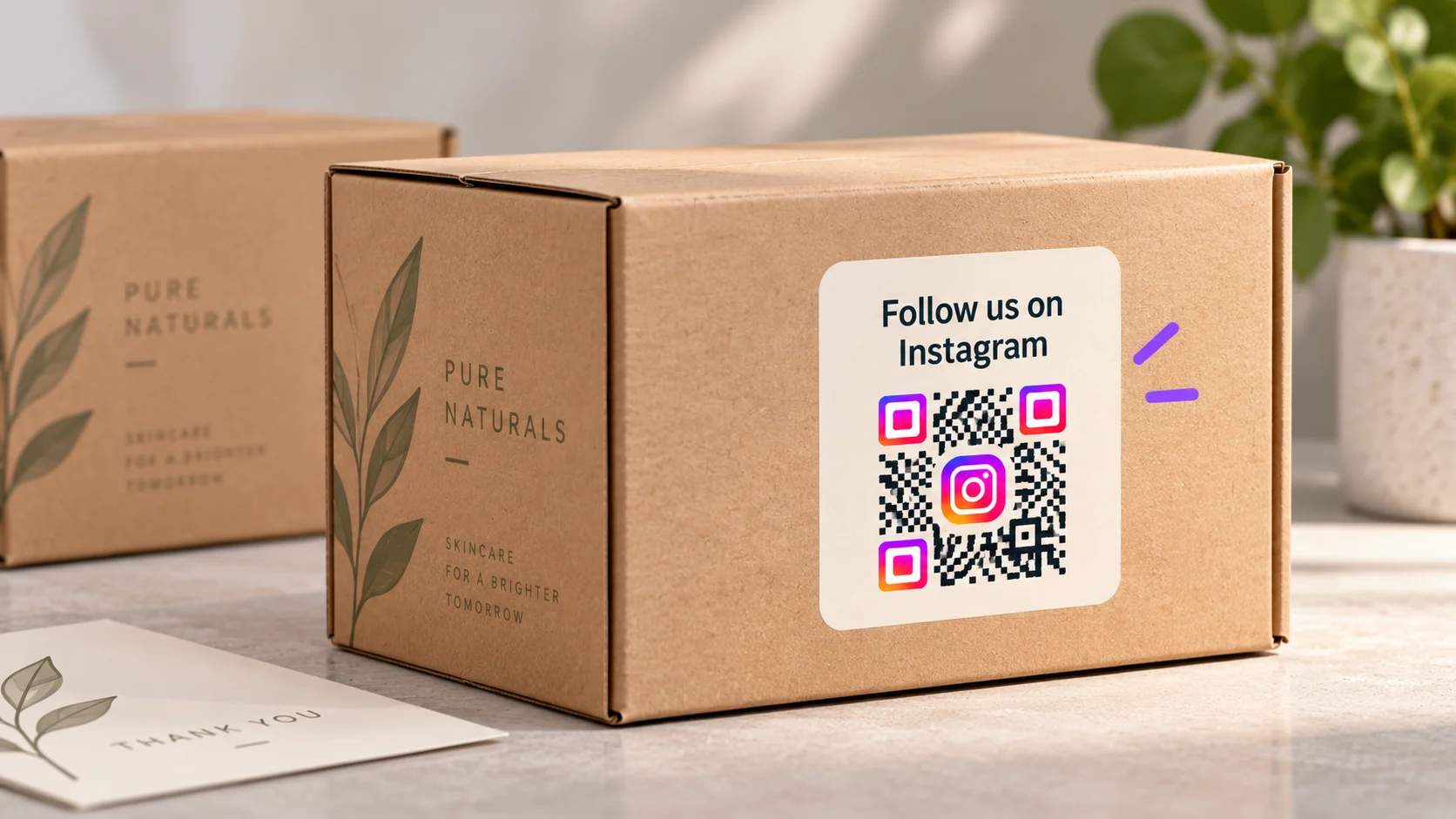
Product packaging
Print an Instagram QR Code on boxes, labels, or inserts so every purchase becomes a follow. A customer scans it while unboxing, when your brand is fresh in mind, and lands on your latest posts.
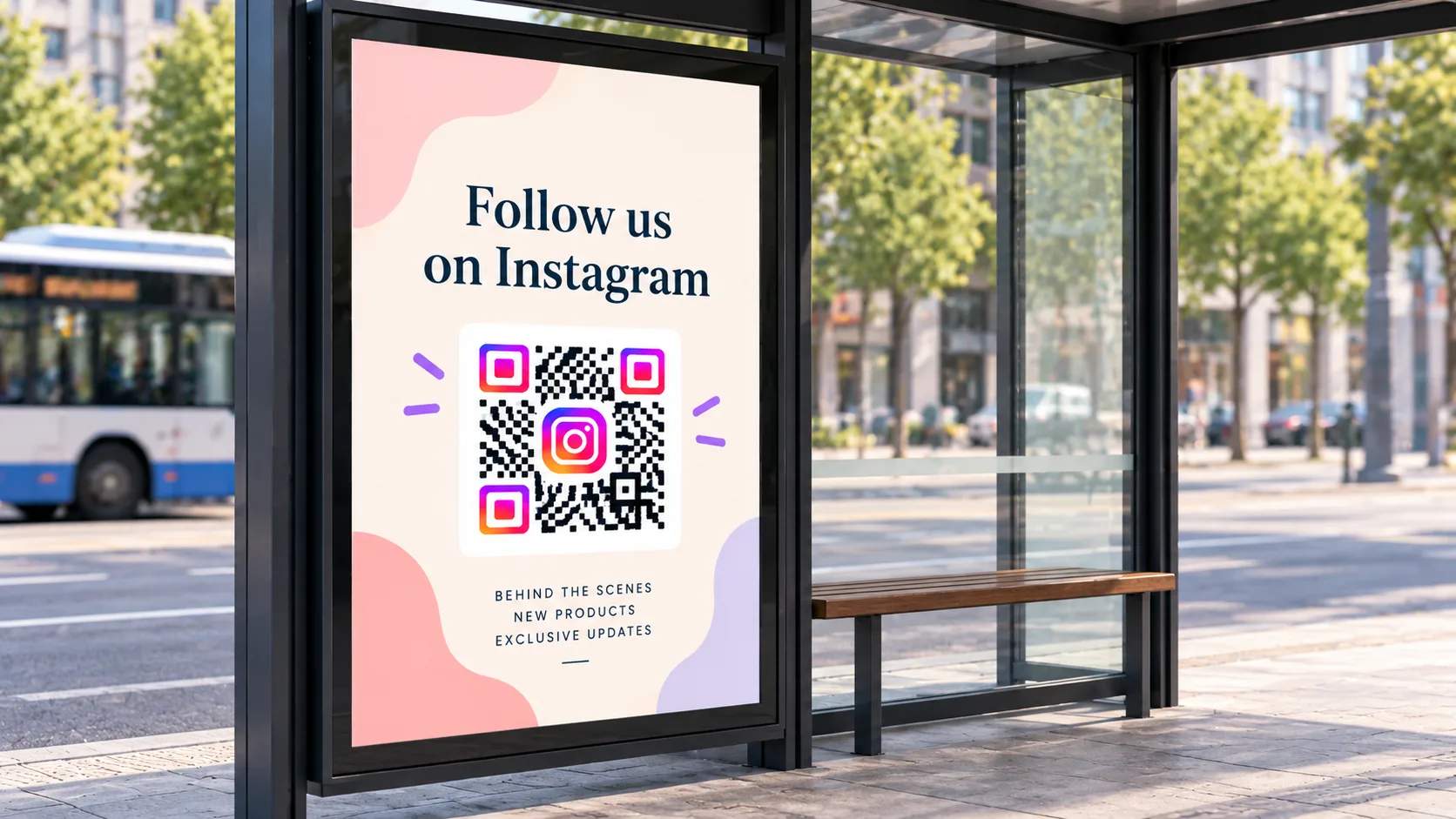
Posters and flyers
Add the QR Code to print campaigns so readers reach your profile in a single scan. It carries people straight from a wall or a handout to your feed, with no searching or typing.
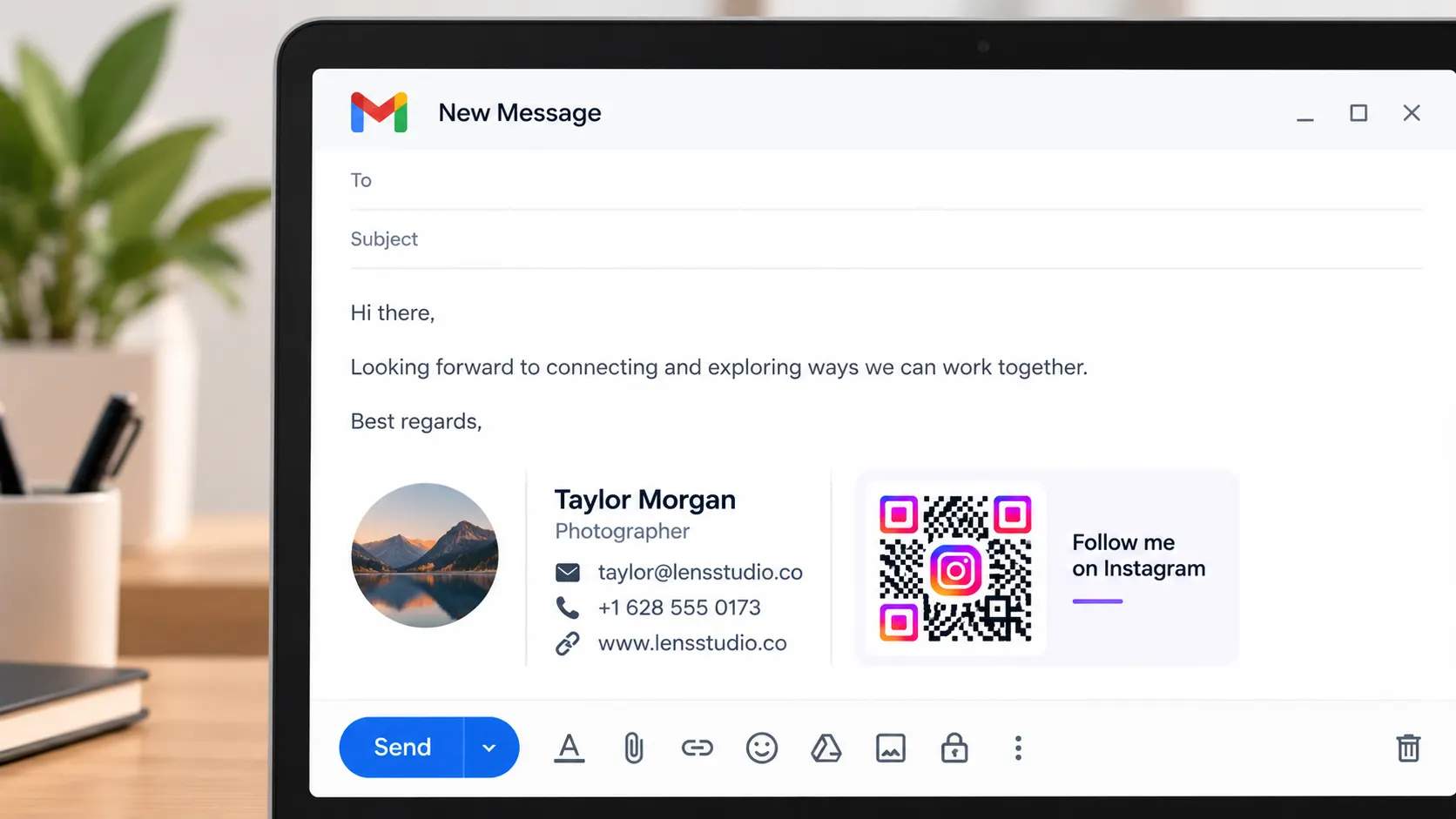
Email signatures
Drop an Instagram QR Code into your email signature so every message doubles as an invitation to follow. Recipients scan from their screen or a printout and connect without hunting for your handle.
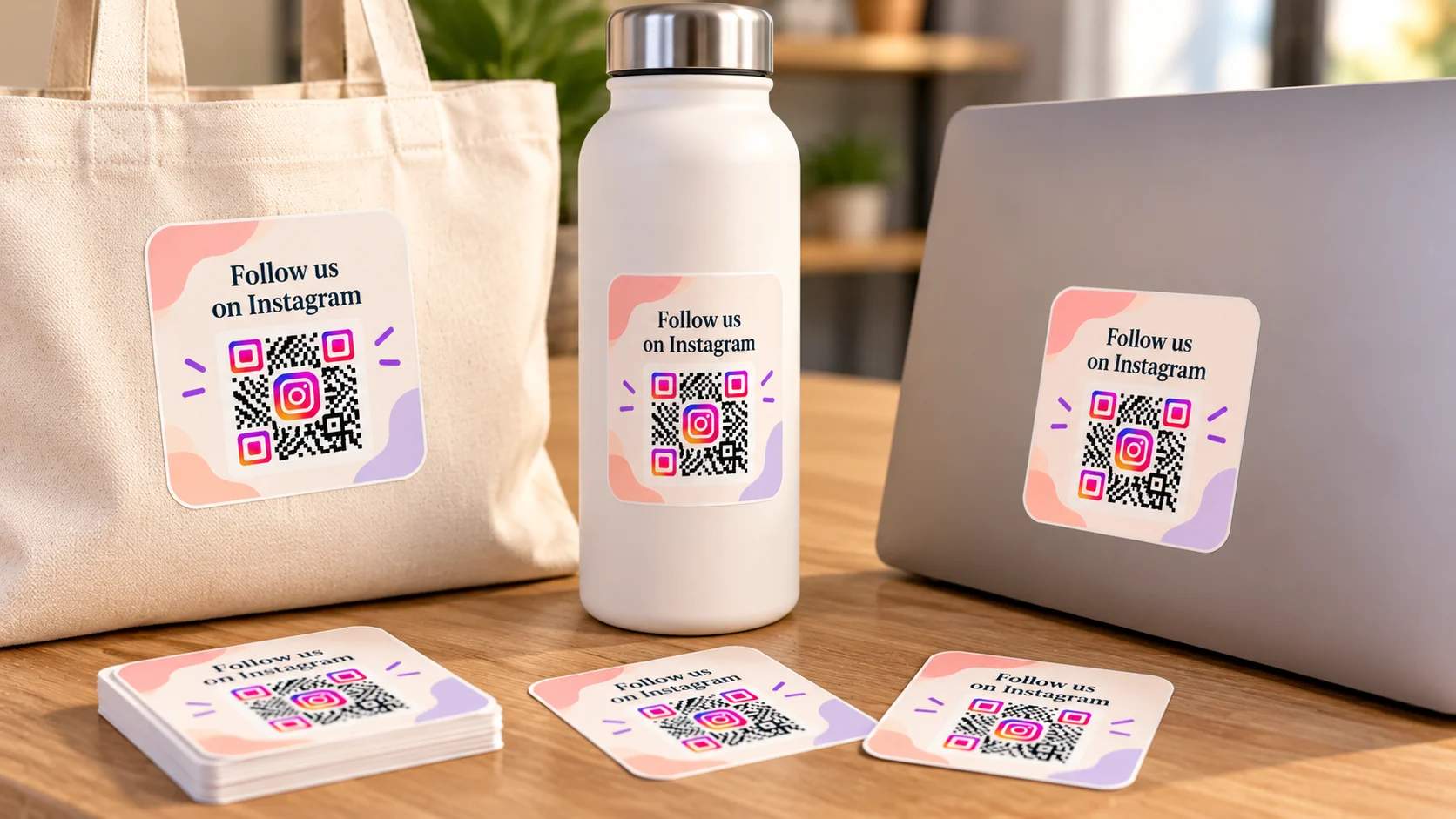
Stickers and merch
Put an Instagram QR Code on stickers, tote bags, or laptop decals so your community grows wherever your fans go. Each one becomes a small, scannable billboard that points back to your profile.
What are the best practices for Instagram QR Codes?

Check the contrast
Keep the QR Code’s dark modules on a light background so phone cameras read it cleanly. Low contrast between the code and its background is one of the most common reasons a scan fails, so avoid pairing similar tones or placing the code over a busy photo.

Size it for the distance
Print the Instagram QR Code at least 1 inch (2.5 cm) square for close-up scans on cards or packaging. Scale it up for posters and storefront windows, because the farther away someone stands, the larger the code needs to be to scan reliably.

Leave a quiet zone
Keep clear space around all four sides of the QR Code so nothing crowds it. This margin helps the scanner lock onto the code, so keep surrounding text, logos, and graphics at least one module width away from the edge.

Test on both platforms
Scan the finished QR Code with an iPhone and an Android phone before it goes to print. Testing on both confirms the link resolves to the right profile or post, and the design still reads, which saves you from reprinting a whole run later.

Add a clear prompt
Pair the QR Code with a short line that tells people what happens when they scan, such as “Follow us on Instagram” or “Scan to see our reels.” A clear prompt sets expectations and gives people a reason to pick up their phones.
Frequently asked questions
Ready to turn scans into Instagram followers?
Start with 2 free dynamic QR Codes that never expire, then upgrade to the Core Plan (powered by Uniqode) or the Plus Plan (powered by Uniqode) when you need more codes and deeper tracking.