
5 Best QRCode Monkey Alternatives for 2026

Harshajit
Last updated: August 5, 2026
10 min read
Key Takeaways
- The QR Code Generator (TQRCG) stands out as the best overall option, offering two free dynamic QR Codes that never expire, scan analytics, and 8+ code types at no cost.
- QRCode Monkey creates only static QR Codes, so you don’t get the ability to edit or change the destination of a printed QR Code or track how it performs.
- Each alternative fits a specific need: QRCodeChimp delivers the deepest design range, Canva and Adobe Express suit design-first workflows, and QRCG Pro serves teams that want API and bulk tools.
- TQRCG scales directly into Uniqode for higher volume, GPS-level analytics, integrations, and SOC 2, ISO 27001, and GDPR compliance as your business grows.
- Start free on TQRCG, run a real campaign, and let the scan data show you which tool fits before you pay for anything.
Everyone loves a free tool, and when it comes to QR Codes, that instinct makes sense too.
However, free and good aren't always the same thing. Sometimes you get exactly what you paid for, and then some (usually in the form of limitations you only discover after you've printed 5,000 flyers).
QRCode Monkey is one of the better-known free QR Code generators, and for many people, it does the job. But if you've landed here, something about it probably isn't working for you, whether that's the lack of scan tracking, no way to edit a code after it's live, or something else entirely.
The good news is that you have options, plenty of options.
This blog lists the best QRCode Monkey alternatives; not just a list of names, but a comparison of features and pricing, so you can decide which one actually fits how you work.
What is QRCode Monkey?
QRCode Monkey is a free static QR Code builder that requires no account or signup. You paste in a link (or other content), customize how the code looks, and download it. Its main strength is design: you can upload a logo, change colors, adjust the corner and dot shapes, and export in high-resolution PNG, SVG, PDF, and EPS.
Why look for an alternative to QRCode Monkey?
The catch with QRCode Monkey is that it only creates static QR Codes. A static QR Code encodes the destination permanently into the pattern itself, meaning you can't change where it points. It also doesn't provide scan analytics, such as scan counts, locations, or devices.
For more advanced features, QRCode Monkey directs you to its paid sibling, QR Code Generator (QRCG) Pro. The plans start at $5/month and include dynamic QR Codes, analytics, API, bulk creation, and higher limits as you move up the tiers.
While QRCG Pro is a capable platform, for many people, it isn't the obvious next step. If you only wanted a couple of editable, trackable codes, that may feel like a lot of overhead.
The 5 best QRCode Monkey alternatives
We compared five of the best QR Code Monkey alternatives on the features that matter most, dynamic codes, scan analytics, QR Code types, and pricing.
Here's how they stack up at a glance, followed by a closer look at what each one does best.
| Tool | Free Dynamic QR Codes | Scan analytics | QR Code types | Starting price | Best for |
|---|---|---|---|---|---|
| TQRCG | Yes (2, never expire) | Yes | 8+ (URL, PDF, vCard, multi-URL, more) | Free; Flex $5/mo | Free dynamic, trackable QR Codes overall |
| Canva | No | No | URL only | Free (SVG needs Pro) | Adding static codes inside a Canva design |
| Adobe Express | No | No | URL only | Free | QR Codes inside Adobe Creative Cloud |
| QRCG Pro | Not free | Yes | Multiple | From $5/mo | Staying in QR Code Monkey's ecosystem |
| QRCodeChimp | Yes (10) | Yes | Multiple | Free; paid plans | Widest design range and shapes |
1. The QR Code Generator (TQRCG)
The QR Code Generator (TQRCG) is a free QR Code generator for creating, customizing, and tracking QR Codes. Used by 4 million+ people across 60+ countries, it offers unlimited free static QR Codes and 2 free dynamic QR Codes that never expire. No credit card required.
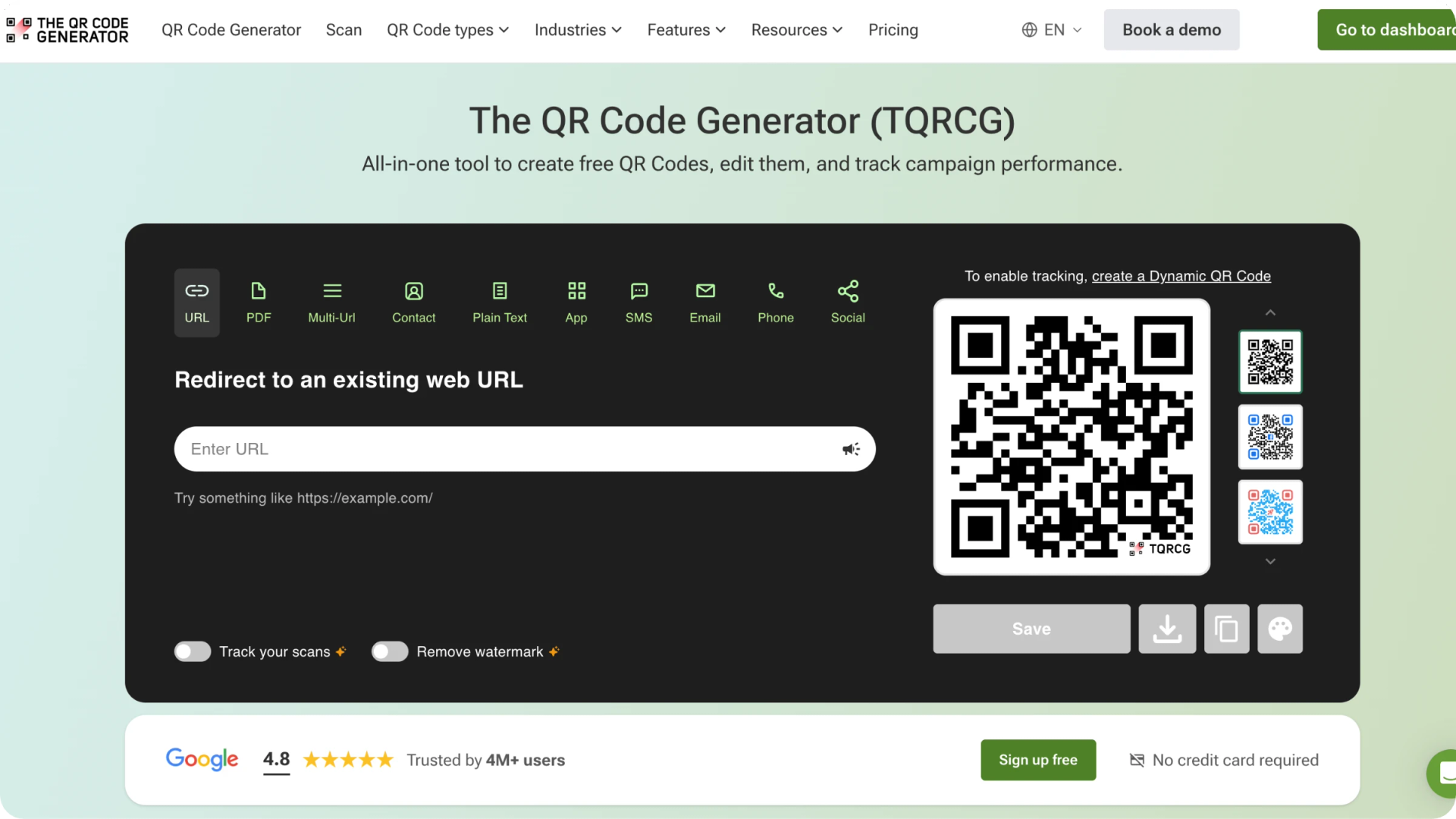
It keeps what QRCode Monkey users like, free static codes with no signup, and adds the two things Monkey can't do: editable destinations and scan tracking. So a typo or an updated link doesn't mean reprinting anything.
What TQRCG does best:
- 2 forever-free dynamic QR Codes with no scan cap, no watermark, and no expiration; unlimited static codes with no signup
- Scan analytics on the free plan: total scans, unique scans, device, location, and time of day
- 8+ QR Code types, including URL, PDF, vCard, multi-URL, email, SMS, plain text, and app download
- Logo, color, and frame customization on every code, including free ones
- Powered by Uniqode, TQRCG is SOC 2, ISO 27001, and GDPR compliant
- Flex plan ($5/month) adds ad-free, watermark-free dynamic QR Codes, 60 days of scan analytics, and CSV export
- Core ($49/month) and Plus ($99/month) plans (powered by Uniqode) scale up with higher volume, CRM integrations, GPS-level analytics, team collaboration, and enterprise-grade security
2. Canva
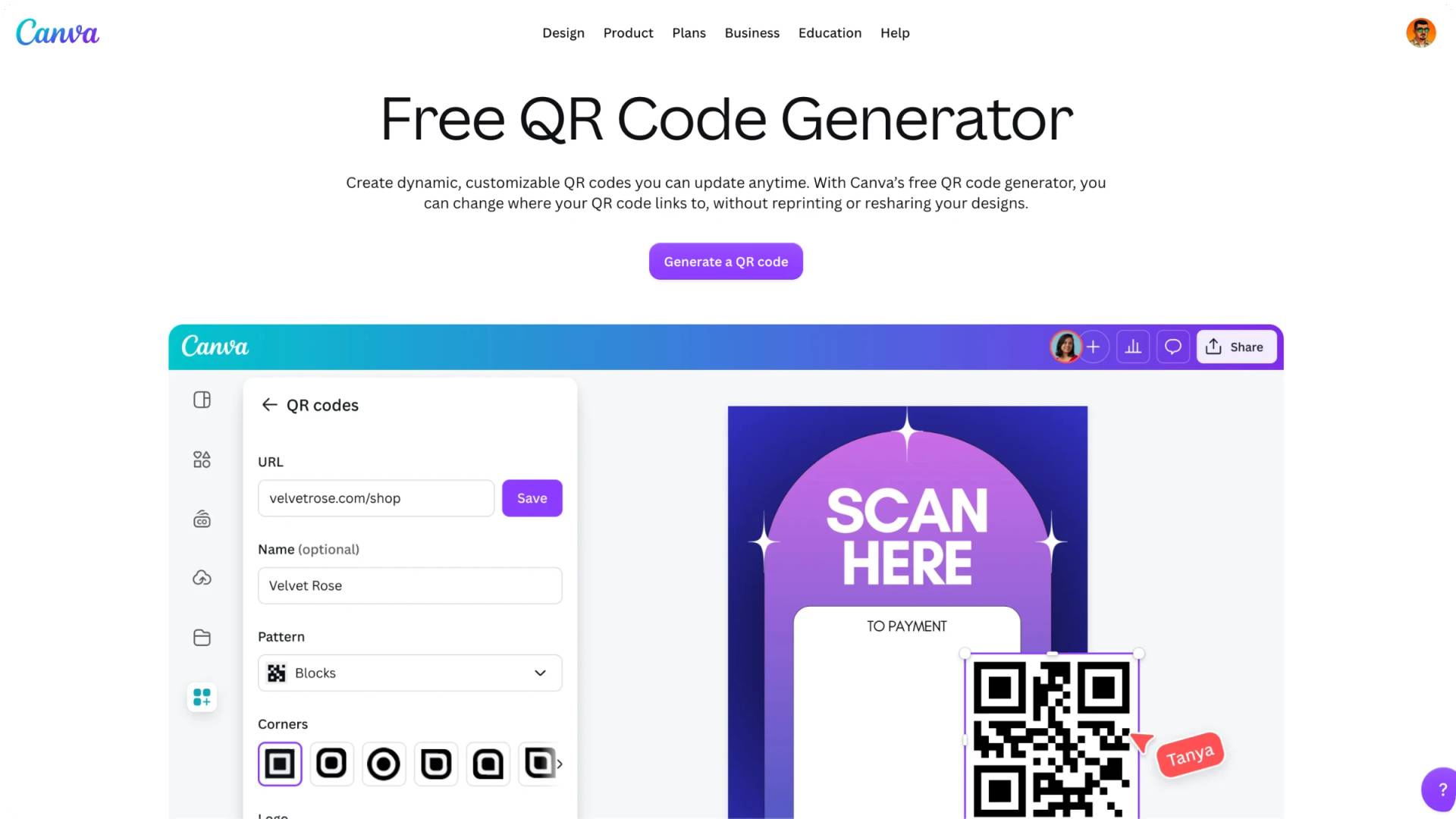
Canva QR Code is a convenient alternative to QRCode Monkey. It is a free, built-in feature in Canva that generates custom, scannable QR Codes within your designs without switching to a separate tool. It lets you link to websites, portfolios, or contact information directly within your design, with options to customize colors and margins.
What Canva does best:
- Add static QR Codes without leaving your design, no separate tool or import step
- Simple customization: background color, foreground color, and margin size
- Exports the finished design as JPG or PNG (SVG requires a Canva Pro subscription)
- Free to use with a Canva account
- Best for one-off designs where the link is permanent, and tracking isn't needed
Like QRCode Monkey, Canva creates static QR Codes, so both work best when your link is permanent, and you don't need tracking. The difference is that Monkey is a dedicated code builder, while Canva lets you add one without leaving your design. That's one less tool and one less export-and-import step.
Read more: Canva QR Code Alternatives
3. Adobe Express
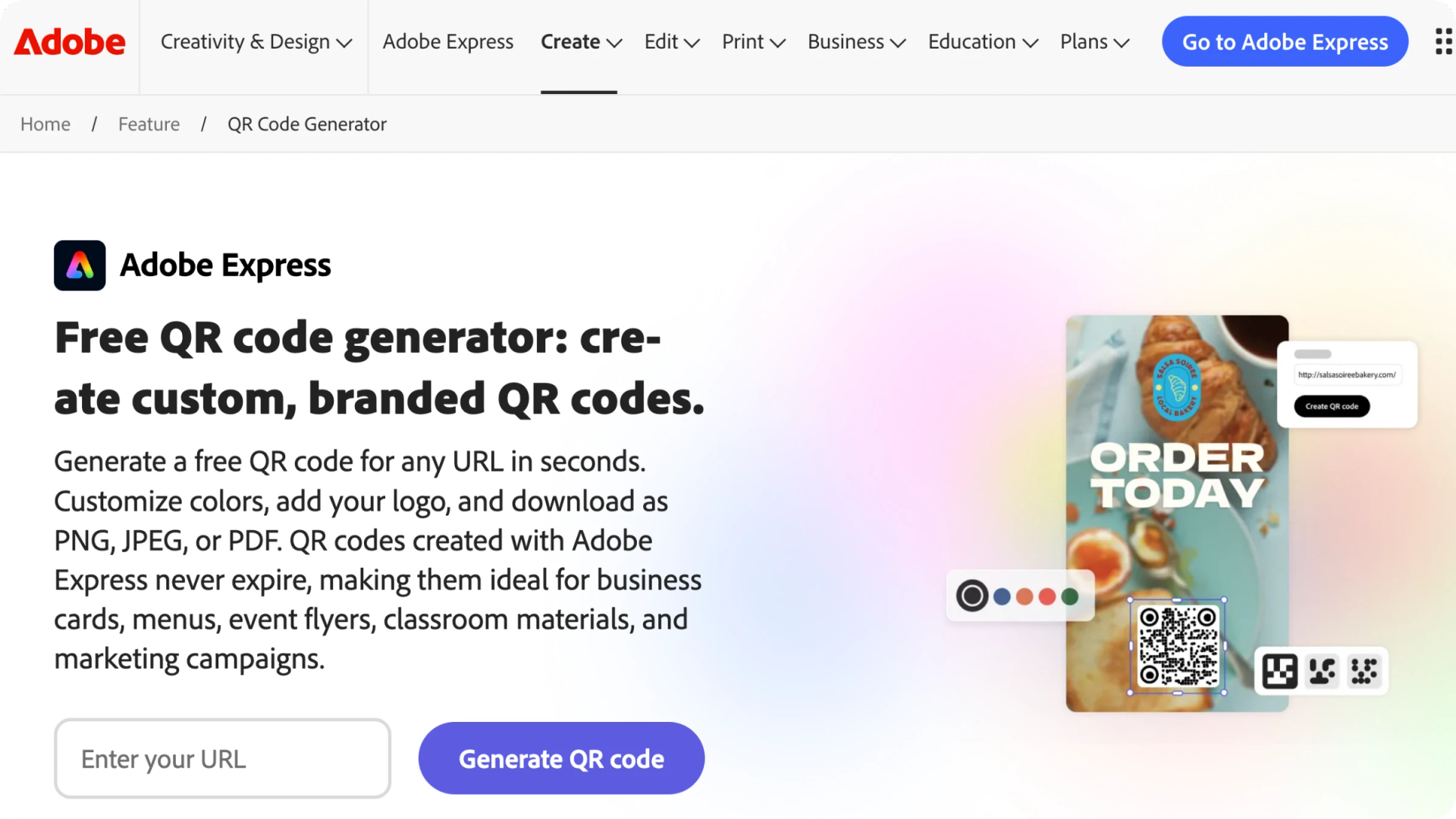
Adobe Express includes a static QR Code generator inside its design suite. Like Canva, its value as an alternative is that you don't switch tools; if you're already designing in Adobe Creative Cloud, you can drop a QR Code straight into your project. It supports URL-only codes with limited customization on the free tier, and you'll need an Adobe account to download.
What Adobe Express does best:
- Add QR Codes without leaving Adobe Creative Cloud, convenient for Adobe-first design teams
- Built directly into Adobe Express, no extra tool required
- Best for one-off designs where the link is permanent, and tracking isn't needed
Like QRCode Monkey, Adobe Express creates static QR Codes only, so it’s best when your link is permanent, and you don't need tracking. The difference: Monkey is a dedicated code builder, while Adobe Express keeps you inside the Adobe workflow you're already using.
4. QR Code Generator (QRCG) Pro
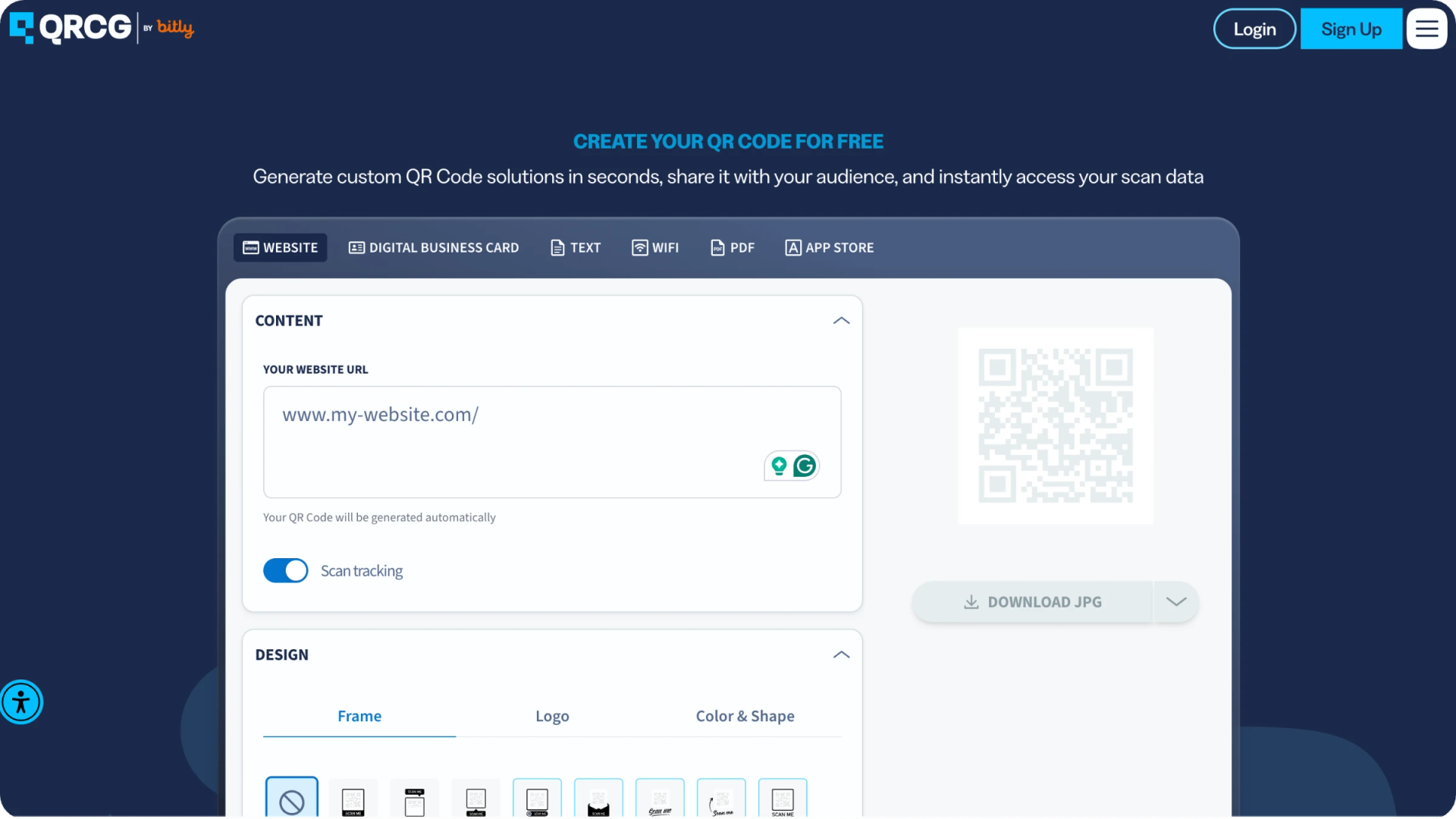
QRCG Pro is QRCode Monkey's paid sibling, and the tool QRCode Monkey itself points you to when you need more than static codes. It's a campaign-focused platform: you can create dynamic QR Codes, edit destinations after printing, organize codes by campaign, and track scans from a central dashboard.
This is the natural upgrade if you want to stay in the same ecosystem as QRCode Monkey.
What QRCG Pro does best:
- Dynamic QR Codes with editable destinations and scan analytics
- Campaign organization and a centralized dashboard
- Bulk creation, API access, and custom short URLs on higher tiers
- Familiar next step for existing QRCode Monkey users
- Plans: Starter ($5/month), Advanced ($12.50/month), and Professional ($37.50/month)
While we noted earlier that QRCG Pro may not be the obvious next step for everyone, it's still a capable, feature-rich platform. The trade-off is that dynamic features start low but scale in big jumps: the Starter plan includes just 2 dynamic QR Codes, so needing even one more pushes you to the $12.50 Advanced tier and its 50-code allowance, whether you use them or not.
5. QRCodeChimp
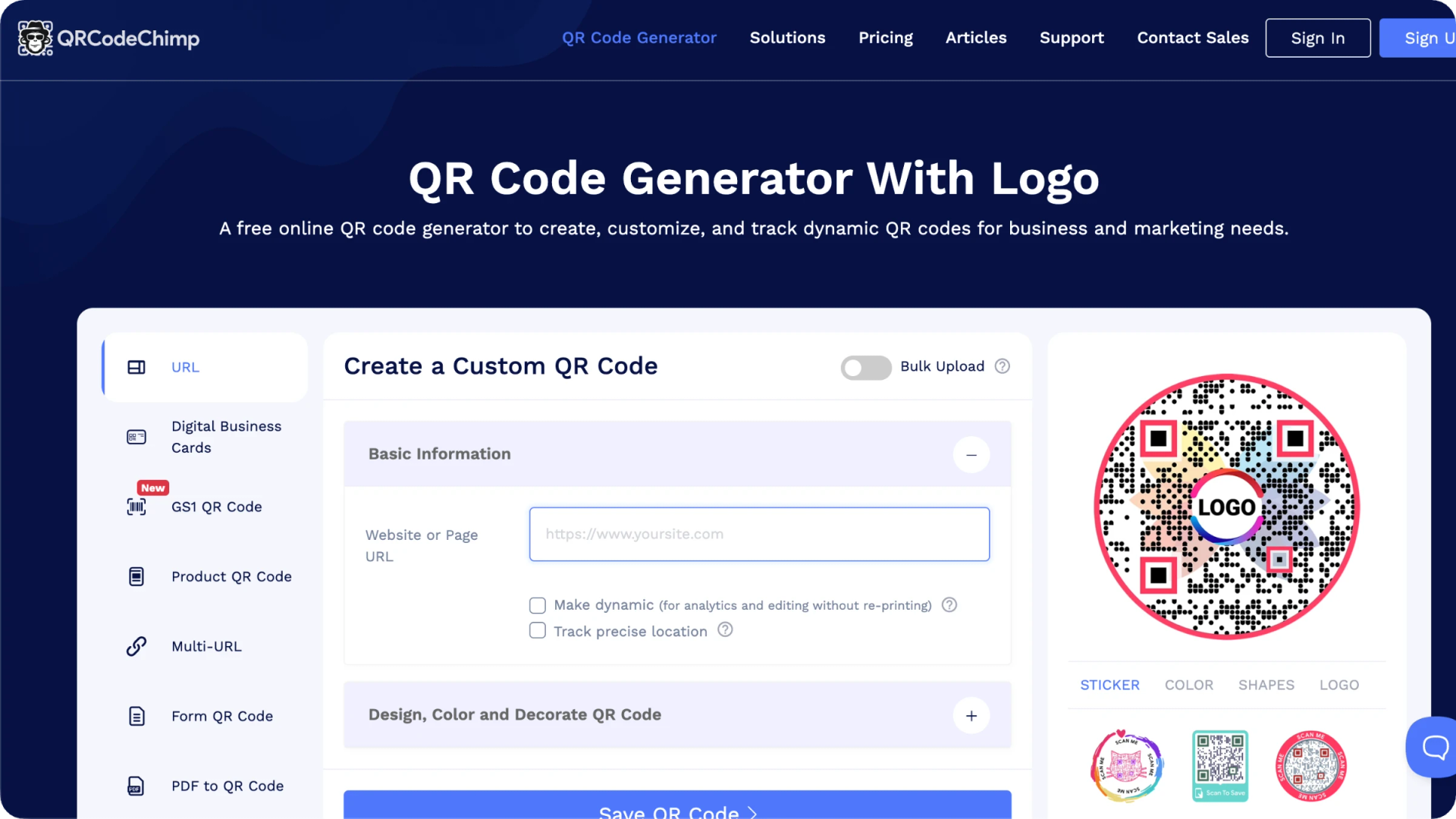
QRCodeChimp is a QR Code generator and management platform built around design and dynamic tracking. It offers dynamic QR Codes, scan analytics, bulk creation, and landing pages, along with highly customizable codes, shapes like circles, hearts, and animals, plus 3D effects, CTA stickers, logos, and colors. It even markets itself directly as a QRCode Monkey alternative.
What QRCodeChimp does best:
- Free plan with unlimited static QR Codes and up to 10 dynamic codes; no signup needed for static QR Codes
- Dynamic QR Codes with editable destinations and detailed analytics (location, time, device, OS, browser)
- The wide design range: custom shapes, 3D effects, CTA stickers, logos, and colors
- Bulk creation via Excel/CSV, folders, and Google Analytics integration
- Solutions beyond URLs: vCard Plus, digital business cards, forms, GS1, product, and multi-URL codes
- Paid plans add higher dynamic-code limits, white-labeling, SSO, and enterprise management features
What if you outgrow these tools?
Every tool above is a solid alternative to QRCode Monkey, and for most people, one of them will be enough. But requirements have a way of growing. As a business scales, running more campaigns, adding team members, tightening data and security requirements, the "good enough" tool can start to feel tight.
If you're already on TQRCG, the next step is short. Its Core and Plus plans are powered by Uniqode, so moving up isn't a migration to a new tool so much as unlocking more of the same platform. The pricing scales with you rather than jumping all at once, which makes it easier to grow into.
What Uniqode adds is depth: higher dynamic-code volumes with 90 to 180 days of scan analytics, GPS-level location data, Linkpage, custom domains, a QR Code API, and CRM and analytics integrations. On the security side, it's certified to SOC 2, ISO, GDPR, HIPAA, and SSO, which matters when you’re handling scan data at scale or reporting to a compliance team.
Furthermore, if you're weighing scalable platforms, tools such as Flowcode, QR Tiger, and Scanova also cater to higher-volume, feature-heavy use cases, each with its own strengths around design, analytics, and campaign management. It's worth comparing a few QR Code generators before you commit, since the right fit depends on how you plan to grow.
None of this is necessary to leave QRCode Monkey behind. But it's worth knowing the path is there, so whichever tool you start with, you're not boxed in later.
How to pick the right QRCode Monkey alternative
There's no single best alternative, only the best one for how you work. A solopreneur printing a few flyers has different needs than a marketing team running campaigns across dozens of locations. So start with a simpler question: what was missing in QRCode Monkey that brought you here?
1. Start with the gap you're trying to fill
If it was the lack of editable destinations or scan tracking, you need a tool with dynamic QR Codes and analytics, TQRCG, QRCodeChimp, or QRCG Pro. If it was more design range you wanted, QRCodeChimp offers the deepest customization here, while Canva and Adobe Express make the most sense if you're already designing in them. If you simply outgrew a free static tool and expect to keep growing, TQRCG (with its Uniqode upgrade path) is the most future-proof starting point.
2. Then weigh what those features actually cost
Dynamic QR Codes and analytics are free on TQRCG and QRCodeChimp. Canva and Adobe Express stay free, but never add dynamic QR Codes at all. Match the spend to what you'll genuinely use; paying for 50 dynamic QR Codes when you need three is not the right call.
3. Finally, factor in reliability
A QR Code is only as good as the platform behind it; if a tool disappears or a link breaks, so does every printed QR Code pointing to it. Look for uptime you can trust, responsive support, and, if you handle customer data, real security credentials (SOC 2, ISO 27001, GDPR).
| If you want... | Use |
|---|---|
| Free dynamic codes with analytics | TQRCG or QRCodeChimp |
| The widest design and shape options | QRCodeChimp |
| To stay inside your design workflow | Canva or Adobe Express |
| To stay in QRCode Monkey's ecosystem | QRCG Pro |
| Room to scale as you grow | TQRCG → Uniqode |
| Strong security and compliance | TQRCG or (→ Uniqode) |
Create a free account on TQRCG, build a real QR Code, put it on something you'd actually use, and watch the scans come in. A single live campaign will tell you more about fit than any feature table, and it costs you nothing to find out.
Frequently Asked Questions
1. What are the best QRCode Monkey alternatives?
The best QRCode Monkey alternative for most people is The QR Code Generator (TQRCG) because it adds two things that QRCode Monkey can’t: 2 free dynamic QR Codes that never expire and scan analytics, while keeping unlimited free static codes with no signup required. Other strong alternatives include QRCodeChimp for the widest range of design options, QRCG Pro for those staying within QRCode Monkey’s own ecosystem, and Canva or Adobe Express if you’d rather add codes in a design tool you already use.
2. Which QRCode Monkey alternatives are free?
TQRCG gives you unlimited static codes plus two dynamic codes that never expire, with scan analytics included. QRCodeChimp's free plan covers unlimited static codes and up to 10 dynamic ones. Canva and Adobe Express are free for static codes but never add dynamic functionality. QRCG Pro, by contrast, requires a paid plan (from $5/month) for dynamic codes.
3. Can I move my existing QR codes to a new tool?
Whether you can move existing QR codes depends on the type. Static QR Codes can't be moved, their destination is encoded permanently. Dynamic QR Codes are more flexible: since they point to a redirect, you can often recreate or redirect them on a new platform if you own the destination URL and the new tool supports custom short links or bulk imports.
4. What's the difference between QRCode Monkey and The QR Code Generator (TQRCG)?
QRCode Monkey creates static, one-way codes: once printed, the link is locked and untrackable. The QR Code Generator (TQRCG) adds dynamic QR Codes, two of them free forever, so you can change the destination after printing and see how each code performs. Both let you create static codes without an account, but only TQRCG offers editing, analytics, and 8+ code types like PDF, vCard, and multi-URL.
5. Is The QR Code Generator (TQRCG) a good QRCode Monkey alternative?
TQRCG covers exactly what QRCode Monkey leaves out. It gives you two dynamic QR Codes that never expire, so you can edit a code's destination after it's printed, plus scan analytics (total scans, unique scans, location, device, and time of day) on the free plan. It also supports 8+ code types like PDF, vCard, and multi-URL, and keeps QRCode Monkey's best trait: unlimited static codes with no signup required.