
How Airbnb and Homestay Hosts Can Get More Reviews

Harshajit
Last updated: November 20, 2026
7 min read
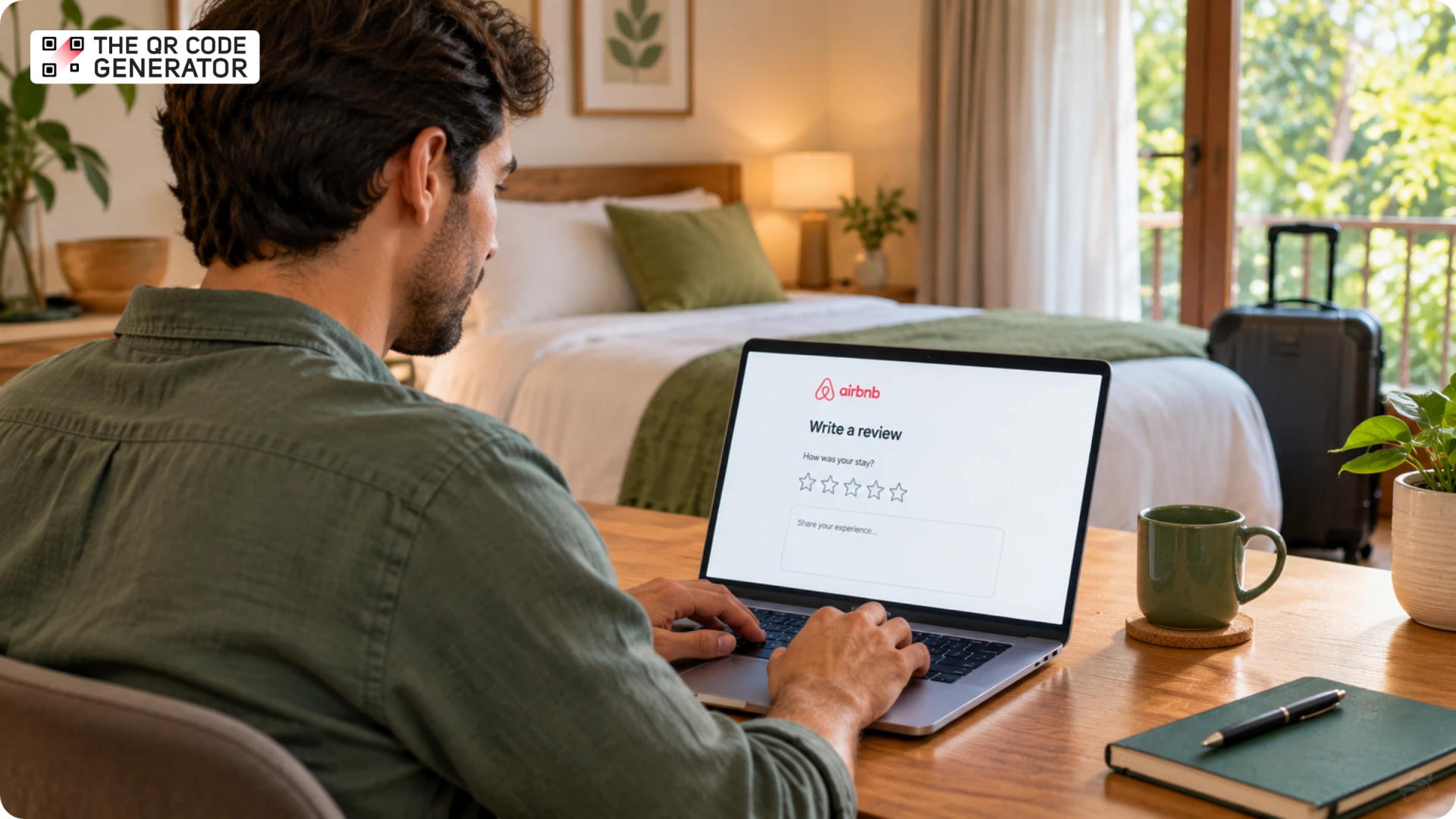
Airbnb and homestay listings win guests over with more than just photos and location. Before booking, people scroll to the reviews, and what they read there decides whether they trust a stranger enough to sleep in their space. For a host opening their own home as an Airbnb property or vacation rental, that trust runs even deeper, because the guest is judging the host as much as the place.
In fact, 75% of travelers are willing to pay more for a vacation rental with better reviews, according to Expedia. So, if you are a homestay or Airbnb host lying awake wondering how to earn more five-star reviews, this guide is for you. It covers how reviews actually work and the practical ways to earn more of them.
Why reviews matter for Airbnb and homestay hosts
Reviews feed into how a listing performs on the platform, which makes them one of the few levers a host controls that pays off on every future booking.
- A strong review profile pushes a listing higher in Airbnb search, where more guests see it, because the ranking rewards listings with more reviews and higher ratings.
- Superhost status depends on keeping a high rating across enough reviewed stays, and the badge brings a visibility boost along with a filter that serious guests use to narrow their options.
- When two similar places sit side by side, the one with more reviews and the better score wins the click, since guests sort and filter by rating before they open a single listing.
- A brand-new listing with no reviews is the hardest to fill, so the first handful of reviews matter most, turning an unproven space into one a guest is willing to risk.
- A listing with a deep, strong review record can hold a higher nightly rate and still stay booked, because the reviews justify the price to a cautious guest.
Not to mention, reports suggest that higher ratings bring in real money. Listings rated 4.9 and above earned about $42,935 over a year, while those rated around 4.7 earned roughly $33,669, a gap of about 22%, according to an AirRoi study of more than 18,000 Airbnb listings. In fact, dropping just 0.2 stars, from 4.9 to 4.7, costs the average host around $9,267 a year.
How to get more reviews from guests for your Airbnb
Six habits earn more reviews, and they start with the stay itself and run through how you follow up.
Deliver a stay worth reviewing
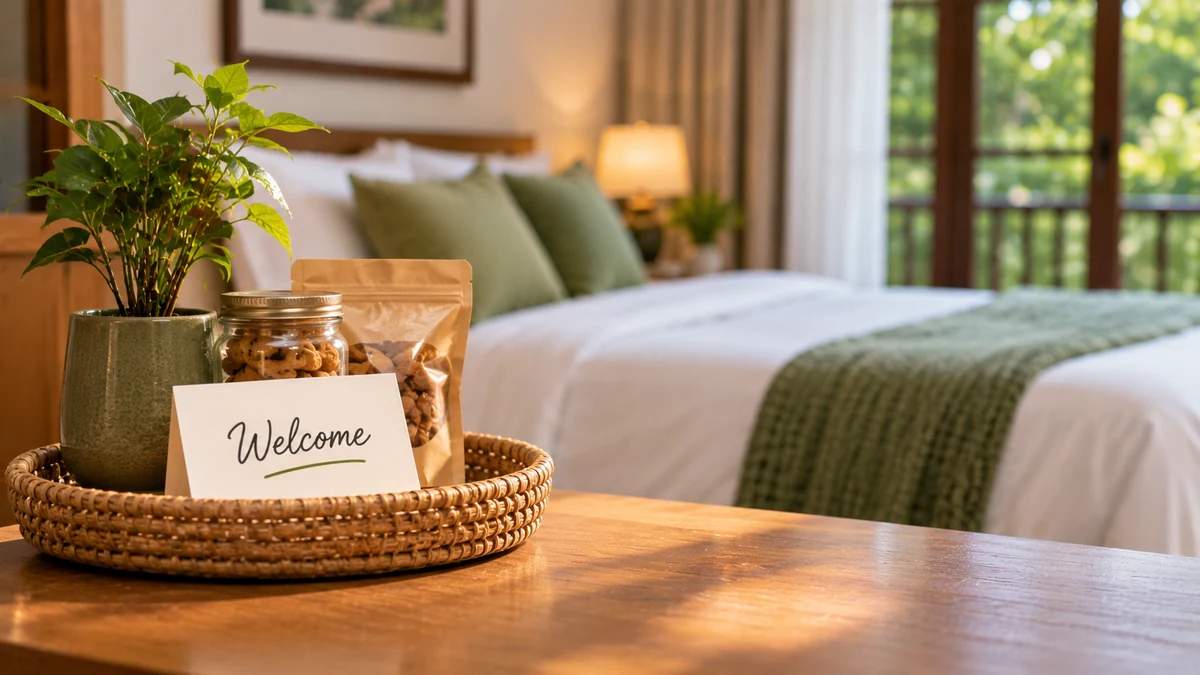
The surest way to earn good reviews is to give guests a stay they actually want to praise. A review tends to reflect the things that shape a rating: cleanliness, an accurate listing, an easy check-in, clear communication, and fair value. The gap to watch most is the one between your photos and the real place, because a stay that looks better online than in person disappoints a guest before they have unpacked.
As a former Airbnb host, the habit that influenced my reviews was giving guests a little more than they expected. A handwritten welcome note, a local snack, or a bottle of wine left on the counter (after first checking whether they drink) cost me very little and kept showing up in what guests wrote afterward.
I never tied the gesture to a review or asked for anything in return. Guests simply remembered being looked after, and that is what they wrote about when they sat down to leave a review.
Ask for the review at checkout
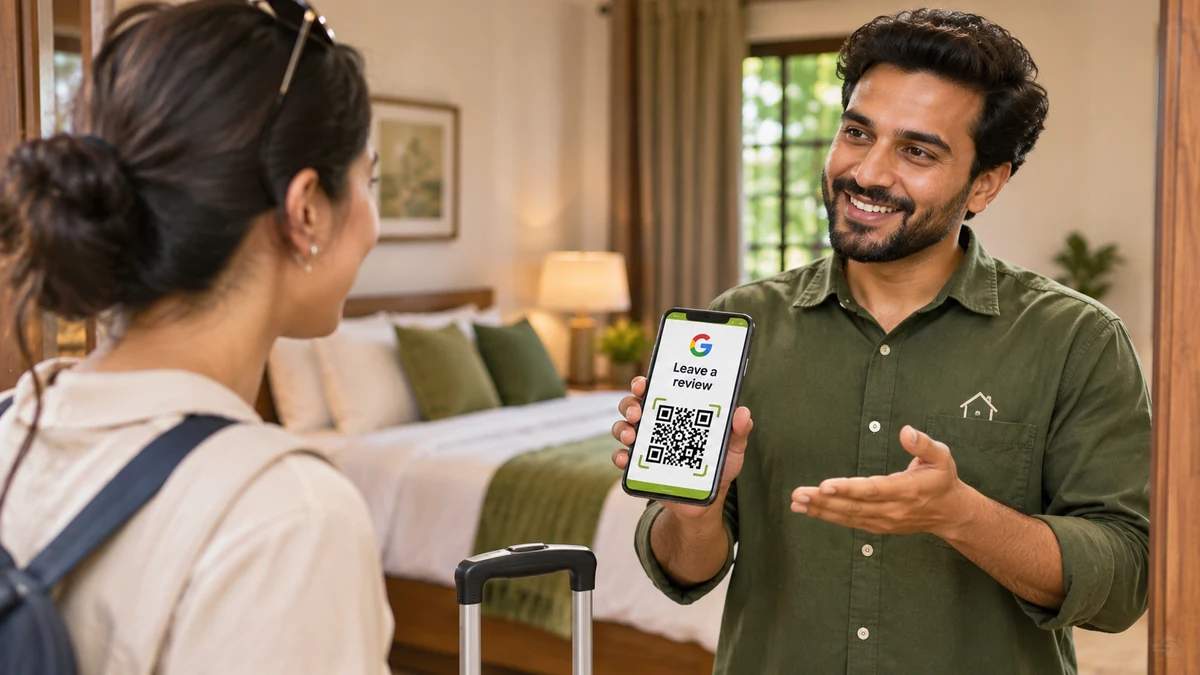
A friendly ask at checkout earns more reviews than hoping a guest remembers on their own. Be there when they leave, or have someone there, and mention that a review genuinely helps.
Yes, Airbnb will prompt the guest for its own review anyway, so your in-person moment is better spent on a channel you own: your Google Business Profile. Keep a QR Code linked to your Google Business Profile ready, and invite the guest to scan it and share an honest account of their stay.
Asking in person at checkout is one way to do it. Another is a short message or email a day or two later, inviting a review on both Airbnb and Google. Whichever you use, ask every guest the same way, and ask for an honest review rather than a specific rating, since steering only happy guests or asking for five stars breaks the rules on both platforms.
Review your guest first
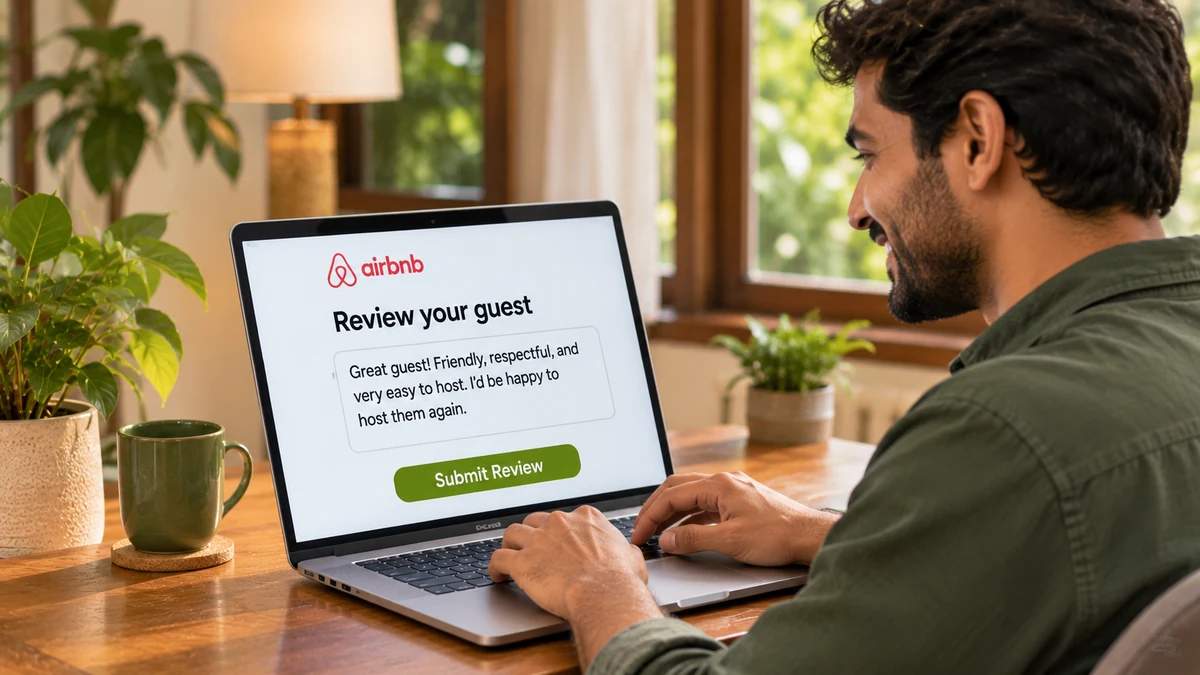
Writing your guest's review first often prompts them to return the favor. When a guest has been easy to host, leave them an honest, warm review soon after checkout, and feel free to go a little beyond the one-liner. Many guests see that you reviewed them and are nudged to write one back, and a thoughtful review of them makes that more likely.
Put a review QR Code where guests will see it
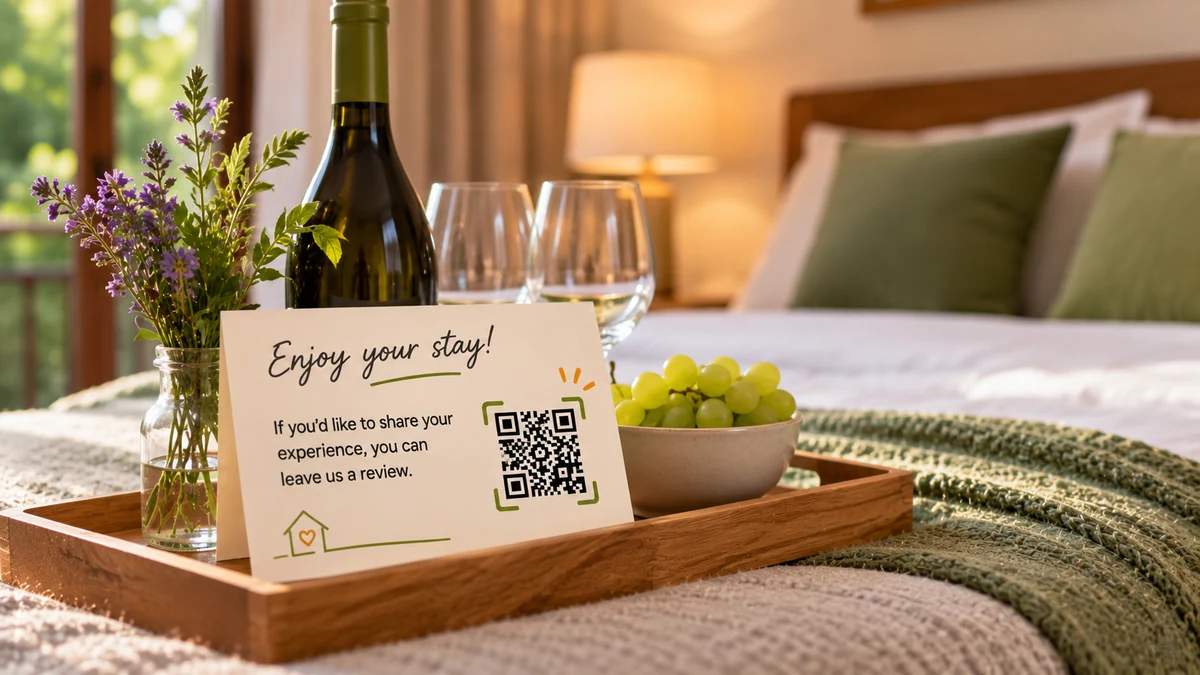
We already talked about keeping a QR Code ready at checkout, but you can take it a step further. You can also place a QR Code inside the stay itself, somewhere a guest is bound to notice it, so leaving a review is never more than a quick scan away while the experience is still fresh in their mind.
Another way is to make the QR Code part of a small, personal touch. You can leave a little card next to a bottle of wine with a short handwritten note and a QR Code they can scan to share an honest review if they feel like it. It never comes across as pushy, and guests are likely to follow through because the ask arrives as part of the hospitality and feels natural to say yes to.
Respond to every review well
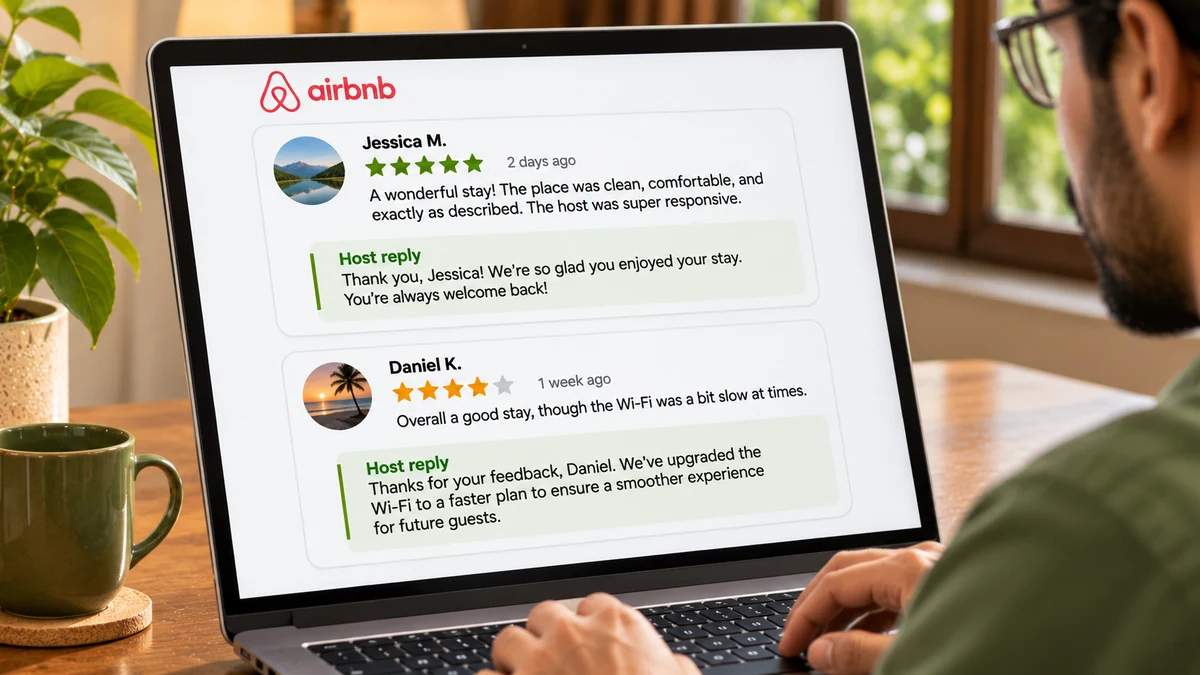
Replying to reviews shows future guests that a real, attentive host stands behind the listing. Briefly thank guests for a kind review, and calmly answer a critical one with what you have since fixed, because prospective guests read how you handle a complaint as closely as the complaint itself. A listing where the host clearly reads and responds feels safer to book, and guests are more willing to add their own review when they can see each one is noticed.
Be a good host

A great property is only half the equation, because guests also review the host. Warmth, quick replies, and small kindnesses shape a review as much as the furniture does. This matters even more for a homestay, where the guest shares space with you. So treat every guest as a person first, and the way you host them becomes what they write about.
When you can, greet guests in person when they arrive, and say goodbye at checkout. A friendly face at both ends of the stay is the kind of thing guests remember and mention.
Also, not everyone wants such a personalized interaction. Some like their privacy and would rather let themselves in. For them, offer contactless self check-in, and ask at booking which they prefer. Hosting each guest the way they want is good hospitality too.
Put a QR Code to work for free
In the methods above, a QR Code made leaving a review as quick as a single scan, whether on the checkout card, inside the stay, or linked to your Google Business Profile. The honest question for most hosts is whether it is worth paying for before they have seen it work.
Finding out costs nothing, because QR Code generators like The QR Code Generator (TQRCG) let you create dynamic QR Codes for free and track how often each one is scanned. TQRCG's free plan includes unlimited static QR Codes and 2 dynamic QR Codes that never expire.
That lets you put a QR Code to work and judge the results yourself, with no commitment and nothing to pay. For a single property, two dynamic QR Codes usually cover the job, one pointing to your Google review page and one to a feedback form. If the free plan turns out to be enough, you are set, and if you add more listings and need more dynamic QR Codes, you can move up to the Core or Plus plans (powered by Uniqode).
Frequently Asked Questions
How long does a guest have to leave an Airbnb review?
Guests have 14 days after checkout to leave a review, and Airbnb reveals the host's and the guest's reviews together once both are submitted or the 14-day window closes.
Can I offer a guest a discount or gift in exchange for a review?
No. Airbnb prohibits incentivizing reviews, and asking only your happy guests or requesting a specific star rating crosses the line too, so invite every guest to leave an honest review and keep any gift separate from the ask.
How should a host respond to a bad Airbnb review?
Reply calmly and briefly, acknowledge what went wrong, and note what you have since fixed, because future guests judge a host by how they handle criticism more than by the complaint itself.
Can I create a QR Code for Google reviews?
Yes. You can generate a QR Code that links to your Google Business Profile review page, so a guest scans it and reaches the review form in one step, which works well for direct guests and on-property cards.
Is a review QR Code free to make?
Yes. Tools like TQRCG let you create a review QR Code for free, with unlimited static QR Codes and 2 dynamic QR Codes that never expire on the free plan, and the Core and Plus plans (powered by Uniqode) for more dynamic QR Codes.