
eSIM QR Code: What It Is and How to Activate It

Kritika
Last updated: December 12, 2025
10 min read
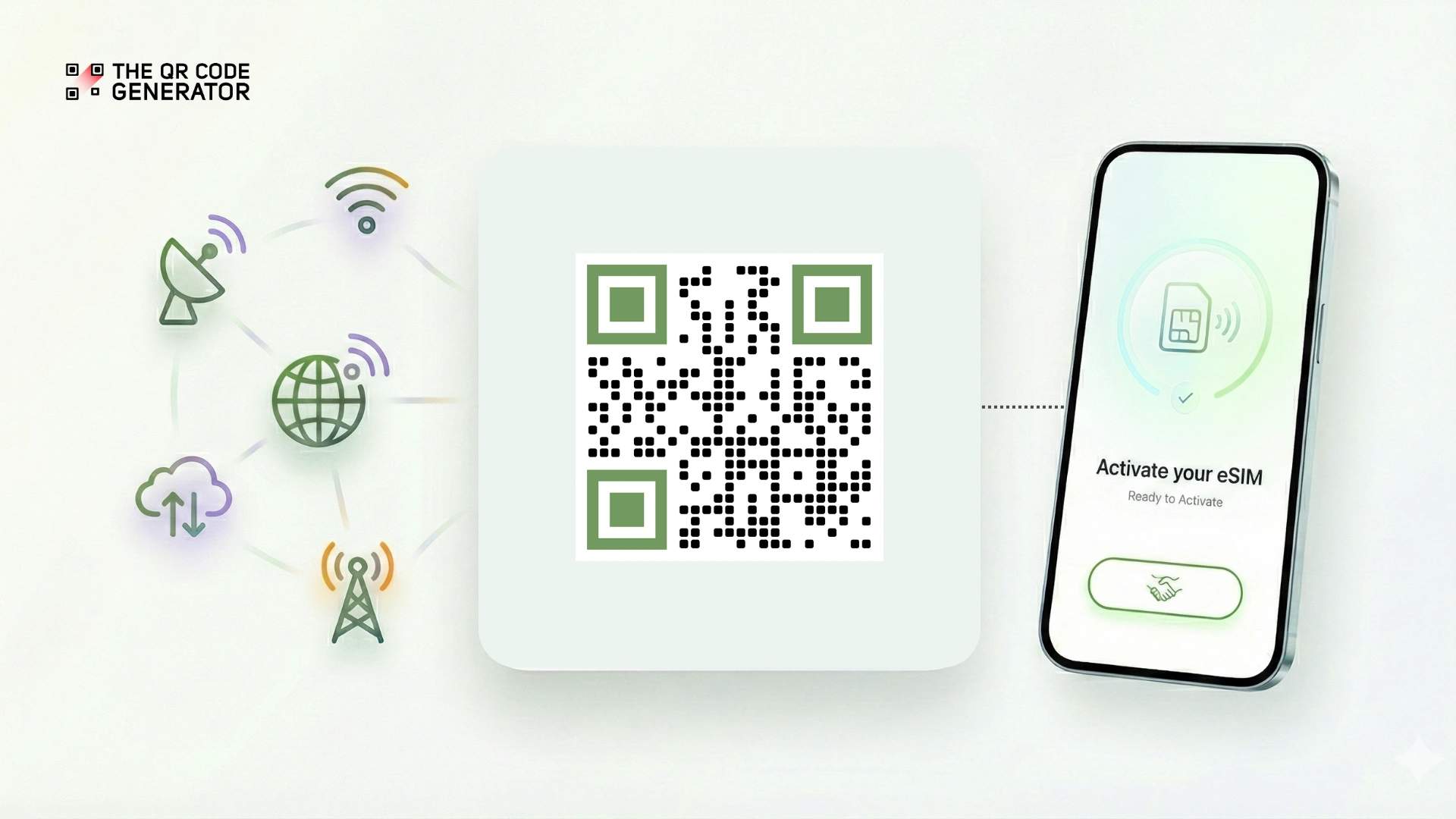
Since Apple introduced eSIM-only mobile phones in the US in 2022, the use of eSIMs has been on the rise. In fact, the number of devices supporting eSIMs has increased by 45%. However, only 40% of consumers feel confident in activating an eSIM. Although every carrier uses eSIM QR Codes, the onboarding process varies for each one. This causes confusion and hinders adoption.
In this article, we explain where you can find your eSIM QR Code and how to activate it for major US carriers and device types. But first, let’s understand how an eSIM QR Code works.
What is an eSIM QR Code and how does it work?
An eSIM QR Code is a secure and digital key used to access and instantly install your digital SIM card profile. It enables connectivity without the hassle of going to physical stores. Typically, your network carrier will share it over email, or you can find it on their app.
The eSIM technology works because of remote SIM provisioning, which is a standardized process governed by Global System for Mobile Communications Association (GSMA) specifications. Instead of shipping physical SIM cards to customers, your carriers use a system called Subscription Manager Data Preparation Plus (SM-DP+).
When you scan an eSIM QR Code, your device sends its Embedded Universal Integrated Circuit Card Identifier (EID), which is a unique identifier to verify its legitimacy. The SM-DP+ server then authenticates your request. After this, it creates your personalized eSIM profile and downloads it securely to your device in just a few minutes.
In simpler terms, scanning the QR Code connects your phone to your carrier’s system, which checks your identity and instantly installs your virtual SIM without needing any manual setup.
Why do mobile carriers use QR Codes for eSIM activation?
Previously, users had to enter the details shared by the provider manually. This process took longer and was also error-prone; however, QR Codes optimized it significantly. eSIM QR Codes store the SM-DP+ address, your SIM activation code, and additional encryption to ensure the process is secure.Network carriers also prefer QR Codes for their universal compatibility with all devices, speed, and accessibility. There are many more benefits of using QR Codes for eSIM. Let’s take a look at them.
- Faster activation without physical SIM handling
Generally, with physical SIM cards, you need to either visit a retail location or wait for days for mail delivery. With an eSIM QR Code, activation happens instantly with just a scan, and your plan is set up remotely in minutes.
- Fewer errors and support tickets
The QR Code already includes all the setup information, and there’s no need to type in the long 32‑digit EID. This is especially useful when you are activating multiple devices. It leads to organizations having smoother onboarding with minimal IT troubleshooting.
- Secure and encrypted
Every eSIM QR Code is unique and can be used only once. Strong encryption (AES-256 and RSA-2048) ensures that your activation code remains private during setup. Each eSIM profile is locked to your device, so no one can copy or reuse it elsewhere.
- Better for travel and roaming
Travel eSIM providers share instant QR Codes directly on their mobile apps or via email. During international travel, it lets you access local networks without searching for local retailers or waiting for SIM shipments. Additionally, it lets you maintain your primary home number while temporarily using a local eSIM for data and local calls.
- Scalable for enterprise deployment
eSIM QR Codes can be generated and distributed digitally to employees in bulk, eliminating the need for physical touchpoints. Combining this with mobile device management platforms such as Microsoft Intune or VMware Workspace One, enterprises can automate profile activation, monitor usage, and switch carriers remotely, all without involving device users.
eSIM QR Codes are extremely reliable and convenient. However, every carrier shares it with you in a different way.
How to get an eSIM QR Code
Getting your eSIM QR Code is simple, but the exact steps can vary depending on whether you’re using a major mobile carrier or a travel eSIM provider.
In most cases, the code is delivered digitally. Before we get into carrier-specific instructions, here is where carriers generally share the eSIM QR Code digitally for easy activation:
- Account dashboard: Log in to your carrier’s website or app, typically found under the device management or settings sections.
- Order confirmation email: Check your inbox (and spam folder) for activation instructions sent immediately after purchasing a new plan or device.
- Activation link: Some carriers embed QR Codes in clickable activation links rather than static images.
- PDF Attachment: Carriers may also email a downloadable PDF containing your QR Code and PIN.
After you have found the eSIM QR Code for activation, the steps ahead depend on the carrier. Here’s what you can expect from the most prominent networks:
How the most popular carriers in the US provide eSIM QR Code
- AT&T: If you set up your plan in an AT&T store, a representative will print or display your eSIM QR Code on the spot. If you purchased your plan elsewhere, you’ll need to sign in to your account and download the eSIM before activating.
- Verizon: Verizon offers a universal eSIM QR Code through the My Verizon app. Go to Account → Manage Devices, select your device, and tap Generate eSIM or Activate eSIM.
Note: Some Verizon devices don’t require a QR Code and can be activated directly inside the app.
- T-Mobile: T-Mobile often uses automated activation links instead of QR Codes. However, you can still generate one manually by logging into your account and selecting Activate eSIM. A QR Code will be generated or emailed to you.
With major carriers covered, let’s move to travel eSIM providers, which follow a much more streamlined, instant-delivery process.
How to get an eSIM QR Code from travel eSIM providers
Travel eSIM providers deliver QR Codes almost instantly after you buy a plan, usually through their app or email. Here’s how it works with the most popular ones:
- Airalo: Download the Airalo app, purchase a regional or global plan, and your QR Code appears instantly in-app. You can save the image and scan the QR Code screenshot anytime you want.
- Holafly: Purchase a plan on holafly.com or in their app. Your QR Code arrives via email immediately, typically within seconds.
- Nomad: After purchase, Nomad emails your QR Code and activation instructions. The code is unique to your device, so if you lose the email with the QR Code, you can find it under the Manage section of the Nomad app.
Along with provider differences, the actual activation process also varies depending on your device. The next section breaks down how to scan or enter your eSIM QR Code based on your device type.
How to activate an eSIM using a QR Code based on your device
Whether you’re using an iPhone, Android, or another device, the exact place to find or scan your eSIM QR Code can vary slightly. Here’s how different devices typically handle eSIM setup.
- iPhone (iOS)
Scanning an eSIM QR Code on iPhone is straightforward:
- Go to Settings → Cellular (or Mobile Service on some iOS versions)
- Tap Add eSIM or Add Cellular Plan
- Select Use QR Code
- Point your phone’s camera at the QR Code
- Tap the notification that appears when the code is detected
- Follow the on-screen prompts to download and install the profile
If you can’t see the QR Code on another device, iOS 17.4 and later offer a convenient workaround. Open the email containing your QR Code and save the image. Tap and hold the image to select Add eSIM from the menu.
If you’re switching phones and need to transfer your eSIM, Apple offers eSIM Transfer. During the iPhone setup, choose Transfer from another iPhone, and your eSIM can move directly without needing the original QR Code.
2. Android
- Samsung Galaxy
- Go to Settings → Connections → SIM Manager
- Tap Add eSIM or Add Mobile Plan
- Select Scan QR Code
- Allow camera access and scan your QR Code
- Your eSIM automatically downloads and activates
If scanning fails, Samsung Galaxy S22 and newer devices allow you to take a screenshot of your QR Code and select it from the photo gallery instead.
- Google Pixel
- Go to Settings → Network & Internet → SIMs
- Tap Add SIM
- Choose Set up an eSIM
- Select Scan from QR Code (or Scan from photo if using a screenshot)
- Point your camera at the QR Code
- Tap Set up and follow installation prompts
If your Pixel struggles to focus on the QR Code, maximize your device’s screen brightness and zoom in to fill the frame.
3. Tablets and wearables
For iPad and Android tablets, the process remains the same as their mobile phone counterparts. Wearables, such as smartwatches, typically require eSIM setup through their companion mobile phone app, rather than scanning directly. eSIM carriers also provide a separate plan for wearable devices.
Now that you know how an eSIM QR Code can be activated, let’s look at some common issues that come up during installation and how you can solve them.
Simple fixes for when your eSIM QR Code won’t scan
Although eSIM setup is usually quick and seamless, you may occasionally run into activation or connectivity issues. Here are some common problems and simple ways to fix them.
- eSIM QR Code won’t scan
If your phone won’t register the QR Code, start by cleaning your camera lens and increasing the brightness of the screen displaying the QR Code. Hold your device steady and ensure the QR Code fills the entire camera frame. If you’re scanning from another phone or laptop, set that screen to maximum brightness and reduce glare. Avoid scanning in direct sunlight or against reflective surfaces, as the QR Code may be washed out.
- eSIM QR Code throws up “Invalid” or “Already Installed” message
If you see an “invalid” or “already installed” message, the most likely cause is that the QR Code has already been used on the same device or has expired. Some eSIM QR Codes are strictly single-use, so once they are scanned, they cannot be reused or transferred between devices.
To fix this, request a fresh QR Code from your carrier. Before retrying, double-check that your device supports eSIM activation.
Best practice: Activate the eSIM immediately after receiving the QR Code to avoid expiry issues and avoid sharing or forwarding your QR Code to others.
- eSIM activation is taking longer than 15 minutes
If activation is stuck, you can restart your device to refresh network registration. Try switching to a stronger Wi-Fi network or using mobile data if available. Additionally, ensure your carrier account is active and all dues are cleared, as pending payments can delay provisioning.
Sometimes carriers take longer to process eSIM activations. You may need to wait up to 24 hours for the backend processing to complete. However, if your physical SIM card is not functioning during this process, please contact your carrier immediately.
Enable seamless activation with eSIM QR Codes
eSIM QR Codes have made mobile connectivity faster, safer, and dramatically more convenient. However, the activation experience still varies widely between carriers and devices.
Understanding where to find your QR Code, how to scan it, and how to troubleshoot common issues can save you time and prevent activation failures. Whether you’re switching carriers, setting up a new device, or preparing for international travel, this guide gives you the clarity and confidence you need to activate your eSIM smoothly.
As adoption of eSIM continues to rise, understanding how eSIM QR Codes work will help you make the most of this secure and flexible connectivity technology.
Frequently Asked Questions
Can I reuse an eSIM QR Code on another device?
No. Most eSIM QR Codes are single-use and tied to your device’s EID. Once scanned, they cannot be reused or transferred. If you need to switch devices, request a new eSIM or use “eSIM Transfer” (supported on iPhones and selected Android models).
Does my device support eSIM QR Code activation?
You can check this under your device settings.1. On iPhone, look for Settings → Cellular → Add eSIM.2. On Android, check SIM Manager or Network & Internet → SIMs.You can also search your device model on your carrier’s eSIM support page. If the option to add or scan an eSIM appears, your device supports QR Code-based activation.
Do eSIM QR Codes expire?
Yes, some eSIM QR Codes do expire depending on the carrier. Many codes are single-use, meaning once they are scanned and the profile is downloaded, they cannot be reused.
What should I do if my eSIM QR Code email is missing?
If your eSIM QR Code email is missing, start by checking your spam, promotions, and archived folders. Travel eSIM providers always store your QR Code inside your account. If you still cannot find it, contact your carrier and ask them to resend or regenerate the QR Code.
Can I activate an eSIM while traveling internationally?
Yes, you can activate an eSIM while traveling internationally as long as your device has Wi-Fi access. Travel eSIM providers, such as Airalo, Holafly, and Nomad, are specifically designed for this purpose and allow for instant activation wherever you are. Carrier eSIMs can also be activated abroad, but you may need access to your carrier’s app or account dashboard.