Create Travel QR Codes That Make Journeys Effortless
Travel QR Codes simplify journeys by giving travelers instant access to itineraries, boarding passes, destination guides, and support from a single scan.
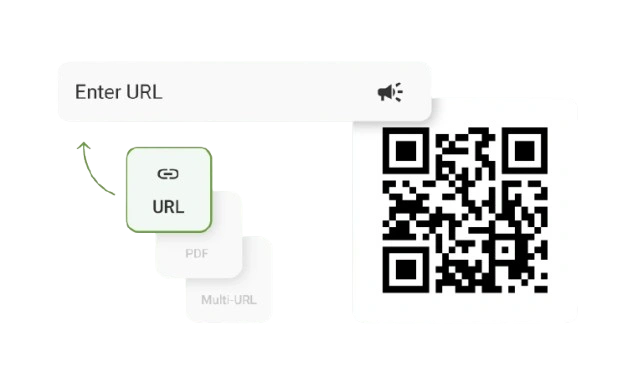
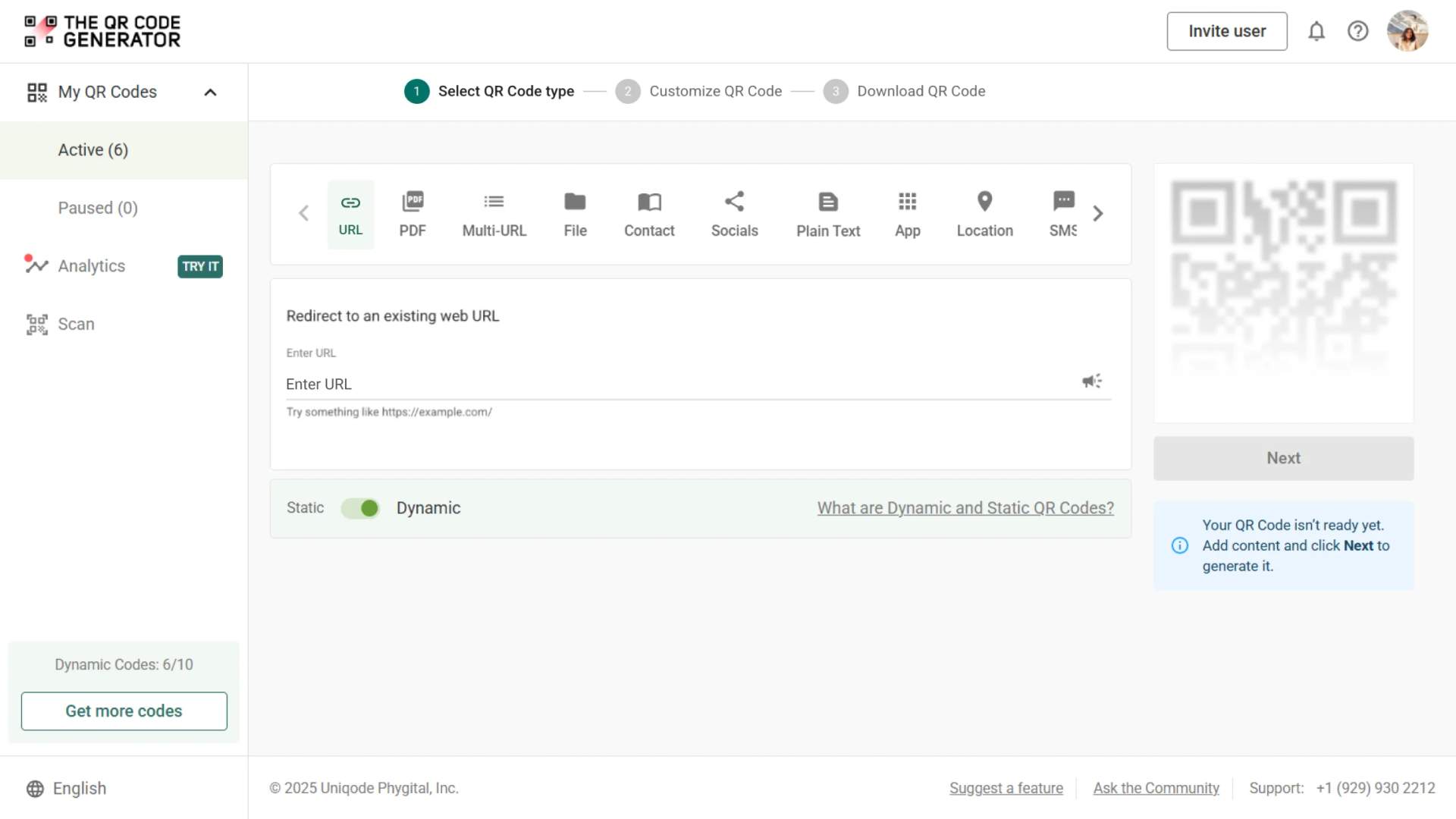
Redirect to an existing web URL
To enable tracking,


TQRCG is trusted by 30,000+ businesses globally!


How QR Codes enhance traveler convenience

Provide contactless travel
Airline QR Codes help reduce physical touchpoints throughout the travel journey. Travelers can scan QR Codes to access boarding passes, hotel check-in information, and travel documents without exchanging paper or interacting with shared surfaces.

Reduce airport queues
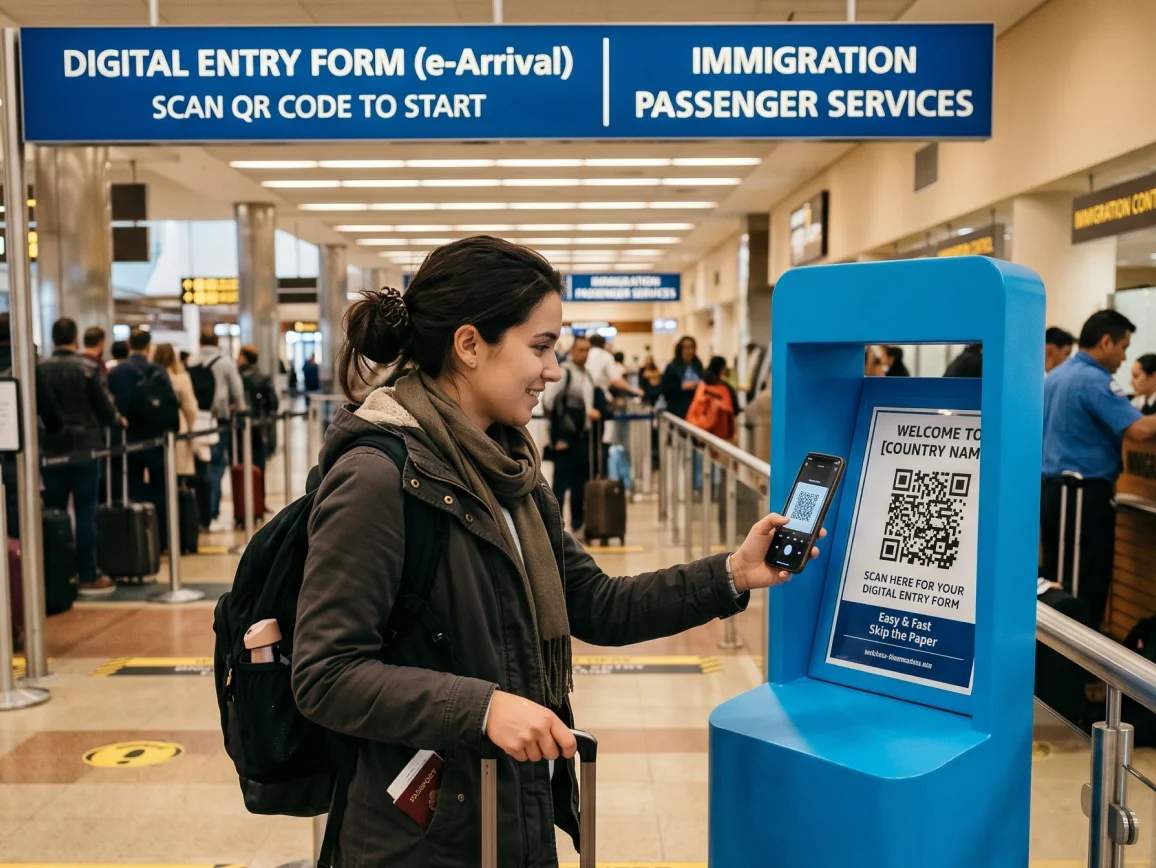
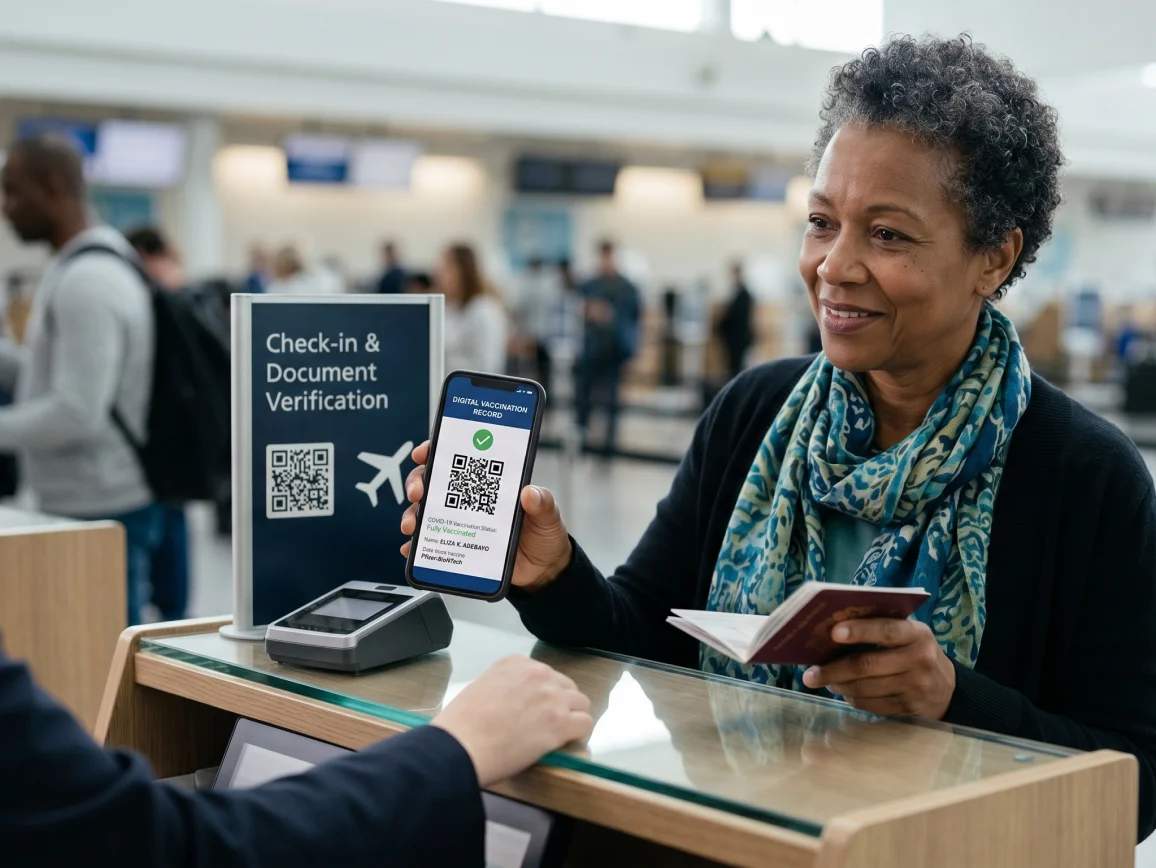
In airports, QR Codes can improve passenger flow and reduce queues at critical checkpoints. Airlines can use QR Codes for arrivals to enable faster identity and document verification at checkpoints while helping airport staff manage passenger flow more efficiently.

Enhance tourist engagement
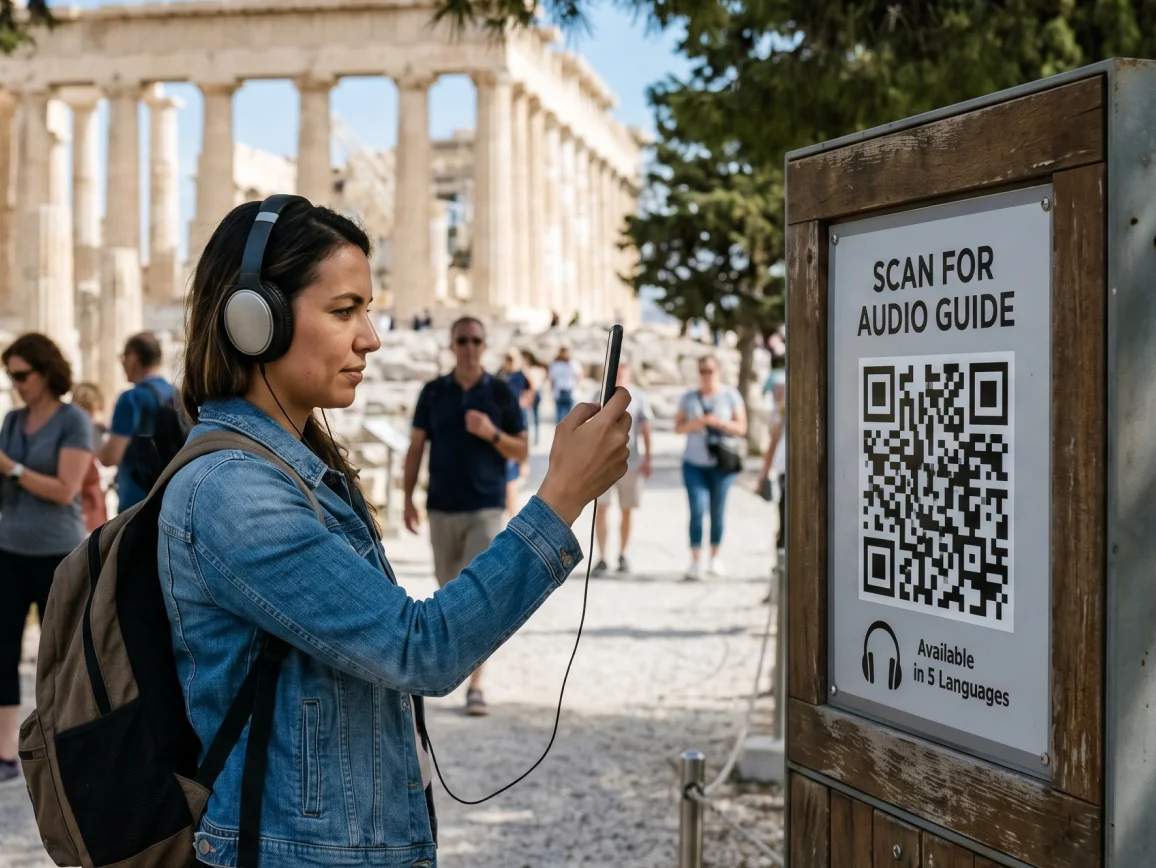
Tourist attraction QR Codes can be used to create multimedia experiences for travelers. Visitors can scan QR Codes for self-guided tours to access digital travel guides, cultural stories, or attraction information that enrich their journey and encourage deeper exploration.

Improve traveler transactions
QR Codes allow travelers to complete important travel actions directly from their smartphones. By scanning a QR Code, travelers can make bookings, payments, and confirmations in real time and reduce friction across the travel experience.

Simplify access to travel info
QR Codes create a mobile-first travel experience by providing instant access to essential travel information. Travelers can scan QR Codes to open itineraries, instant travel updates and resources to make navigation easier in unfamiliar destinations.
The best places to use QR Codes across the travel journey
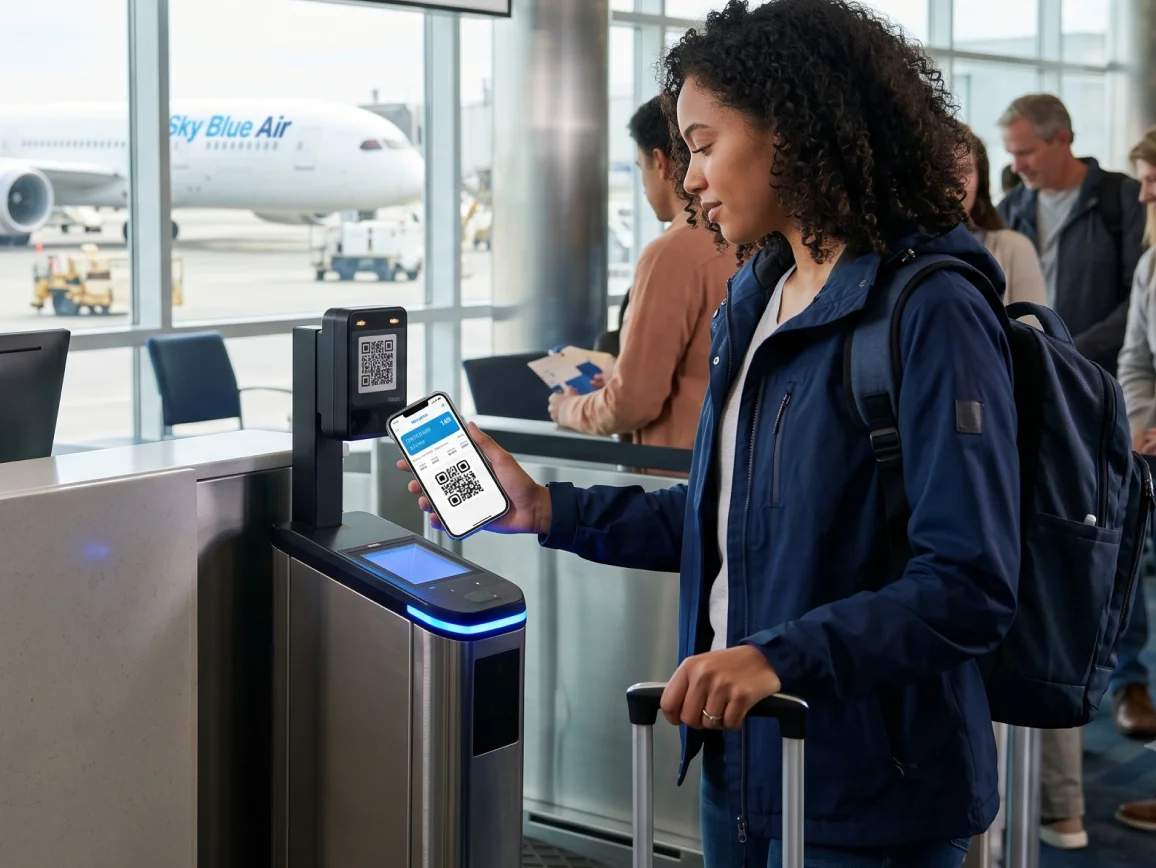
1. Airport check-in and boarding passes
Airlines use QR Codes on boarding passes and mobile tickets to speed up check-in, security verification, and boarding. Airport systems can reduce paperwork and long queues by instantly retrieving passenger and booking information with a quick scan.

Why do travel and tourism brands choose The QR Code Generator (TQRCG)?

Dynamic QR Codes
Create dynamic QR Codes for booking links, itineraries, travel documents, and tourism campaigns. Instantly update schedules, delays, and traveler information without reprinting materials across airlines, hotels, and tourism operations.

Traveler engagement insights
Track scans, locations, devices, and engagement metrics to understand how travelers interact with your campaigns. These insights help tourism boards, airlines, and hospitality brands improve traveler experiences and optimize marketing performance.

Branded QR Codes
Customize QR Codes with logos, colors, and frames so they match your airline, hotel, resort, or tourism brand. Whether printed on boarding passes, brochures, hotel signage, or attraction displays, the QR Code becomes part of the traveler experience.

Multilingual traveler experiences
Multi-URL QR Codes give international travelers access to translated pages, regional guides, and language-specific resources from a single scan. Multi-URL QR Codes organize multiple travel links into one mobile-friendly landing page, making information easier to access across different languages.
Frequently asked questions
Create a free travel QR Code today
Generate, customize, and deploy travel QR Codes for airlines, airports, tourism boards, hotels, and tour operators — all from one platform.