
Create QR Codes on Stationery to Drive More Responses
Turn business cards into portfolio gateways, make resumes instantly shareable, and track engagement from your printed materials.
Redirect to an existing web URL
To enable tracking,

How do QR Codes on stationery work?
QR Codes on stationery link printed materials to digital content such as portfolios, contact information, company websites, or appointment booking pages. Recipients can scan the QR Code to access information instantly without typing URLs or manually saving contact details. Dynamic QR Codes let you update destinations after printing, so business cards and letterheads stay current even when websites or contact details change.
4M+
Unique users worldwide
30,000+
Global businesses on our platform
60+
Countries with active users
Benefits of adding QR Codes to stationery
Best practices for QR Codes on stationery

Size for stationery items
Use a minimum size of 0.8 × 0.8 inches for business cards and at least 1 × 1 inch for letterheads or larger stationery. Smaller QR Codes are more likely to fail when recipients try to scan printed materials.

Test on paper stock
Print test QR Codes on your chosen paper with your printer’s settings. Glossy or textured paper can create glare or readability issues. Test scanning under different lighting to ensure reliability.

Use high contrast
Black QR Codes on white or light backgrounds scan most reliably on printed stationery. Avoid low-contrast color combinations or dark paper that reduces scan accuracy.

Position for visibility
Place QR Codes where recipients naturally look: business card backs, resume headers or contact sections, and letterhead footers. Avoid corners or hidden placements.

Add clear CTAs
Use specific instructions like “Scan to view portfolio,” “Scan to save contact,” or “Scan for appointment booking” so recipients understand the value immediately.

Use dynamic QR Codes
Choose dynamic QR Codes for stationery used over time so you can update links without reprinting.
Where to add QR Codes on stationery for maximum engagement
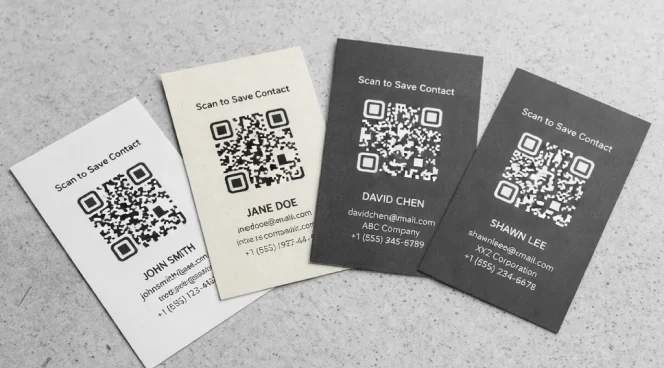
Business cards
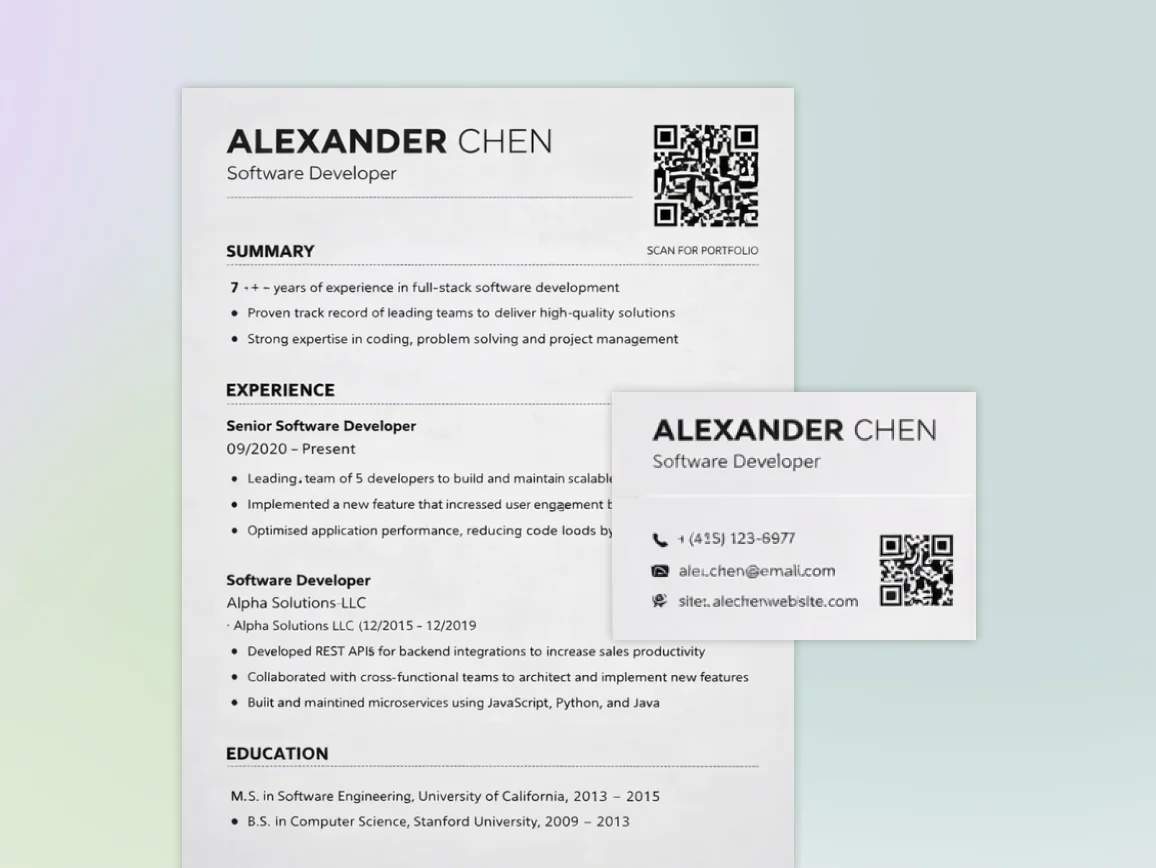
Add vCard QR Codes to business card backs for instant contact saving or URL QR Codes linking to digital portfolios and LinkedIn profiles. Position on the back at a minimum of 0.8 × 0.8 inches, with CTAs such as "Scan to save contact."
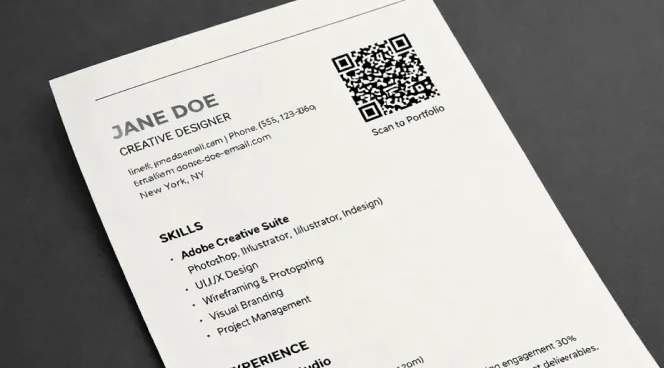
Resumes and CVs
Include URL QR Codes in resume headers linking to portfolios, video introductions, or project showcases. Place it near the contact details, sized 1 × 1-inch, so hiring managers can access work samples immediately.
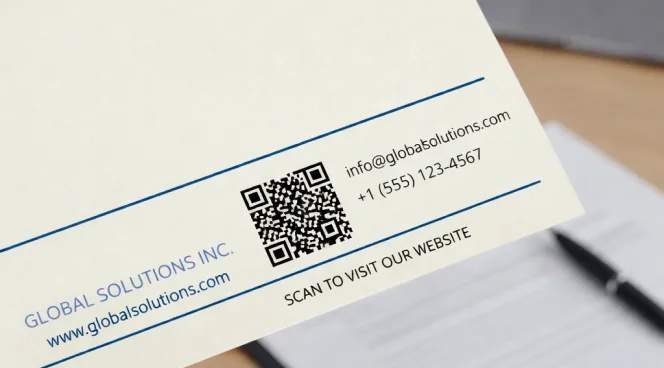
Company letterheads
Place URL QR Codes in letterhead footers linking to company websites, service catalogs, or booking pages. This turns routine correspondence into an ongoing digital touchpoint.
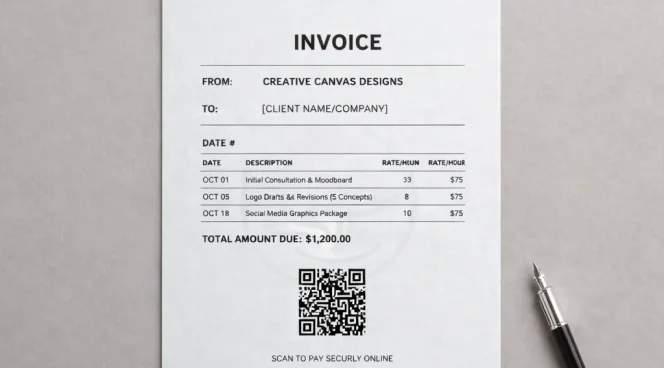
Invoices and receipts
Add URL QR Codes to invoices for payment links, customer portals, or feedback forms. Position prominently at a minimum of 1 × 1 inches for quick access.
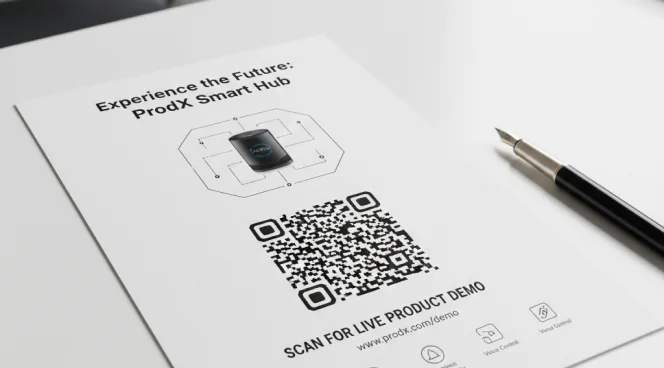
Marketing brochures and flyers
Include URL QR Codes linking to product demos, case studies, or contact forms. Place at key scan points, such as the front cover or back page, ideally at 1.5 × 1.5 inches.

Event materials and name badges
Print vCard QR Codes on conference badges for contact exchange or URL QR Codes for session schedules. Size at least 1 × 1 inch so attendees can scan easily during networking.
Which industries benefit from QR Codes on stationery
Any professional using printed materials can create stronger connections with stationery QR Codes.
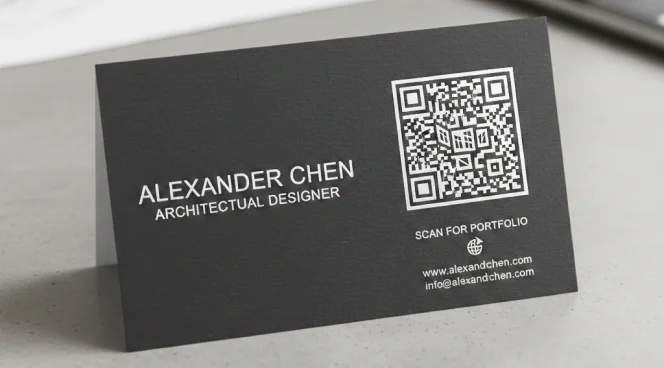
Creative and design
Designers need to demonstrate their work quickly during networking. QR Codes on business cards that link directly to portfolios showcase quality in real time, turning introductions into project discussions rather than delayed follow-ups.
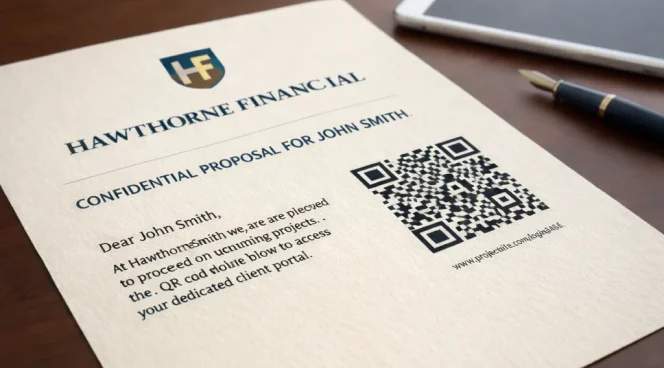
Finance and insurance
Financial advisors and insurance agents manage complex information and client trust. QR Codes on letterheads and proposals linking to secure portals or educational resources improve transparency while reducing account-access inquiries.
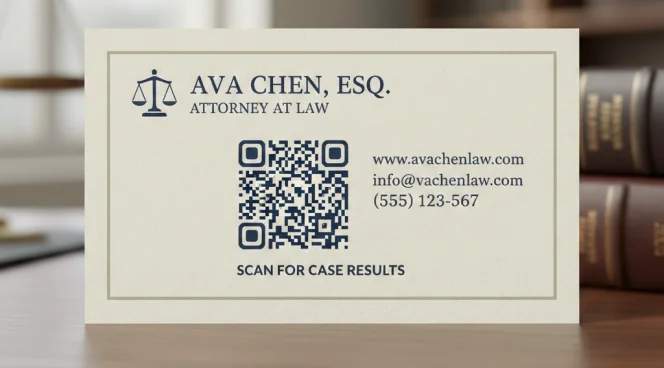
Legal and consulting
Lawyers and consultants compete on expertise and credibility. QR Codes on business cards linking to case results, articles, and credentials establish authority during initial consultations.
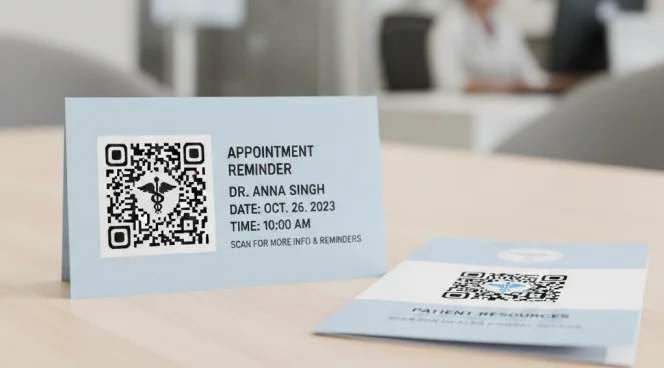
Healthcare
Healthcare providers aim to reduce administrative workload while improving patient access. QR Codes on appointment cards and patient materials linking to scheduling and patient portals reduce front desk calls and support self-service booking.
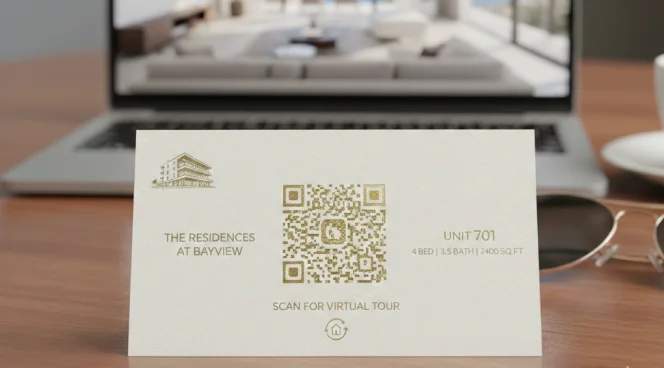
Real estate
Real estate professionals compete for attention during showings and open houses. QR Codes on property cards linking to virtual tours, neighborhood data, and contact options capture interest while properties are top of mind.
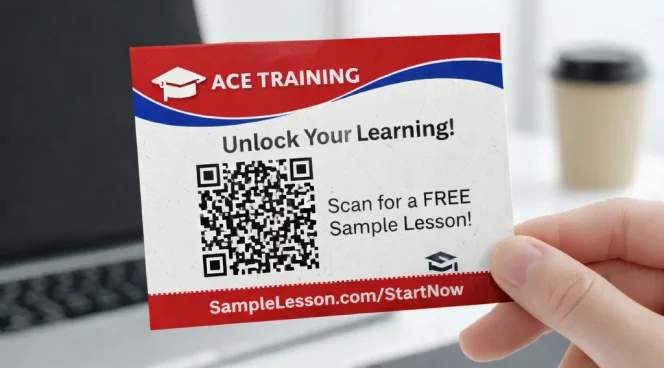
Education and training
Tutors, coaches, and training providers need to demonstrate value quickly. QR Codes linking to sample lessons, testimonial videos, and booking calendars help convert interest into enrollments by reducing friction.