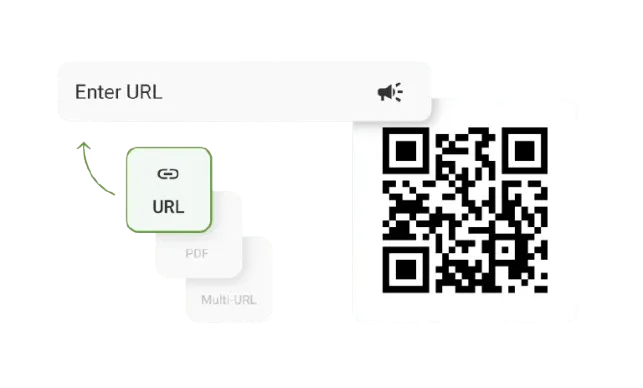
Create QR Codes for Insurance and Finance Companies
Create free, trackable QR Codes for insurance and finance, from claims and renewals to payments and onboarding.
Redirect to an existing web URL
To enable tracking,


TQRCG is trusted by 30,000+ businesses globally!


How do QR Codes streamline insurance and finance workflows?
One QR Code turns any printed document into an instant digital action, across both insurance and finance.
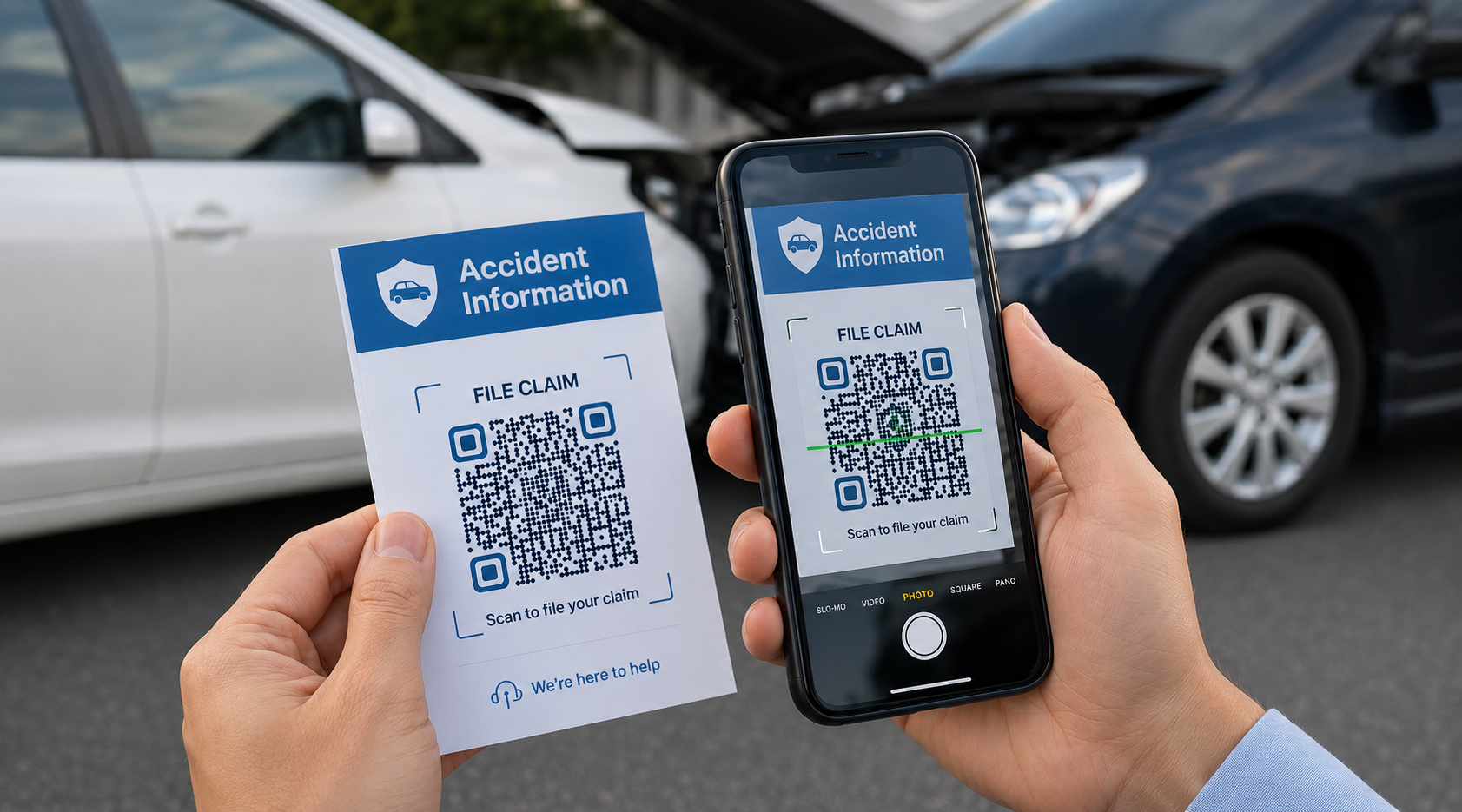
Faster claims filing
Print a QR Code on insurance cards or accident kits. Policyholders scan to open the claims portal instantly, with no app download and no number to dial.
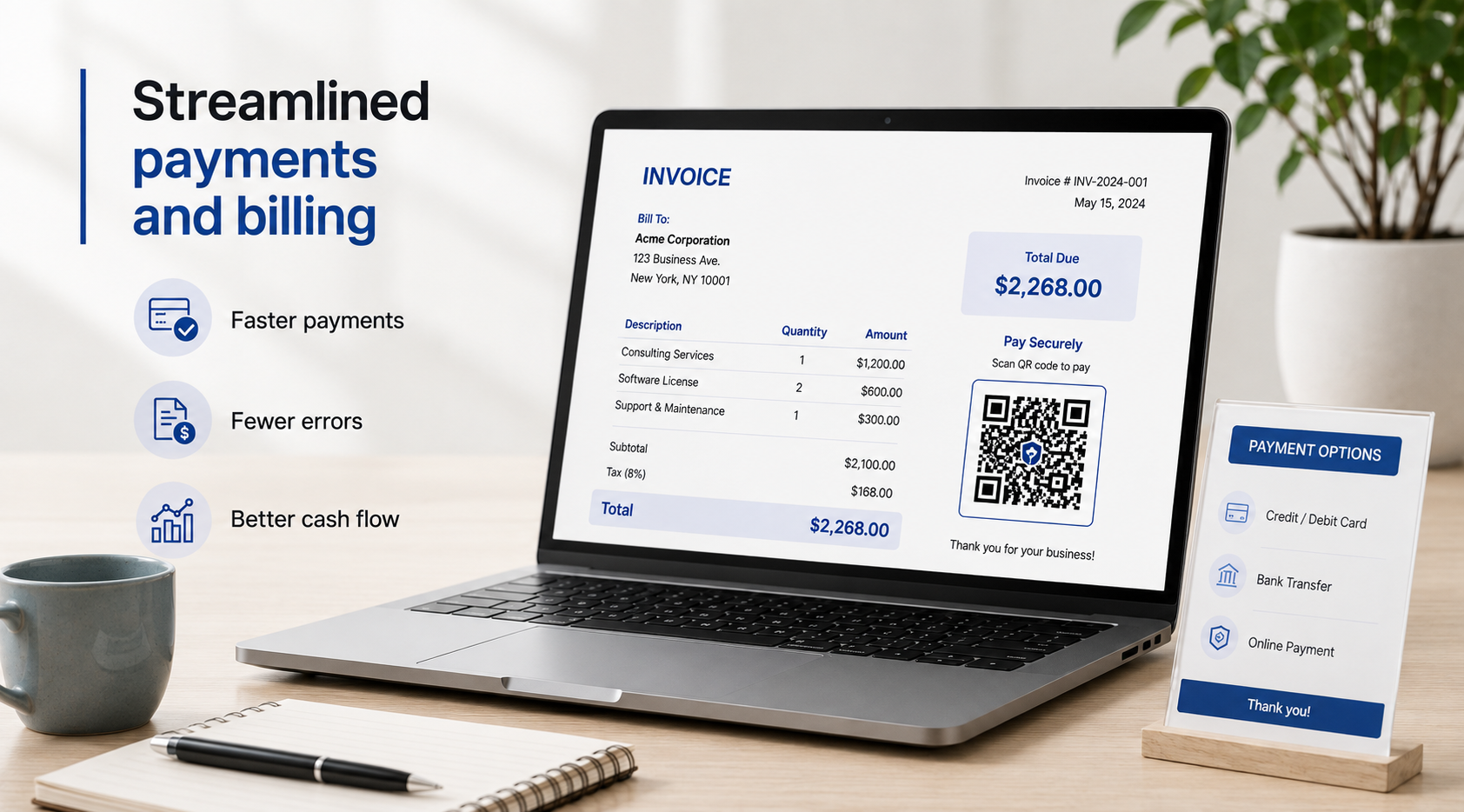
Streamlined payments and billing
Print QR Codes on invoices, statements, and point-of-sale displays. Customers scan to reach a secure payment portal and pay in seconds

Simpler policy renewals
Add a dynamic QR Code to renewal notices. The code links directly to a payment page, and you can update the destination each cycle without reprinting letters.

Better agent marketing
Insurance agents and financial advisors embed QR Codes on business cards and brochures that link to a digital contact card or a quote request form. Every offline touchpoint becomes a measurable lead.

Smoother account onboarding
Add QR Codes to welcome kits and direct mail that route new customers straight to KYC and account setup forms, with every scan tracked to its source.
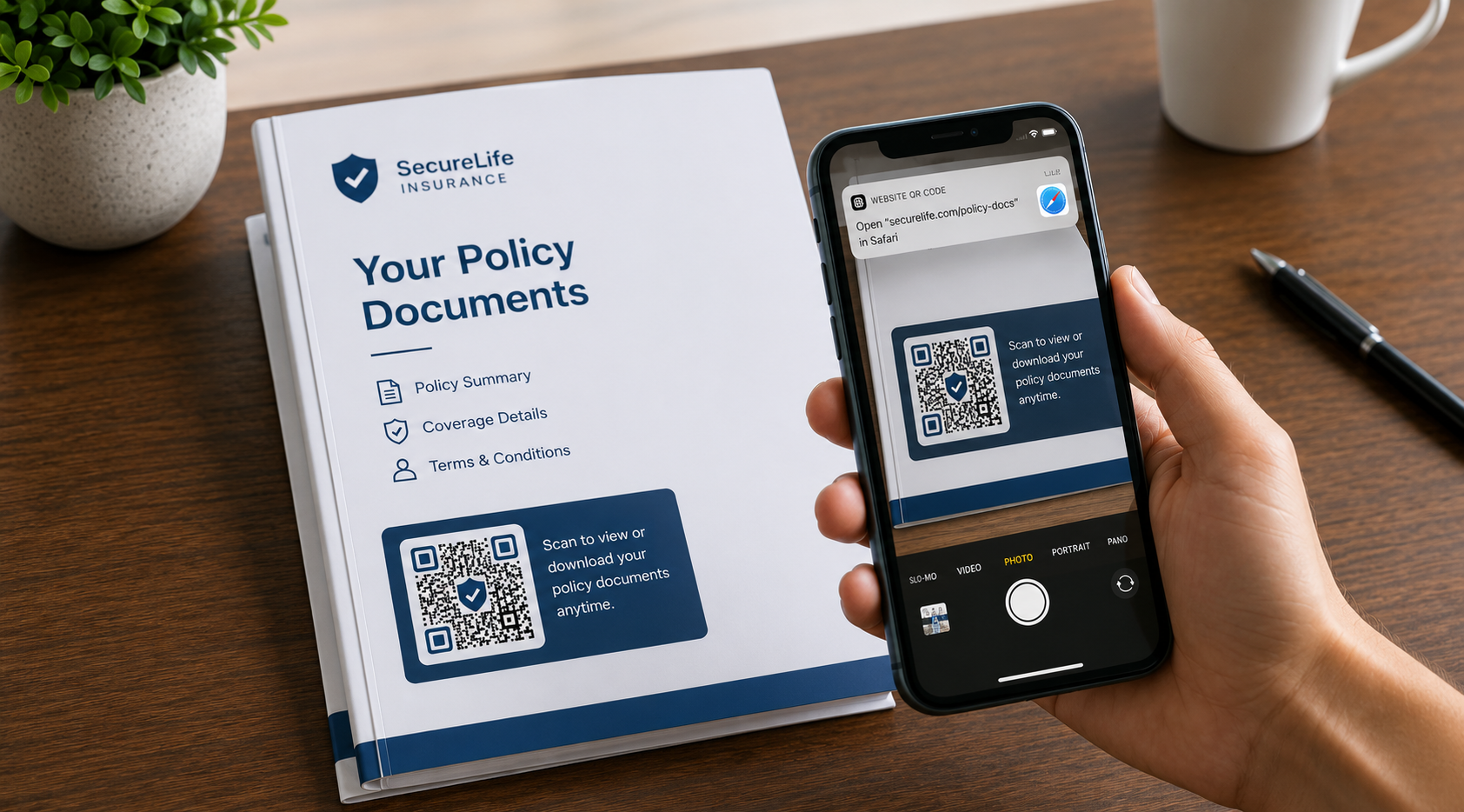
Easier document delivery
Send policy documents, coverage summaries, or compliance disclosures through a PDF QR Code. Update the file at any time while keeping the same printed code.
How to create a QR Code for insurance and finance
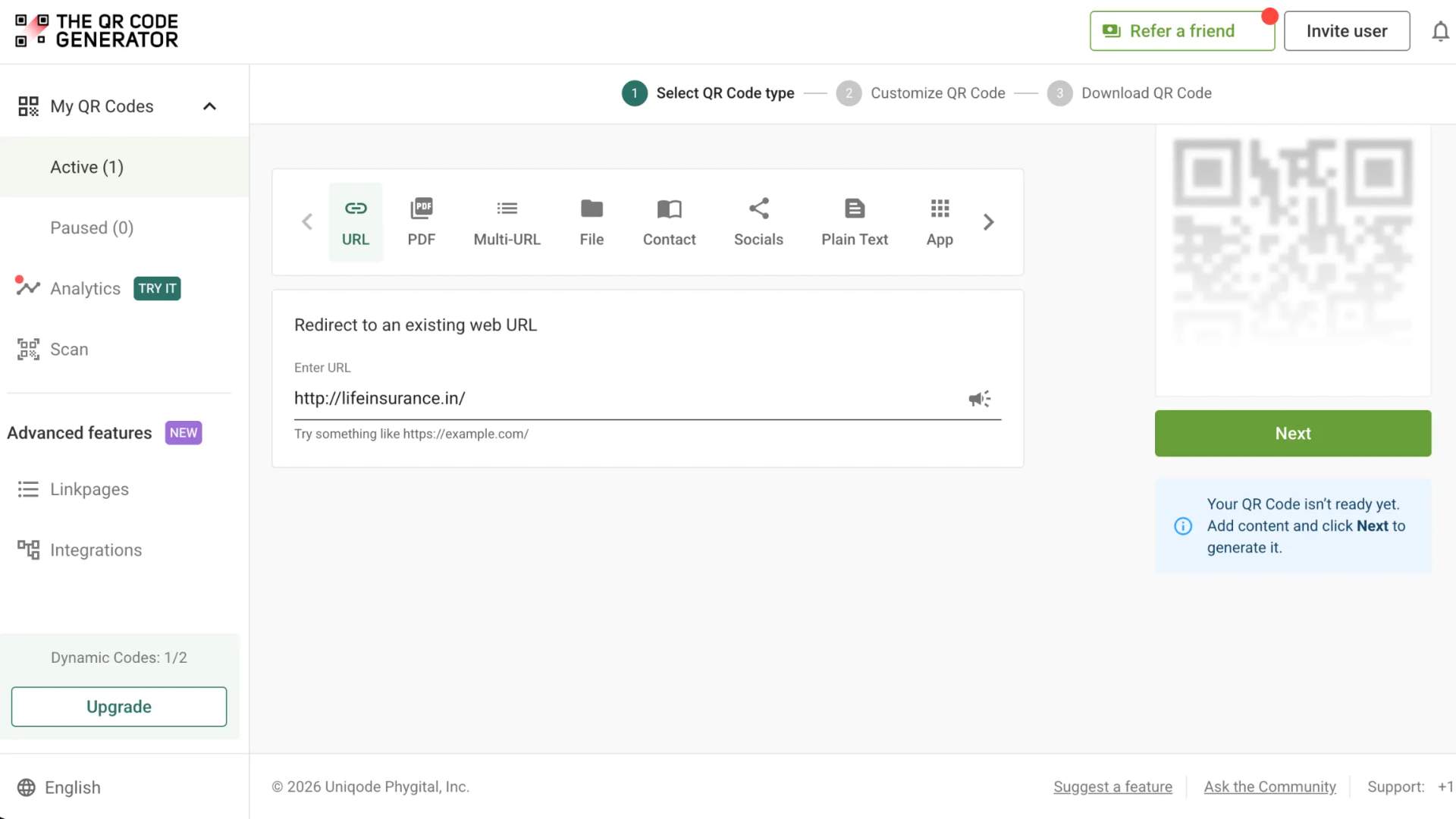
Choose your QR Code type
Select a URL, PDF, or vCard QR Code depending on your use case: claims portal, payment page, policy document, or agent or advisor contact card.
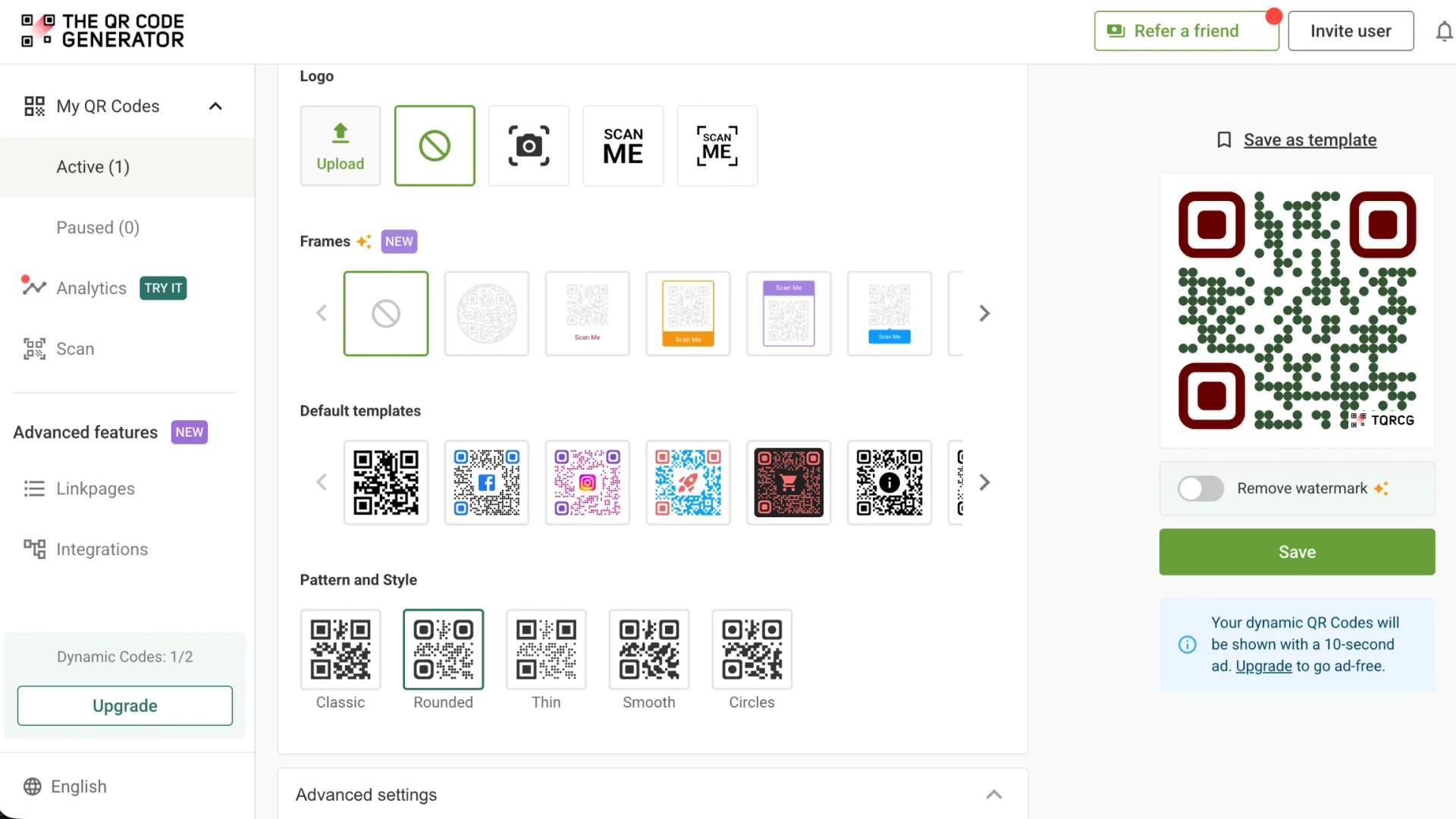
Customize the design
Add your logo, brand colors, and a branded frame to make the code instantly recognizable.
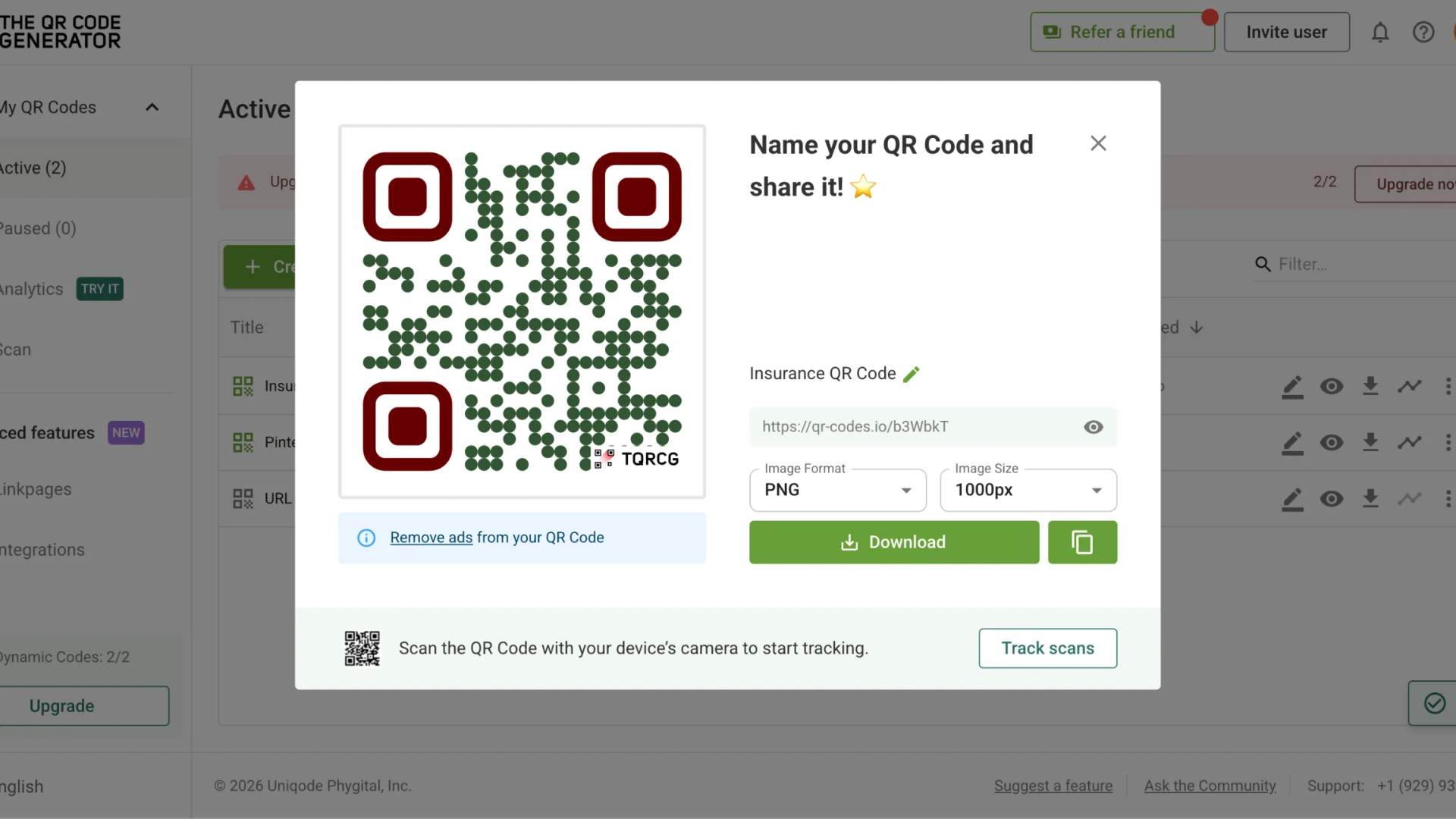
Download and deploy
Download in SVG, PNG, or PDF format and place the code on cards, letters, brochures, statements, and policy documents.
Where should insurance and finance companies use QR Codes?

Auto insurance cards
Print a dynamic QR Code on every insurance card. At an accident scene, policyholders can instantly access claims portals, upload photos, and submit reports without having to search for contact information.

Health coverage documents
Replace bulky welcome packs with a QR Code that links members to benefits summaries, provider directories, and authorization forms. Update documents annually without changing the printed code.

Life insurance onboarding
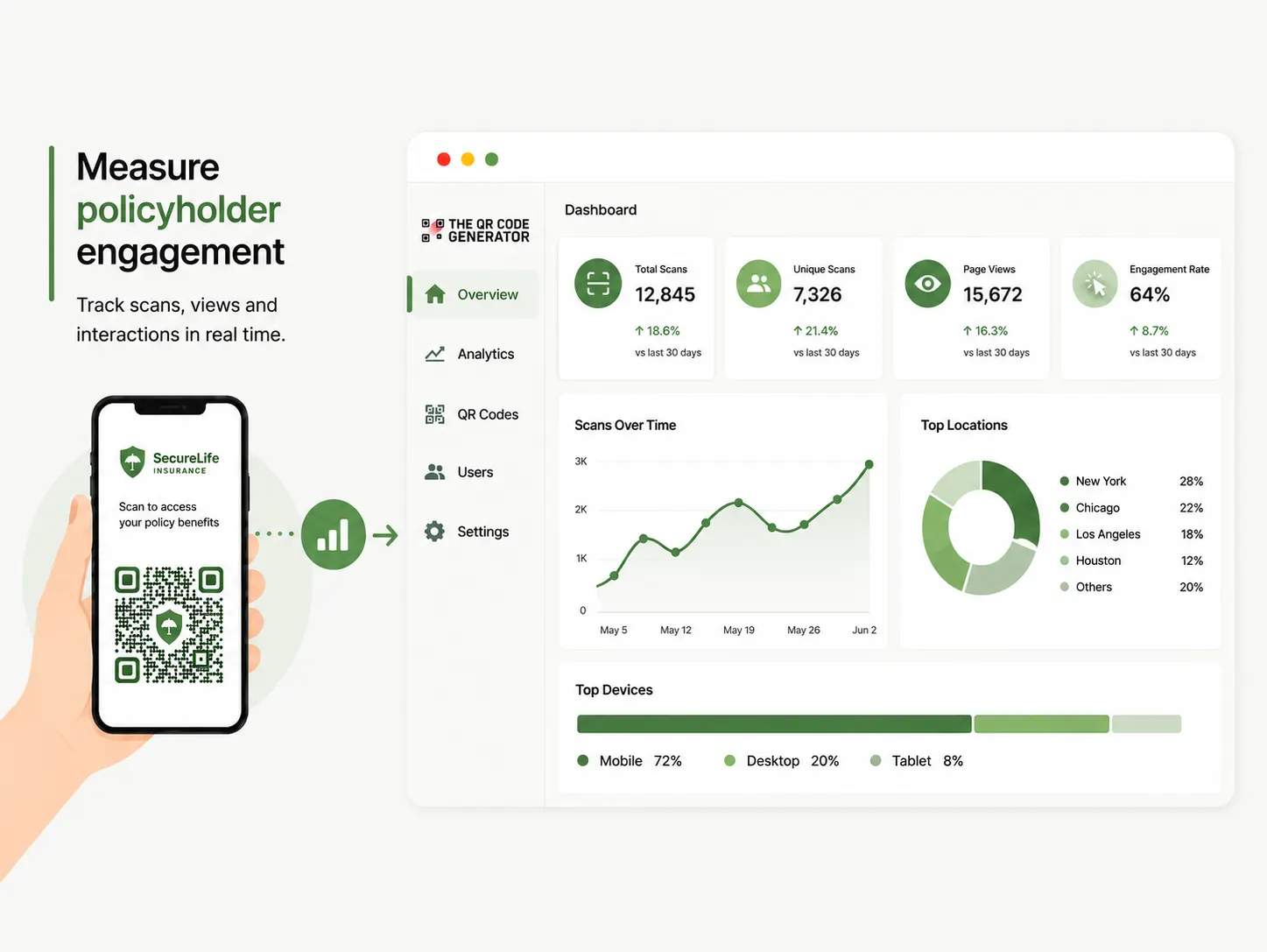
Add QR Codes to onboarding letters that direct policyholders to welcome portals, payment setup, and beneficiary forms. Track engagement through scan analytics.

Statements and invoices
Add QR Codes to statements, invoices, and point of sale displays so customers scan to reach a secure payment portal and pay in seconds. Update the destination any time without reprinting.

Branch signage and mailers
Place QR Codes on branch posters, event displays, and direct mail that link customers to account opening, KYC, and loan application forms. Every scan is tracked to its source.

Agent, broker, and advisor outreach
Place QR Codes on business cards, brochures, event displays, and print advertising. Scans can direct prospects to digital contact cards or quote request forms.
Why do insurance and finance professionals choose The QR Code Generator (TQRCG)?
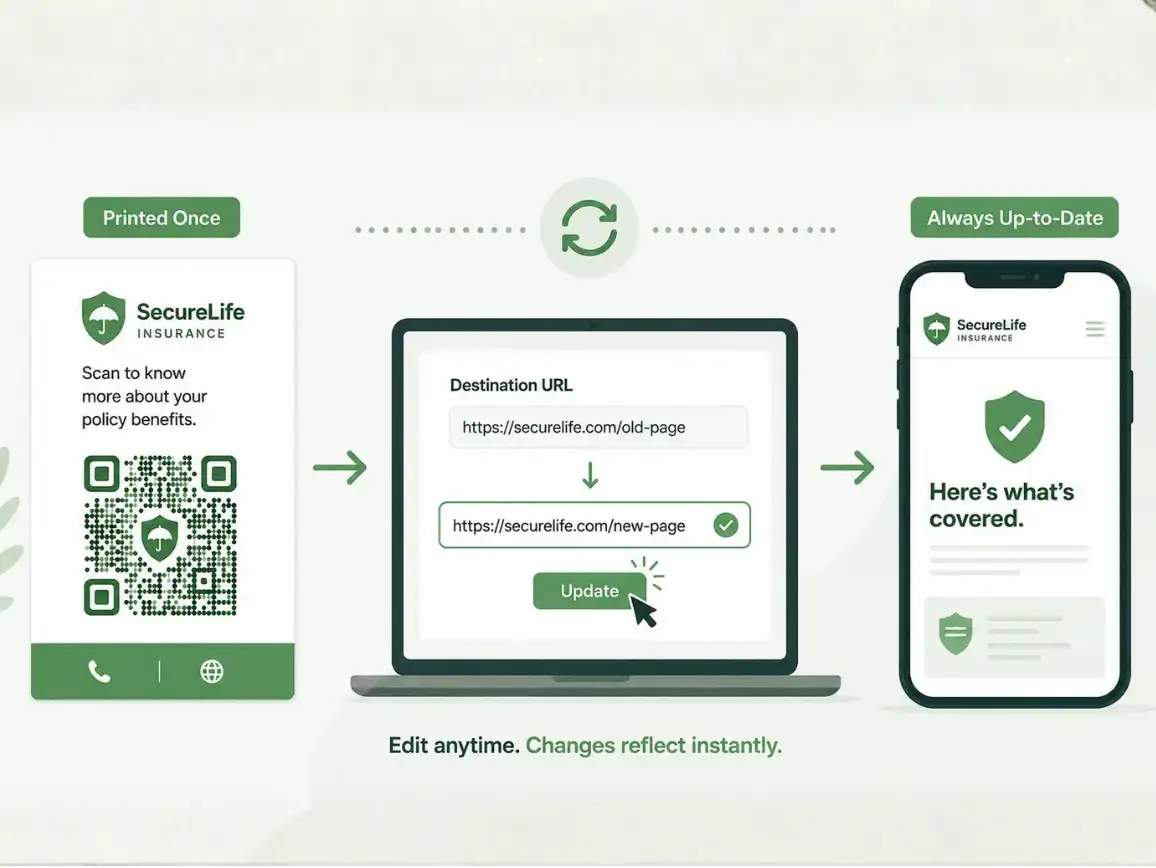
1. Update destinations without reprinting
Insurance documents change constantly. With dynamic QR Codes, you can update claims portals, policy documents, payment pages, and customer resources at any time without reprinting cards, letters, or brochures.


Frequently asked questions
Create a free QR Code for insurance business today
Want to modernize how customers reach you?
Use The QR Code Generator (TQRCG) to create, customize, and track QR Codes for claims, renewals, payments, onboarding, and agent outreach.