
Create Your Wedding QR Code in Minutes
Give guests instant access to RSVPs, venue info, schedules, photo sharing, and your registry so you can skip the paper clutter and last-minute coordination.
Redirect to an existing web URL
To enable tracking,

How does a wedding QR Code work?
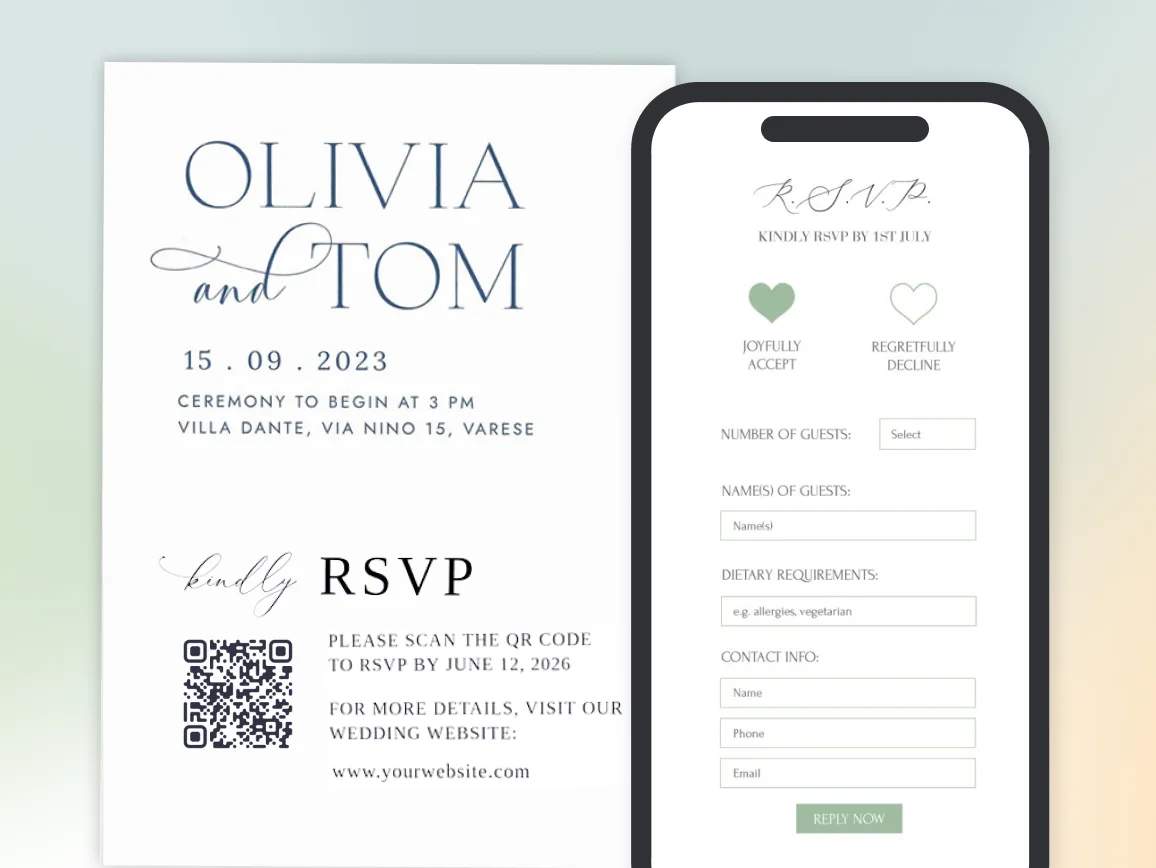
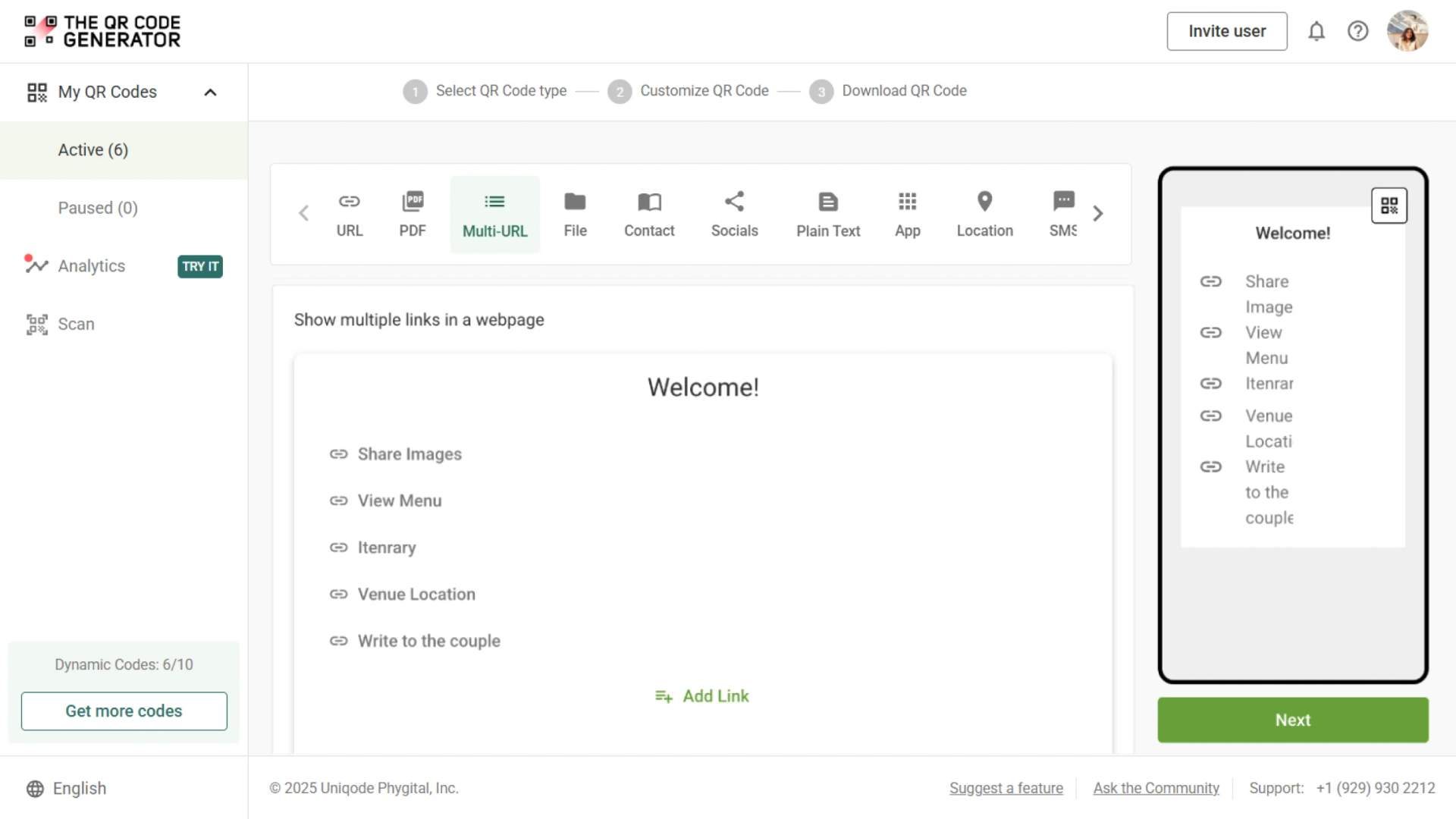
When guests scan your wedding QR Code, they’re directed to your chosen destination: RSVP form, wedding website, gift registry, venue directions, event schedule, photo upload gallery, or a central hub with all wedding information. You track engagement in real time and keep everyone informed.
4M+
Unique users worldwide
30,000+
Global businesses on our platform
60+
Countries with active users
Why use wedding QR Codes to streamline planning?
Best practices to maximize wedding QR Code effectiveness

Size for different wedding materials
Make sure your QR Code size is optimized. Invitations and save-the-dates need 0.8 × 0.8 inches for close viewing. Reception programs and signage must use 2 × 2 inches or larger for guests scanning from a standing distance.

Match CTAs to the purpose
Be specific about what guests will have access to. “Scan to RSVP by March 15” creates a sense of urgency to respond to invitations. “View Full Event Schedule” works for programs. “Find Parking and Directions” helps with venue signage.

Design for your wedding aesthetic
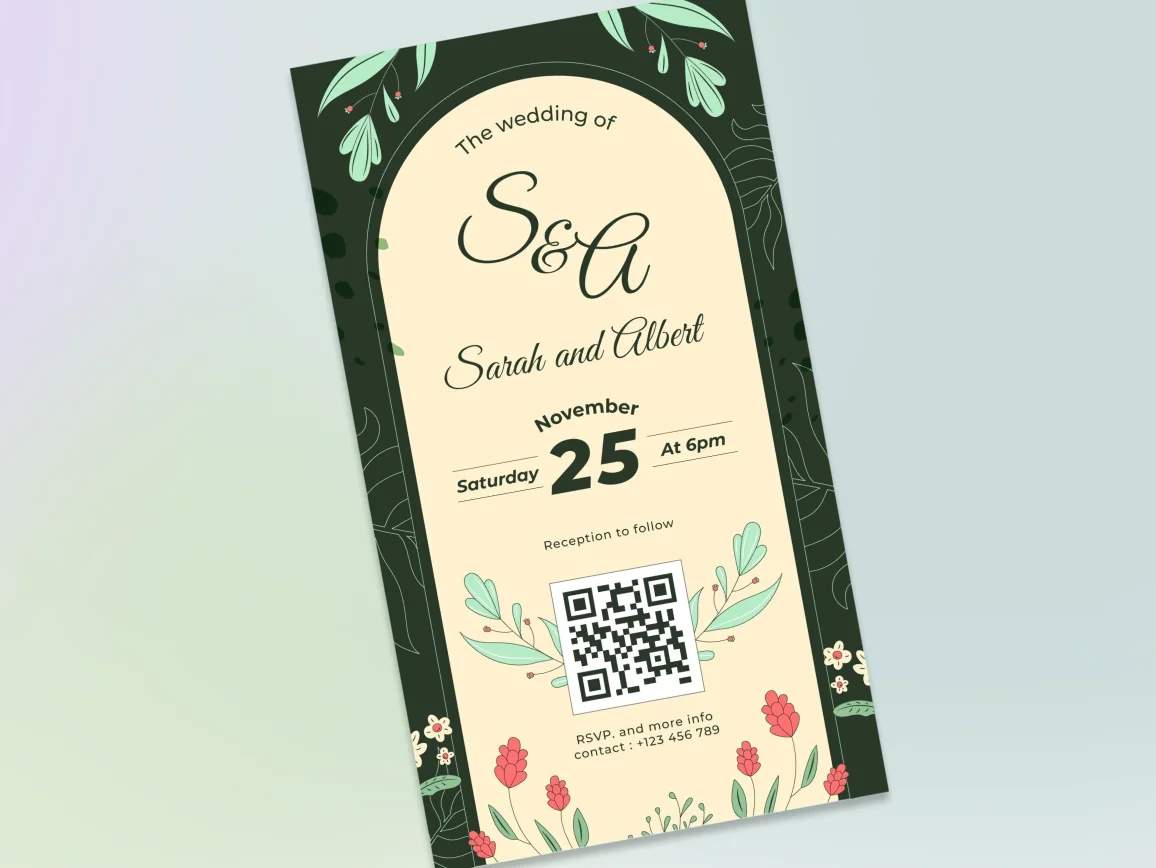
Generic black-and-white codes clash with elegant invitations. Customize with wedding colors, add decorative frames, or integrate your monogram while ensuring the code remains scannable.

Test on actual materials before bulk printing
Print test copies on your chosen invitation cardstock. Textured paper, foil accents, and certain finishes can affect scannability. Verify the QR Code works perfectly before ordering full quantities.

Provide backup for less tech-savvy guests
Include a shortened URL beneath the QR Code for guests unfamiliar with scanning. Add brief instructions such as “Point your camera here” to reduce confusion among older relatives.

Make RSVP deadlines visible and clear
Add your RSVP deadline directly on the invitation next to the QR Code, not buried in the form. Inform guests about what they’ll find when they scan so that they can respond right away without any surprises.
Where wedding QR Codes work best
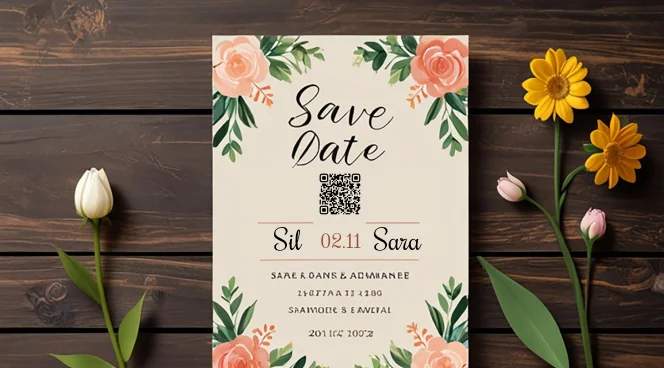
Wedding invitations and save-the-dates
Link to your complete wedding website with RSVP forms, venue details, accommodation recommendations, gift registry, dress code, and schedule. Replace bulky multi-card invitation suites with one elegant scan.
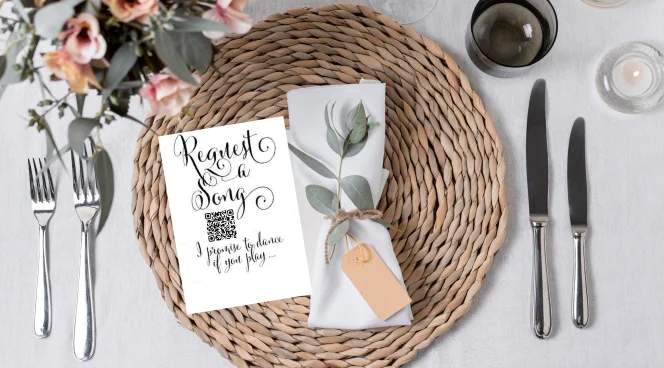
Ceremony programs
Add QR Codes to ceremony programs linking to the order of events, bridal party introductions, readings and song lyrics, or information about memorial tributes and special dedications.
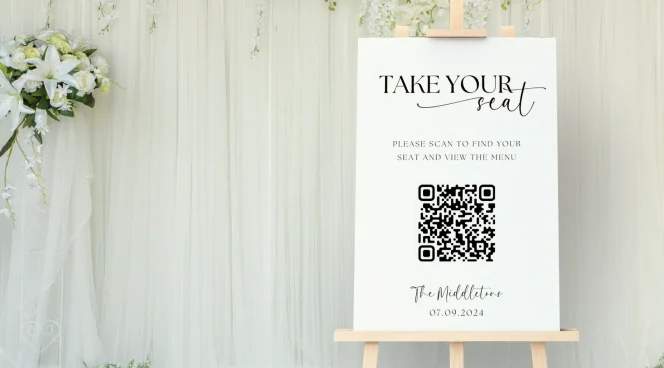
Reception entrance signage
Welcome guests with QR Codes at the venue entrance connecting to digital seating charts, event timelines, table assignments, and special instructions such as unplugged ceremony requests or social media hashtags.

Guest welcome bags for destination weddings
Include QR Code cards in hotel welcome bags linking to weekend itineraries, local restaurant recommendations, activity suggestions, transportation schedules, and emergency contacts for out-of-town guests.
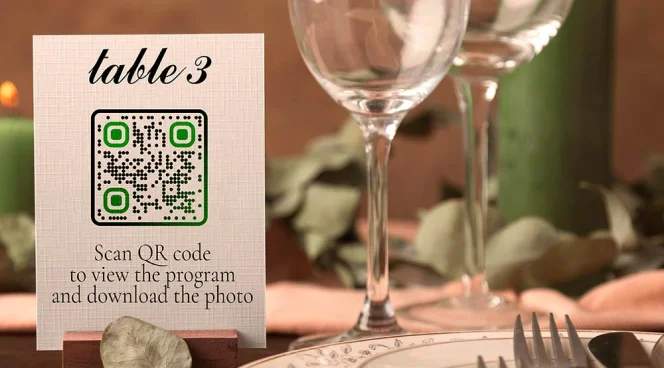
Table numbers and centerpieces
Place QR Codes on table markers linking to digital guestbook forms, photo upload galleries for guest snapshots, fun facts about the couple, cocktail and menu descriptions, or speech schedules.
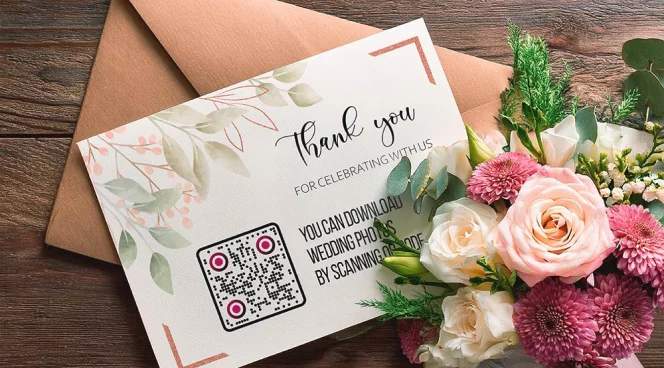
Registry cards and thank you notes
Add QR Codes to registry cards linking to all your gift preferences. Include codes on thank you notes directing to wedding photo galleries or personalized video messages.
How do wedding QR Codes improve coordination for professionals?

Wedding planners and coordinators
For planners, QR Codes link to vendor contact sheets, detailed timelines, floor plans, and emergency protocols. Venue teams and vendors access real-time updates without the need for constant calls or confusion.

Invitation designers and stationers
QR Codes reduce back-and-forth revisions and reprints. Designers can place a single scannable element on invitations that links to updated details, RSVP forms, venue directions, or schedules. If plans change, the designer doesn’t need to redesign or reprint — the couple can update the link behind the dynamic QR Code.

Venues and hospitality services
QR Codes help venue staff handle guest questions efficiently. Scannable signs provide guests with instant access to facility maps, Wi-Fi instructions, parking details, and accessibility information, so staff aren’t repeatedly answering the same questions during events.

Catering and bar services
QR Codes streamline menu communication across large teams and diverse guest needs. Caterers display QR Codes on buffet stations linking to full menus, ingredient lists, allergen warnings, and dish origins. Bar signage QR Codes link to signature cocktail recipes and detailed drink menu information. This reduces miscommunication, especially during busy service hours.

Florists and rental companies
Setup teams use QR Codes to access diagrams, delivery schedules, and installation instructions on-site. This prevents errors caused by outdated emails or printed PDFs. Everyone works from the same real-time information, which speeds up setup and reduces mistakes.
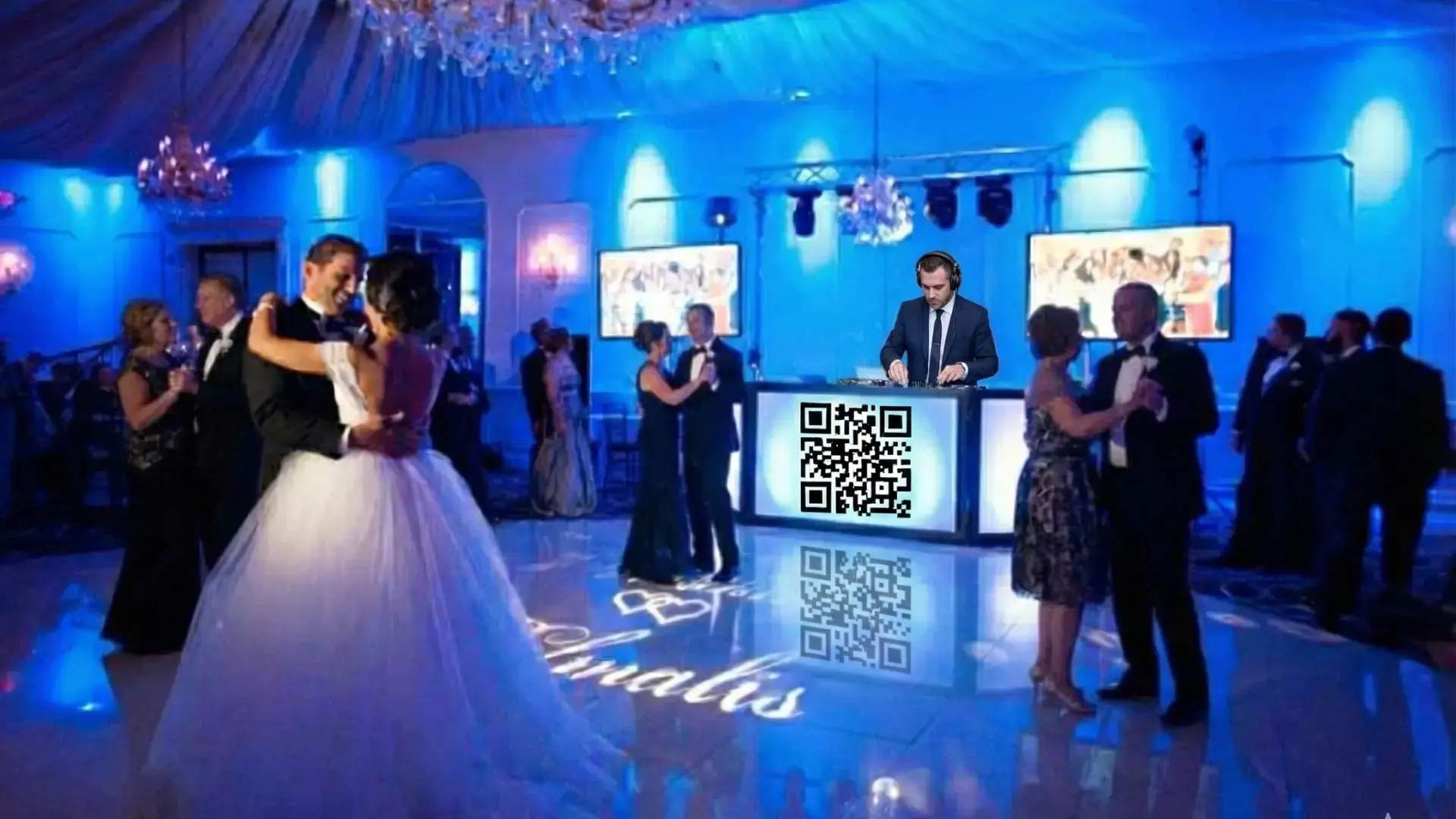
DJs and entertainment providers
QR Codes simplify coordination for performances and scheduling. Entertainment teams can access updated playlists, song request forms, or timeline changes instantly. They no longer need printed lists or last-minute texts, which makes transitions smoother during the event.