
How To Use QR Code Parking and Avoid Scams

Harshajit
Last updated: July 22, 2026
10 min read
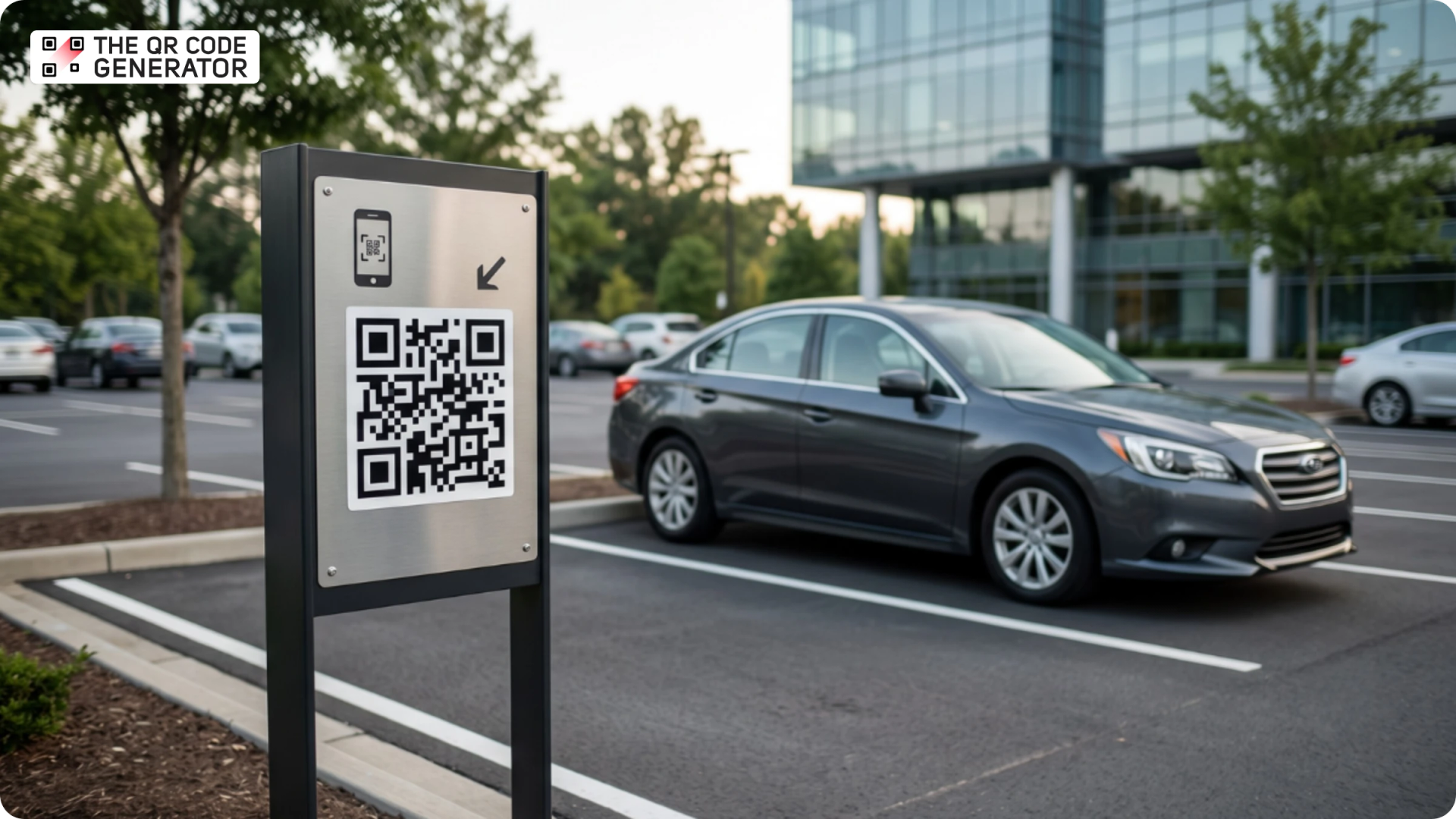
You pull up to a city meter, and the kiosk screen is black. The line behind you is growing, so you spot a QR Code sticker nearby and wonder whether it is safe to scan or a scam. That moment is exactly why understanding QR Code parking matters.
A QR Code parking system is a contactless payment and access solution that links a parking space to a mobile payment or management platform. Drivers can scan, pay, and park using their smartphones instead of cash, paper tickets, or physical kiosks.
This guide explains how QR Code parking works, the four main use cases beyond scan-to-pay, and how drivers can avoid QR Code parking scams. Whether you manage a parking facility or simply park in one, you'll find everything you need to know here.
What is a QR Code parking system?
A QR Code parking system is a digital parking solution that replaces paper tickets, pay stations, and cash payments with a scannable QR Code displayed on parking signage. Drivers can scan the code with their smartphones to pay for parking, access a facility, validate parking sessions, or manage permits.
QR Code parking systems are used in gated garages, open surface lots, residential communities, campuses, and street-side parking.
How the scan-to-pay QR Code parking flow works
Most QR Code parking systems follow three simple steps:
- Scan on arrival: A driver enters the parking facility, locates the QR Code on a sign or parking space marker, and scans it using their smartphone camera. The scan opens a mobile payment page, typically without requiring an app download.
- Pay for parking: The driver enters their parking duration or vehicle details and completes payment using a credit card, debit card, Apple Pay, Google Pay, or another supported payment method.
- Exit the facility: In gated facilities, a second scan at the exit closes the parking session and calculates the final fee based on the length of stay. Once payment is confirmed, the barrier opens automatically.
The biggest advantage of QR Code parking is simplicity. Drivers can pay using any smartphone with a camera, while parking operators can reduce hardware costs and manage parking sessions through a centralized platform.
Gated vs. ungated QR Code parking
Gated parking uses a QR Code scan at entry to start a parking session and a second scan at exit to close it. The system calculates the fee based on the length of the parking session and opens the barrier once payment is confirmed.
Ungated parking is common in open-surface lots and on streets. Drivers scan a QR Code on arrival, select a parking duration, and pay upfront. Instead of a physical gate, compliance is monitored through license plate verification or parking enforcement patrols.
Some private facilities use a third model known as a QR Code passkey system. Rather than making a payment, authorized drivers receive a unique QR Code linked to their vehicle or account. Scanning the code at the entrance or exit grants access, replacing traditional key fobs, access cards, or paper permits.
4 ways parking facilities use QR Codes beyond payment
While most people associate QR Code parking with mobile payments, parking operators use QR Codes for several other purposes. These use cases help streamline operations, improve customer experiences, and reduce administrative overhead.
1. Access control and barrier management
Many parking facilities use QR Codes as digital access credentials. Instead of issuing paper permits, access cards, or key fobs, operators assign a unique QR Code to a driver, resident, employee, or vehicle.
This approach is common in office buildings, apartment complexes, campuses, and private garages where access needs to be managed for a specific group of users. Administrators can update or revoke permissions instantly from a dashboard without replacing physical hardware.
2. Parking validation for retail and hospitality
Parking validation is a system in which a business covers some or all of a customer's parking costs by applying a discount to their parking session. Traditionally, validation relied on paper tickets, stamps, or coupon books. Today, many parking operators use QR Codes instead.
One of the most common examples is the Metropolis parking validation system. When a driver parks at a Metropolis-powered facility, the system typically recognizes their vehicle via license plate recognition and automatically starts a digital parking session. After making a purchase, the customer receives a validation QR Code from the participating retailer, either at the register or through a digital message. Scanning the QR Code applies the discount to the active parking session before the driver exits.
In most Metropolis facilities, QR Codes are used for registration, discounts, and parking validations rather than vehicle entry or exit. Drivers typically enter and leave using license plate recognition, while validation QR Codes apply discounts to an active parking session.
For retailers and hospitality businesses, QR Code validation eliminates paper vouchers and manual processes while making it easier to offer parking benefits to customers.
3. Occupancy tracking and parking analytics
QR Code parking systems can generate valuable operational data. Each parking session provides information about occupancy, parking duration, peak usage times, and payment activity.
Operators use these insights to understand demand patterns, improve staffing decisions, identify busy periods, and make pricing adjustments when needed. Compared with traditional cash-based systems, QR Code parking provides significantly greater visibility into facility performance.
4. Feedback collection and customer communication
Parking operators also use QR Codes to collect customer feedback and report maintenance issues. A QR Code placed near elevators, stairwells, exits, or payment areas can link directly to a feedback form.
Drivers can quickly report concerns such as damaged equipment, poor lighting, unclear signage, or payment issues. This helps operators identify and resolve problems faster while improving the overall parking experience.
How to set up a QR Code for your parking lot
Setting up a QR Code parking system requires four key components: a payment or parking management platform, a payment method, a dynamic QR Code, and durable signage. Whether you manage a small surface lot or a large parking facility, the setup process follows the same basic workflow.
Step 1: Choose a parking or payment platform
Start by deciding where your QR Code will direct drivers after they scan it.
Some parking operators use dedicated parking management platforms that handle session tracking, pricing, and payments. Others simply link a QR Code to an existing booking page, payment page, permit application, or parking portal.
The destination should offer a simple mobile experience that lets drivers to complete their parking transaction quickly on their smartphones.
Step 2: Generate a dynamic QR Code
For parking facilities, a dynamic QR Code is the best option. Unlike a static QR Code, a dynamic QR Code lets you update the destination URL without replacing the printed sign.
This flexibility is useful if you change payment providers, update pricing pages, switch parking vendors, or launch seasonal parking programs. Using a dynamic QR Code also gives operators access to scan analytics, helping them understand how drivers interact with parking signage over time.
You can create a parking QR Code with TQRCG in a few minutes:
- Log in to your TQRCG dashboard
- Click + Create QR Code
- Pick a QR Code type (pick website in this case)
- Toggle it to Dynamic so you can change the destination later
- Customize the QR Code with your logo, colors, frames, templates, and patterns
- Select download format (png or svg)
Step 3: Print and place parking signage
Place QR Codes where drivers naturally look for parking instructions. Common locations include:
- Parking lot entrances
- Payment stations
- Garage elevators and stairwells
- Individual parking zones or levels
- Exit areas that require validation or additional instructions
For reliable scanning, use high-contrast designs and weather-resistant materials. Outdoor signs should be protected from sunlight, moisture, and physical wear. Make sure the QR Code is large enough to be scanned comfortably from the expected viewing distance.
Add a clear call to action below the QR Code, such as "Scan to Pay for Parking" or "Scan for Parking Access."
Real-world example: QR Code parking in Hawaii
QR Code parking can also serve as a backup when traditional parking equipment fails. In a 2023 case study, a parking operator in Hawaii continued accepting payments after a pay-and-display machine stopped working by directing drivers to a QR Code payment flow. According to Get My Parking, the location saw a 100% increase in QR Code-based parking sessions and a 113% increase in revenue compared with the previous month after drivers switched to QR Code payments.
While results vary by location, the example shows how QR Code parking can help operators maintain payment collection even when physical kiosks are unavailable.
How to spot a fake parking QR Code
Parking QR Code scams, such as quishing, have become increasingly common in cities around the world. Fraudsters place fake QR Code stickers on parking meters, kiosks, or signs to redirect drivers to fake payment websites designed to steal credit card information.
Several cities, including New York City and Redondo Beach, California, have issued public warnings after discovering fraudulent QR Code stickers attached to parking payment infrastructure.
4 red flags to check before you scan
Before paying for parking through a QR Code, look for these warning signs:
- The QR Code looks tampered with. A QR Code that appears to have been placed over existing signage or attached as a separate sticker should be treated with caution. Look for signs of tampering, overlapping labels, or damaged signage.
- The website URL looks suspicious. After scanning, review the website address before entering payment information. Scammers often create lookalike domains that closely resemble legitimate parking providers. For example, a fraudulent website might use a misspelled version of a trusted domain to trick drivers into entering payment details.
- The page asks for unusual information. Most parking payment systems only require the information needed to process a parking session and payment. Requests for unnecessary personal information should raise concerns.
- You do not receive a payment confirmation. Legitimate parking systems typically provide a receipt, confirmation page, text message, or email after payment. If no confirmation appears, verify that the transaction was successful before leaving your vehicle.
What legitimate QR Code parking looks like
While every parking operator is different, legitimate QR Code parking systems typically share a few common characteristics.
- The QR Code appears on official parking signage.
- The landing page uses the parking operator's official website or payment platform.
- The operator's name, logo, or branding is clearly visible near the QR Code.
- Payment instructions are displayed alongside the code.
If you believe you have paid through a fraudulent QR Code, contact your bank or credit card provider immediately and report the incident to the appropriate local authorities. It also helps to notify the parking operator, so they can remove the fake QR Code and warn other drivers.
Start using QR Code parking with confidence
QR Code parking makes it easier for drivers to pay for parking and helps operators manage access, validations, and payments through a digital workflow. When implemented with clear signage and a reliable payment experience, QR Codes can reduce friction for both drivers and parking operators.
You can create a customized dynamic parking QR Code with The QR Code Generator (TQRCG). Add your logo and brand colors, link to your payment or booking page, and update the destination at any time without reprinting your signage.
Frequently Asked Questions
How does QR Code parking work?
QR Code parking works by linking a physical parking space to a mobile payment or access system through a scannable code displayed on signage. In ungated lots, drivers scan the QR Code when they arrive, select a parking duration, and pay through a mobile web page. In gated facilities, a scan at entry starts a parking session, and a scan at exit closes it and calculates the final fee. Most systems accept credit cards, debit cards, Apple Pay, and Google Pay.
Is it safe to scan a QR Code at a parking meter?
Scanning a QR Code at a parking meter is generally safe if the code is legitimate. Before paying, check whether the QR Code appears to be part of the official parking sign or has been added later as a sticker. After scanning, review the website address before entering any payment information. If the URL does not match the parking operator's official website or payment platform, do not proceed.
How do I use the Metropolis parking QR Code for free or discounted parking?
Many Metropolis facilities use QR Codes for parking validation rather than vehicle entry or exit. After purchasing at a participating retailer, you may receive a validation QR Code that applies a discount to your active parking session. Scan the validation QR Code from your Metropolis visit page, and the discount will be applied before you leave the facility. Entry and exit are typically handled through license plate recognition.
What does it cost to set up a QR Code parking system?
The cost of a QR Code parking system depends on the software platform, payment provider, and facility requirements. Many operators pay a monthly subscription fee or a percentage of transactions rather than invest in traditional pay stations and ticketing equipment. Additional costs may include signage, installation, and ongoing platform fees.
What is the difference between a static and dynamic QR Code for parking?
A static QR Code contains a fixed destination that cannot be changed after printing. A dynamic QR Code points to a destination that can be updated at any time without replacing the physical sign. For parking facilities, dynamic QR Codes are often the better choice because operators can update payment pages, booking systems, or parking portals without reprinting signage.