
Create Lab Results QR Code for Secure Report Delivery
Generate a free lab result QR Code to streamline your diagnostic workflow by providing patients with direct and digital access to their reports.
Redirect to an existing web URL
To enable tracking,

How does a lab results QR Code work?
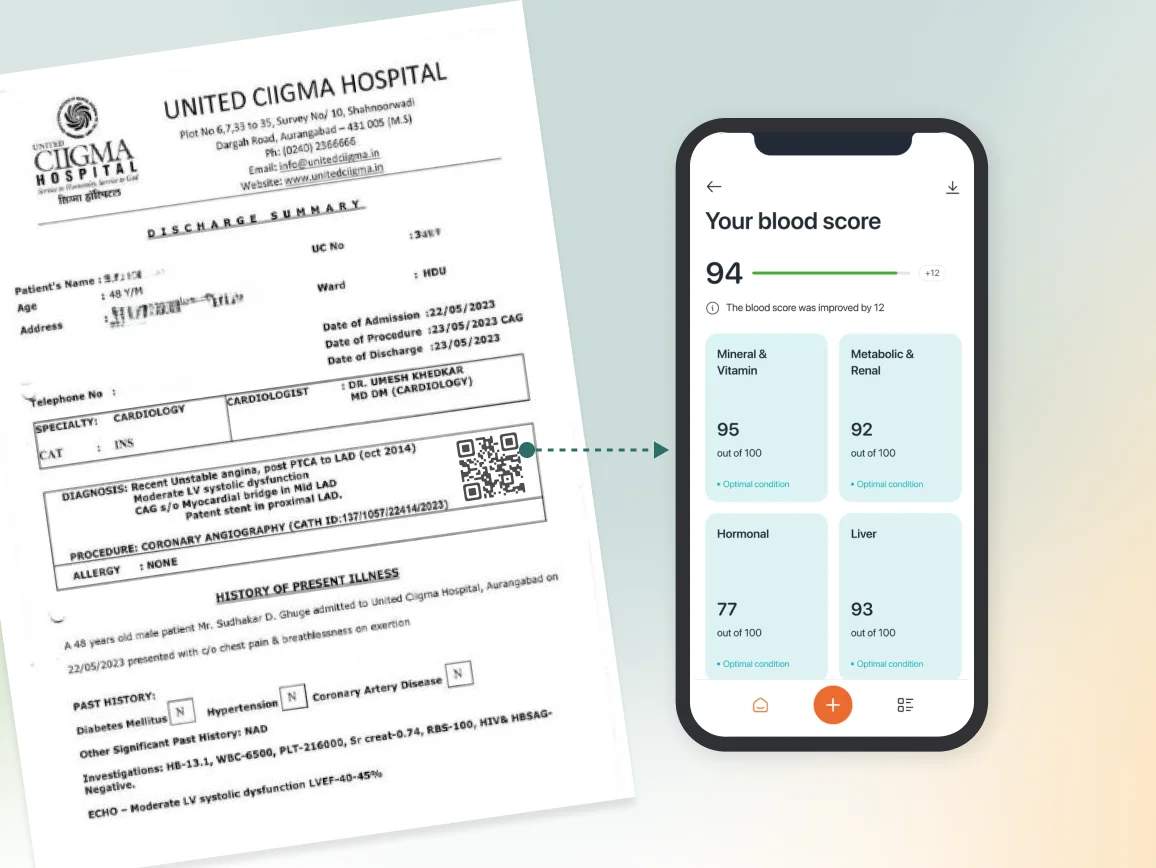
A lab results QR Code links to a patient’s digital medical report and can be added to an email, receipt, or discharge summary. When scanned, it opens a secure destination such as a password-protected PDF, a patient portal page, or a verification link hosted in the healthcare facility’s Laboratory Information Management System (LIMS).
4M+
Unique users worldwide
30,000+
Global businesses on our platform
60+
Countries with active users
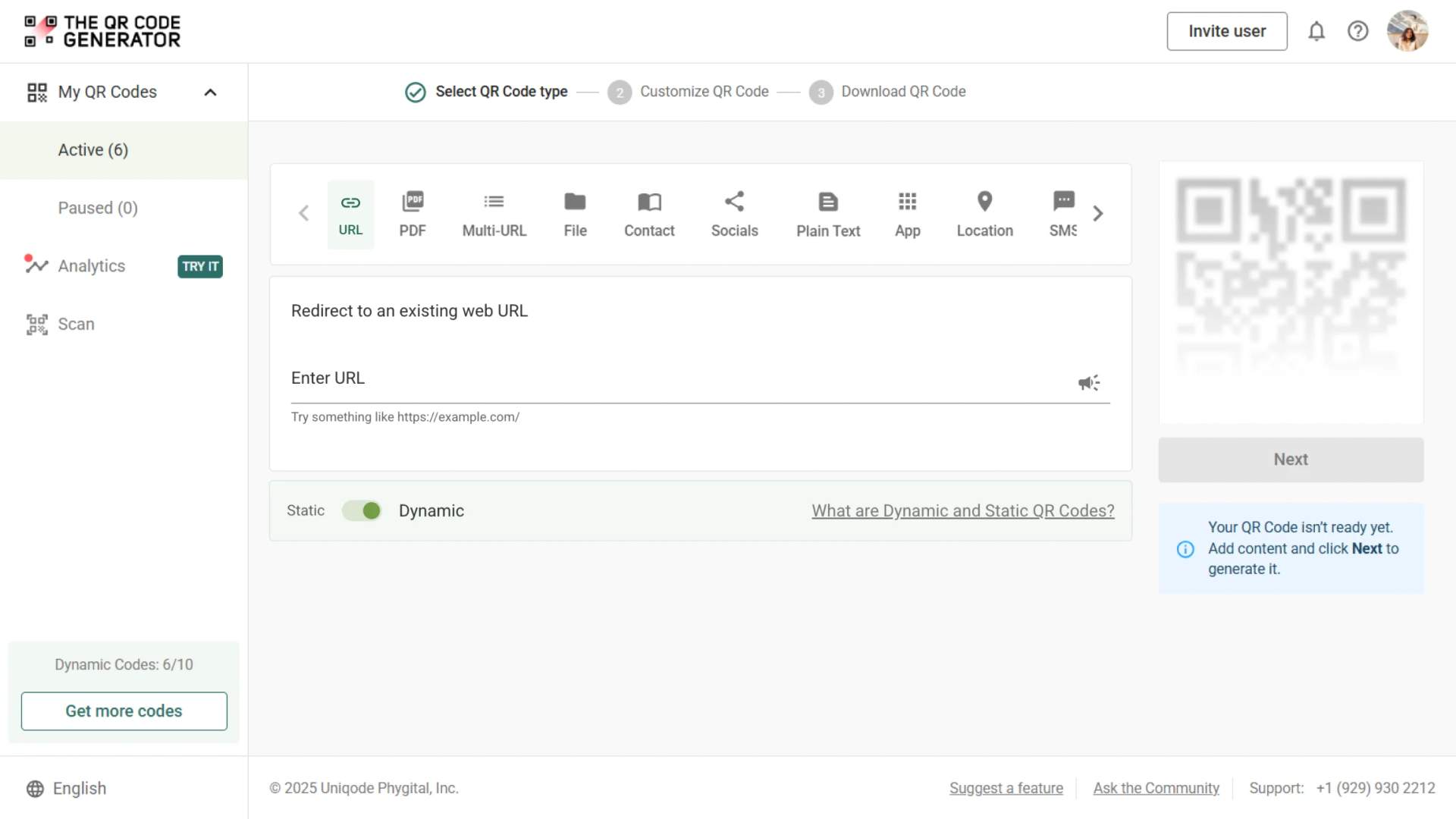
How a lab result QR Code improves patient experience
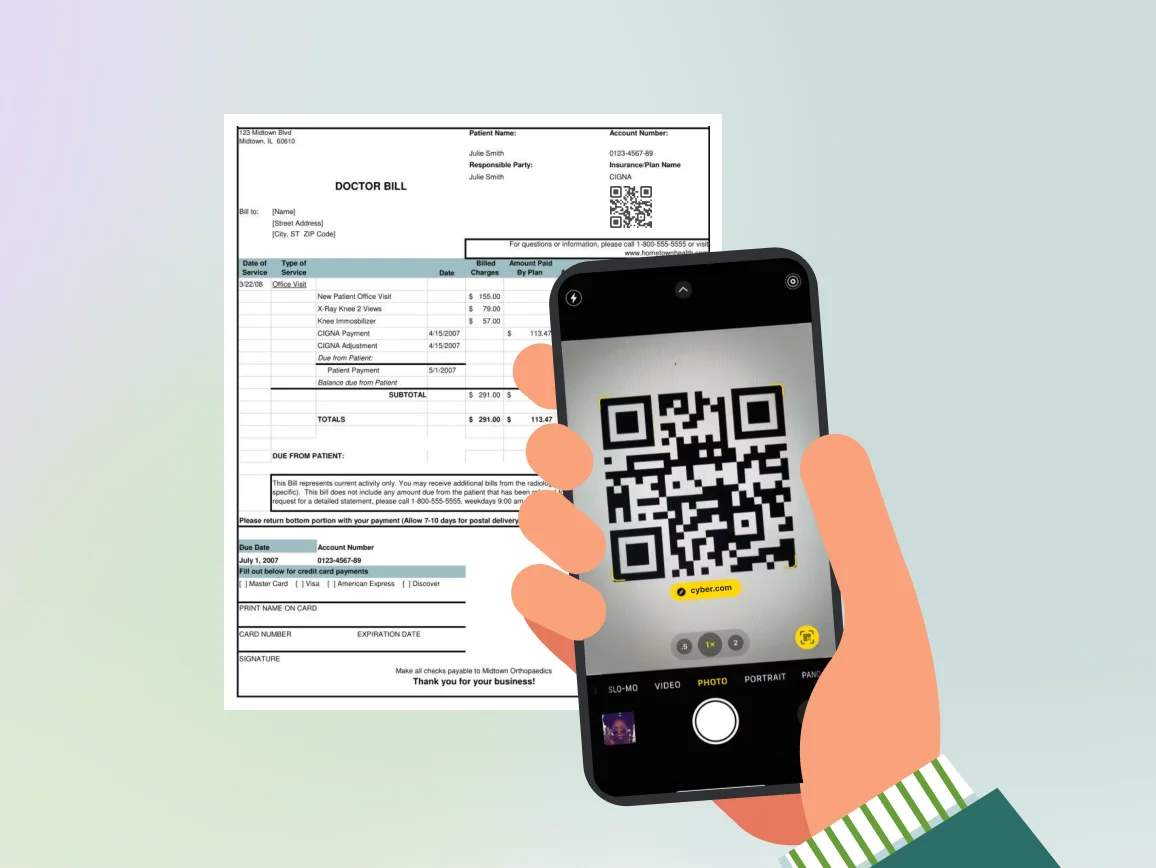
How to optimize the lab test QR Code for maximum security

Link to a secure and access-controlled page
Never link a QR Code to a public PDF stored on an open cloud drive. Always direct the scan to a secure viewer that requires a password (such as a Date of Birth) or patient authentication.

Keep scanning friction low for elderly patients
Ensure you use high-contrast colors, such as black on white, to enable easy scanning. Furthermore, keep the QR Code size a minimum of 2cm x 2cm, so that even older mobile device cameras can detect it easily.

Add a clear label explaining the function
To build trust and reduce confusion, add a clear Call-to-Action (CTA) frame next to the code, such as “Scan to view your full lab report”.

Host results on HIPAA/GDPR-ready platforms
If you are operating in regulated regions, ensure the backend storage linked to your QR Code meets applicable healthcare privacy standards. Avoid using consumer-grade file sharing services for medical records.

Avoid using static QR Codes
Never generate a static QR Code, as it can leave confidential information vulnerable. Opt for dynamic QR Codes that give you control to revoke access or update the file if needed.

Add timestamp metadata
Ensure that clinicians and patients can instantly verify they are viewing the most recent diagnostic data. Make your landing page display clear metadata, such as “Report Generated: February 2, 2025, 10:30 AM.”
Where to place a lab result QR Code for quick patient access
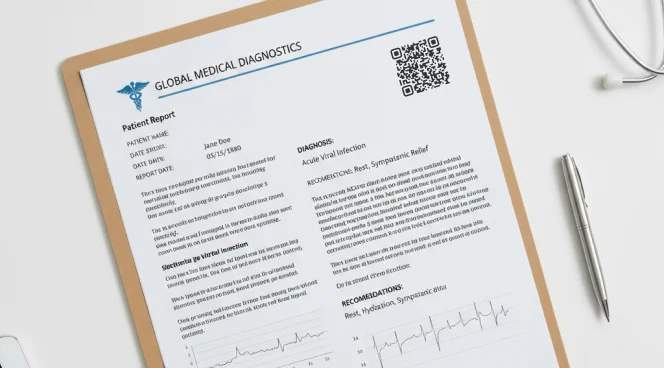
On printed test reports
Place the QR Code near the header or patient details so that it is the first thing a patient or doctor notices. This ensures anyone reading the report can instantly verify authenticity or pull up the digital version.
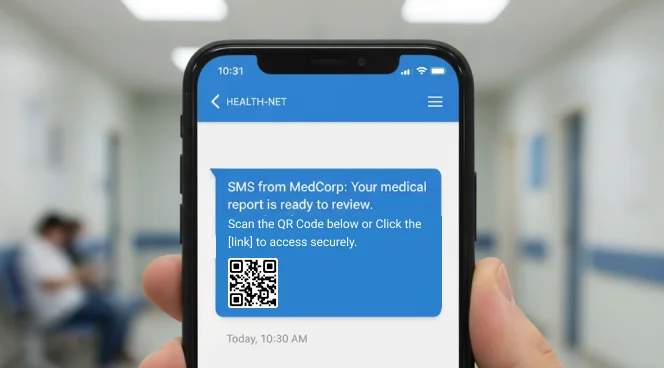
In SMS notifications
When you send out “report ready” messages, include the QR Code along with a link. This lets your patients view results directly from their phone without any hassle.
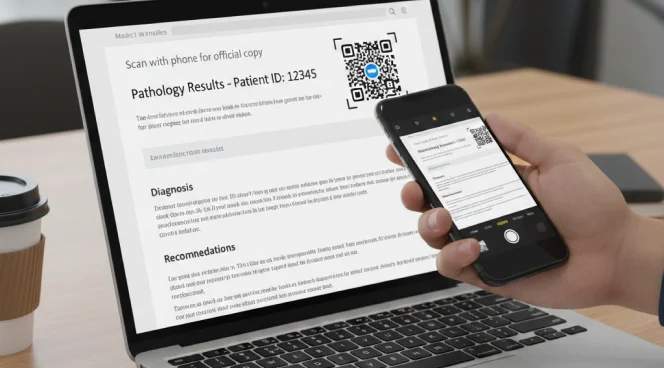
Inside result delivery emails
Embed the QR Code near the top of the email. That way, if a patient is reviewing results on a laptop, they can scan it with their phone to view the results from their diagnostic tests.
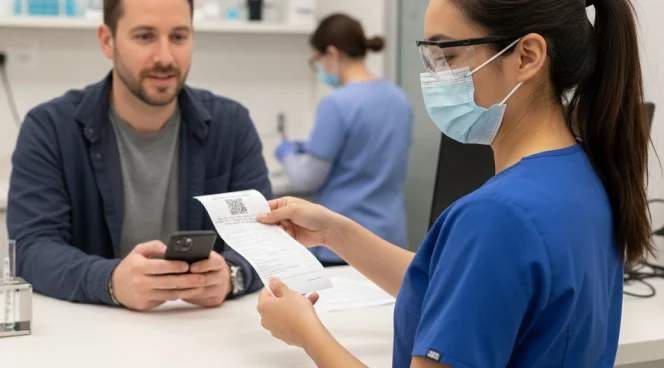
On patient collection receipts
Print a QR Code on the receipt you hand to patients after they submit their sample. You provide them with a simple path to check their status from home and download the final report once it becomes available.

For home collection or phlebotomist visits
If your team collects samples at home, provide a small card or slip with the QR Code. It gives the patient a clear takeaway and a guaranteed access point later, without another visit.
Which healthcare teams should adopt lab result QR Codes?
Diagnostic labs
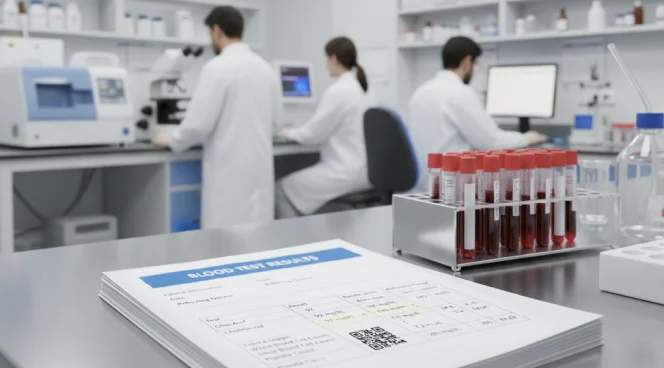
Enhance report delivery speed and efficiency while reducing printing, manual distribution, and verification time. Give your patients a seamless digital experience and instantly free up staff time.

Hospitals
Add QR Codes to discharge summaries, lab reports, or prescriptions to improve data handovers across departments. Reduce paperwork and ensure doctors always have the latest information available.

Radiology and imaging centers
Provide referring doctors with secure and instant access to detailed lab results and reports, eliminating the need for emails or manual sharing. Streamline consultations and reduce turnaround times between labs and care teams.
Clinics and individual doctors
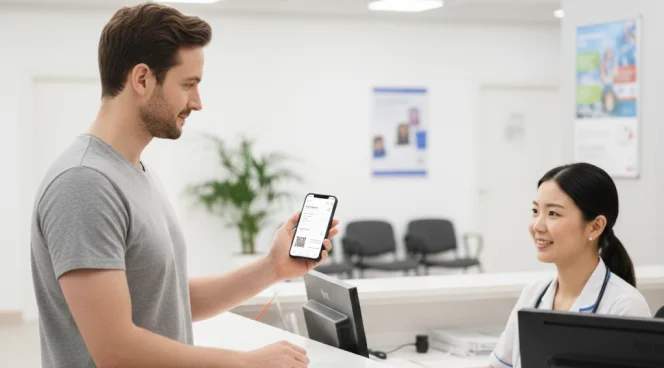
Provide patients with digital-first access to prescriptions, test orders, and results. Eliminate paperwork, reduce follow-ups, and strengthen ongoing care communication.
Home Collection and phlebotomy teams
Create a reliable digital touchpoint even when patients never step into your facility. With a single scan, they can easily track the status and retrieve reports.