









 New Dynamic QR Code
  New Static QR Code
 To enable tracking, create a Dynamic QR Code




Link a PDF document to share easily
Show multiple links in a webpage
Share contact details easily
Display a short message
Redirect to app download based on the device OS
Link phone number to send a text message quicker
Link an email address to open the email app ready to go
Link a phone number for quick calls
Link a phone number for quick calls
Remove The QR Code Generator watermark by signing up for the Flex plan



 No credit card required
How does a menu QR Code work?
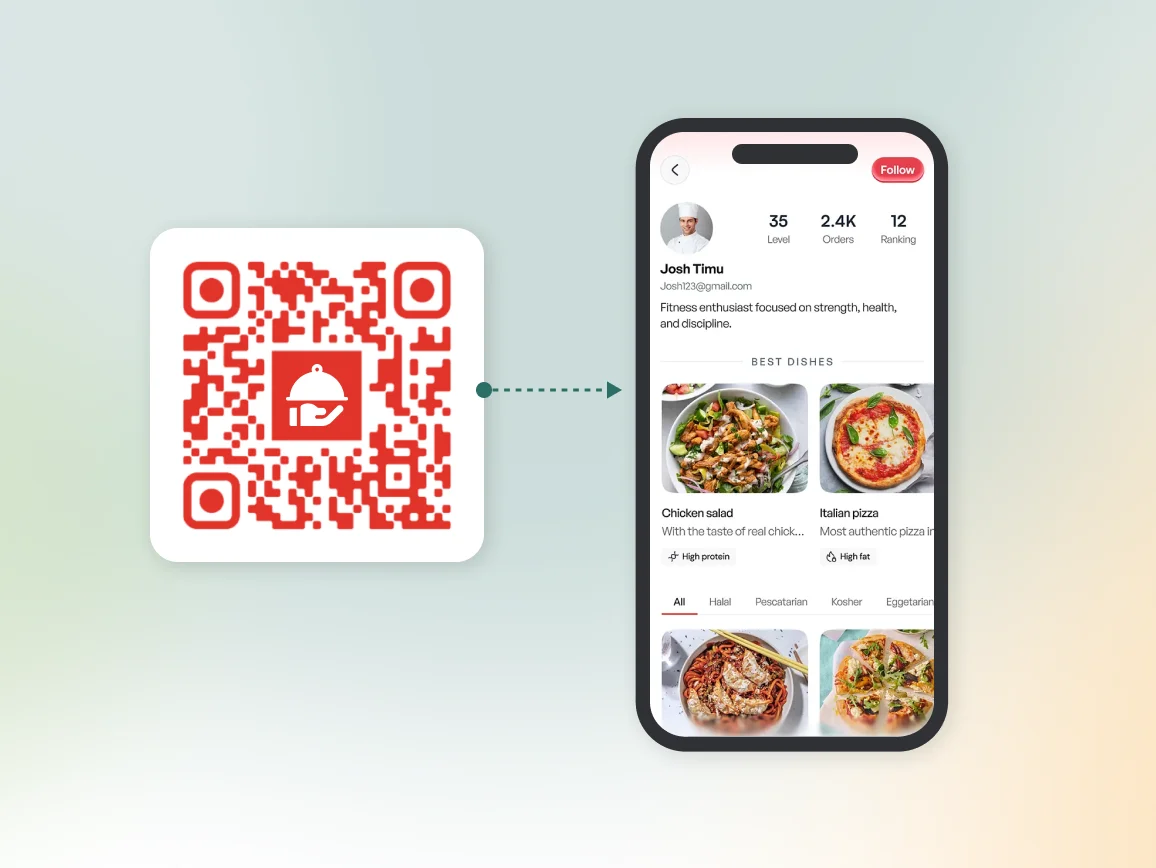
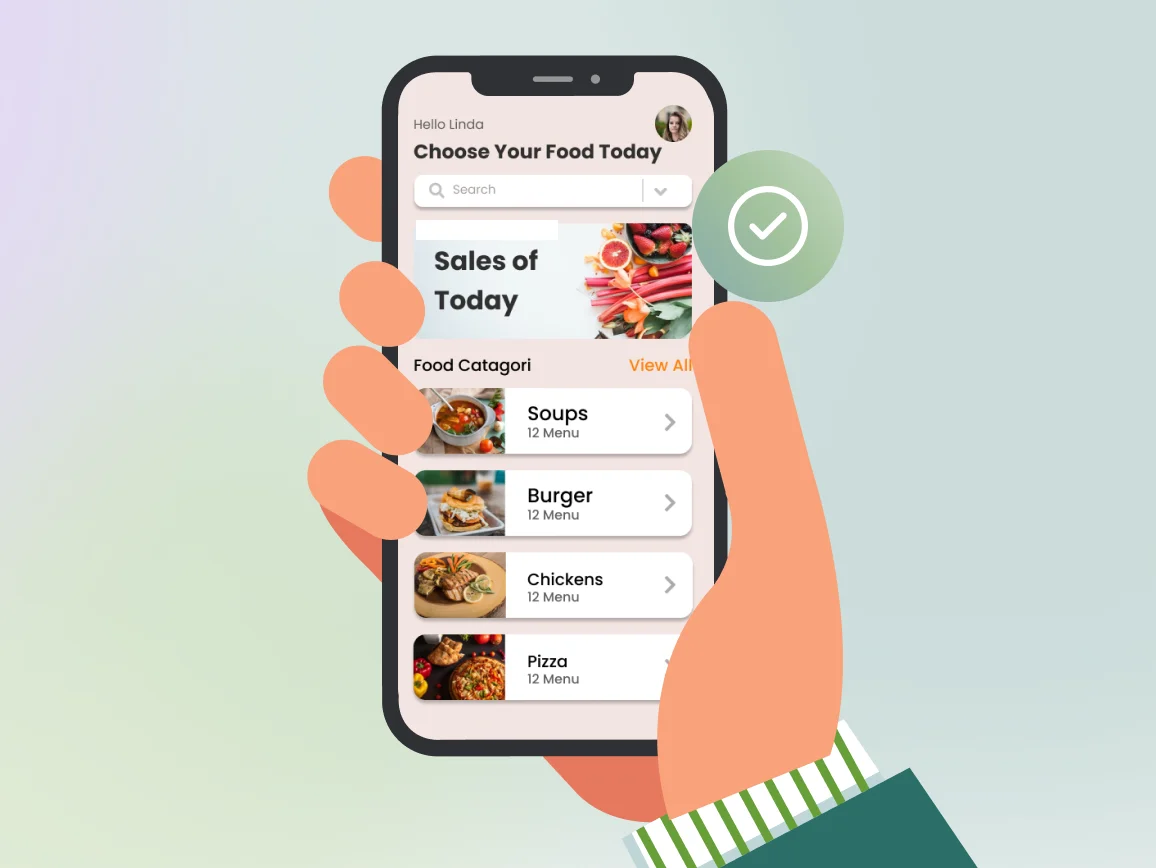
A menu QR Code contains a link to your restaurant’s menu. When guests scan the code with their phone camera, it instantly opens your menu page without requiring an app or manual typing.
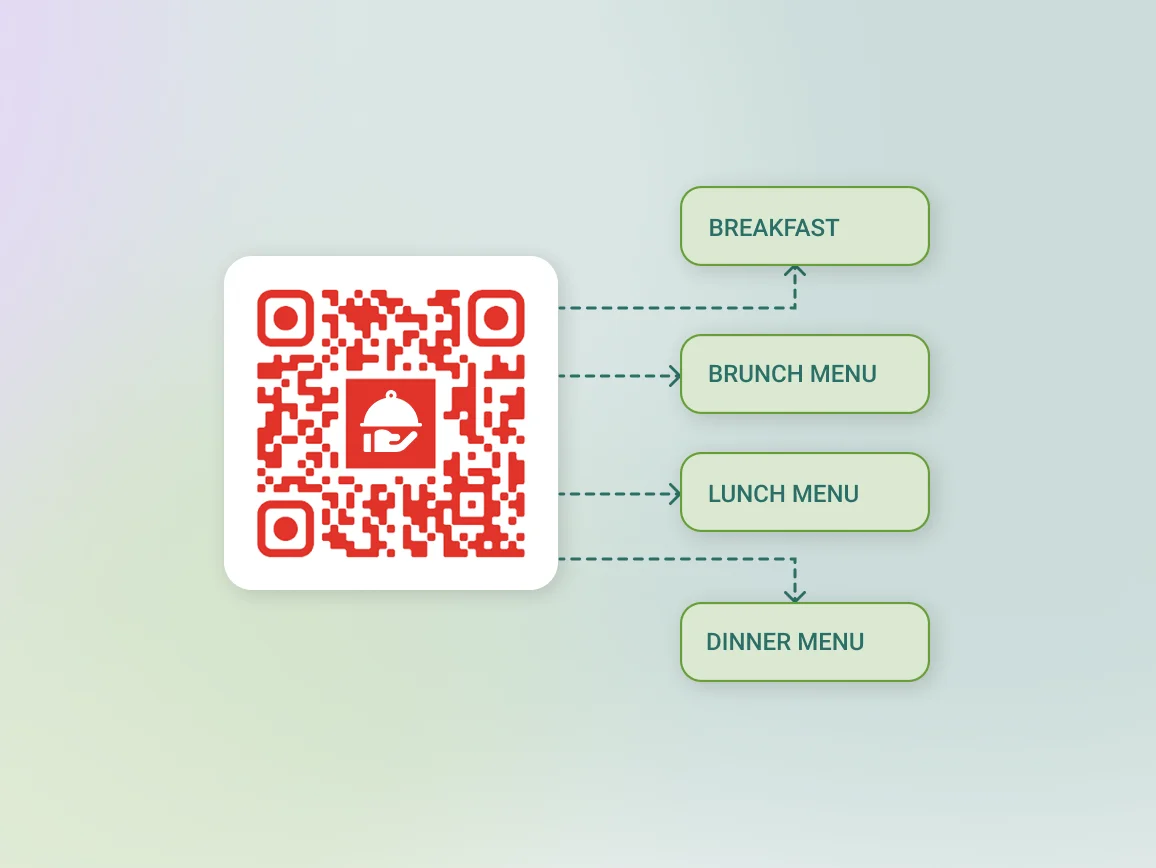
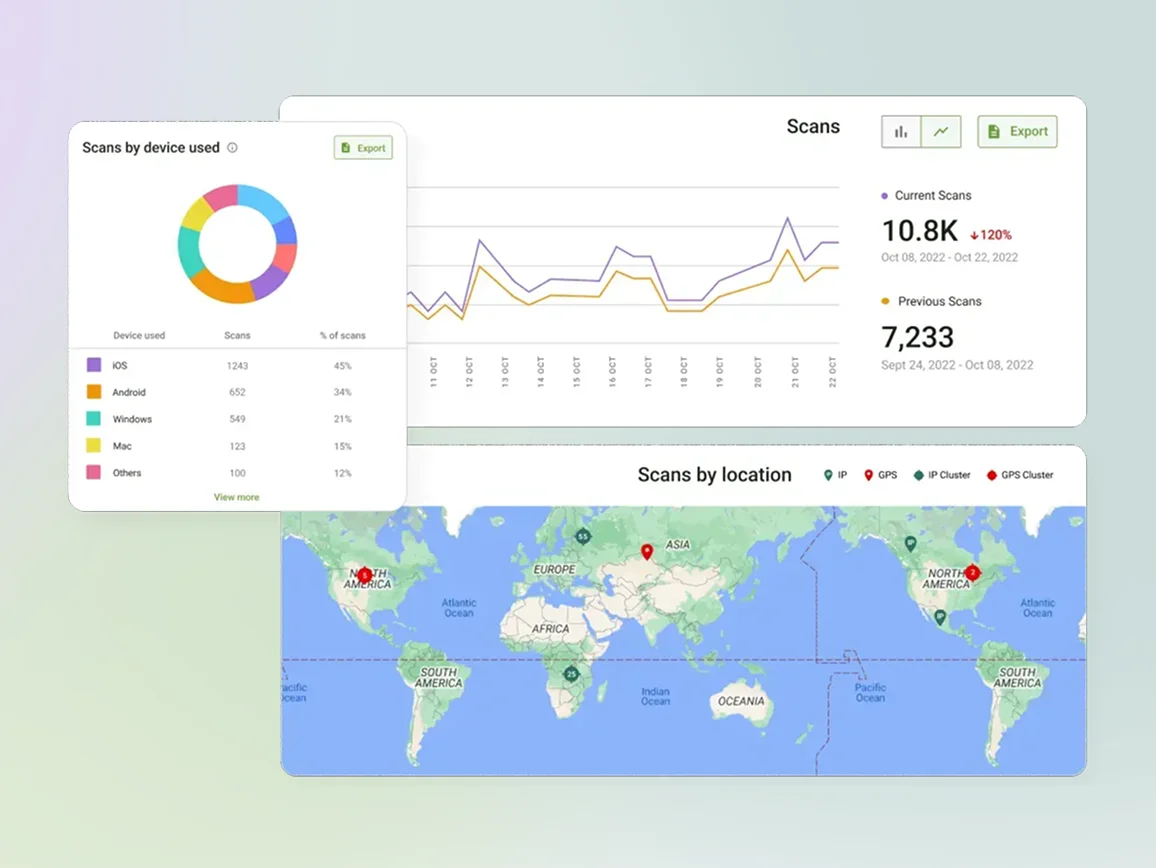
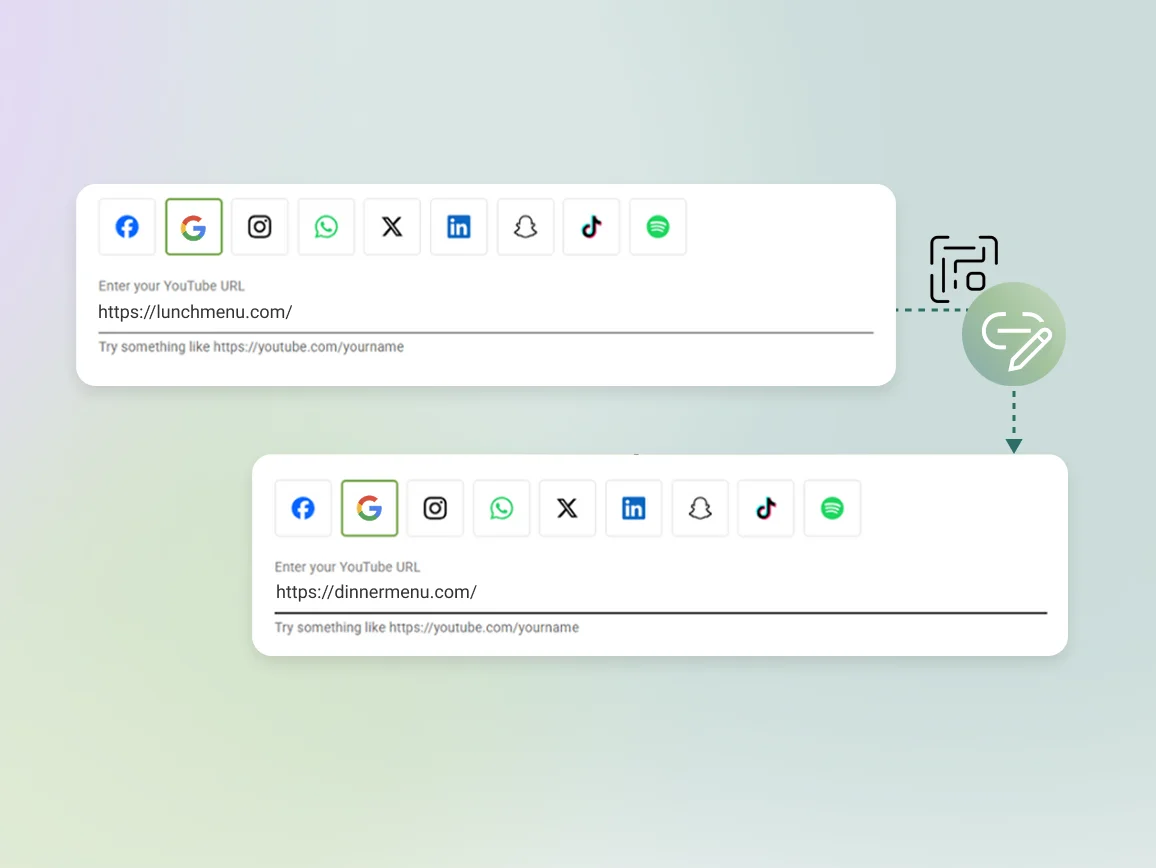
With a dynamic QR Code, you can update dishes, adjust prices, or launch seasonal menus anytime. The QR Code printed on your tables stays the same while the menu behind it changes.
3M+
Unique users worldwide
30,000+
Global businesses on our platform
60+
Countries with active users
How to create a QR Code for a menu?
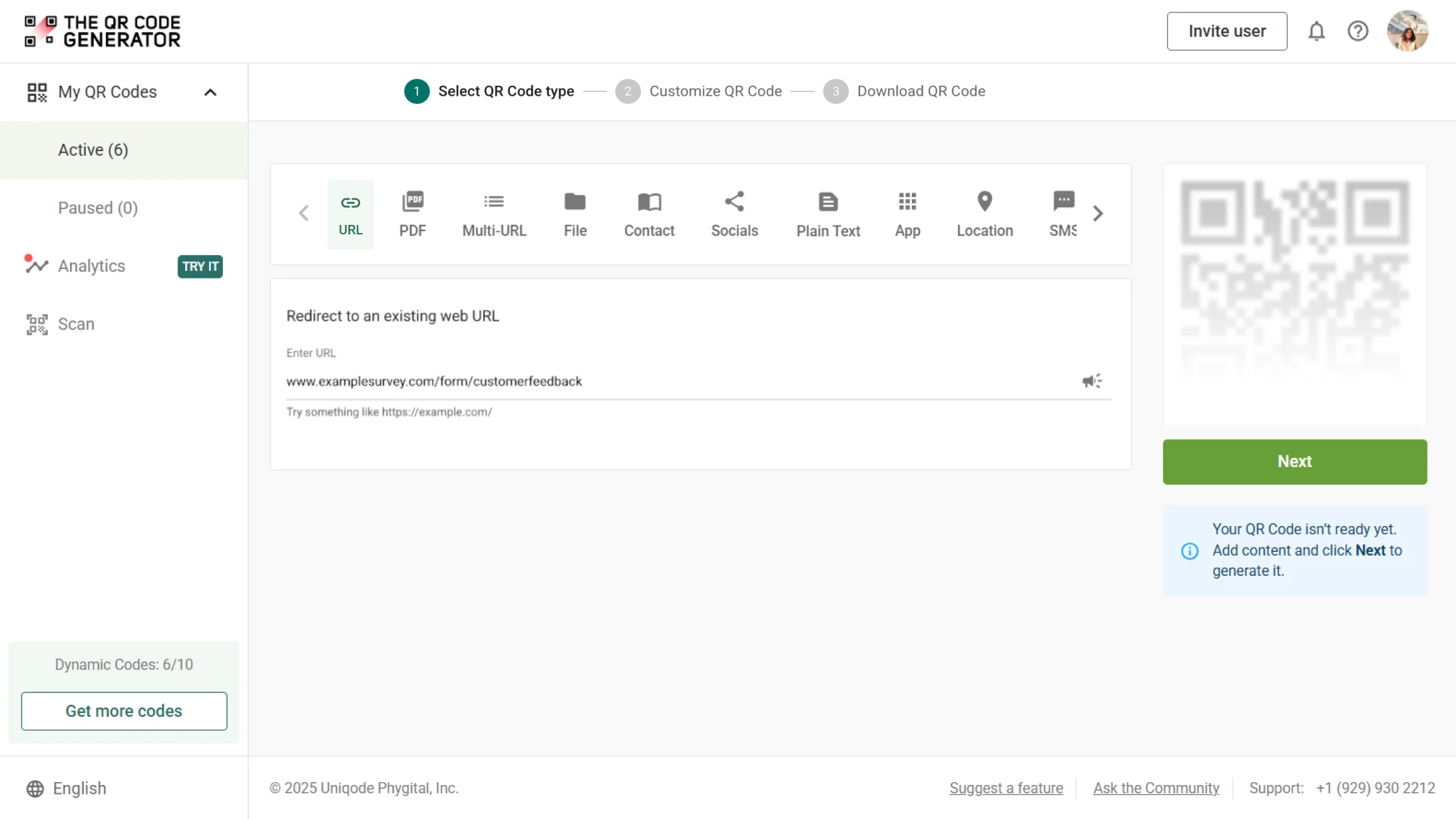
Step 1
Link your menu
Log in to The QR Code Generator (TQRCG) and select the URL QR Code or PDF type, depending on your needs. Paste the link to your online menu as shown, or upload a PDF.
Step 2
Customize the QR Code
Upload your restaurant logo, choose brand colors, and add a frame with a clear CTA such as “Scan to View Our Menu.” A branded code feels intentional and is more likely to get scanned.
Step 3
Download and print
Download the QR Code in SVG format for high-quality printing and place it on table tents, coasters, or window clings.
Why create a contactless menu QR Code?
Best practices to create a menu QR Code
Where to place a menu QR Code to improve scans?
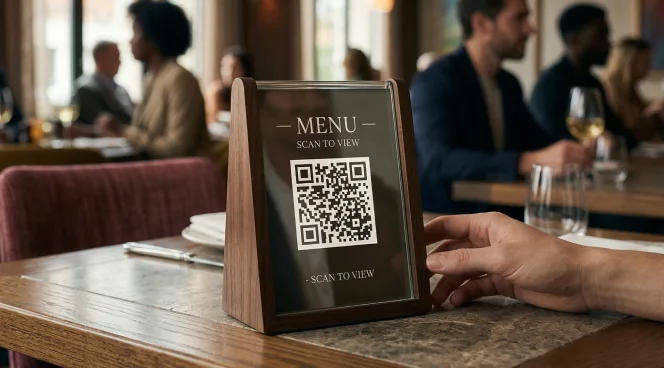
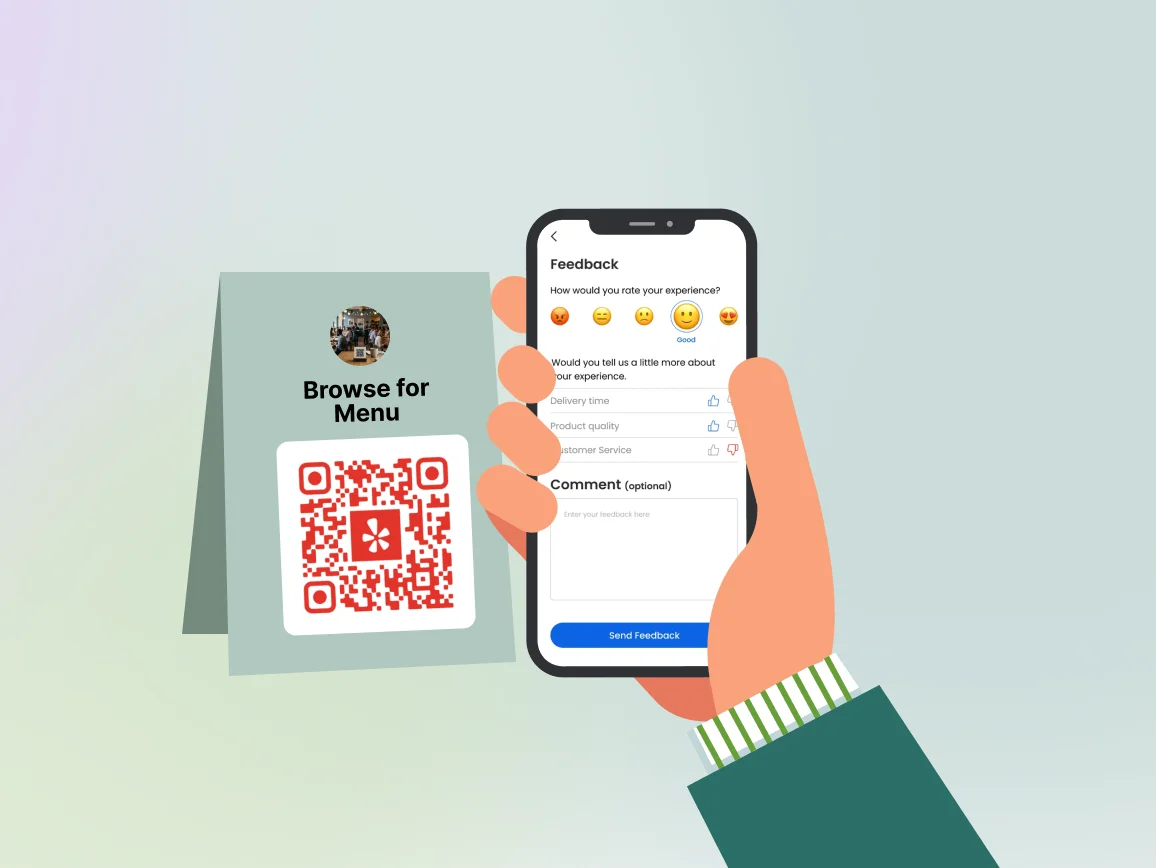
Table tent or table center
Put a menu QR Code on every table tent or placemat so guests find it the moment they sit down instead of asking for it.
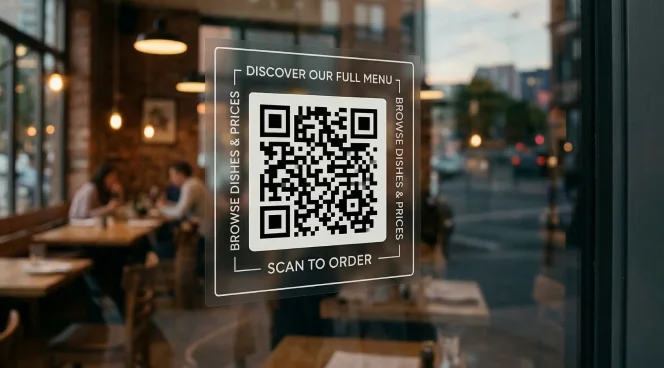
Storefront window
Display a menu QR Code on your storefront window so curious passersby can browse your dishes and prices right from the pavement.
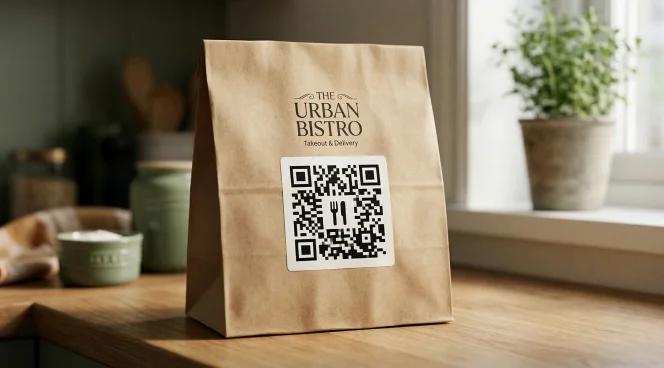
Takeout bag and box
Add a menu QR Code to your packaging so customers have something to scan when they get home.
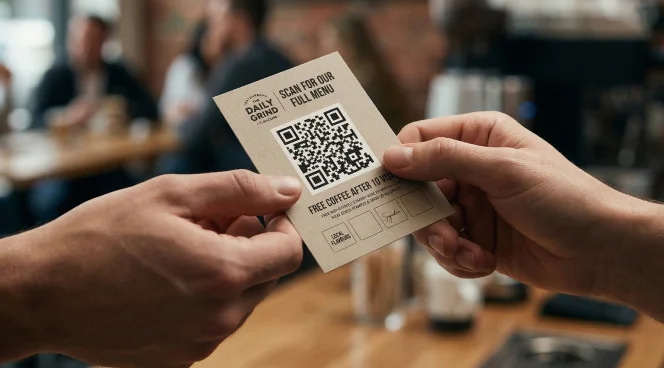
Loyalty cards and promotional flyers
Include a menu QR Code on every flyer or loyalty card you hand out so people can open your full menu on the spot.
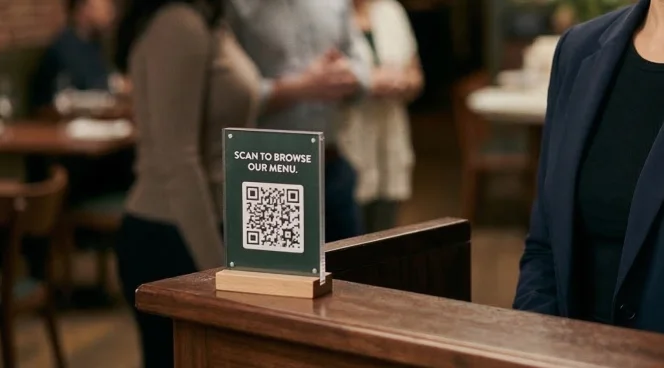
Hostess stand and waiting area
Place a menu QR Code at the hostess stand so guests can browse while they wait for their table, for faster ordering and a smoother service.
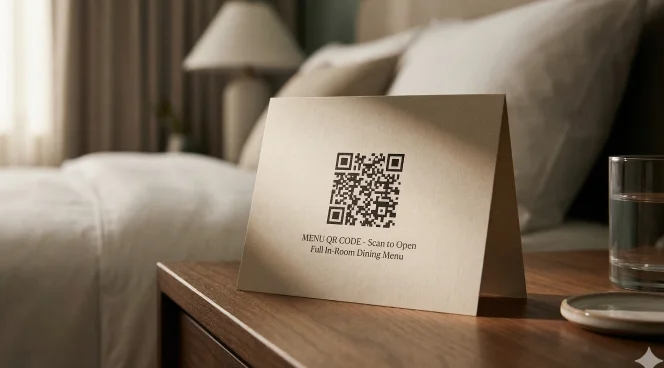
Hotel room dining cards
Add a menu QR Code to every in-room dining card so guests can access your full menu the moment they’re hungry, without having to call to order.
Table tent or table center
Put a menu QR Code on every table tent or placemat so guests find it the moment they sit down instead of asking for it.
Storefront window
Display a menu QR Code on your storefront window so curious passersby can browse your dishes and prices right from the pavement.
Takeout bag and box
Add a menu QR Code to your packaging so customers have something to scan when they get home.
Loyalty cards and promotional flyers
Include a menu QR Code on every flyer or loyalty card you hand out so people can open your full menu on the spot.
Hostess stand and waiting area
Place a menu QR Code at the hostess stand so guests can browse while they wait for their table, for faster ordering and a smoother service.
Hotel room dining cards
Add a menu QR Code to every in-room dining card so guests can access your full menu the moment they’re hungry, without having to call to order.
Which businesses can use a menu QR Code?
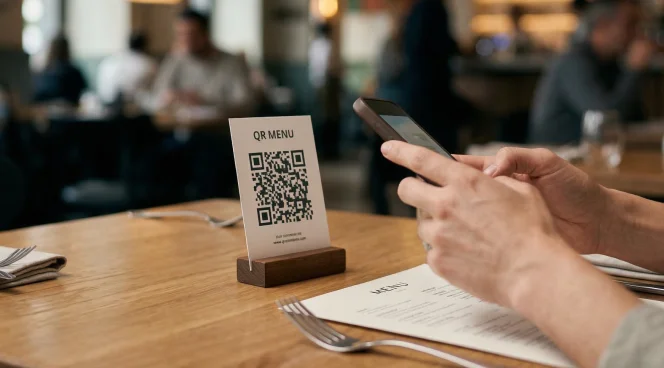
Restaurants and cafés
Put a menu QR Code on every table and let guests start browsing the moment they sit down. Update your menu URL each morning so the QR Code always opens with today's specials at the top.
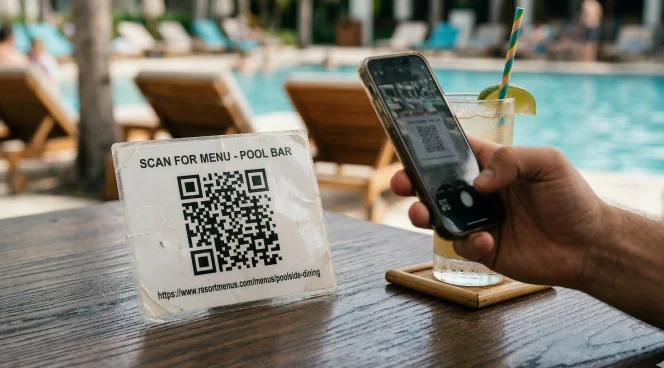
Hotels and resorts
Place menu QR Codes at every dining touchpoint (rooms, your pool bar, lobby lounge), then link each one to the menu relevant to that location. A guest by the pool should see the poolside drinks menu, not the fine dining one three floors up.
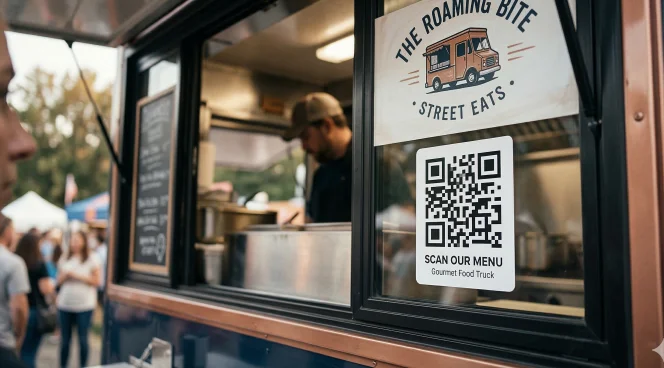
Food trucks
Display a menu QR Code on your serving window or a banner, and update the menu from your phone between locations. Because your setup changes constantly, a dynamic code keeps your offering accurate without producing anything new each time you move.
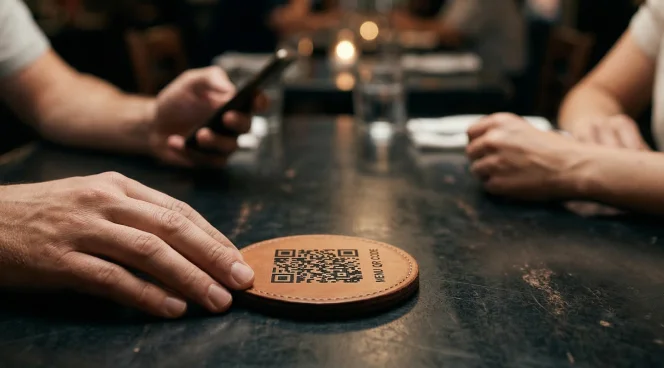
Bars and breweries
Give guests a menu QR Code at the bar or on coasters that opens more than just a drinks list. A well-built digital menu can show recommended food pairings alongside each beer or cocktail.
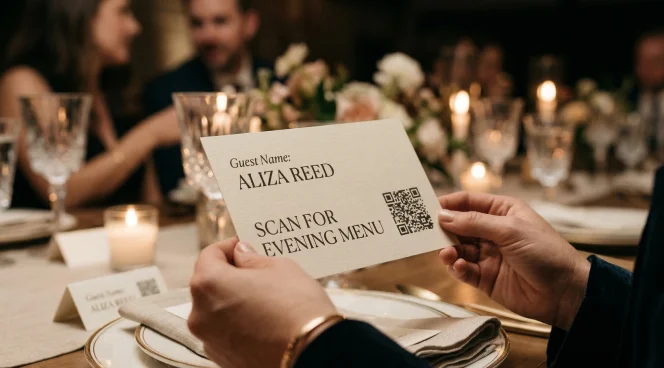
Catering and events
Hand guests a place card or table sign with a menu QR Code that opens the event-specific menu. A corporate lunch and a wedding dinner can use the same printed code, just by updating the links they point to.
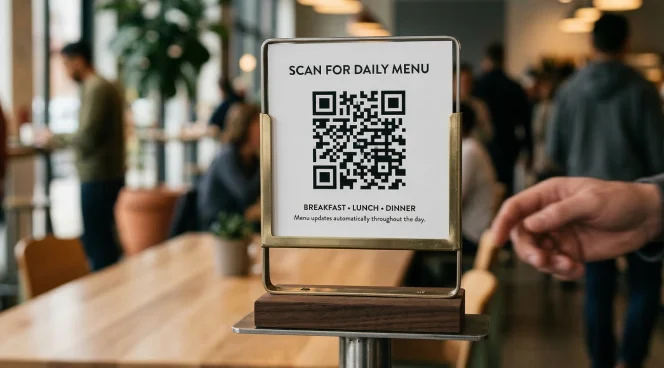
Corporate cafeterias and canteens
Post a single menu QR Code at the cafeteria entrance, and use a dynamic code to switch between breakfast, lunch, and dinner menus throughout the day. This lets employees check what's on offer before they leave their desks, so they arrive knowing exactly what they want.
Restaurants and cafés
Put a menu QR Code on every table and let guests start browsing the moment they sit down. Update your menu URL each morning so the QR Code always opens with today's specials at the top.
Hotels and resorts
Place menu QR Codes at every dining touchpoint (rooms, your pool bar, lobby lounge), then link each one to the menu relevant to that location. A guest by the pool should see the poolside drinks menu, not the fine dining one three floors up.
Food trucks
Display a menu QR Code on your serving window or a banner, and update the menu from your phone between locations. Because your setup changes constantly, a dynamic code keeps your offering accurate without producing anything new each time you move.
Bars and breweries
Give guests a menu QR Code at the bar or on coasters that opens more than just a drinks list. A well-built digital menu can show recommended food pairings alongside each beer or cocktail.
Catering and events
Hand guests a place card or table sign with a menu QR Code that opens the event-specific menu. A corporate lunch and a wedding dinner can use the same printed code, just by updating the links they point to.
Corporate cafeterias and canteens
Post a single menu QR Code at the cafeteria entrance, and use a dynamic code to switch between breakfast, lunch, and dinner menus throughout the day. This lets employees check what's on offer before they leave their desks, so they arrive knowing exactly what they want.
Frequently asked questions
Yes, you can link your menu QR Code to a PDF file. Simply upload your menu as a PDF to Google Drive or any file hosting platform, copy the shareable link, and paste it into The QR Code Generator (TQRCG). For the best experience on a phone screen, format the PDF vertically with large text and clearly defined sections so guests can read it without pinching and zooming.
No, you do not need to reprint your QR Code each time your menu changes. Just use a dynamic menu QR Code, and you can update the destination link in your dashboard at any time. Every code already printed and in use points to the new menu automatically, so there is nothing to reprint or replace.
No. The native camera app on any modern iPhone or Android phone can scan a QR Code and open the menu link without downloading anything extra. Guests point their camera at the code, tap the notification that appears, and the menu appears in their browser.
Yes, with a dynamic QR Code, you can update the destination link to switch between your breakfast, lunch, and dinner menus throughout the day. Some platforms, such as Uniqode, also support automated time-based switching if you would rather set it and forget it.
You can generate a menu QR Code for free via The QR Code generator (TQRCG), including two lifetime-free dynamic QR Codes. Advanced features, such as real-time scan analytics, logo customization, and high-resolution SVG downloads for print, are available on paid plans starting at $5 per month.
For table tents and coasters, a minimum size of 1.5 × 1.5 inches works well for close-range scanning. For window displays or A-frame signs that guests view from a few feet away, sizing up to at least 3 × 3 inches ensures the code reads cleanly without guests having to step uncomfortably close.