









 New Dynamic QR Code
  New Static QR Code
 To enable tracking, create a Dynamic QR Code




Link a PDF document to share easily
Show multiple links in a webpage
Share contact details easily
Display a short message
Redirect to app download based on the device OS
Link phone number to send a text message quicker
Link an email address to open the email app ready to go
Link a phone number for quick calls
Link a phone number for quick calls

Remove The QR Code Generator watermark by signing up for the Flex plan



 No credit card required
How does a product info QR Code work?
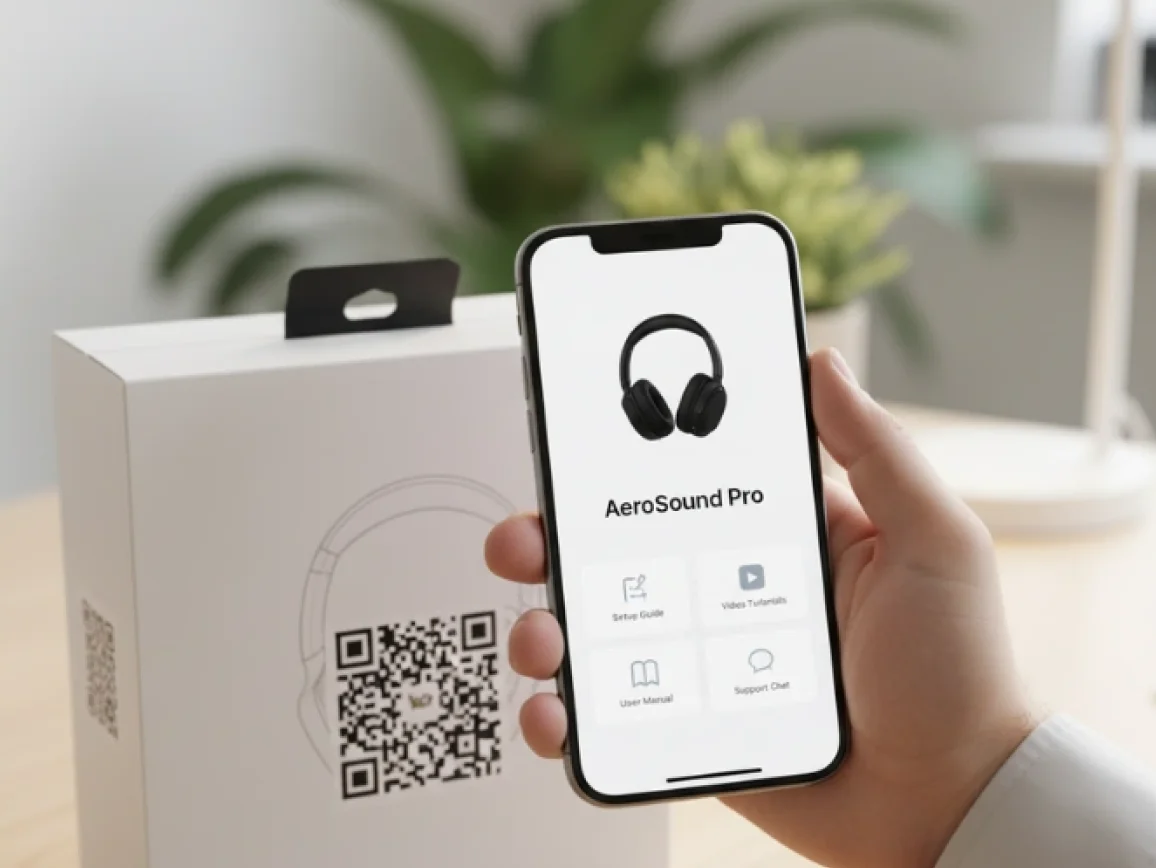
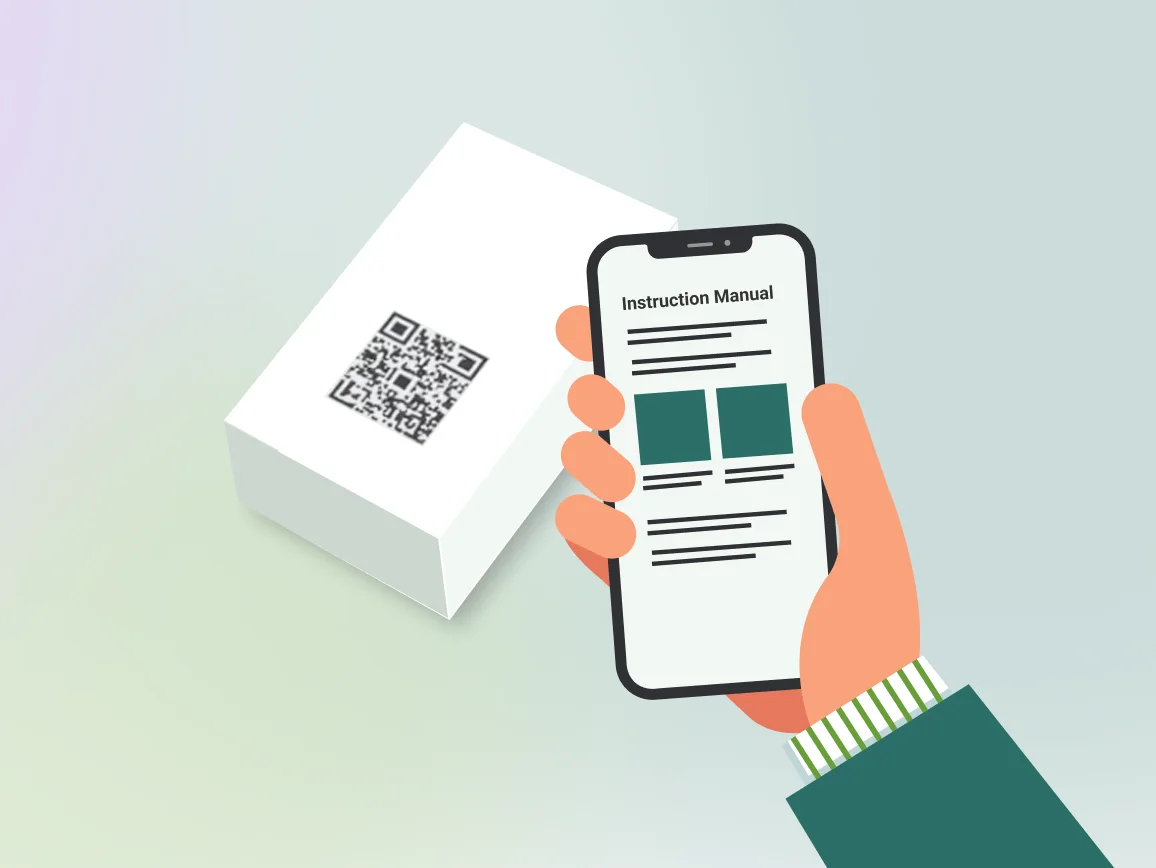
A product information QR Code gives customers instant access to everything they need after purchase. With one scan, they see the latest manuals, warranty details, or setup guides.
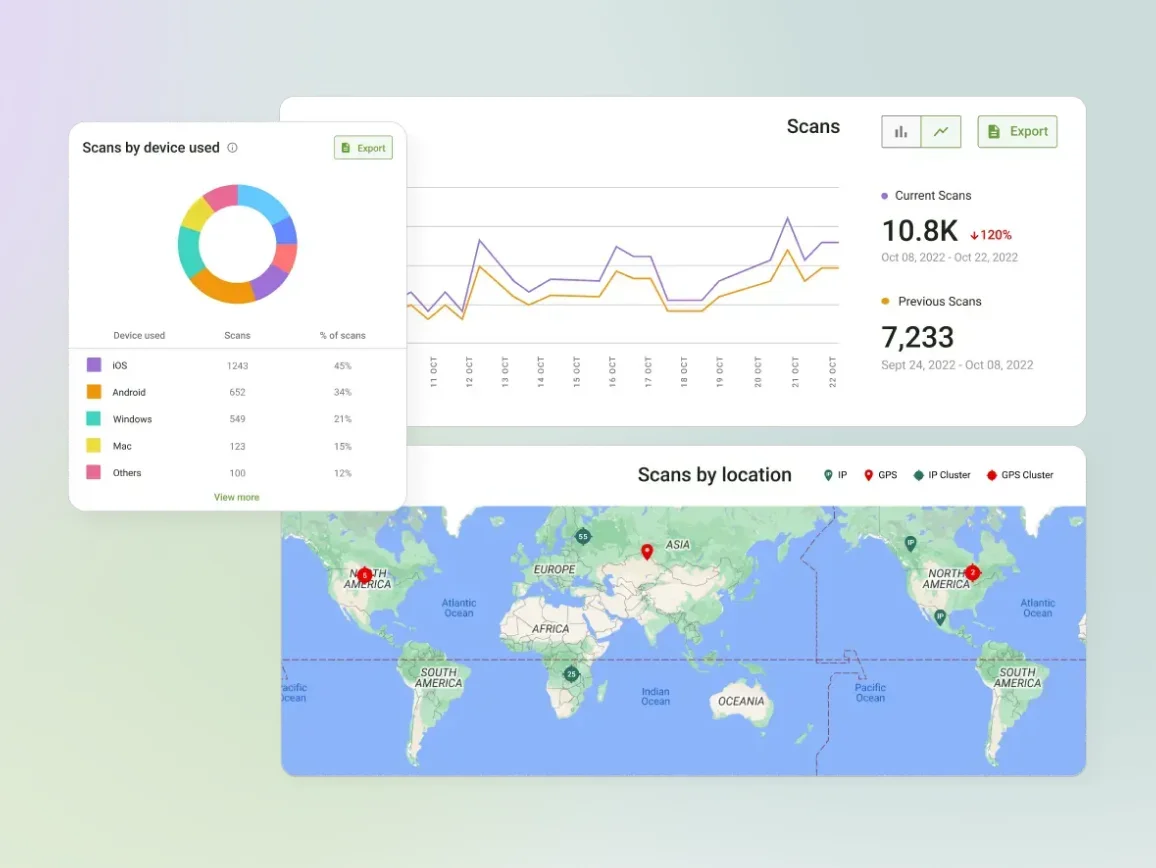
Because these QR Codes are dynamic, you can update manuals or specs anytime without reprints. Plus, every scan is tracked, giving you insights into usage and engagement.
3M+
Unique users worldwide
30,000+
Global businesses on our platform
60+
Countries with active users
Create product info QR Codes in minutes
Step 1
Log in to The QR Code Generator (TQRCG)
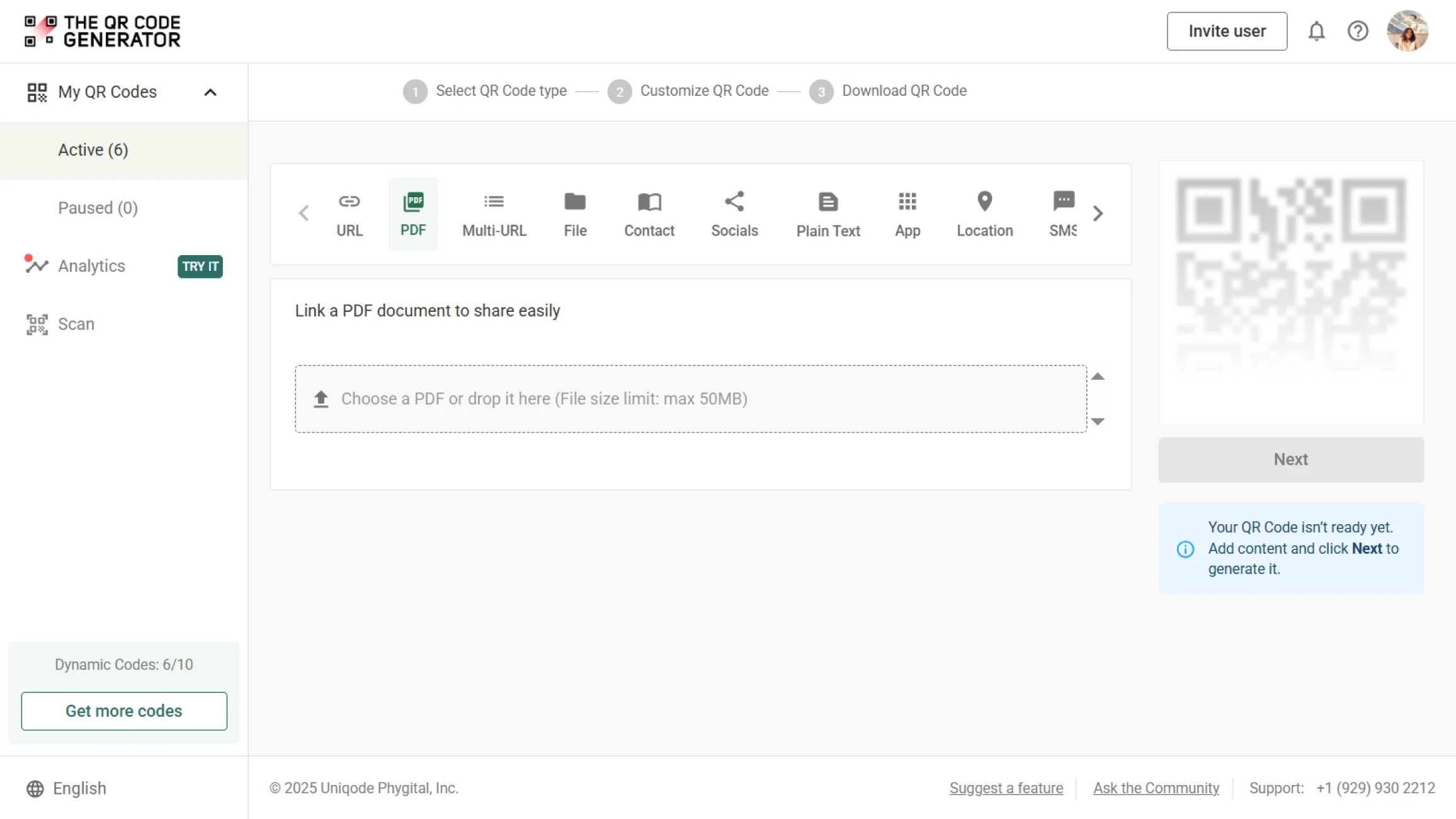
Sign up to TQRCG and select PDF as your QR Code type to upload your product manual or warranty file.
Step 2
Upload your product manual PDF
Choose your manual or documentation file (under 50 MB) and upload. Check it, then click Next.
Step 3
Style your product info QR Code
Edit your QR Code design to match the product packaging you are adding it to. Add a CTA frame to inform your customers about what to expect.
Step 4
Test and use your QR Code
Name your QR Code and download it in a print-ready format. Test your product info QR Code under various conditions before launching.
How product info QR Codes add value for customers and brands

How to ensure your product info QR Codes deliver value
Where to put product info QR Codes for easy scanning and access

Product label
Your product’s back label is where customers go for model numbers, serial codes, and certifications. Add the product info QR Code here so the path is obvious when they need technical details or warranty information.
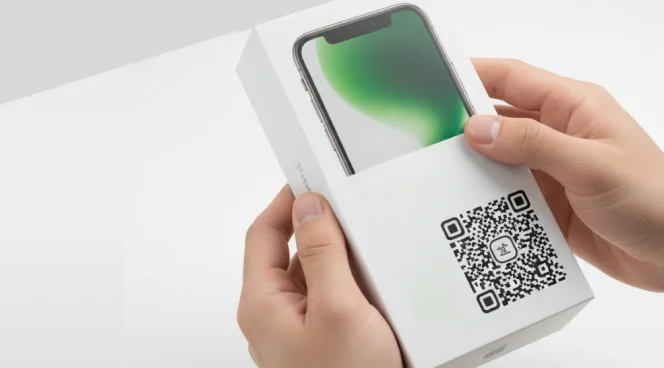
Packaging sleeve or box exterior
The unboxing stage is the most exciting moment for customers. Placing a product info QR Code on the sleeve or box creates a gateway to instant setup guidance right before they open it.
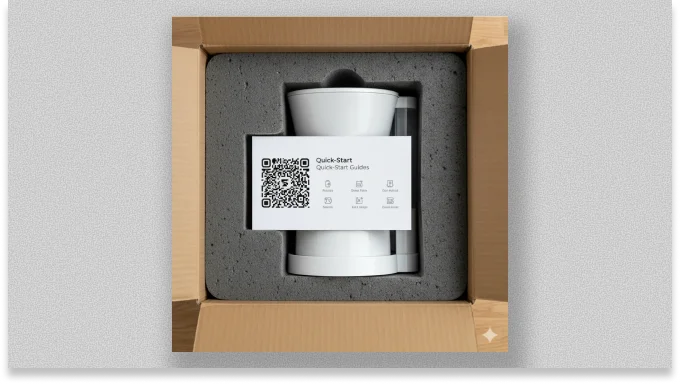
Quick-start card inside the box
Include a printed card with a QR Code that links to product registration, warranty claims, or how-to tutorials. It's best for products with longer life cycles, such as home appliances and industrial equipment.
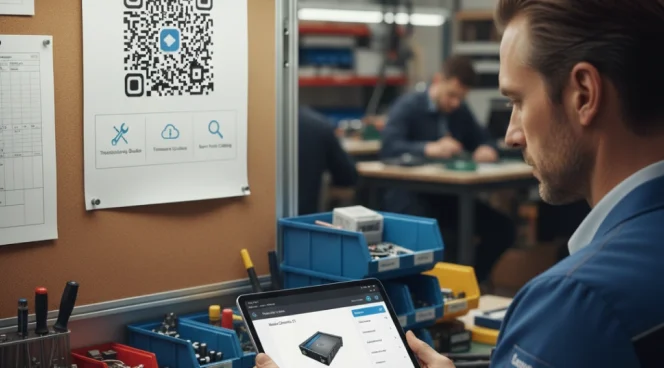
Service center poster or repair forms
After-sales doesn’t stop with the customer. Your service partners and repair staff are key. QR Codes placed in service centers or repair documents give technicians instant access to troubleshooting guides, firmware updates, or spare parts catalogs.

Product landing page and receipts
QR Codes can reinforce digital experiences by showing up on bills, confirmation emails, order receipts, or thank-you pages. After checkout, share a digital invoice including a QR Code to register the product or download the user manual.
Product label
Your product’s back label is where customers go for model numbers, serial codes, and certifications. Add the product info QR Code here so the path is obvious when they need technical details or warranty information.
Packaging sleeve or box exterior
The unboxing stage is the most exciting moment for customers. Placing a product info QR Code on the sleeve or box creates a gateway to instant setup guidance right before they open it.
Quick-start card inside the box
Include a printed card with a QR Code that links to product registration, warranty claims, or how-to tutorials. It's best for products with longer life cycles, such as home appliances and industrial equipment.
Service center poster or repair forms
After-sales doesn’t stop with the customer. Your service partners and repair staff are key. QR Codes placed in service centers or repair documents give technicians instant access to troubleshooting guides, firmware updates, or spare parts catalogs.
Product landing page and receipts
QR Codes can reinforce digital experiences by showing up on bills, confirmation emails, order receipts, or thank-you pages. After checkout, share a digital invoice including a QR Code to register the product or download the user manual.
Product info QR Code in action across industries
From electronics to food, industries use QR Codes to share manuals, updates, safety info, and product details right on the packaging.
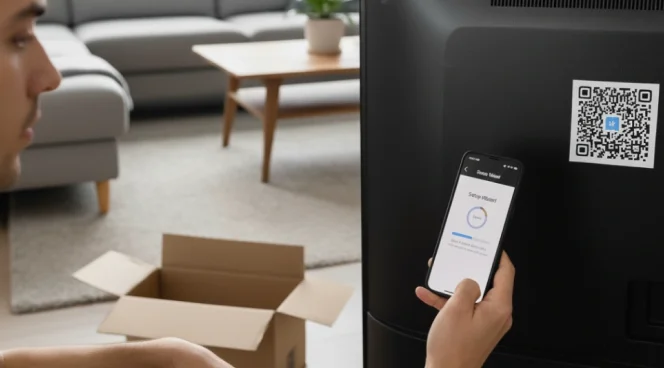
Consumer electronics
Share firmware updates, digital manuals, and troubleshooting guides directly on the packaging. This will reduce post-purchase confusion and support tickets while keeping users happy and informed.

Manufacturing
Add a QR Code that links to installation guides, maintenance tips, and spare parts catalogs. Include warranty registration directly on the landing page for faster data capture.

Healthcare and medicine
Print dynamic QR Codes on labels or sterile packaging to provide access to compliance documents (FDA or MDR approvals). Link the updated instructions for use (IFU) and safety alerts to maintain regulatory trust.

Automotive
Embed QR Codes on parts packaging, in service manuals, or under the hood. Allow mechanics or customers to verify authenticity, confirm fitment model compatibility, and access installation guides instantly.
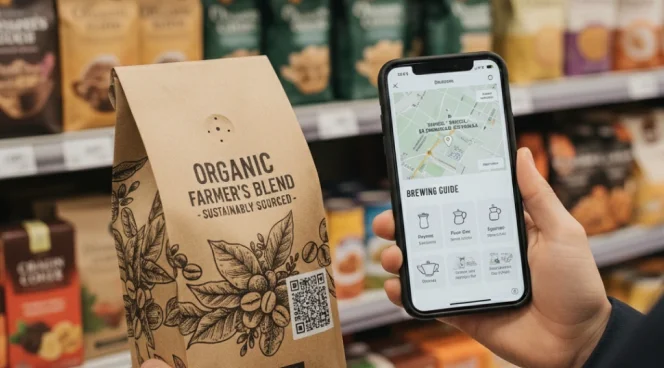
Food and beverage
Turn your packaging into a transparency channel. QR Codes can show sourcing and sustainability practices, allergen warnings, certifications (like organic or fair-trade). Include recipe ideas to increase product usage frequency.

Retail
63% of the retail industry uses QR Codes on product packaging as a revenue channel. Use shelf tags, product packaging, and POS receipts to provide extended specs and warranty registration. Help shoppers make confident purchase decisions while driving repeat sales.
Consumer electronics
Share firmware updates, digital manuals, and troubleshooting guides directly on the packaging. This will reduce post-purchase confusion and support tickets while keeping users happy and informed.
Manufacturing
Add a QR Code that links to installation guides, maintenance tips, and spare parts catalogs. Include warranty registration directly on the landing page for faster data capture.
Healthcare and medicine
Print dynamic QR Codes on labels or sterile packaging to provide access to compliance documents (FDA or MDR approvals). Link the updated instructions for use (IFU) and safety alerts to maintain regulatory trust.
Automotive
Embed QR Codes on parts packaging, in service manuals, or under the hood. Allow mechanics or customers to verify authenticity, confirm fitment model compatibility, and access installation guides instantly.
Food and beverage
Turn your packaging into a transparency channel. QR Codes can show sourcing and sustainability practices, allergen warnings, certifications (like organic or fair-trade). Include recipe ideas to increase product usage frequency.
Retail
63% of the retail industry uses QR Codes on product packaging as a revenue channel. Use shelf tags, product packaging, and POS receipts to provide extended specs and warranty registration. Help shoppers make confident purchase decisions while driving repeat sales.
Frequently asked questions
Yes. You can update or replace manuals (PDF, video, or web links) with dynamic QR Codes without reprinting packaging or materials.
PDFs, URLs, and videos can all be linked.
The QR Code Generator (TQRCG) offers two free dynamic QR Codes that share analytics for free. However, a paid plan is required for more than two trackable QR Codes.
For reliable scanning, we recommend a minimum size of 2 × 2 cm for packaging labels and larger formats for posters/signage, depending on scan distance.
Yes. Brands often use unique dynamic QR Codes for product authentication or to share product information by linking each scan to a secure database, allowing buyers to verify authenticity instantly.