
A Complete Guide to Using Venmo QR Codes for Business

Shanti Nair
Last updated: May 28, 2026
12 min read
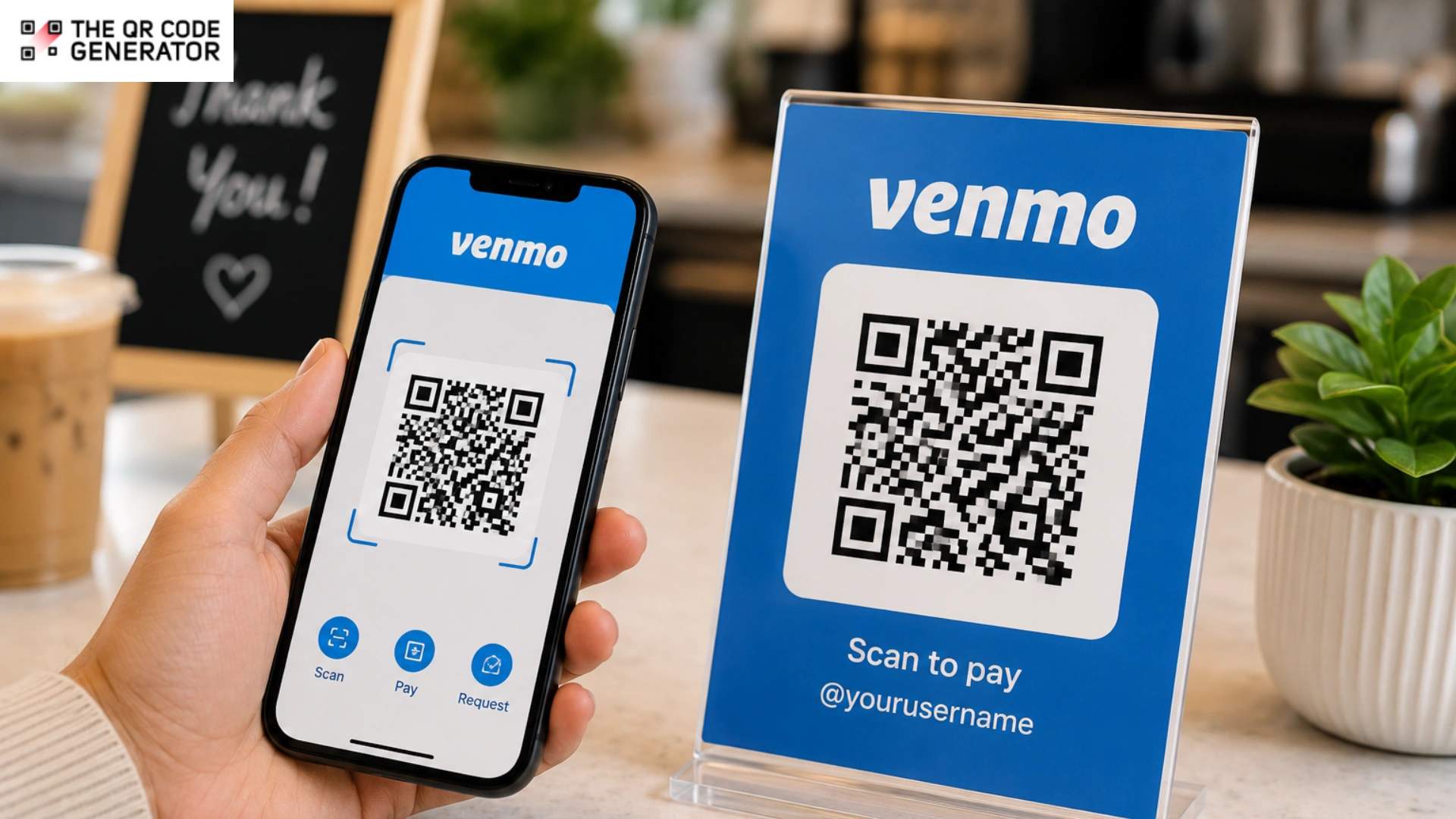
A customer searches your Venmo username and sees multiple similar accounts, and ends up sending money to the wrong person. Invoices remain unpaid because of multiple steps before the payment process even starts. A Venmo QR Code removes payment friction by taking customers directly to your payment screen with a single scan.
A Venmo QR Code is a payment QR Code that links directly to your Venmo profile, so customers can scan it once and pay instantly without searching for your username. For freelancers, vendors, and small businesses, it removes one of the biggest friction points in getting paid.
If you are comparing Venmo with other payment QR Code options, our guide breaks down the differences between platforms and setups. Learn how to get your Venmo QR Code, print and share it across channels, understand fees and limits, and decide when a custom QR Code gives you more flexibility than Venmo’s native option.
What is a Venmo QR Code?
A Venmo QR Code is a payment QR Code that links directly to a Venmo profile, so customers can open the payment screen with a single scan. A Venmo QR Code removes the need to search usernames, verify profiles, or manually enter payment details. That faster payment flow matters for freelancers, vendors, and small businesses because payment friction often causes delayed or abandoned transactions.
Venmo offers two primary QR Code types, and each type serves a different payment direction.
- Venmo Me opens your payment profile so another person can pay you. Freelancers add Venmo Me QR Codes to invoices, market vendors display them at checkout counters, and service providers print them on receipts or business cards.
- Show to Pay lets you pay a merchant from your own Venmo account. Merchants scan your code at a compatible point-of-sale (POS) system to complete the transaction.
Venmo also supports QR Codes for non-profit and charity accounts. Non-profit QR Codes direct donors to a non-profit’s Venmo profile, where they can tap Donate inside the Venmo app. Non-profits often use these QR Codes at fundraising events, community campaigns, and printed donation materials.
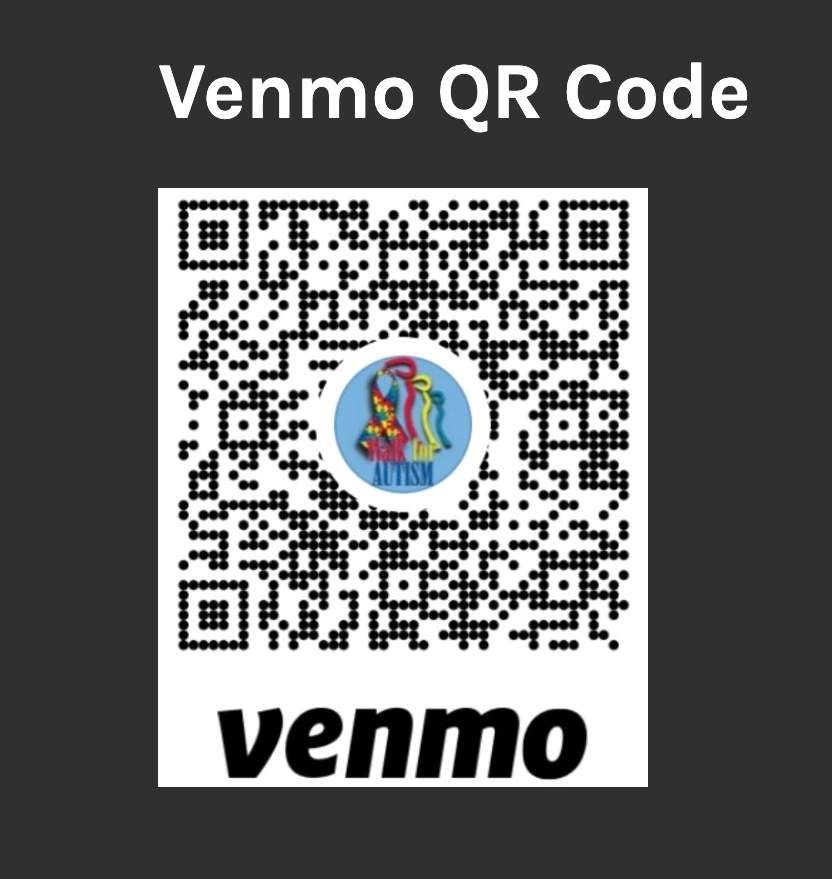
This guide focuses on Venmo Me because it supports both business and peer-to-peer payments. Venmo reported more than 95 million active accounts in the United States in 2024, according to PayPal internal data. That customer reach makes Venmo QR Codes a practical payment option for small businesses that want faster and simpler checkout experiences.
Why small businesses and freelancers use Venmo QR Codes
Venmo QR Codes work similarly to Cash App and Zelle QR Code payment flows, where customers scan once to open a payment destination directly. A Venmo QR Code speeds up the payment process by turning checkout into a single scan-and-pay action. That faster payment flow matters for small businesses because delayed or abandoned payments often happen due to unnecessary extra steps.
Venmo QR Codes support four common payment scenarios for small businesses and independent workers, and each scenario removes a different type of payment friction.
- Freelancers use Venmo QR Codes to speed up invoice payments. Freelancers add the QR Code to digital invoices, proposal PDFs, and email signatures so clients can scan and pay immediately after opening the document.
- Pop-up vendors and market sellers use Venmo QR Codes to accept cashless payments without a card reader. Vendors display printed QR Codes at booths and checkout tables so customers can complete purchases in seconds, even if they do not carry cash.
- Service providers use Venmo QR Codes to simplify post-service payments. Cleaners, dog walkers, handymen, and tutors leave printed cards or receipts with a QR Code so customers can pay later without requesting payment details again.
- Tip-based workers use Venmo QR Codes to replace traditional tip jars. Baristas, musicians, delivery workers, and salon staff place printed QR Codes near counters or registers so customers can tip with one scan.
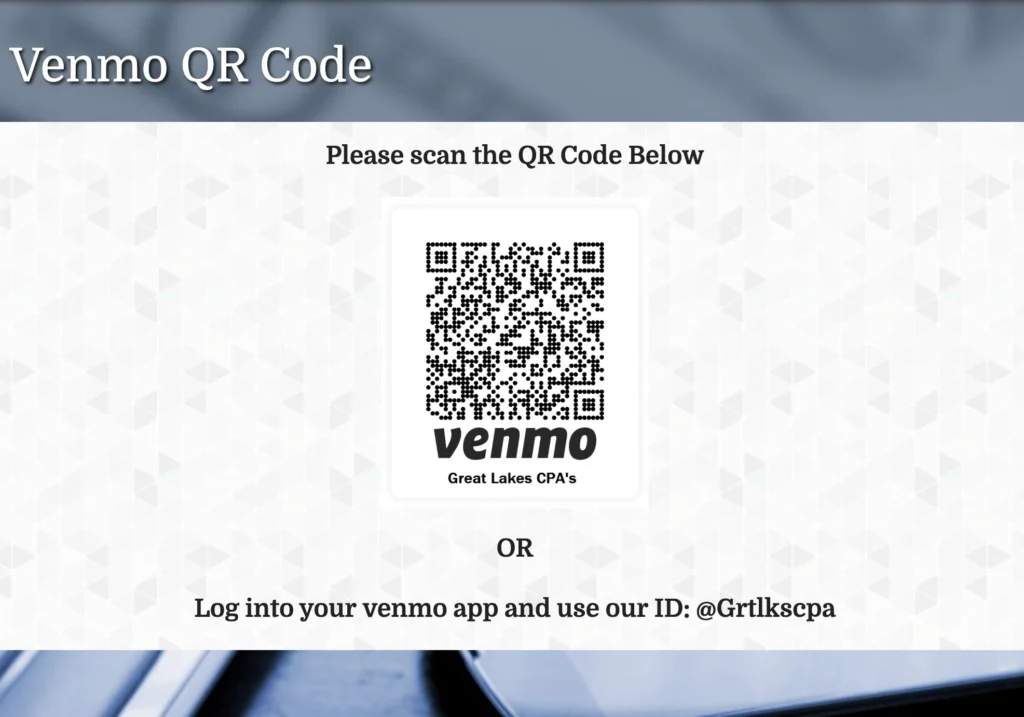
Payment QR Codes continue growing across small businesses because customers already understand how to scan and pay. QR Codes for payments reduce the number of physical steps and support contactless transactions in in-person business environments.
How to get your QR Code for Venmo
The steps for finding a Venmo QR Code differ slightly between personal and business profiles. Venmo stores payment QR Codes inside the mobile app so customers can scan and pay without searching for your username manually.
For a personal account
- Open the Venmo app and tap the Me tab at the bottom of the screen.
- Tap the QR Code icon next to your profile picture.
- Open your Venmo payment QR Code from the profile screen.
Save the QR Code to your device before sharing or printing it.
- iPhone: Tap the share icon and select Save Image. The QR Code saves to the Photos app.
- Android: Tap the share icon and select Save to device if the option appears. If the option does not appear, take a screenshot and save the image to your Gallery or Photos app.
Saving the image locally makes it easier to add the QR Code to invoices, email signatures, receipts, or payment messages without reopening the Venmo app every time.
Read more: How To Scan QR Codes From Screenshots on All Devices
For a business profile
- Tap your profile icon and switch to your Venmo business profile.
- Tap Charge.
- Tap the QR Code icon to open your business payment QR Code.
Venmo business profiles support preset payment amounts, which speeds up in-person checkout. Tap the $ icon inside the QR Code screen, enter a fixed amount, and tap Set Amount. When a customer scans the QR Code, that amount automatically appears in the payment field.
Preset payment amounts work well for fixed-price services, event tickets, and market sales because customers do not need to manually enter the amount. Venmo supports one active preset amount at a time, so many businesses save separate screenshots for different pricing options, such as $25, $50, or $100 service tiers.
How to share your Venmo QR Code
Venmo QR Codes work best when customers can access them quickly during checkout. Sharing your Venmo QR Code across digital and physical channels increases the chances of faster payment completion. Most freelancers and small businesses use three primary sharing methods depending on where payment is made.
In-app sharing
Open your Venmo QR Code and tap the share icon to send the code via text message, email, or compatible messaging apps on your device. In-app sharing works best for one-time payment requests, appointment confirmations, and direct customer conversations because customers receive the payment link immediately inside the message thread.
Digital placements
Save your Venmo QR Code as an image and place it anywhere customers already interact with your business online. Common placements include digital invoices, proposal PDFs, email signatures, contact pages, and social media bios.
Invoicing platforms such as FreshBooks, HoneyBook, and Wave support image uploads inside invoices and customer documents, making Venmo QR Codes easy to embed without additional setup.
Physical placements
Print your Venmo QR Code for counters, booths, tip jars, receipts, and storefront signage. Transfer the QR Code image or PDF to your computer through AirDrop, email, or cloud storage before printing at full resolution for better scan reliability.
Some Venmo app versions also include print or share options that generate printable QR Code files directly from the app. Business profiles may also qualify for Venmo QR Code kits, which include physical payment materials such as stickers, tabletop displays, and lanyards for in-person checkout setups.
How to print your Venmo QR Code
Printing a Venmo QR Code makes it easier to collect payments in physical spaces such as booths, counters, invoices, business cards, and storefront displays. A properly printed Venmo QR Code improves scan reliability and speeds up in-person payments.
Most businesses use two primary printing methods, depending on how much control they need over sizing and layout.
Print directly from the Venmo app
Some Venmo app versions include print or share options that generate a printable QR Code directly from the app. Open your Venmo QR Code, tap the share or print option if available, and save the file to your device before printing.
Direct printing works best for quick prints because the QR Code stays properly centered and formatted without additional editing. AirPrint-compatible and wireless printers also allow direct mobile printing from supported devices.
Print from your computer
Transfer the QR Code image or printable file to your computer before printing large batches or marketing materials. Computer printing gives you more control over sizing, spacing, and placement for flyers, signage, receipts, and business cards.
- Mac and iPhone: Transfer the file through AirDrop, email, or cloud storage.
- Windows PC: Email the file to yourself, upload it to Google Drive, or transfer it via USB with File Explorer.
Print the QR Code at the highest available resolution for better scan performance. QR Code generators and payment platforms commonly recommend a minimum print size of 1 × 1 inch for small materials and 2 × 2 inches for signage viewed from farther distances.
Test the printed QR Code on at least two different smartphones before large print runs. Low contrast, blurry screenshots, glossy materials, and colored backgrounds reduce scan reliability because phone cameras detect QR Code patterns most accurately against clean, high-contrast surfaces.
What to know before you rely on Venmo QR Codes for your business
Venmo QR Codes simplify payment collection for freelancers and small businesses, but they also come with platform limitations. Venmo works best for low-friction domestic payments, not as a full replacement for traditional business payment infrastructure.
Before printing Venmo QR Codes across invoices, counters, or storefronts, understand the five operational limits that affect costs, scalability, and customer access.
Transaction fees
Venmo business profiles charge transaction fees on commercial payments. Standard business transactions currently cost 1.9% plus $0.10 per payment, while Tap to Pay transactions cost 2.29% plus $0.10 per transaction, according to Venmo.
Venmo also charges a 1.75% fee for instant bank transfers, with a minimum fee of $0.25 and a maximum fee of $25. Standard bank transfers usually arrive within 1 to 3 business days at no additional cost.
Transaction fees remain non-refundable even after customer refunds, which matters for businesses with frequent cancellations or returns.
Transaction limits
Venmo applies weekly sending and transfer limits based on account verification status. Verified business accounts support significantly higher payment and bank transfer limits than unverified accounts.
Weekly limits affect cash flow predictability because Venmo calculates them on a rolling 7-day basis rather than resetting at the start of each week. Businesses processing high transaction volumes or large-ticket services often reach those limits faster than expected during busy periods.
Public payment visibility
Venmo operates as a social payment platform, and payment activity can appear inside public or friends-only transaction feeds depending on customer privacy settings. Customers control their own visibility settings, not the business receiving the payment.
Public payment visibility matters more for industries that handle sensitive services, including healthcare, legal services, counseling, and non-profit donations, because transaction descriptions and payment activity may become visible to others on the platform.
US-only access
Venmo supports payments only inside the US and does not process international or non-USD transactions. Customers outside the US cannot complete payments through a Venmo QR Code, even if they can access the shared invoice or payment link.
Venmo account dependency
Venmo QR Codes require the customer to have an active Venmo account. Customers without Venmo cannot complete QR Code payments through invoices, receipts, or printed signage.
Venmo QR Codes also depend on your current Venmo username. Changing the username breaks older printed QR Codes because the original payment link no longer points to the active account profile.
Venmo QR Code vs. a custom QR Code: what’s the difference?
Both Venmo QR Codes and custom QR Codes take customers to the same payment destination, but the flexibility behind each setup differs significantly. A native Venmo QR Code works best for simple peer-to-peer payments, while a custom QR Code gives businesses more control over branding, tracking, and long-term management.
The biggest difference appears after the QR Code gets printed or shared.
Native Venmo QR Codes connect directly to a single Venmo username, which means a username change breaks every printed or shared code tied to that profile. Dynamic custom QR Codes separate the printed code from the destination link, allowing businesses to update payment URLs later without replacing the original QR Code.
| Feature | Venmo’s native QR Code | Custom QR Code |
|---|---|---|
| Creation method | Generated automatically inside the Venmo app | Created using a Venmo payment link or profile URL |
| Design customization | Limited to Venmo’s default design | Supports logos, colors, frames, and branded styling |
| QR Code type | Static QR Code | Dynamic QR Code |
| Scan analytics | No built-in tracking | Tracks scans, devices, locations, and timestamps |
| Username updates | Existing QR Codes stop working after a username change | Destination URL can update without replacing the QR Code |
| Payment destinations | Supports Venmo payments only | Can link to multi-payment landing pages |
| Export formats | Limited sharing and print options inside the app | Supports PNG, SVG, PDF, and print-ready formats |
| Cost | Free | Depends on the QR Code platform used |
Custom QR Codes also support broader payment flexibility because businesses can connect multiple payment methods behind a single scan with a multi-URL QR Code.
Businesses often use landing pages that combine Venmo, Zelle, PayPal, Cash App, Stripe, or direct card payments in one place, which helps customers complete transactions even if they do not use Venmo.
Build a Venmo QR Code setup that lasts
A Venmo QR Code speeds up payments by removing the extra steps that slow customers down at checkout.
The setup behind the QR Code matters just as much as the scan itself. Save a high-resolution version of your code, test printed copies on at least two devices, and review Venmo’s transaction fees and limits. Then decide whether a native or custom QR Code fits your business long term.
Businesses that rely heavily on printed signage or multi-platform payments often benefit from dynamic QR Codes that stay editable after printing.
Frequently Asked Questions
What's the difference between "Venmo Me" and "Show to Pay"?
Venmo Me is the QR Code you display so another person can scan and pay you. Show to Pay works in the opposite direction. You display your QR Code at checkout so a participating merchant can scan it and process your payment. Businesses and freelancers collecting payments typically use Venmo Me.
Can I use my Venmo QR Code on a computer?
Venmo’s QR Code tools are primarily available in the mobile app. To use your QR Code on a computer, save it as an image or a printable file on your phone, then transfer it via email, AirDrop, cloud storage, or USB. Once saved on your computer, you can add the QR Code to business cards, invoices, signage, or digital documents.
Does my Venmo QR Code expire?
Venmo QR Codes do not expire on a fixed date. However, native Venmo QR Codes stay tied to your current username. If you change your Venmo username, older QR Codes linked to the previous username stop working and need to be replaced.
Can customers pay me without a Venmo account?
Customers generally need an active Venmo account to complete payments through a Venmo QR Code because the QR Code routes directly to a Venmo payment profile. Venmo’s Tap to Pay features support additional in-person payment methods in some cases, but printed Venmo QR Codes and invoice QR Codes still depend on Venmo account access.
What happens if I change my Venmo username?
Changing your Venmo username breaks older native Venmo QR Codes because the original payment link no longer points to the active account. Printed signage, invoices, business cards, and saved QR Code images all require replacement after a username update.
Can I use my Venmo QR Code if I have a personal account (not a business profile)?
Yes. Personal Venmo accounts include their own payment QR Codes accessible through the profile section of the app. Business profiles include additional business-focused features such as preset payment amounts and business payment tools. Venmo recommends business profiles for customers who regularly accept payments for goods or services.
Is it safe to display my Venmo QR Code publicly?
Displaying a Venmo QR Code publicly is generally safe for most freelancers, vendors, and small businesses. The QR Code links to your public Venmo profile, which allows customers to send payments or payment requests through the app.Privacy settings still matter because some payment activity may appear in social transaction feeds depending on customer account settings. Businesses handling sensitive services often review privacy settings carefully before displaying Venmo QR Codes widely.