









 New Dynamic QR Code
  New Static QR Code
 To enable tracking, create a Dynamic QR Code




Link a PDF document to share easily
Show multiple links in a webpage
Share contact details easily
Display a short message
Redirect to app download based on the device OS
Link phone number to send a text message quicker
Link an email address to open the email app ready to go
Link a phone number for quick calls
Link a phone number for quick calls
Remove The QR Code Generator watermark by signing up for the Flex plan



 No credit card required
How does a QR Code for app downloads work?
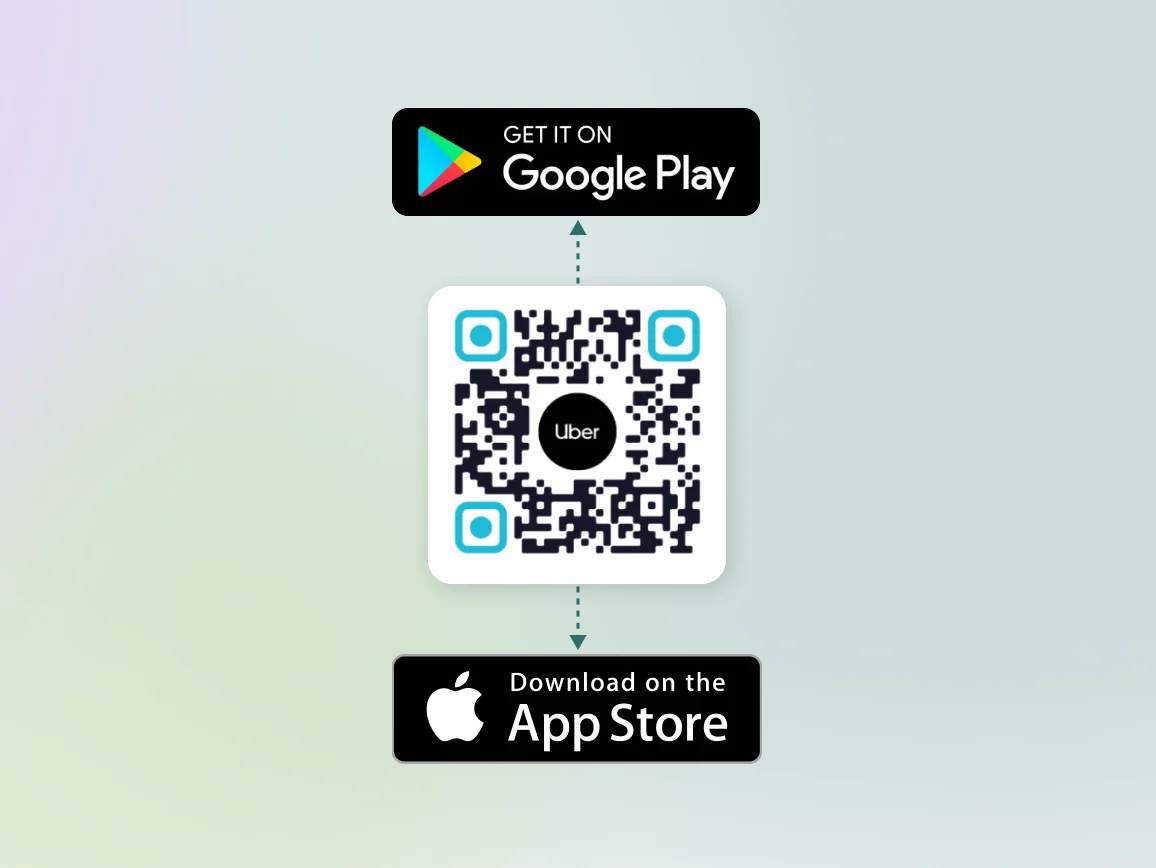
An app download QR Code is smart. It detects the operating system of the scanning device:
- iOS: Redirects to the App Store
- Android: Redirects to Google Play
- Desktop or others: Redirects to your website or a fallback page
3M+
Unique users worldwide
30,000+
Global businesses on our platform
60+
Countries with active users
How to create an app download QR Code?
Step 1
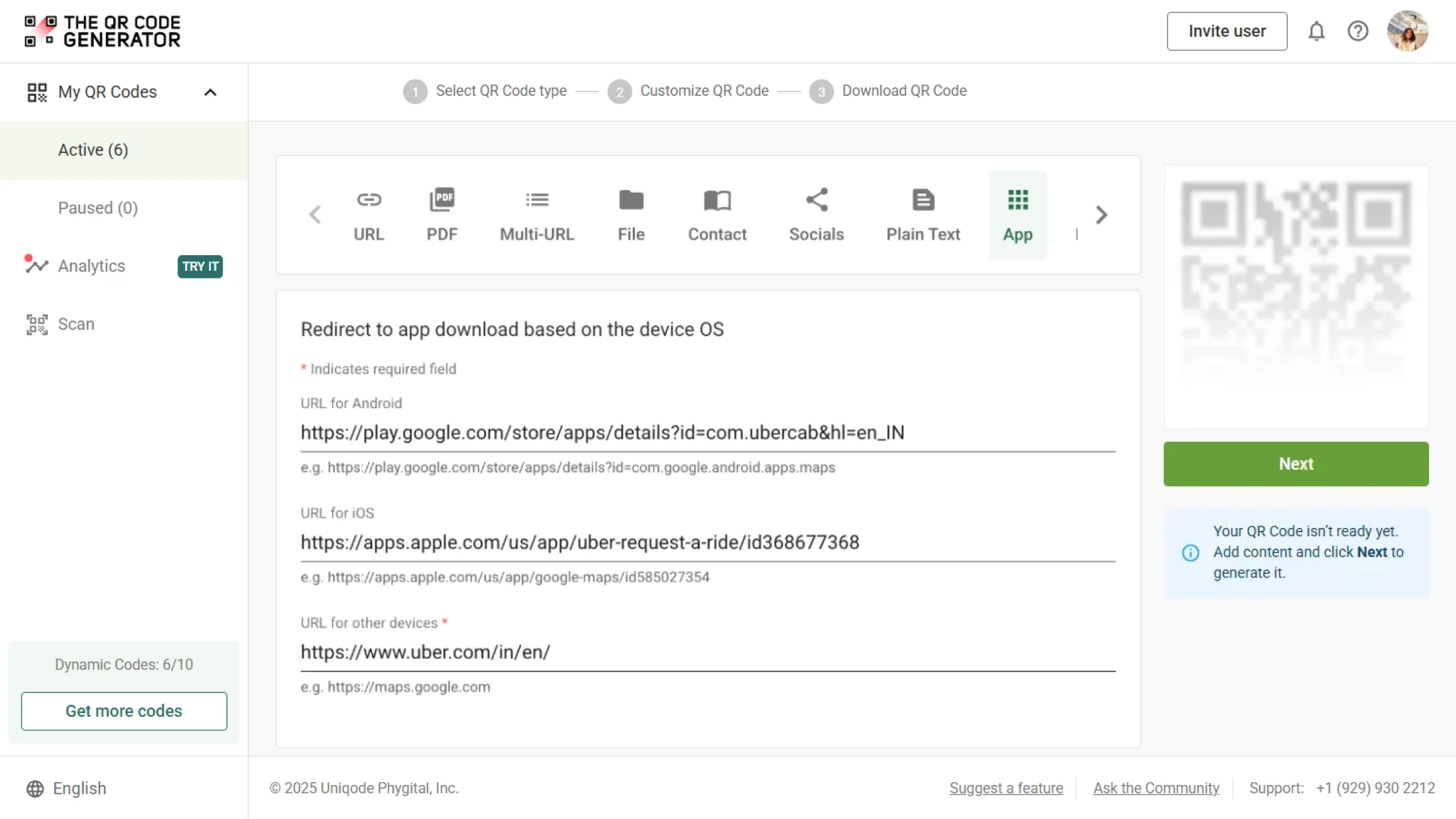
Add your app links
Choose the “App” QR Code type. Input the URL for the App Store, Play Store, and fallback website.
Step 2
Customize the QR Code to your brand
Pick brand colors, add your logo or app icon, and choose from various styles or templates.
Step 3
Download and use
Rename your QR Code for convenient tracking. Download and deploy across marketing channels.
Benefits of using universal app download QR Codes


Best practices to increase QR Code scans and app downloads
Where to place QR Codes for app downloads to get more scans?
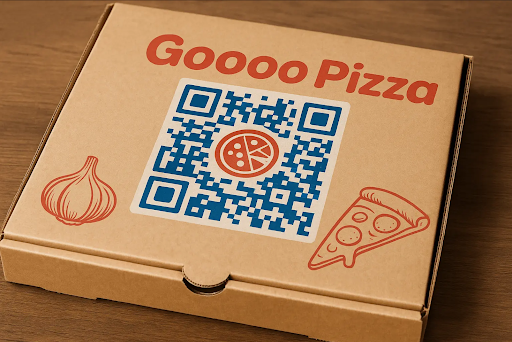
Physical marketing materials
Flyers, brochures, packaging, and manuals with app download QR Codes help share product information with users.
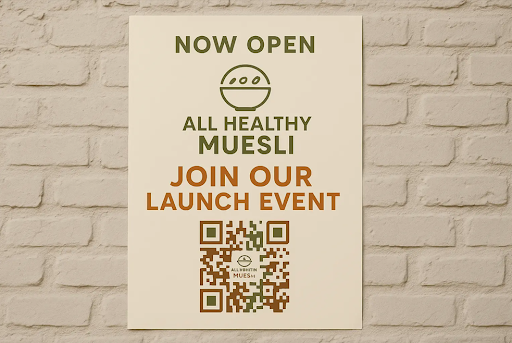
Retail & point of sale
Add the QR Code to posters, counters, and receipts to drive loyalty app downloads.
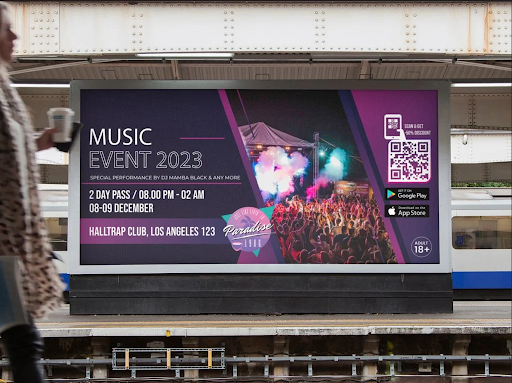
Outdoor & transit advertising
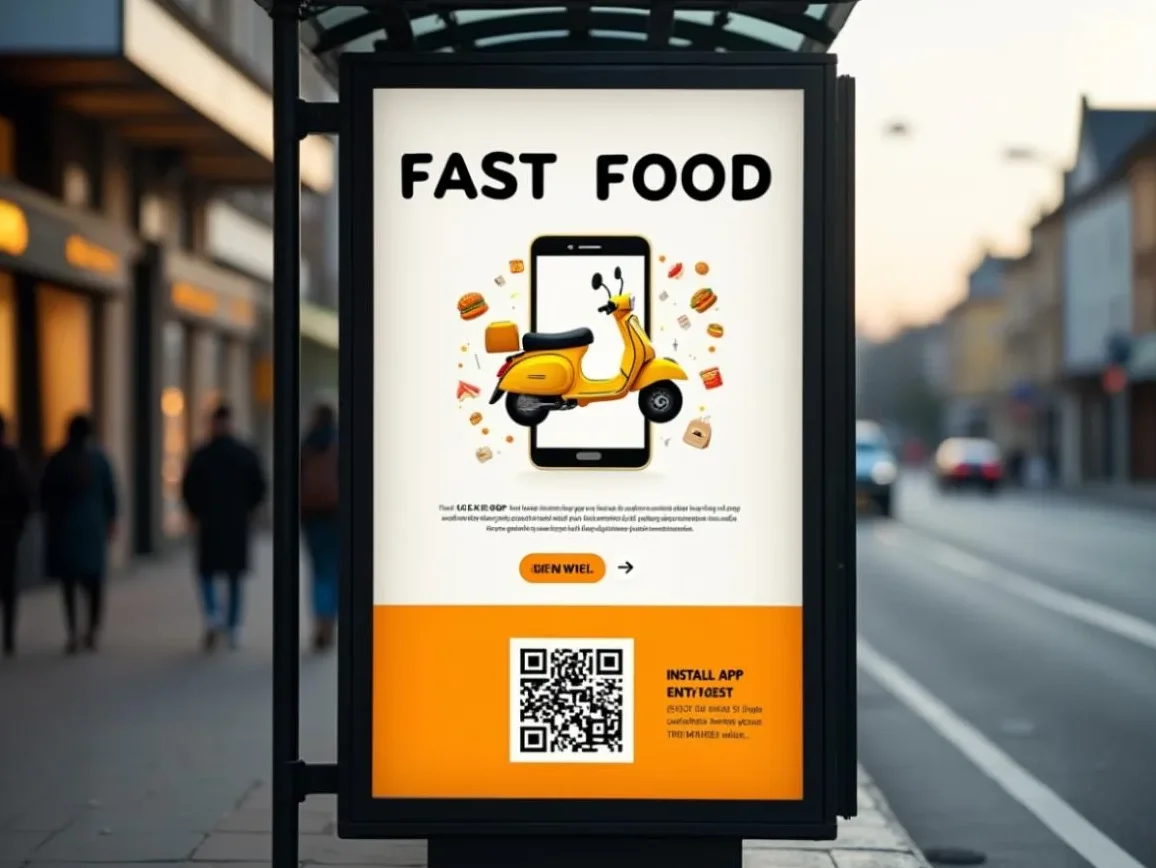
Maximize visibility of your app download QR Code with billboards, bus shelters, and car wraps.

Events & experiential marketing
Place your app download QR Codes at pop-ups, expos, and cafes.
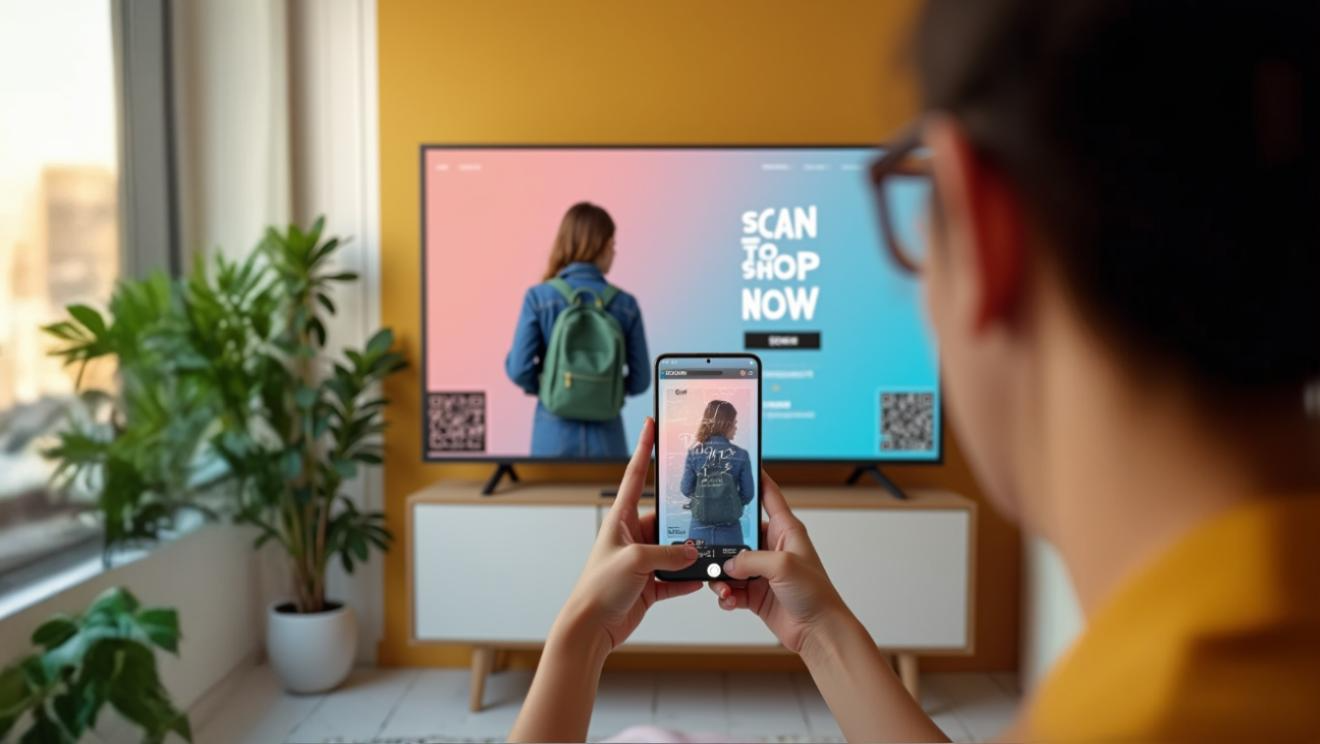
Digital integration points
Display your app download QR Codes on TV ads and YouTube campaigns to reach a wider audience across various geographies.
Physical marketing materials
Flyers, brochures, packaging, and manuals with app download QR Codes help share product information with users.
Retail & point of sale
Add the QR Code to posters, counters, and receipts to drive loyalty app downloads.
Outdoor & transit advertising
Maximize visibility of your app download QR Code with billboards, bus shelters, and car wraps.
Events & experiential marketing
Place your app download QR Codes at pop-ups, expos, and cafes.
Digital integration points
Display your app download QR Codes on TV ads and YouTube campaigns to reach a wider audience across various geographies.
Which industries can use app download QR Codes?
Any business with a mobile app can benefit from these QR Codes. Here are some industries seeing the most impact:
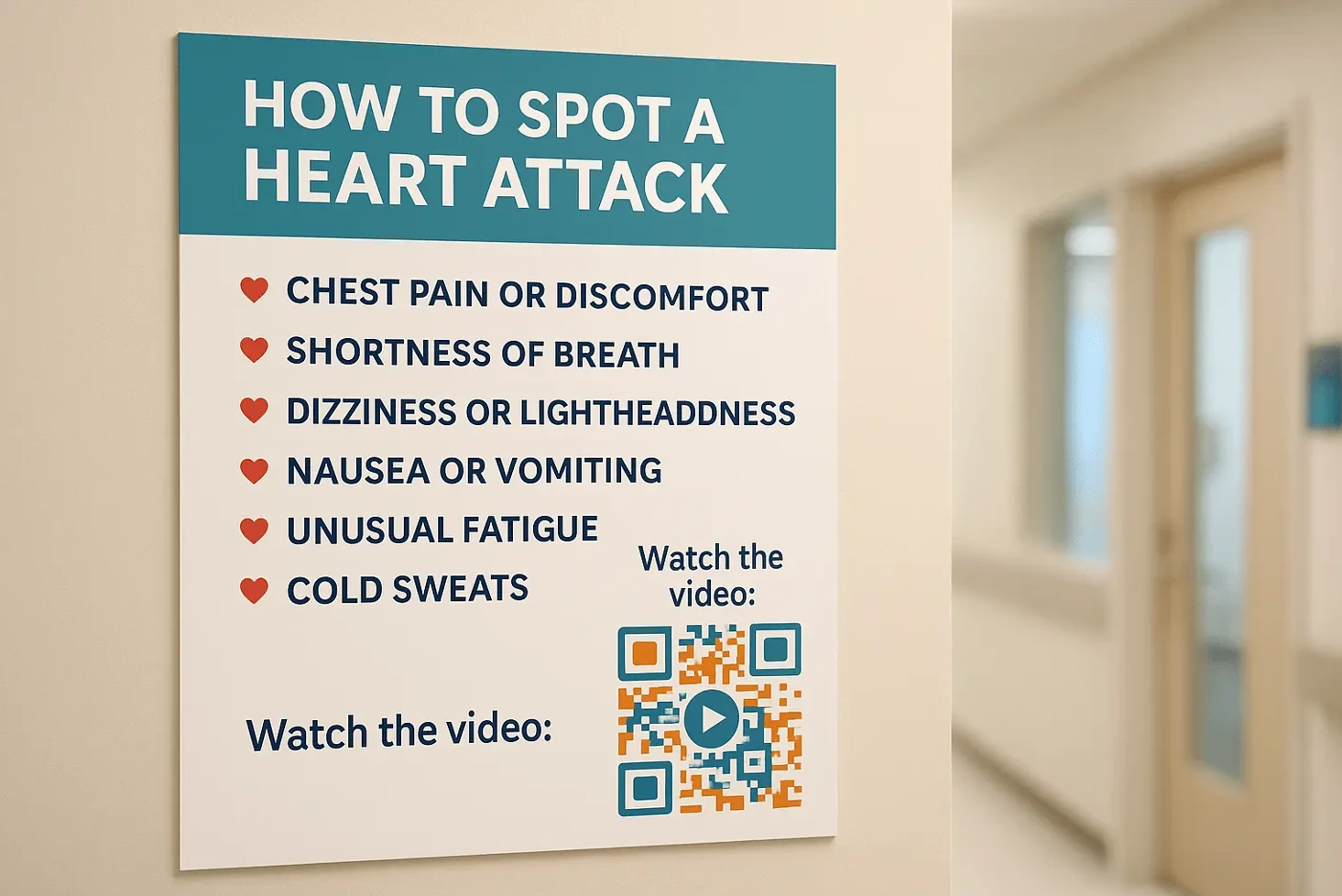
Healthcare
Help patients quickly download your appointment booking or telemedicine app by placing app download QR Codes in clinics, hospitals, or waiting rooms.
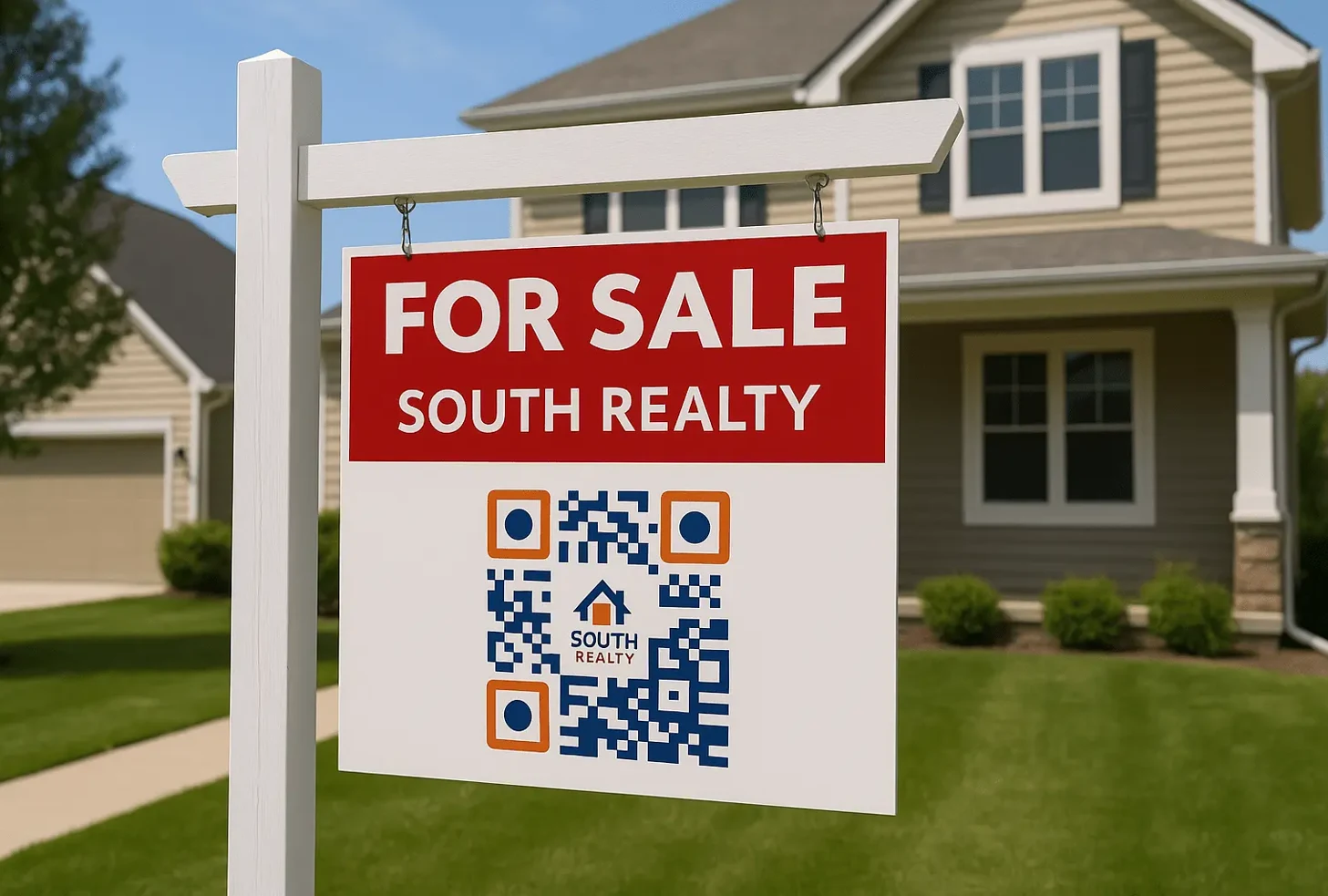
Real estate
Help potential buyers access your app on the go by adding these QR Codes to open house brochures, property signage, and listing sheets.

Automotive
Promote dealership apps, car manuals, or service booking apps using QR Codes on vehicle stickers, showroom posters, or service receipts.
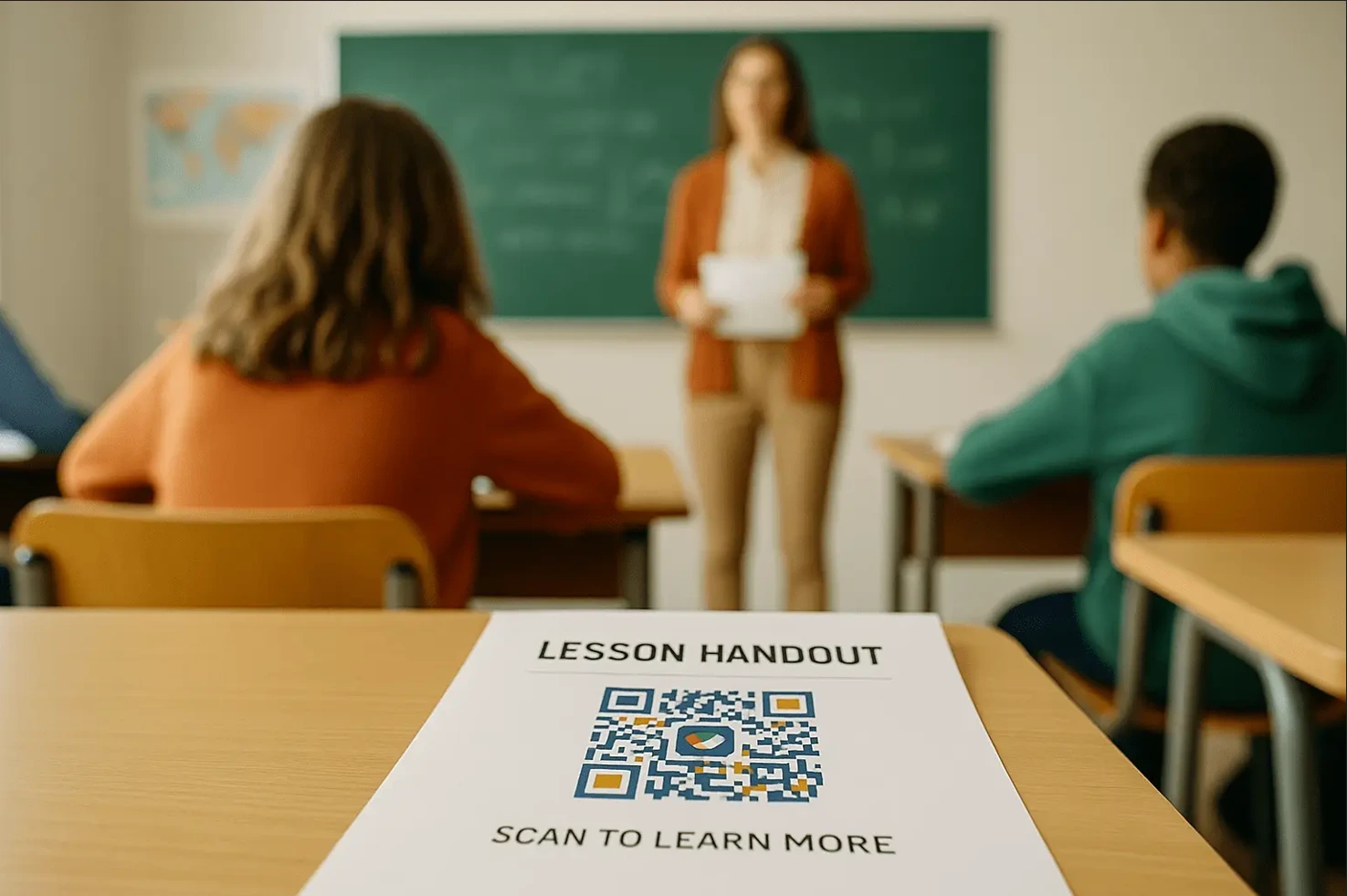
Education
Guide students to your university app—iOS or Android—by including an app download QR Code in campus materials, brochures, and admissions events.
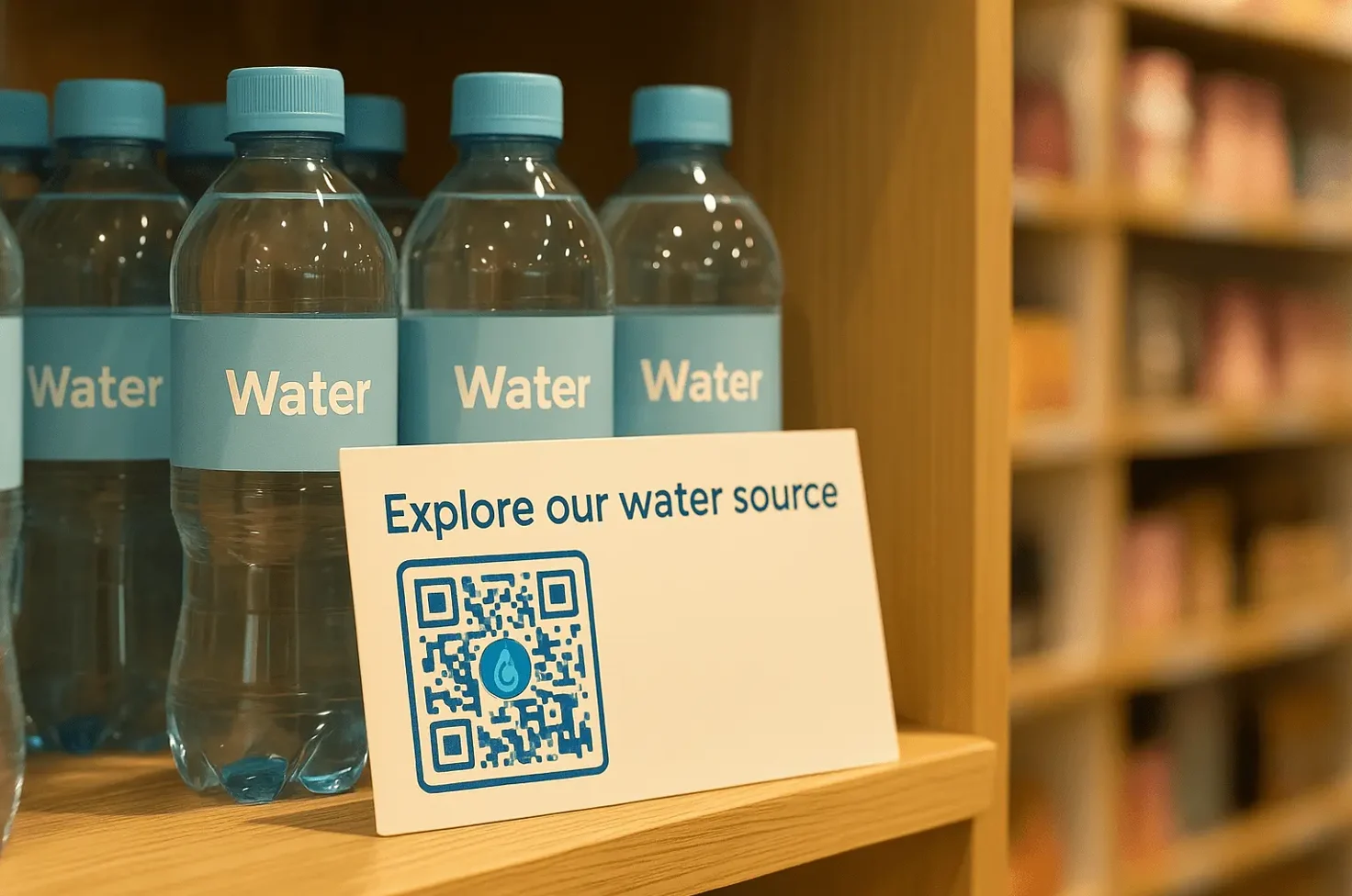
Retail & e-commerce
Boost loyalty program and shopping app installs by placing app QR Codes at checkout counters, on receipts, or on product packaging.

Hospitality
Provide guest access to your app for check-ins, room service, and local guides with these QR Codes in hotel lobbies, rooms, or booking confirmations.
Healthcare
Help patients quickly download your appointment booking or telemedicine app by placing app download QR Codes in clinics, hospitals, or waiting rooms.
Real estate
Help potential buyers access your app on the go by adding these QR Codes to open house brochures, property signage, and listing sheets.
Automotive
Promote dealership apps, car manuals, or service booking apps using QR Codes on vehicle stickers, showroom posters, or service receipts.
Education
Guide students to your university app—iOS or Android—by including an app download QR Code in campus materials, brochures, and admissions events.
Retail & e-commerce
Boost loyalty program and shopping app installs by placing app QR Codes at checkout counters, on receipts, or on product packaging.
Hospitality
Provide guest access to your app for check-ins, room service, and local guides with these QR Codes in hotel lobbies, rooms, or booking confirmations.
Frequently asked questions
Yes. An app download QR Code can detect the user’s device and redirect them to the right app store—Apple App Store for iOS users, Google Play for Android users, and a fallback link (such as your website) for others. This avoids cluttering your marketing materials with separate QR Codes.
You can. In addition to links to iOS and Android app stores, a fallback URL redirects users to other app download stores.
An app download QR Code (like the one created on TQRCG) handles redirection automatically, so creating or hosting a separate landing page is unnecessary. If you build your own page, you’ll need to manage the design and logic and device detection, redirects, and hosting yourself. This might require multiple tools, and users will still have to type the URL if you add it to offline campaigns.
No. An app download QR Code lets you use one code for both app stores while tracking scan activity from a single dashboard to see where downloads come from.