









 New Dynamic QR Code
  New Static QR Code
 To enable tracking, create a Dynamic QR Code




Link a PDF document to share easily
Show multiple links in a webpage
Share contact details easily
Display a short message
Redirect to app download based on the device OS
Link phone number to send a text message quicker
Link an email address to open the email app ready to go
Link a phone number for quick calls
Link a phone number for quick calls
Remove The QR Code Generator watermark by signing up for the Flex plan



 No credit card required
How does a Zoom QR Code work?
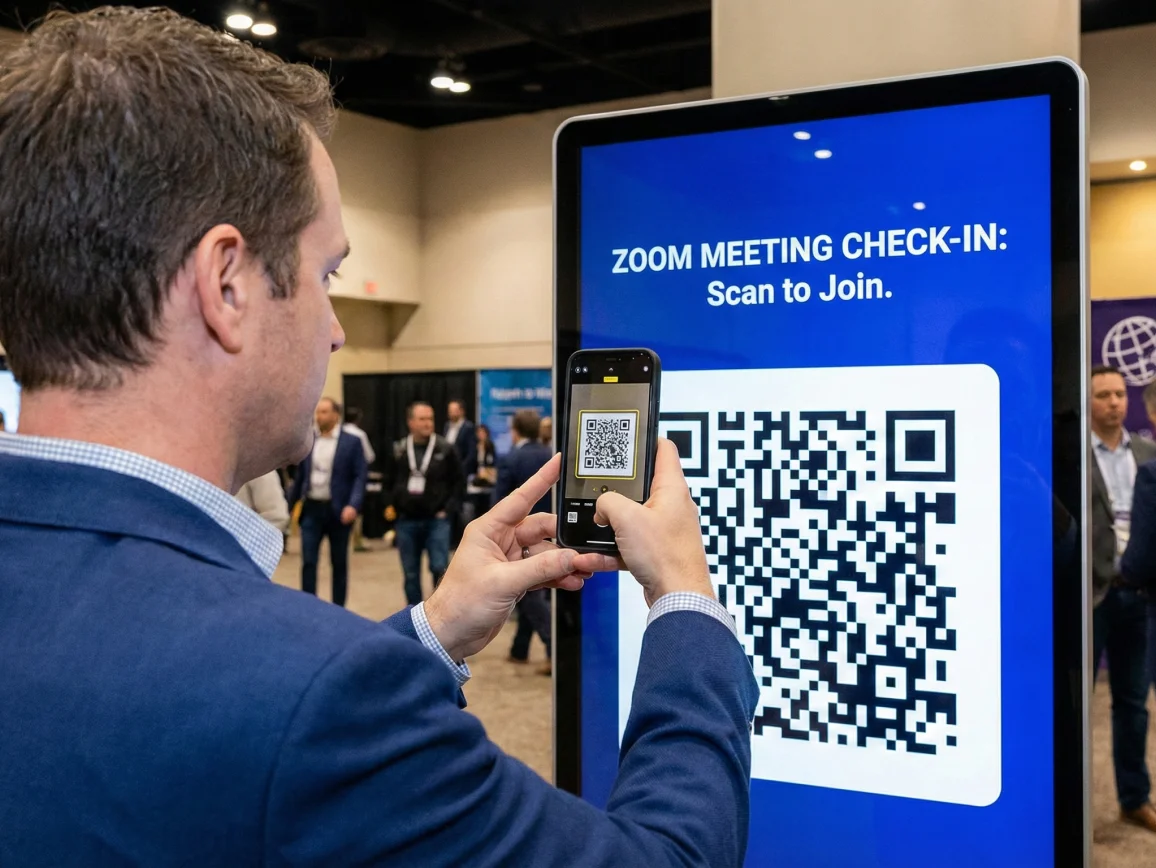
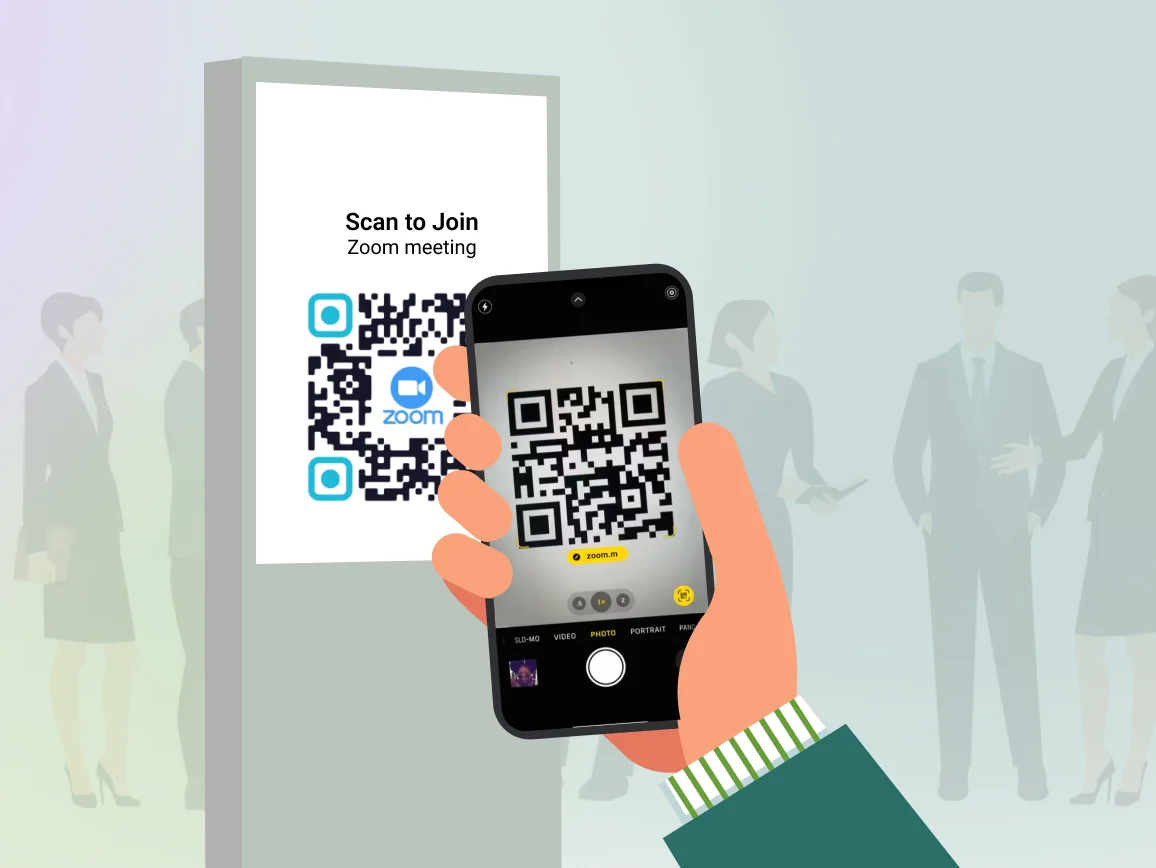
A Zoom QR Code helps you admit attendees directly to your Zoom meeting room upon scan. Attendees scan the QR Code with their smartphone camera to join meetings instantly without typing long URLs or searching for meeting IDs.
You can create QR Codes for one-time events, recurring meetings, or webinar registrations. Dynamic QR Codes let you update the Zoom link at any time without reprinting materials, making them perfect for recurring team meetings or event series.
3M+
Unique users worldwide
30,000+
Global businesses on our platform
60+
Countries with active users
How to create a QR Code for a Zoom meeting
Step 1
Sign up to TQRCG
Log in to The QR Code Generator (TQRCG) and select URL QR Code for your Zoom meeting link.
Step 2
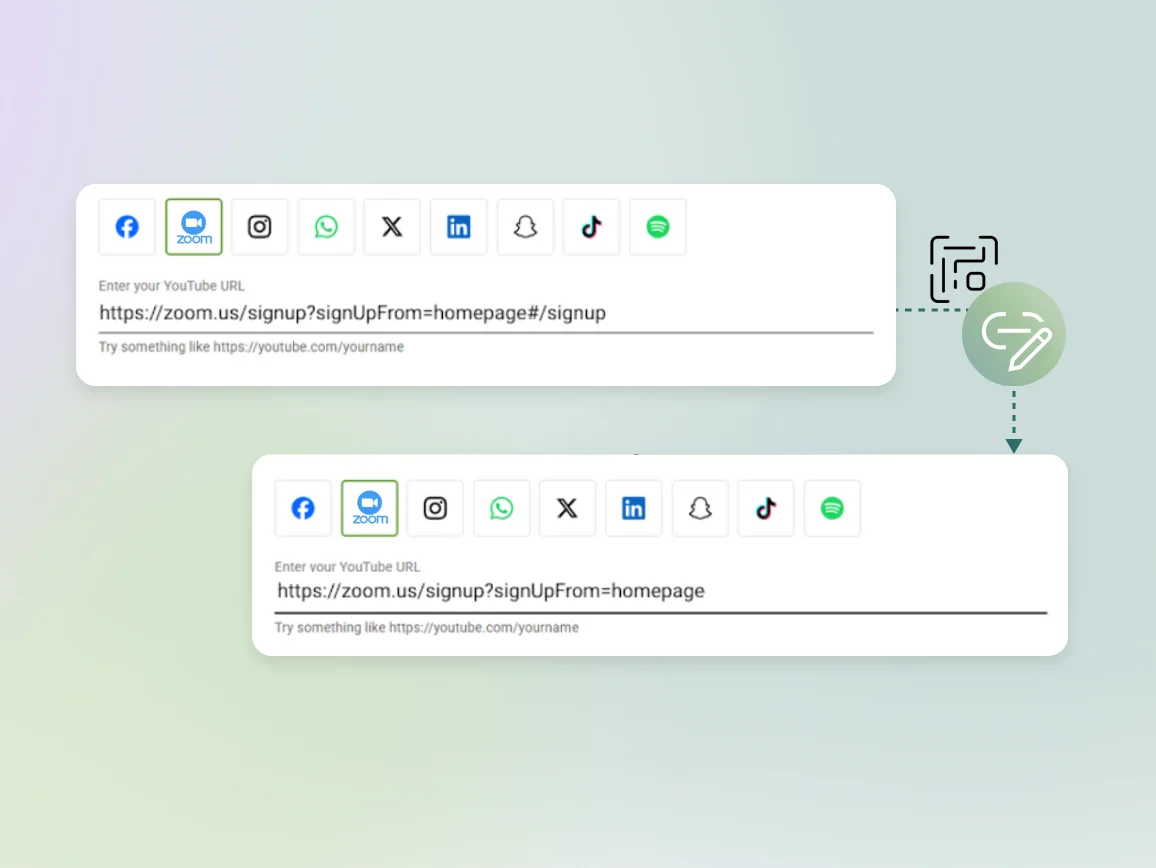
Add your Zoom meeting URL
Copy your Zoom meeting link from your Zoom account and paste it into the Enter URL field. For recurring meetings, use dynamic QR Codes so you can update the link for future sessions.
Step 3
Customize your Zoom QR Code
Add your event branding or company logo to the QR Code. Include QR Code frames with clear CTAs such as “Scan to join meeting” or “Scan for webinar access” to encourage scanning.
Step 4
Download and share
Download your QR Code in PNG or SVG format, depending on your use case. Name your QR Code by event name and date (e.g., “Q1 All-Hands – Jan 2026”) for easy tracking.
Benefits of creating a Zoom meeting QR Code
Best practices to create a Zoom QR Code
Where to place Zoom QR Codes to improve attendance?

Conference and event signage
Place Zoom QR Codes on event posters, directional signage, and registration desks for hybrid conferences. Attendees can join virtual sessions or access event-specific Zoom rooms instantly.
Presentation slides and digital materials
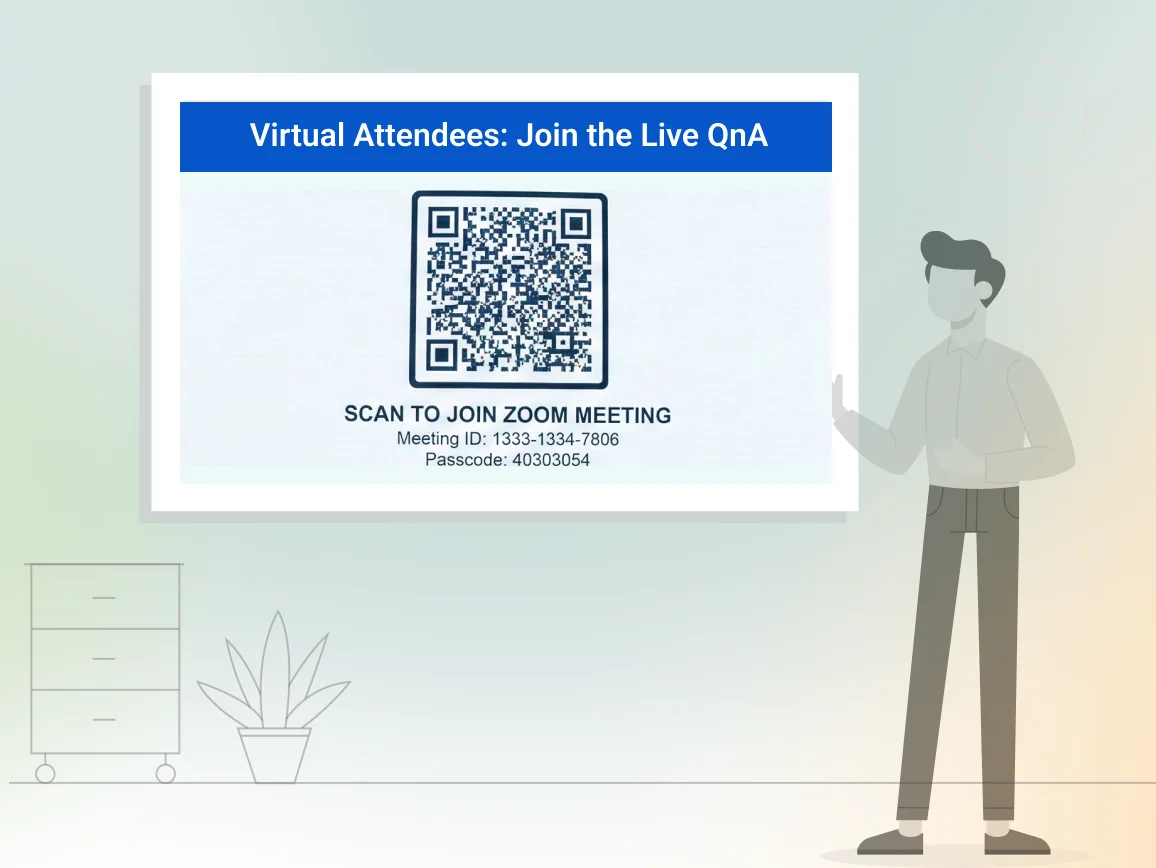
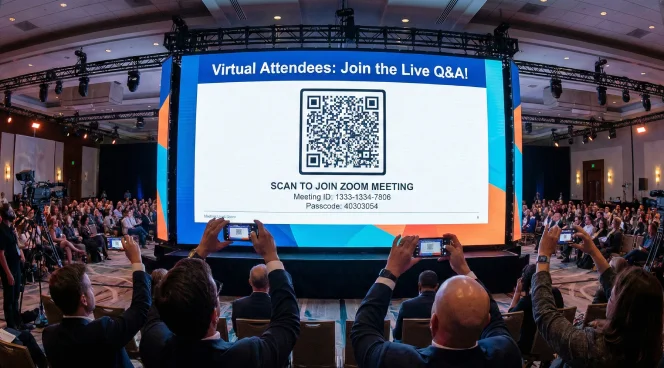
Add Zoom QR Codes to the first and last slides of presentations for live Q&A or breakout discussions. Virtual attendees can scan and quickly rejoin interactive sessions.

Event badges and name tags
Print Zoom QR Codes on attendee badges for workshops or networking sessions. Participants can scan to join assigned breakout rooms without searching through emails or event apps.
Email signatures and business cards
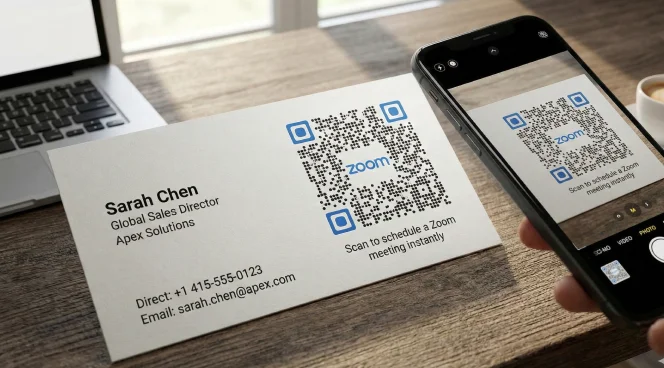
Include a Zoom QR Code in email signatures or on business cards for sales calls and client meetings. Prospects can scan to join your personal Zoom room with minimal friction.
Printed event programs and agendas
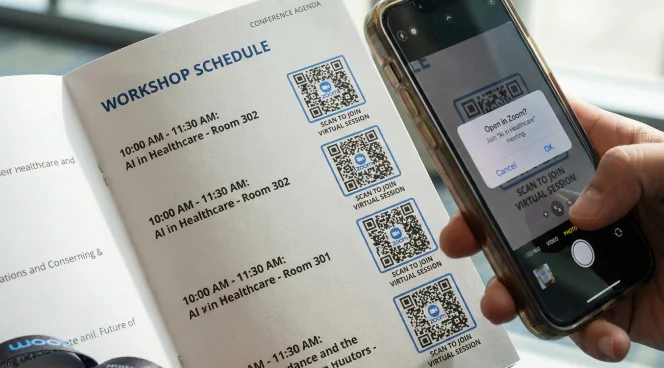
Place Zoom QR Codes next to session listings in printed programs or agendas. Attendees can scan to join specific workshops or panel discussions directly from the schedule.
Conference and event signage
Place Zoom QR Codes on event posters, directional signage, and registration desks for hybrid conferences. Attendees can join virtual sessions or access event-specific Zoom rooms instantly.
Presentation slides and digital materials
Add Zoom QR Codes to the first and last slides of presentations for live Q&A or breakout discussions. Virtual attendees can scan and quickly rejoin interactive sessions.
Event badges and name tags
Print Zoom QR Codes on attendee badges for workshops or networking sessions. Participants can scan to join assigned breakout rooms without searching through emails or event apps.
Email signatures and business cards
Include a Zoom QR Code in email signatures or on business cards for sales calls and client meetings. Prospects can scan to join your personal Zoom room with minimal friction.
Printed event programs and agendas
Place Zoom QR Codes next to session listings in printed programs or agendas. Attendees can scan to join specific workshops or panel discussions directly from the schedule.
Which industries can use Zoom QR Codes?
Any organization hosting virtual or hybrid meetings can simplify attendee access with Zoom QR Codes.

Corporate events and conferences
Enable quick access to keynote sessions, breakout rooms, and networking events. Track which sessions generate the most attendance across multi-day conferences.
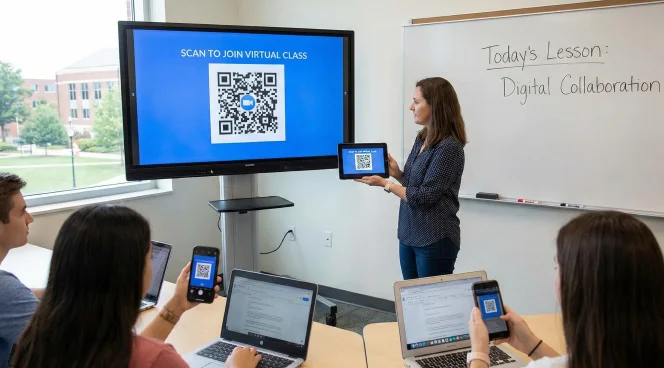
Education and training
Share Zoom links for virtual classrooms, parent-teacher conferences, and student workshops. Students scan from course materials or campus posters to join sessions.
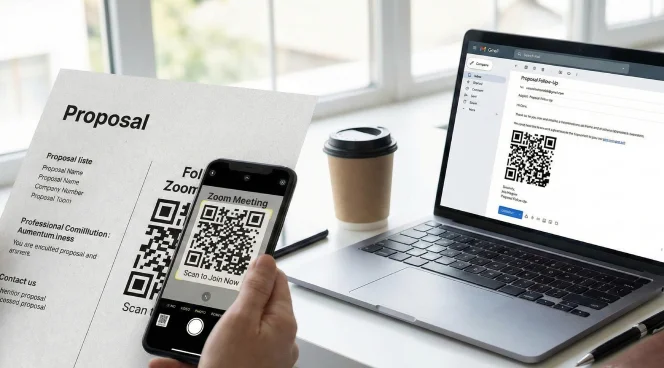
Sales and client services
Add QR Codes to proposals and follow-up emails for instant access to meetings. Clients join sales demos or support calls without scheduling back-and-forth.
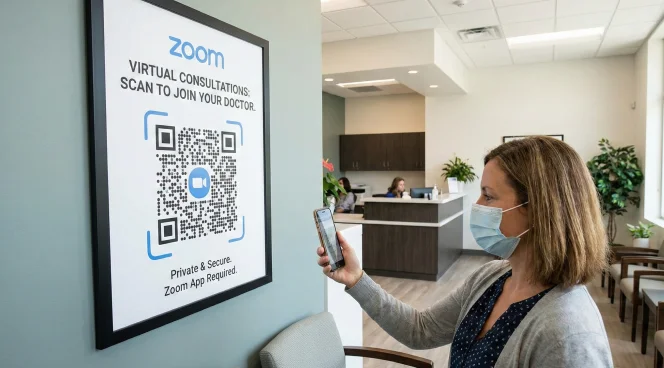
Healthcare and telehealth
Place QR Codes on appointment reminders and clinic signage for virtual consultations. Patients join telemedicine appointments with one scan.
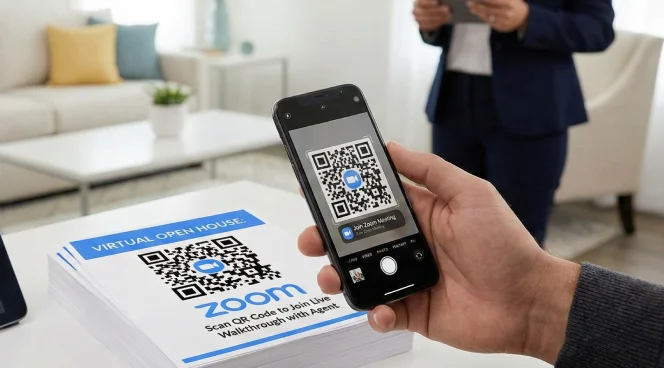
Real estate
Include QR Codes on property listings and open house materials for virtual tours. Prospective buyers join live video walkthroughs or agent Q&A sessions.
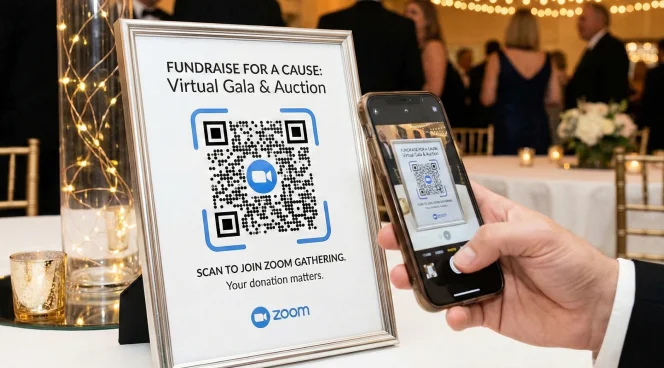
Nonprofits and community organizations
Share QR Codes for volunteer orientations, community meetings, and fundraising events. Members join virtual gatherings without technical barriers.
Corporate events and conferences
Enable quick access to keynote sessions, breakout rooms, and networking events. Track which sessions generate the most attendance across multi-day conferences.
Education and training
Share Zoom links for virtual classrooms, parent-teacher conferences, and student workshops. Students scan from course materials or campus posters to join sessions.
Sales and client services
Add QR Codes to proposals and follow-up emails for instant access to meetings. Clients join sales demos or support calls without scheduling back-and-forth.
Healthcare and telehealth
Place QR Codes on appointment reminders and clinic signage for virtual consultations. Patients join telemedicine appointments with one scan.
Real estate
Include QR Codes on property listings and open house materials for virtual tours. Prospective buyers join live video walkthroughs or agent Q&A sessions.
Nonprofits and community organizations
Share QR Codes for volunteer orientations, community meetings, and fundraising events. Members join virtual gatherings without technical barriers.
Frequently asked questions
Yes. Copy your Zoom meeting link and paste it into any QR Code generator. Scanning the QR Code will direct people to your Zoom meeting room. Use dynamic QR Codes if you need to update the meeting link later.
No. Zoom provides meeting links and IDs, but doesn’t automatically create QR Codes. You need to use a QR Code generator such as The QR Code Generator (TQRCG) to create scannable codes for your Zoom meetings.
Use dynamic QR Codes for recurring meetings or event series where the Zoom link changes. Use static QR Codes only for one-time events where the link will never change. Dynamic codes give you the flexibility to update links without reprinting materials.
Yes. When attendees scan a Zoom QR Code, their device opens the Zoom app (if installed) or the Zoom web client. They can join the meeting immediately based on your meeting settings, such as password requirements or waiting rooms.
Place QR Codes on event signage at eye level, on presentation slides where all attendees can see, on printed programs next to session listings, and on attendee badges for easy access. Ensure QR Codes are large enough to scan from typical viewing distances.
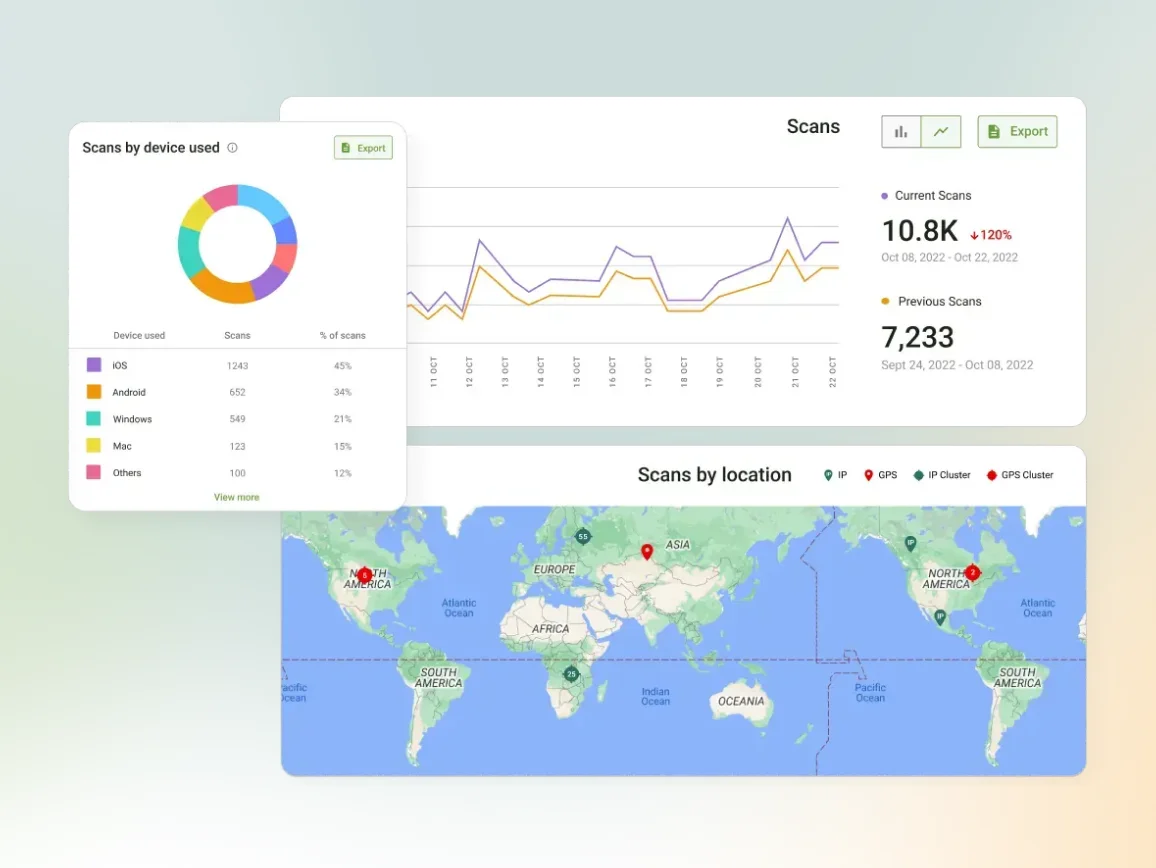
Create a unique QR Code for each distribution channel (posters, emails, social media). The QR Code Generator’s analytics show scan counts by source, letting you see which promotional channels drove the most meeting attendance.