









 New Dynamic QR Code
  New Static QR Code
 To enable tracking, create a Dynamic QR Code




Link a PDF document to share easily
Show multiple links in a webpage
Share contact details easily
Display a short message
Redirect to app download based on the device OS
Link phone number to send a text message quicker
Link an email address to open the email app ready to go
Link a phone number for quick calls
Link a phone number for quick calls
Remove The QR Code Generator watermark by signing up for the Flex plan



 No credit card required
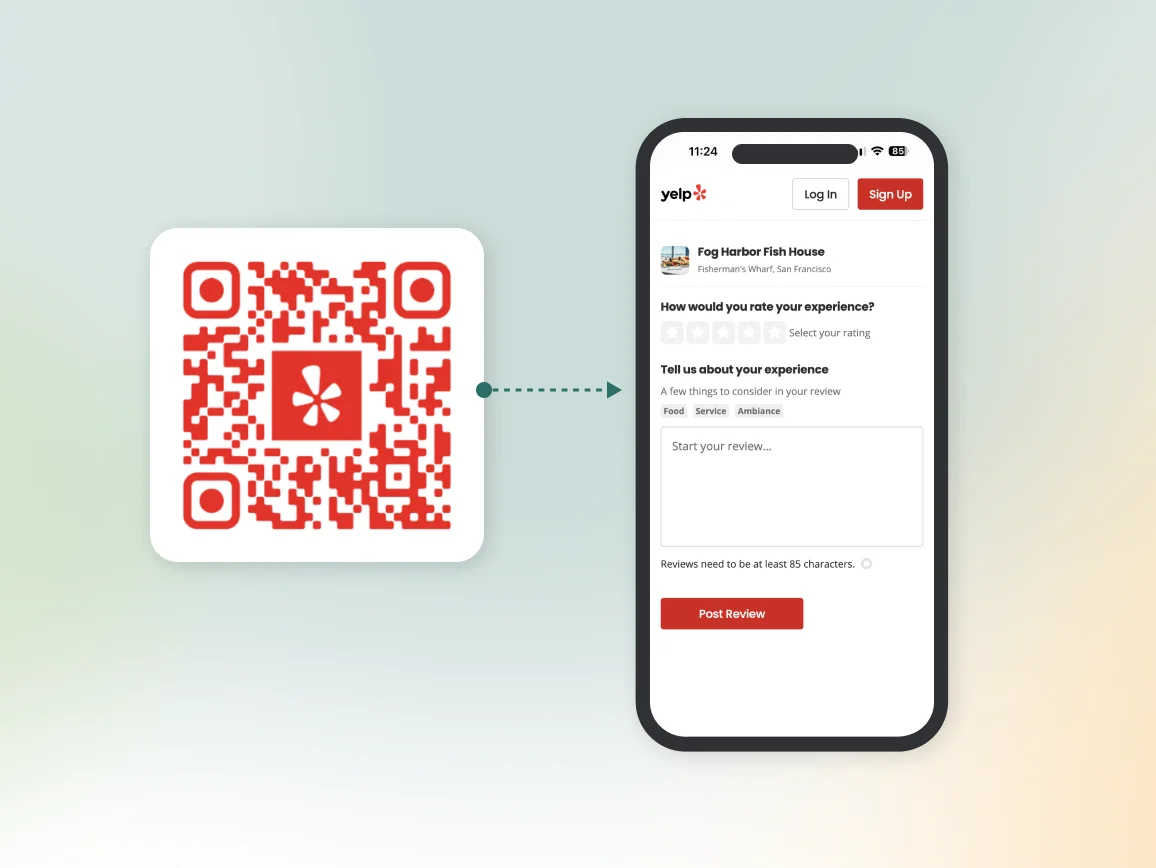
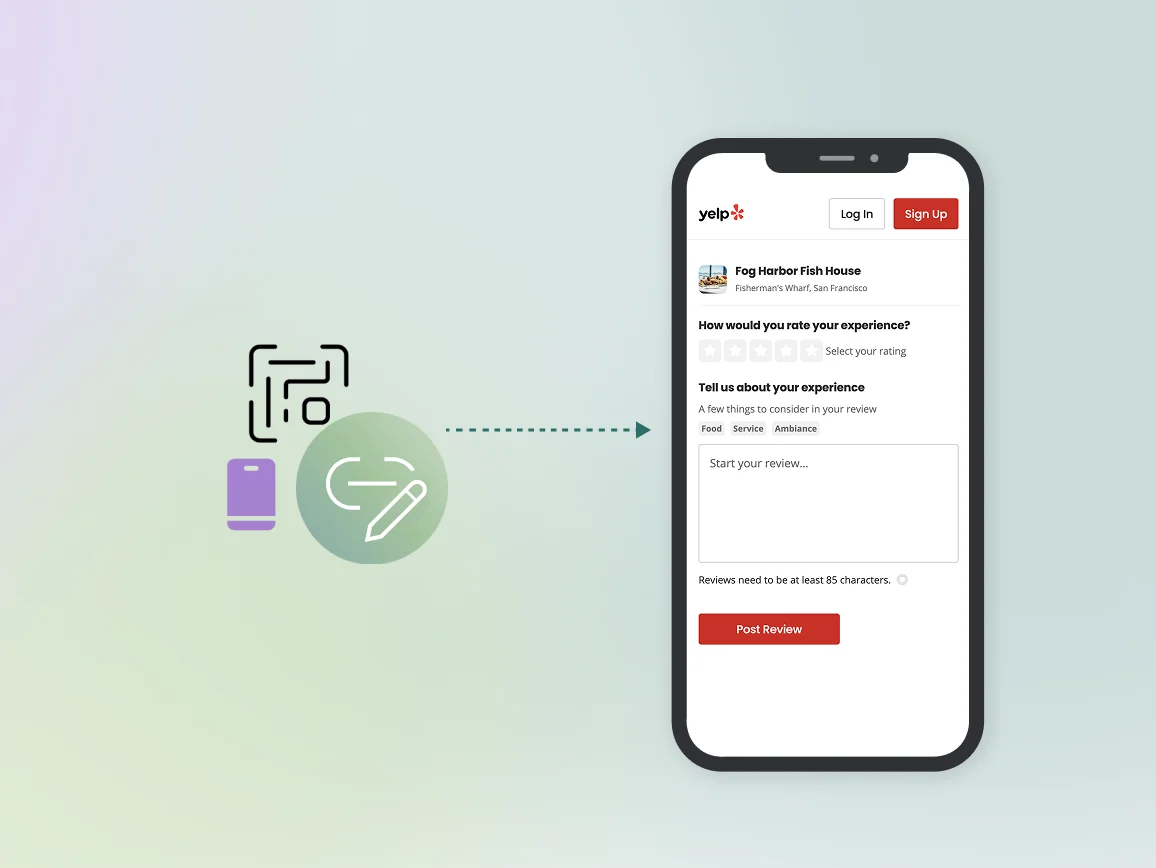
How does a Yelp QR Code work?
A Yelp QR Code links directly to your business’s Yelp review page. Customers can scan the QR Code with their mobile phone camera to land on your review form instantly. It helps them rate and review your business without having to search for your listing.
3M+
Unique users worldwide
30,000+
Global businesses on our platform
60+
Countries with active users
How to create a Yelp QR Code that drives more ratings
Step 1
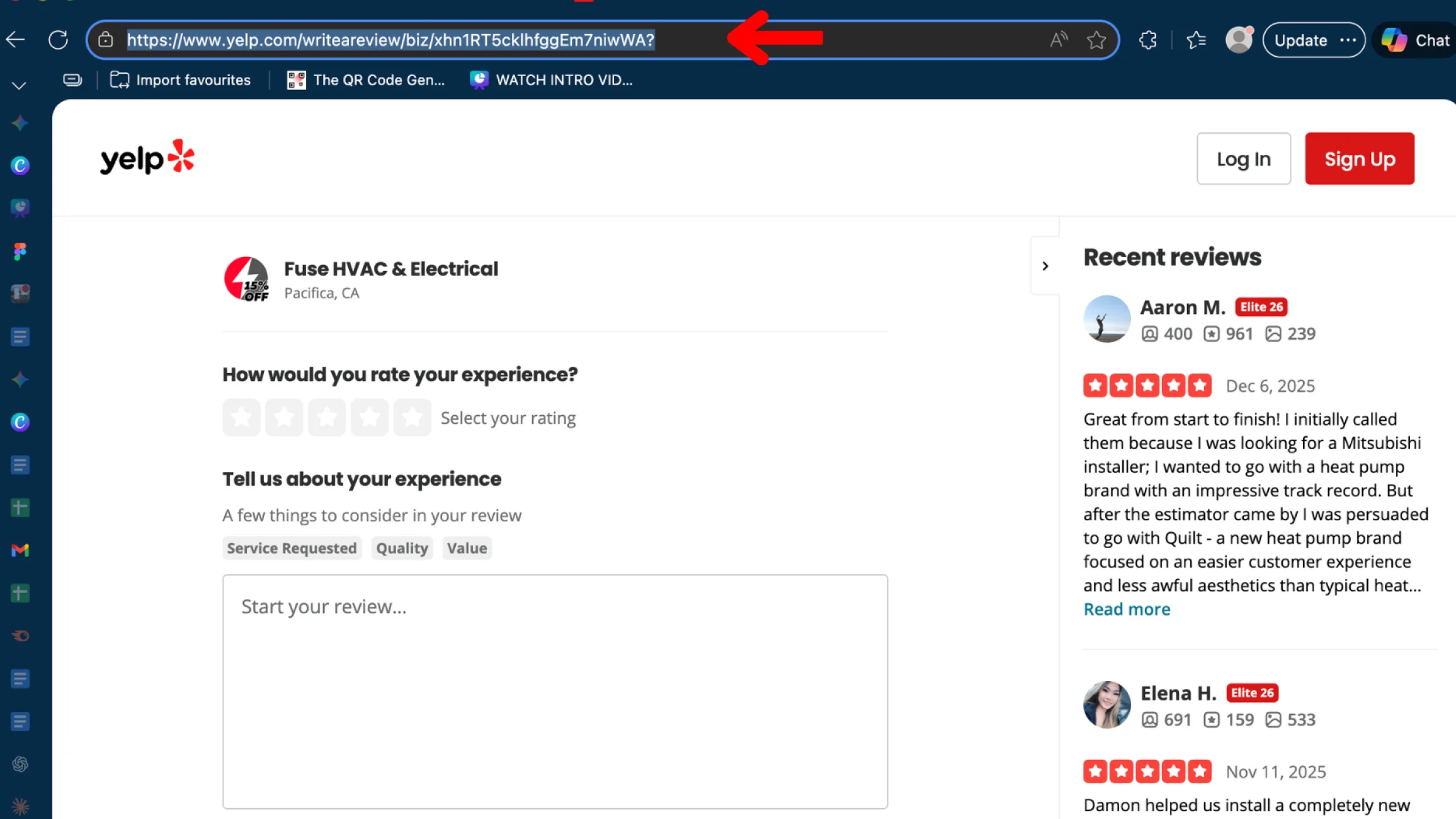
Get your Yelp review link
Log in to your Yelp for Business account and copy your direct review link. You can find this in your business dashboard under the “Get Reviews” or “Share” section.
Step 2
Sign up to TQRCG and choose the URL QR Code
Log in to The QR Code Generator and select URL QR Code. Paste your Yelp review link into the URL field.
Step 3
Customize your Yelp QR Code
Add your business logo and brand colors to the QR Code. Include QR Code frames with clear CTAs such as “Scan to review us” or “Leave a Yelp review” to encourage scanning.
Step 4
Download and display
Download your QR Code in the right format. Choose the PNG format for digital use, such as websites and email signatures, while SVG works better for printed materials. Name your QR Code by location (e.g., “Downtown Location – Yelp Reviews”) for easy tracking.
How QR Codes help businesses get more Yelp reviews
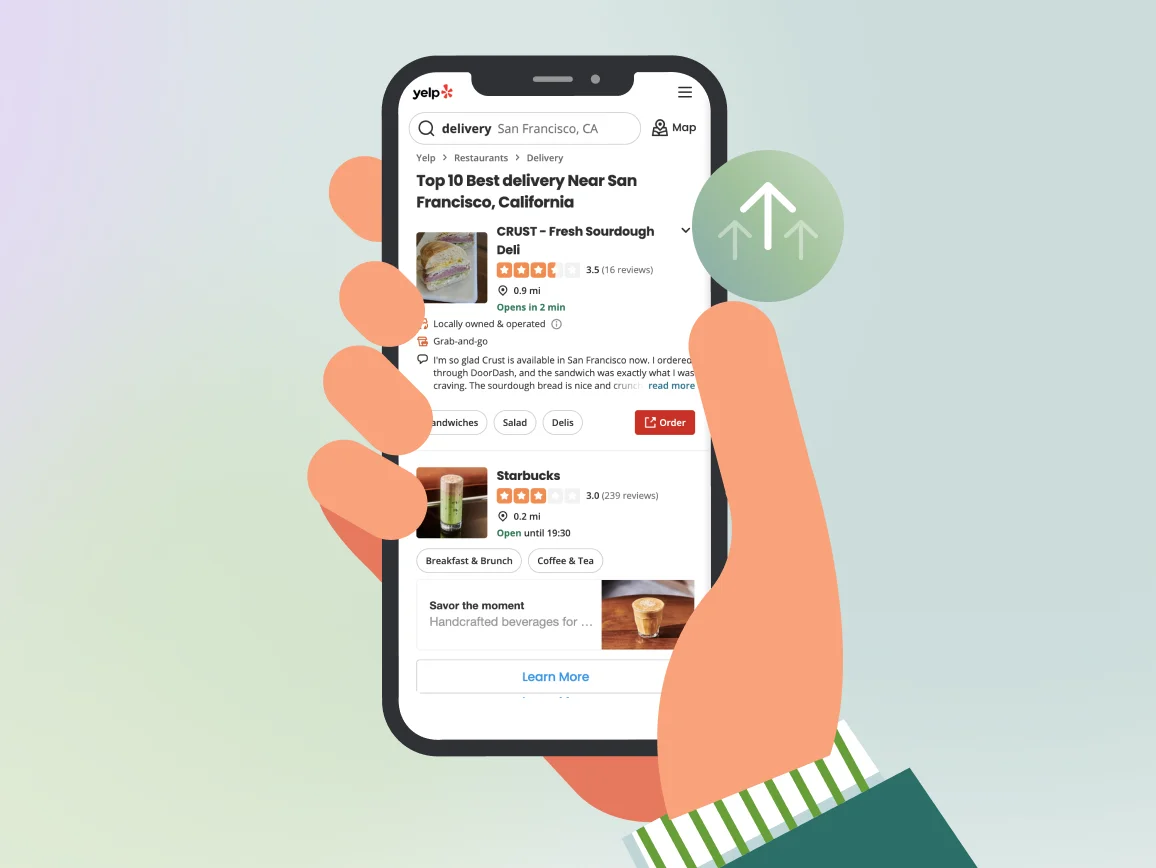
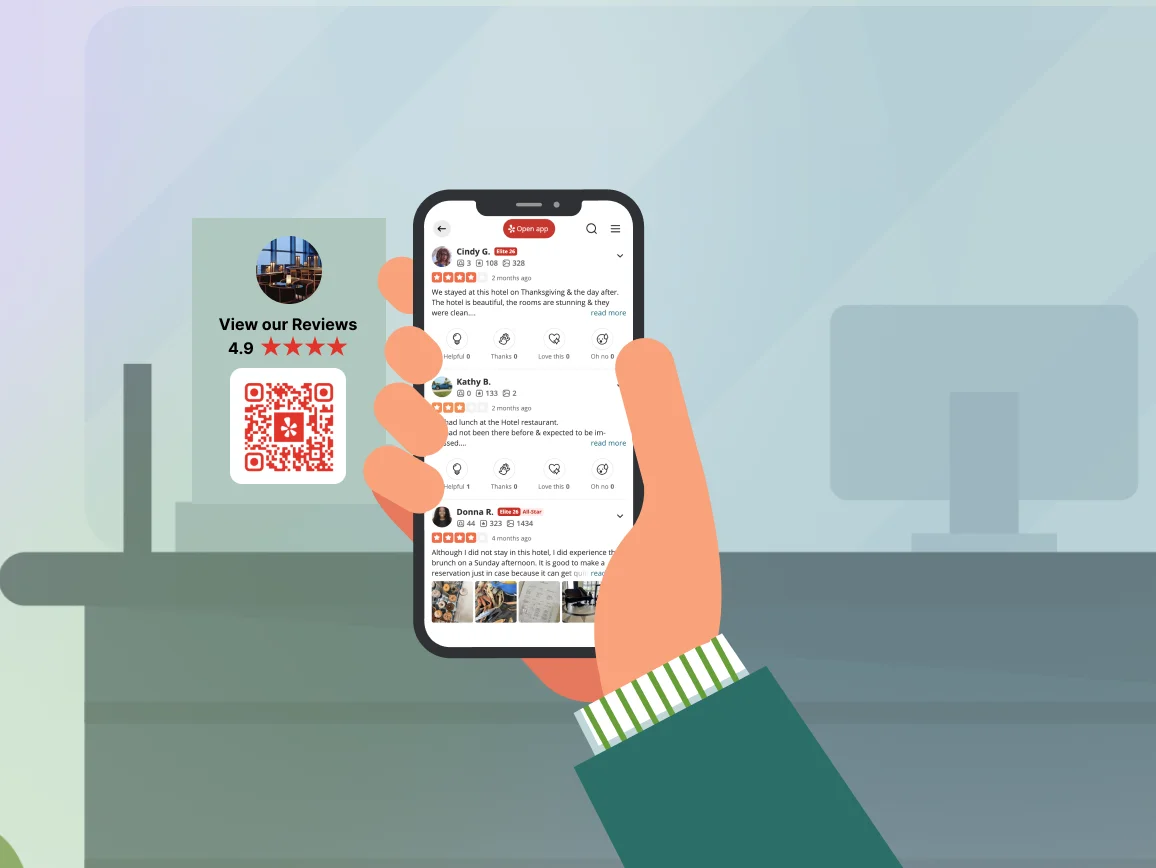
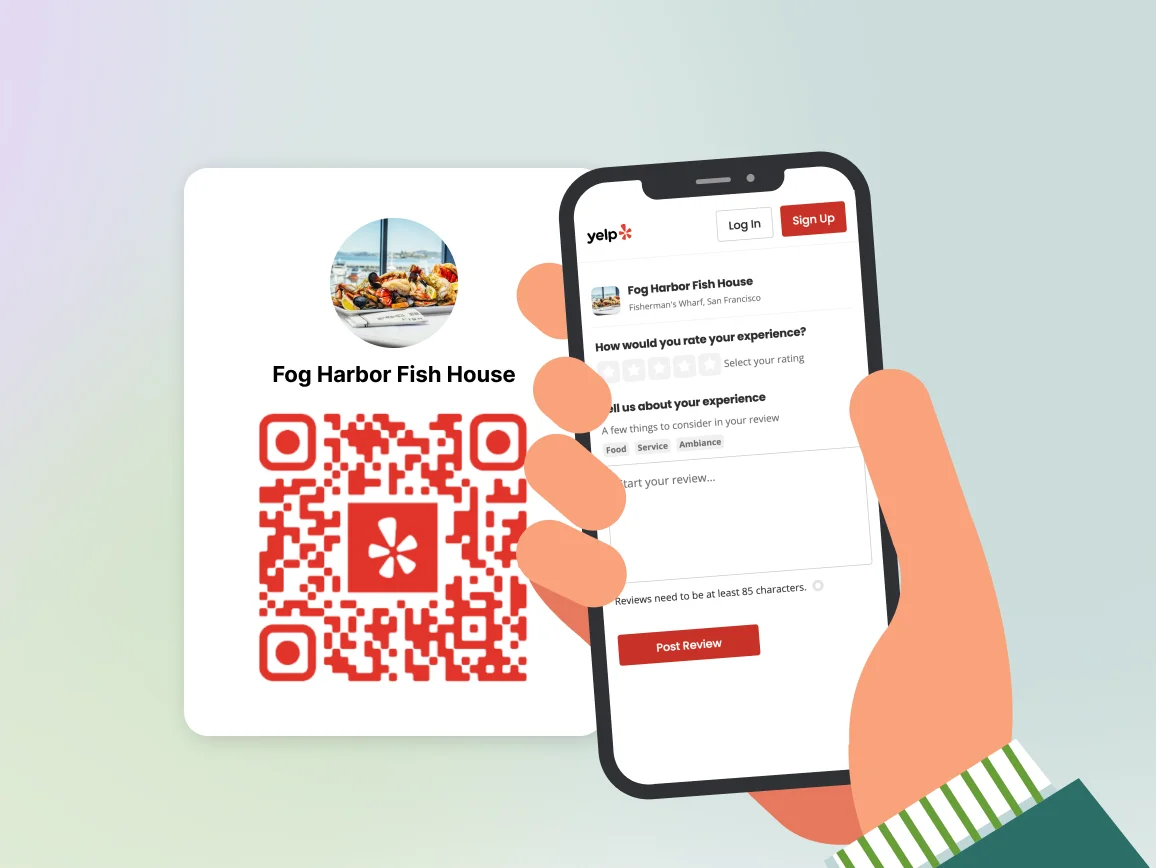
How to get more scans from your Yelp review QR Code
Where to place Yelp QR Codes to get more reviews?
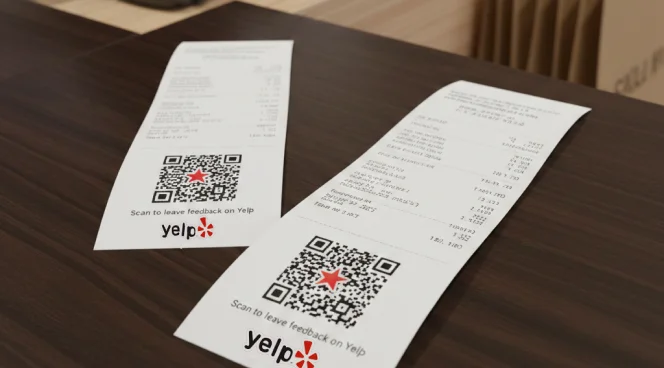
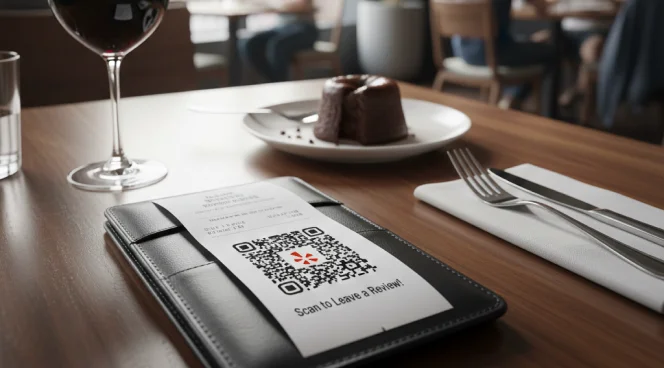
On receipts and bills
Add QR Codes to printed receipts or digital payment confirmations to collect feedback when the experience is fresh in their mind. At this point, their experience is complete, and they know what they are reviewing, which lowers drop-off and increases the likelihood of honest Yelp feedback.
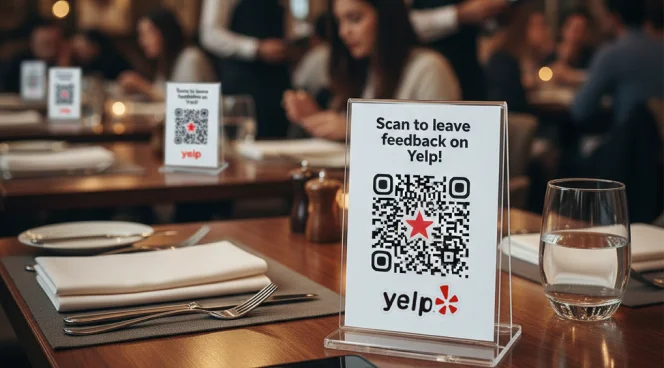
Table tents and checkout counters
Place QR Codes on table tents in restaurants or at checkout counters in retail stores. It introduces the review request passively, without forcing a decision mid-service, making customers more receptive to leaving a review.
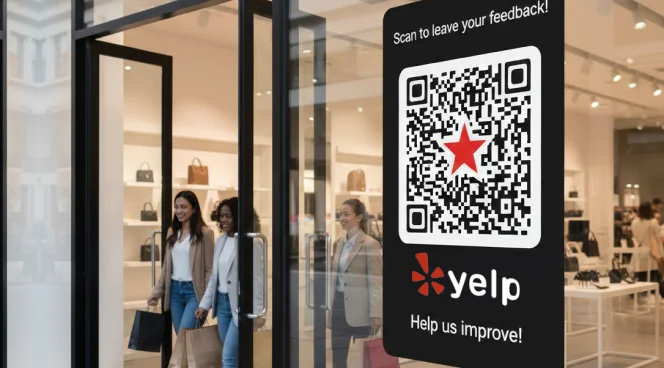
Storefront windows and entrance areas
Display Yelp QR Codes near exits or on storefront windows to catch customers as they leave. This placement aligns with the moment customers mentally “wrap up” their visit, making it effective to capture overall impressions.
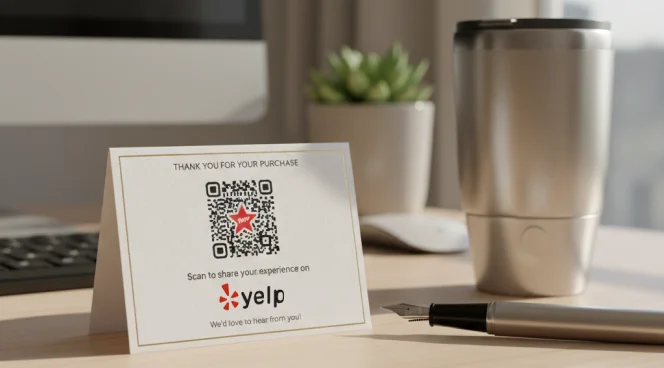
Thank you cards and packaging inserts
Include QR Codes in thank you cards, product packaging, or follow-up materials. It is effective for businesses where satisfaction builds after use, leading to more thoughtful Yelp reviews.
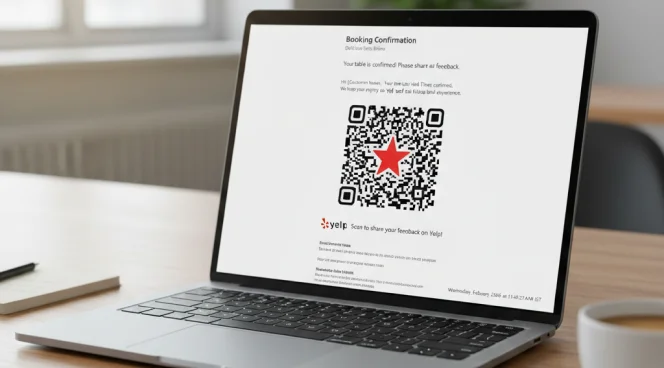
Service completion confirmations
Add QR Codes to appointment confirmation emails, service completion texts, or booking confirmations. The QR Code can be shared via automated email to collect reviews for appointment-based businesses.
On receipts and bills
Add QR Codes to printed receipts or digital payment confirmations to collect feedback when the experience is fresh in their mind. At this point, their experience is complete, and they know what they are reviewing, which lowers drop-off and increases the likelihood of honest Yelp feedback.
Table tents and checkout counters
Place QR Codes on table tents in restaurants or at checkout counters in retail stores. It introduces the review request passively, without forcing a decision mid-service, making customers more receptive to leaving a review.
Storefront windows and entrance areas
Display Yelp QR Codes near exits or on storefront windows to catch customers as they leave. This placement aligns with the moment customers mentally “wrap up” their visit, making it effective to capture overall impressions.
Thank you cards and packaging inserts
Include QR Codes in thank you cards, product packaging, or follow-up materials. It is effective for businesses where satisfaction builds after use, leading to more thoughtful Yelp reviews.
Service completion confirmations
Add QR Codes to appointment confirmation emails, service completion texts, or booking confirmations. The QR Code can be shared via automated email to collect reviews for appointment-based businesses.
Which industries can use Yelp QR Codes?
Any business with a Yelp listing can collect more reviews by removing the friction of searching and typing.
Restaurants and Cafes
Higher ratings and more reviews on Yelp push your restaurant higher in "near me" searches when diners browse options. QR Codes on receipts and table tents help restaurants accumulate the review volume that drives more customers.
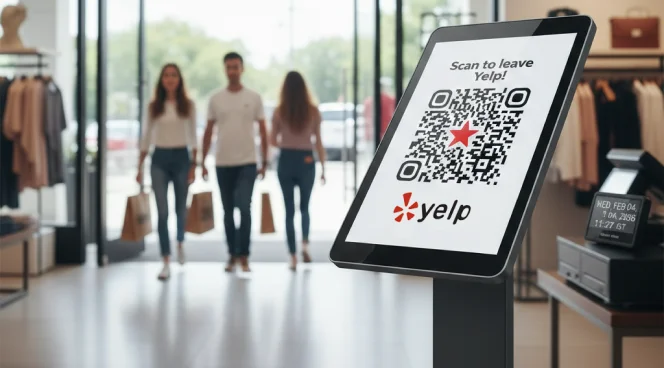
Retail Stores
Shoppers use Yelp reviews to decide whether to visit your store and what to expect from customer service. More positive reviews increase walk-in traffic and help businesses compete against online retailers.
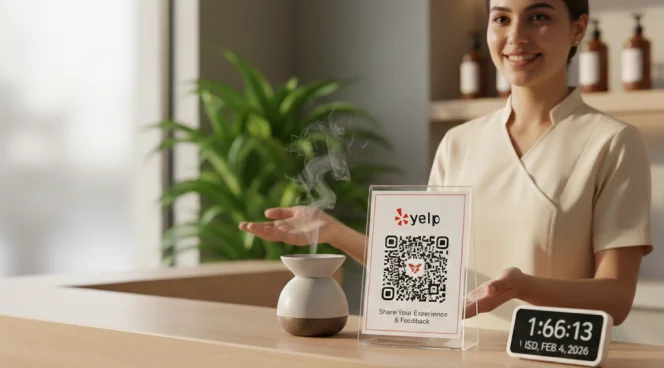
Salons and Spas
People are cautious about personal care services because results directly affect their appearance and well-being. Detailed, high-rated Yelp reviews reduce booking anxiety and help clients choose your services confidently.
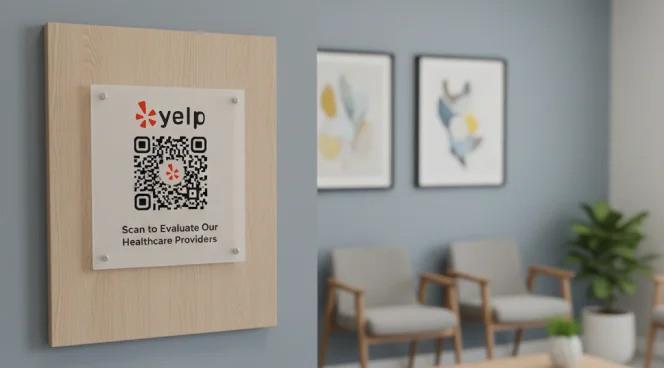
Healthcare and Dental Practices
Patients evaluate healthcare providers carefully because trust and competence matter deeply. Yelp QR Codes reflect a positive patient experience, making patients feel more comfortable when booking an appointment.
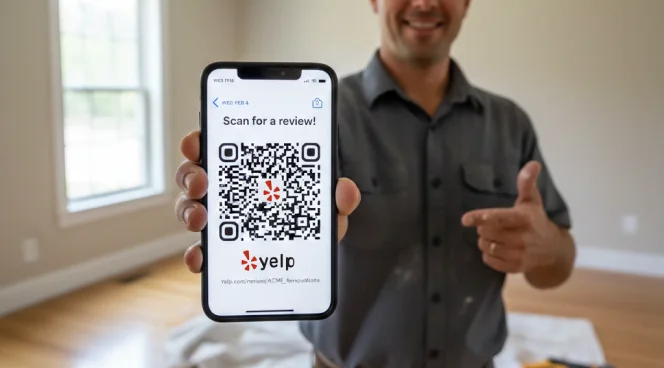
Home Services and Contractors
Homeowners make expensive decisions when hiring contractors and need proof that you deliver quality work on time and on budget. Yelp QR Codes in invoices turn completed projects into testimonials that win you new jobs.
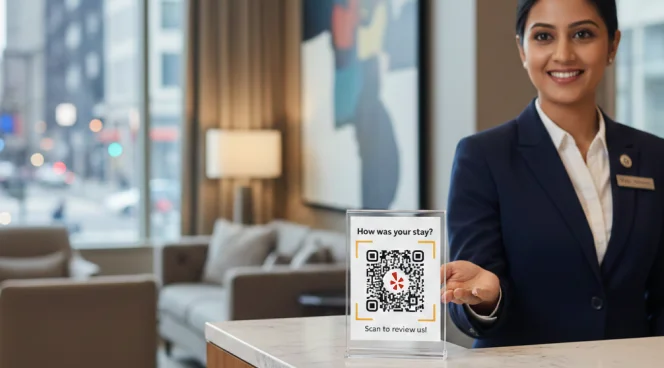
Hotels and Hospitality
Travelers carefully review before committing to stays, looking for confirmation on cleanliness, service quality, and location accuracy. Yelp QR Codes collect positive travel experiences to boost booking rates and occupancy.
Restaurants and Cafes
Higher ratings and more reviews on Yelp push your restaurant higher in "near me" searches when diners browse options. QR Codes on receipts and table tents help restaurants accumulate the review volume that drives more customers.
Retail Stores
Shoppers use Yelp reviews to decide whether to visit your store and what to expect from customer service. More positive reviews increase walk-in traffic and help businesses compete against online retailers.
Salons and Spas
People are cautious about personal care services because results directly affect their appearance and well-being. Detailed, high-rated Yelp reviews reduce booking anxiety and help clients choose your services confidently.
Healthcare and Dental Practices
Patients evaluate healthcare providers carefully because trust and competence matter deeply. Yelp QR Codes reflect a positive patient experience, making patients feel more comfortable when booking an appointment.
Home Services and Contractors
Homeowners make expensive decisions when hiring contractors and need proof that you deliver quality work on time and on budget. Yelp QR Codes in invoices turn completed projects into testimonials that win you new jobs.
Hotels and Hospitality
Travelers carefully review before committing to stays, looking for confirmation on cleanliness, service quality, and location accuracy. Yelp QR Codes collect positive travel experiences to boost booking rates and occupancy.
Frequently asked questions
Copy your Yelp review link from your business dashboard, then use a QR Code generator such as The QR Code Generator to create a scannable code. Paste your Yelp link, customize the design, and download your QR Code.
No, Yelp doesn’t provide QR Codes that you can share. It provides review links, and you can use a third-party QR Code generator to create scannable codes from your Yelp review URL.
Use dynamic QR Codes for Yelp reviews. They let you update your Yelp link if your business listing changes, you relocate, or you need to fix broken links without reprinting materials.
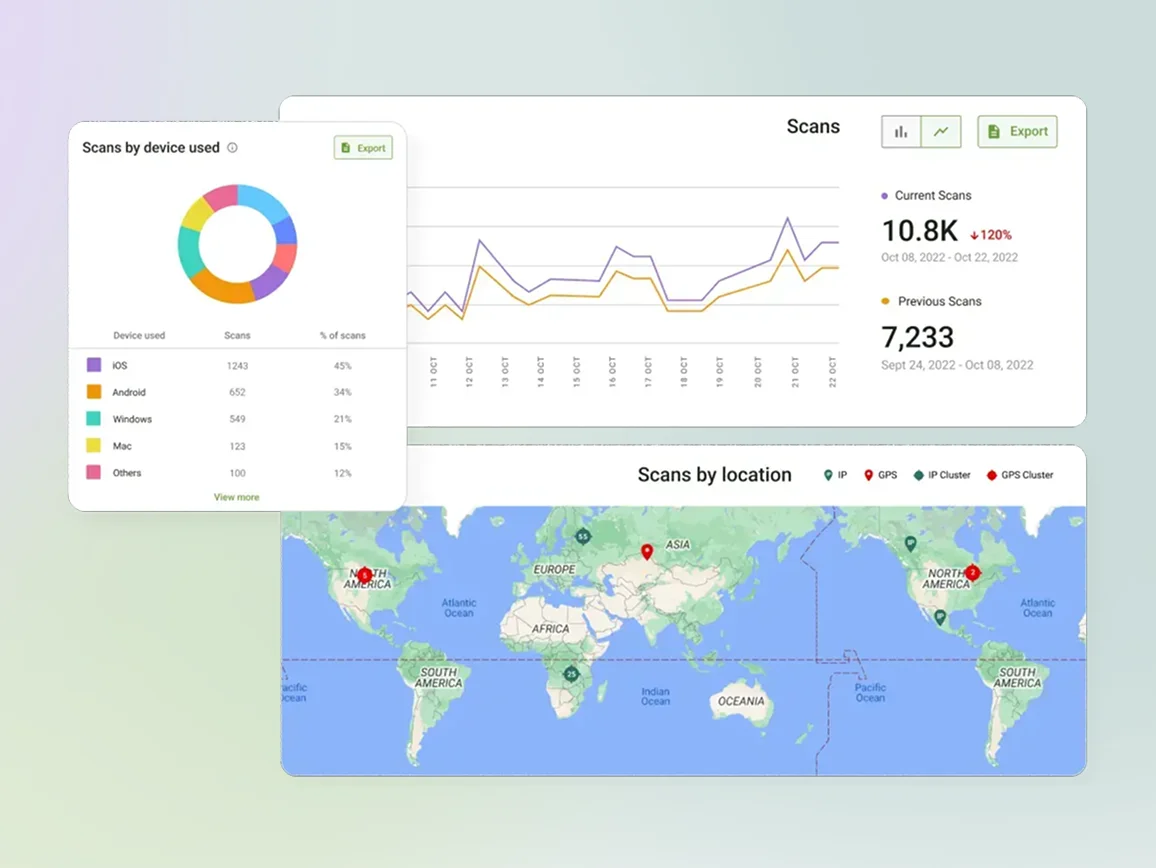
Yes, it is easy to track scans from your Yelp QR Code. Dynamic QR Codes from The QR Code Generator provide analytics showing scan counts, scan times, and locations. This helps you understand which placements drive the most review engagement.
Place Yelp QR Codes on receipts, table tents, checkout counters, storefront windows, and thank you cards. Display them where customers naturally look after positive experiences when they’re most likely to leave reviews.
Yelp makes it easy for businesses to encourage customers to leave reviews. However, don’t offer incentives, discounts, or rewards in exchange for reviews. Simply provide convenient access to your review page and let customers decide to share feedback naturally.