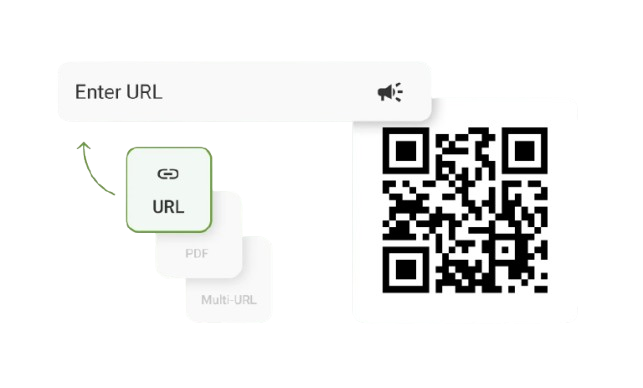
New Dynamic QR Code
  New Static QR Code
 To enable tracking, create a Dynamic QR Code




Link a PDF document to share easily
Show multiple links in a webpage
Share contact details easily
Display a short message
Redirect to app download based on the device OS
Link phone number to send a text message quicker
Link an email address to open the email app ready to go
Link a phone number for quick calls
Link a phone number for quick calls

Remove The QR Code Generator watermark by signing up for the Flex plan



 No credit card required






How do QR Codes improve healthcare operations?
How to create a QR Code for healthcare
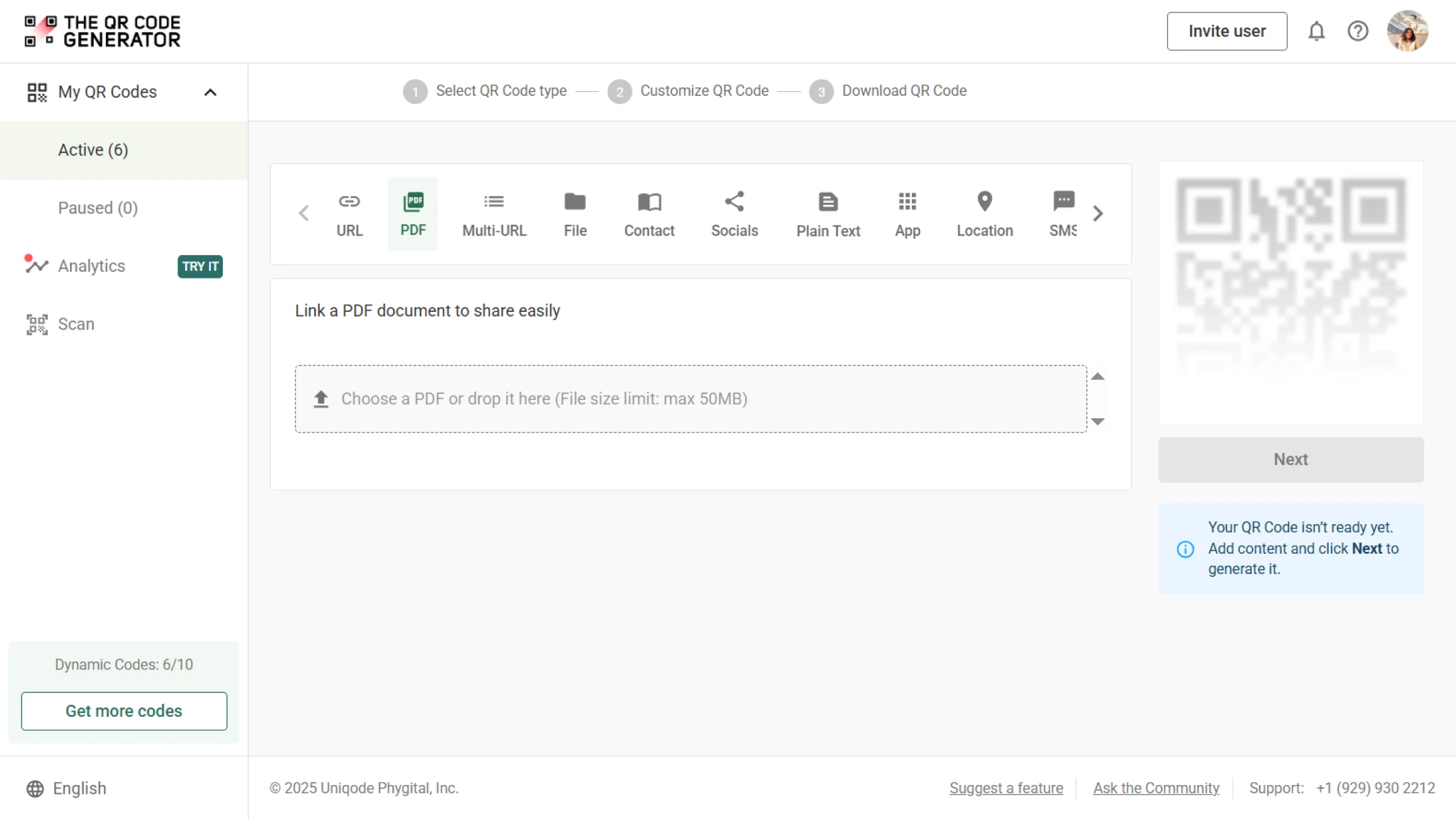
Step 1
Log in and choose QR Code type
Log in to The QR Code Generator (TQRCG) and select the URL, PDF, or Contact QR Code based on your use case. For patient forms, choose URL to link to secure intake pages. For lab results, use PDF or Multi-URL QR Codes.
Step 2
Add your details
Enter the secure URL for your patient portal, telehealth link, digital intake form, or upload a PDF with lab results or discharge instructions. Make sure all links use HTTPS for secure data transmission.
Step 3
Customize the QR Code
Add your hospital or clinic logo, brand colors, and a clear CTA frame like “Scan to check in” or “Scan for lab results.” Keep a high contrast between the QR Code and the background for easy scanning in clinical environments.
Step 4
Name and download the QR Code
Select the correct format: SVG for printed materials, such as patient wristbands and signage, or PNG for digital displays in waiting rooms. Name your QR Code clearly (e.g., “Patient Check-In – Main Entrance”) and test it under clinic lighting conditions before deployment.
Where to place QR Codes for healthcare to improve patient access
1. Lab reports, test results, and patient comms
Place QR Codes on printed test reports, patient receipts, phlebotomist visit forms, and inside SMS or email notifications. Patients can scan to access results instantly, track report status, and avoid portal logins, while providers maintain secure, controlled access.
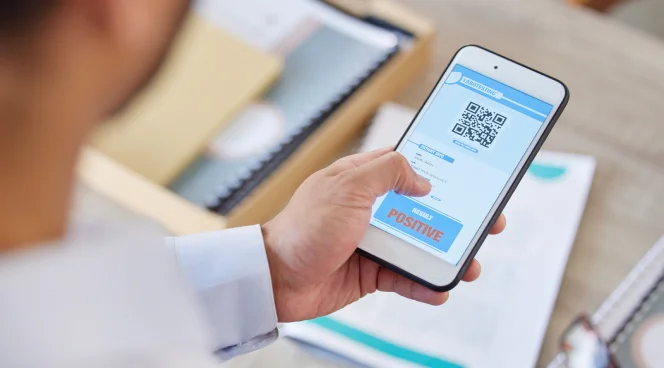
2. Patient identification and Medical ID access
Print QR Codes on patient cards, wristbands, or wallet inserts. Emergency staff can scan to access allergies, medications, blood type, emergency contacts, and pre-existing conditions when every second counts.
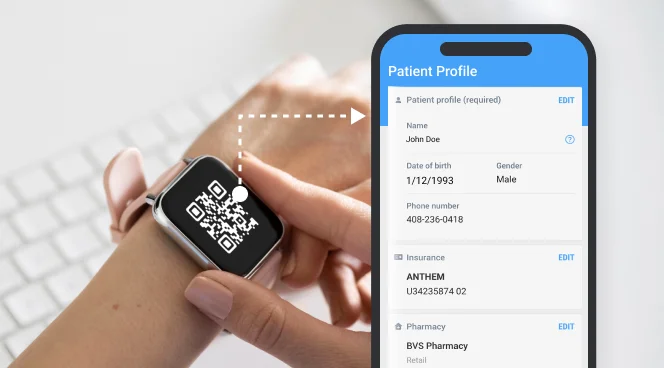
3. Senior care facilities and accessibility-focused materials
Place accessibility-optimized QR Codes on signage, notice boards, medication charts, and room cards in senior care centers and geriatric clinics. Larger sizes and high contrast ensure easy scanning for elderly patients.

Why do healthcare leaders choose The QR Code Generator (TQRCG)?

HIPAA-compliant QR Code solutions
Our platform supports secure HTTPS links, encrypted data flow, and access controls. Track every scan with audit logs and maintain full traceability to meet regulatory compliance requirements.

Dynamic and trackable healthcare QR Codes
Update your QR Code destinations anytime without reprinting patient materials or signage. View scan analytics by date, time, and location to understand patient engagement and optimize workflows.

Healthcare-compatible QR Code types
From patient intake forms and telehealth links to prescription refills and appointment reminders, our platform supports every clinical use case. Choose from URL, PDF, Contact, SMS, and multi-URL QR Codes based on your needs.

Brand-consistent designs for patient trust
Customize QR Codes with your hospital logo, clinic colors, and professional frames that patients recognize and trust. Download in multiple formats ( PNG, EPS) for both printed materials and digital displays throughout your facility.
Frequently asked questions
QR Codes in healthcare are used for contactless patient check-in, digital intake forms, secure lab result delivery, medication tracking, equipment inventory management, telehealth access, appointment reminders, and patient education materials. They reduce administrative workload, expedite patient flow, and ensure HIPAA compliance.
Yes, when implemented correctly. QR Codes themselves don’t store patient data; they link to secure platforms with HIPAA-compliant infrastructure. Use HTTPS links, encrypted data transmission, secure authentication, and audit logging to ensure compliance. The QR Code Generator supports these security features.
Dynamic PDF QR Codes are ideal for lab results because you can update documents or revoke access without changing the QR Code itself. This gives you control over who accesses sensitive information and when, with full tracking of every scan.
While most patients use smartphones, provide alternative options like kiosks with QR Code scanners or tablets at check-in desks for patients without mobile devices. For elderly patients, follow accessibility best practices by using larger QR Codes and providing clear instructions.
Place QR Codes at eye level (3.5–5 feet) on matte, non-reflective surfaces in well-lit areas. Avoid areas with glare from windows or overhead lighting, such as corners and curved surfaces. Ensure a minimum size of 1 × 1 inch (2.5 × 2.5 cm) for reliable scanning.
QR Codes enable contactless self-check-in, where patients complete intake forms, verify their insurance, and confirm their arrival before reaching the front desk. This eliminates bottlenecks, reduces staff workload, and enables patients to move through registration faster, thereby shortening overall wait times.