
Create Digital Signage QR Codes That Drive Instant Action
Turn passive viewers into engaged customers, update campaigns instantly without reprogramming screens, and track which displays convert best.
Redirect to an existing web URL
To enable tracking,

Trusted by 4M+ users
How does a QR Code on digital signage work?
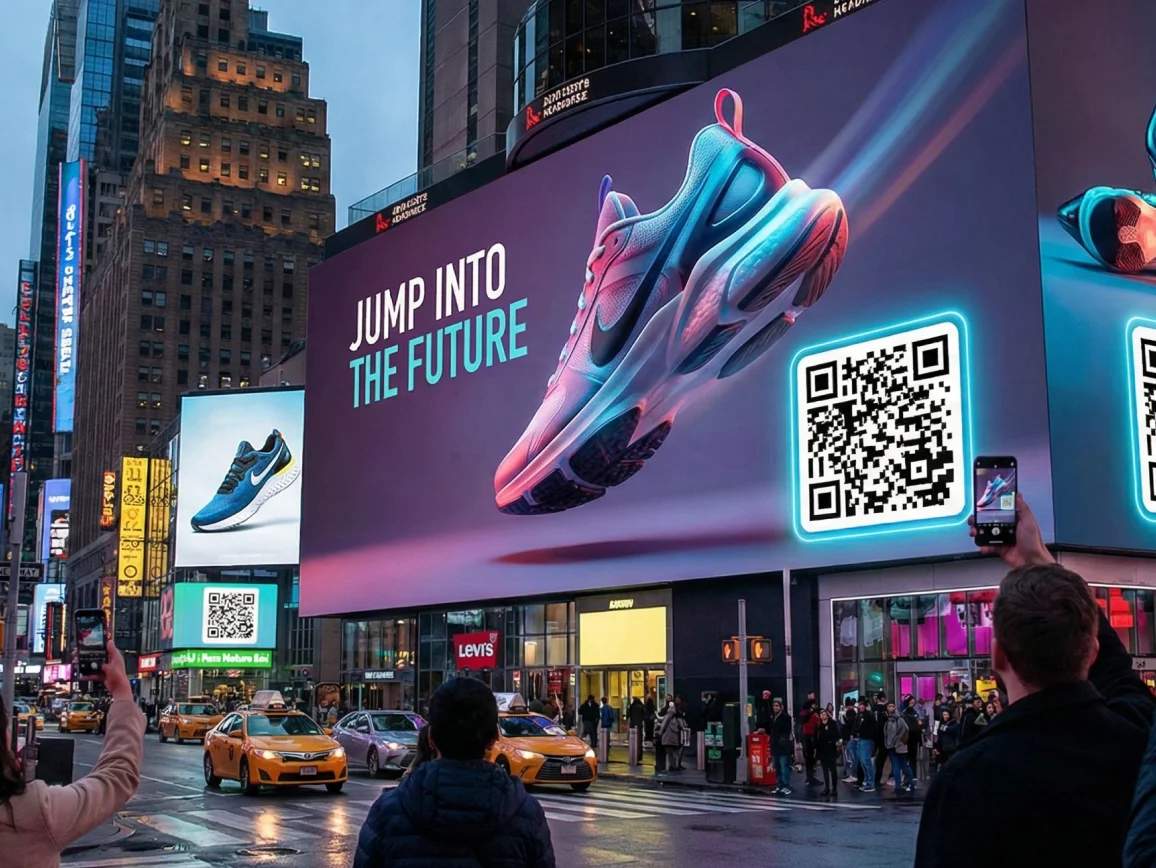
Digital signage QR Codes are dynamic QR Codes displayed on electronic screens such as LED billboards, retail displays, airport monitors, or restaurant menu boards. Viewers scan the QR Code to access landing pages, promotional offers, product information, or multimedia content. You can update the destination URL anytime without changing the QR Code on screen, making them perfect for rotating campaigns and time-sensitive promotions.
4M+
Unique users worldwide
30,000+
Global businesses on our platform
60+
Countries with active users
Benefits of creating a QR Code for digital signage
Best practices to create a digital signage QR Code

Use high contrast for screen visibility
Digital screens emit light differently from printed materials. Use dark QR Codes on bright backgrounds or ensure sufficient contrast so codes remain scannable even with screen glare or ambient lighting.

Size appropriately for viewing distance
QR Codes should be large enough to scan from the typical viewing distance. For screens 6-10 feet away, use a minimum 4 × 4 inch QR Code. For billboards or large displays, scale proportionally larger.

Add clear call-to-action frames
Don’t assume viewers know what the QR Code offers. Add CTA text like “Scan for 20% off,” “Scan to download app,” or “Scan for directions” that communicates immediate value.

Test under actual display conditions
Scan your QR Code on the actual screen where it will appear. Check for issues with screen refresh rates, brightness levels, or glare that might affect scannability.

Use dynamic QR Codes for flexibility
Always choose dynamic QR Codes for digital signage so you can update campaigns, fix broken links, or rotate seasonal content without replacing the QR Code on screen.

Display during optimal dwell time
Show QR Codes during moments when viewers have time to scan: during wait times, product browsing, or between content loops. Avoid displaying them during fast-moving content.
Where to place QR Codes on digital signage to improve scans?
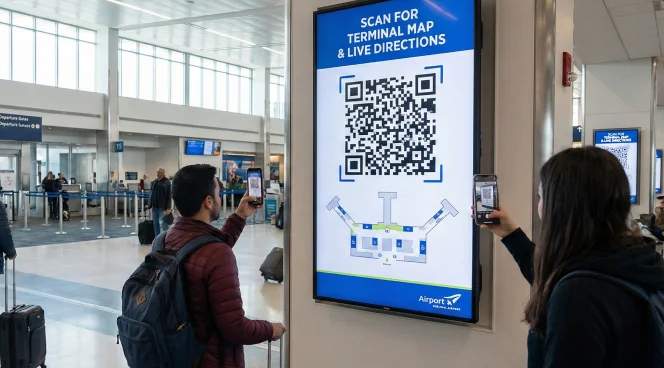
Airport and transportation hub screens
Use QR Codes on airport monitors and transit station displays to share real-time updates, terminal maps, and ground transportation options.
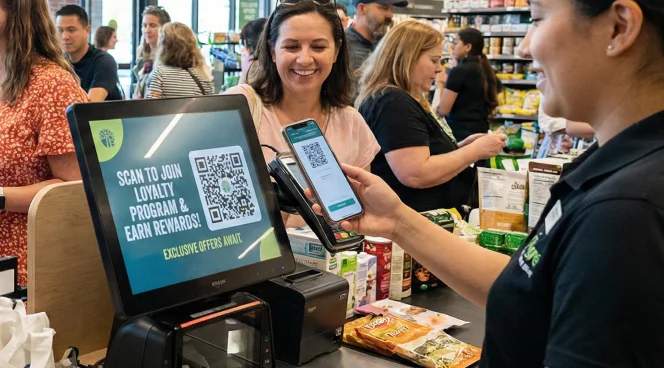
Checkout and transaction points
Add QR Codes to screens at checkout counters and payment terminals. Customers completing transactions are receptive to loyalty program enrollment and special offers.

Trade show and event displays
Use QR Codes on booth displays for instant lead capture and demo video access. Track which booth locations generate the most qualified leads.
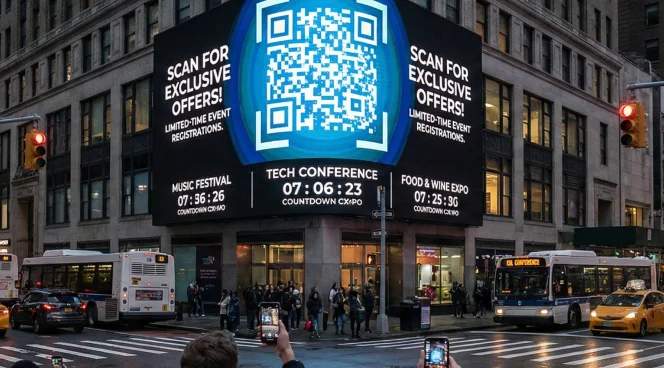
Outdoor billboards and street displays
Place QR Codes on digital billboards in high-traffic areas where people have brief moments to scan. Link to limited-time offers or event registrations that create urgency.
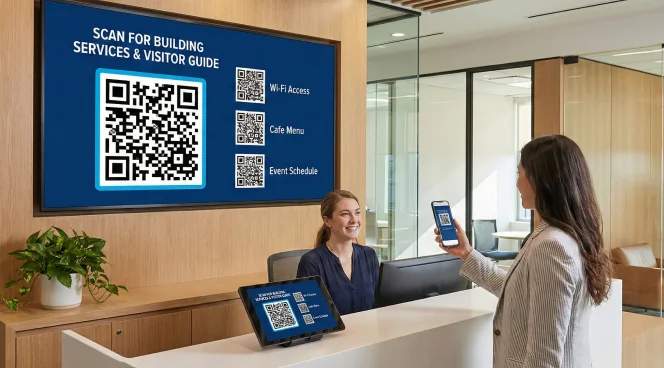
Waiting areas and reception zones
Display QR Codes on screens in reception areas and waiting rooms. People waiting have longer dwell times to engage with educational content and service information.
Which industries can use digital signage QR Codes?
Any business with digital displays can turn screens into interactive touchpoints that drive immediate customer action.
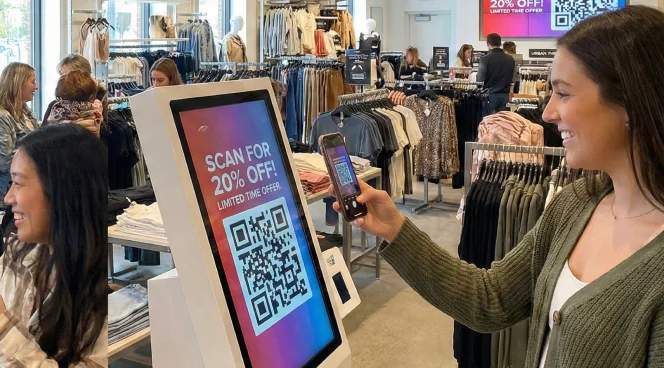
Retail and shopping centers
Drive product research, enable mobile payments, share promotional offers, and collect customer feedback through QR Codes on in-store digital displays and checkout screens.
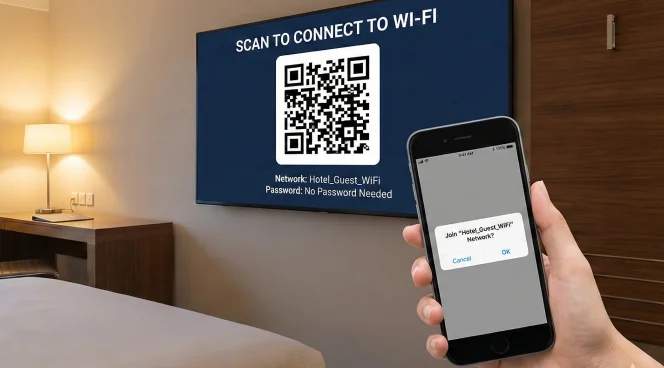
Hospitality and hotels
Enable Wi-Fi access and promote on-property services through QR Codes on lobby displays and in-room screens. Collect guest feedback to improve service quality.
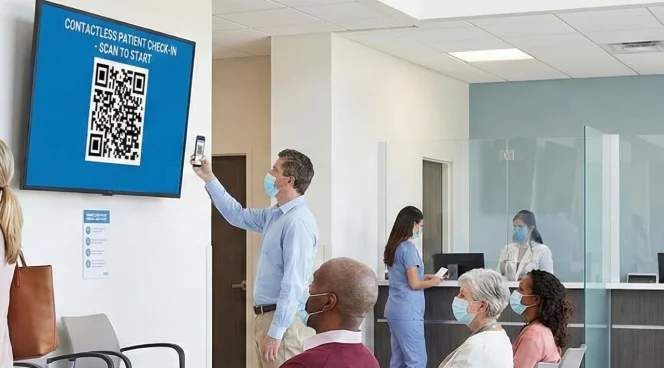
Healthcare facilities
Enable contactless patient check-in and share health education materials through QR Codes on waiting room displays. Help patients navigate your facility with wayfinding assistance.
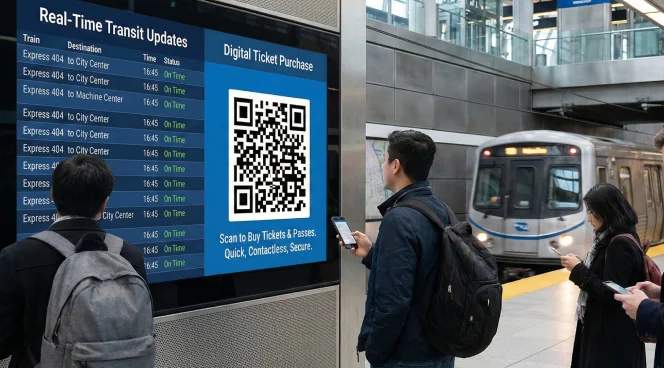
Transportation and transit
Provide real-time transit updates and enable digital ticket purchases through QR Codes on station displays. Share route maps and local attraction information for travelers.
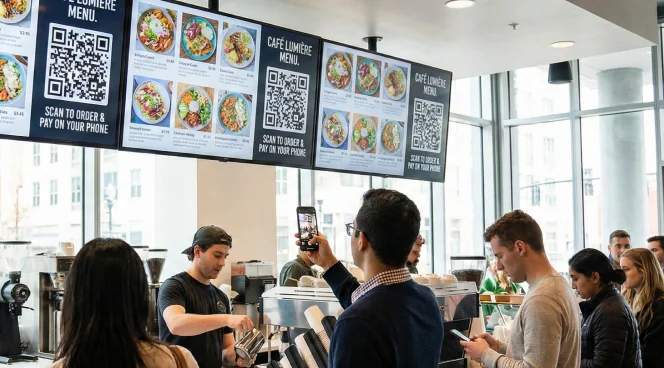
Restaurants and QSR
Share menu details, enable mobile ordering, promote loyalty programs, and collect feedback through QR Codes on digital menu boards and table displays.
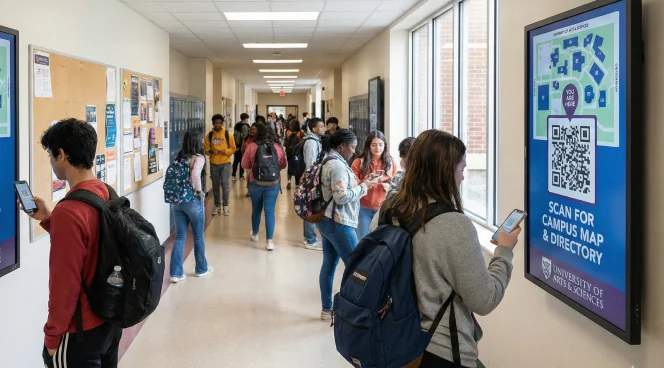
Education institutions
Share campus maps and promote events through QR Codes on hallway displays. Enable quick access to course registration and campus resources.