
Generate QR Code Stickers for Brands, Products, and Events
Turn any surface into a scannable touchpoint, track performance across multiple locations, and update destination URLs without replacing stickers.
Redirect to an existing web URL
To enable tracking,


How does a QR Code sticker work?
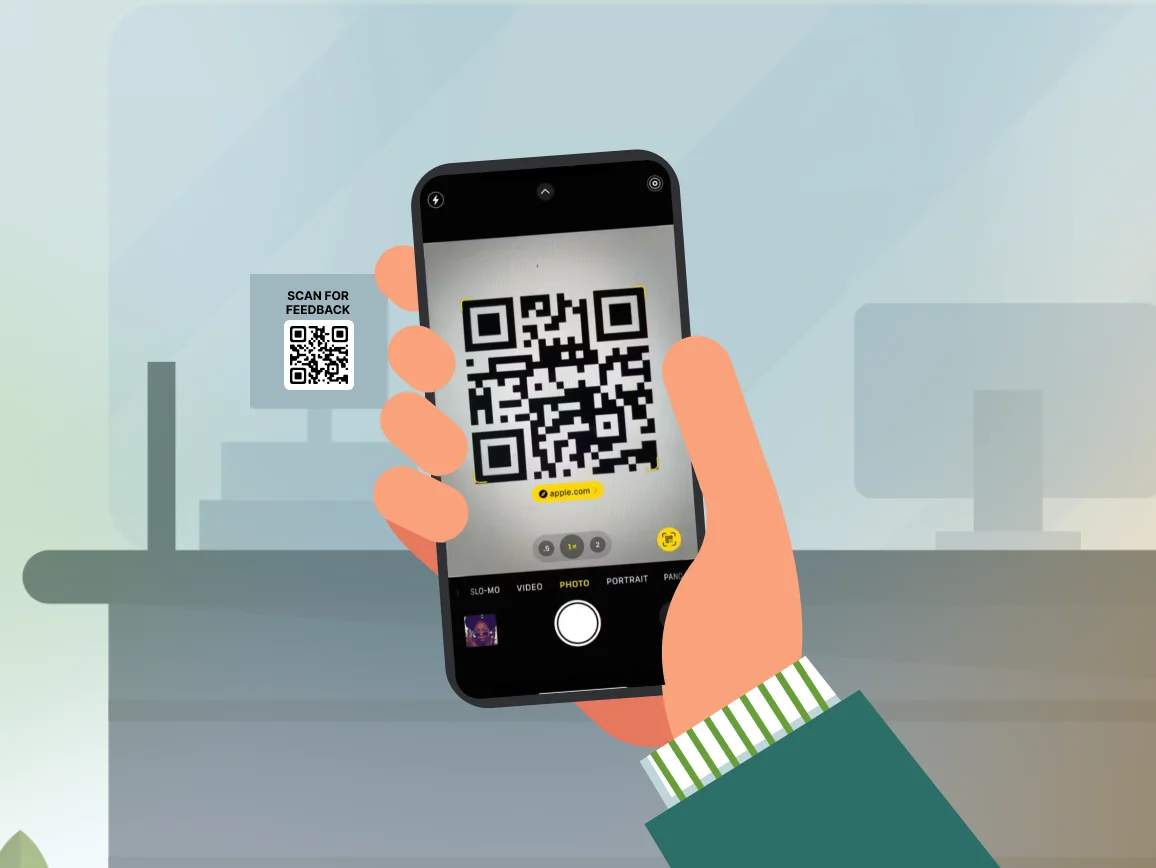
A QR Code sticker is a physical adhesive label with a printed QR Code that links to digital content. People scan the sticker with their smartphone camera to access websites, product information, contact details, or location directions.
Dynamic QR Code stickers let you change the destination URL at any time without replacing the physical sticker, making them ideal for equipment tracking, product packaging, or promotional campaigns that require flexibility.
4M+
Unique users worldwide
30,000+
Global businesses on our platform
60+
Countries with active users
Benefits of creating stickers with QR Codes
Best practices to create QR Code stickers

Choose the right printing material
Use weatherproof vinyl for outdoor stickers, removable adhesive for short-term use, and permanent adhesive for long-term labeling. Add lamination for UV protection.

Print with professional quality
Use online printing services like Sticker Mule, VistaPrint, or local print shops that specialize in custom stickers. Upload your QR Code in SVG or high-resolution PNG (300+ DPI) to ensure sharp, scannable prints.

Ensure sufficient contrast for scanning
Use dark QR Codes on light backgrounds for best scannability. Test your design on the actual surface color and texture before mass printing.

Size based on scanning distance
For close-up scanning (products and packaging), use a minimum 1 × 1-inch sticker. For scanning from 3-6 feet away (e.g., windows, posters), use a 3 × 3-inch sticker or larger sensor.

Test on actual surfaces
Order sample stickers and scan them on your intended surfaces under actual lighting conditions. Check for glare, texture interference, or contrast issues before placing bulk orders.

Use dynamic QR Codes for flexibility
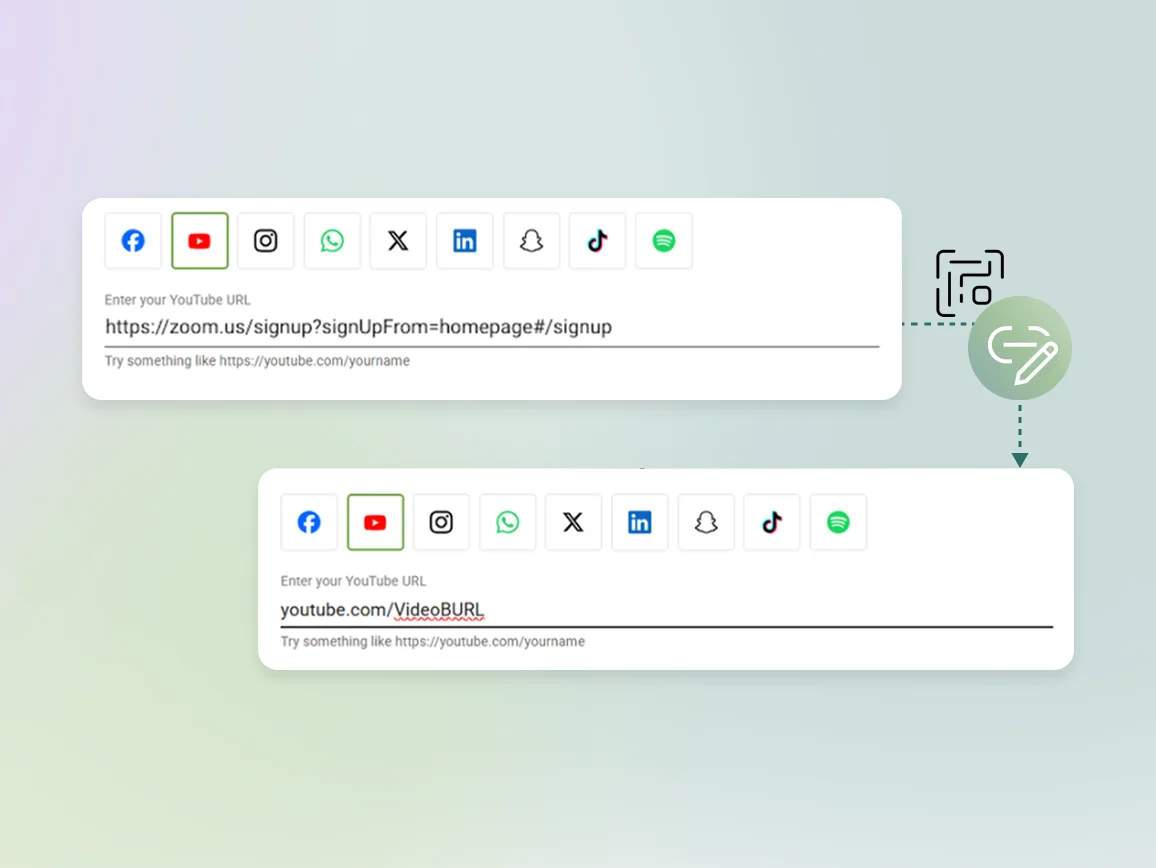
Always choose dynamic QR Codes for stickers that will stay in place long-term. This lets you update destinations, fix broken links, or change campaigns without reprinting.
Where to place QR Code stickers for maximum scans?
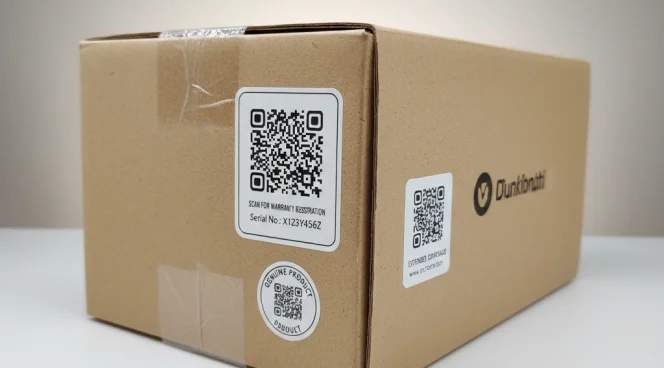
Product packaging and labels
Place QR Code stickers on product packaging for warranty registration, usage instructions, customer support, or reorder links. Customers access detailed information without cluttering your packaging design.
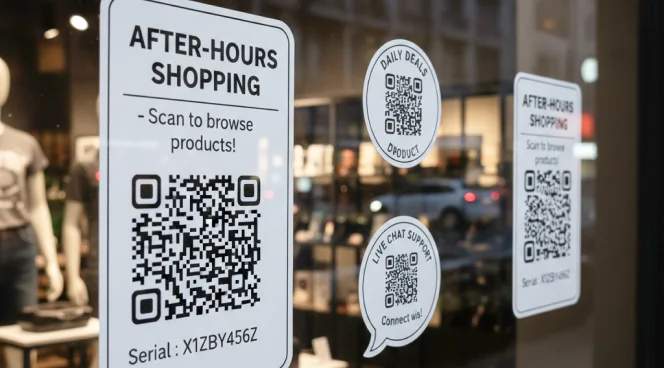
Store windows and entrance displays
Add QR Code stickers to storefront windows for after-hours shopping, menu access, or appointment booking. Capture foot traffic even when your business is closed.
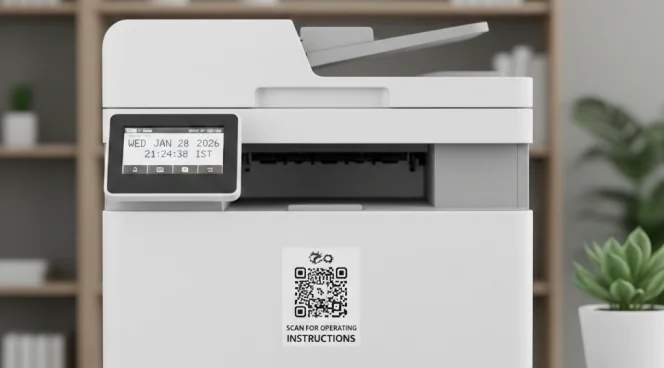
Equipment and asset tracking
Label equipment, tools, and inventory with QR Code stickers for maintenance logs, operating instructions, or check-out tracking. Staff can scan to access manuals or report issues instantly.
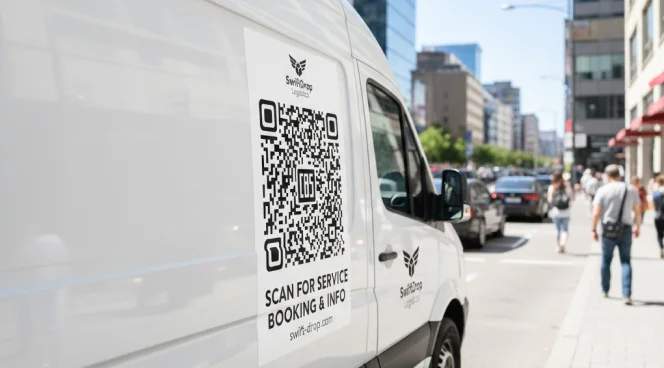
Vehicle and fleet branding
Apply QR Code stickers to company vehicles for business information, service booking, or recruitment pages. Turn your fleet into mobile marketing that drives digital engagement.
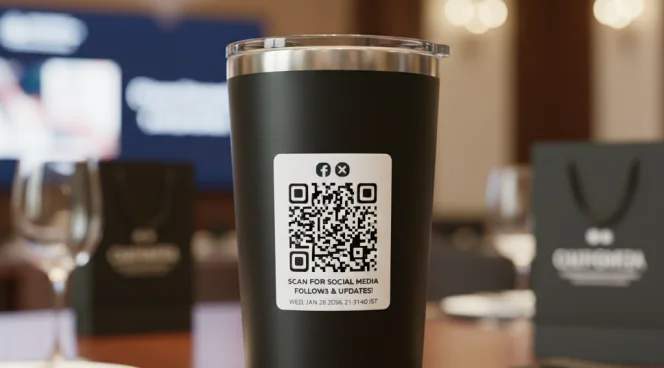
Event materials and promotional items
Add QR Code stickers to event giveaways, swag bags, or promotional merchandise for digital content access, social media follows, or contest entries.
Which industries can use QR Code stickers?
Any business can turn physical items into digital touchpoints with QR Code stickers.

Retail and e-commerce
Add QR Code stickers to product packaging for reviews, reorder links, and customer support. Track which products drive the most online engagement and repeat purchases.

Manufacturing and industrial
Label equipment and machinery with QR Code stickers for maintenance schedules, safety procedures, and parts ordering. Improve asset management and reduce downtime.
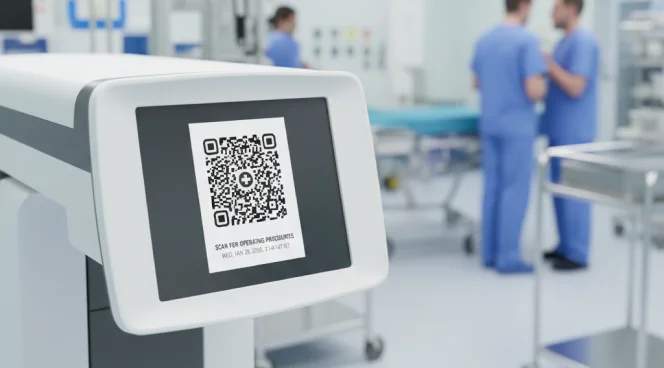
Healthcare and medical
Use QR Code stickers on medical equipment for calibration records, maintenance logs, and operating procedures. Place it on patient materials for appointment scheduling and health information.

Real estate
Add real estate QR Code stickers to property signage for virtual tours, listing details, and agent contact information. Track which properties generate the most inquiry scans.
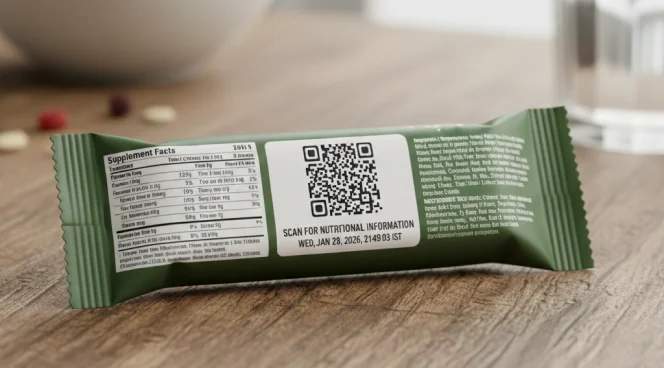
Food and beverage
Place QR Code stickers on packaging for nutritional information, recipes, and sustainability credentials. Enable easy reordering for subscription products.
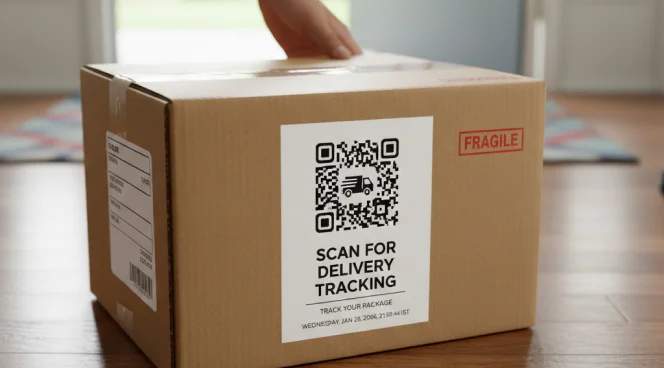
Logistics and shipping
Label packages and pallets with QR Code stickers for tracking, delivery confirmation, and inventory management. Improve supply chain visibility.